Wiring harness design in CATIA V5 - 3D modeling Week 7 Challenge
1) We defind the connectors electrially and routing all connectors as shown as per above arrangements
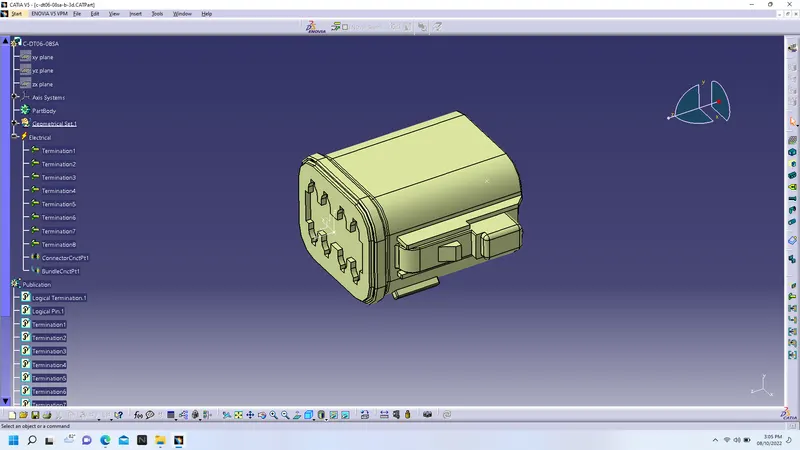
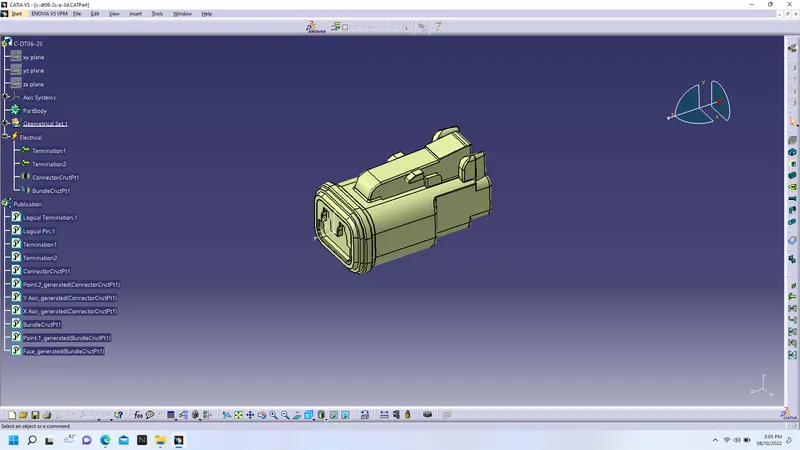
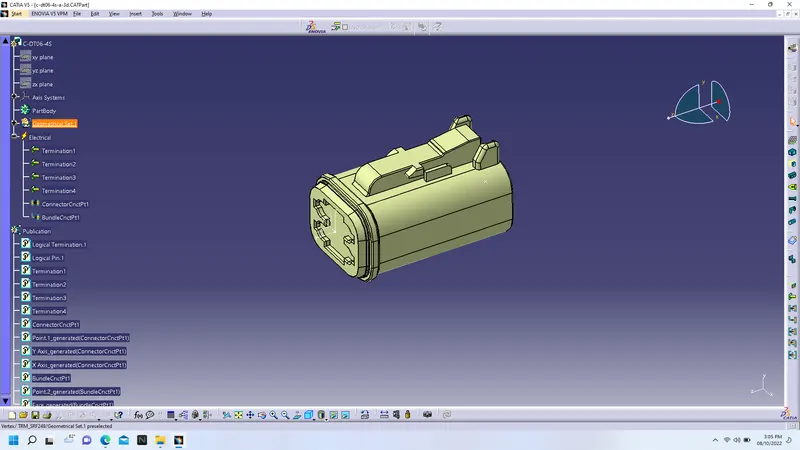
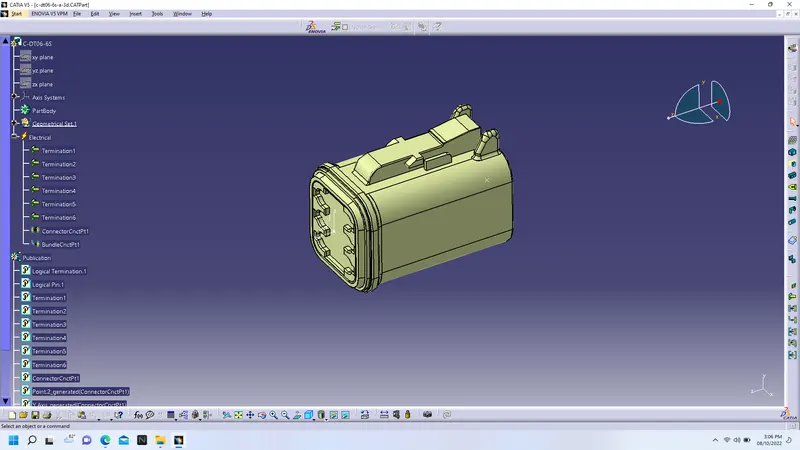
2) We routing the harness in between these connectors
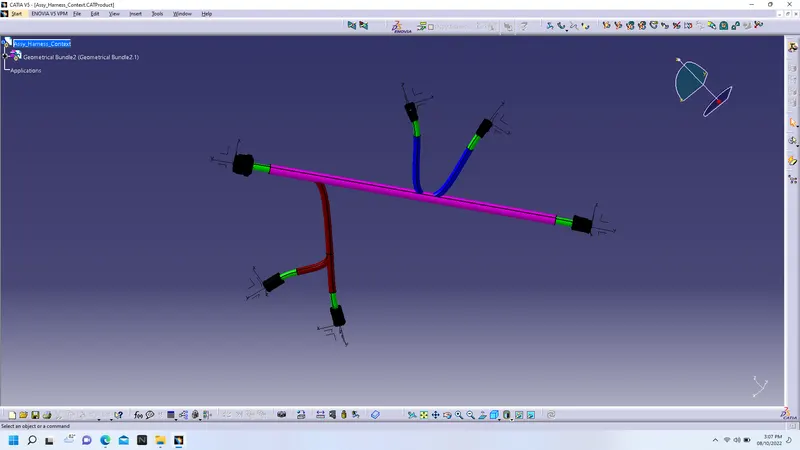
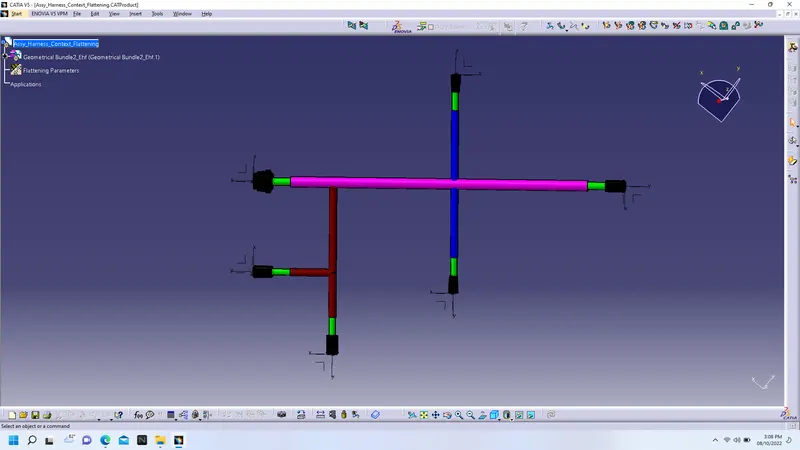
3) Then we create new product and switch the workbench into harness flattening workbench--we defind the harness parameters as required for flattening from general tab to drawing tab-- extract the harness for falttening and select geometrical bundle-- orient the connectors on normal view--flatten the harness by selecting straighten command with all branches--harness will be flattened as below-
3) We create dawing for flattened harness as file--new--drawing--iso--a0--landscape--ok--select front view command--select the plane of connector to show on drawing--rotate as per view and place and we get the results as below-
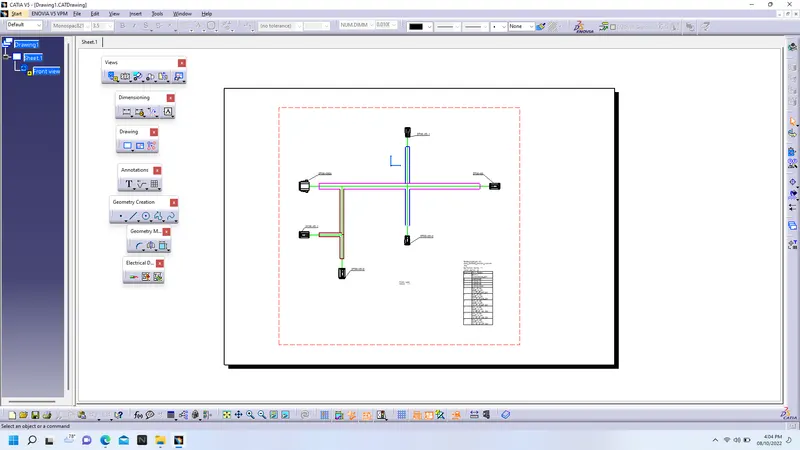
4) Save the drawing file