Wiring harness design in CATIA V5 - 3D modeling Week 2 Challenge
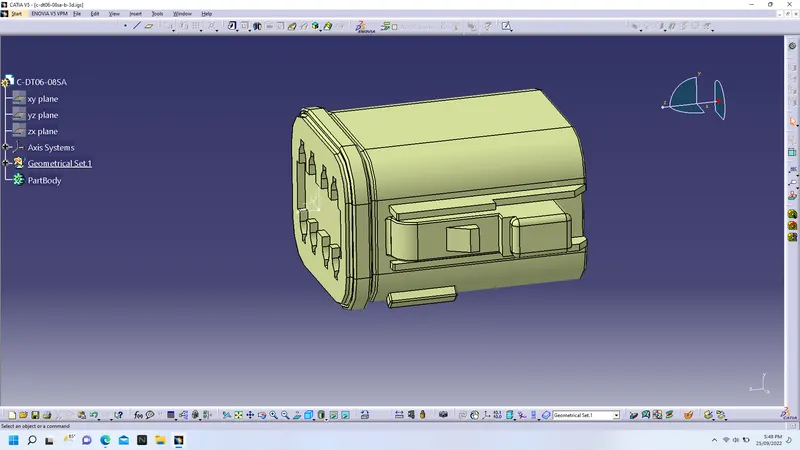
1) We first download & open connector DT-06-08SA
2) Then open in part design and create geometrical properties required for electrical defining as connector conn. point and axis system & bundle conn. point as shown in pic.
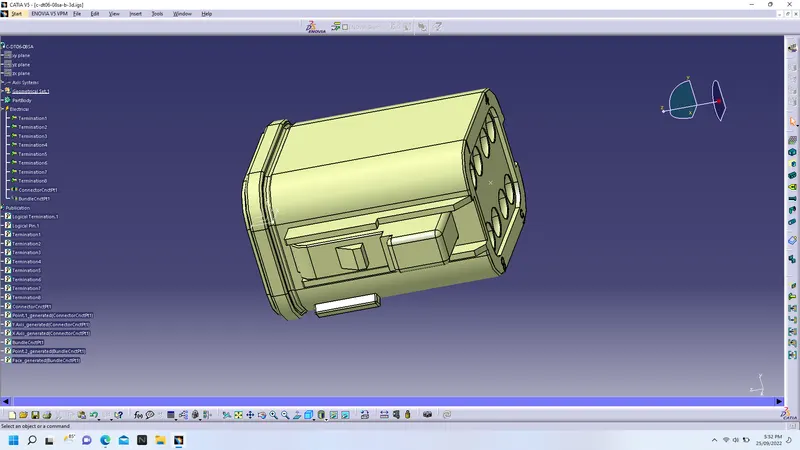
3) Next step will be, switch the workbench into electrical part design & we define the connector by connecror define toolbar, put number of termination as 8, so 8 nos termination point created along with elctrical log properties
4) Then we define connector conn & bundle conn point by selection of mating points and respective axes & in tree connector conn & bundle conn point created
5) Save the part by ctrl+S
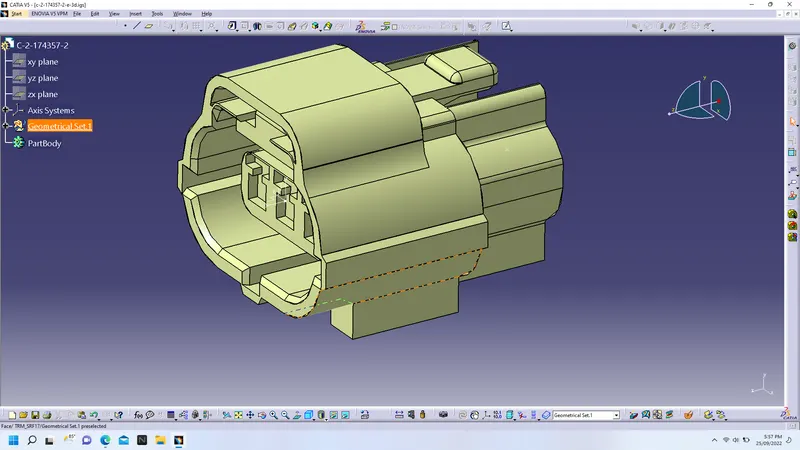
1) Similarly also the above steps we followed and we create geometrical properties as axes and points for connector & bundle conn. point
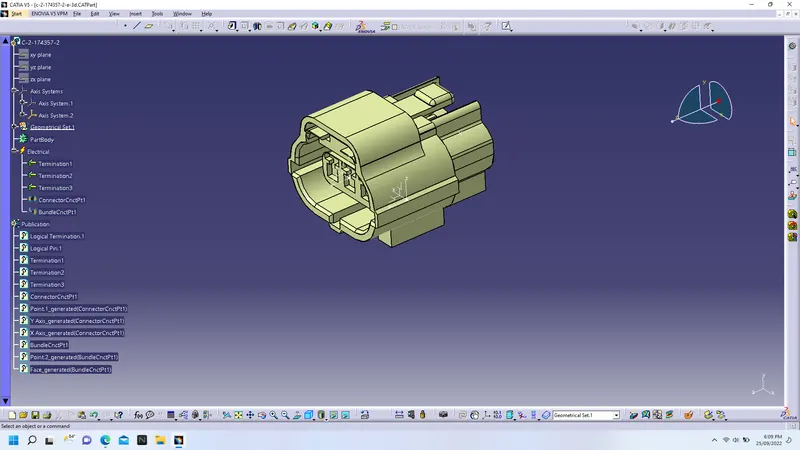
2) Also we define the connector by using define connector toolbar and putting 3 terminations
3)Then define connector conn. and bundle conn. point
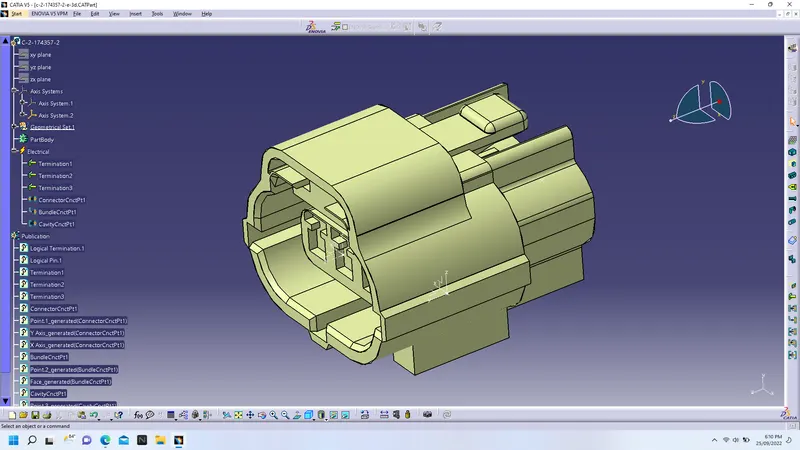
3) Then this type of connector has cavity below that, so we have to again create points & axes for cavity connection.
4)We create cavity connection point by define cavity toolbar
5) Save the part
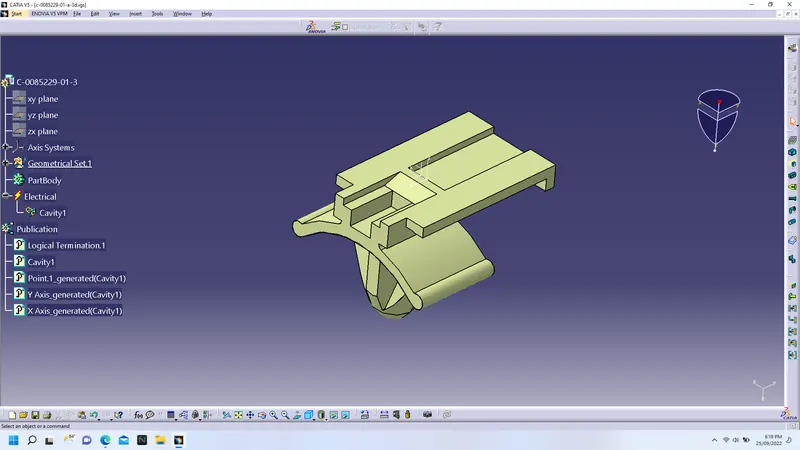
1) we open the downloaded clips in part dsign & create points & respective axes for cavity defination
2) switch the workbench into electrical part design & we define clip as mounting equpment & create define cavity
3)Save the part