Wiring harness design in CATIA V5 - 3D modeling Week 7 Challenge
Wiring harness design in CATIA V5 - 3D modeling
Q1. Flatten the harness assembly completed in “ week 4 challenge”. Place the flattened view on drawing sheet. Ensure bundles with protective coverings has different visuals on drawing view.
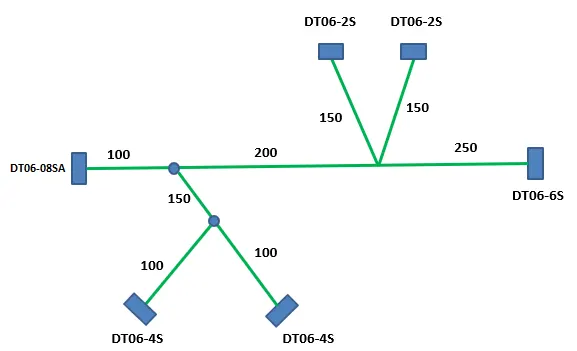
answer-
ELECTRICAL HARNESS FLATENING-
We use following steps for harness flatening
1) Go to in Electrical Harness Flatening workbench
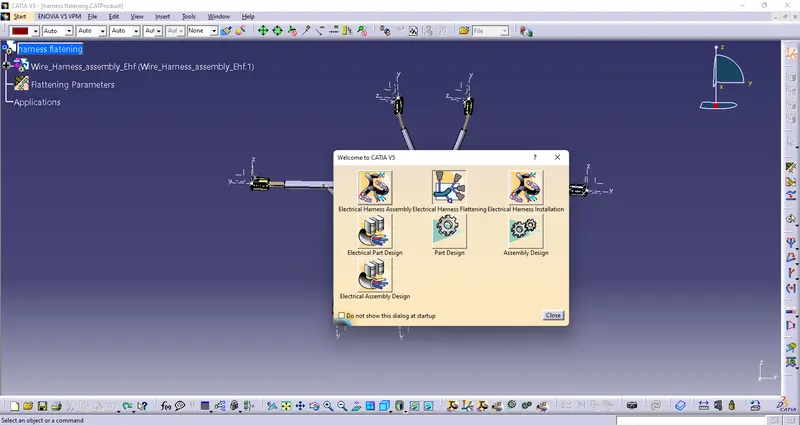
2) Define Parameters for given Product
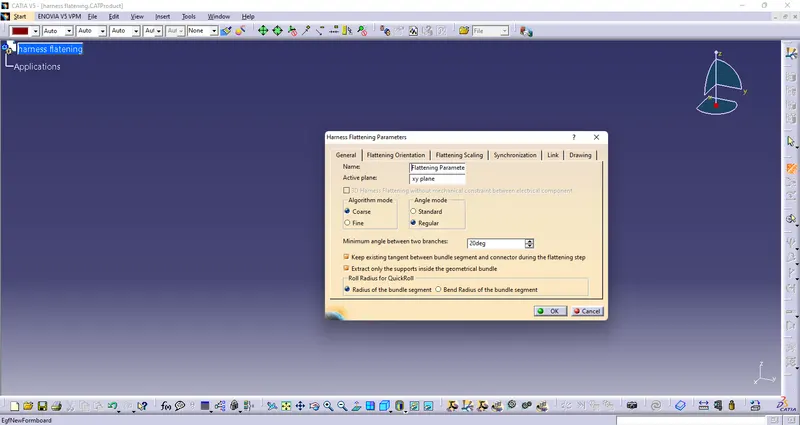
3) Now Extract Assembly in Harness Flatening
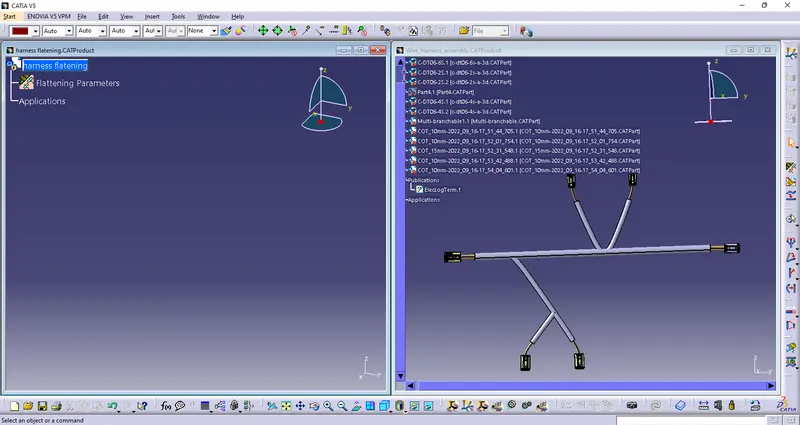
4) Use Flatten Command to flate wire harness
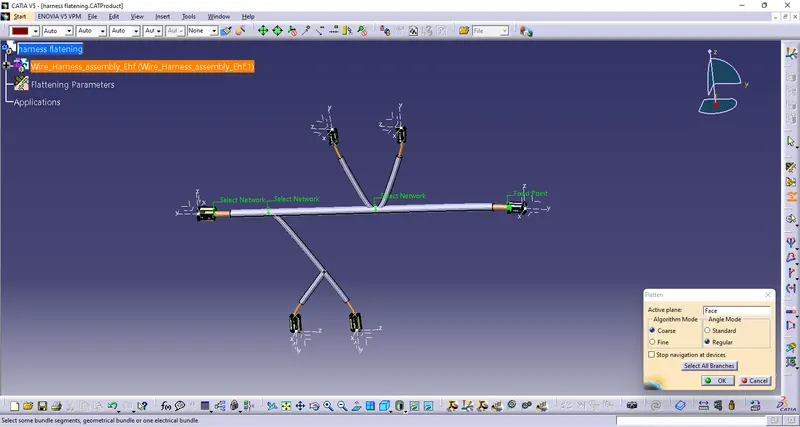
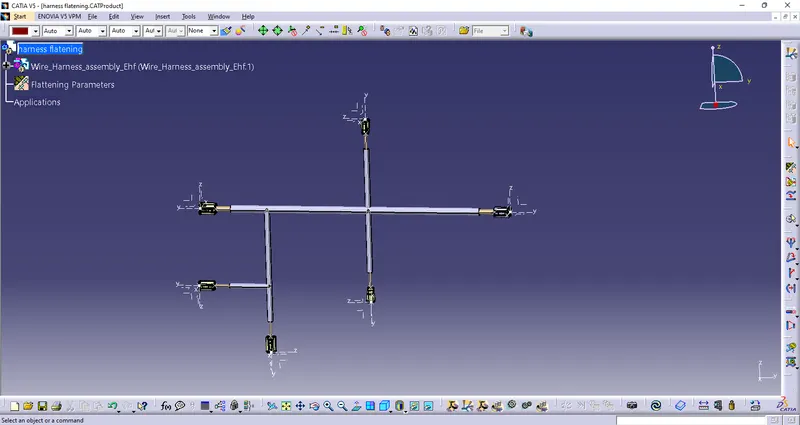
Now we have to place the flattened view on drawing sheet
for that we need to create a new drawing file
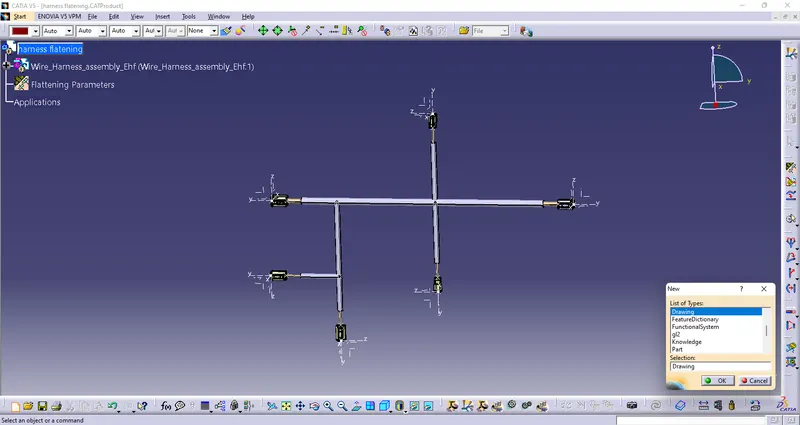
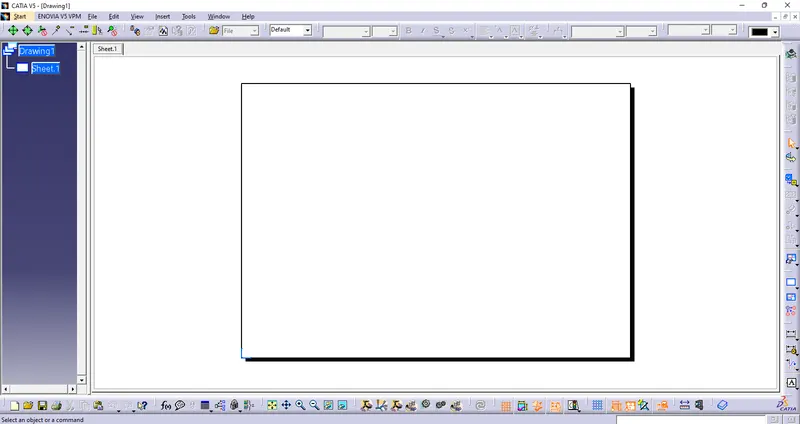
Now use front view command and select front view of drawing on our Flatening Harness Assembly and rotate it as our harness assembly.
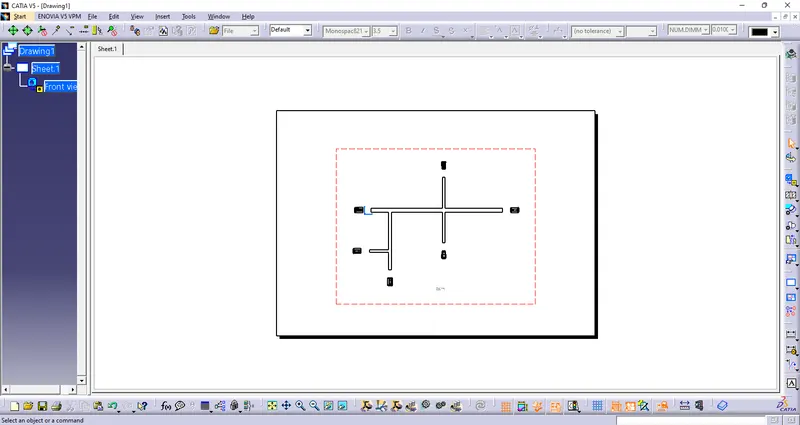
CONCLUSION:
From the above assignment we learnt how to flatten a given wire harness assembly and how to place the flattened view on a drawing sheet and show all its components.