Wiring harness design in CATIA V5 - 3D modeling Week 7 Challenge
Here we are taking the same harness as in Week 4.
Part 1: - Flattening the harness
1. Create new product and switch to Harness Flattening Workbench.
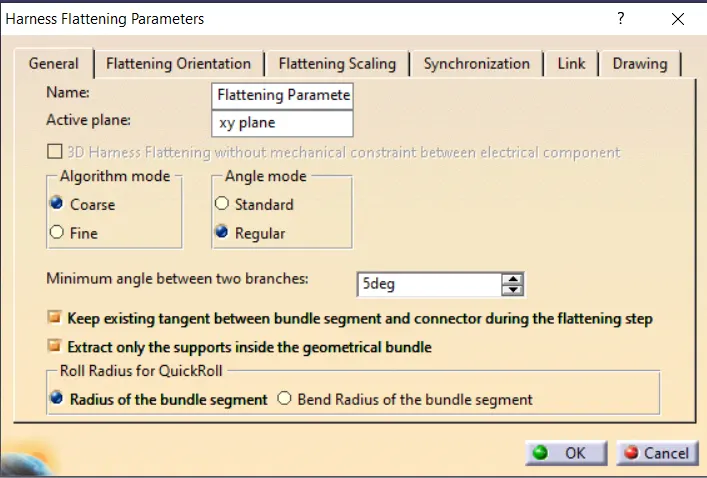
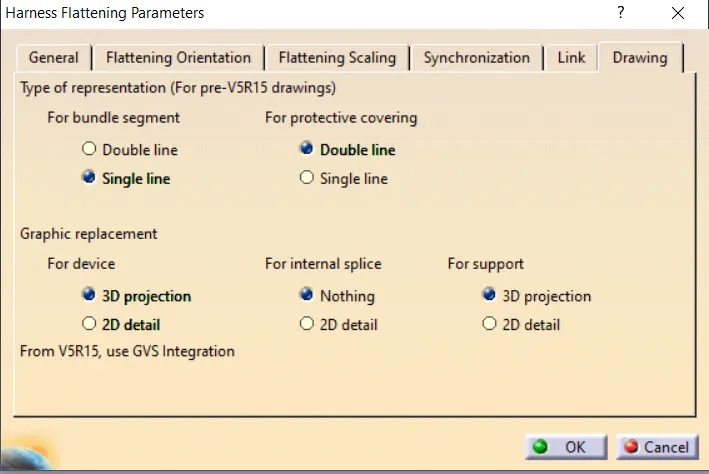
2. Assign the flattening parameters. (NOTE- For protective coverings- double line is being used and for bundle segments- single line is being used, as we need to diffferentiate between them as per question)
3. Tile the harness and this product vertically, and extract the harness file into this product with desc Ehf.
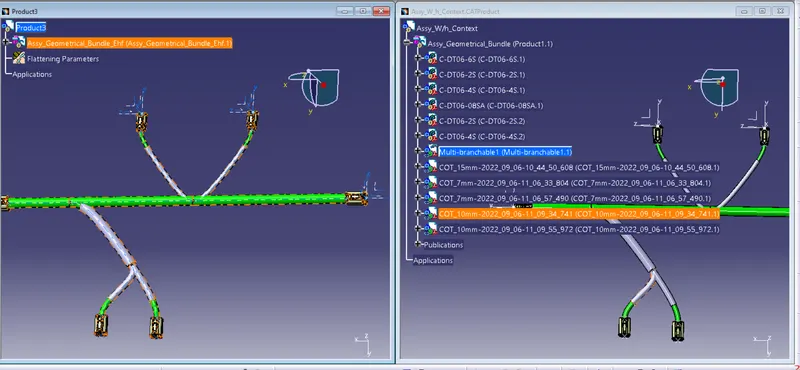
4. Use flatten command to flatten the harness
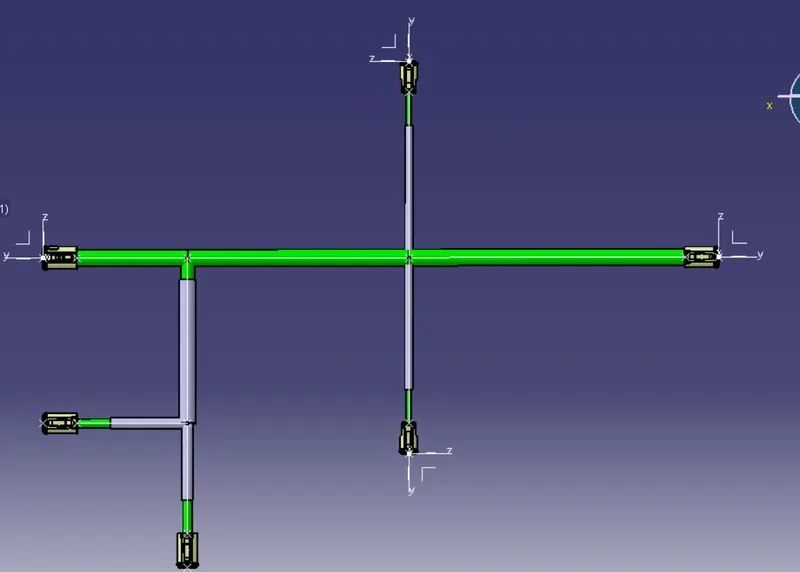
5. Use rotate command to the branches with DT06-2S connectors to make them at an angle of 60 deg from main bundle
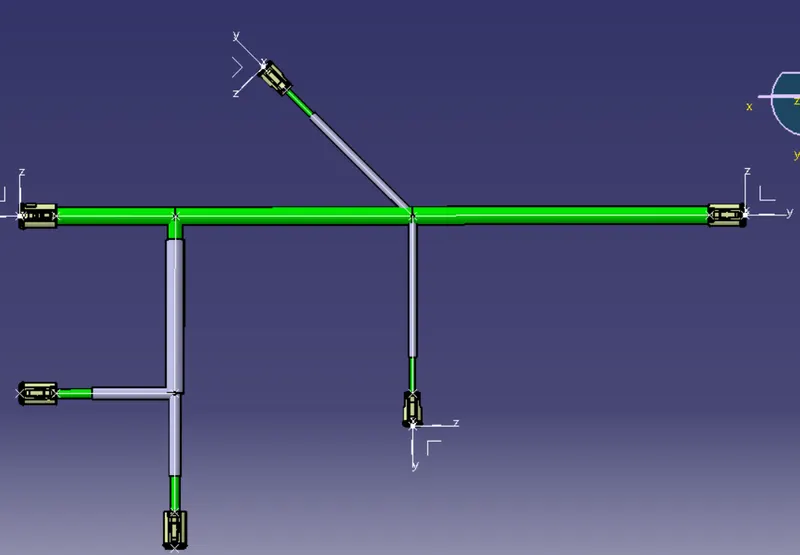
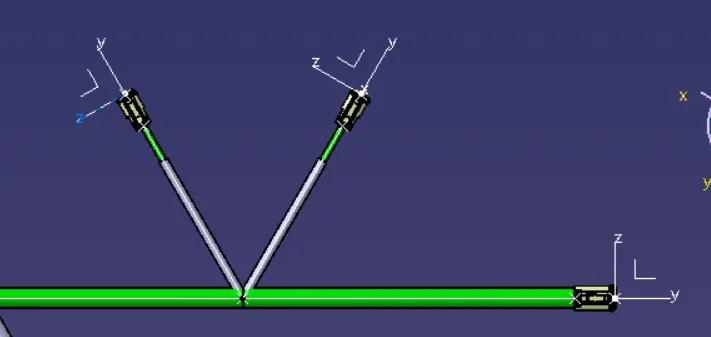
6. Orient the sub bundle containing DT06-4S connectors in 30 deg from main bundle and branch 30 deg from sub bundle
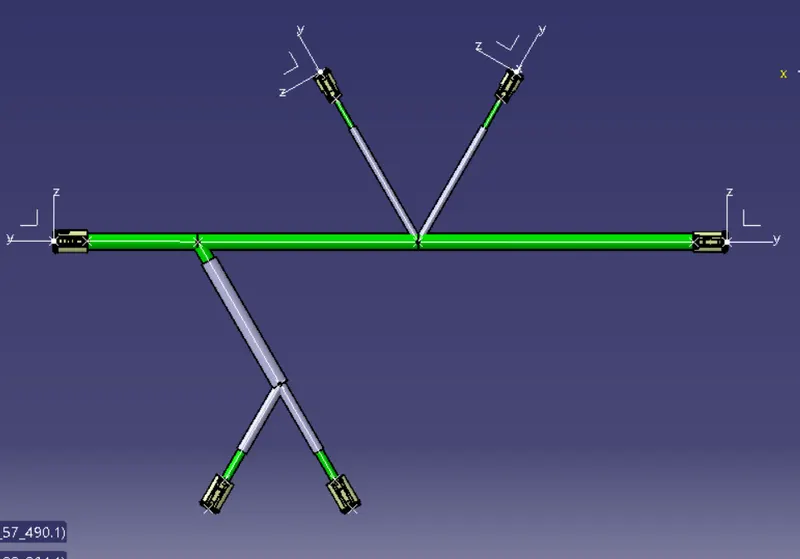
Part 2: - Laying out the flattened harness in drawing
1. Create new drawing file with A0 ISO size
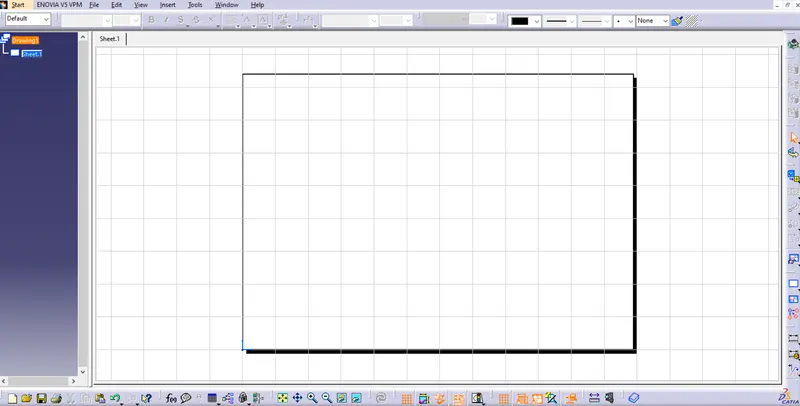
2. Tile the windows vertically, and select front view to get a front view of the harness
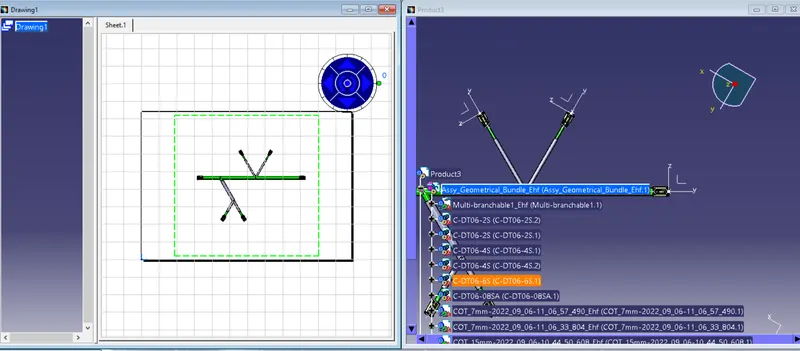
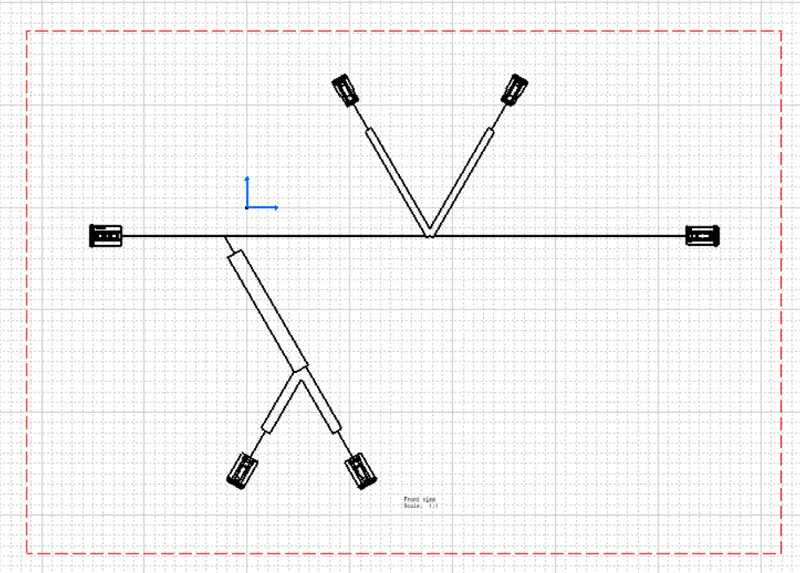
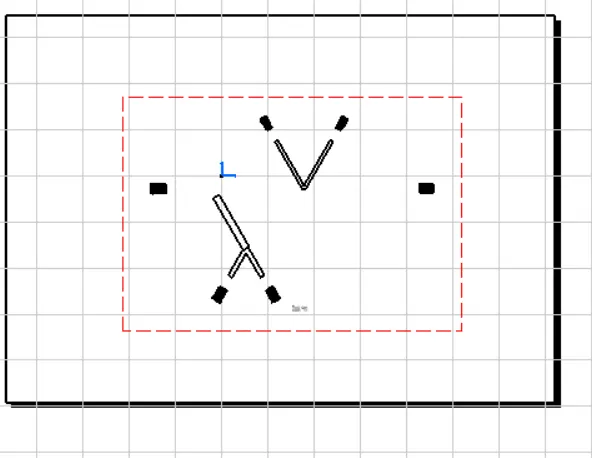
3. The drawing gets processed as shown below
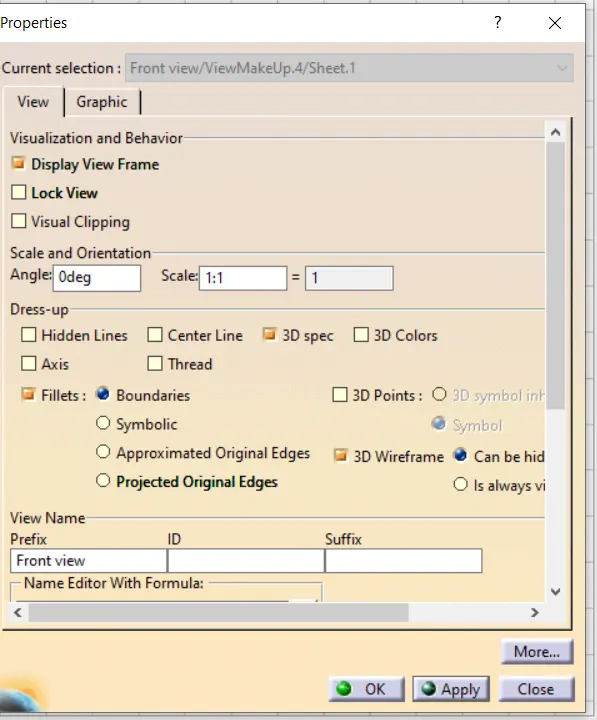
4. Go to properties and enable 3D wire frame