Wiring harness design in CATIA V5 - 3D modeling Week 5 & 6 Challenge
1.
AIM

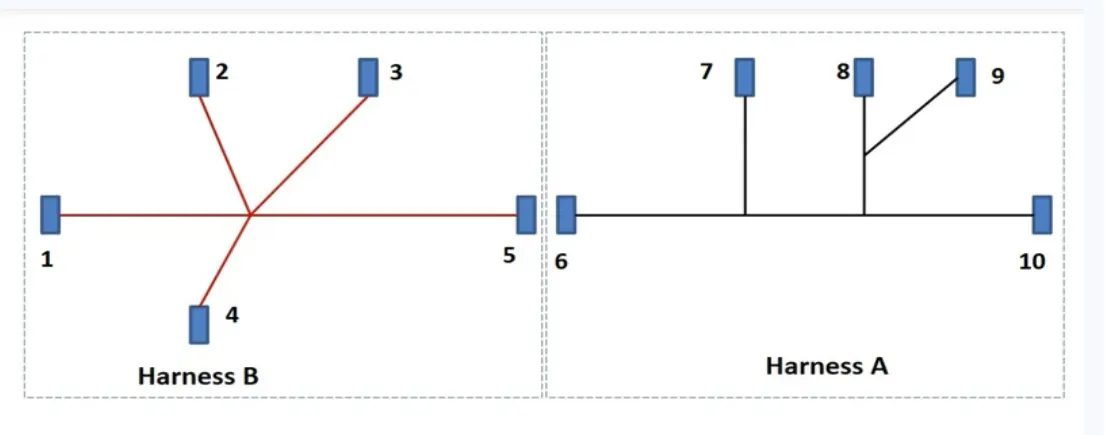
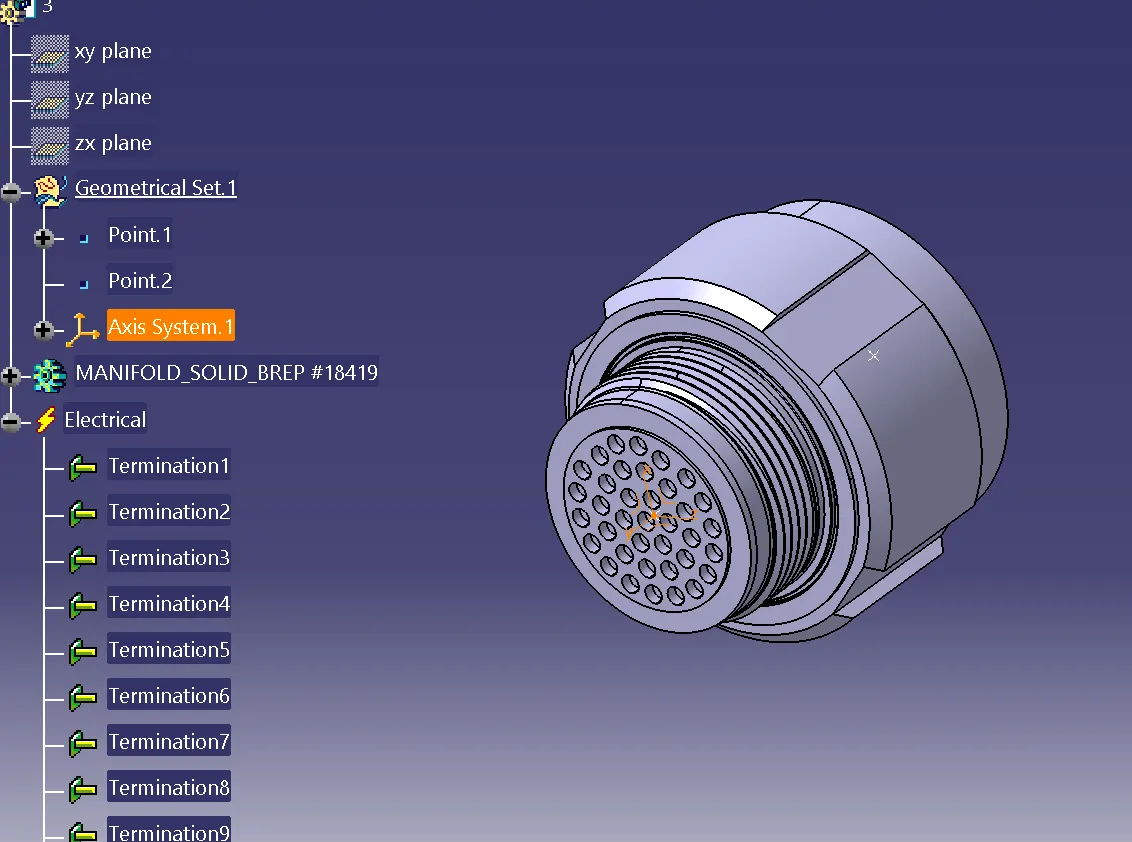
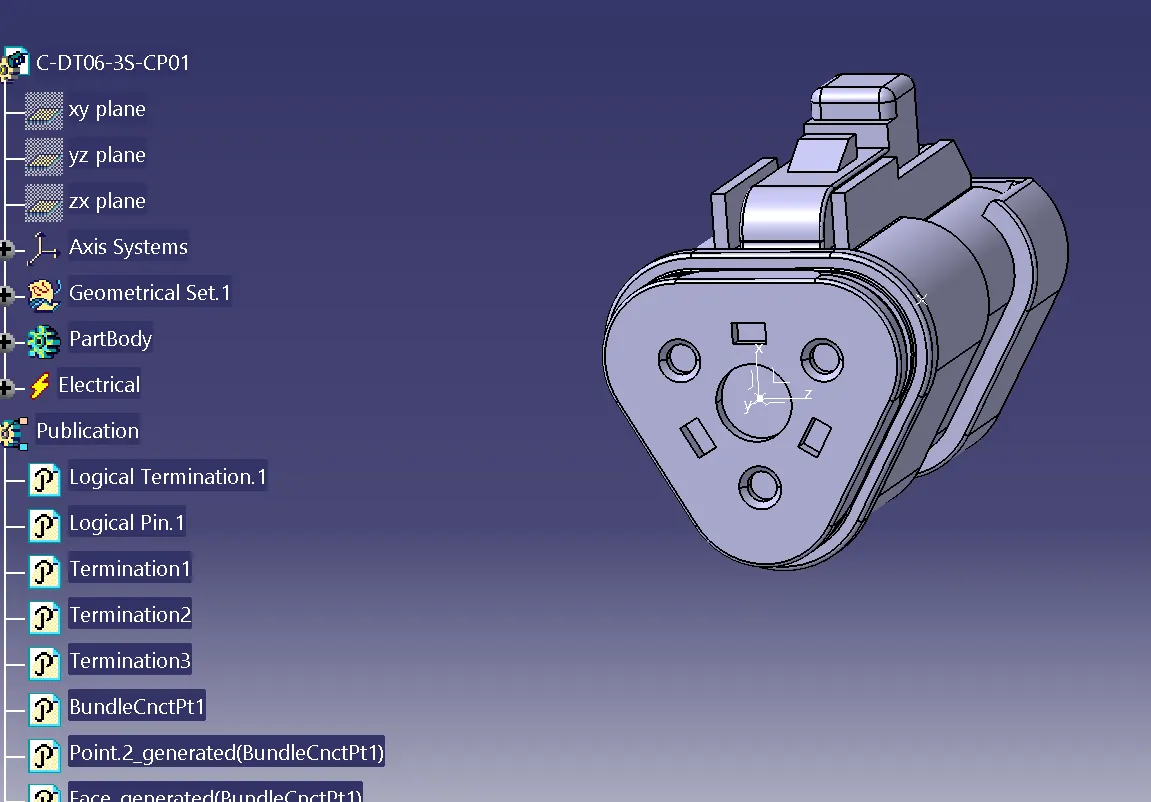
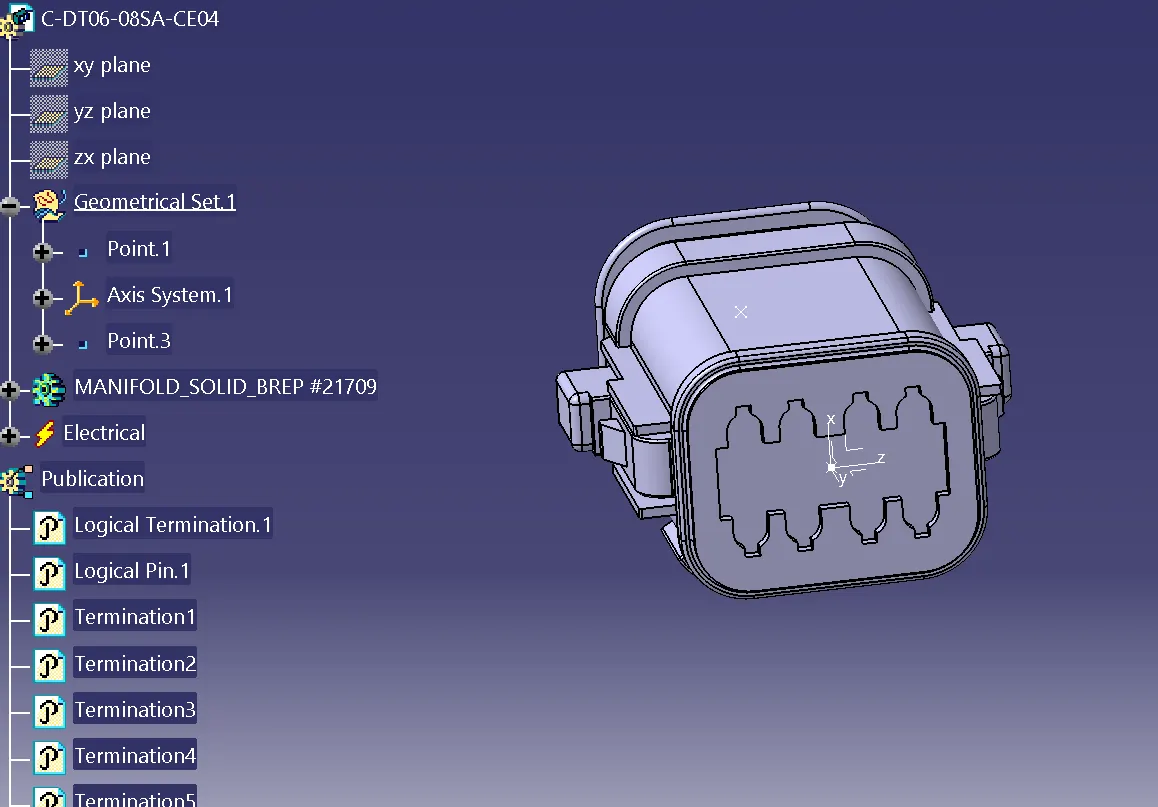
WE HAVE TO DEFINE ALL THE CONNECTORS GEOMETRICALLY AND ELECTRICALLY
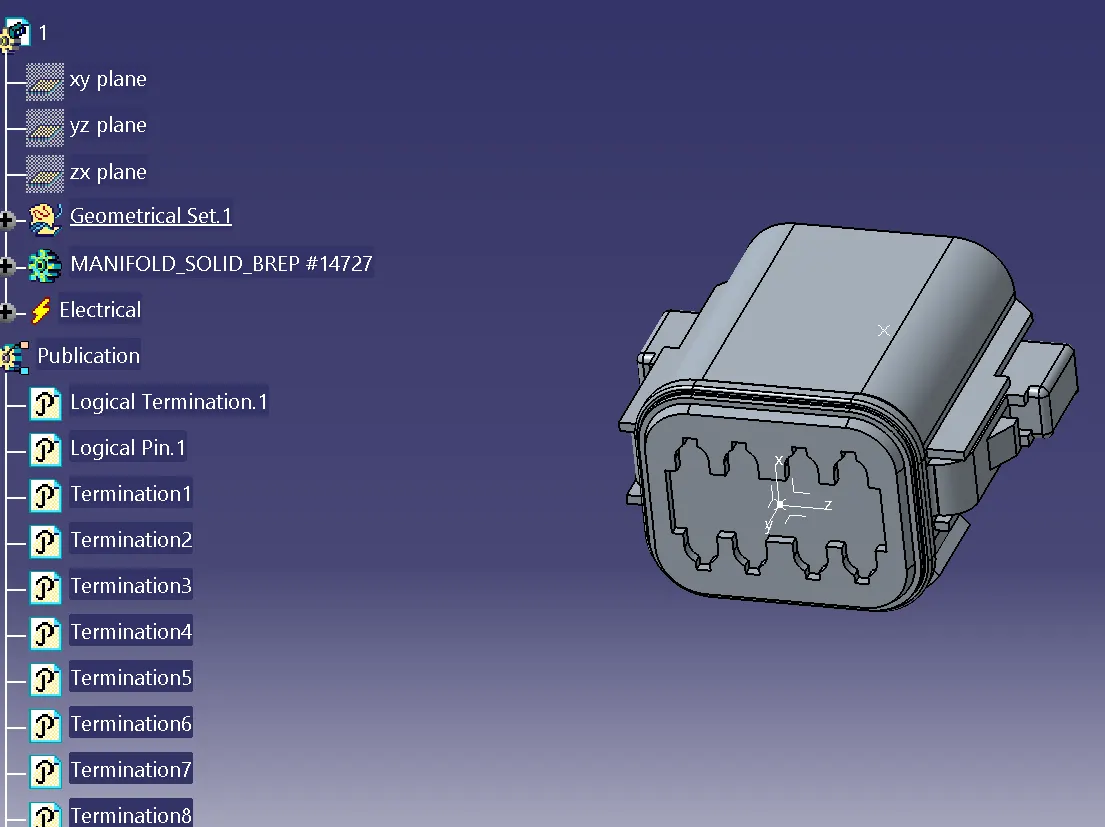
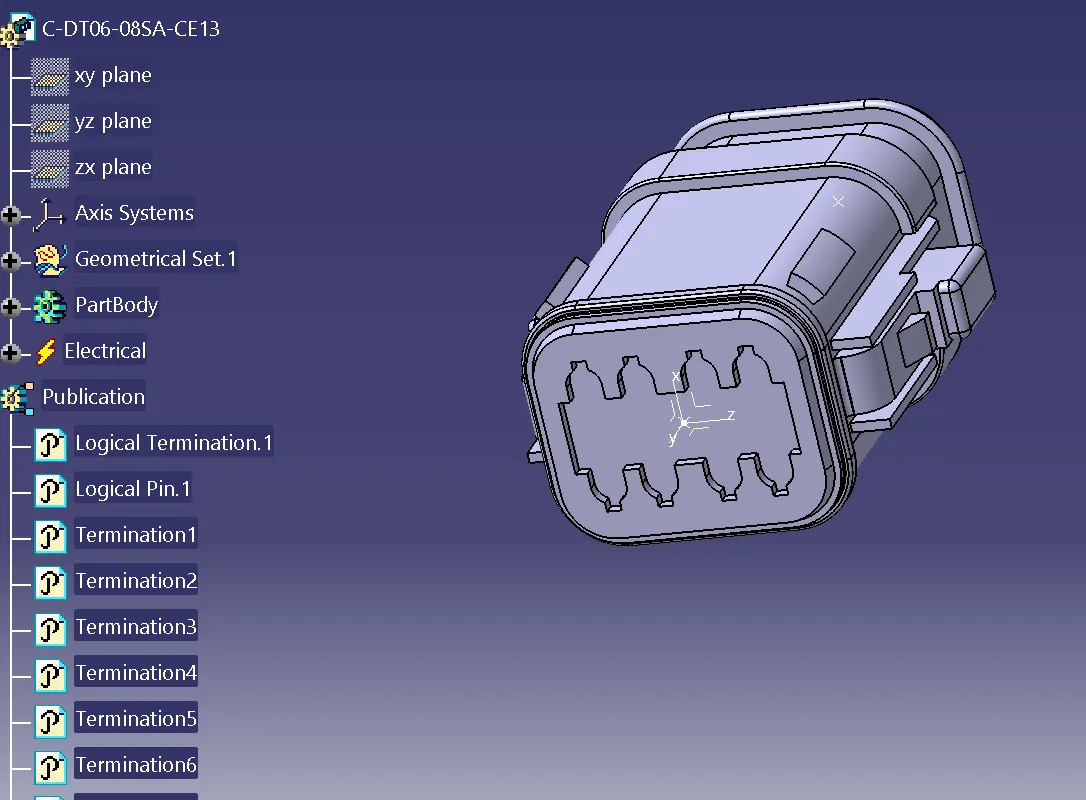
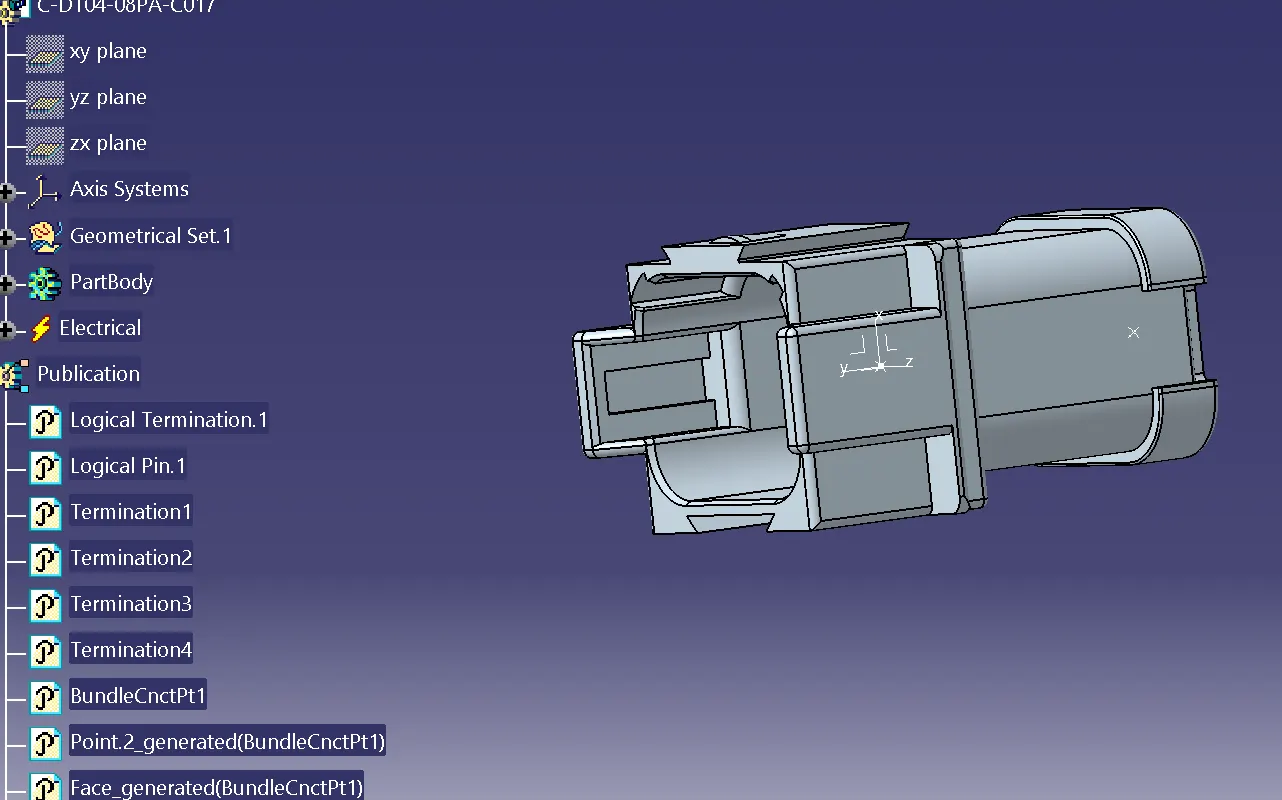
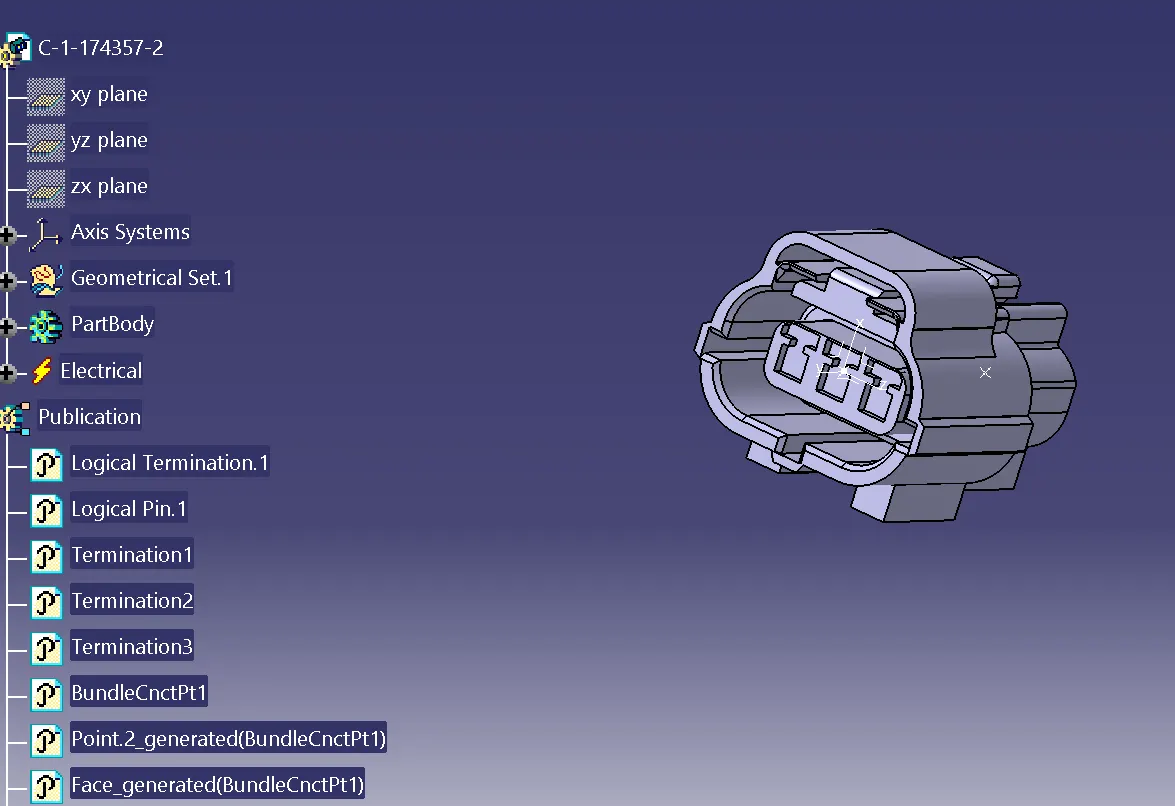
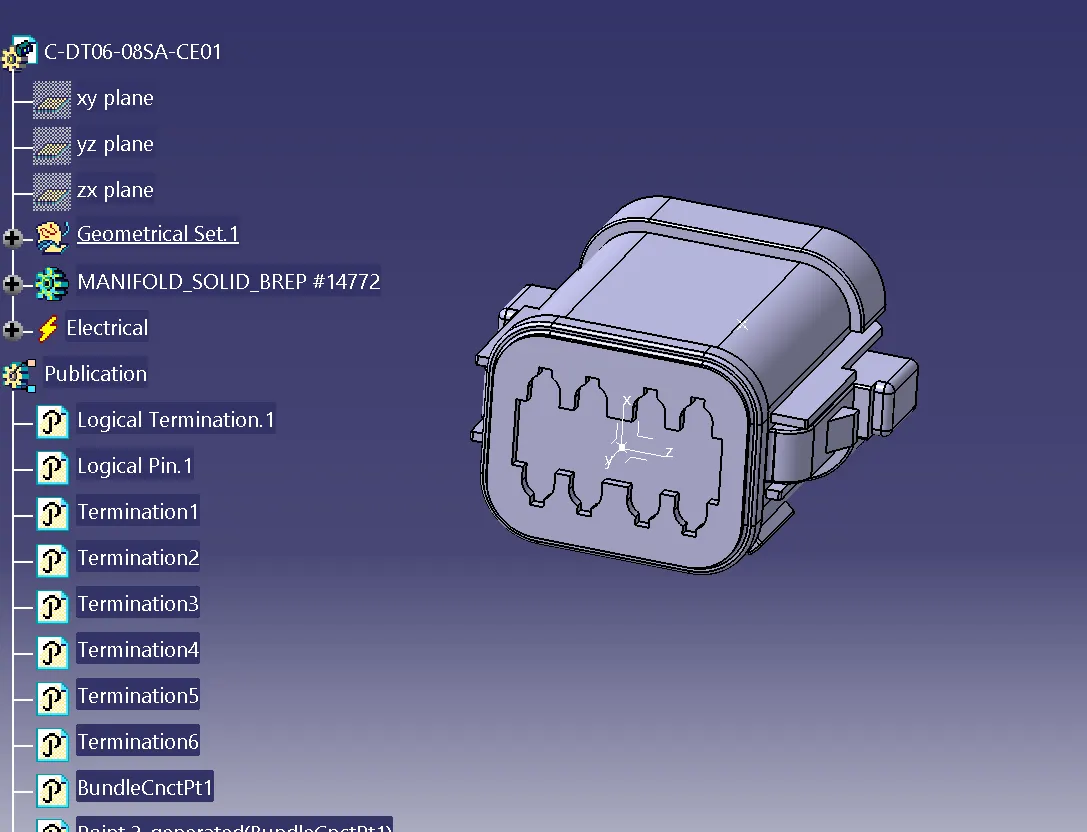
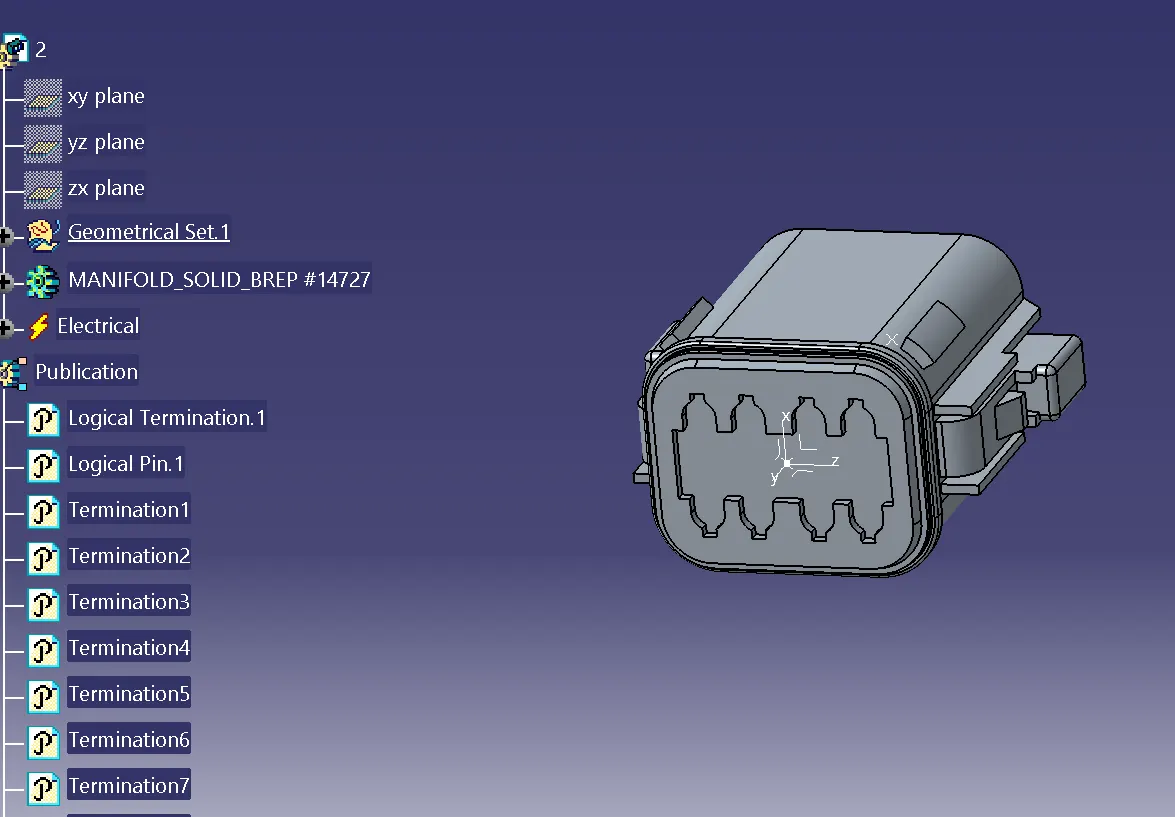
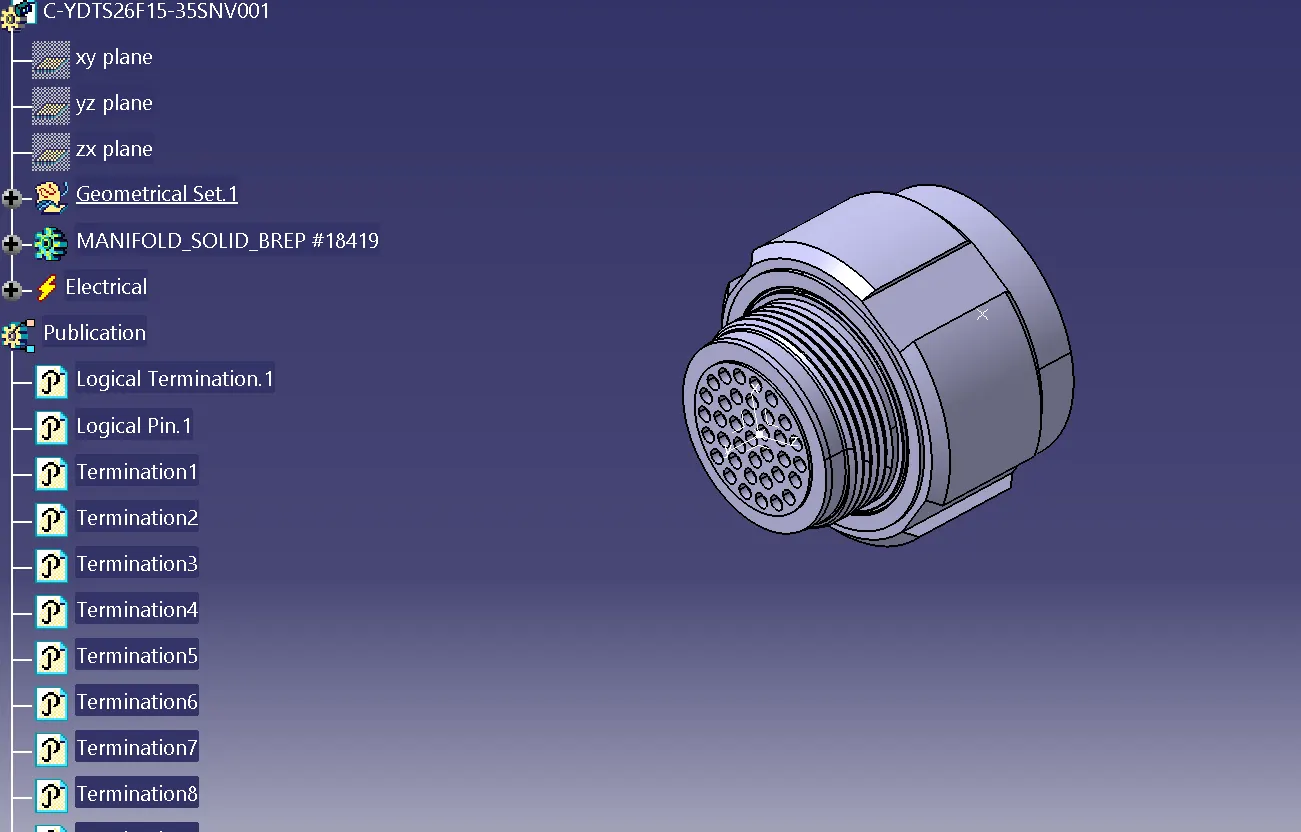
we have to create harness A and harness B by using electrical harness assembly as shown in the image below
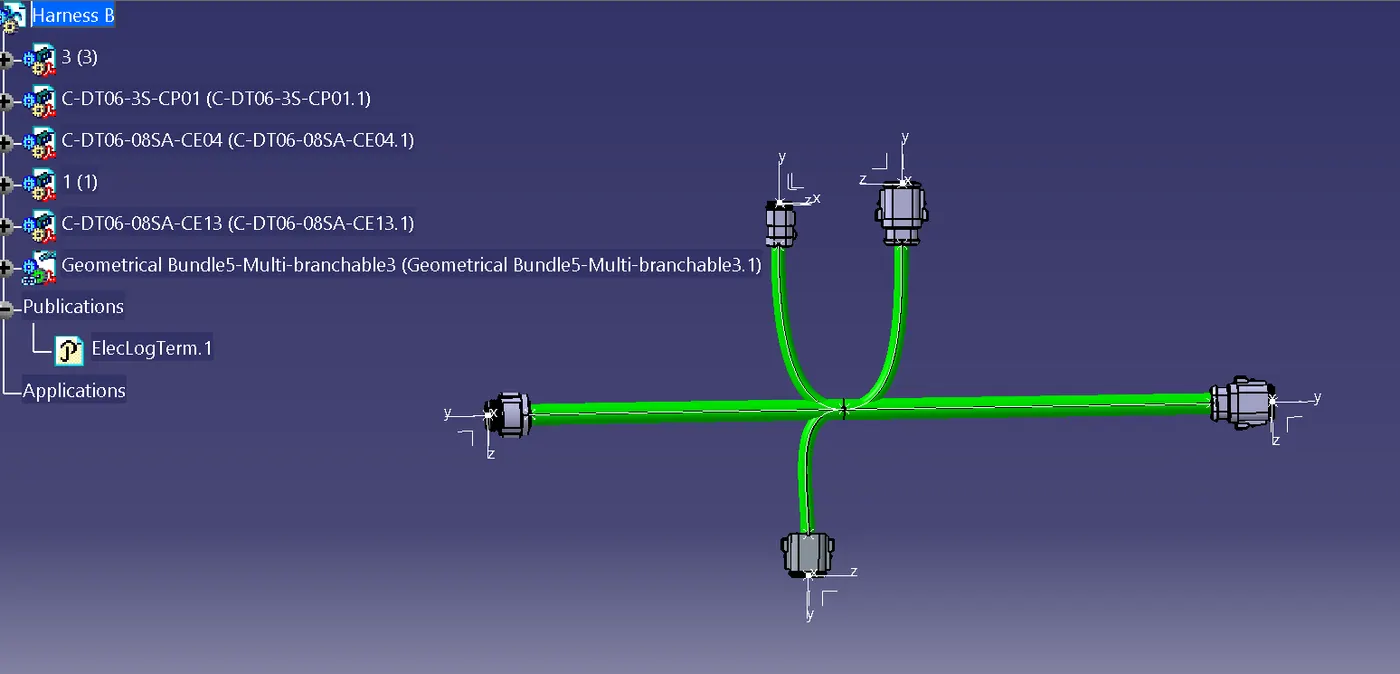
first, locate all the connectors at their desired position, add branch points required and create bundle segment according to the diameters assumed .
Harness A routing
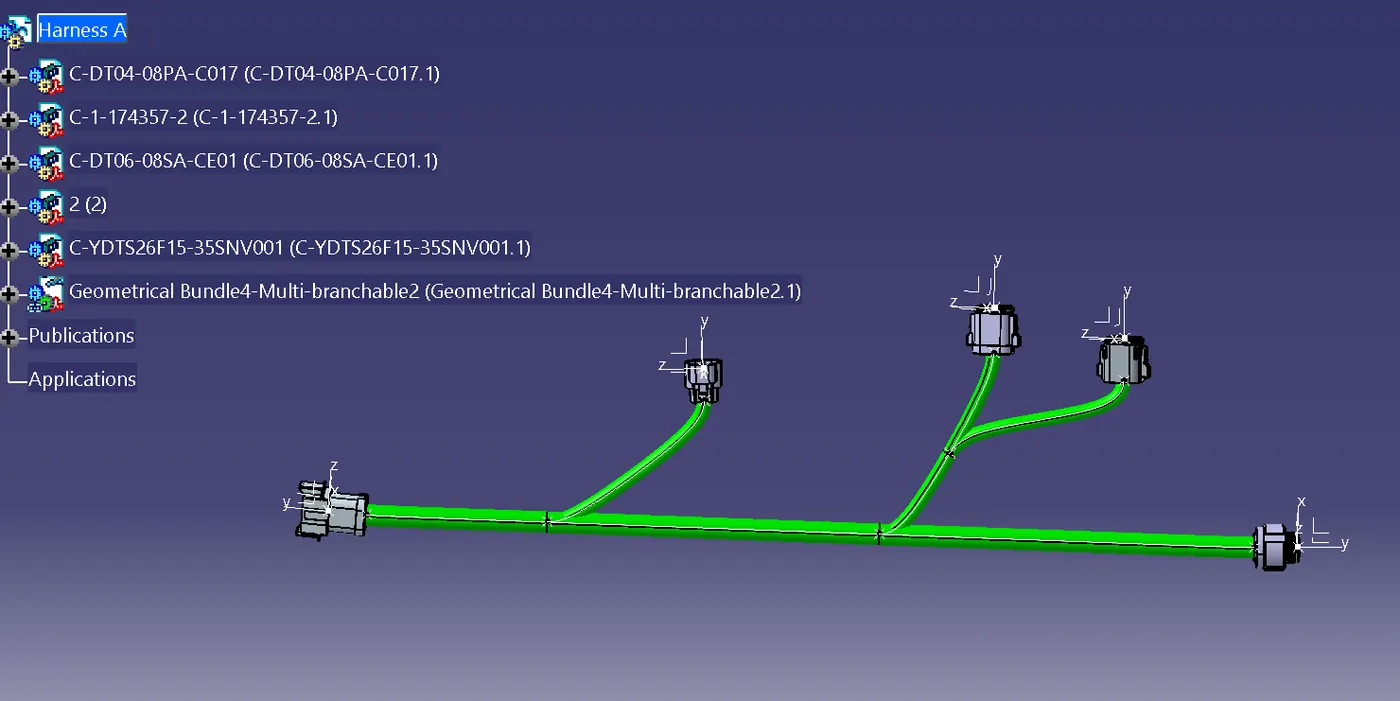
Harness B routing
Bundle continuity check
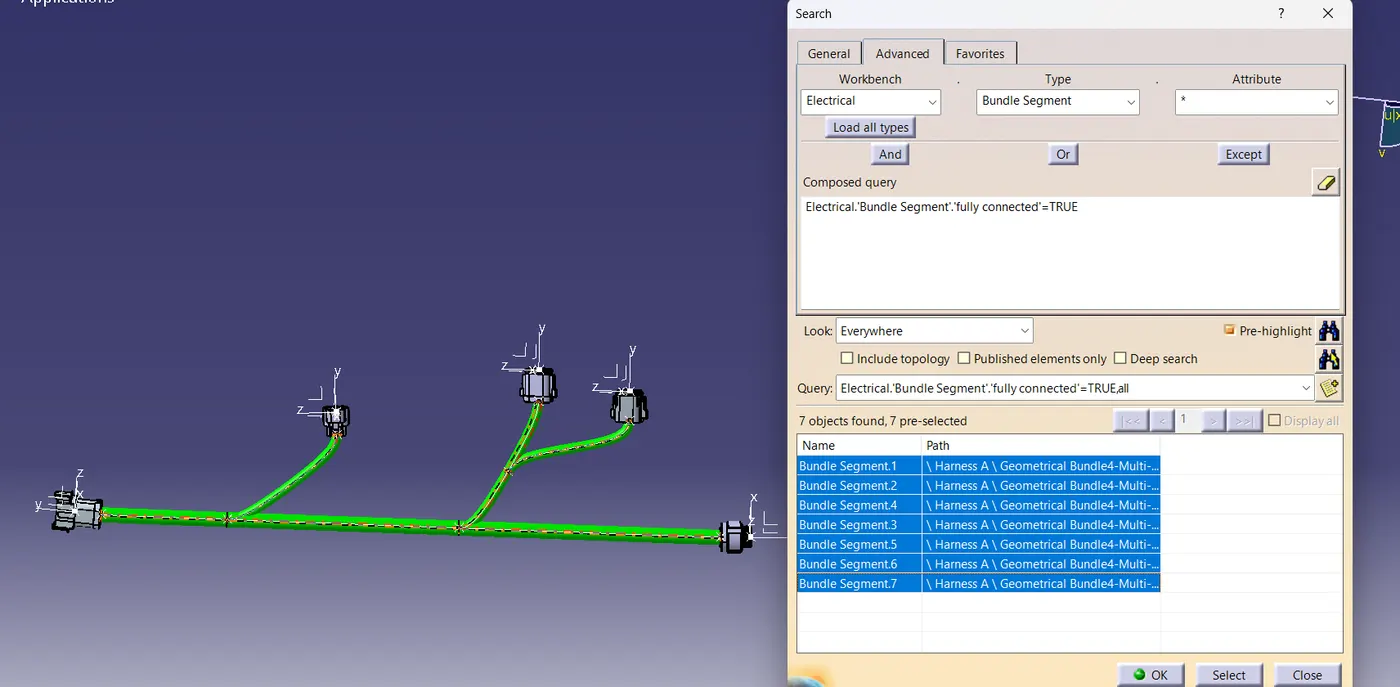
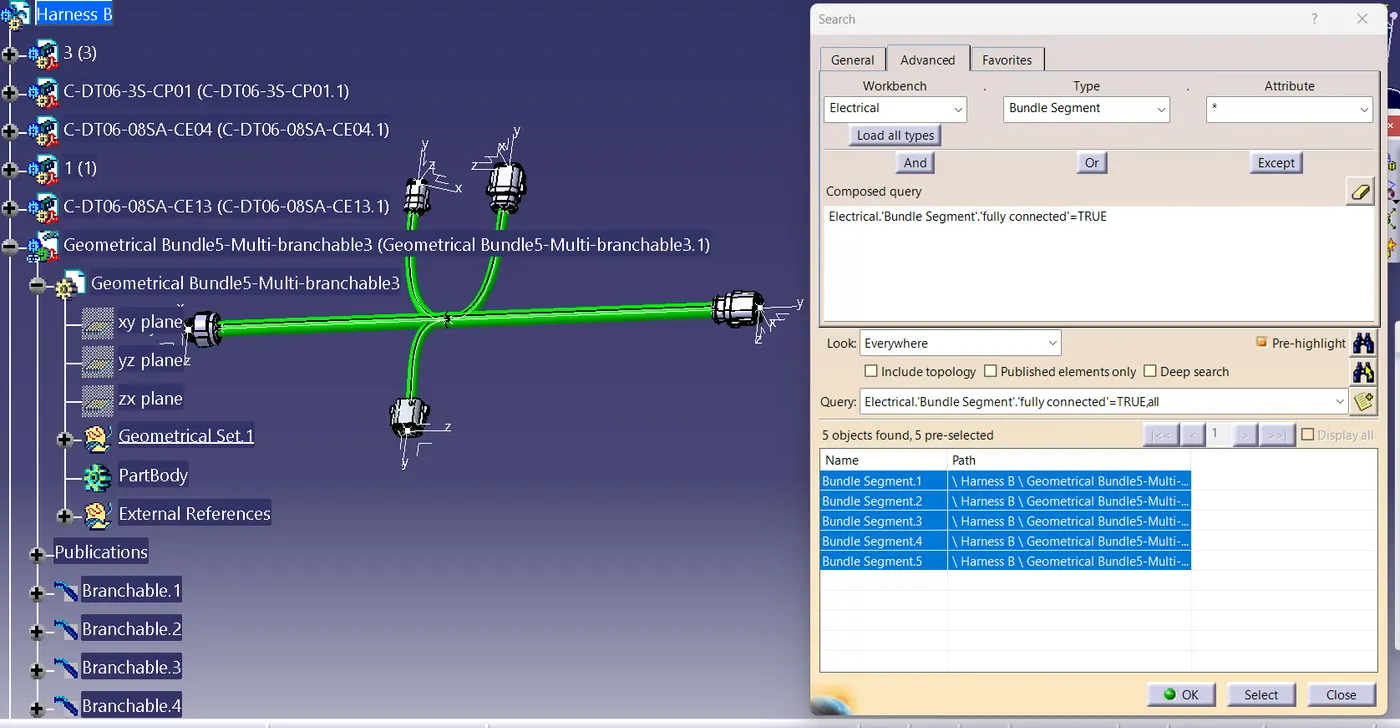
the continuity of the bundles have to check for both harness, Harness A and Harness B.
. For that , go in Edit>search>Workbench-electrical>Type-Bundle segment>Attribute-fully connected.
. a pop up window appears , it has two options True and False . if select true the connected bundles will show on the box, if select false option it will show non connected bundle options.
now, we have to interconnect both harness A and B.
FOR THAT , we have to create a new product file.
. then copy both harnesses and paste it in newely created product file
. we have to go to electrical assembly design to connect both the harnesses electrically. so for that select the option connect electrical devices and both the harness will get connected electrically as below.
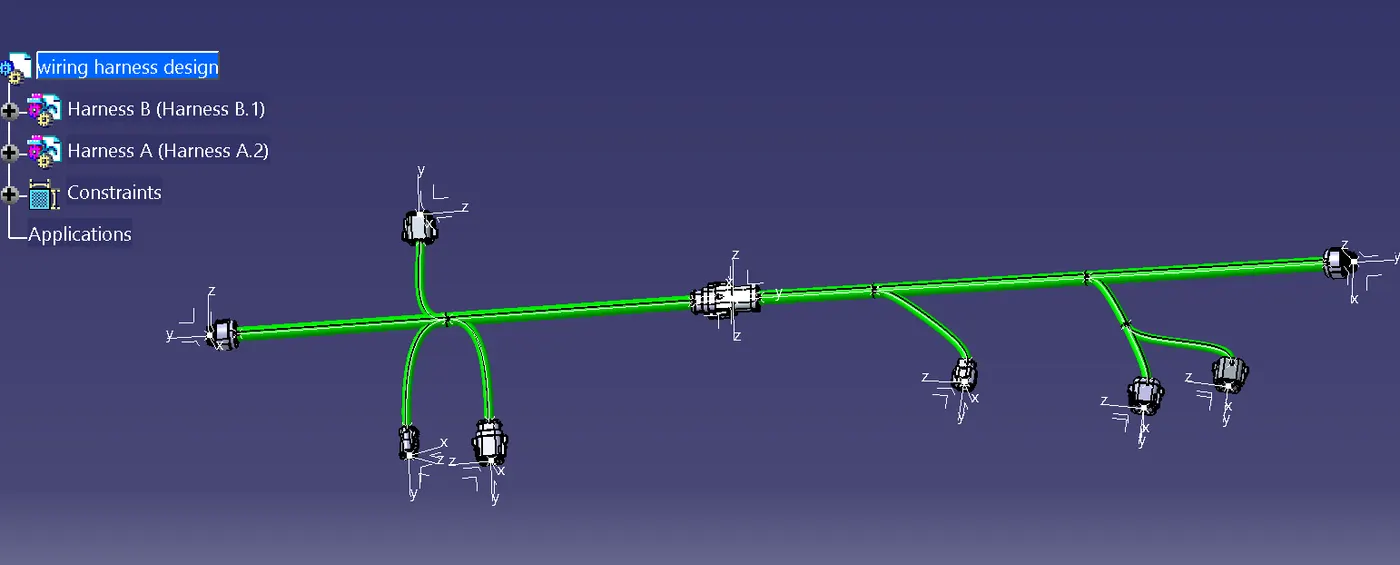
. As shown in below image the male and female connectors are connected.
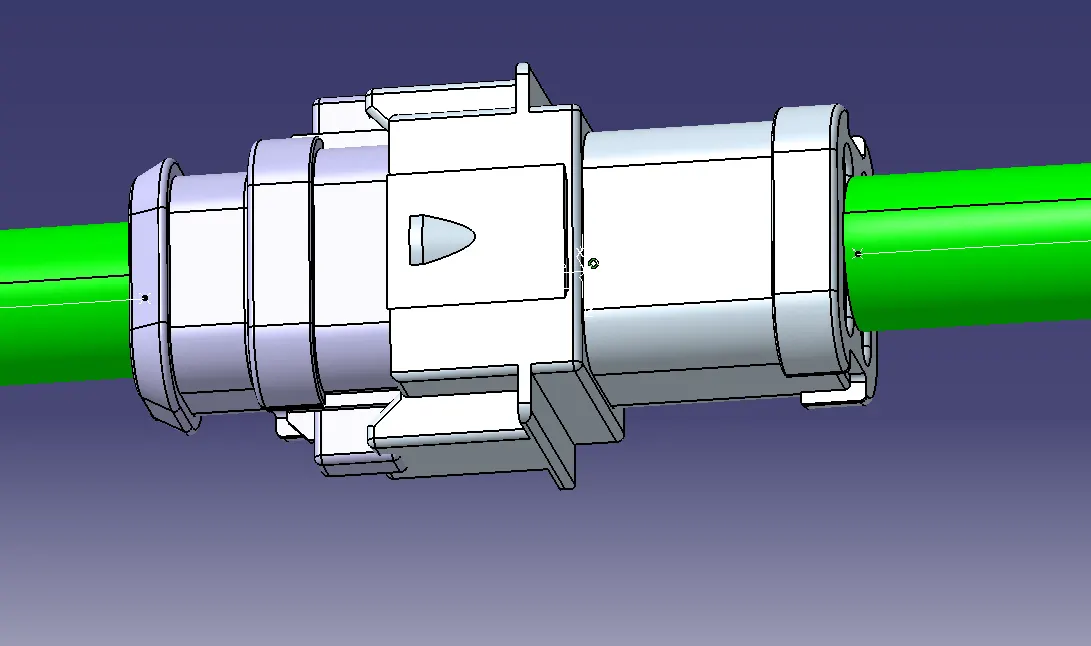
now we will checking the bundle warning in harness A and B.
Here no warning are shown on the bundles branches , so no error is detected.
annotations:
annotations are given to all the connectors for easy understanding about the connectors and its properties as well as positions as per layout given.
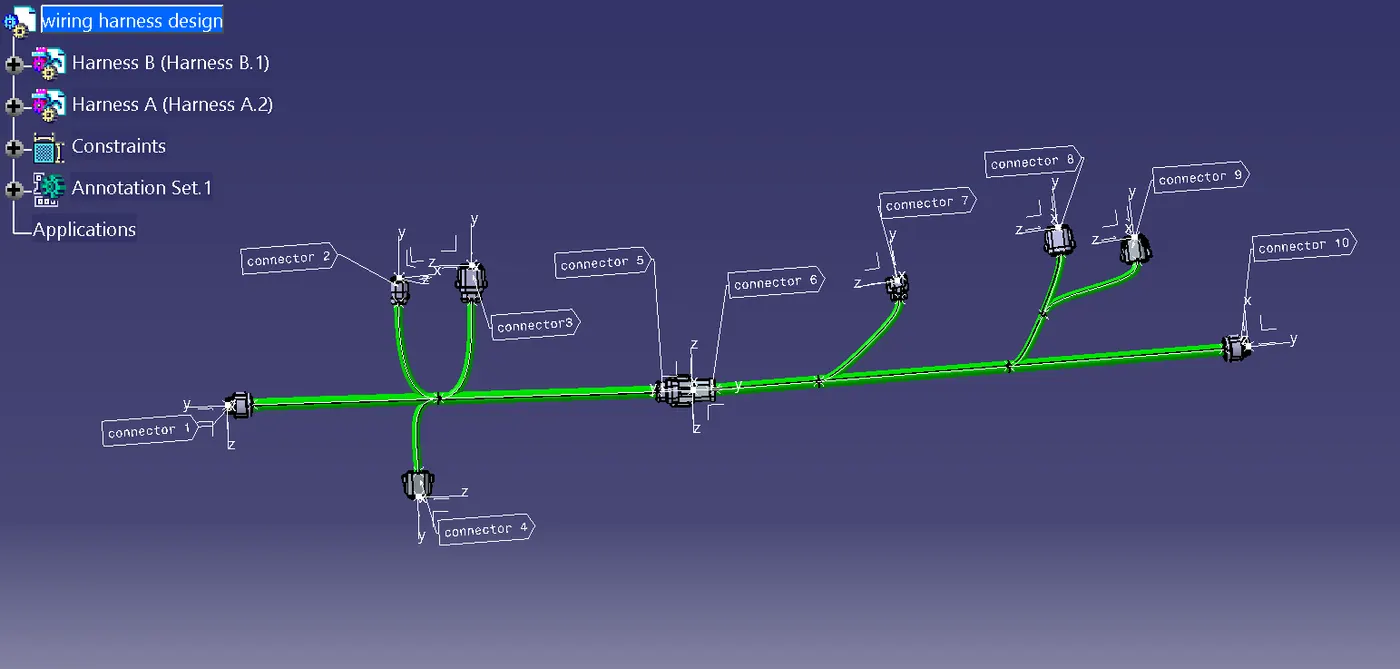
we have to convert the final harness assembly file into igs format. so for that we need to follow the below steps.
. Mechanical Assembly Design Workbench > Tools>Generate cat part from product.
. once catpart is created the whole product file is converted into a single part.
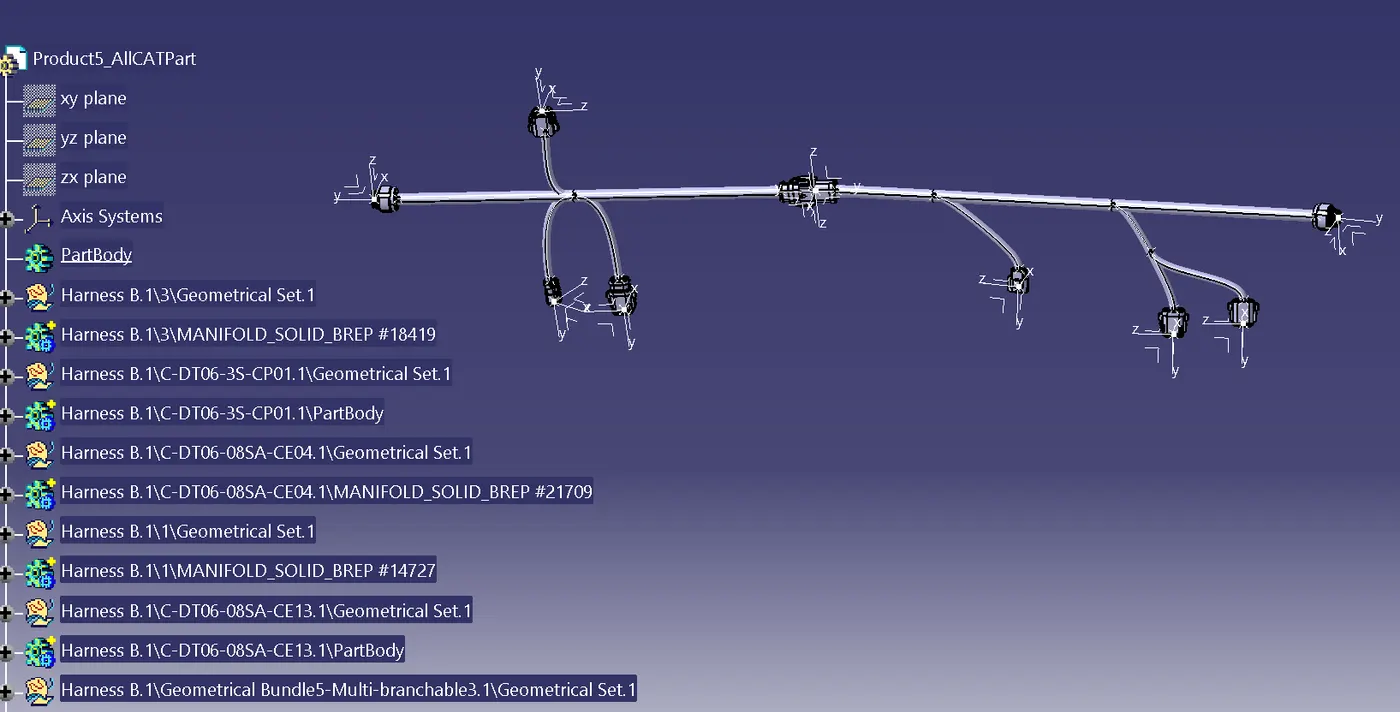
conclusion
the harness routing and interconnection of both harness A and B is done according to the given layout.both the harness are checked and corrected for bundle continuity ,bundle warnings, annotations are also added for all the connectors and finally whole catpart file is converted into the IGS format.