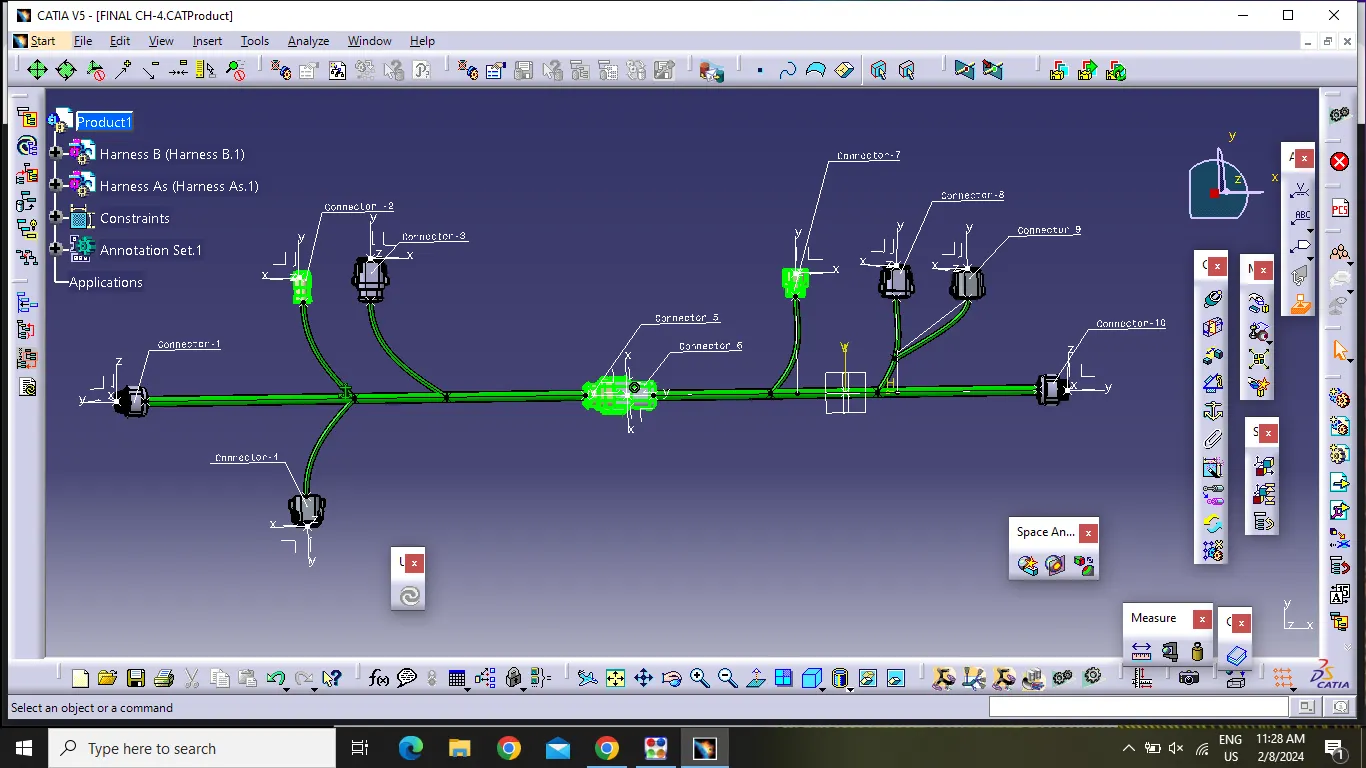
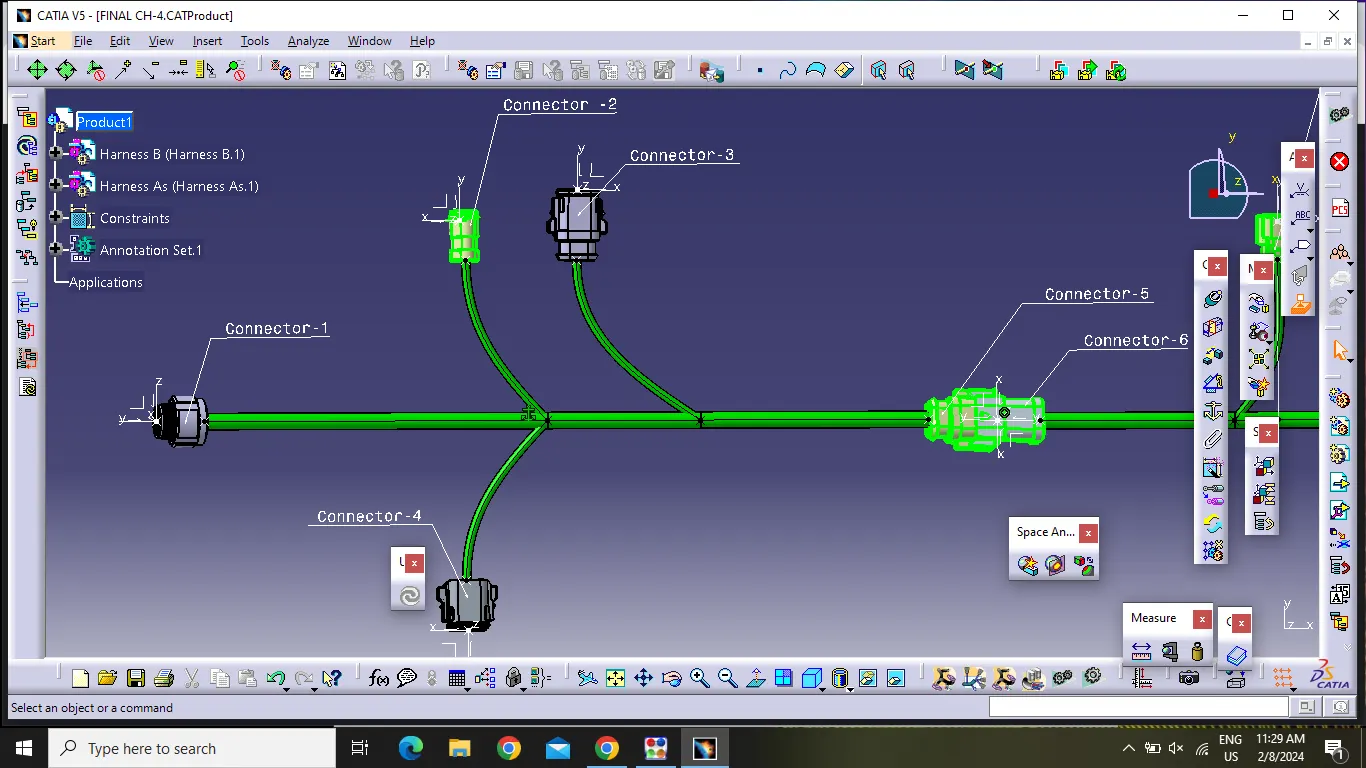
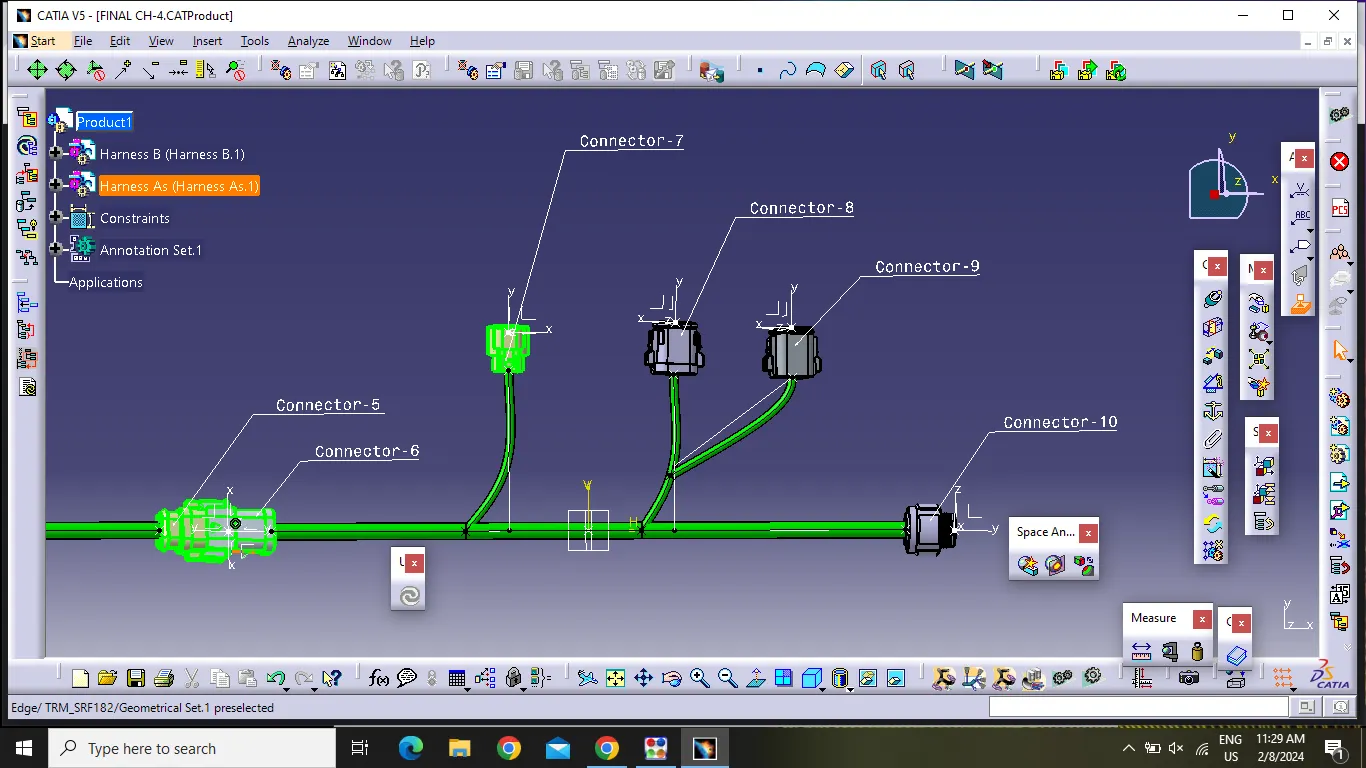
Wiring harness design in CATIA V5 - 3D modeling Week 5 & 6 Challenge
Aim:
- Route two harnesses (Harness A and Harness B) as per the given layout and interconnect them as an single harness.
- Check the bundle continuity and Bundle wiring.
- Add annotations to all the connectors .
Objectives :
- Electrical defination and catalogue creation
- Bundle continuity and annotation creation
- creation of interconnection
- Bundle warining and generation of CATpart and conversion to Iges .
Procedure :
- Download Cad data from the given Link .
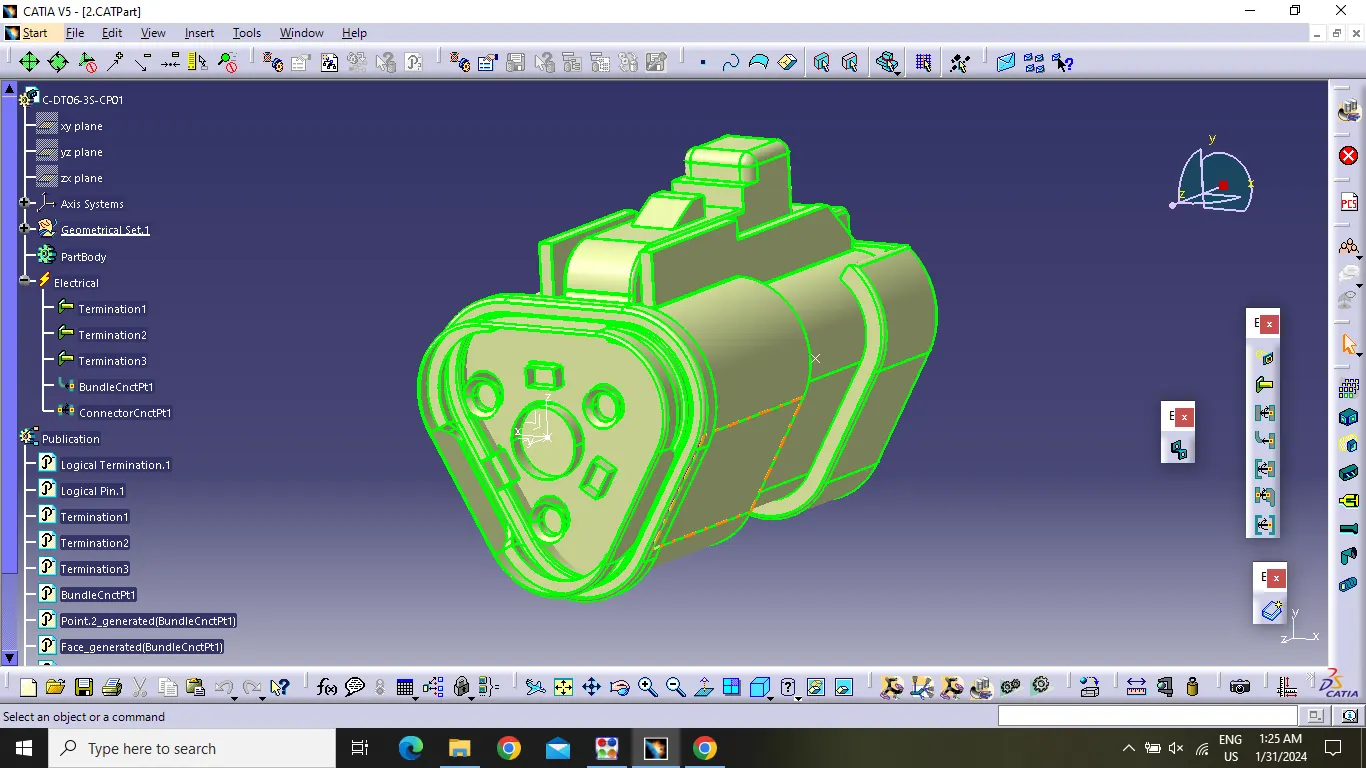
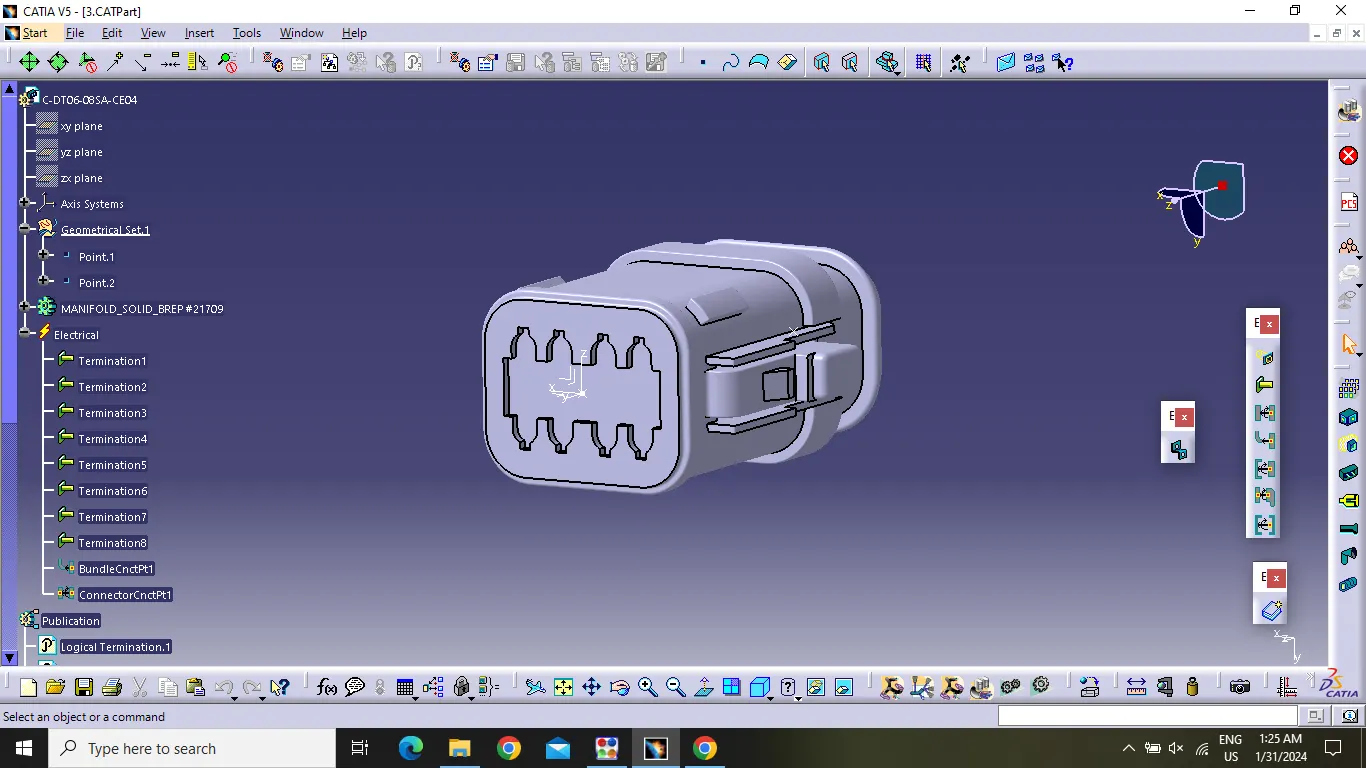
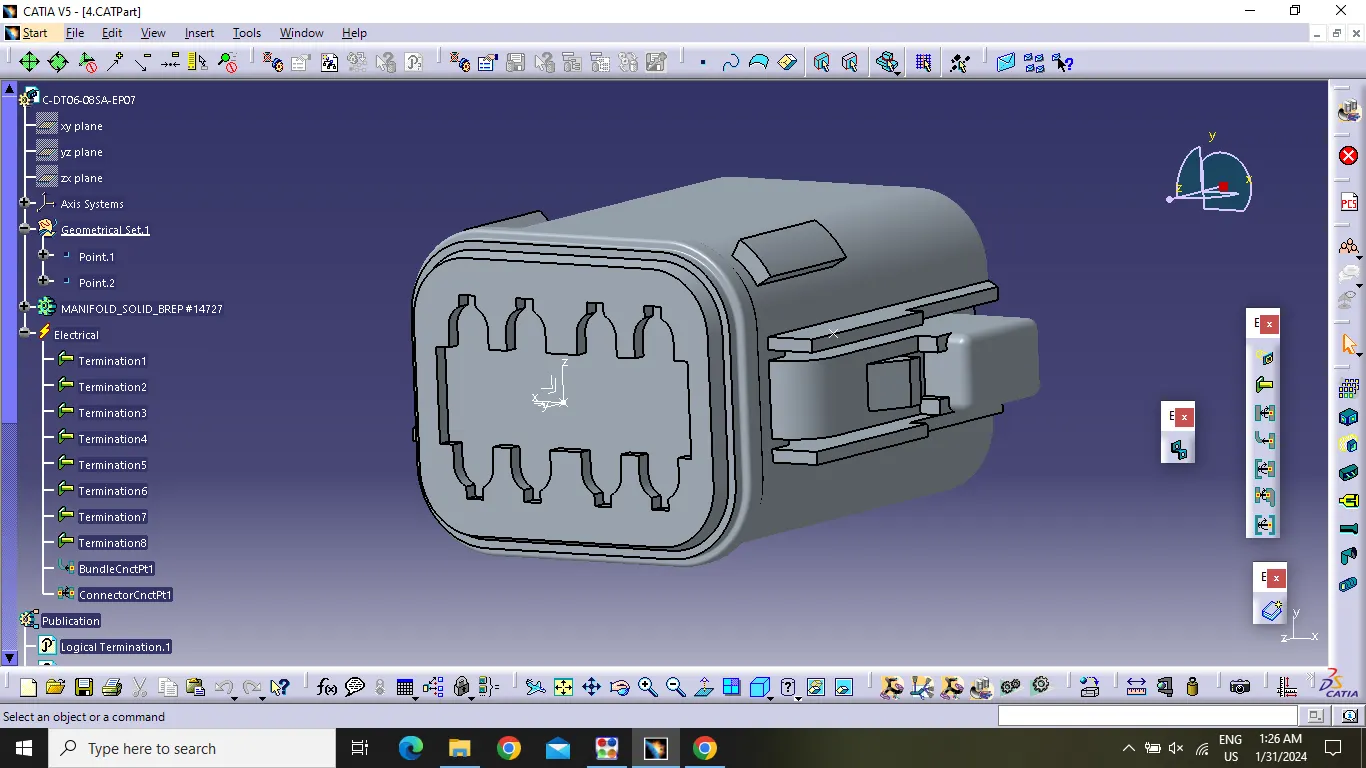
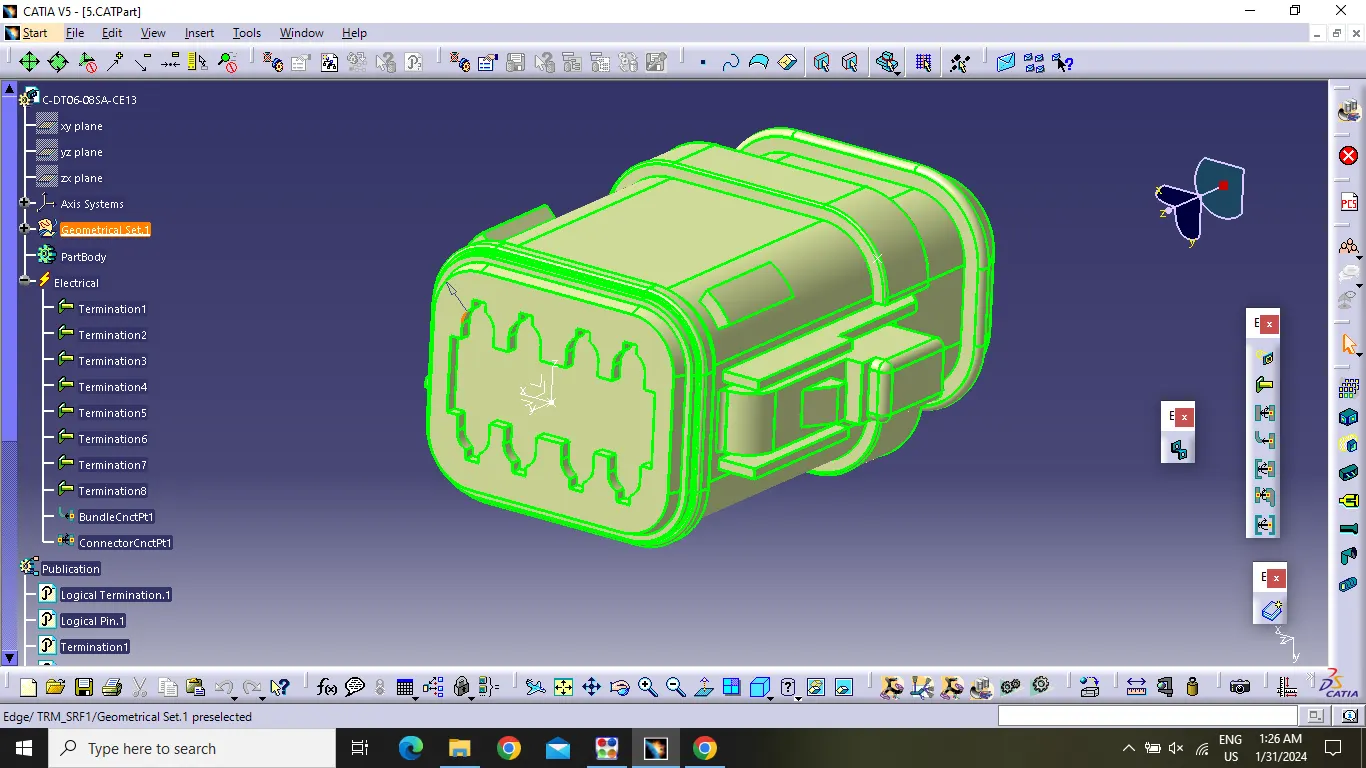
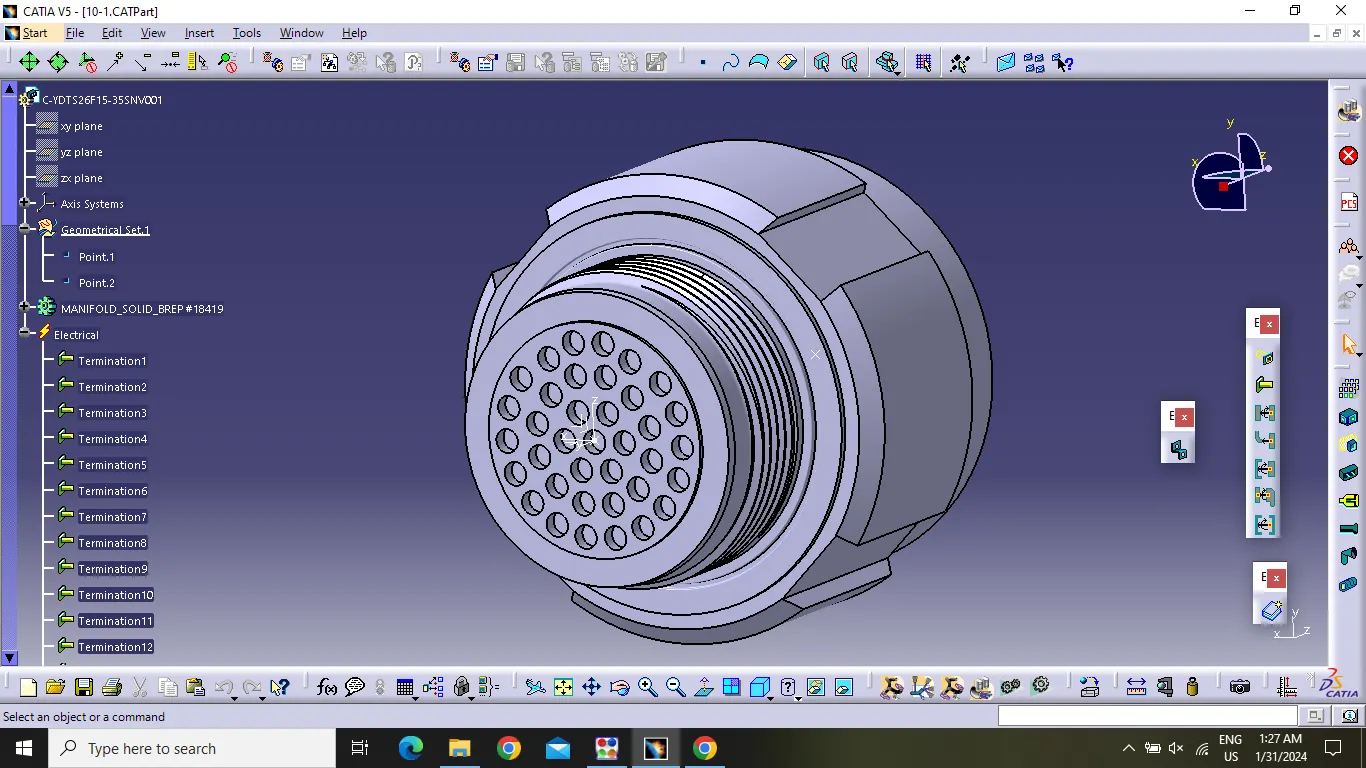
- Define all the connector Electrically and Geometrically.
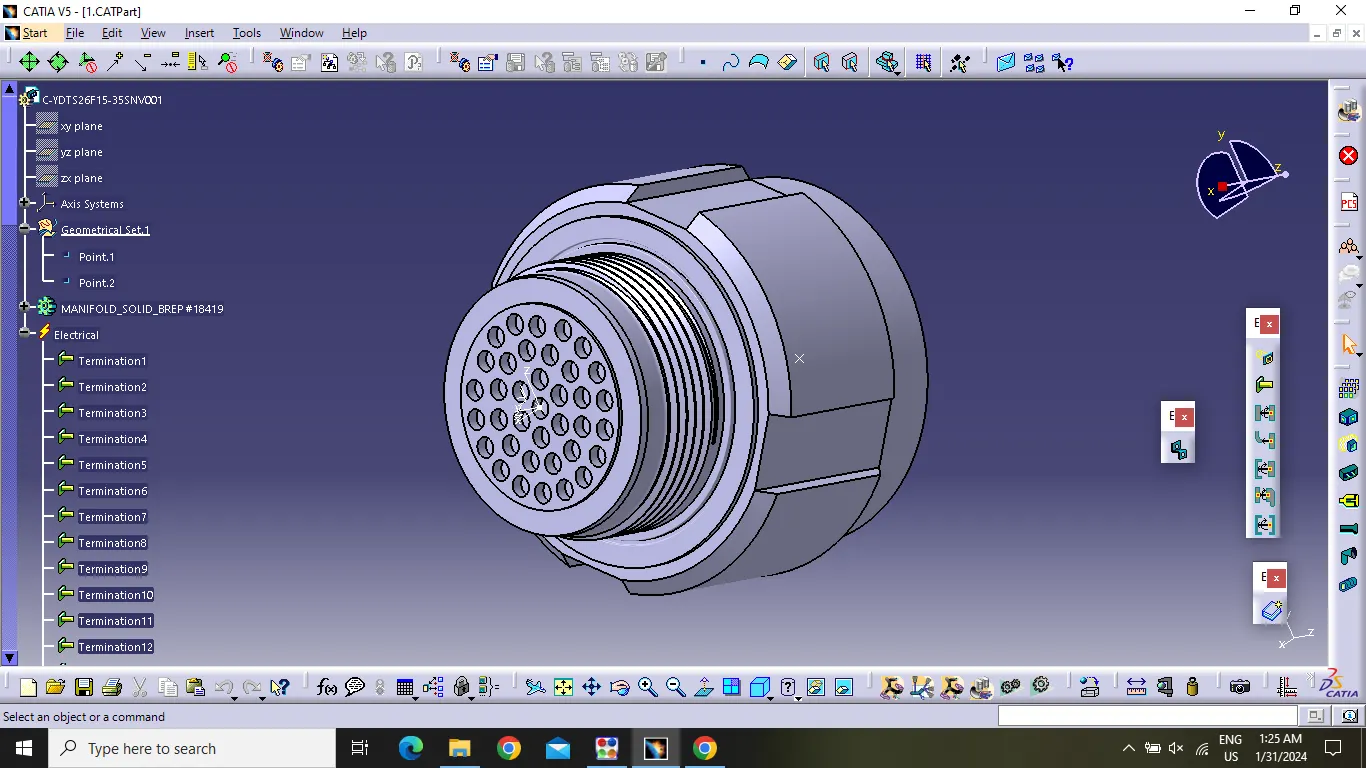
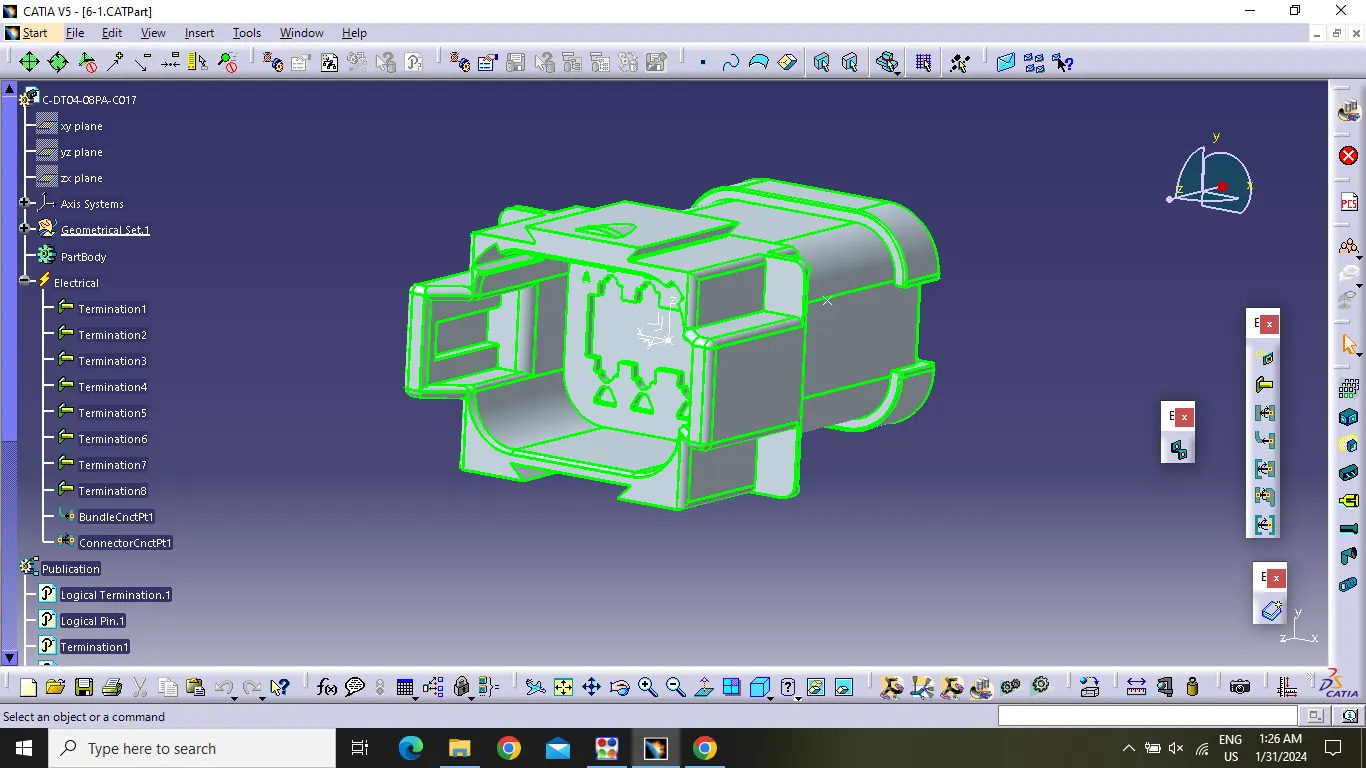
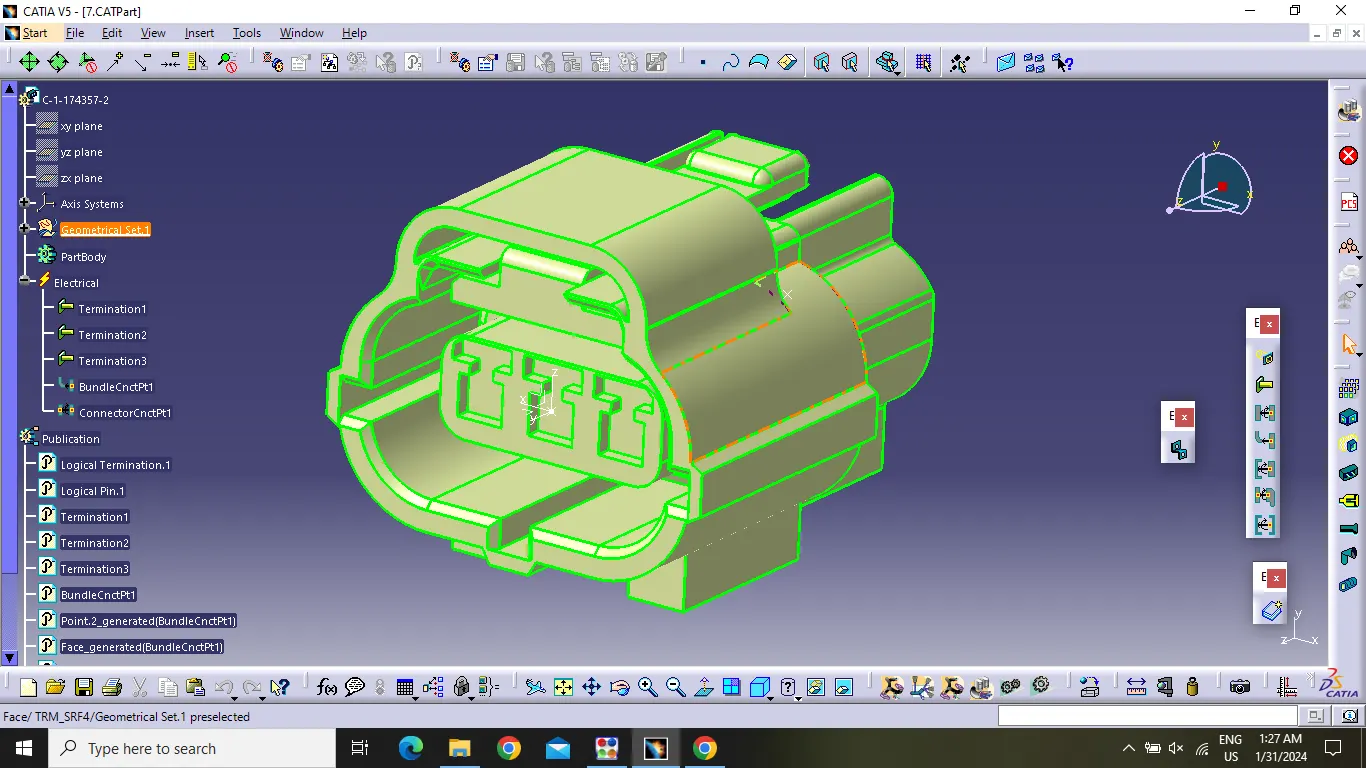
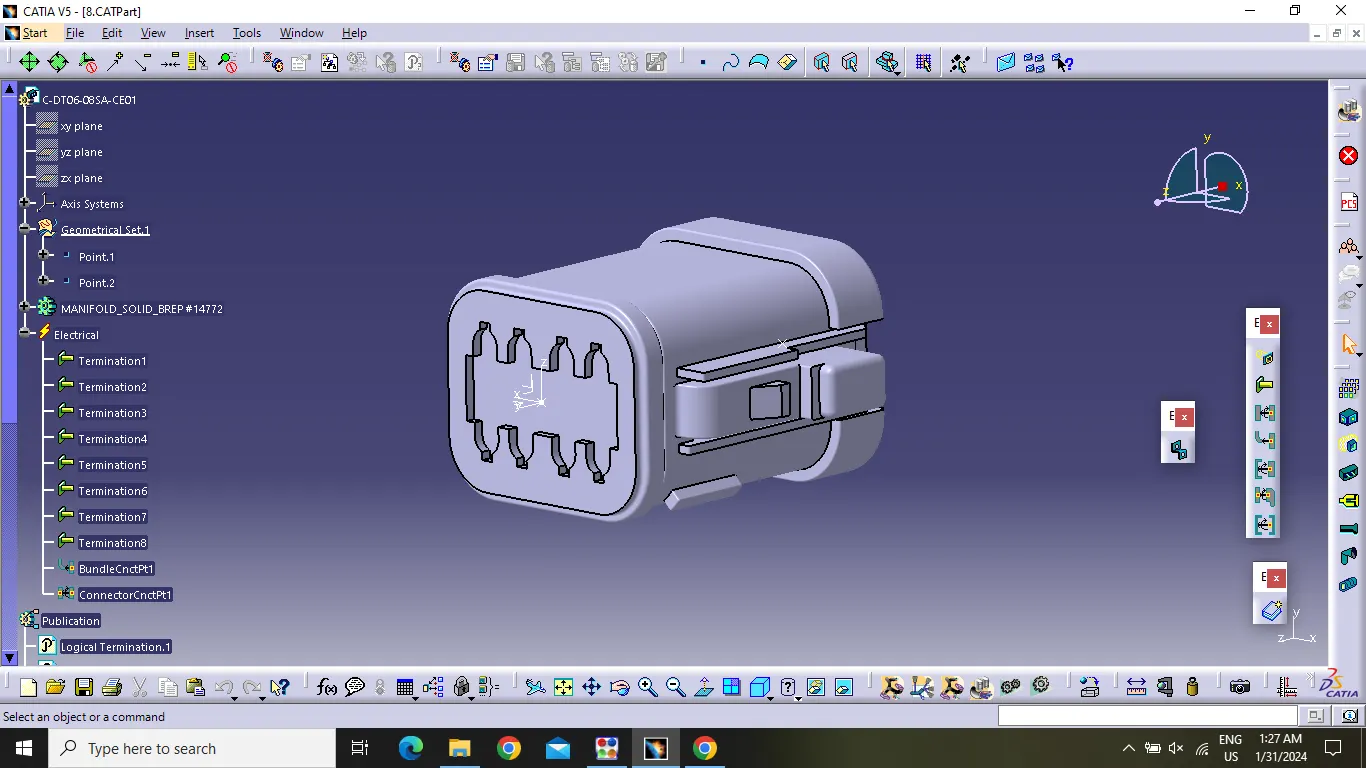
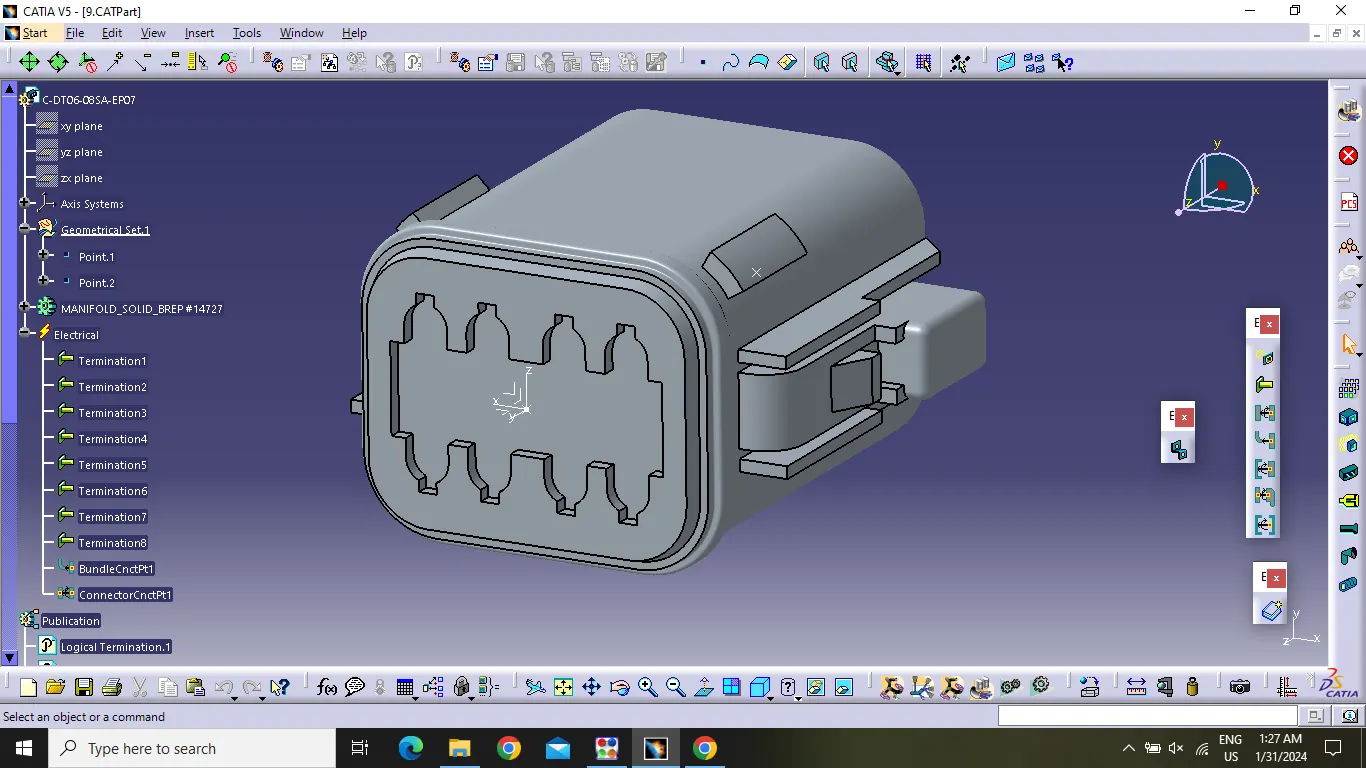
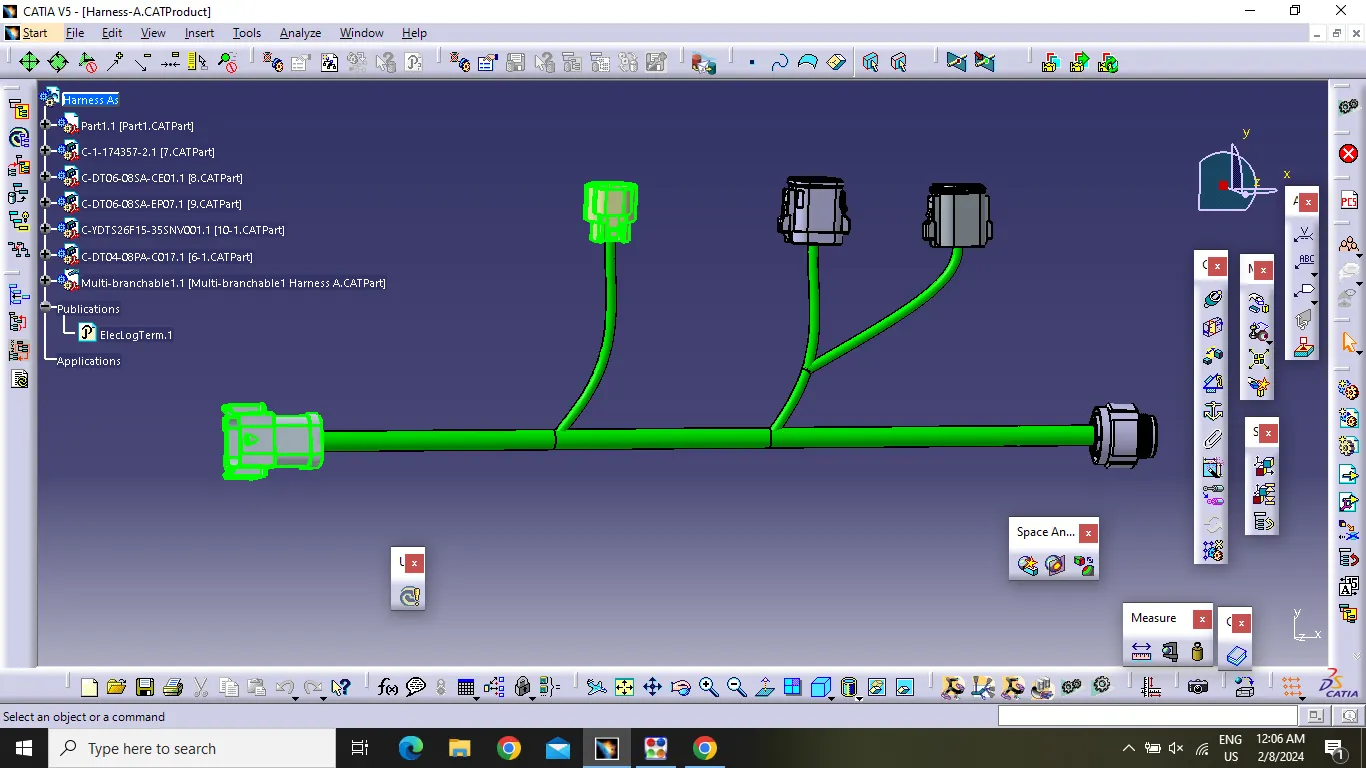
Harness A:
After defining the connectors electrically and gemetrically , then switch to Electrical harness assembly where gemonetrical bundle was activated . all the connectors were rounted using the multi -branching document command.
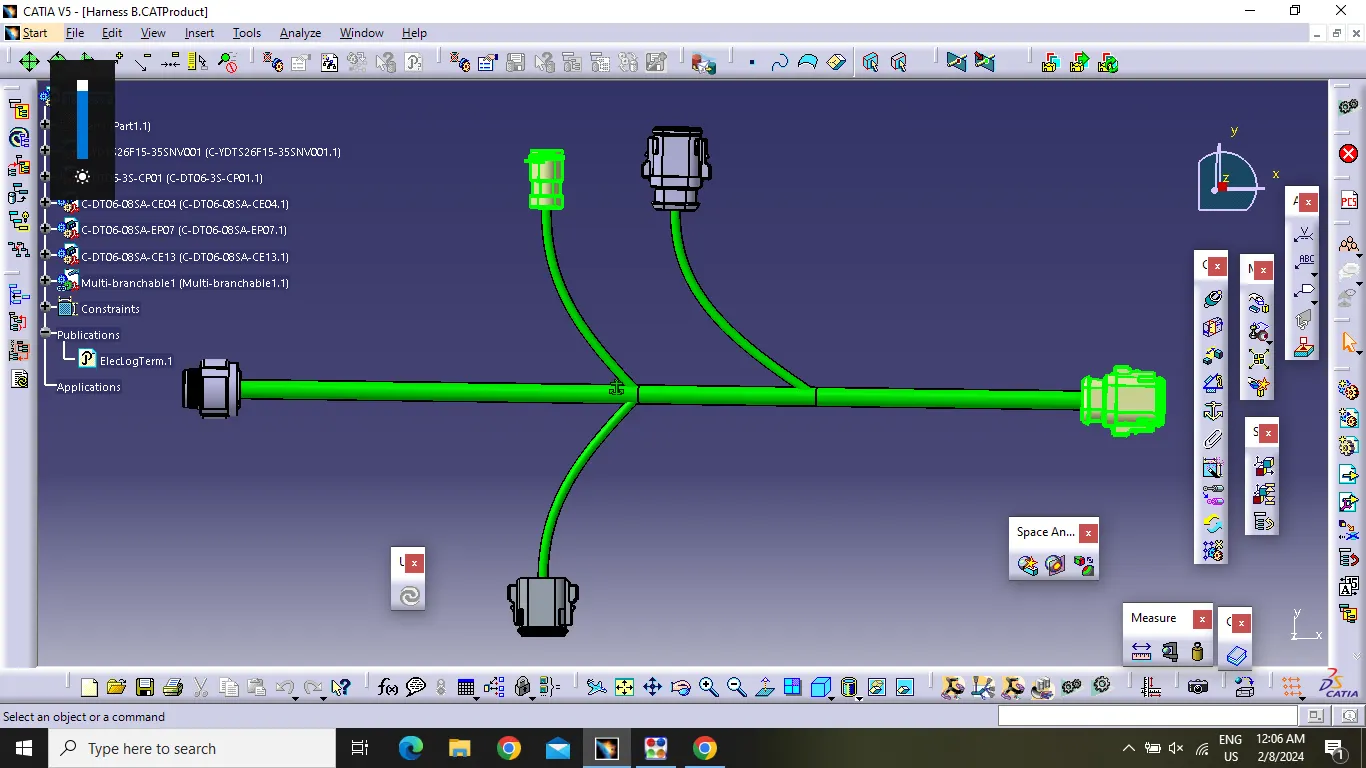
Harness B:
After defining the connectors electrically and gemetrically , then switch to Electrical harness assembly where gemonetrical bundle was activated . all the connectors were rounted using the multi -branching document command.
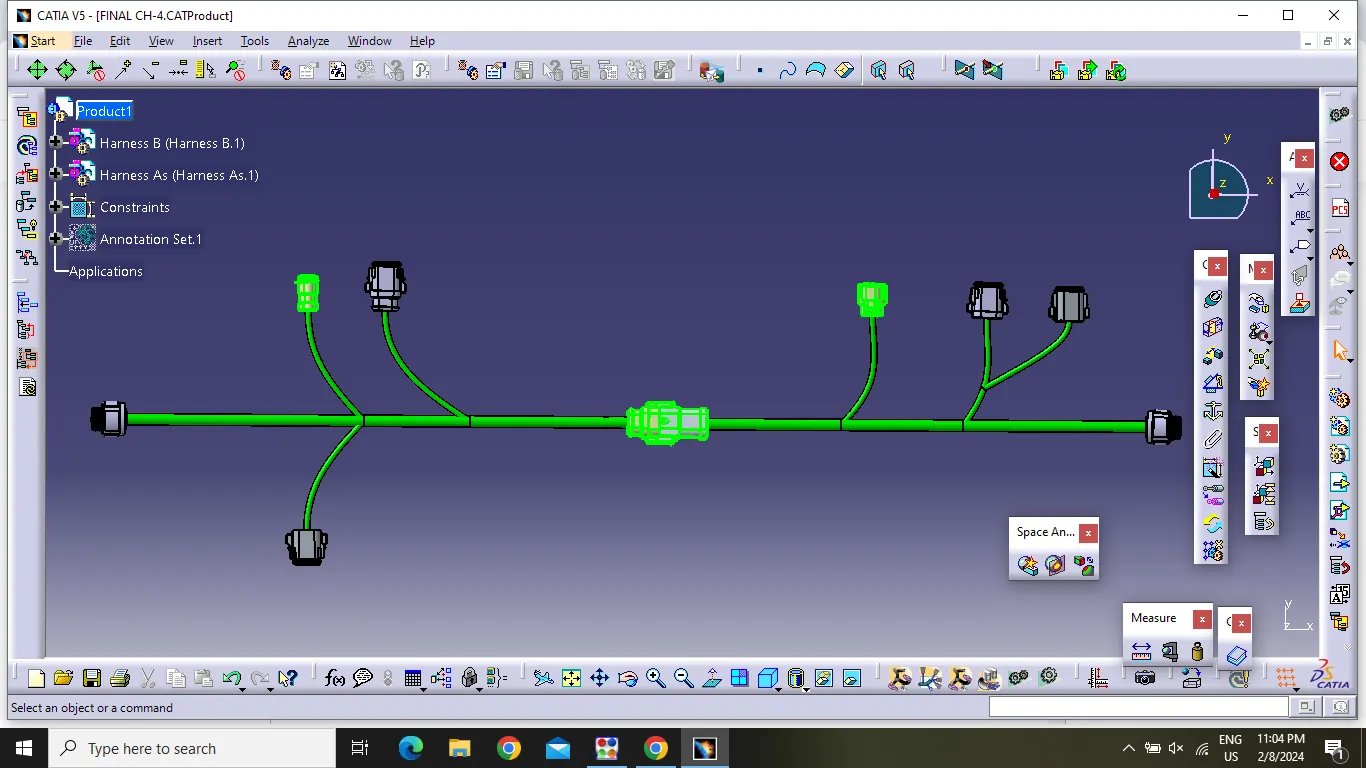
Harness Assembly:
Now Switch to Assembly Design and Insert Harness A and Harness B .then Switch to Electrical Assembly design, connect the two connectors with the help of Connect Electrical Devices tool.
Annotation creation .