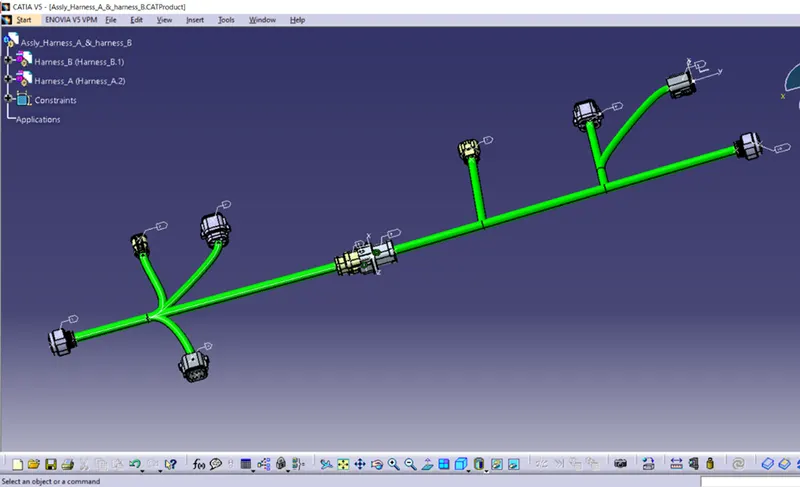
Wiring harness design in CATIA V5 - 3D modeling Week 5 & 6 Challenge
Wire Harness Assembly
Wire Harness Assembly: -
In Wie harness Assembly some time there are some sub assembly
First step is to download the CAD file of required parts like Connector, Back shell, corrugated tubes, clips etc.
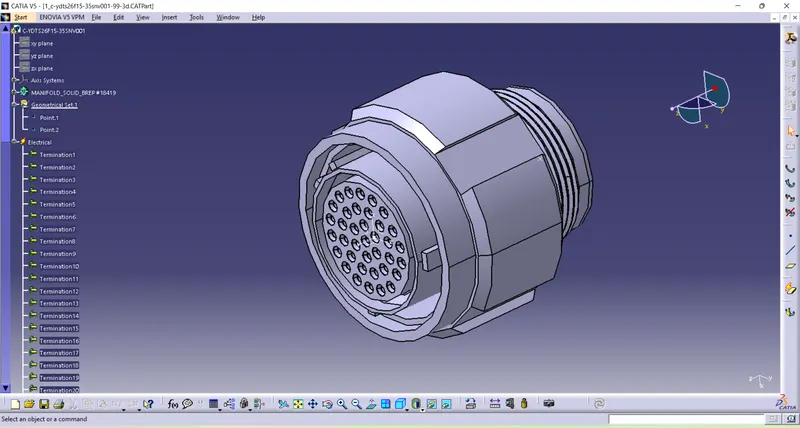
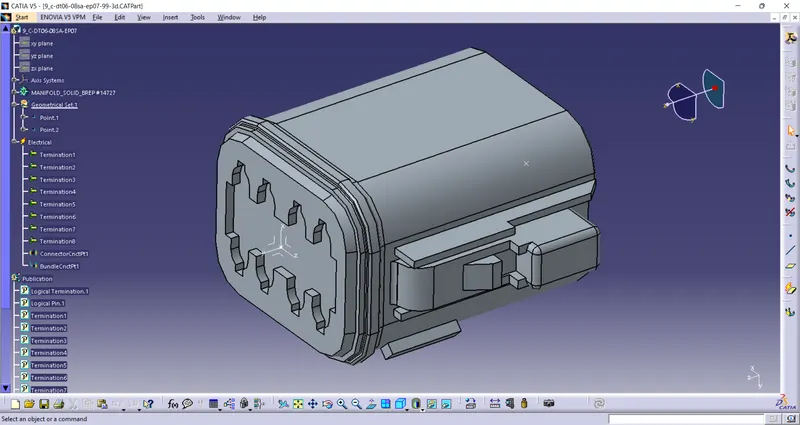
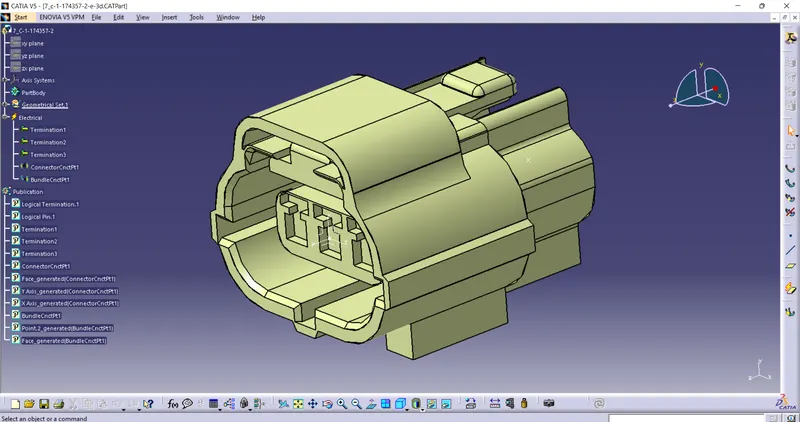
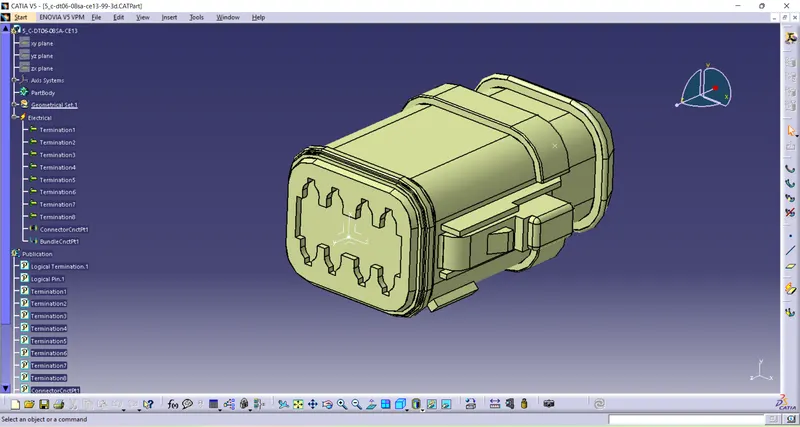
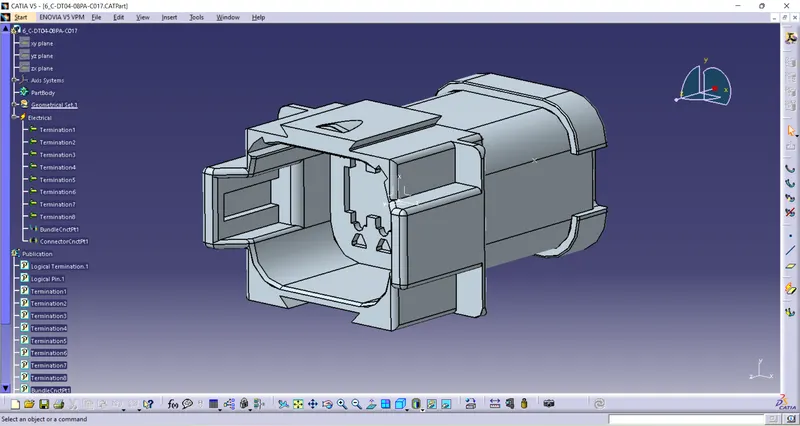
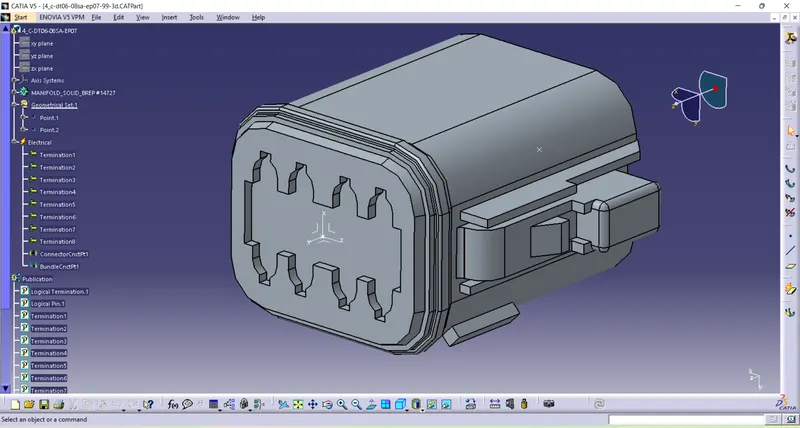
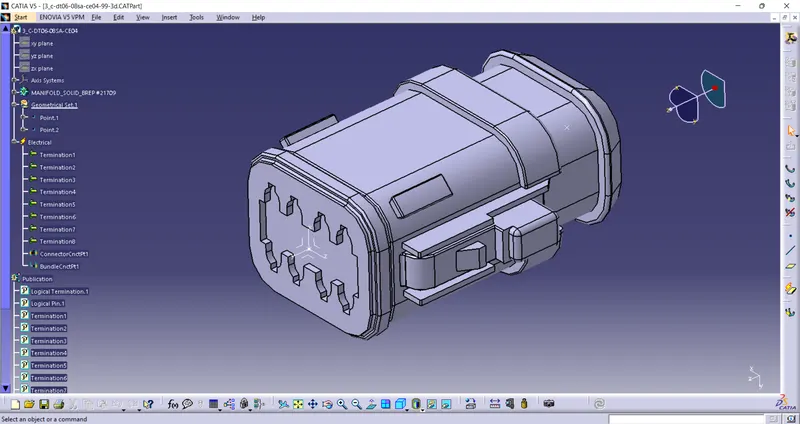
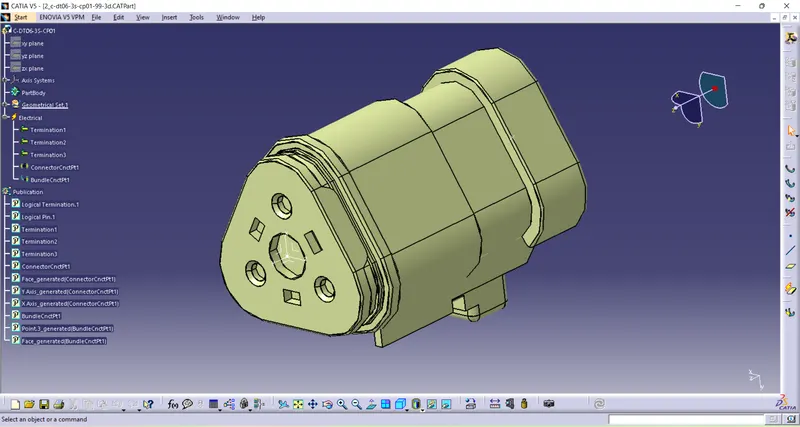
Then it is important to define all the component electrically like here is our project we have to define connector electrically
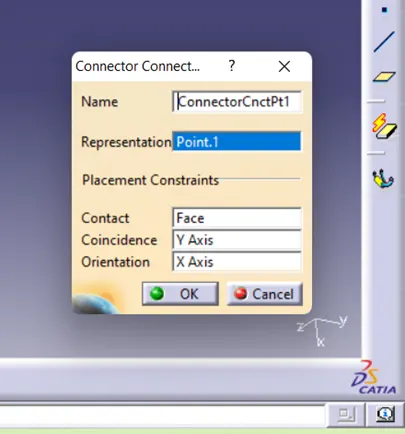
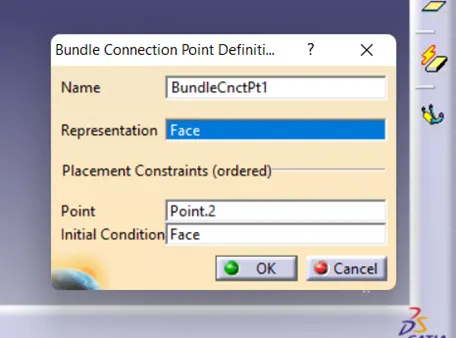
For connector we define connecter connection point & bundle entry point.
To define connector connection point, we need axis for coincidence axis and Orientation axis.
For Bundle connection point we need just point oriented on same face where bundle will touch.
This are the connector define electrically with Connector connction point and bundle entry point
Catalogue For Connector: -
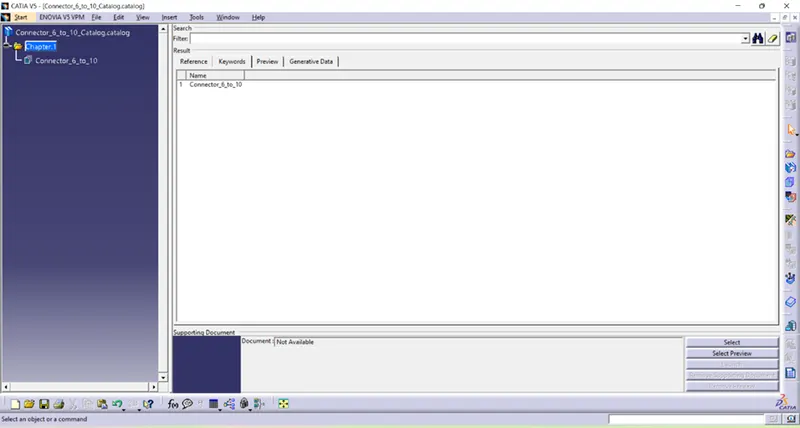
Catalogue is basically store of components from where we can easily pick up component in to assembly
We made Catalogue for connectors separate for two assemblies
Catalouge for Hanress B
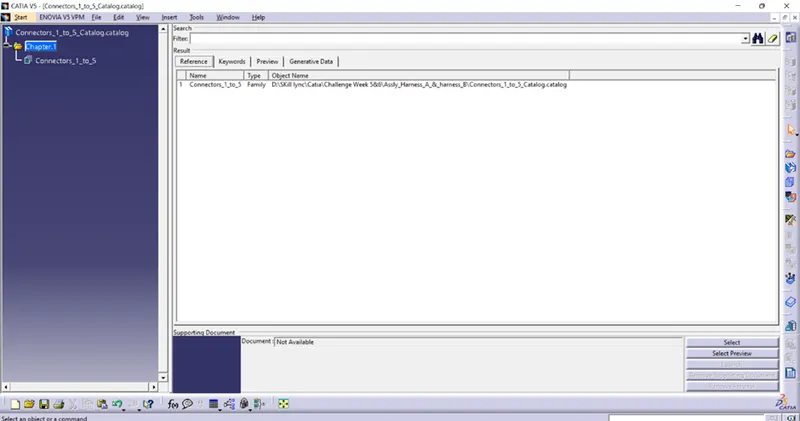
Catalouge for Hanress B
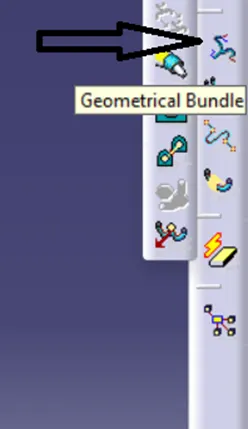
Geometrical Bundle: -
Before routing it is very important to add all the component in geometrical bundle then we can route otherwise route will not happen.
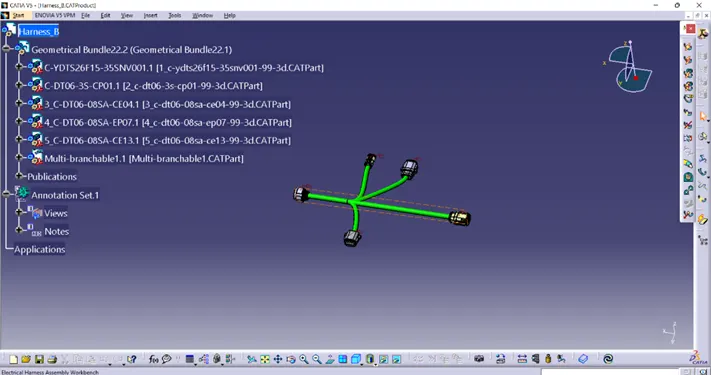
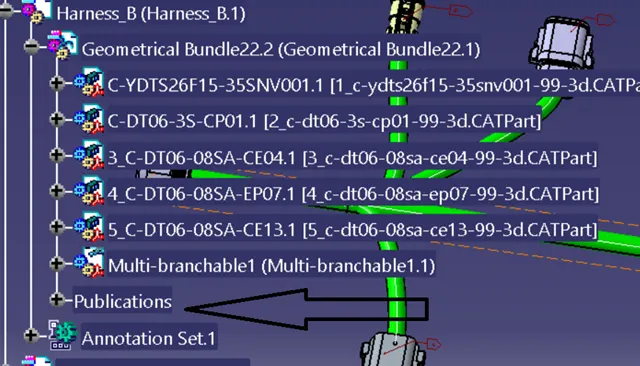
After creating geometrical bundle, the publications are added in tree
Harness bundle: -
Harness bundle consist of many individual wires into it which are bundled in circular form.
Resultant bundle diameter of harness is sum of Cross section area of all wires + area covered by Air gaps. Generally, it is taken 10% of total diameter for more than 2 wires bundle
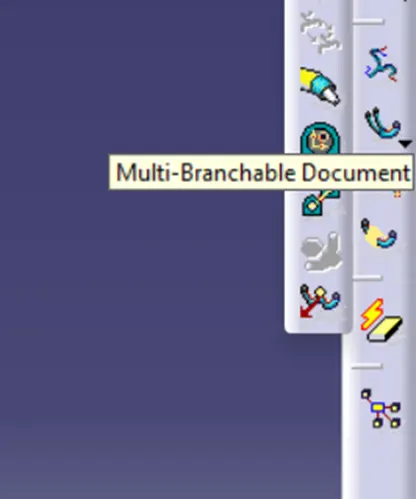
For Making branches we use this command "Multi-Branchable Document"
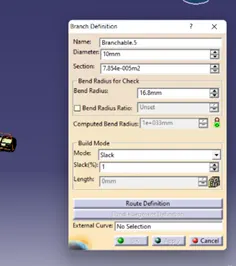
After that branch definition box will open here, we have to fill the data of bundle like diameter, bend radius, slack
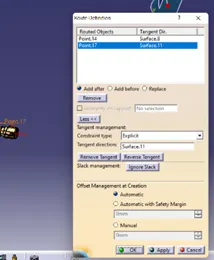
In the bottom of box, we can see Route definition, in this command we have to select two point where we have to connect this branch
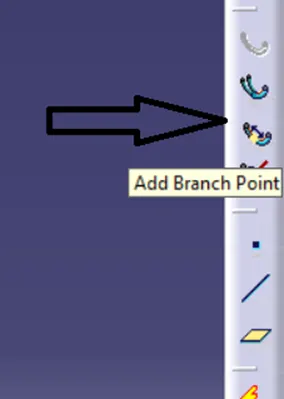
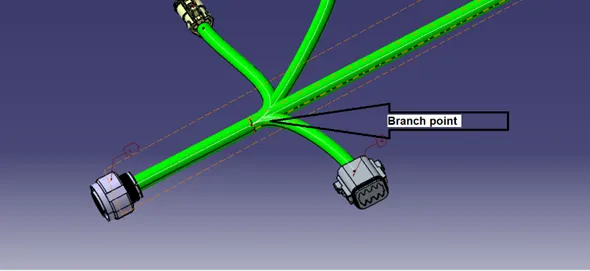
In routeing most of there are sub branches for this branch we have another command known as Add branch point
Interconnection of two harnesses: -
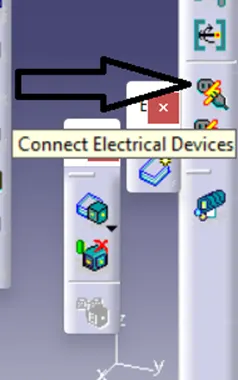
In interconnection two harnesses are connected with connector using command ' Connect Elctrical Devices '
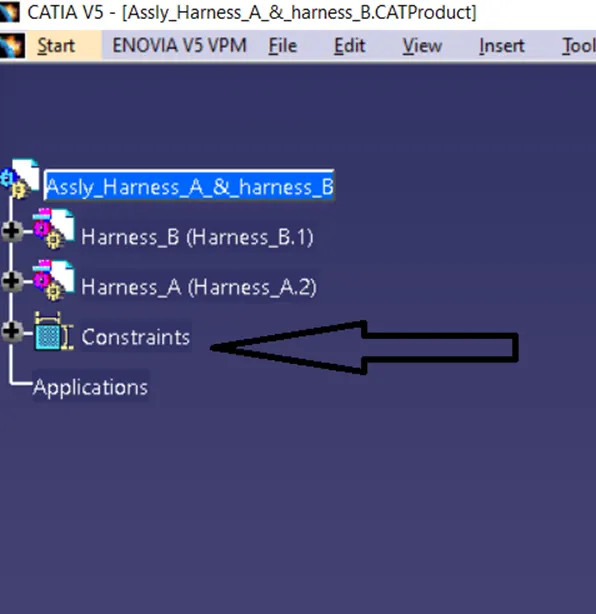
When we connect two harness assembly the constrains are form in three
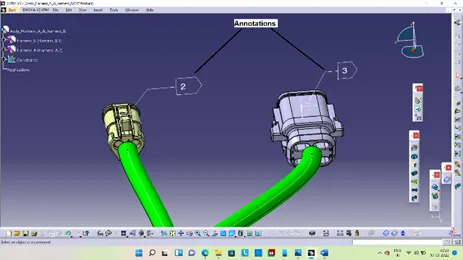
Annotations: -
An annotation is a note or comment added to a text to provide explanation about component
Final Assembly: -