Wiring harness design in CATIA V5 - 3D modeling Week 5 & 6 Challenge
*) Define all the connectors as electrical component and also define respective connection points uing geometrical parameters.
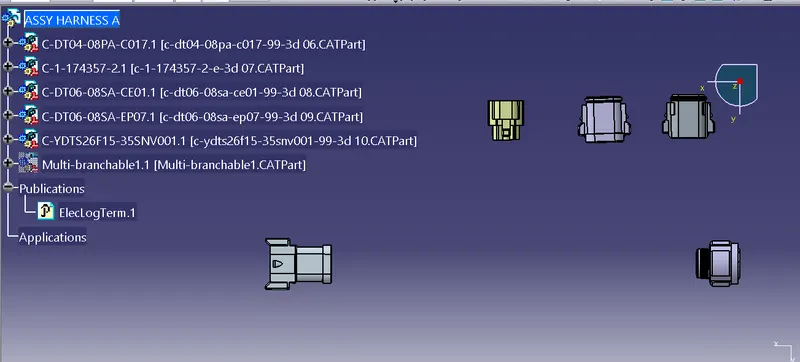
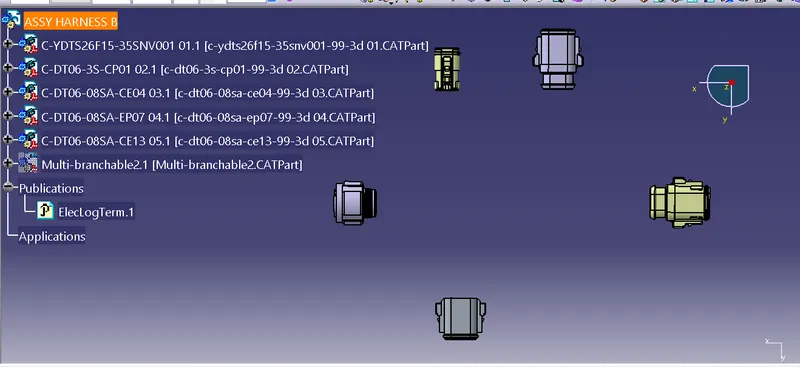
*) Place the all connectors at the specified positions as shown the Harness layout.
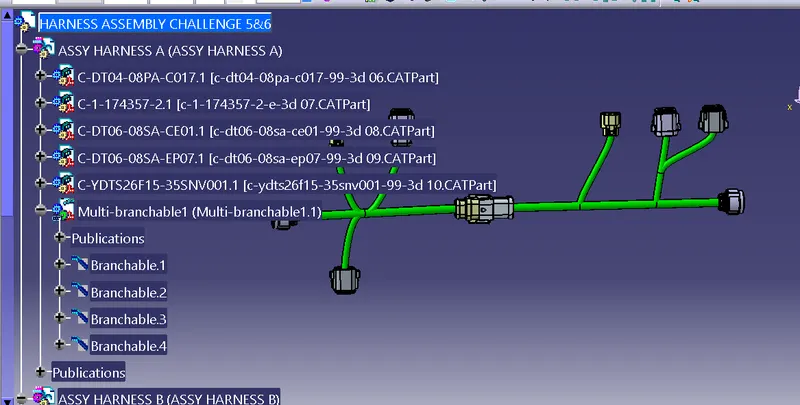
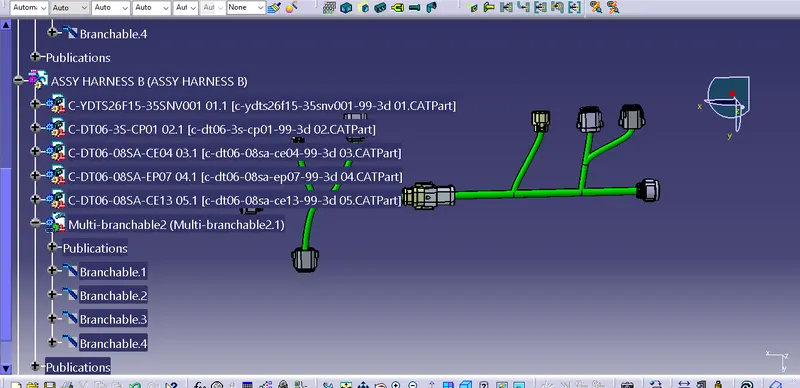
*) The below imags shows the Harness A an Harness B layout
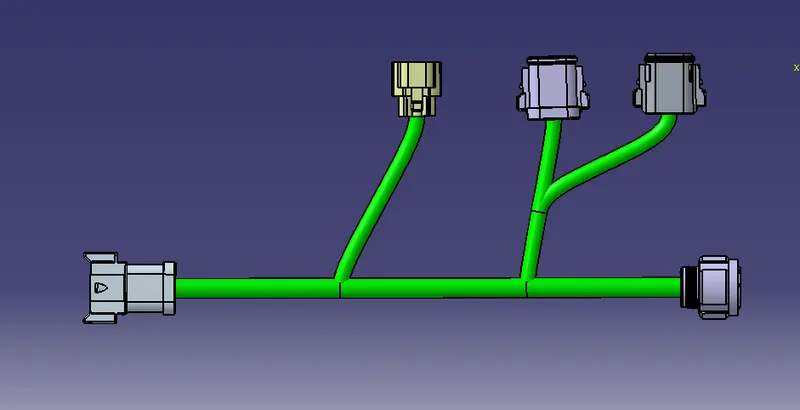
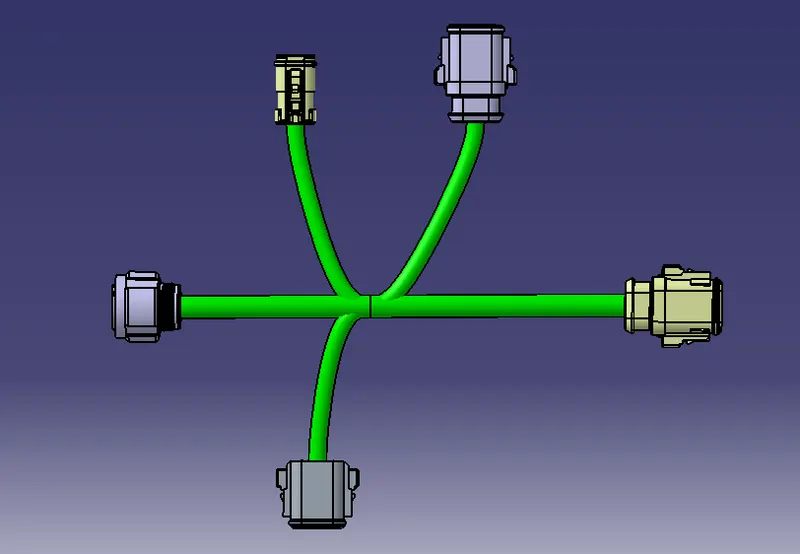
*) Create wiring harness bundles to connect connectors each other.
*) Below images shows the bundles harness with different branches.
*) Assemble both Harness A & Harnes B in assembly workbench.
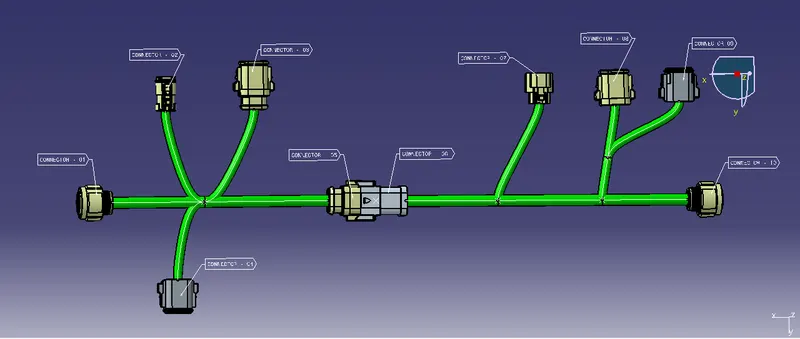
*) Also add annotation to all the connectors.
*) below image shows the annotation given to the connectcors.
*) Check for bundle connetivity
*) Below are the snap images shows the bundle connectivity of both Harness A & Harness B
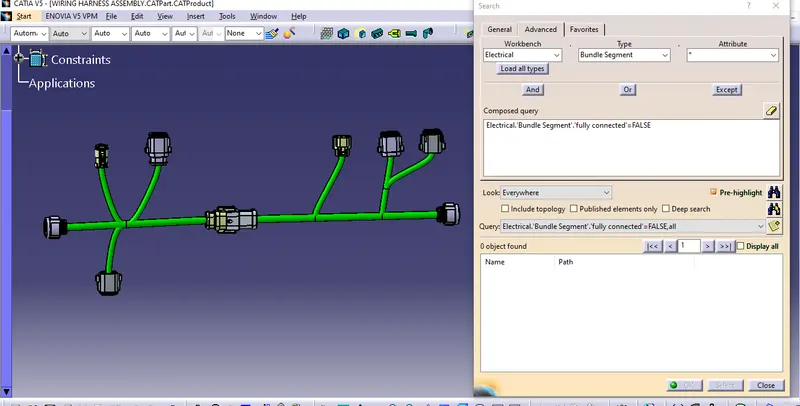
*) Also Check for Bundle warning
*) No bundle warning seen in the both Harnesses.
*) CAT.part & .igs are attached in the attachment.