Wiring harness design in CATIA V5 - 3D modeling Week 5 & 6 Challenge
Aim: To define the electrical parameters for the given connectors and also create the wire harness according to the given challenge.
Procedure for defining the electrical parameters:
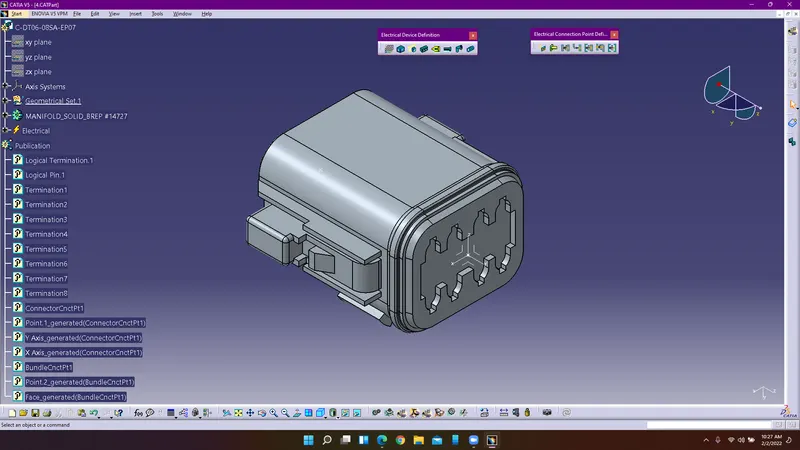
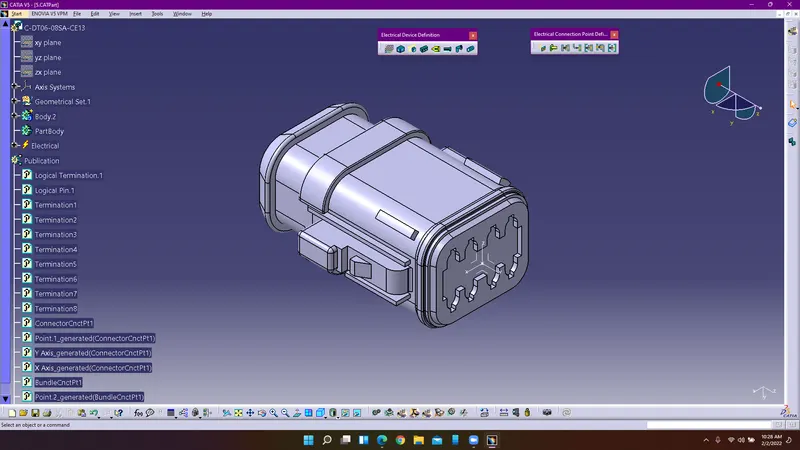
1. Enter into part design workbench and create points where the connector connection and bundle connection happens. Insert an axis system at the connector connection point.
2. Enter into electrical part design workbench to define the electrical parameters for the connector. Use define connector command to define the connector electrically.
3. Provide the number of terminals and use define connector connection point and bundle connection point to define the connector connection and bundle conection.
4. Select the points where the bundle and connector connection is going to happen.
5. Similarly follow the same procedure to define them electrically.
6. Save the connectors and make sure each connector is added into the connectors catalogue of family electrical.
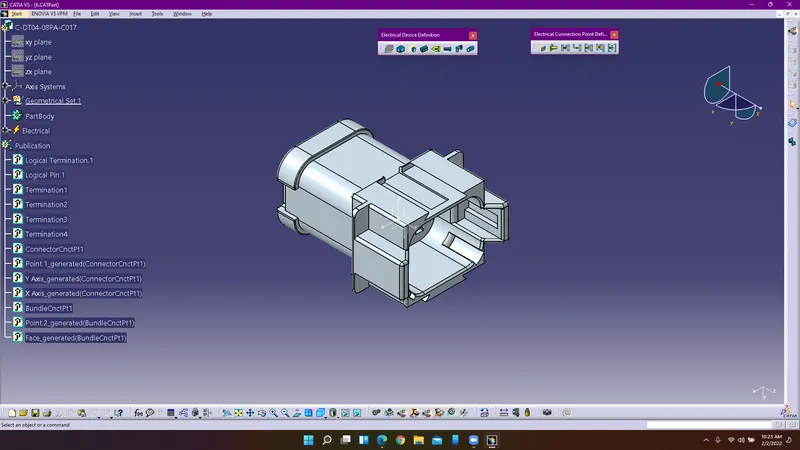
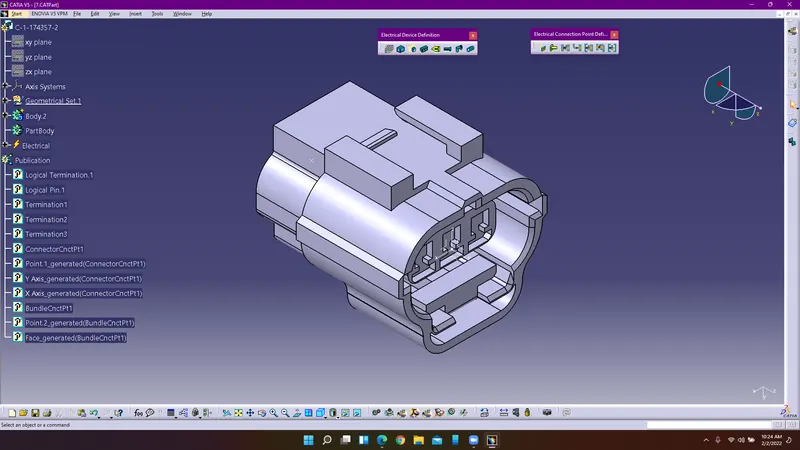
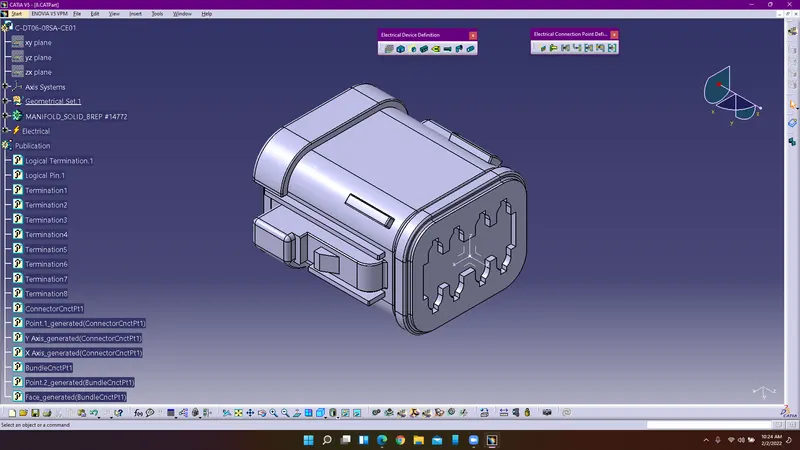
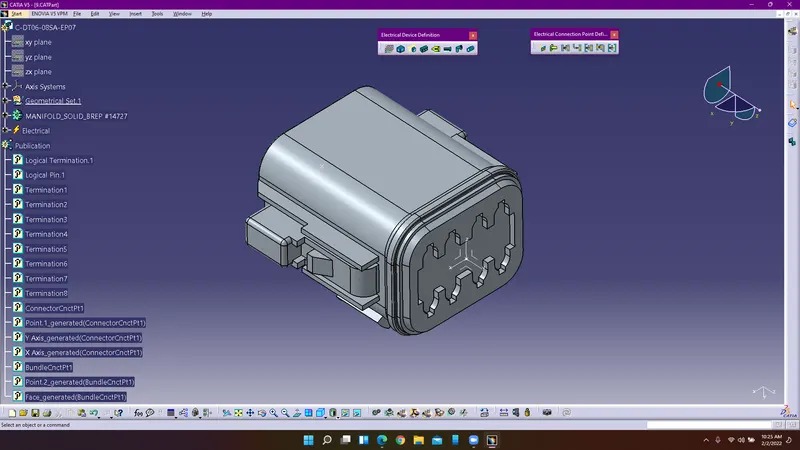
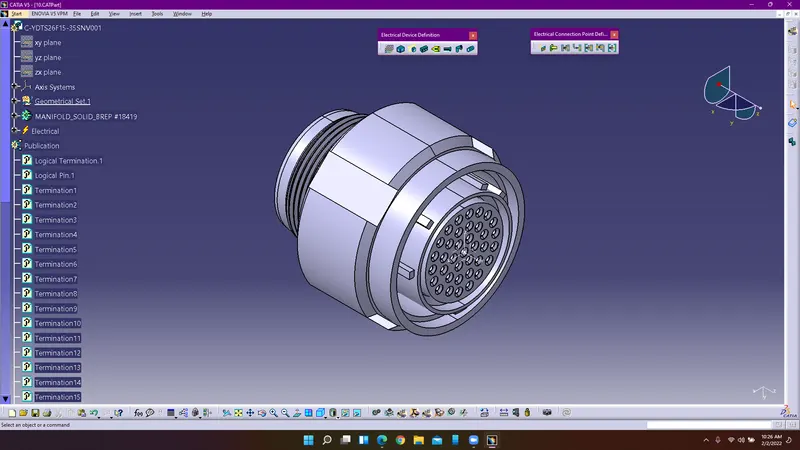
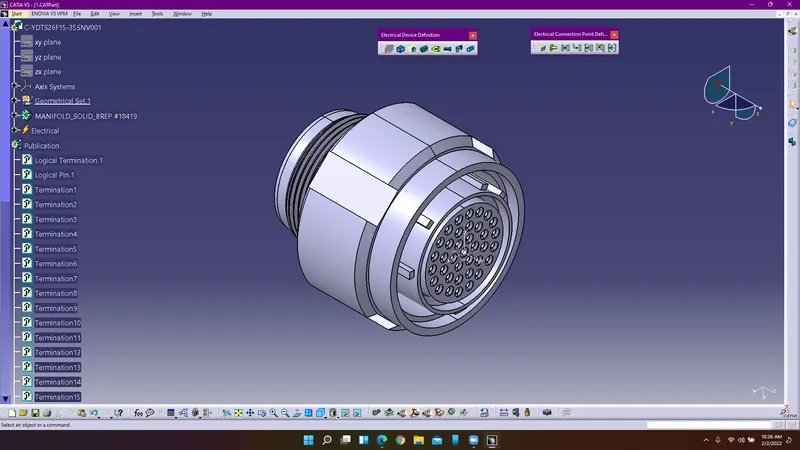
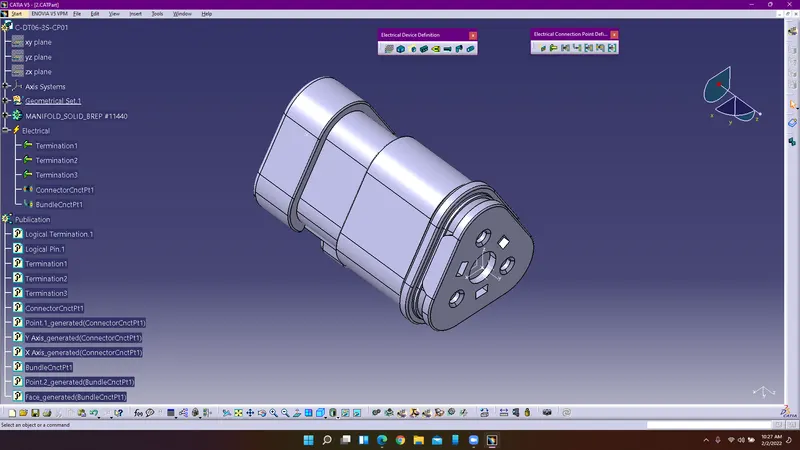
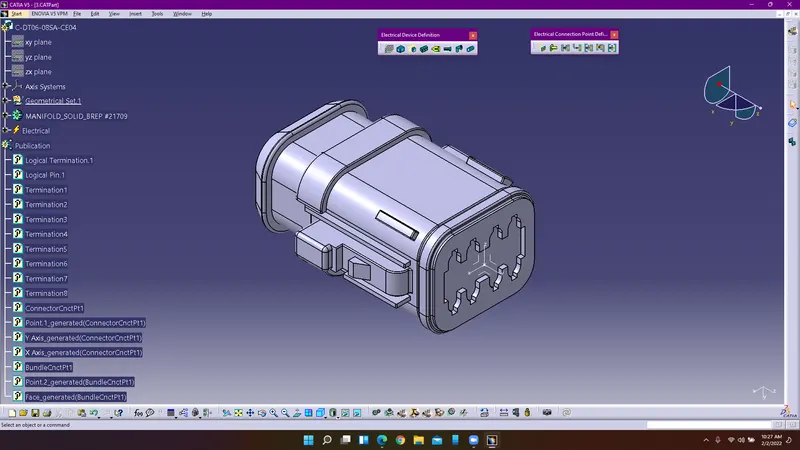
Procedure for creating routing for harness A:
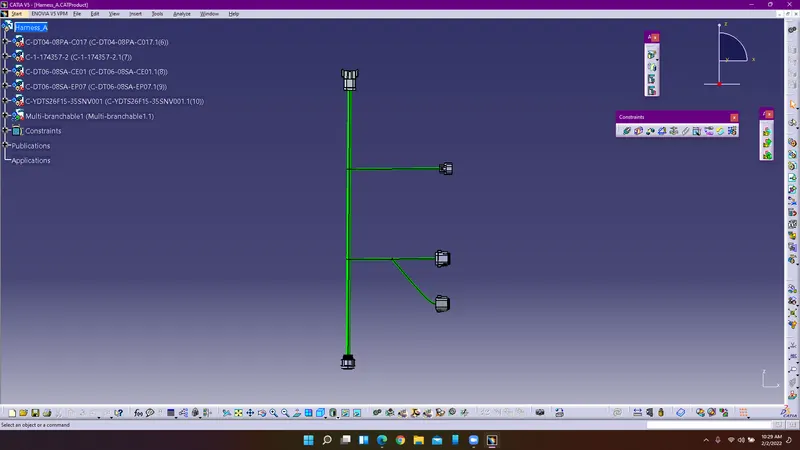
1. Import the required connectors from the folder and place the connectors in appropriate position using snap and smart move commands.
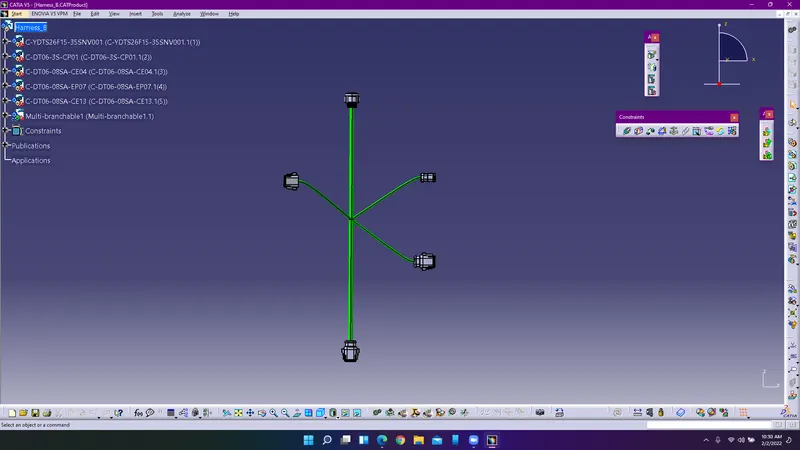
2. Arrange them according to the given challange and enter into electrical assembly design use multi branchable point to create the bundle from one connector to the another. Use bunble branch to create the branch point on the bundle.
3. Similarly follow the same procedure to create routing for harness B.
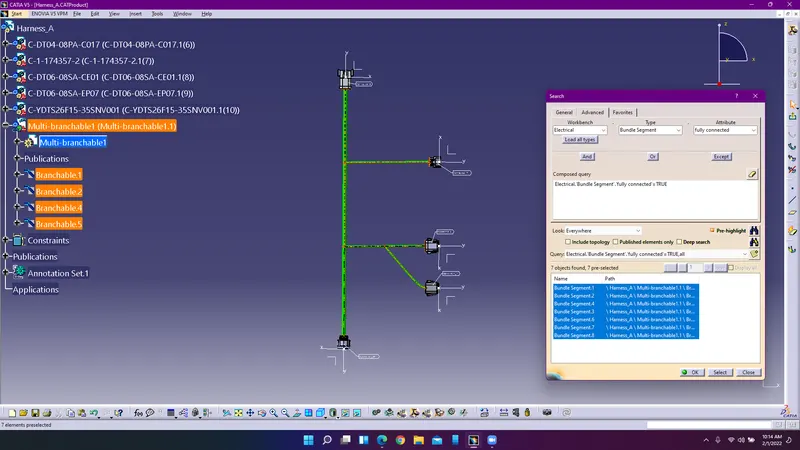
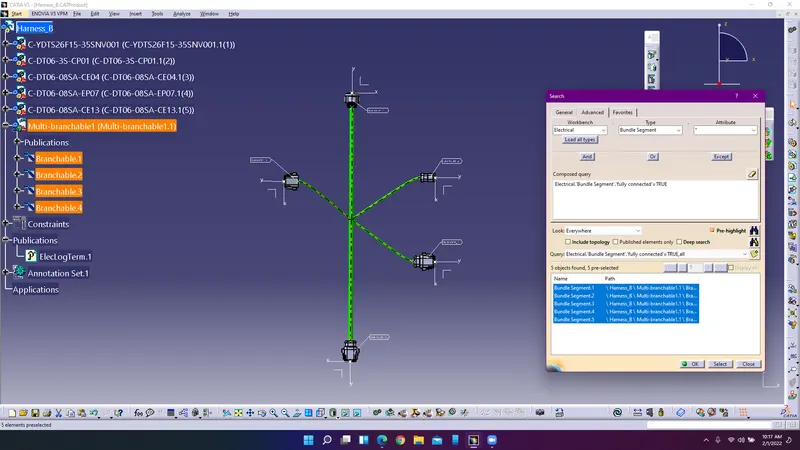
Bundle Continuity:
Connection Between Harness A & B:
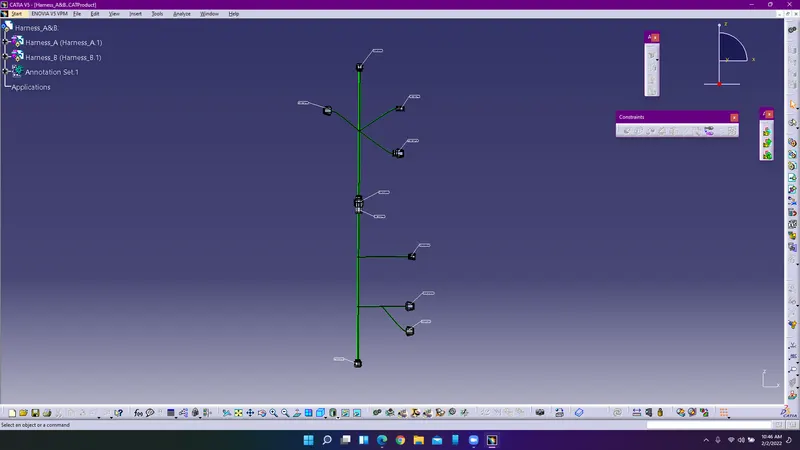
Create a new product and insert the harness A product and B product to create connection between 5 and 6 connector using electrical assembly design workbench.
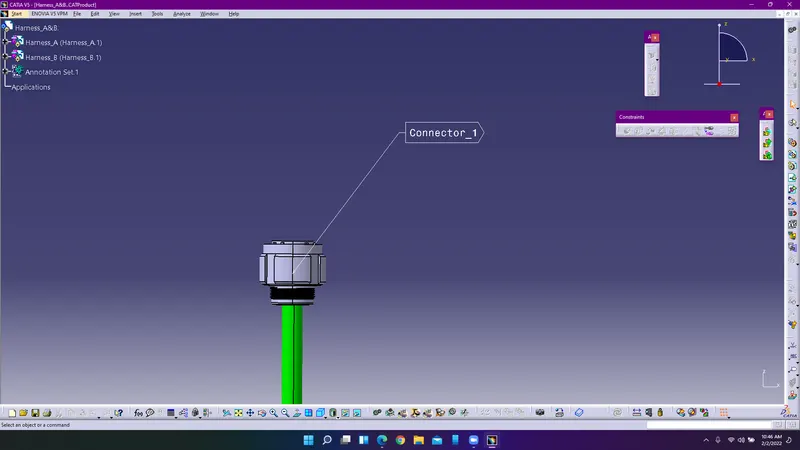
Create the annotations by selecting the front view and provide the annotations for the connectors accordingly.
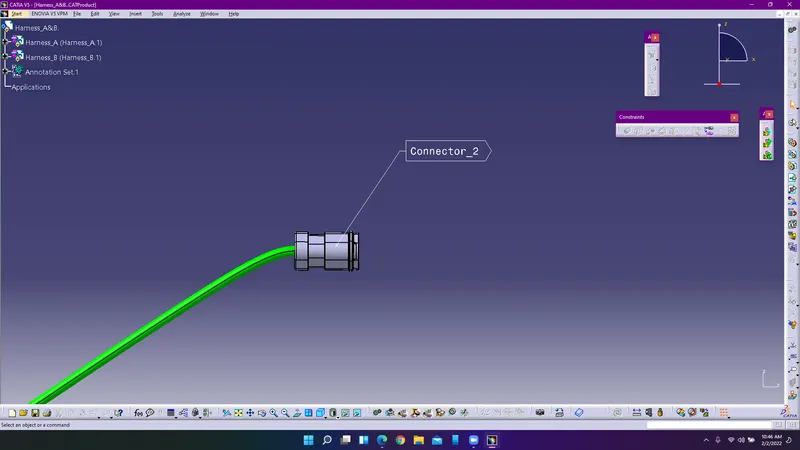
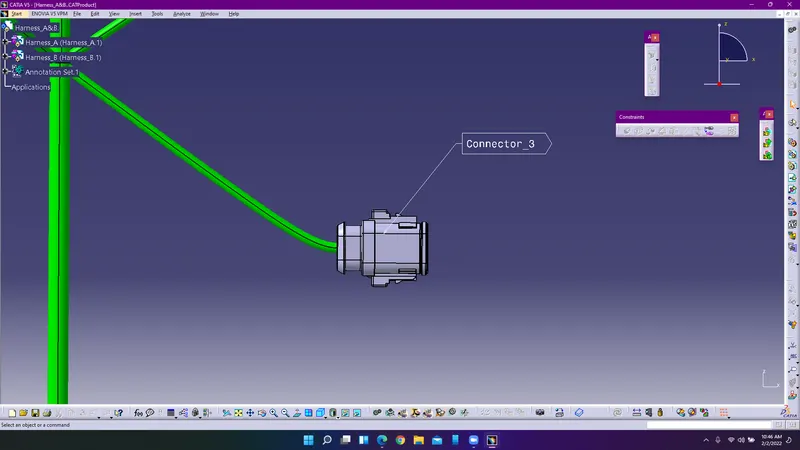
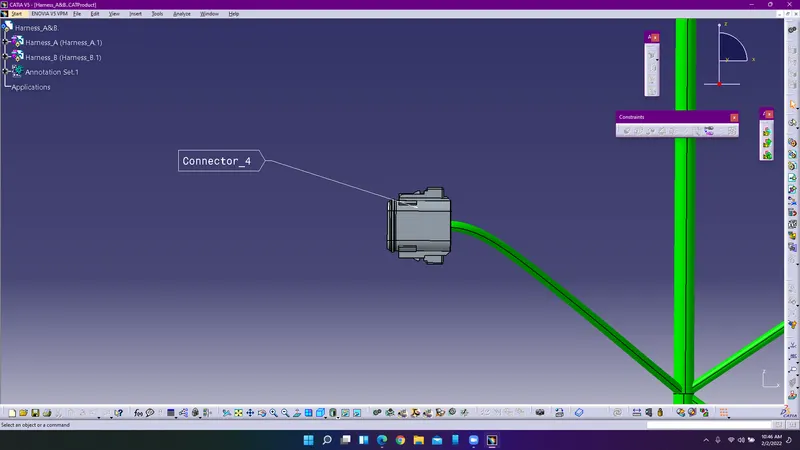
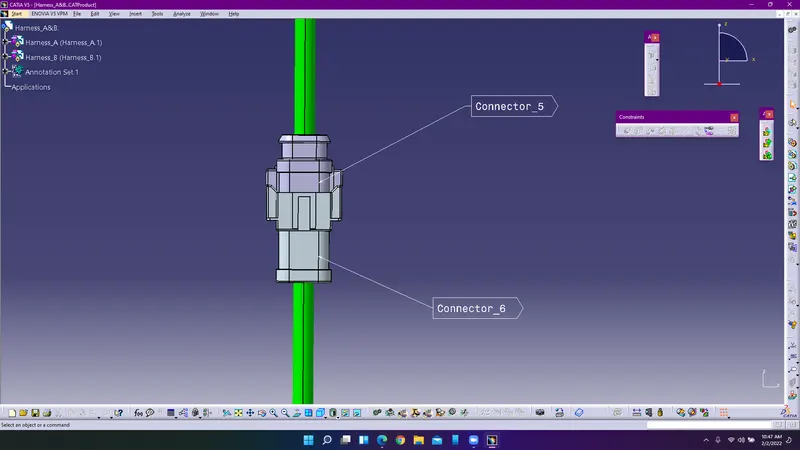
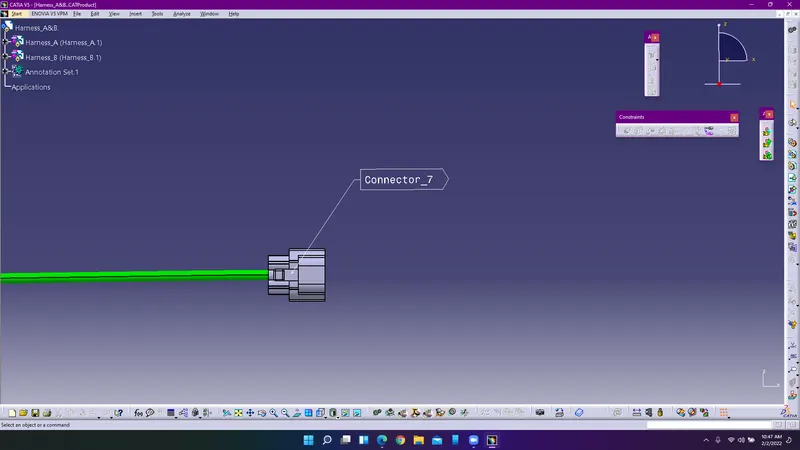
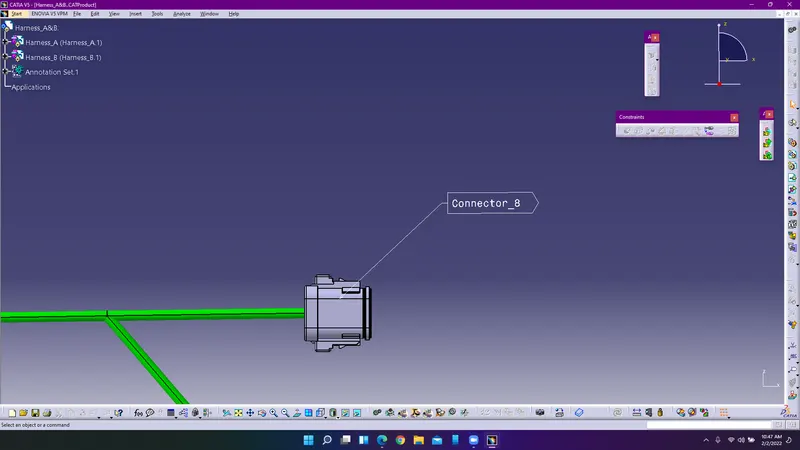
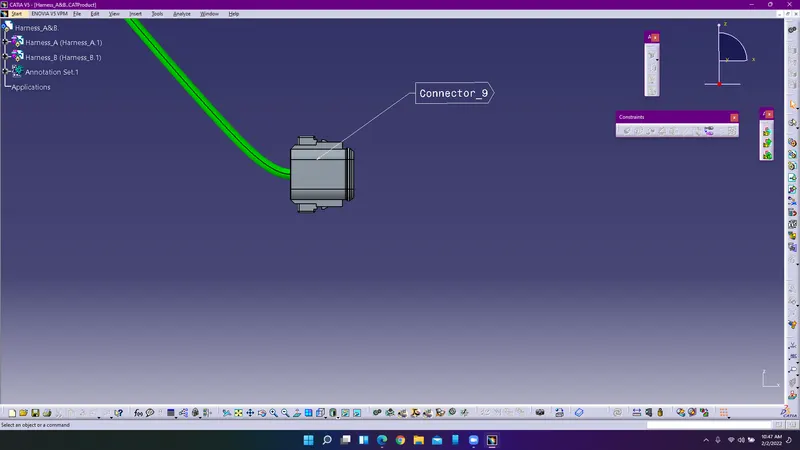
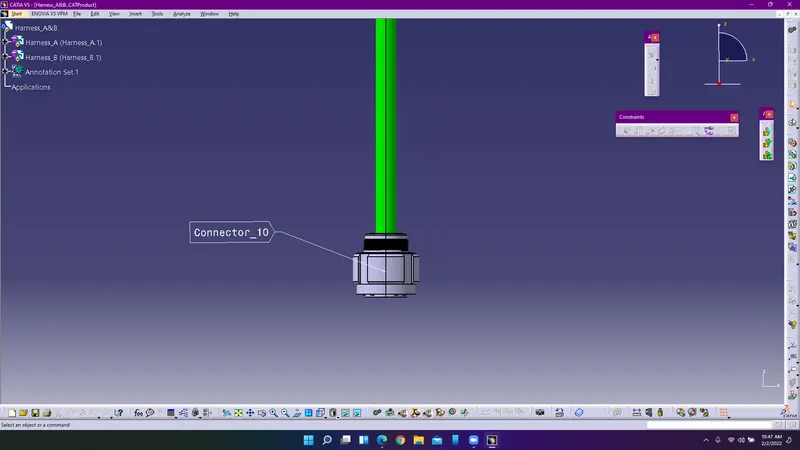
Use generate catpart from product command to convert assembly product into part.
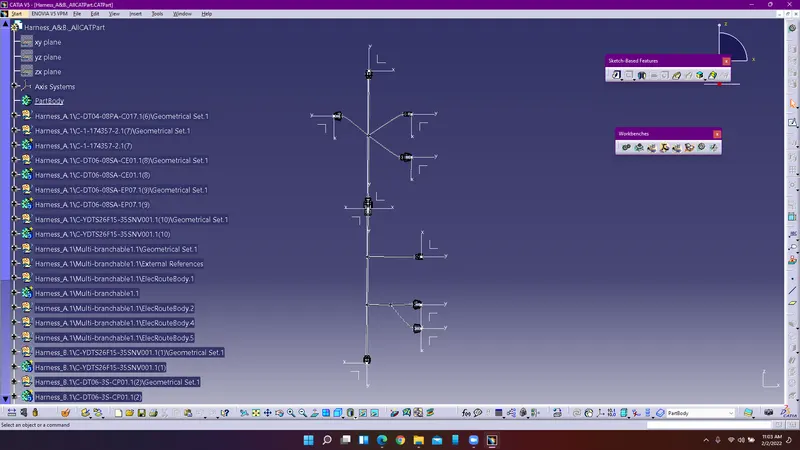
Save the catpart file which is generated from the product in the format of IGES to create the file in .igs format.