Wiring harness design in CATIA V5 - 3D modeling Week 5 & 6 Challenge
CREATION OF HARNESS A AND HARNESS B
HARNESS A
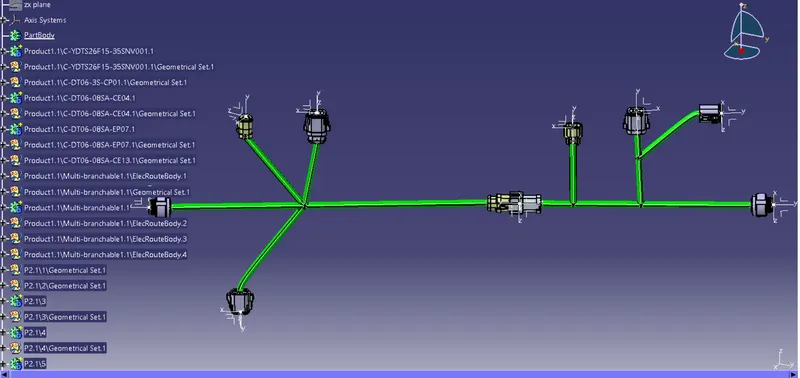
After the successful installation of the required connectors from the link provided in this challenge we have to define it electrically, We have to follow the same procedure to define it as electrically as we observed in the previous challenge, like we have place a point in the center of the bundle connection surface of the connector and one more point on the connector connection side of the connector and then we have to insert an axis system on the point which is placed on the connector connection side of the connector, And then we have defined as electrically, with the commands available in the electrical part assembly, we also have to create a catalog and insert all the connectors in that.
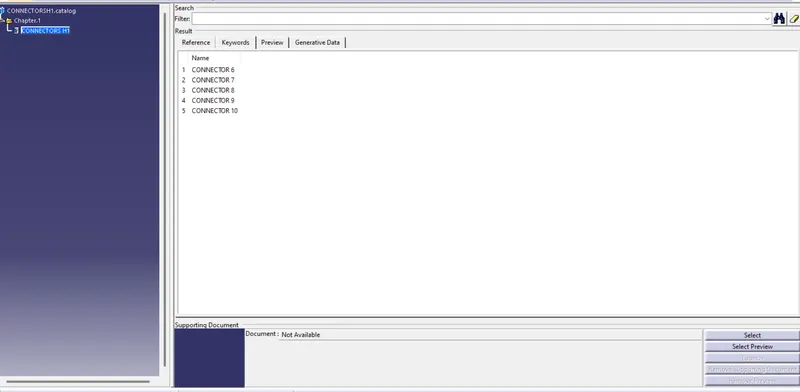
Create a new product and insert all the connectors required to insert the branch within that and also it is necessary to insert a branch point in between the branches in order to create a new branch from that point to the new connector,
*HARNESS B
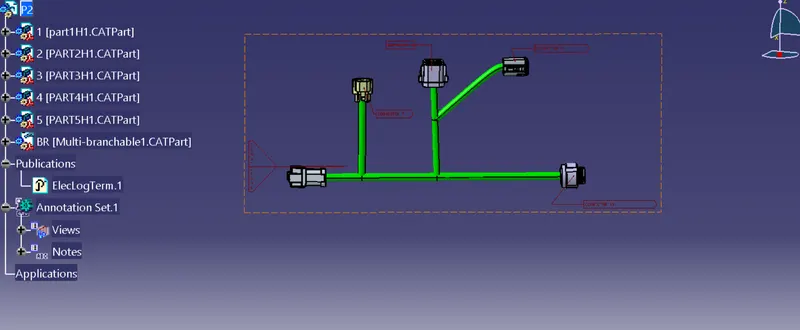
After the successful installation of the required connectors from the link provided in this challenge we have to define it electrically,We have to follow the same procedure to define it as electrically as we observed in the previous challenge, like we have place a point in the center of the bundle connection surface of the connector and one more point on the connector connection side of the connector and then we have to insert an axis system on the point which is placed on the connector connection side of the connector, And then we have defined as electrically, with the commands available in the electrical part assembly, we also have to create a catalog and insert all the connectors in that.
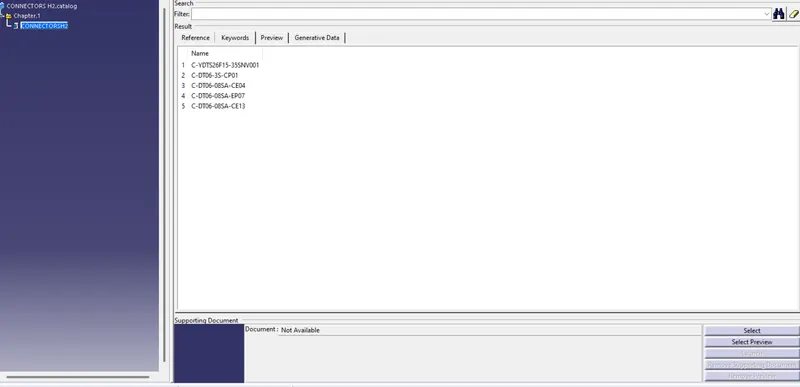
Create a new product and insert all the connectors required to insert the branch within that and also it is necessary to insert a branch point in between the branches in order to create a new branch from that point to the new connector,
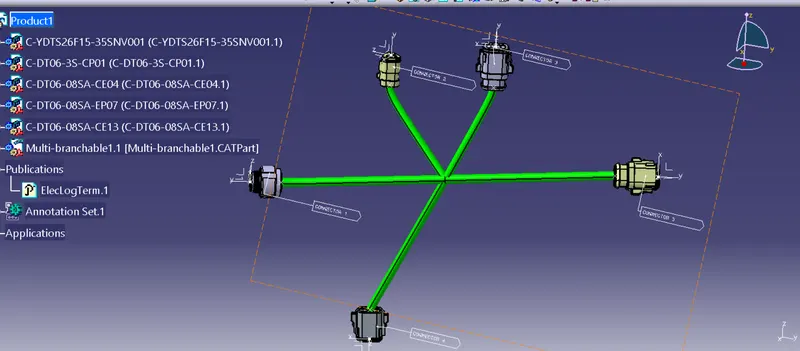
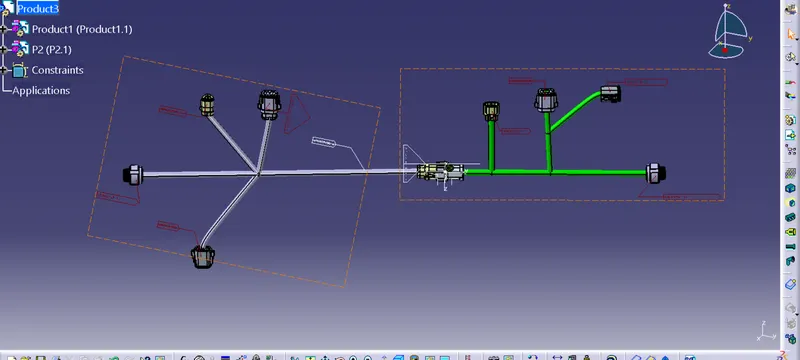
WE HAVE TO INSERT THI BOTH HARNESS A AND HARNESS B IN A NEW PRODUCT AND MAKE AN INTERCONNECTION BETWEEN THEM AND THIS IS HOW IT LOOKS-
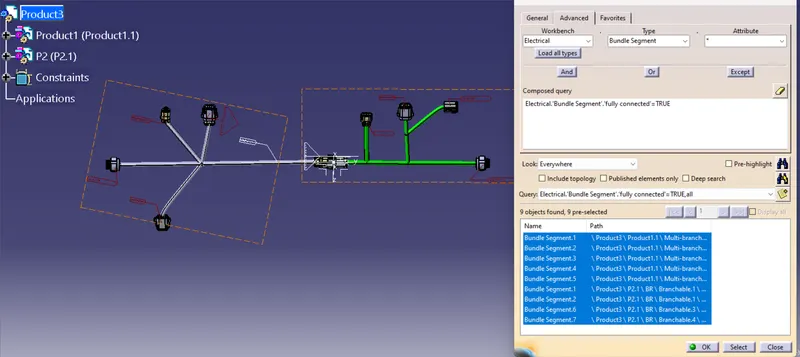
Checking the connectivity of the bundles by using the search option and make sure its fully connected.
AFTER COMPLETING THE PRODUCT (HARNESS A & HARNESS B) also create Catpart from the assembly by using the convert catproduct to catpart option.