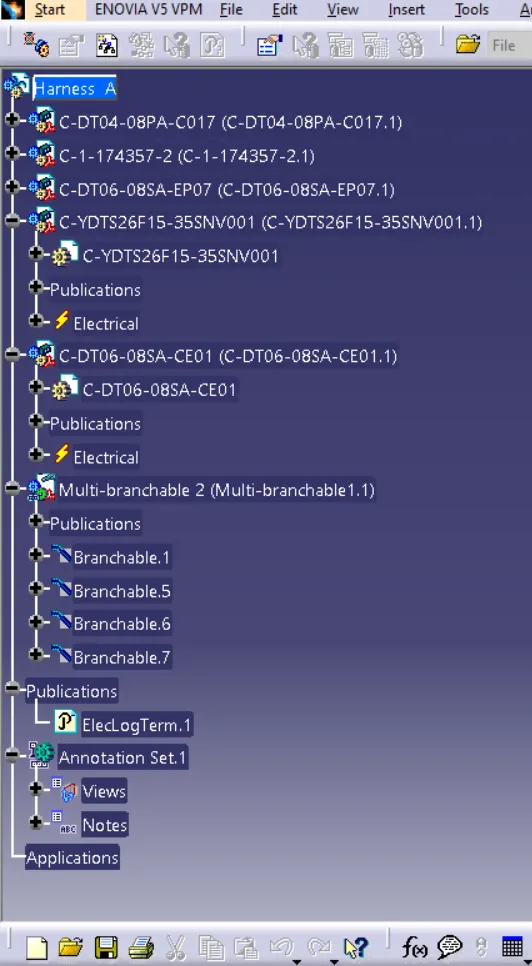
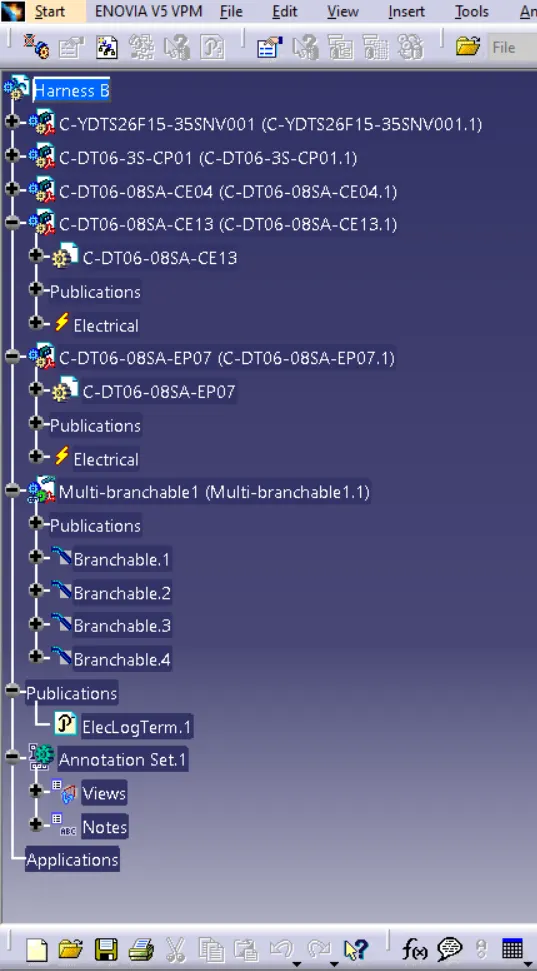
Wiring harness design in CATIA V5 - 3D modeling Week 5 & 6 Challenge
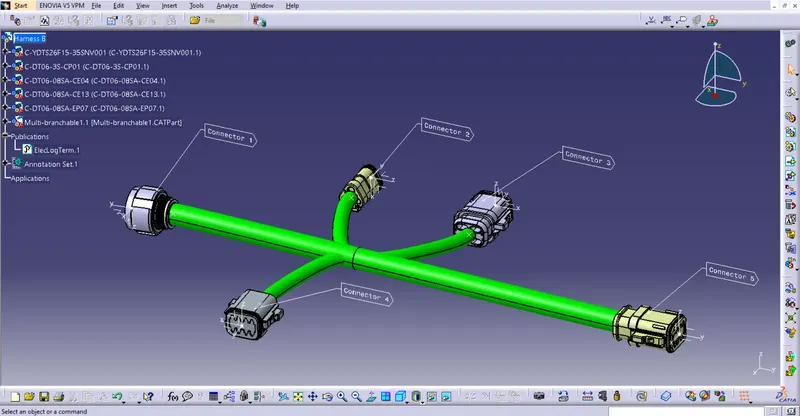
Procedure followed to route the wiring harness :
- First download the connector 3D data for all connectors from www.te.com
- Create the required geometrical parameters such as points and axis system
- Define parts as connectors from electrical part design workbench
- Define bundle connection point
- Define connector connection point
- Create new products as Harness A & Harness B
- Add all the connectors to respective bundles
- Place all the connectors in their position using manupulation tool
- Now in electrical harness assembly use geometrical bundle to convert in electrical
- In electrical harness installation use branch definition and route the wiring harness between connectors
- Use add branch point and split the harness
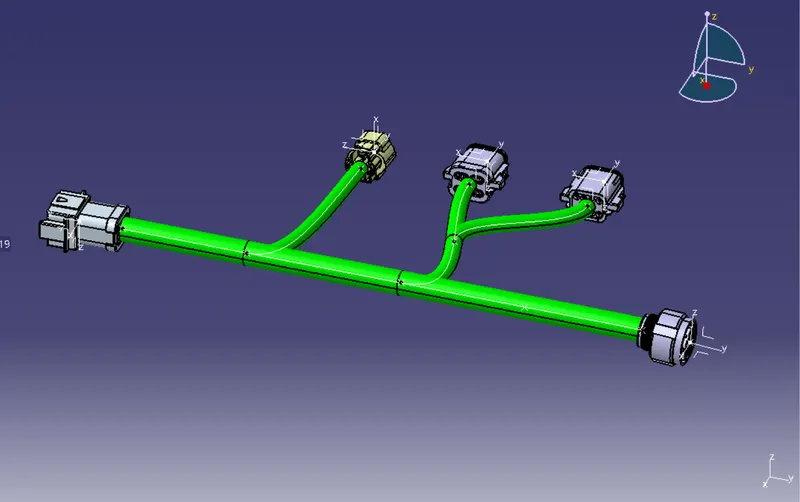
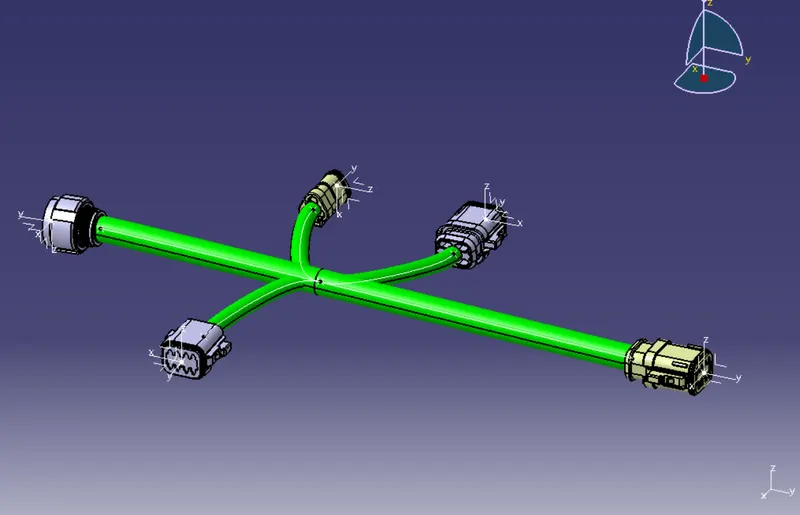
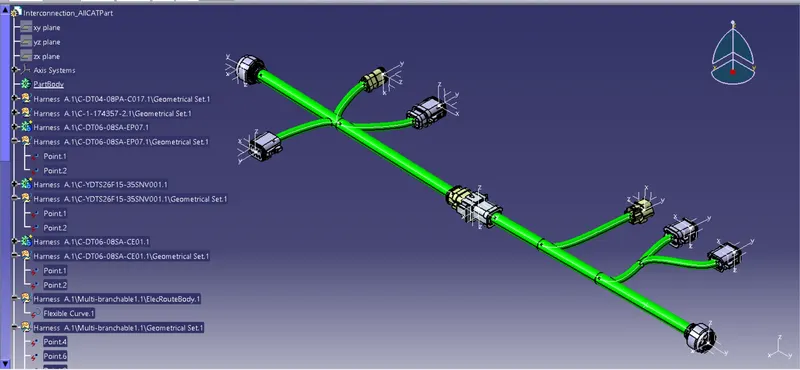
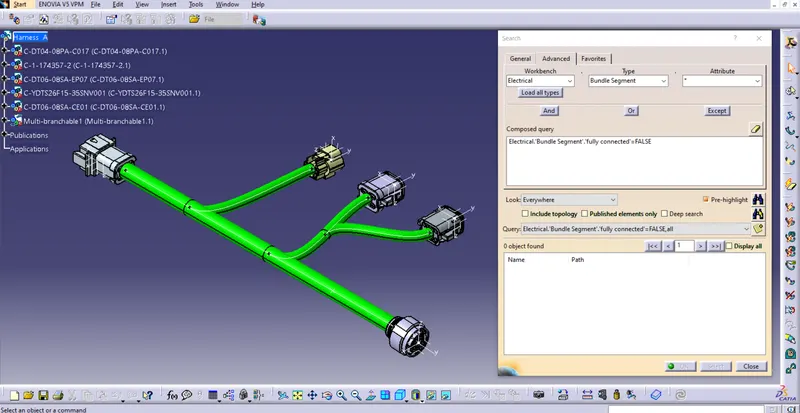
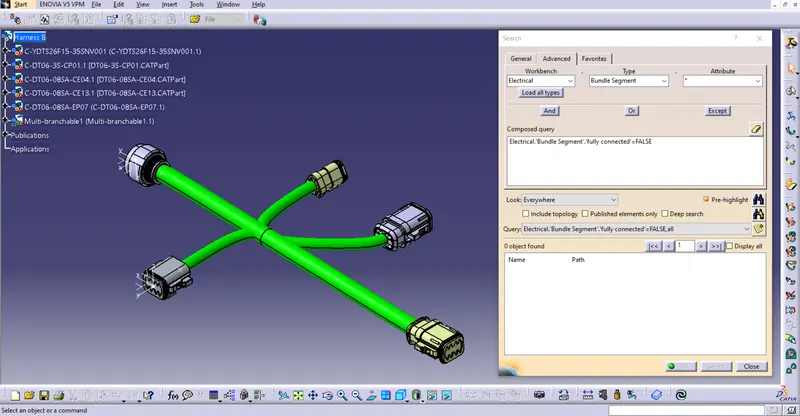
Bundle continuity check :
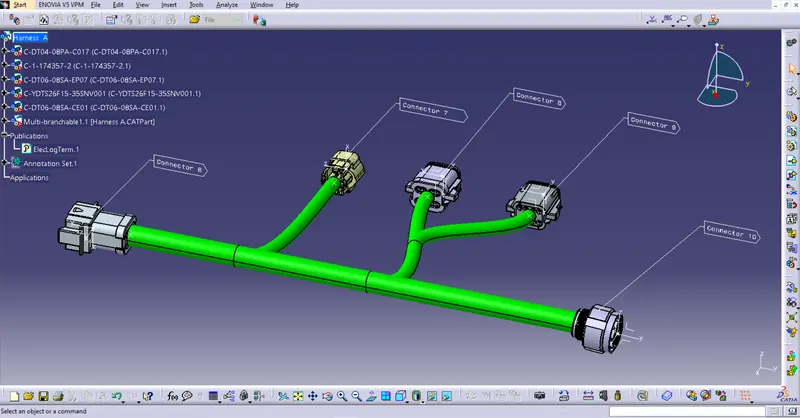
Addition of annotations:
Bundle warning check :