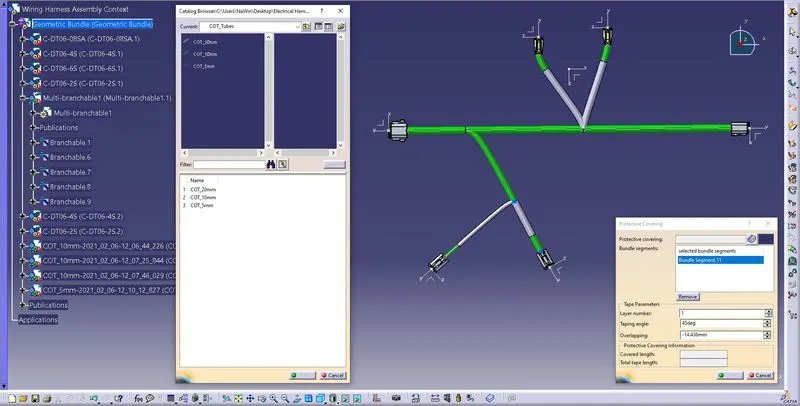
Wiring harness design in CATIA V5 - 3D modeling Week 4 Challenge
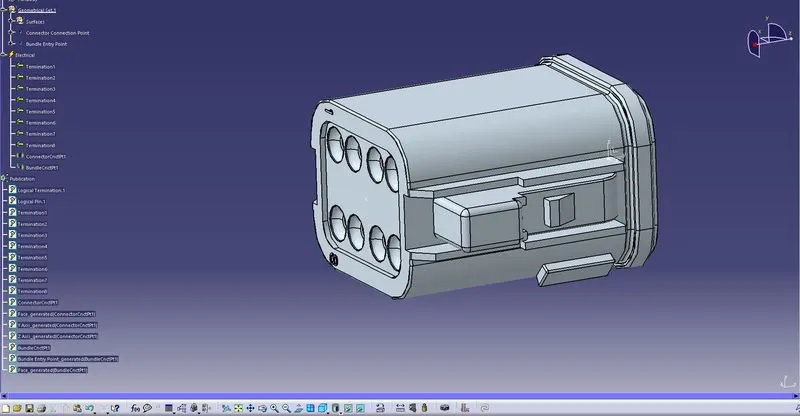
Step-1: Define Parameters
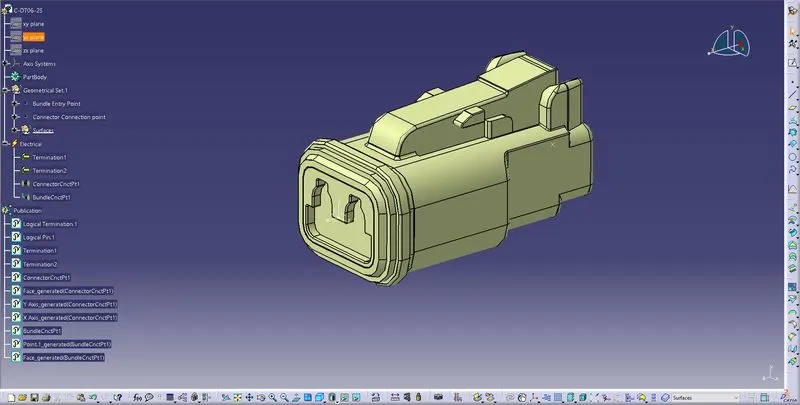
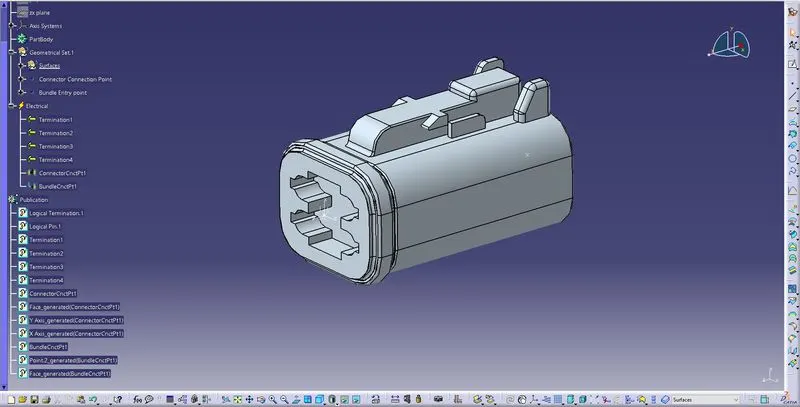
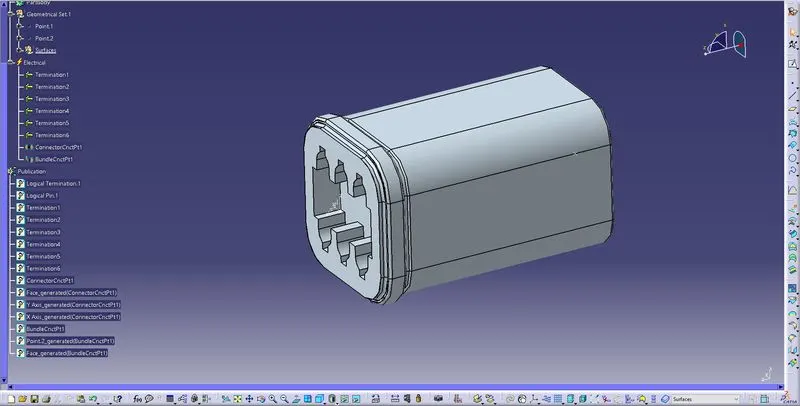
1.Connector Connection point
2.Bundle Entry point
Step-2: Define all connectors as electrical component
Step-3: Create Assemble Wiring Harness context product
Step-4: Add geometric bundle Product and add all connectors to it
Step-5:Define Geometrical Bundle as Electrical using Geometrical Bundle command
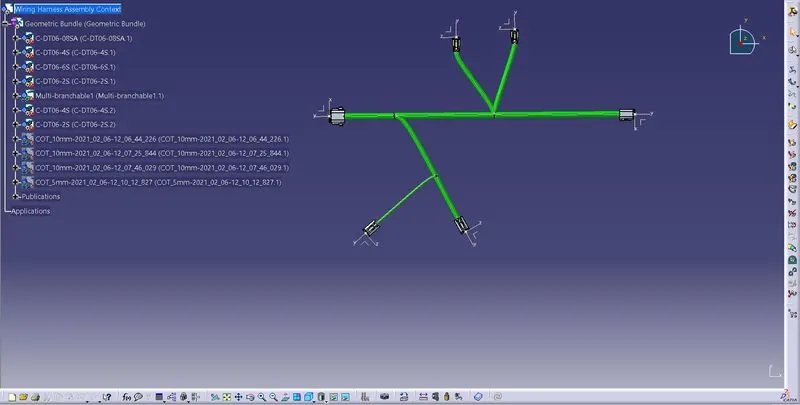
Step-6: Start Routing the branches as per the given diagram
Use Multi-Branchable Document
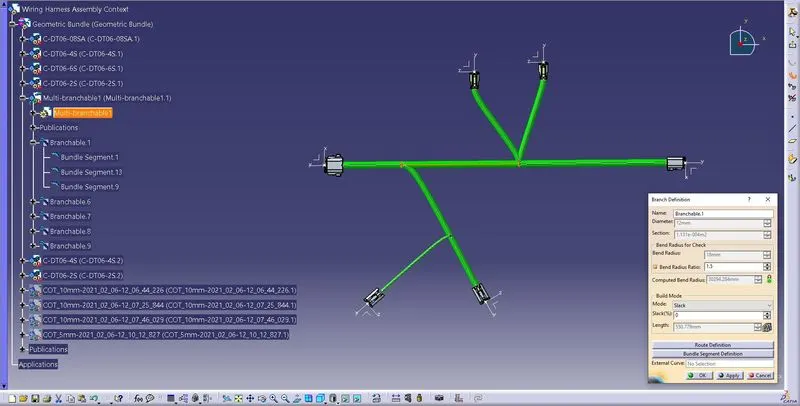
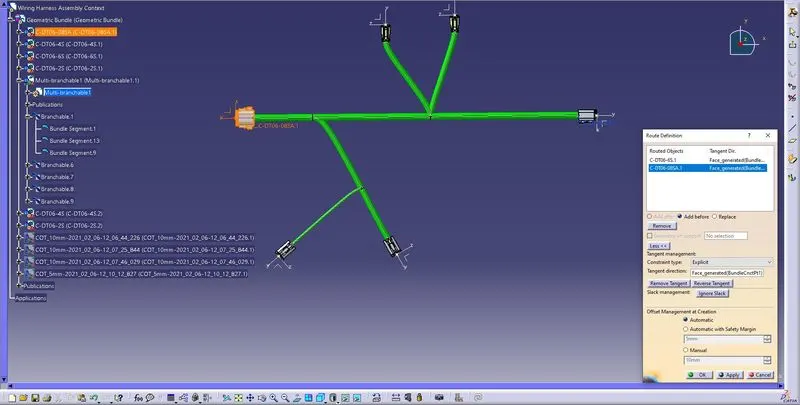
Step-7:Use Add branch Point command to add points on main branches to create sub branches between connectors
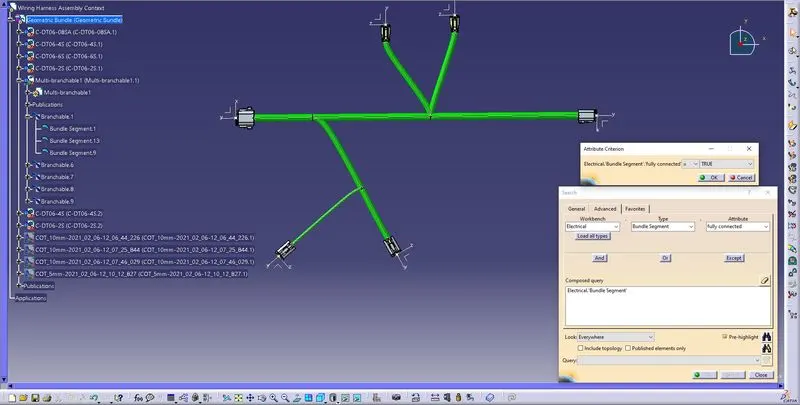
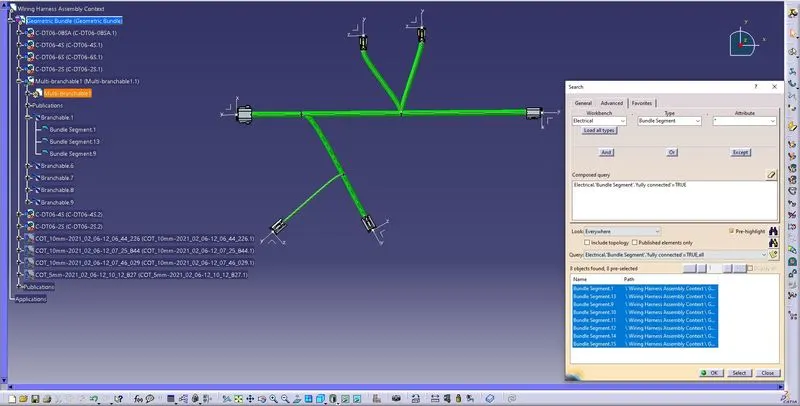
Step-8: Once all the branches are routed check for branch connection
Step-9: Add COT tubes using Protective covering command
Cot tubes must be created first and added to catalog library
Select the branch which is to be protected and select appropriate Cot tube from catalog library