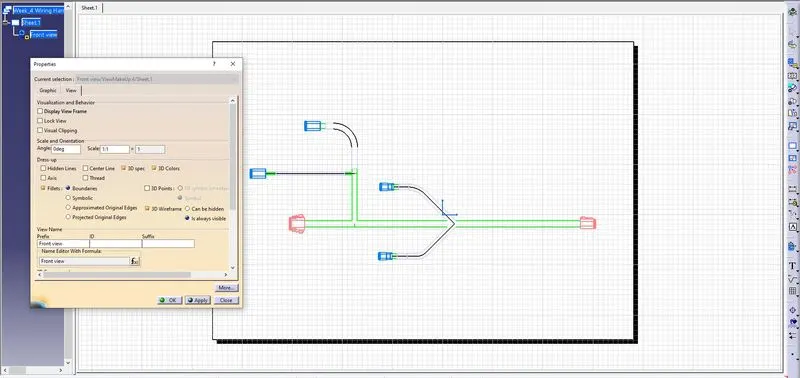
Wiring harness design in CATIA V5 - 3D modeling Week 7 Challenge
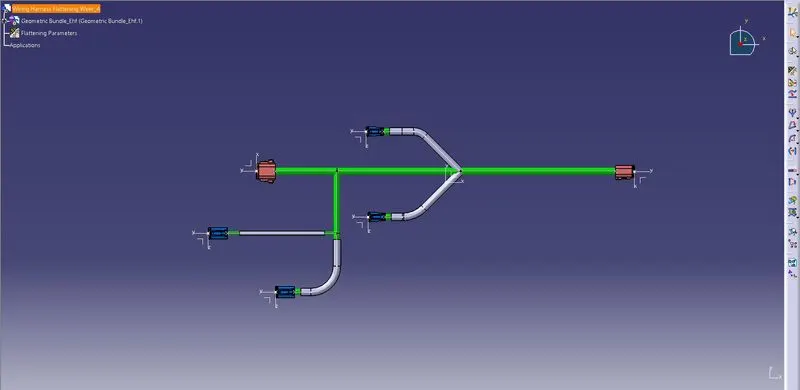
Aim: To flatten the given Harness assembly
Step:1 Get the 3d Assembly Data
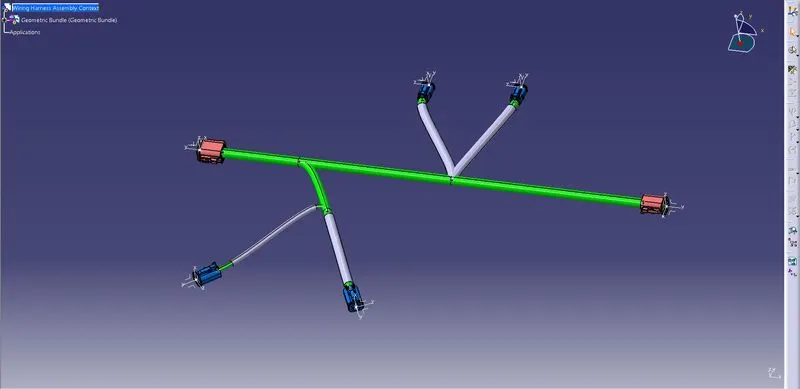
Step:2 Check for Bundle Segment Connection
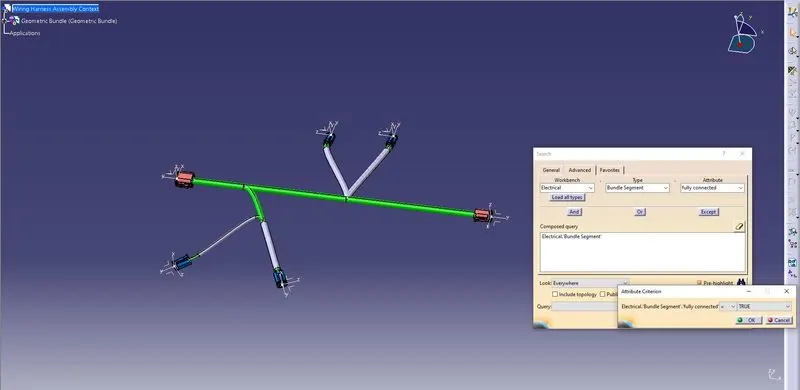
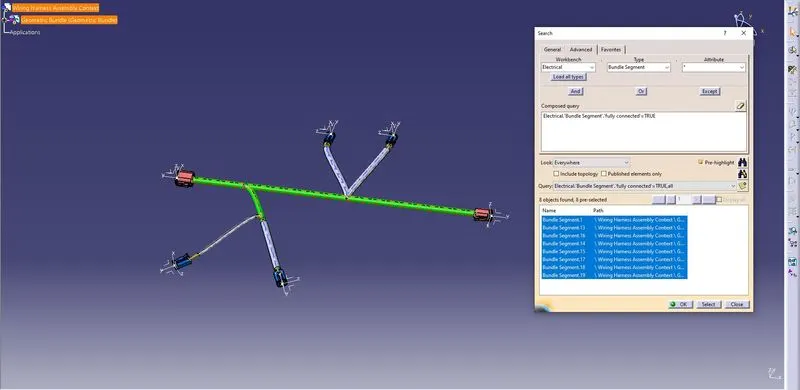
Step:3 Create Flattening Product
Define Parameters
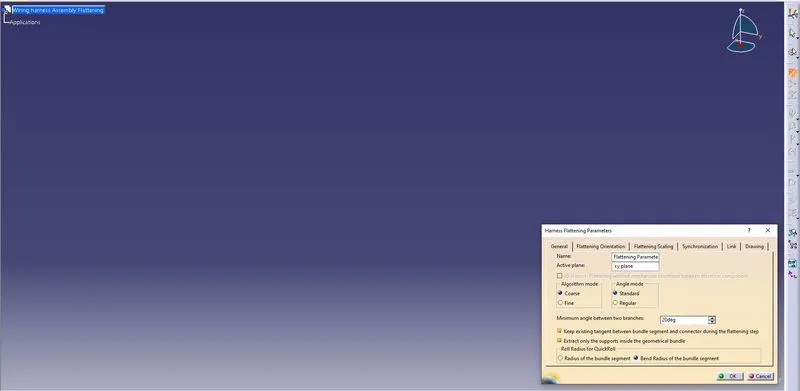
Step:4 Extract the Harness 3d data into flattening workbench and use flattening command to flatten the 3d data
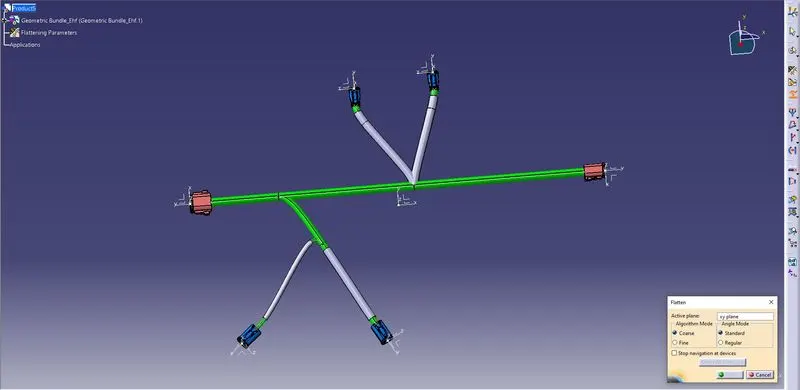
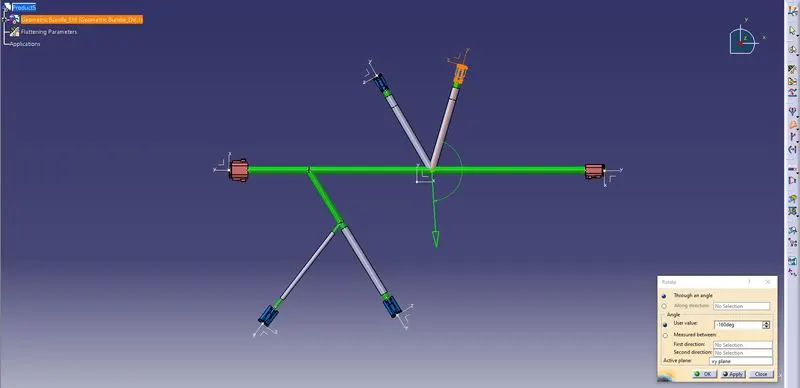
Step:5 Use rotate rotate tool to adjust branches
Use roll command to adjust branches in required position
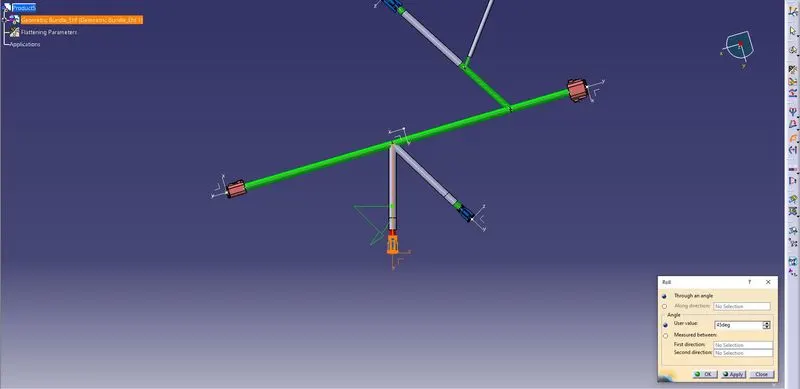
Finally arrange the branches in required manner
Create the drawing view