Project 2
TAIL GATE WIRING HARNESS
Aim: To Route the Wiring harness on give backdoor and prepare flatten view drawing using catia v5 by consodering industry best practices and rules
Step:1 Get the 3d data of the Back door
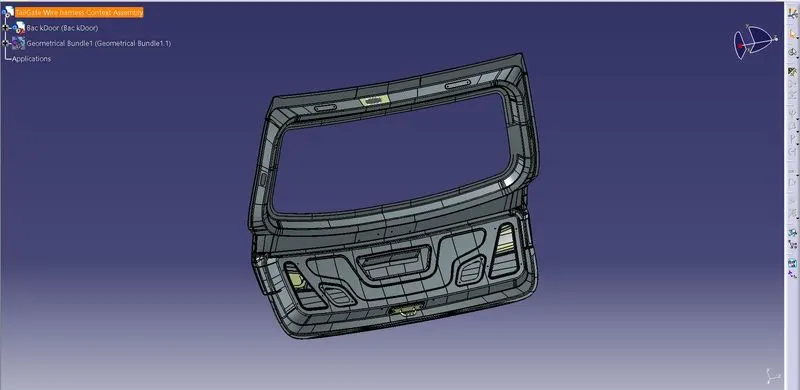
Step:2 Decide ehich parts of the back door need electrical connection and prepare a list of components required
In this backdoor 2 tail lights and the number plate lights needed electrical connection
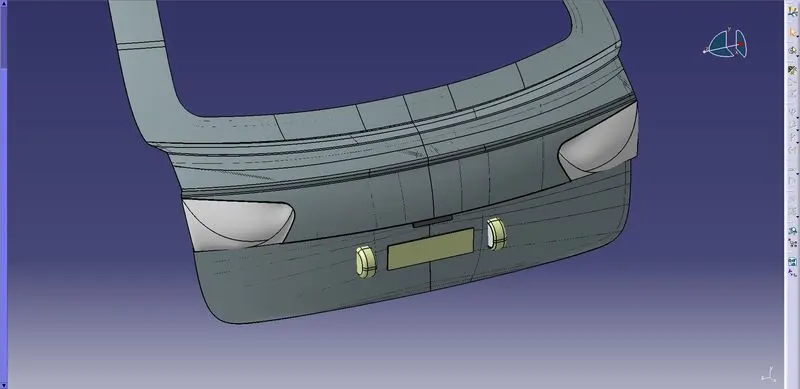
Step:3 Get the required Electrical components
DT06-2S 2 pole connector is choosen to route the electrical harness to the tail lights and number plate lights
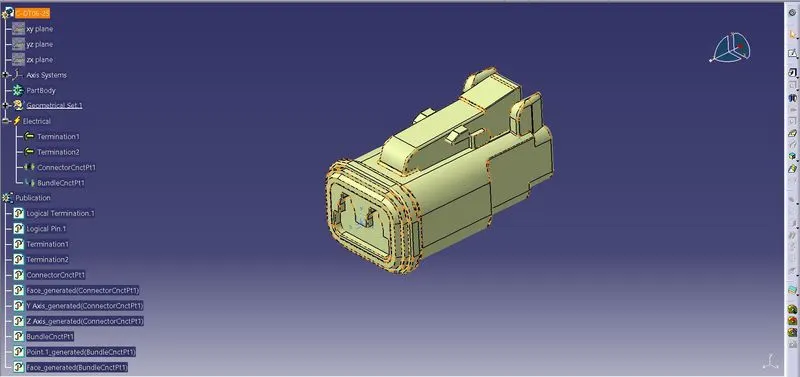
create required parameters like Connection entry point and Bundle segment point
The Electrical properties are added using Electrical part design workbench
Step:4 Decide how to connect Back door harness with the main vehicle harness
Here we have used 12 pole interconnector to connect the back door harness with the main harness
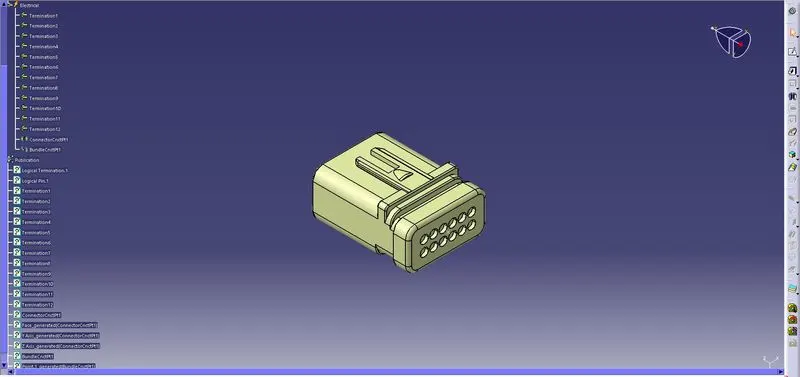
Step:5 Create a Harness geometrical bundle product file and arrange the components and clips using manipulation. snap or compass tools to their required position and define the Geometric bundle file as Electrical in Electrical Harness Assembly Workbench
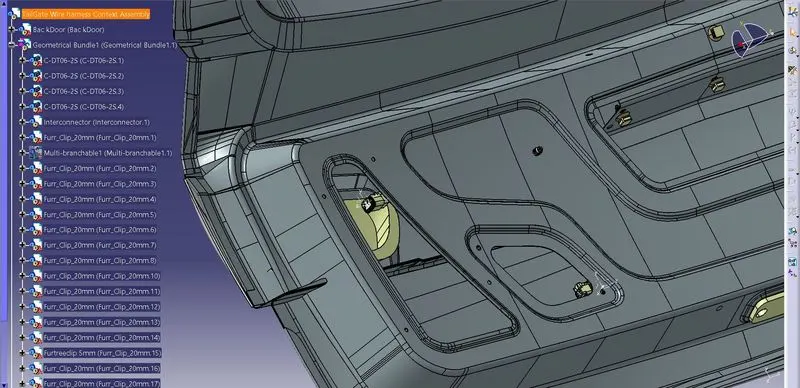
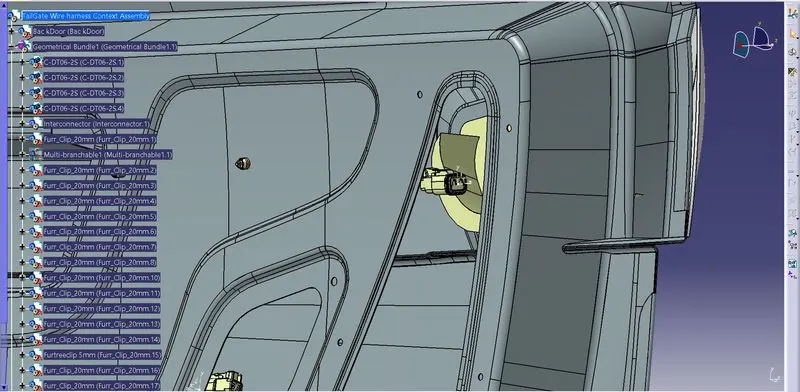
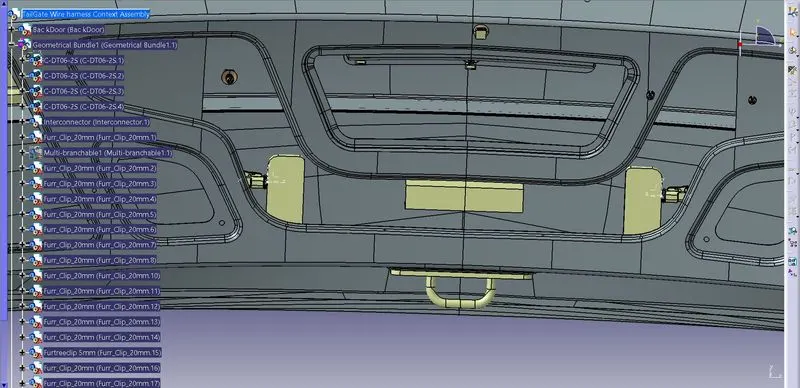
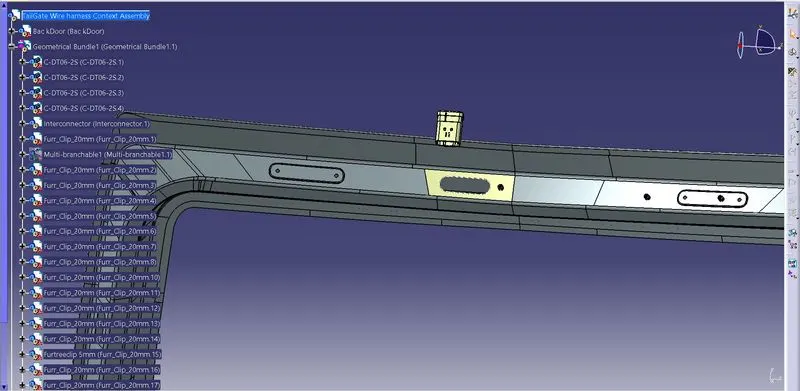
Step:6 Start Routing the branches using multi branch Document command
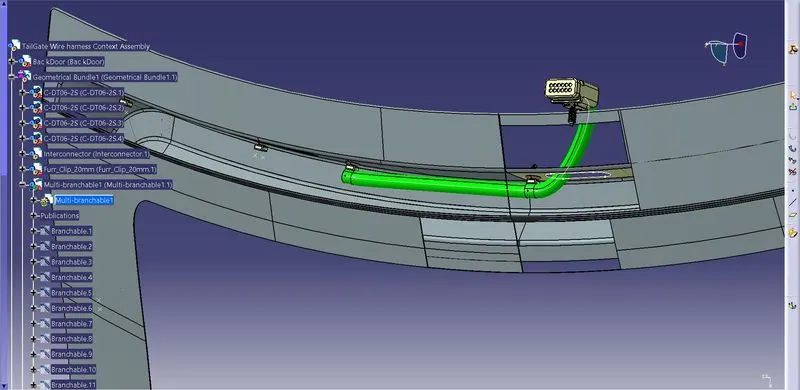
Similarly route the branches through door by placing required support clips by maintaining clearence between sharp edges to avoid chaffing
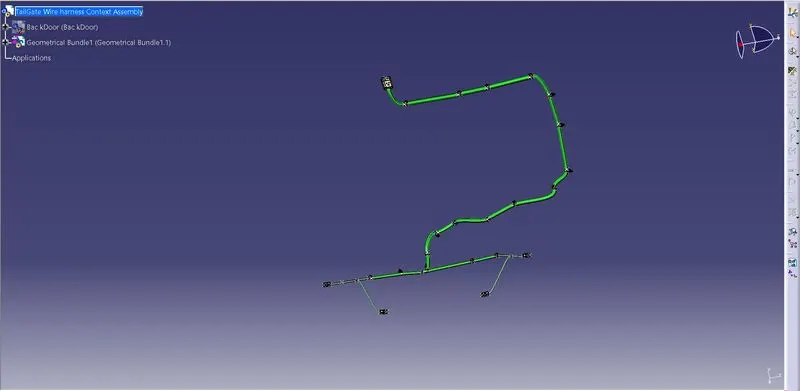
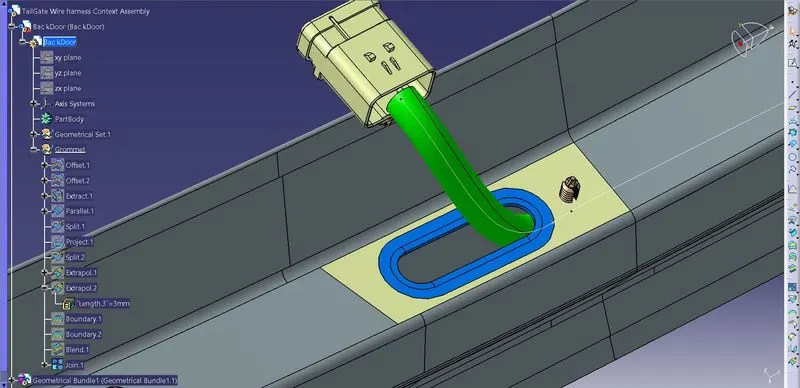
Step:7 Grommet creation
A Gromet is created near interconnector branch to avoid chaffing
Step:8-Check for bundle segment connection
Use Searc tool fromEdit menu and in advanced section select Electrical workbench and in type select Bundle segment and Attribute select Fully connected and select TRUE to check proper connected segments
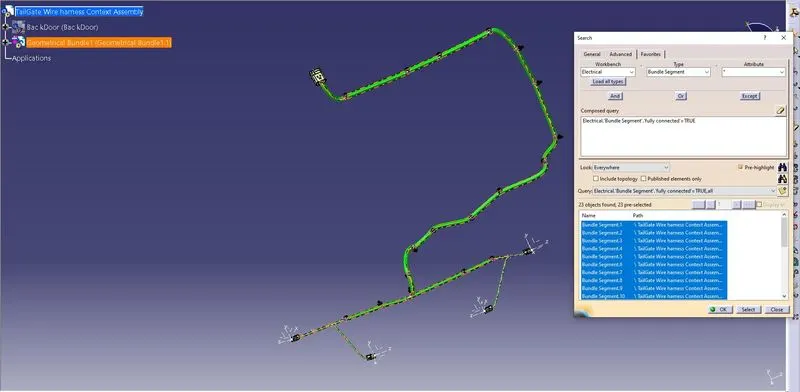
Completed Wiring harness
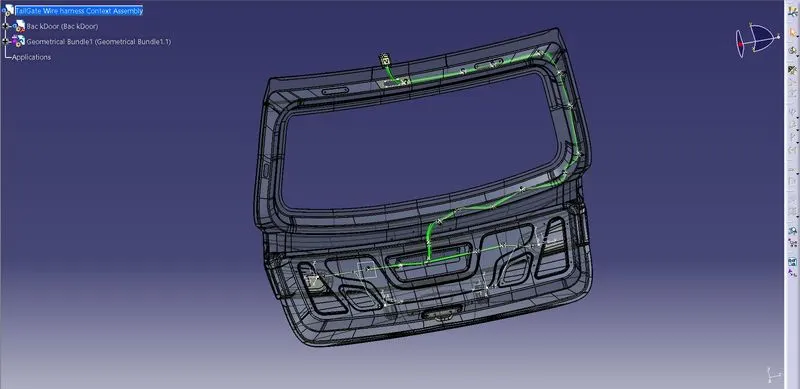
Step-9 Corrugated tubes are added for protection
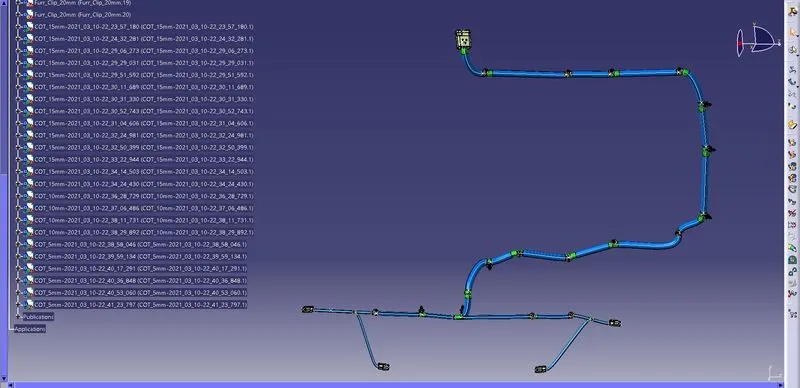
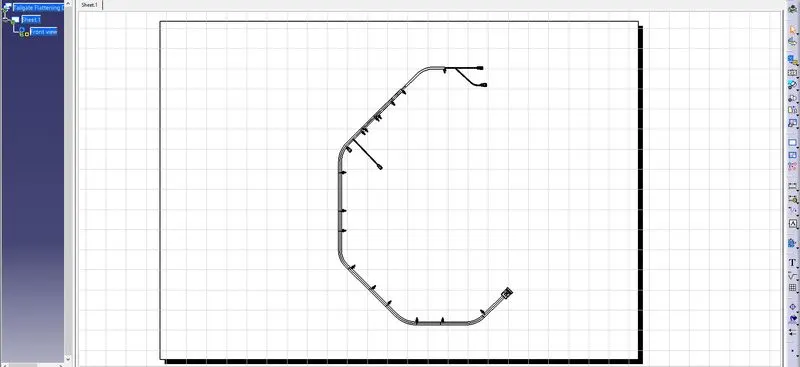
Step:10 Flattening view is created for manufacturing purpose
For manufaturing purpose the flattening view is created to show the details of connectors
Define flattening parameters
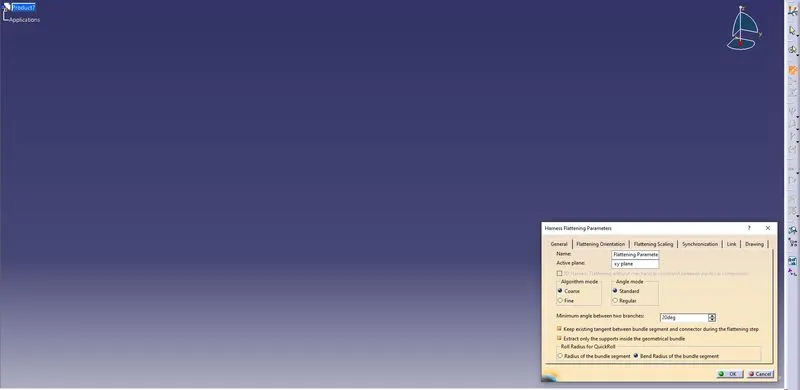
Use the extract tool to extract the harness from the back door harness product file
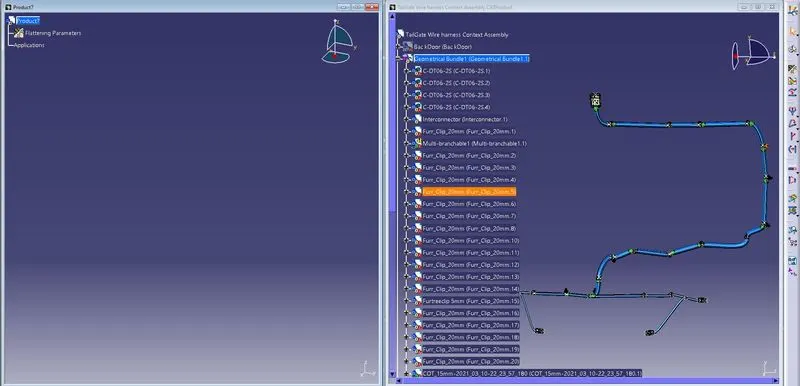
Using flatten tool flatten the 3d harness wrt to desired plane
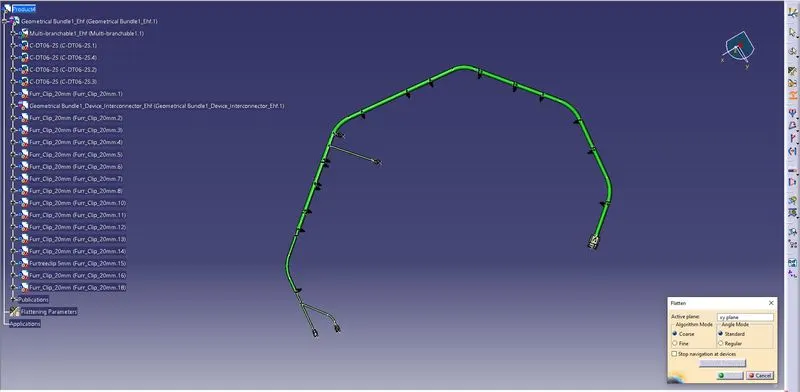
Using Rotate and roll tools arrange the harness data then create the Planar view of the same in drafting workbench