Wiring harness design in CATIA V5 - 3D modeling Week 4 Challenge
Aim:
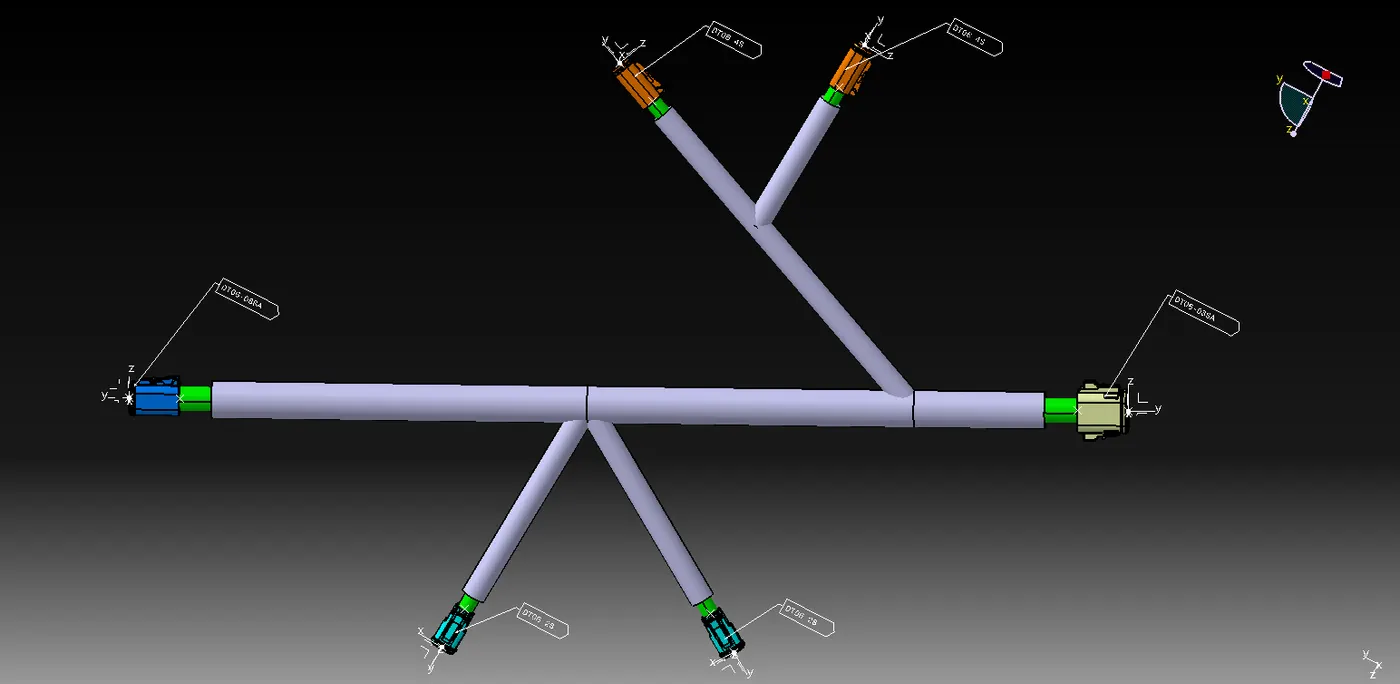
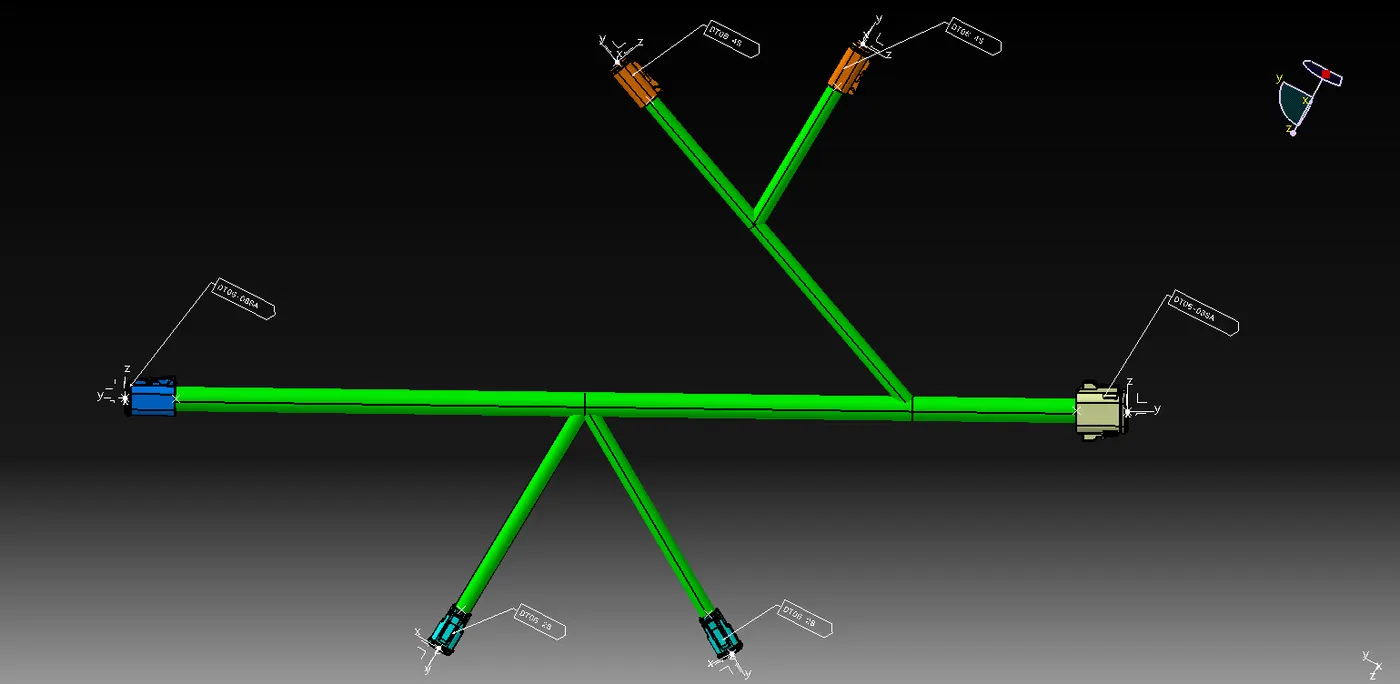
1) To Route the following harness layout in the Electrical workbench.
2) Add protective covering on all branches connected to DT06-2S & DT06-4S connectors.
Given:
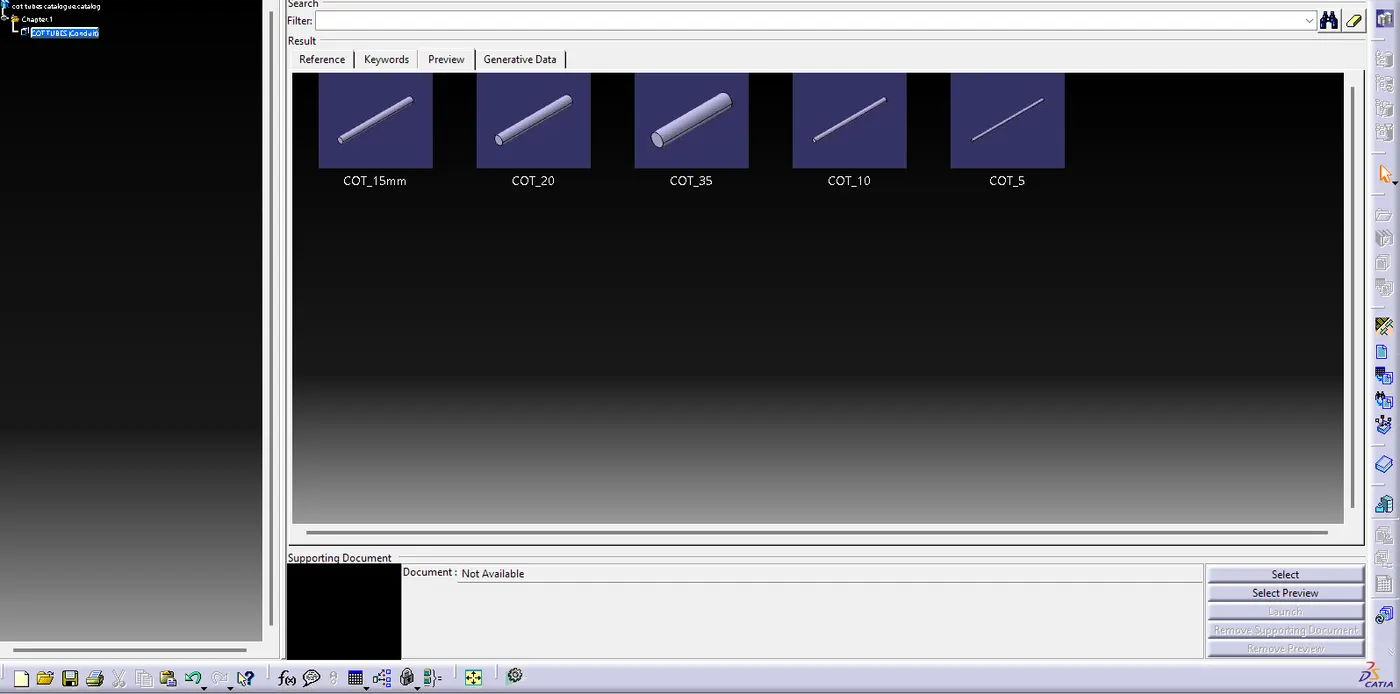
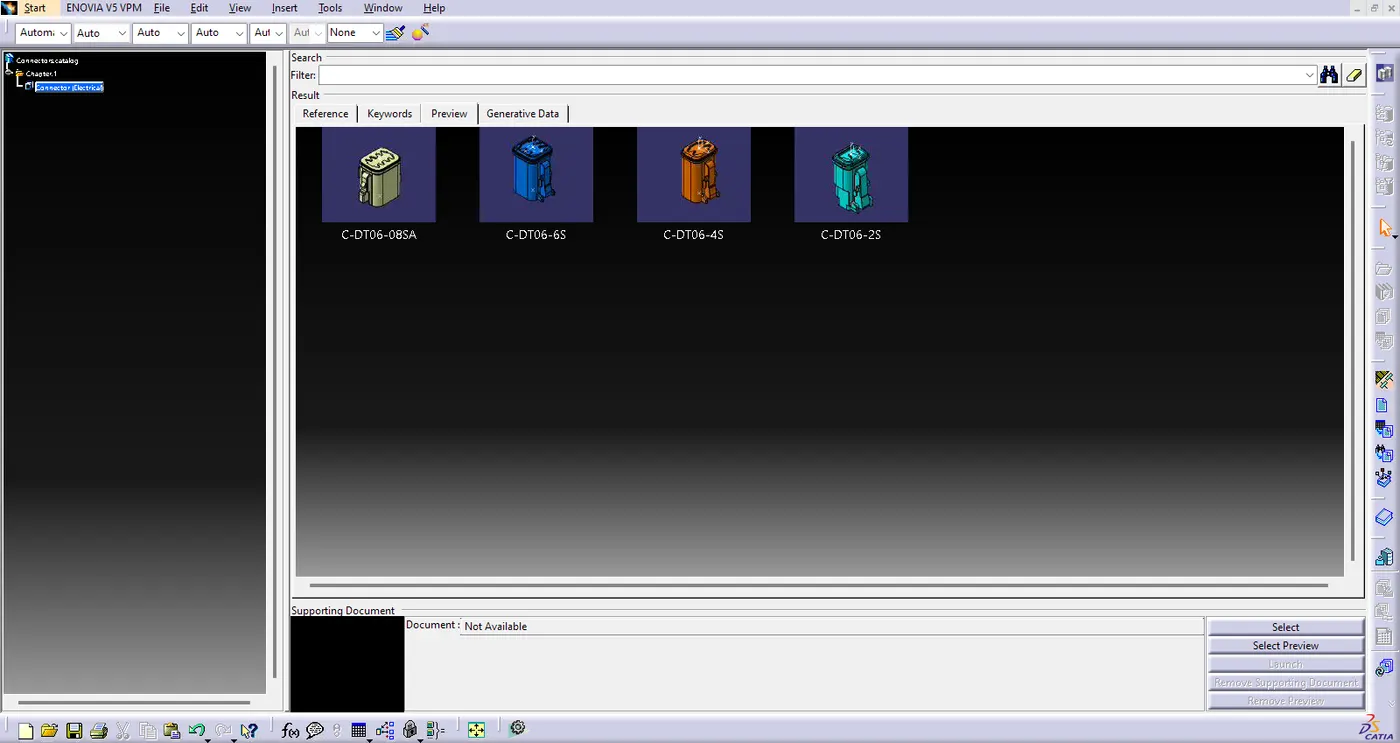
CAD data of the following Connectors:
- DT06-4S
- DT06-6S
- DT06-2S
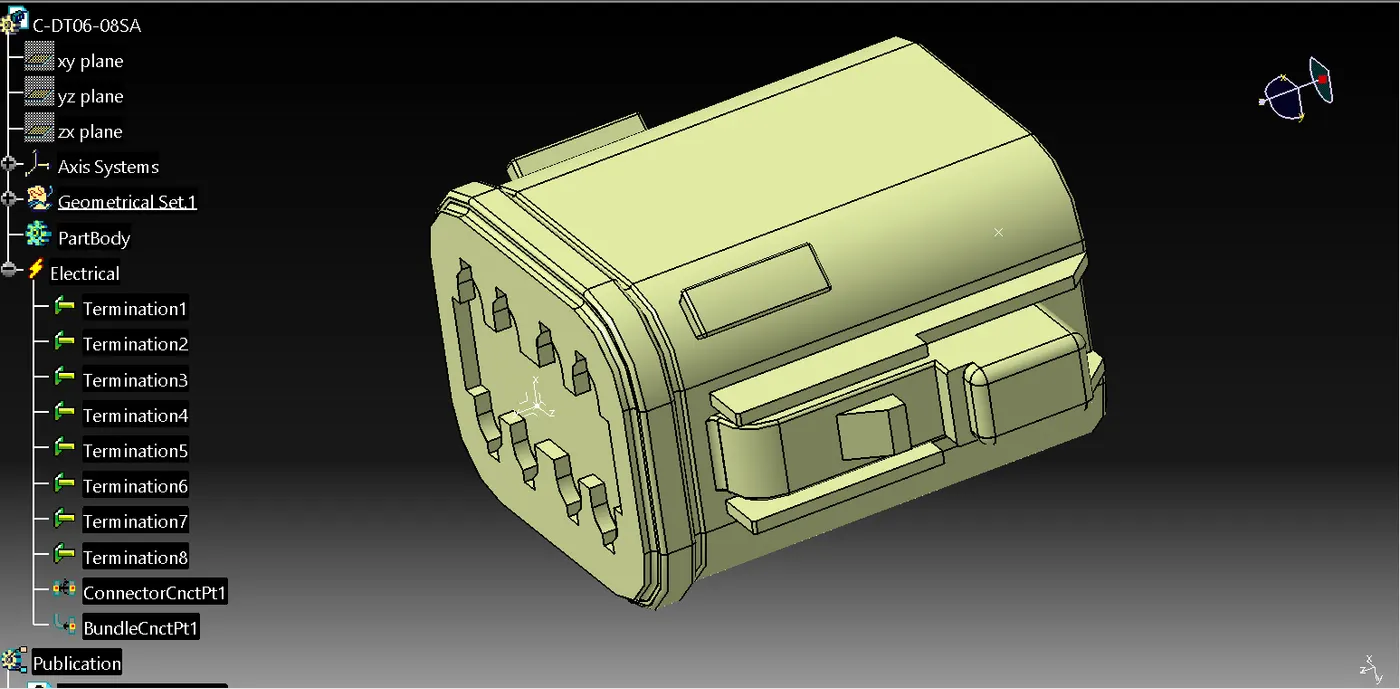
- DT06-08SA
Steps to be followed:
1. Download connector 3D data from www.te.com
- DT06-4S
- DT06-6S
- DT06-2S
- DT06-08SA
2. Converting the Mechanical part into the Electrical part for that I had followed the following steps.
STEP 1. Create/Download Connector 3 D
STEP 2. Create required Geometrical Parameters
STEP 3. Define part as Connector
STEP 4. Define "Bundle Connection Point"
STEP 5. Define "Connector Connection Point"
STEP 6. Define "Cavity Connection Point"
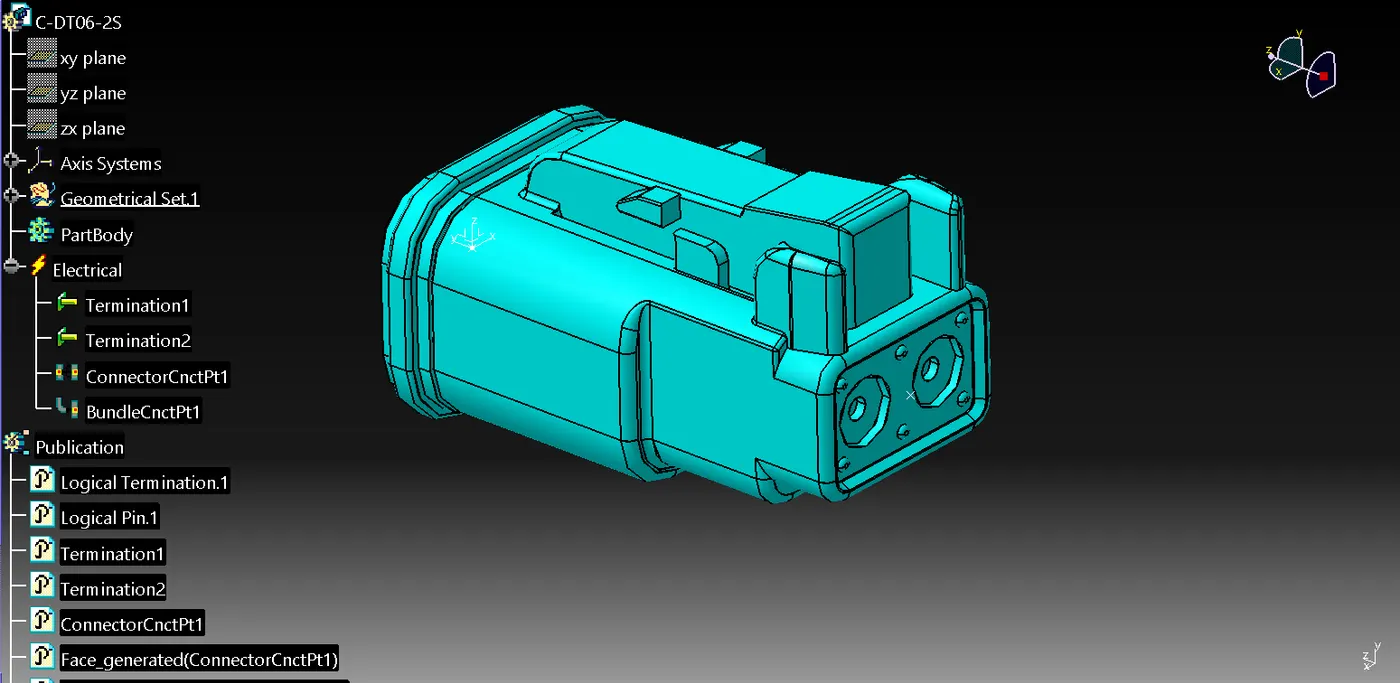
DT06-2S
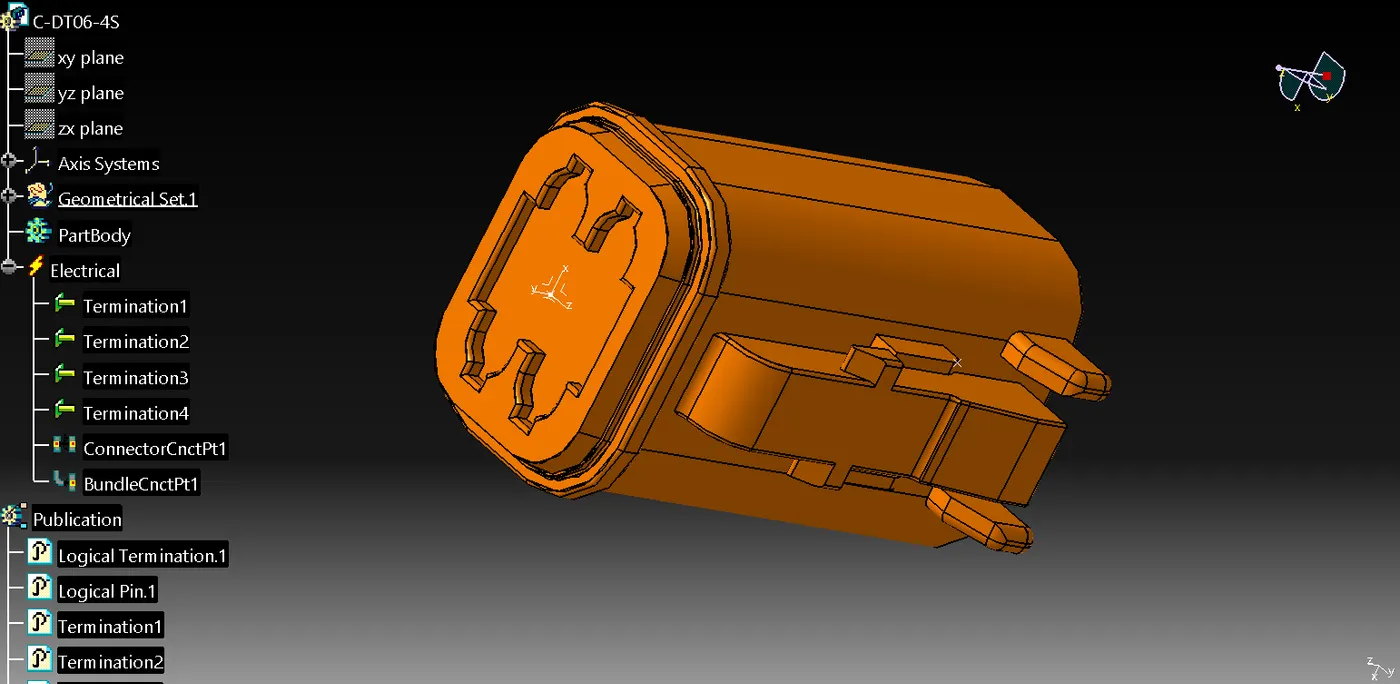
DT06-4S
DT06-6S
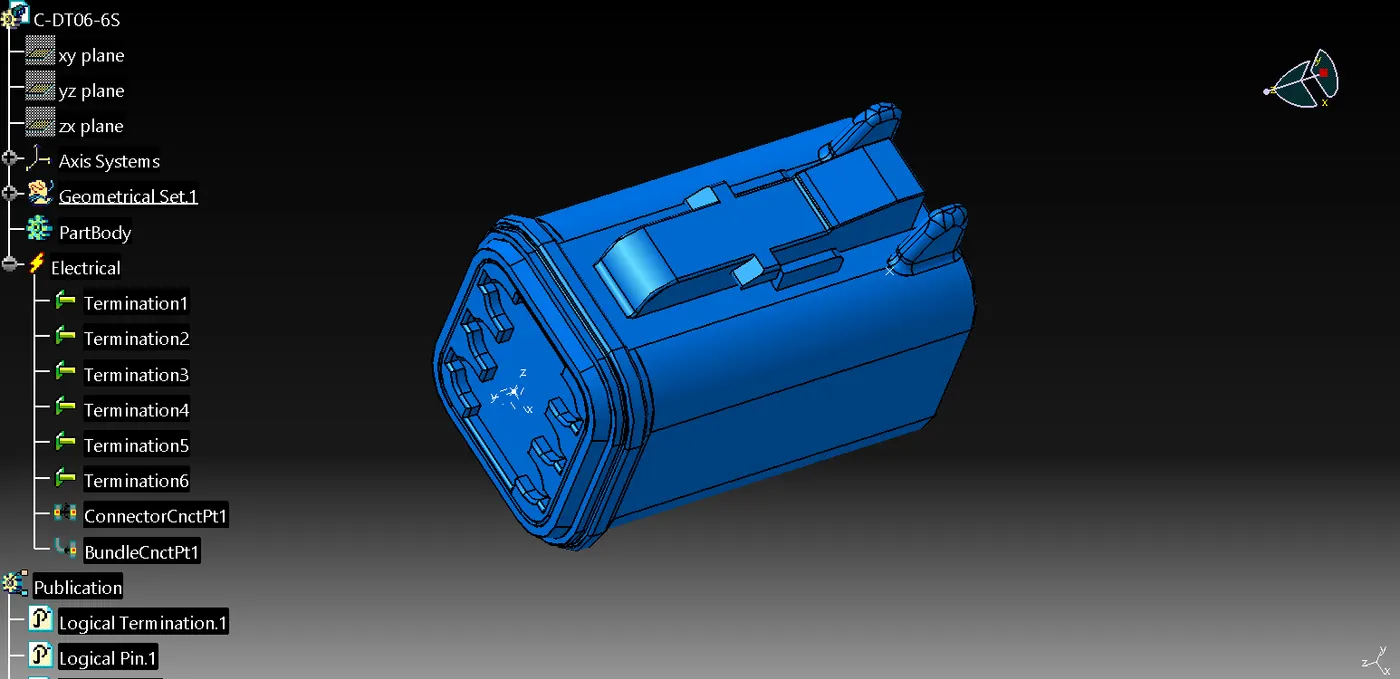
DT06-08SA
Connectors Catelogue
3. Arranging the Connectors by following the Layout
4. Creating Multi-Branching to the connectors.
5. Creating a protective covering by COT TUBES