Wiring harness design in CATIA V5 - 3D modeling Week 4 Challenge
--> Harness Routing
*) download the 3D models of connectors shown in the above harness layout from te.com
*) Define the downloaded connector models as electrical component with desired geometrical parameters.
*) Create an assembly product and bring all electrically defined connectors models into assembly workbench to position them at specified locations.
*) below image shows the positioning of connectors.
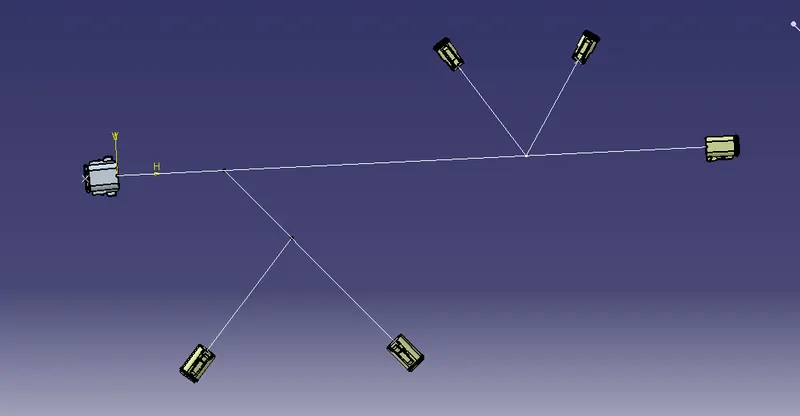
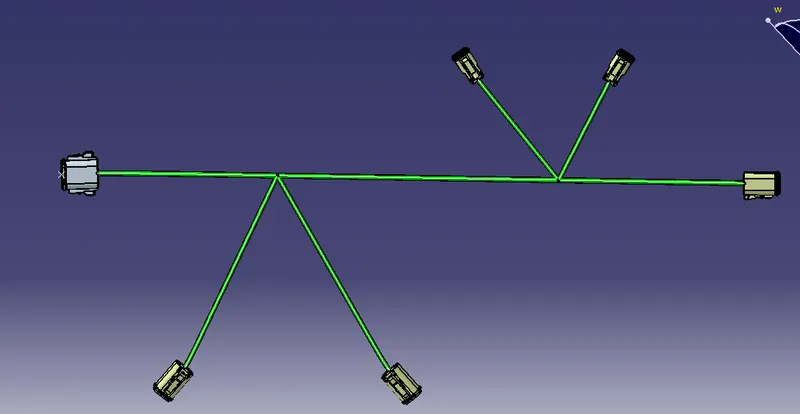
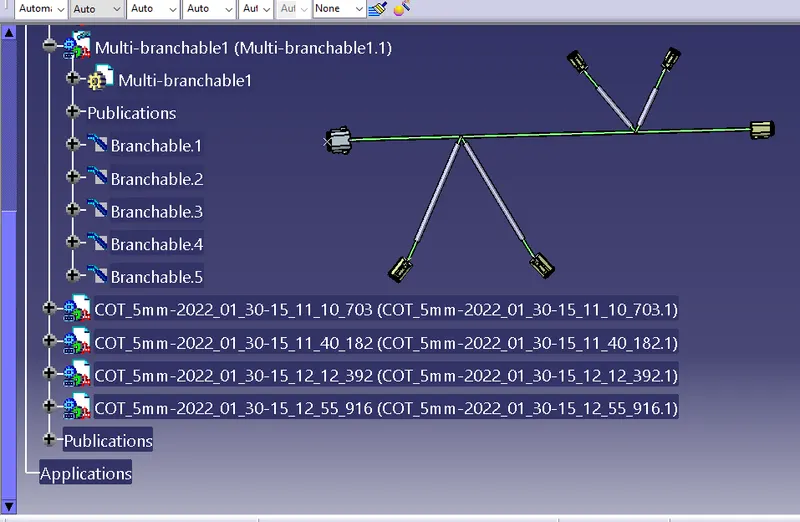
*) Route the bundle segment using multi branchable document command.
*) Also create multi branches for req. connectors.
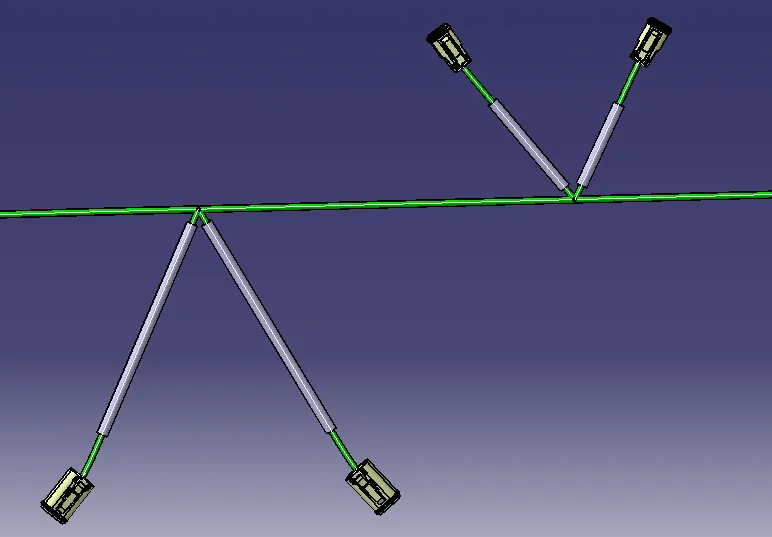
*) Add protective coverings for specified bundle branches from the Catalogue created.
*) Below image shows the added protective coverings to the bundle braches
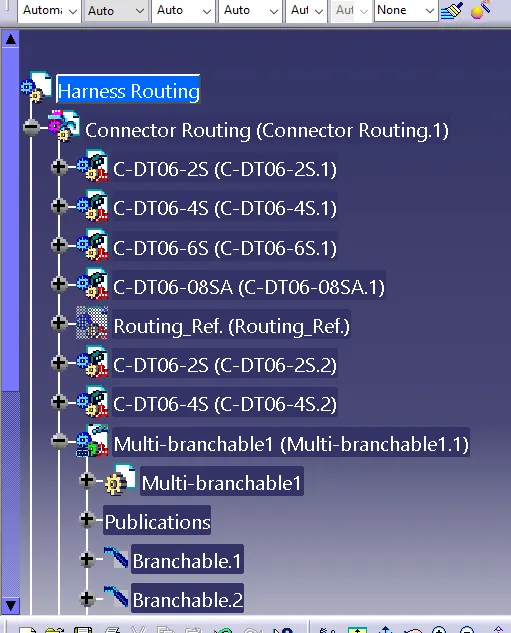
*) All the Cad models are attached in the attachment Zip file.