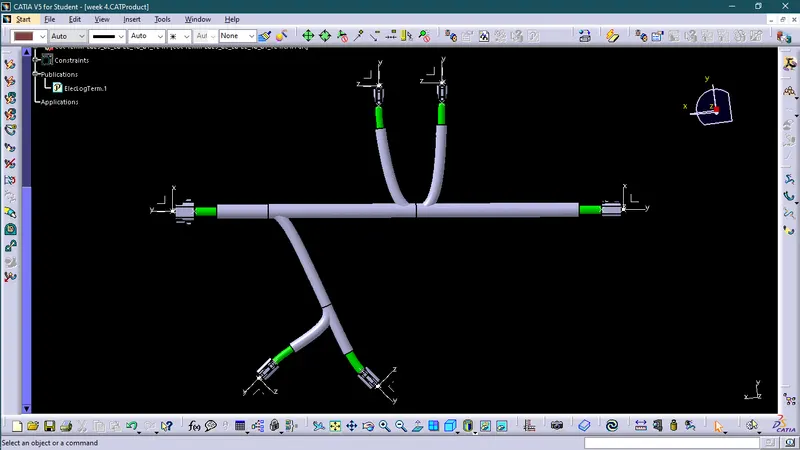
Wiring harness design in CATIA V5 - 3D modeling Week 4 Challenge
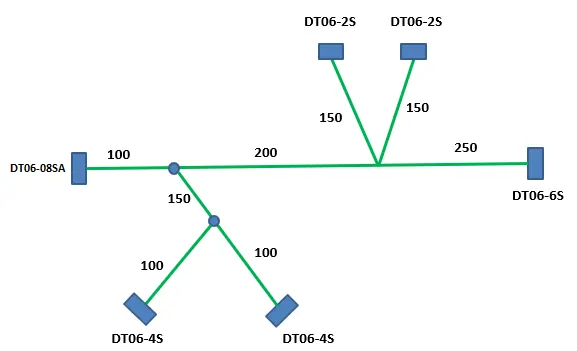
Q1. Route the following harness layout in Electrical workbench. Make assumption for harness bundle diameters. Use Following connectors as shown in layout diagram.
Add protective covering on all branches connected to DT06-2S & DT06-4S connectors. Keep end extremity at 30mm (from connectors end)
Download connector 3D data from www.te.com
- DT06-4S
- DT06-6S
- DT06-2S
- DT06-08SA
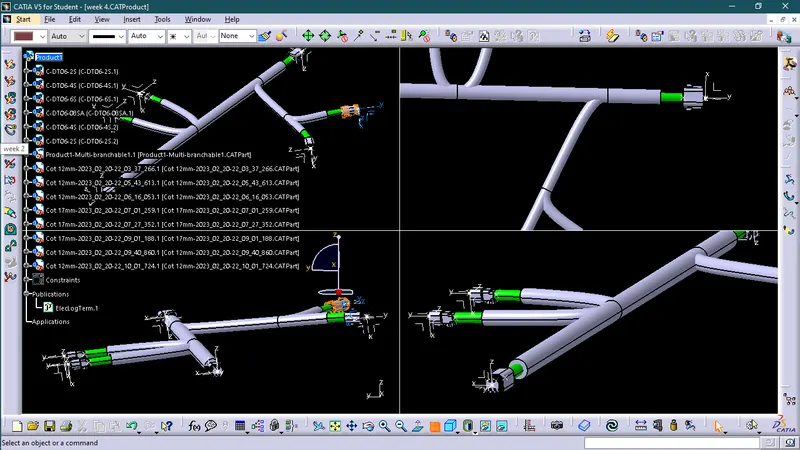
Wiring harness product assembly contains-
The harness context assembly - this is the top level product file that contains the harness geometrical bundle/assembly and the wire harness electrical bundle.
Geometrical bundle - this sub level product file is the wire harness product that contains all of the harness components i.e., clips, supports, connectors, splices, grommets, annotation and actual physical bundle segments and branches.
Electrical bundle - this sub level product file contains all of the electrical circuit information.
Procedure
1. First we will Download connector 3D data and then convert them into electrical connector and then add them into catalogue as aconnector.
- DT06-2S
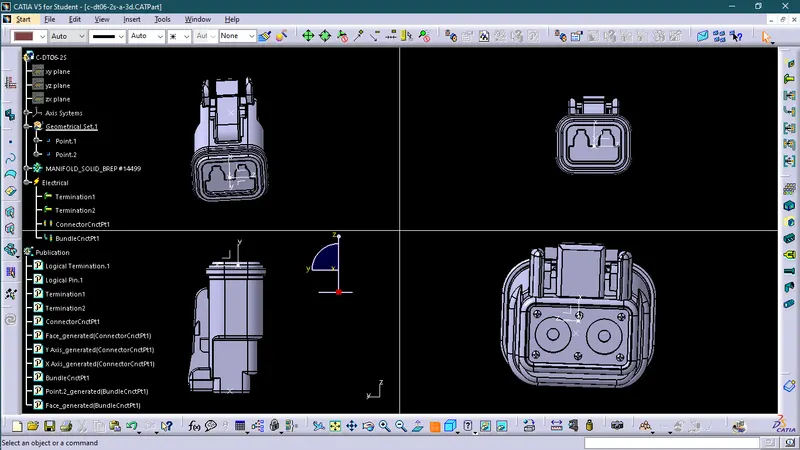
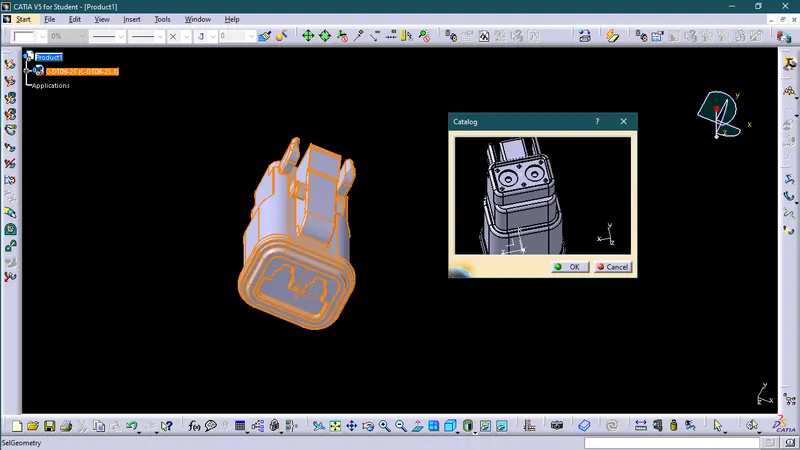
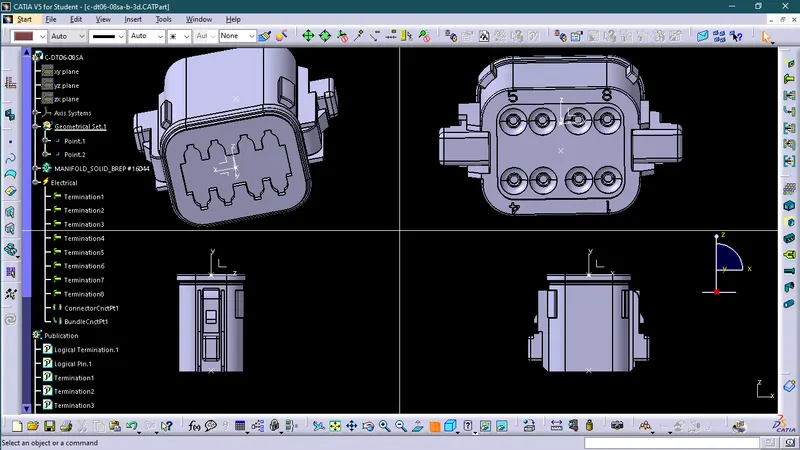
- DT06-08SA
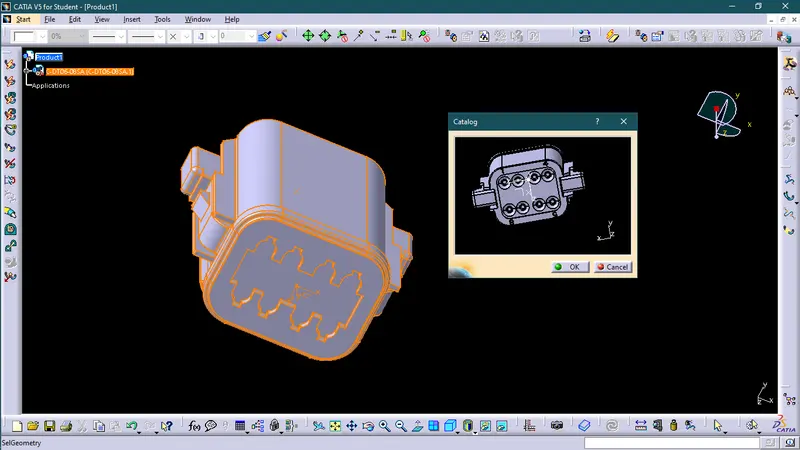
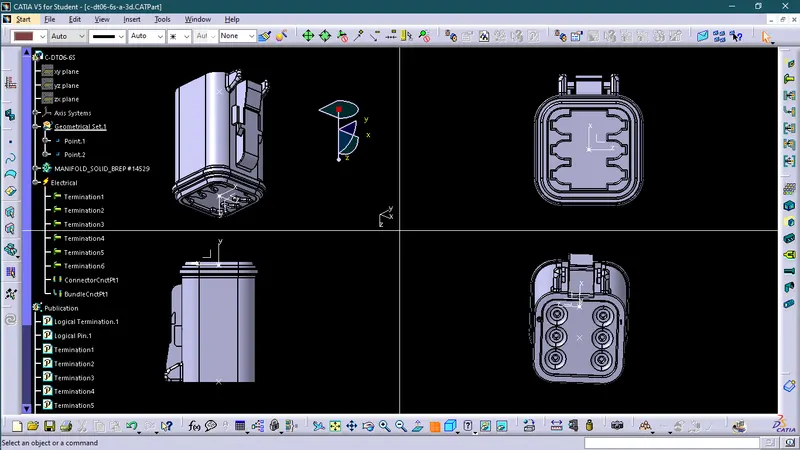
- DT06-6S
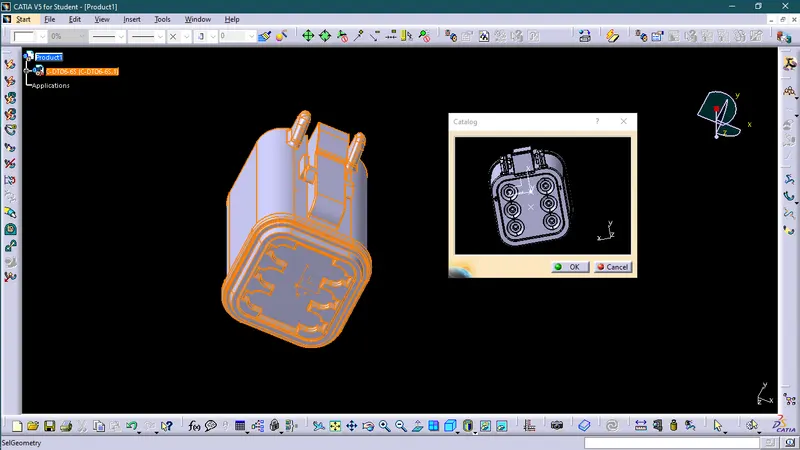
- DT06-4S
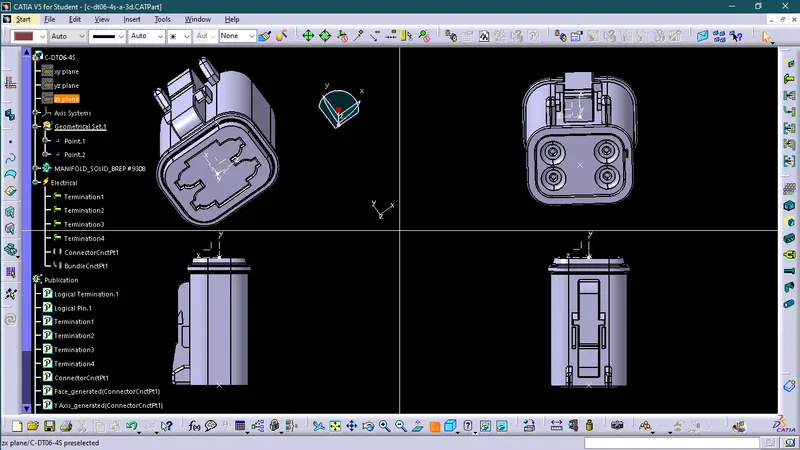
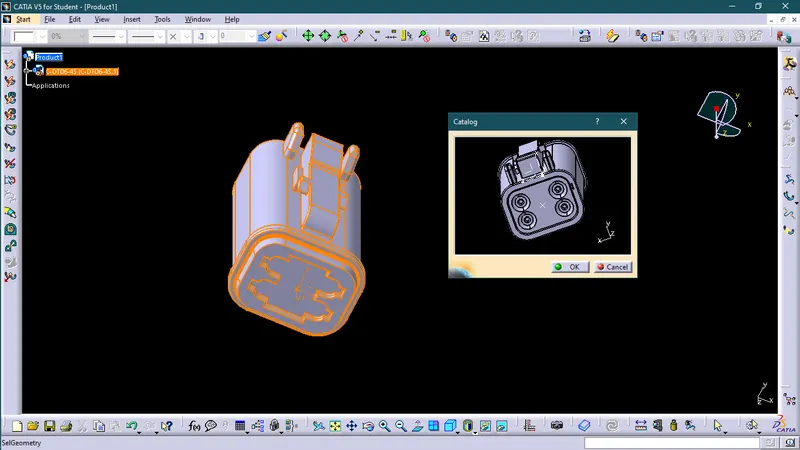
2. Now we will create wire harnesses by using electrical harness assembly. In this we will proceed in following ways:_
a. Open the Electrical harness assembly workbench.
b. Insert the pre-defined connectors either through insert command or using catalog.

c. Now we will arrange different connectors in the way that is pre-defined in the challenge schematic by using the manipulation command in assembly workbench.
d. Now define product as Geometrical bundle.

e. Now we will use multi branchable document to create wire harness to connect different electrical connectors.

f. Now we will apply protect covering on wire harness by using protective covering.