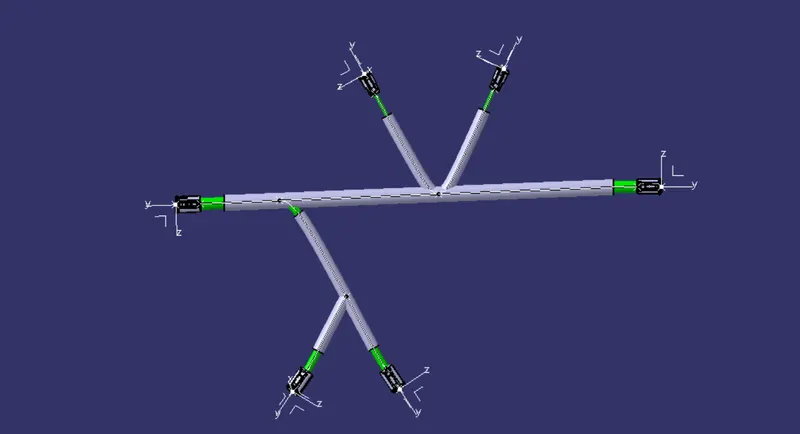
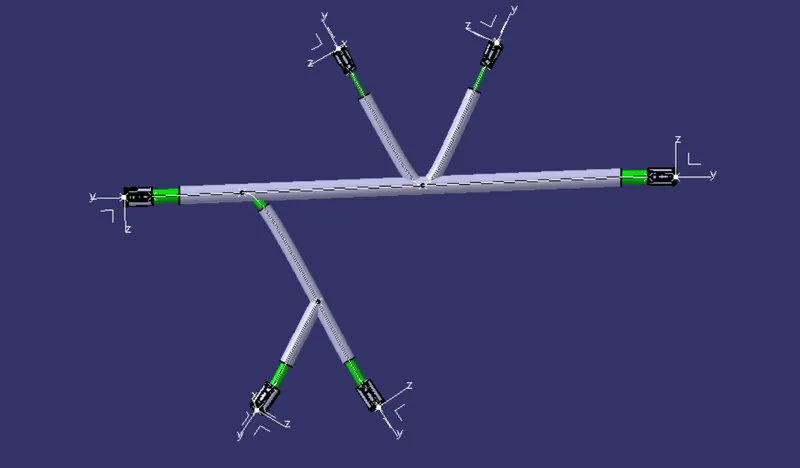
Wiring harness design in CATIA V5 - 3D modeling Week 4 Challenge
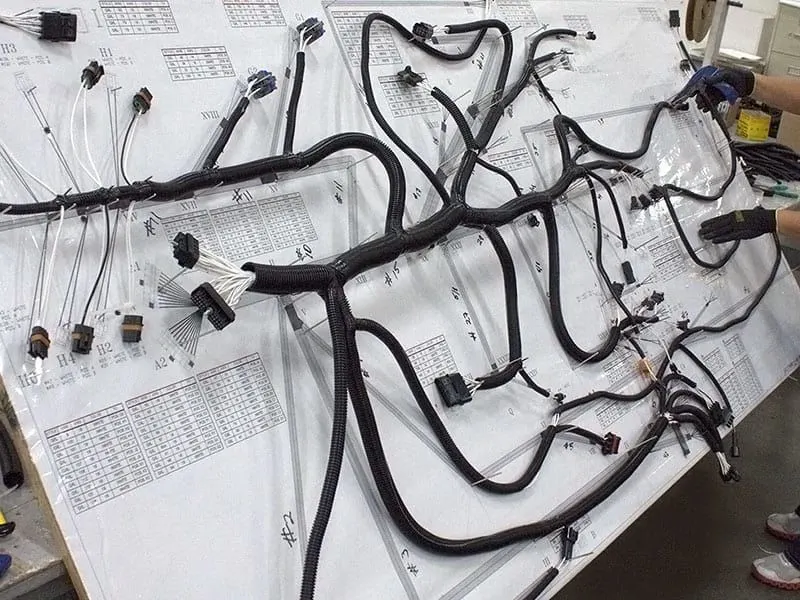
A wiring harness routing structure includes a wiring harness routing member configured to be attached to a vehicle body and a protector that accommodates and holds a wiring harness. The protector has a recess shape in which the protector is opened in one direction in a sectional view.
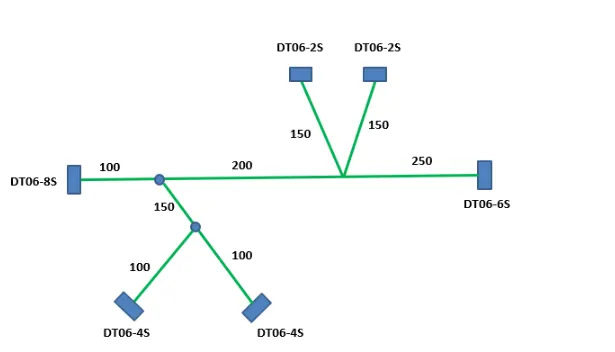
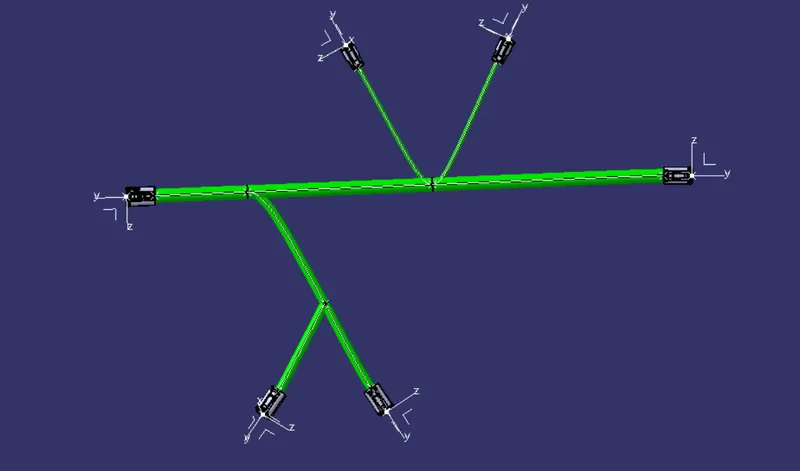
Above picture shows the 2D schematic layout of the required harness.
The following Deutsch connectors are used in this harness:-
- DT06-4S (QTY-2)
- DT06-6S (QTY-1)
- DT06-2S (QTY-2)
- DT06-8S (QTY-1)
STEP-1
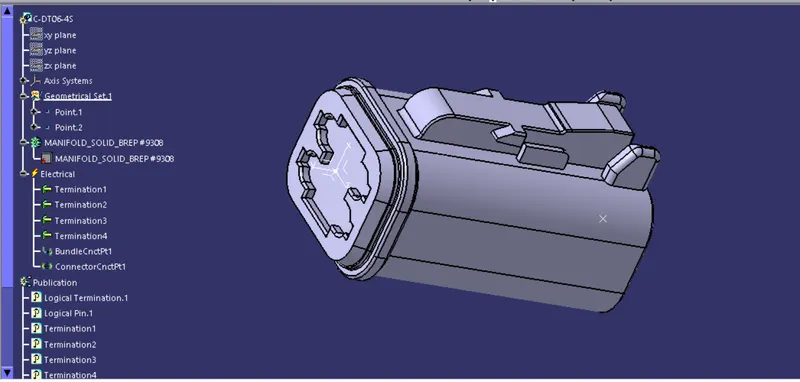
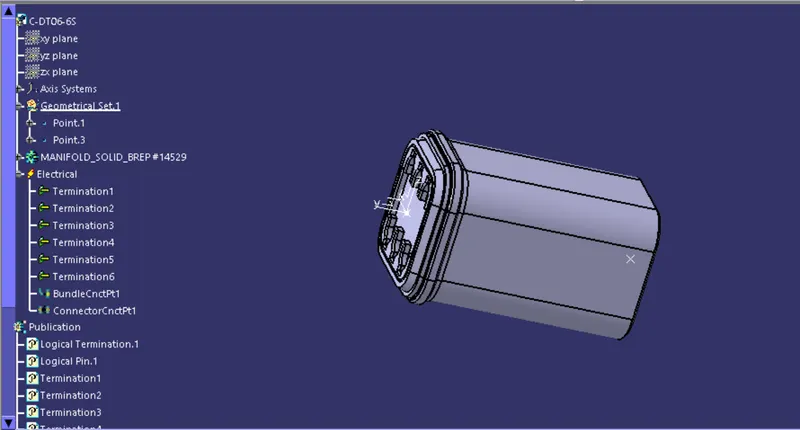
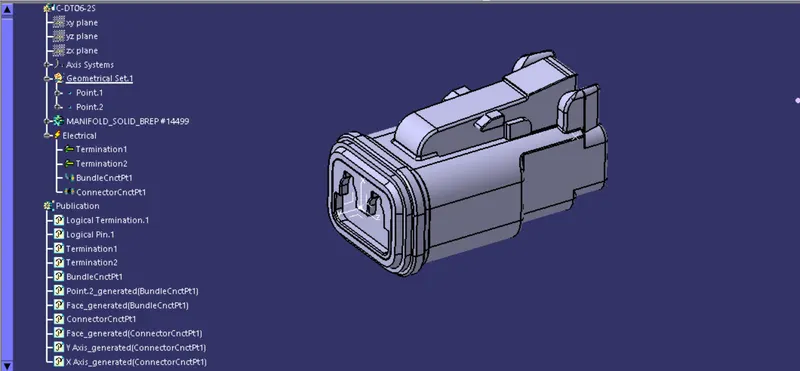
Completely define the geometrical and electrical parameters of all connectors in the electrical part design workbench in CATIA V5.
DT06-4S
- DT06-6S
DT06-2S
STEP-2
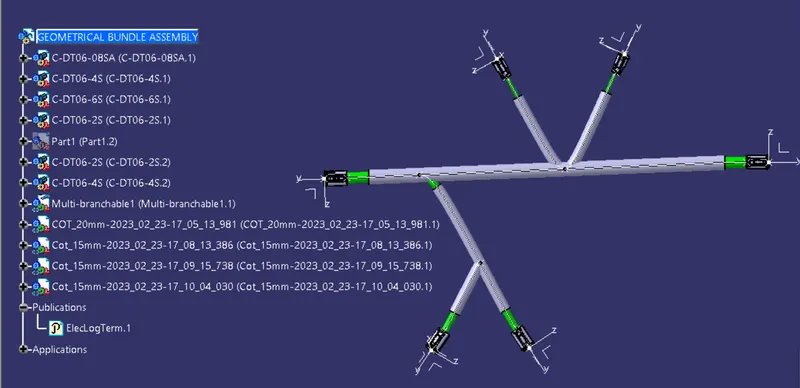
Then we create a product file in assembly design and name it as "geomrtrical bundle assembly" in which we add all the connectors which are electrically defined,after adding all the connectors we convert mechanical assembly design into electrical assembly by using "Geometrical Bundle" command.
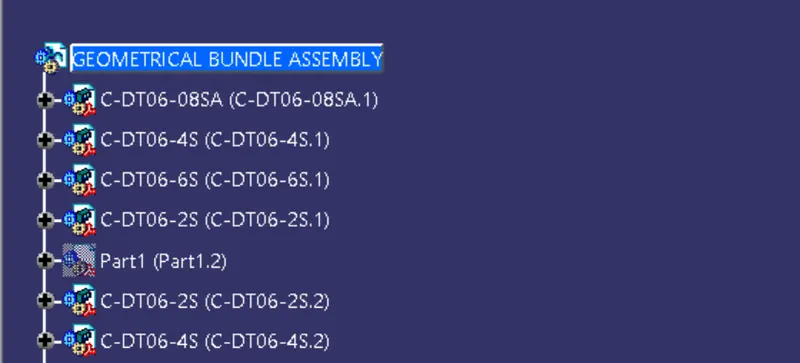
STEP-3
Orient and locate all the connectors approximately in the required location in assembly workbench. ( BY CREATING A SKETCH IN PART WORKBENCH)
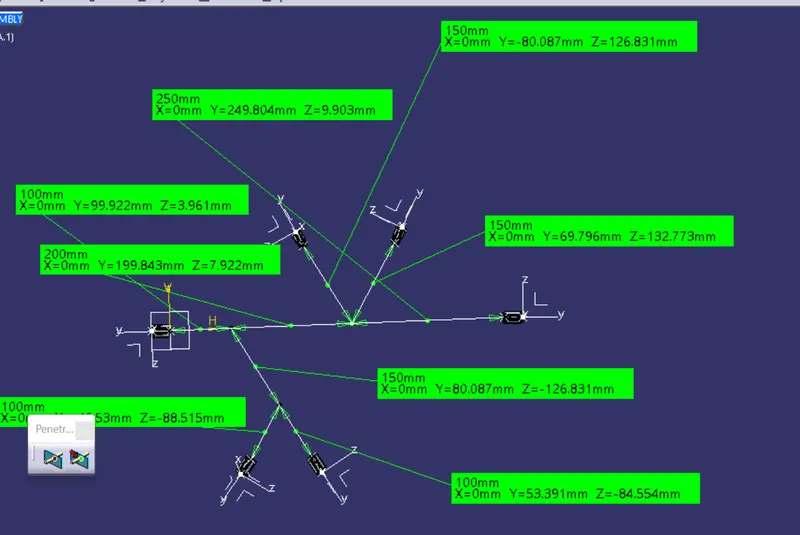
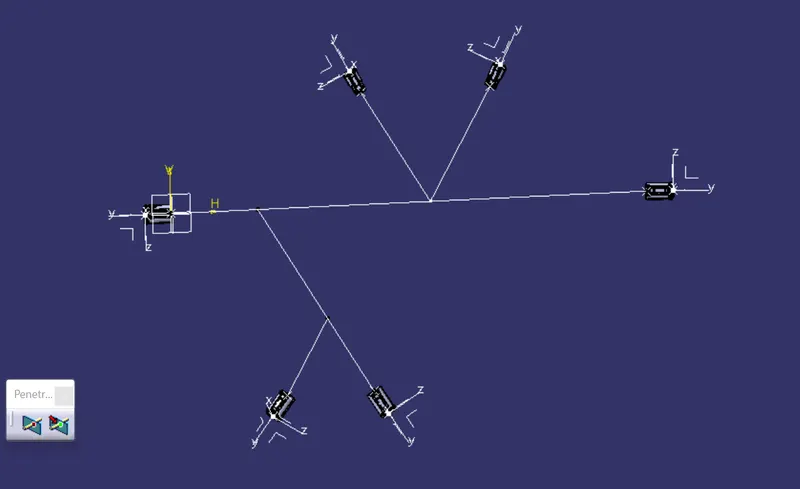
STEP-4
Creating Bundle segments and branching points between the connectors.
First create bundle segment between the connectors DT06-8S and DT06-6S.Here assumed harness bundle diameter as 15mm.
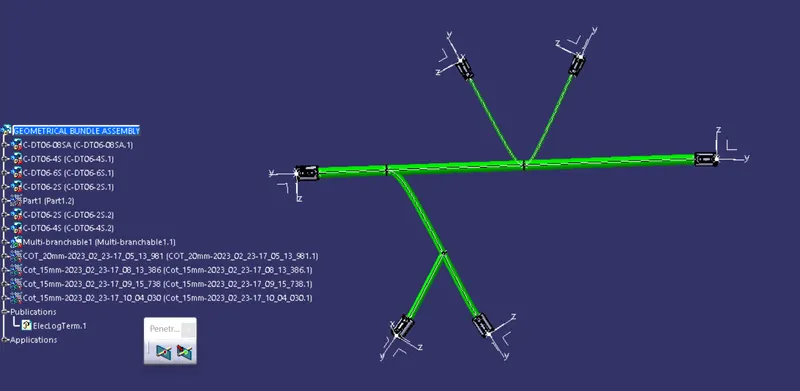
STEP-5
Add protective coverings on the required segments for harness bundle. (FROM THE CATLOG FILES )