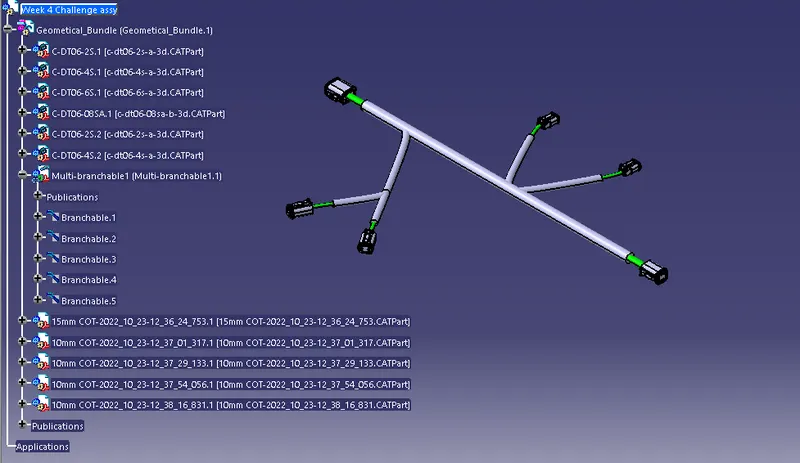
Wiring harness design in CATIA V5 - 3D modeling Week 4 Challenge
Below is the process of Harness routing.
- Download the required connectors from the supplier website.
- Make all the connectors as electrical components as below.
- Create required geometrical parameters in part design, like connector connection point and axis, bundle connection point.
- Then move to electrical part design and define the part as 'define connector'.
- Define bundle connection point, connector connection point and cavity connection point.
- Create a new product and make that as electrical product by using 'Geometrical bundle' command in Electrical harness assembly work bench.
- Position all the connectors as per the given harness layout.
- Use Branch definition command and route the main trunk first.
- Use add branch point to create branches and route them by using route definition with the other connectors.
- Use Protective covering command and apply for all branches
- leave end extremity at 30mm (from connectors end).