Wiring harness design in CATIA V5 - 3D modeling Week 4 Challenge
Harness layout Routing in Electrical Workbench
Aim :
To create the harness layout routing in electrical workbench by define the electrical part and routing bundle and make the product.
Objective :
- To define the 3D model as the electrical part by using the electrical design.
- Create the product and geometric bundle and assemble the all connectors.
- Create the routing the bundle between the connector in the wiring harness assembly.
Procedure :
First step is to define the 3D part as the electrical part using the electrical design workbench. so we need to create the geometrical parameter first as shown in figure.
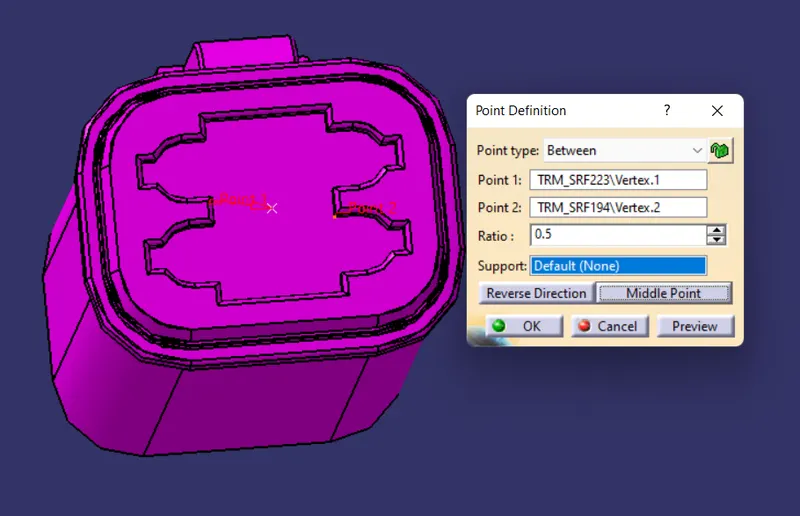
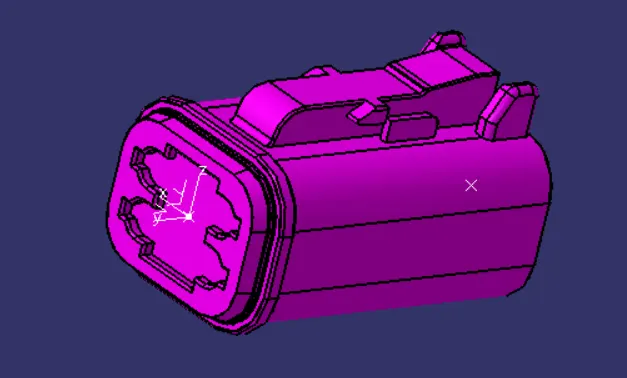
Define as the electrical part in the electrical design workbench.
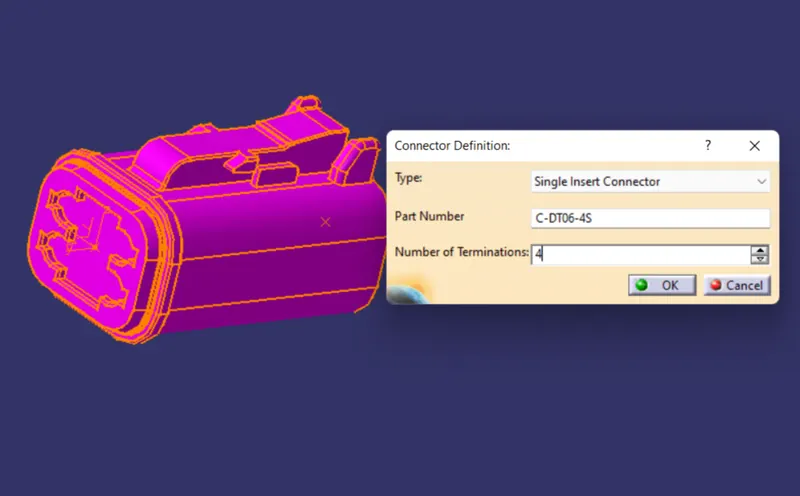
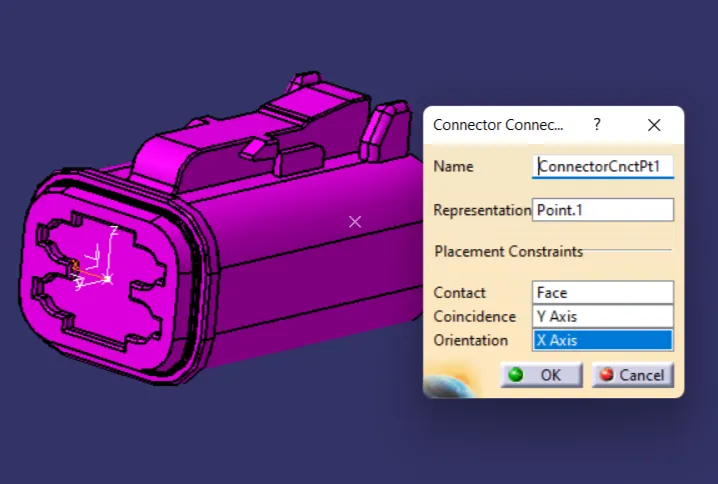
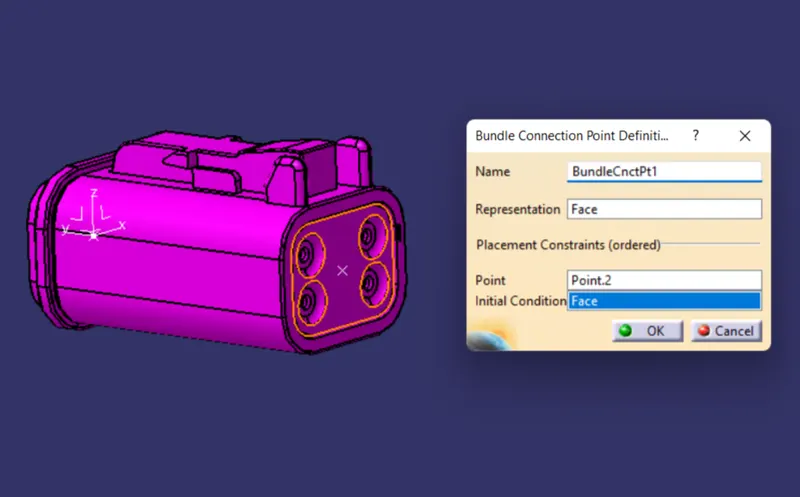
Similarly for other parts also define as the electrical part.

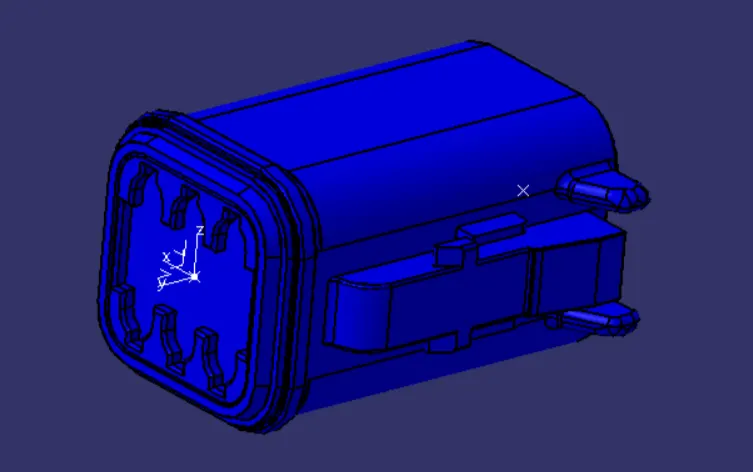
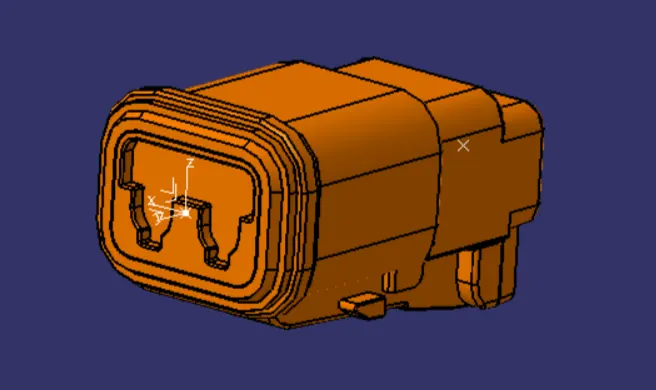
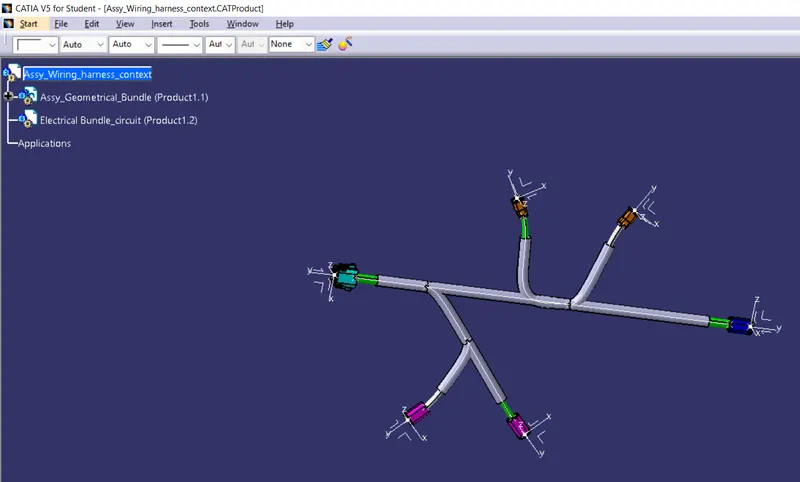
Next step is to create the product in the catia v5 and in that create the another product inside the main product file. And first move the all connector to the required place using the assembly compass options.
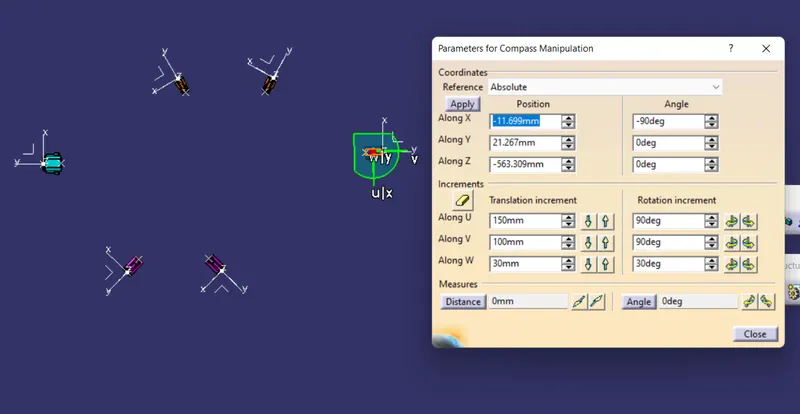
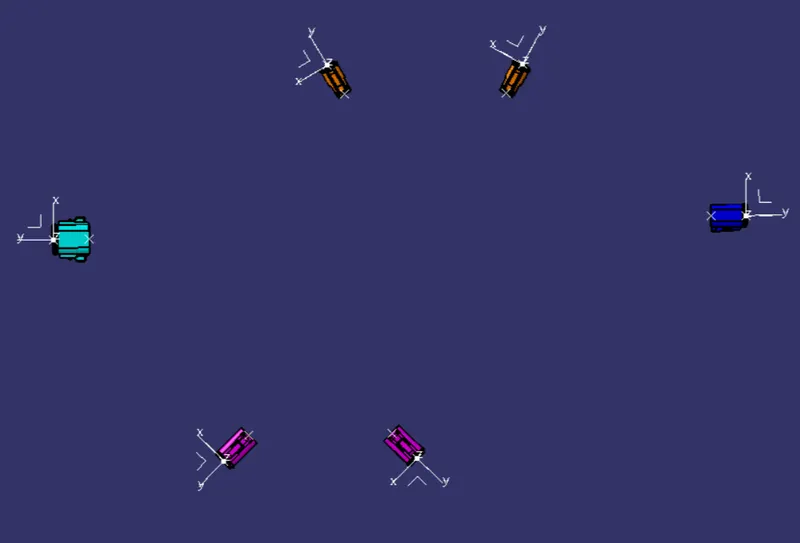
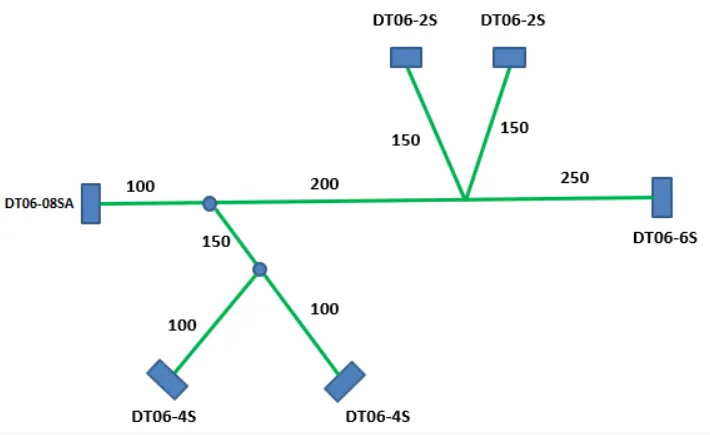
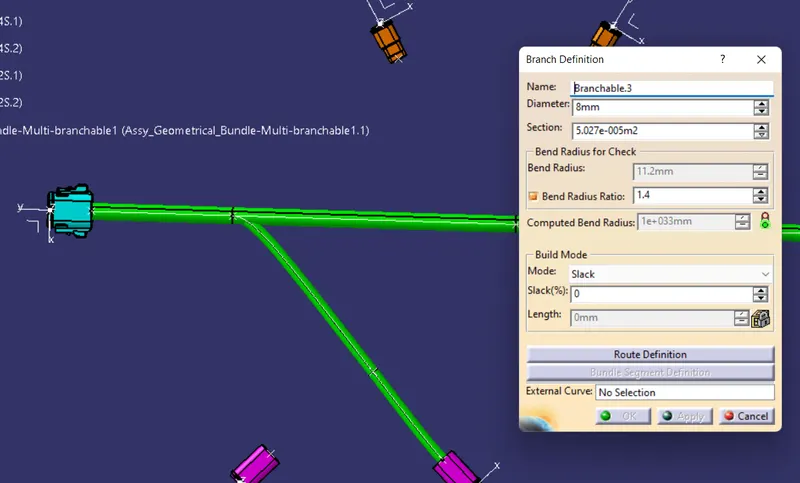
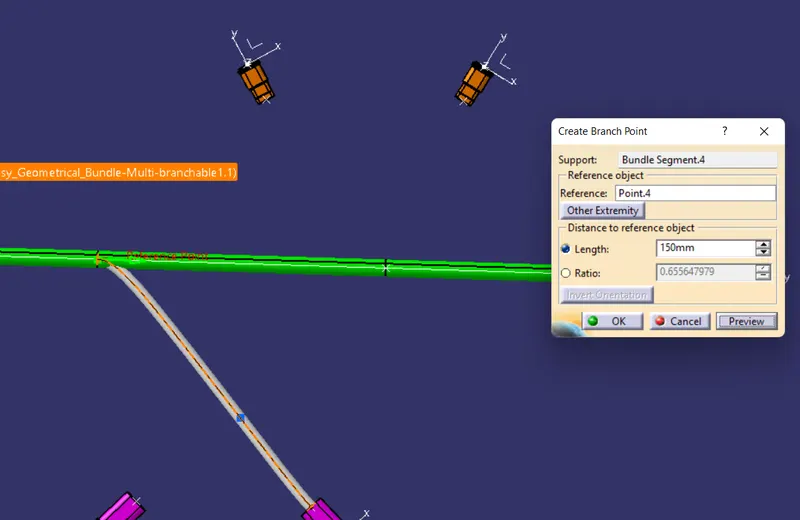
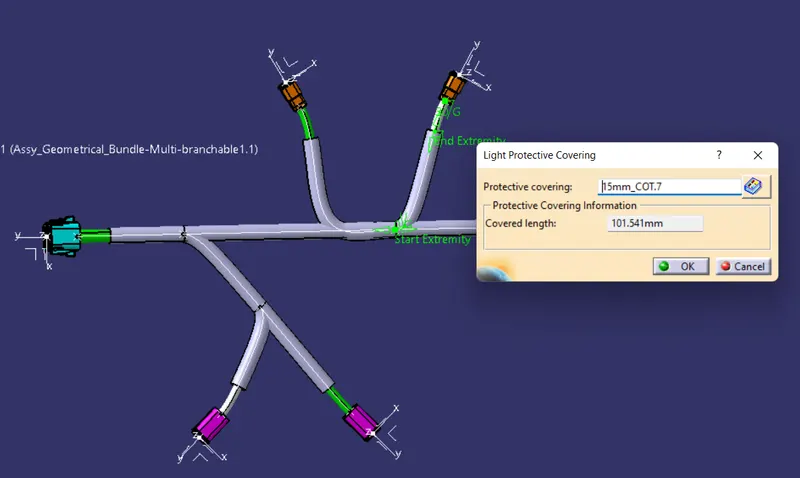
Then the next step is to create the bundle barnch definition and create the add branch point and create the all required branchs as shown in the map. And next step is to create the required productive covering and make sure the give the 30mm distance from the connectors as shown in figure.
Conclusion :
Hence the harness layout routing in electrical workbench by define the electrical part and routing bundle and give some productive covering make the product is done successfully.