Wiring harness design in CATIA V5 - 3D modeling Week 2 Challenge
In this Wiring Harness Design the CAD Parts are downloaded from the Course Related Information. Then the Downloaded Parts are open in a Part File. Then in the mid area of the Part a mid point is created. Then using the mid point an Axis System is created by adjusting the Axis Direction for our requirement.
Then move the Part to the Electrical Part Workbench and define the part as a Connector, now it becomes as an Electric Part. Then the part is defined with the Bundle Connection point to make the Part as a main object. In the Bundle Connection operation the Part has to be selected by the mid point which is created as a point definition. Then for Representation and the Initial Condition the face of the part is selected.
Now the Connector Connection Point is defined to select the area where the connector will be connected. Then the Cavity Connection is defined where the Cavity is going to be connected. Now the Cavity Part is defined with the Axis where the connection is going to happen with the Connector. Then the Cavity Part is defined with the Mounting Equipment and select the Define Cavity option to define it as a Cavity Part.
Now take this Two Electrical part to the Product Workbench and change the Product Workbench into Electrical Assembly Design. Then using the Connect Electrical Device option connect the Two Parts. If we need to remove the Part which is connected then we can use Disconnect Electrical Device Option to separate them.
Now the Male connector is taken to the Part Workbench and the center point and Axis is created. Then it is moved to the Electrical Part Workbench. In the Electrical Part Workbench it was Defined with Define Connector. Then the Bundle Connection Point is selected and the required data is given now the Connector Connection option is defined and the required data is given. Now this Part is copied to the Electrical Assembly Workbench and the Connect Electrical Device option is used to connect it with the connector.
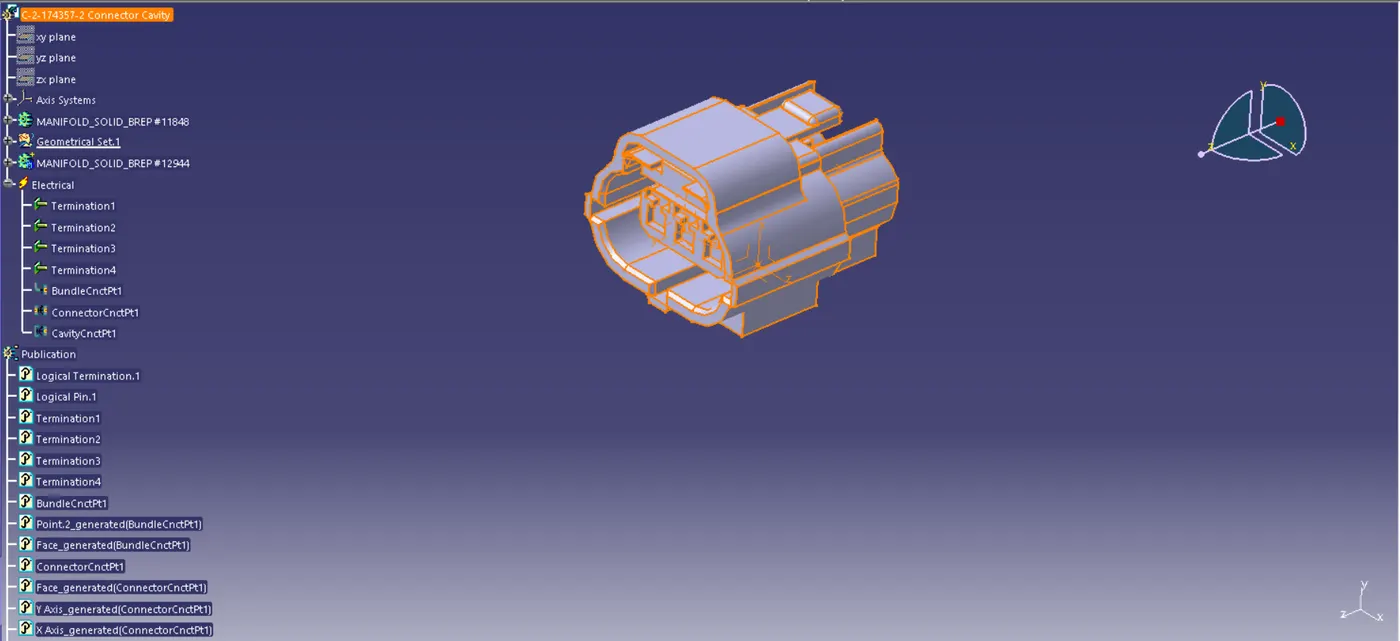
Fig 1. C-2-174357-2 Connector
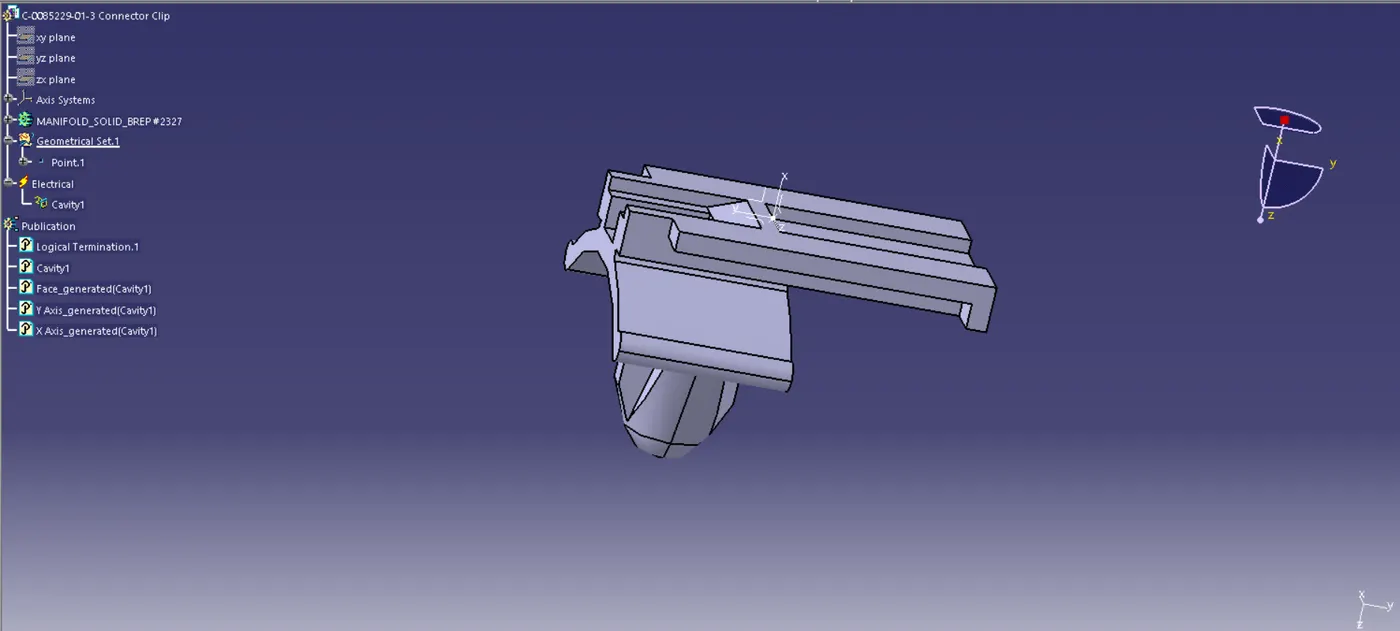
Fig 2. C-0085229-01-3 Connector Clip
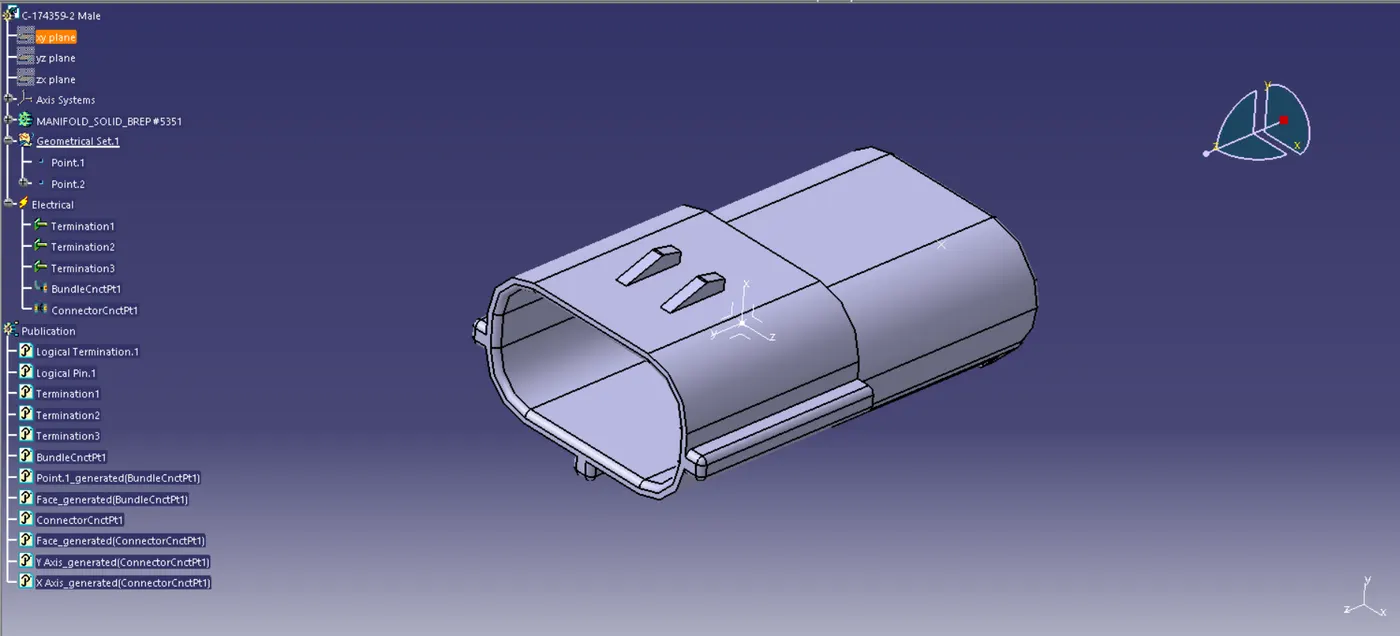
Fig 3. C-174359-2 Male connector
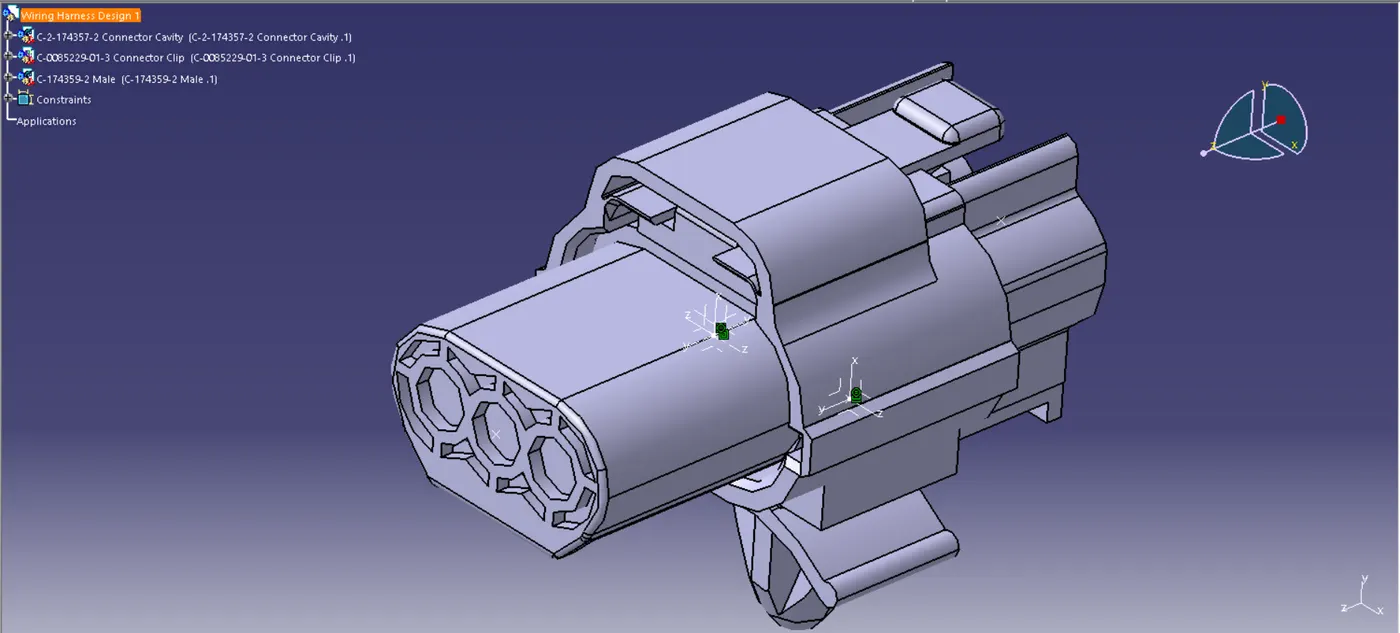
Fig 4. Wiring Harness Design 1
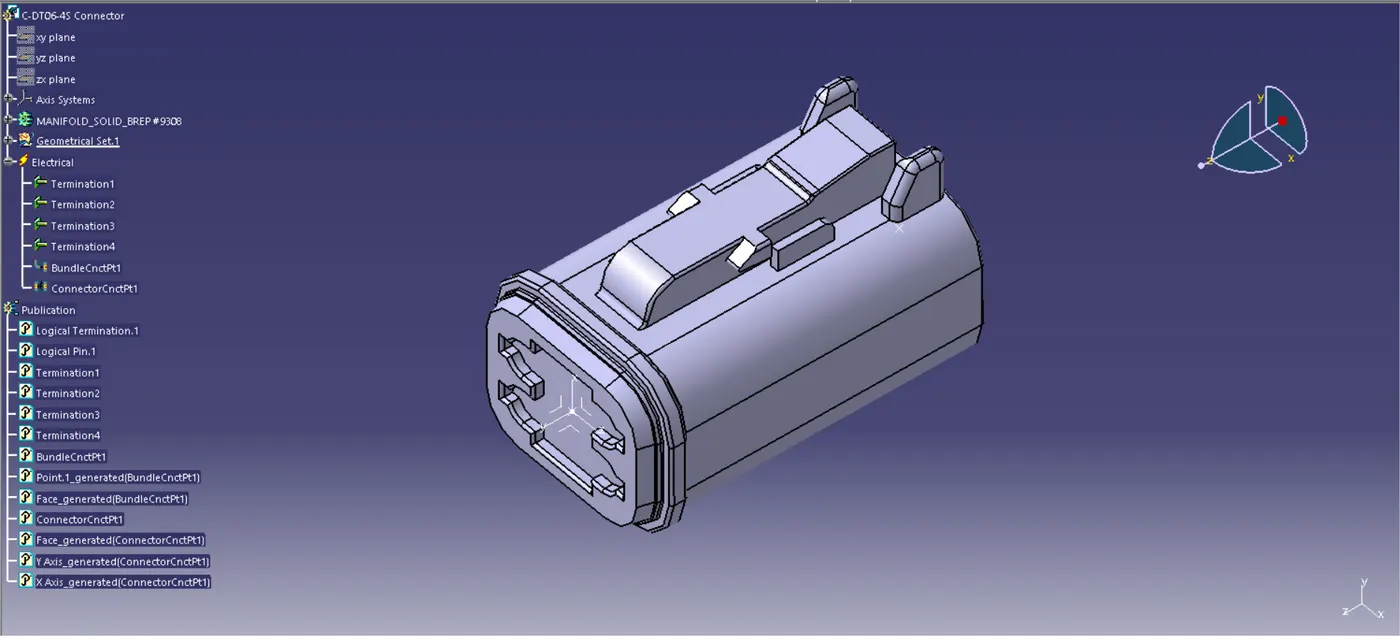
Fig 5. C-DT06-4S Connector
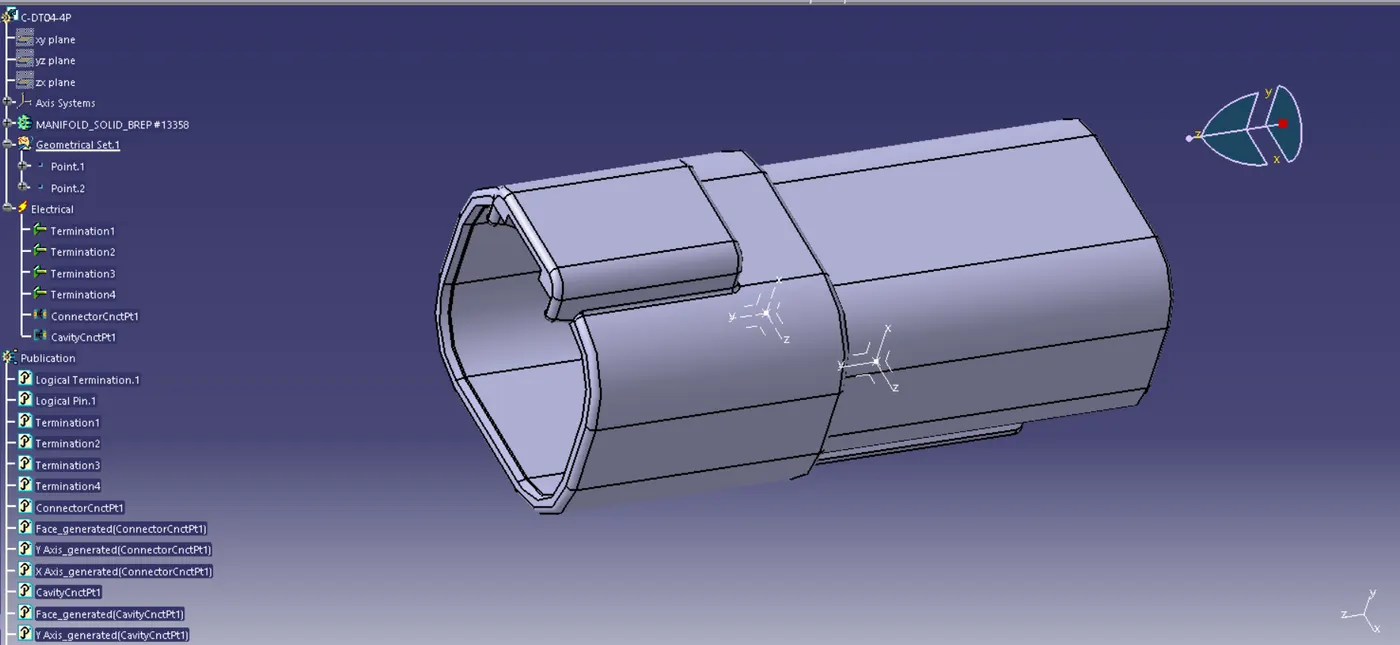
Fig 6. C-DT04-4P
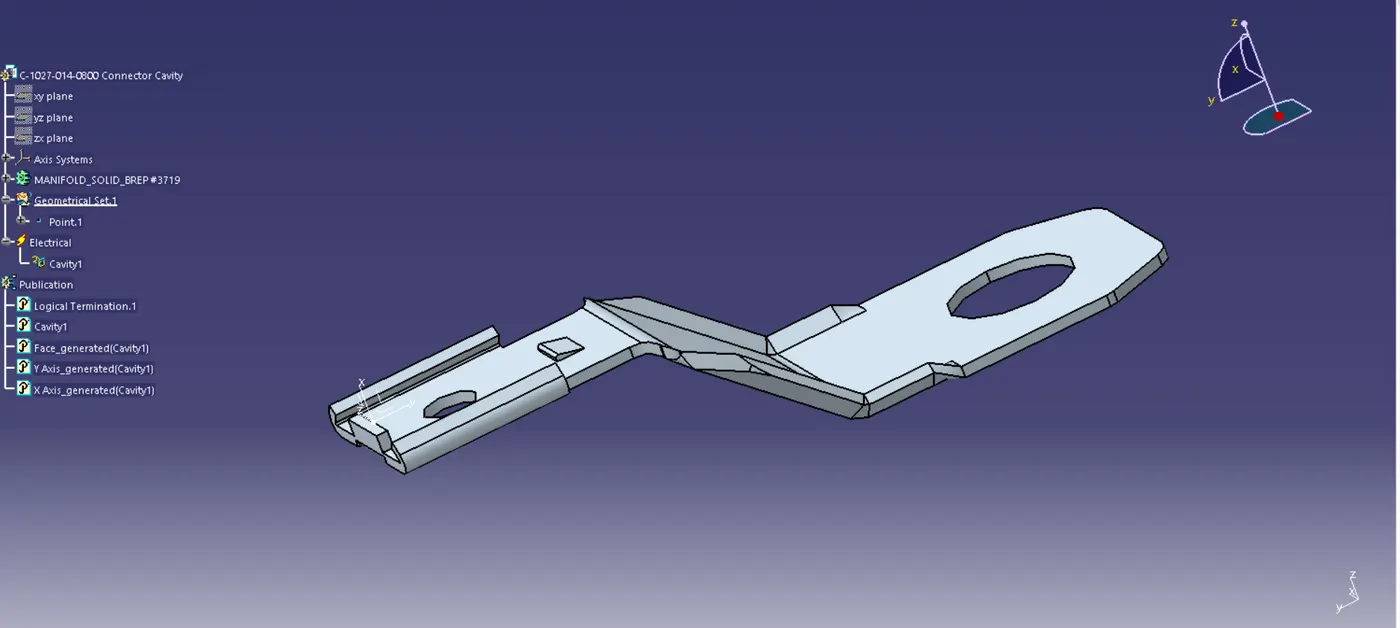
Fig 7. C-1027-014-0800 Connector Cavity
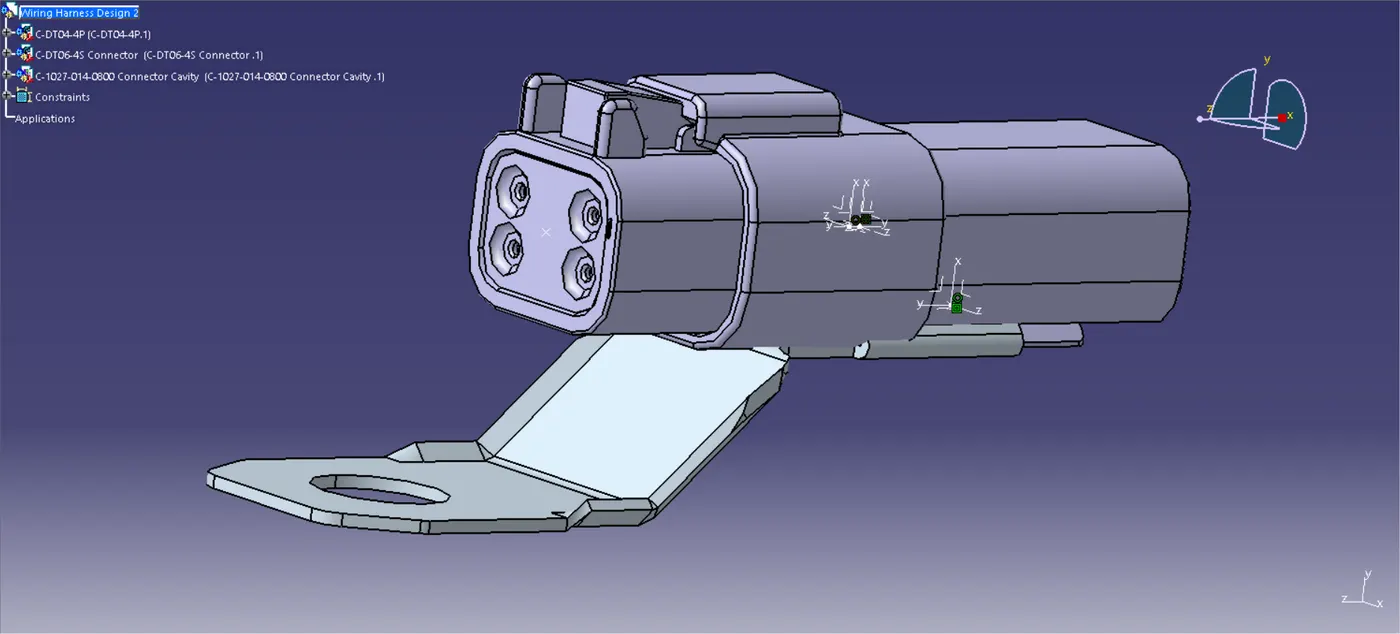
Fig 8. Wiring Harness Design 2