Wiring harness design in CATIA V5 - 3D modeling Week 2 Challenge
AIM:
To Download the following connectors & Connector clip from the CAD DATA source & define it as Electrical Connector using the Electrical Part design Workbench.
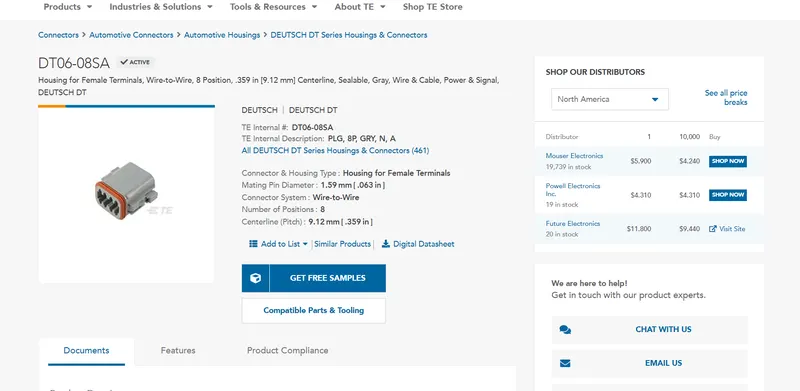
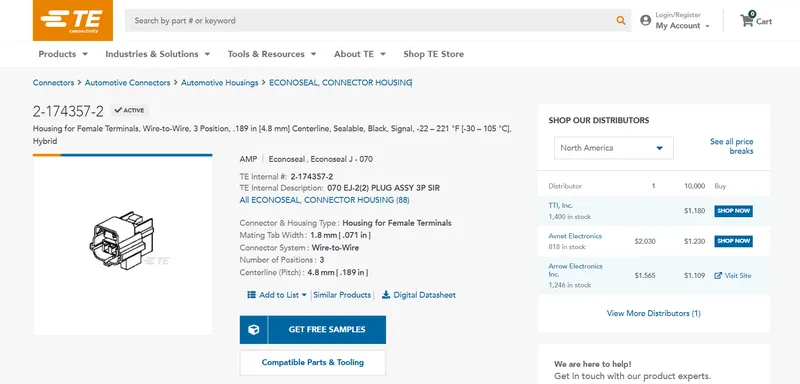
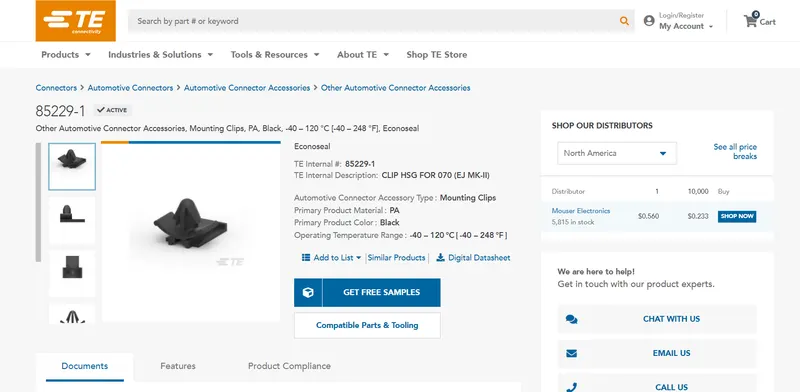
The connectors and connector clips to be downloaded are:
Converting the downloaded connectors and connecting clips to the Electrical parts using the Electrical part design workbench:
Connectors->
1. Deutsch DT06 – 08SA
Where DT is Deutsch
06 - Male Connector
08 - Number of terminals
S - Socket type
A - polarizing Position
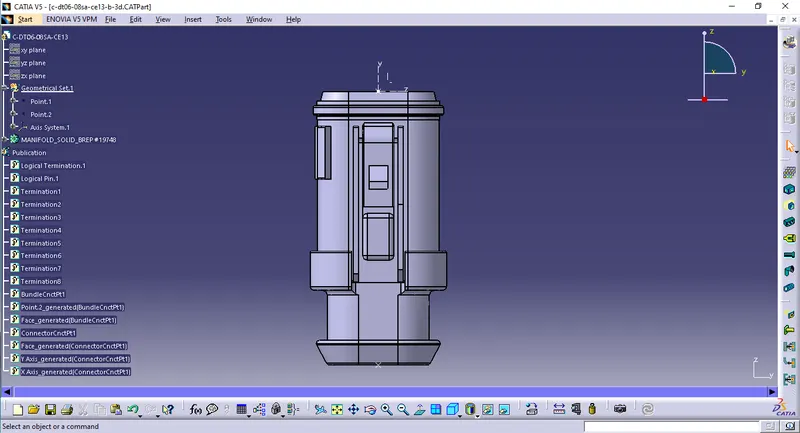
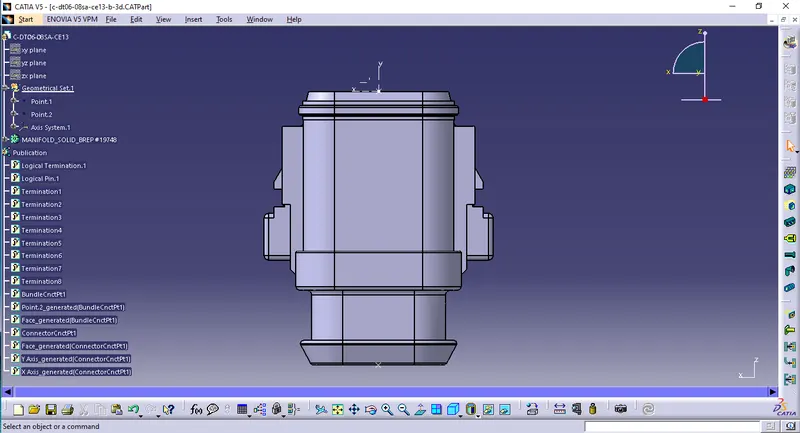
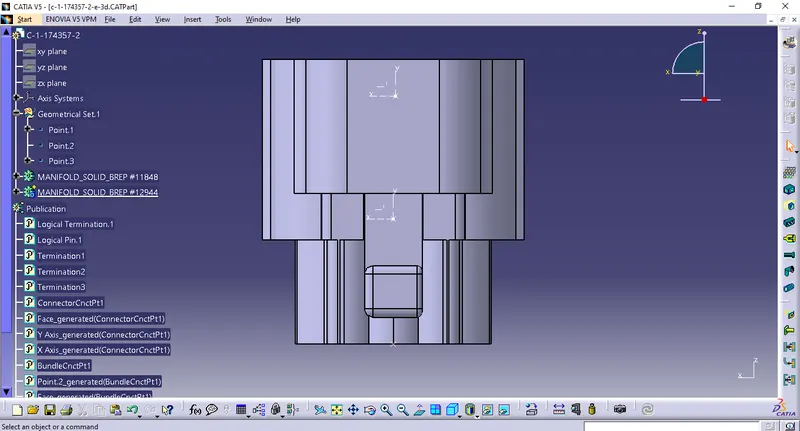
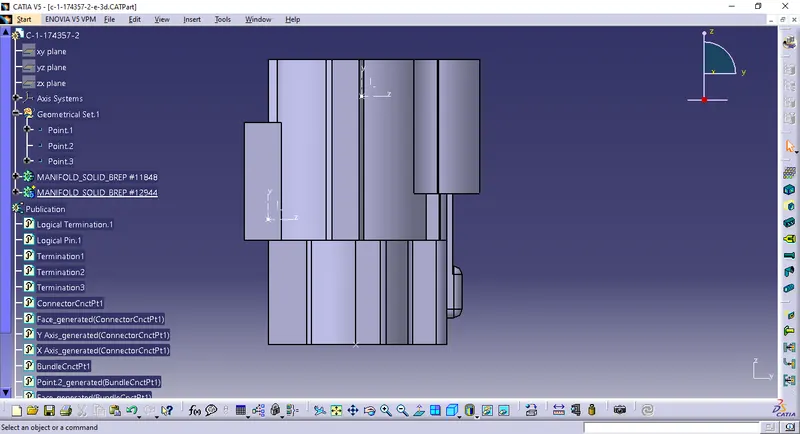
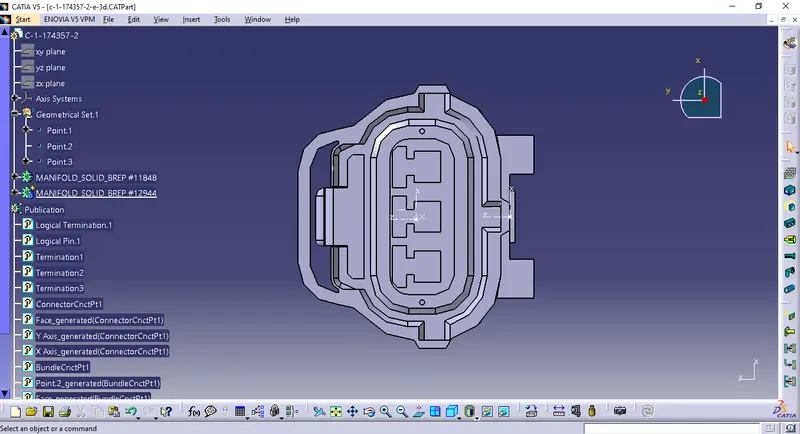
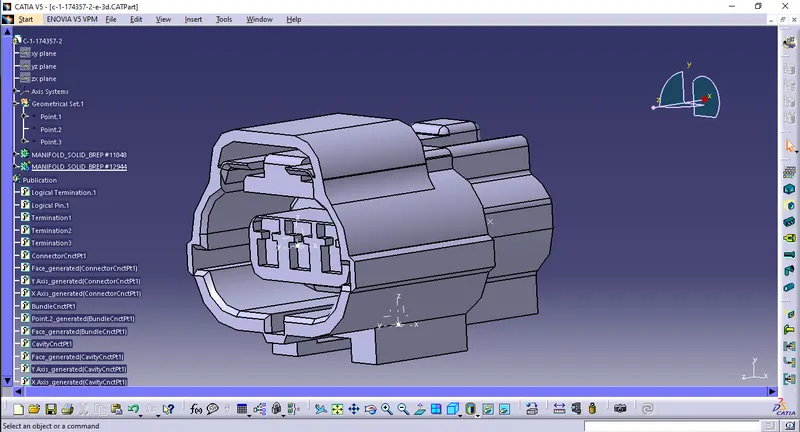
2. Tyco 174357-2
Housing for Female Terminal, wire to wire, 3 position, and centerline.
Connector Clip ->
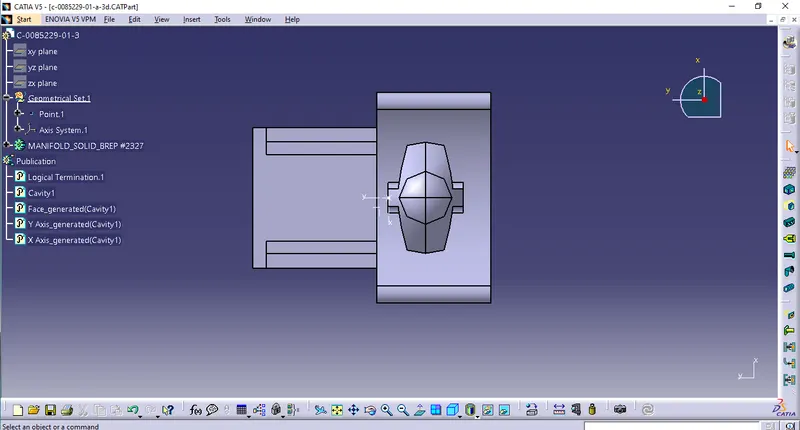
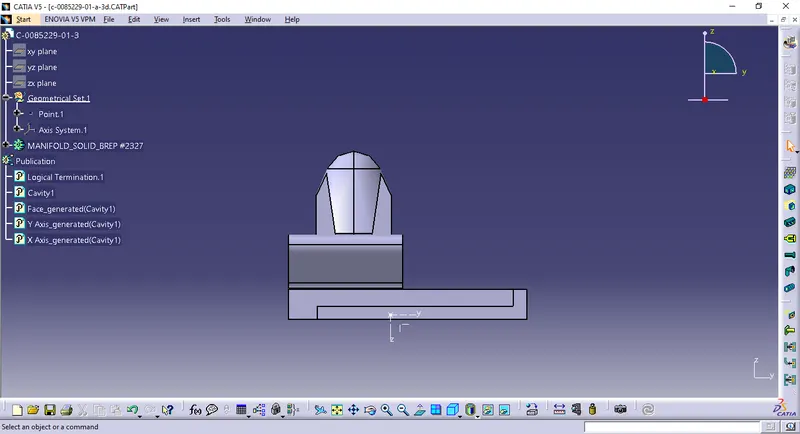
1. Tyco 85229-1
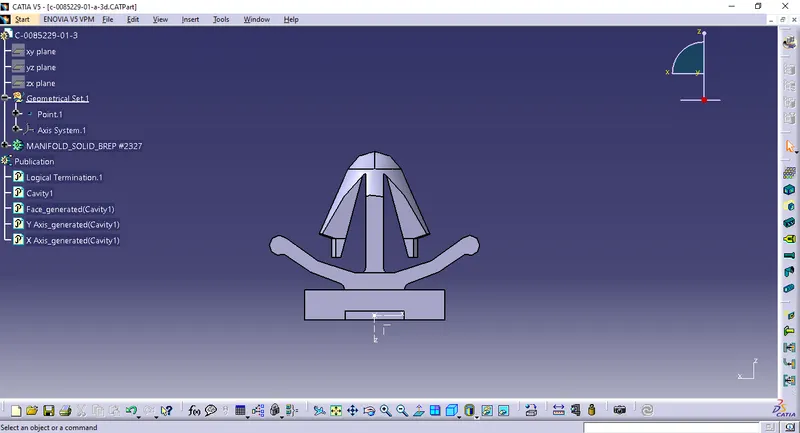
After Connecting the connector and the connecting Clip :
Assembly->
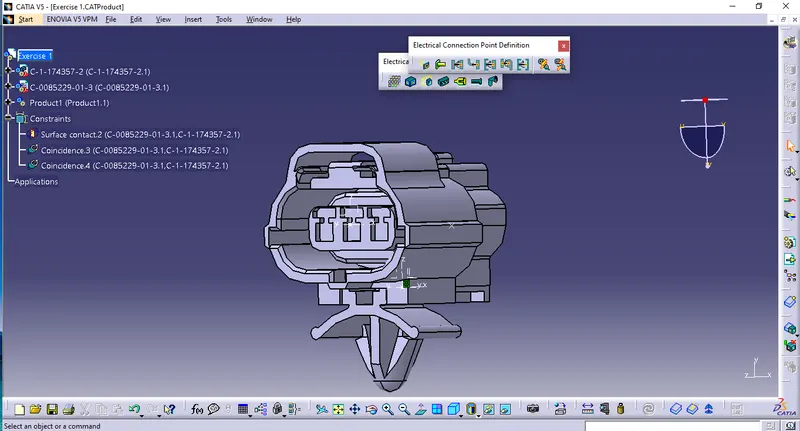
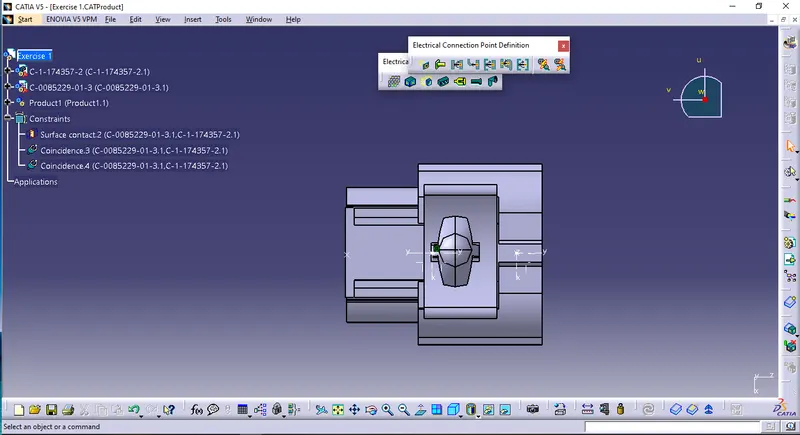
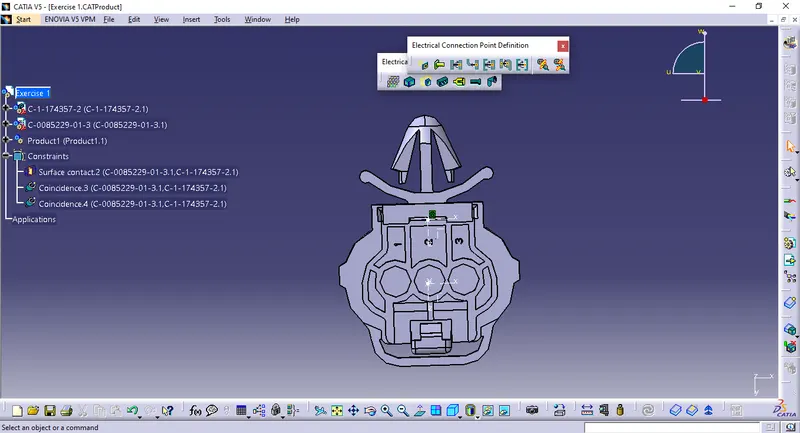
Final Output:
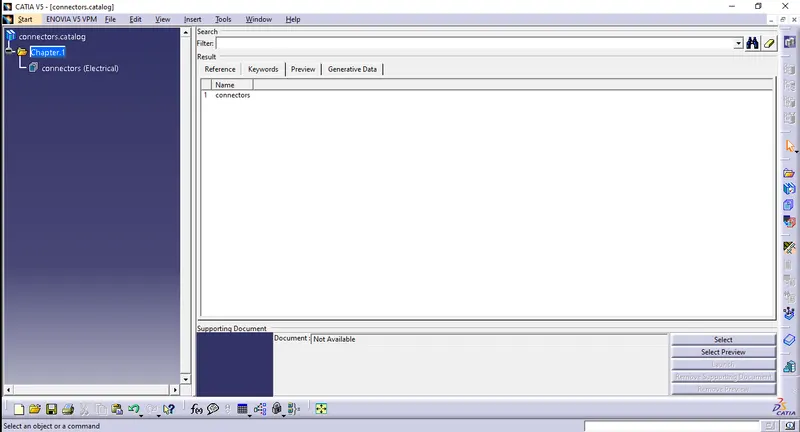
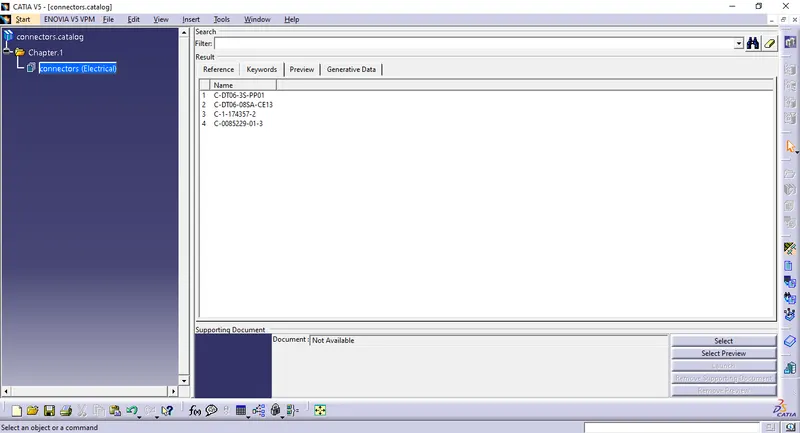
Catalog created for the connectors:
Conclusion:
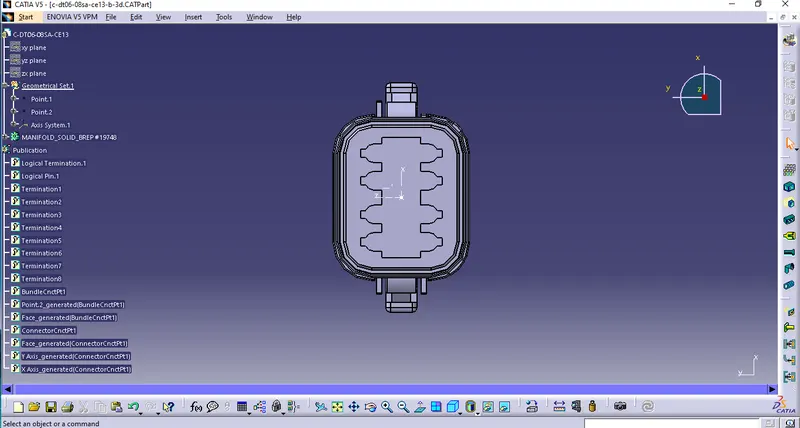
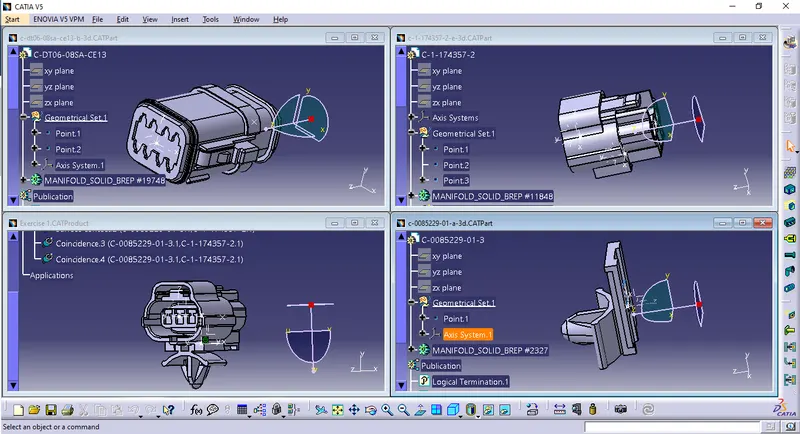
The above task is done consists of various processes in which, first the downloaded part is opened in the CATIA workbench and the middle point is defined using the point and the axis method.
After the middle point is defined the workbench is changed from mechanical part design to electrical part design and then it is converted to an electrical part by clicking on the connector option in the tools menu.
At last, after converting into electrical parts then the connections and bundles are being applied for the further processes to happen in the assembly.
Google drive link:
https://drive.google.com/drive/folders/1YmHu2Sl8vEGiJ8NyAcSTkWjtsNSRDcq9?usp=sharing
***************