Week 9 - Project - Master Section Development
Explanation:
B Pillar
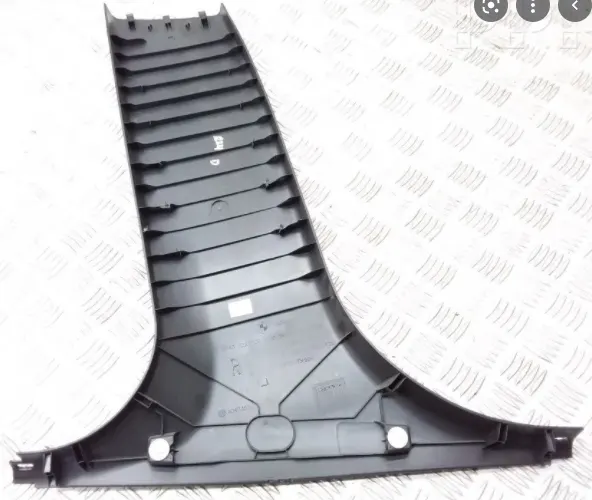
The B-Pillar Is The Central Pillar Of The Car. This Pillar is Actually a Sheet Metal Part Which Is Welded In The Biw Of The Car. The B-Pillar Trim Is Attached To The B-Pillar And Improves The Aesthetic Look Of The Car. Mostly The Trims Are Manufactured By The Injection Molding Process. The Design Of The B-Pillar Is Carefully Done To Make The Part Manufacturable And Usable In The Interior. While Manufacturing a Part Through injection Molding a Lot Of Defects Can Occur On The Plastic Part Which Will Destroy The Look Of The Panel. The Design Has To Made In Such a Way That All The Errors Can Be Rectified.
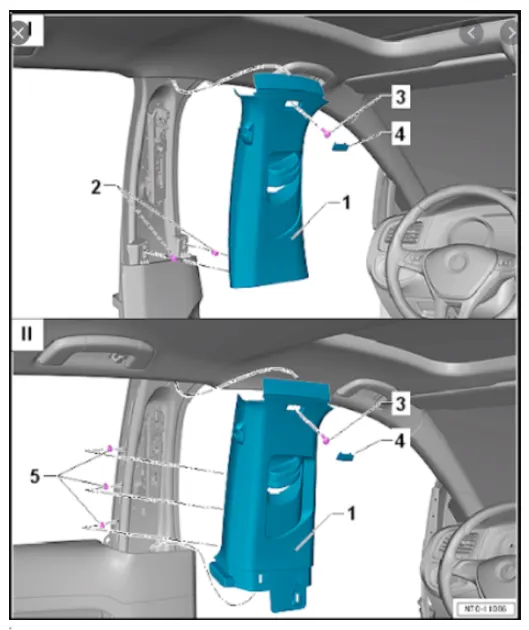
Master Sections Are The Guides For Design Requirements Which Shapes The Component After Technical Styling of class A surface
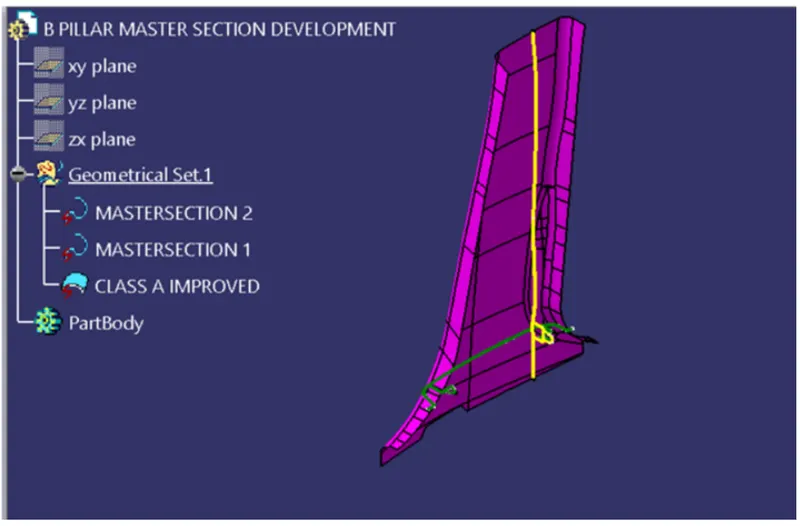
Tooling axis:
step 1
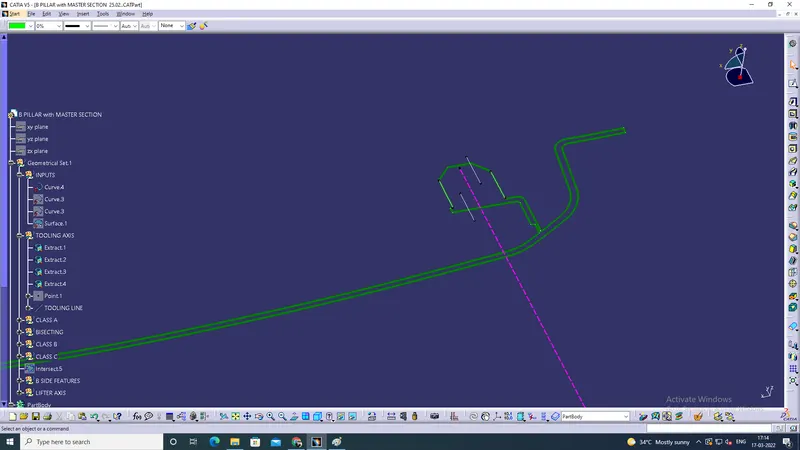
1. take the input curve then extract the line of 4, and create the point in between.
2. then create the line and extend the top to bottom and named tooling axis.
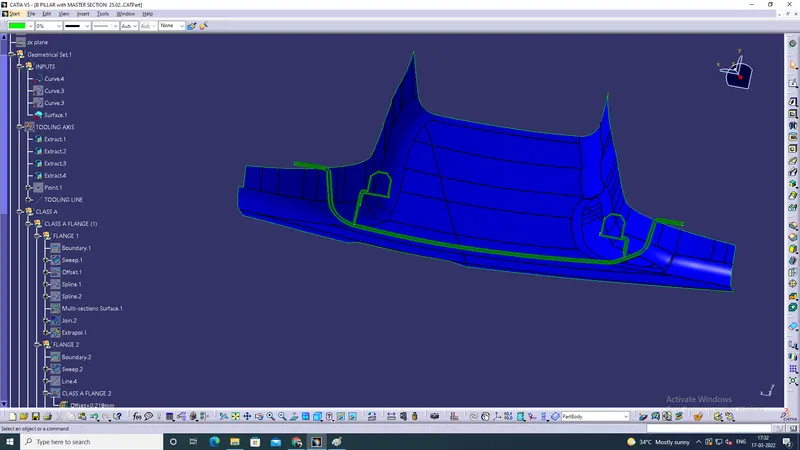
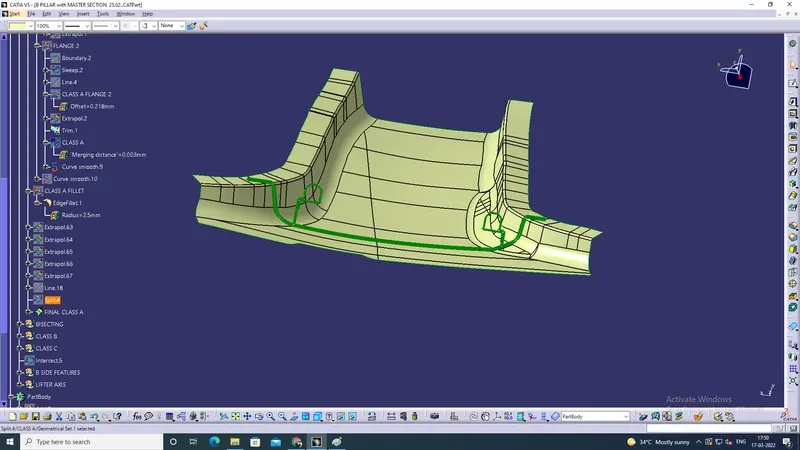
Class A Flange 1 and 2
Steps
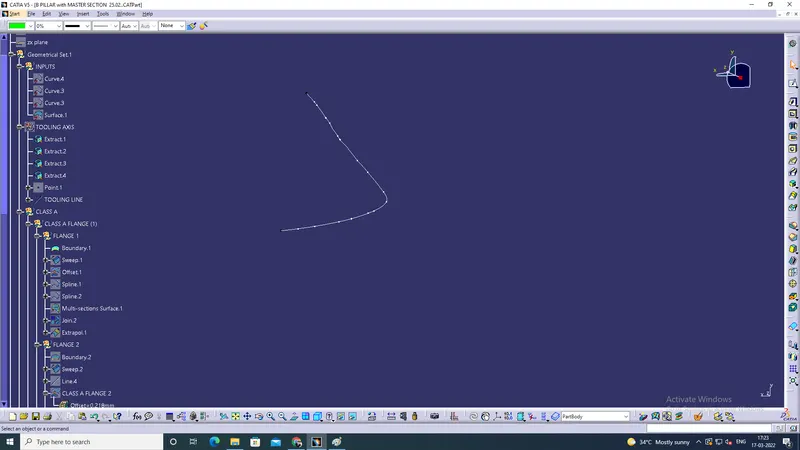
1. take the given surface and take the boundary and using sweep tool extent depend to the surface.
2. gape patches arrested using spline and filled.
3. the flange degree adjust using the right calculation in sweep degree.
4. Then extrapolate the flange for intersecting purpose
5. The same process in another side.
6. then both surface are intersect and trim to match the given inputs.
Inputs
Boundary
Sweep
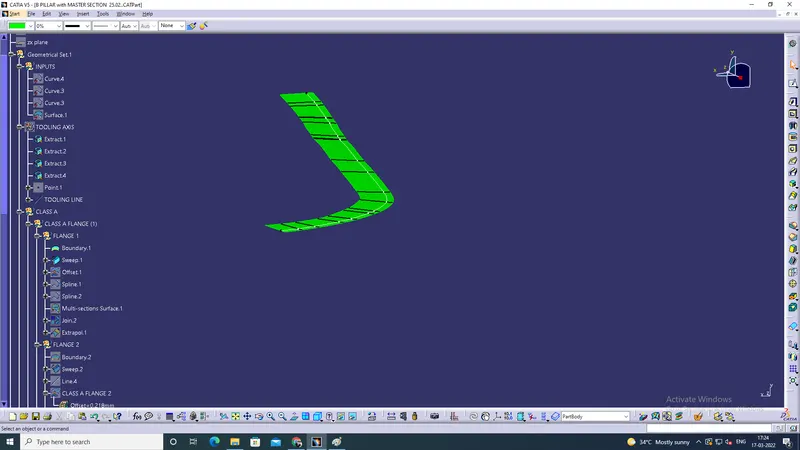
Extrapolate
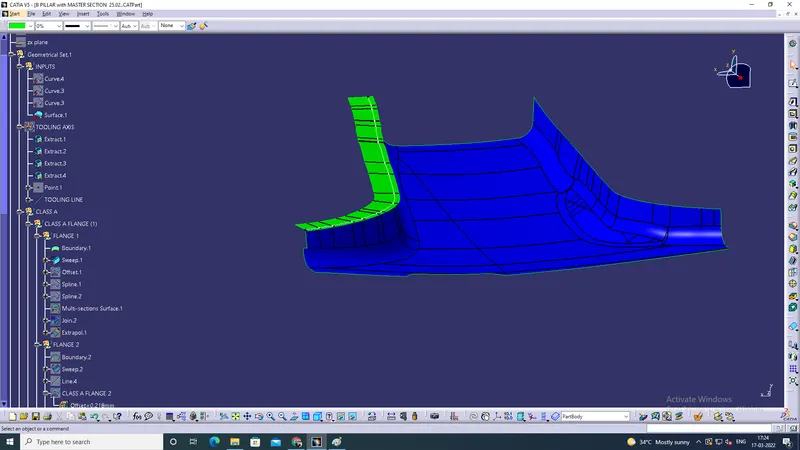
Flange 2 Boundary
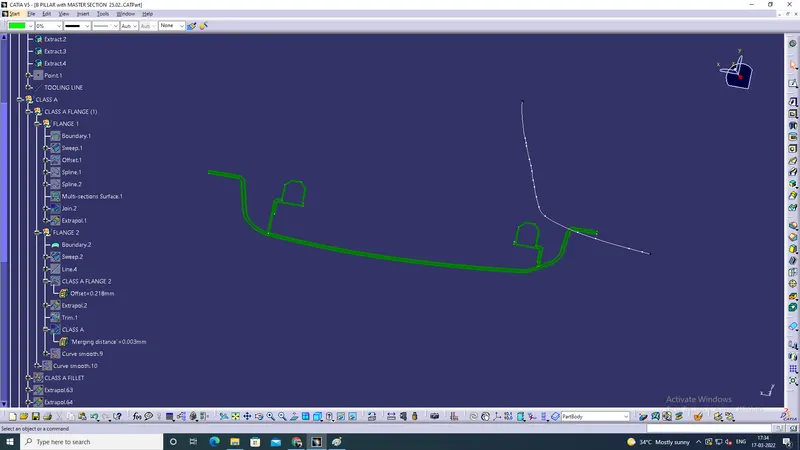
Sweep
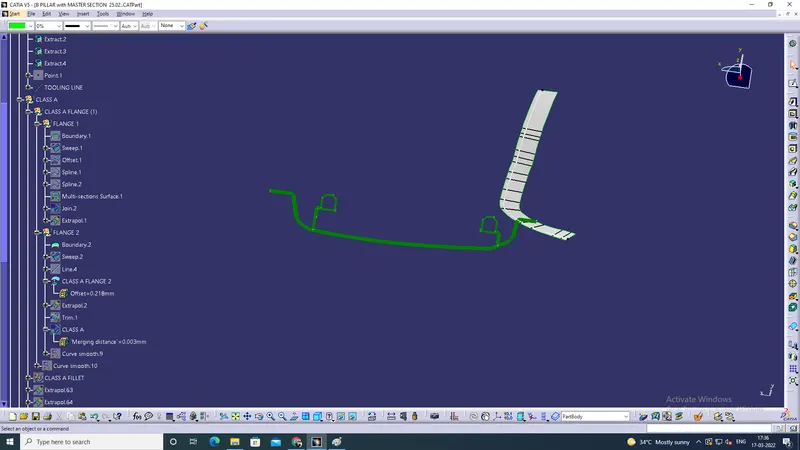
Extrapolate
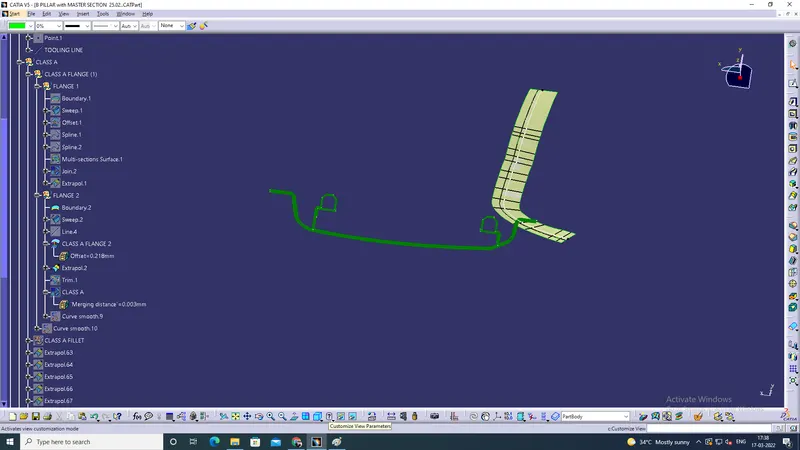
Trim ( Class A)
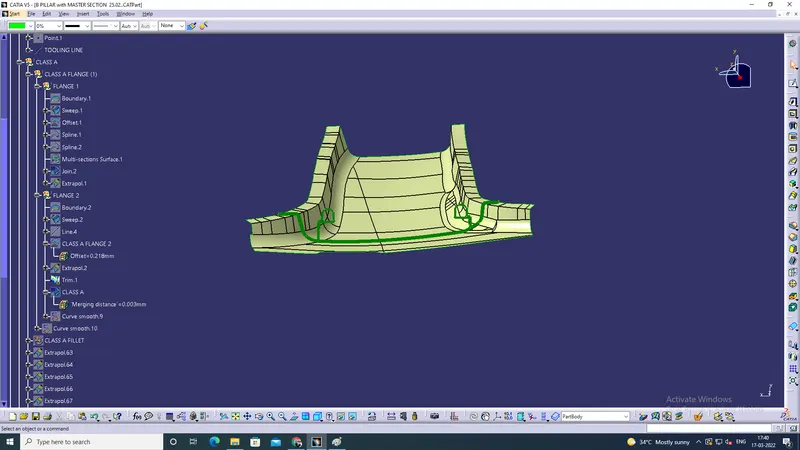
Class A
Steps
1. The both flanges are ready now.
2. then apply the fillet
3. Check the disconnectivity and extrapolate the surface the joint to the surface
3. check the boundary and named Class A
Fillet
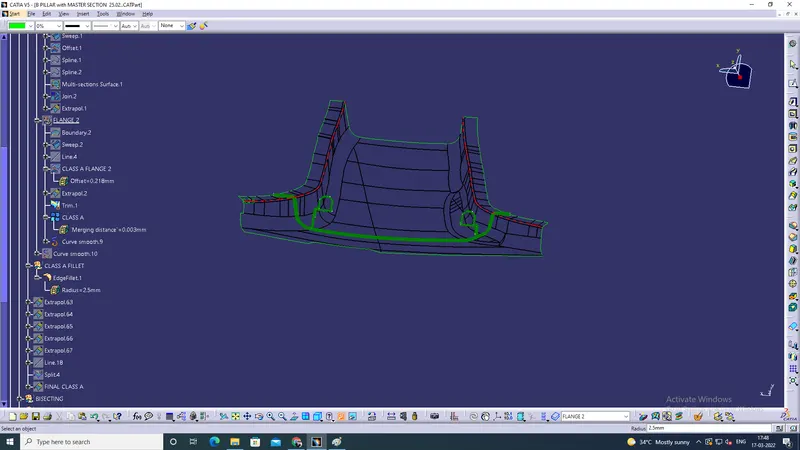
Class A
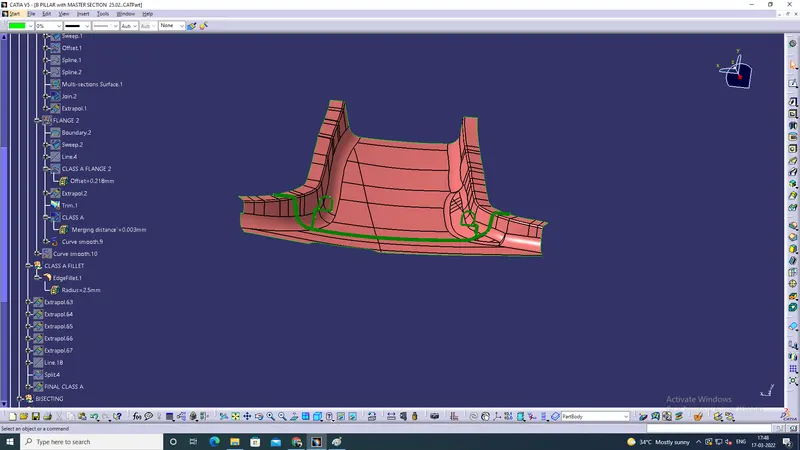
Final Class A
Class B
Steps
1. Offset the Class A flanges to 2mm,
2. Disconnectivity should be covered using splines and fill
3. Then base surface offset into 2 mm.
4. Both are intersecting purpose using extrapolate and trimed.
Offset
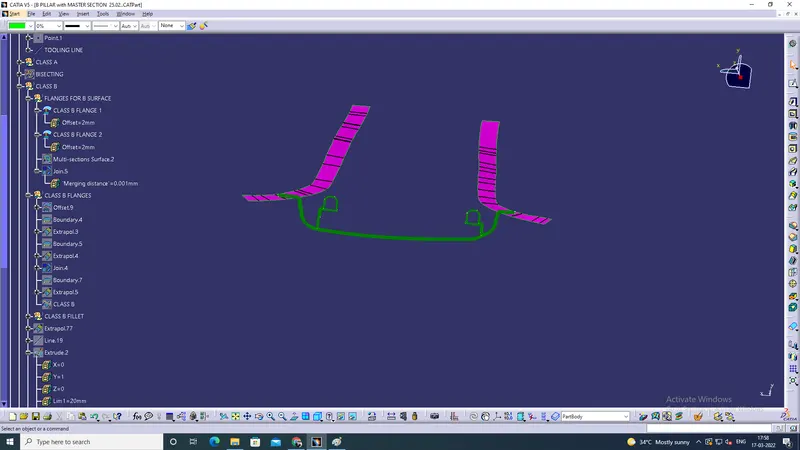
extrapolate to join
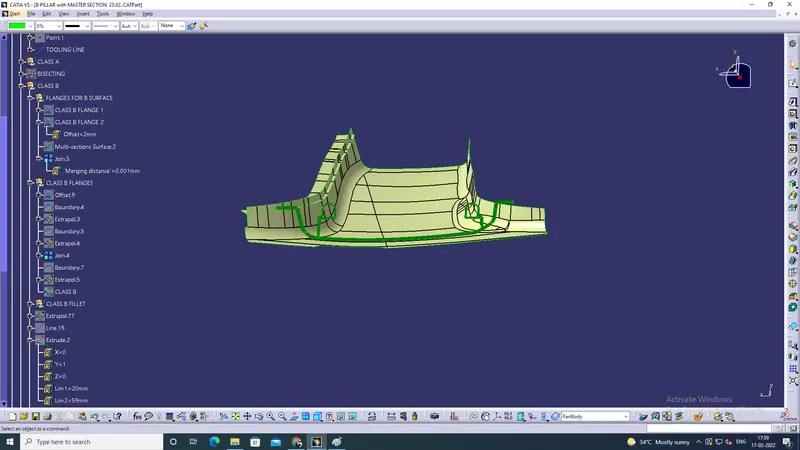
Trim
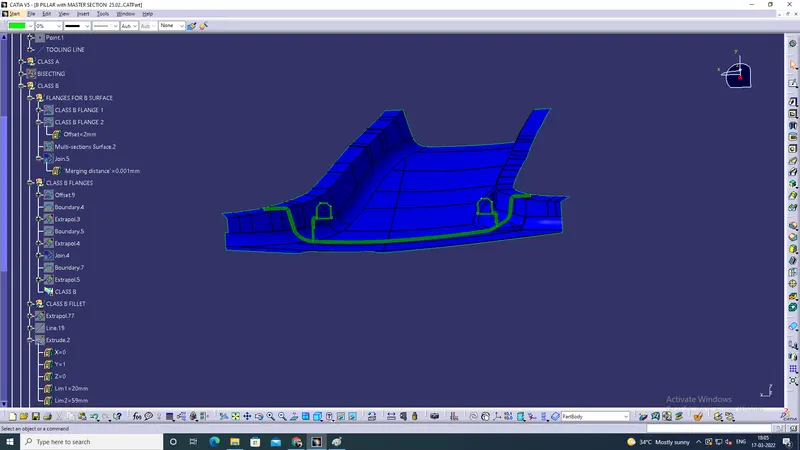
Fillet
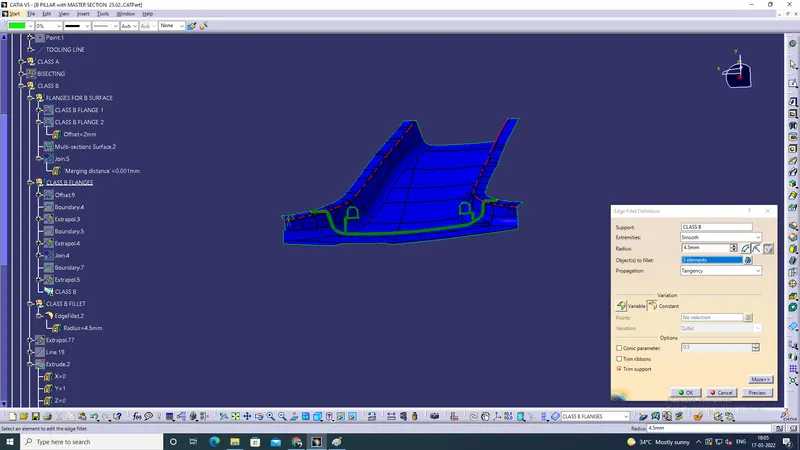
Class B
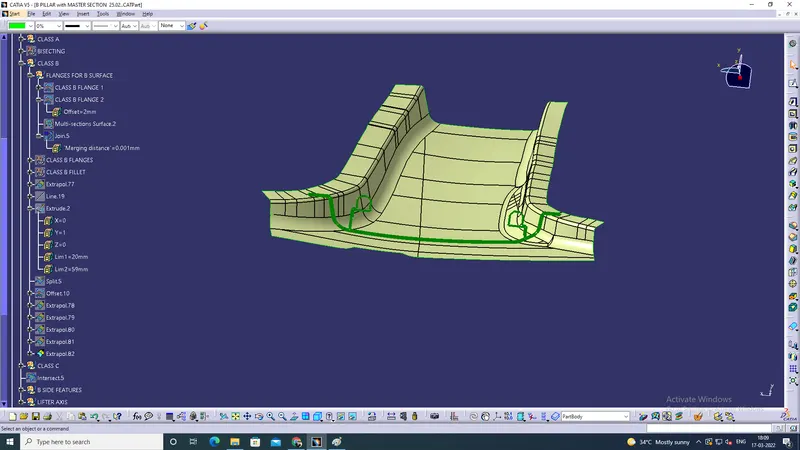
Class C
steps
1. take the class A surface and using sweep in point to point boundary and smooth curve and joint
2. then all sweep should be extrapolate for intersecting purpose to trim
3. then joined.
Sweep and Extrapolate @ Class C
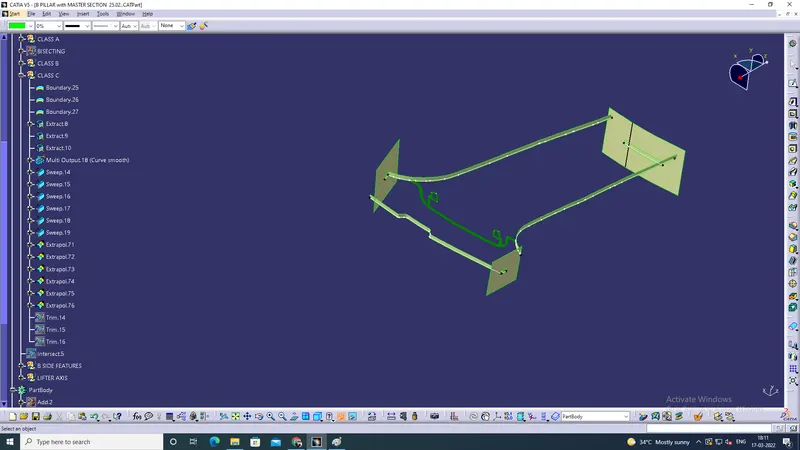
Joint
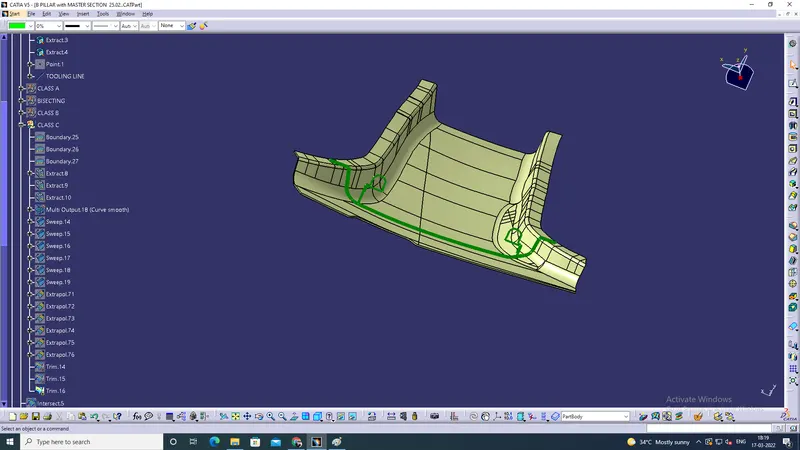
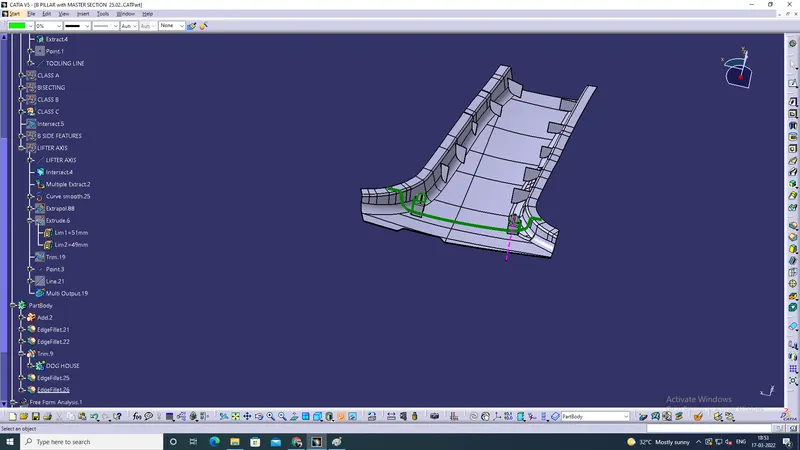
B side Features
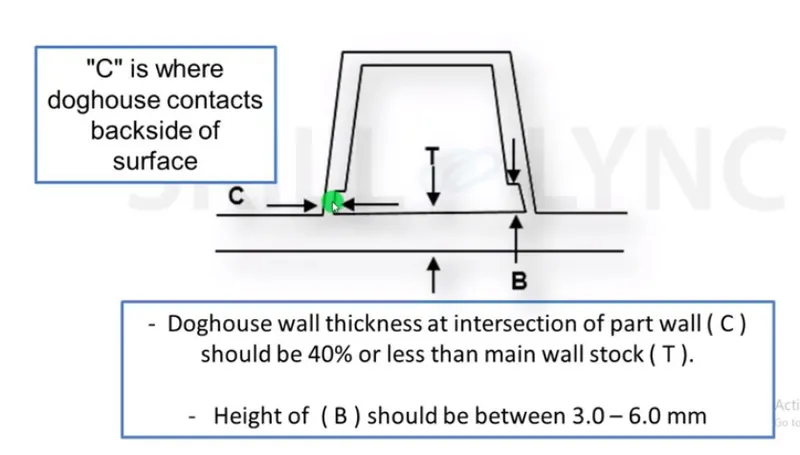
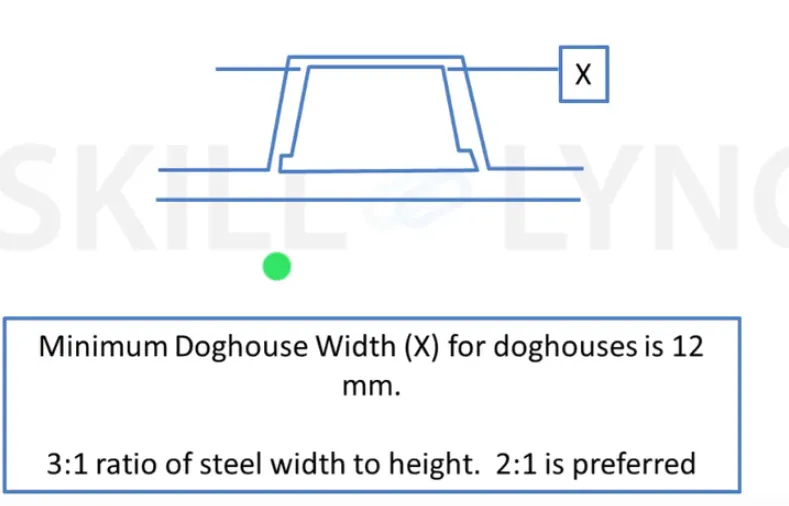
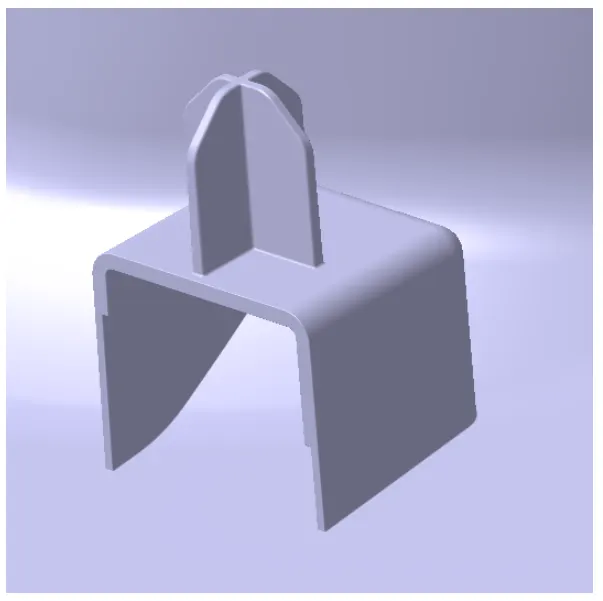
Dog House
steps
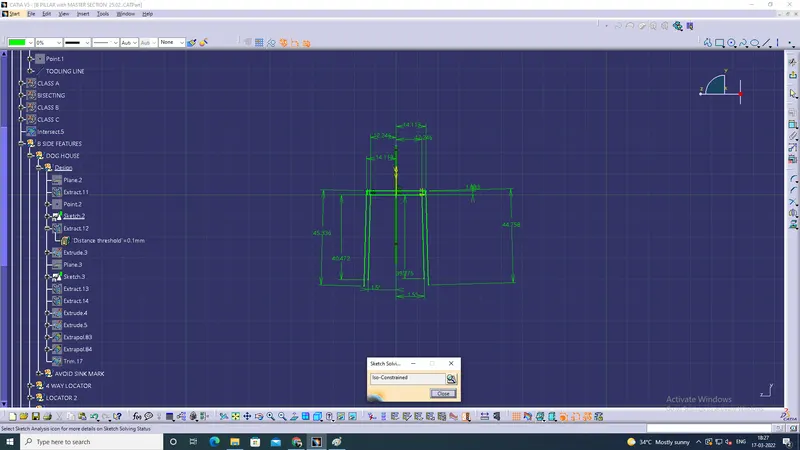
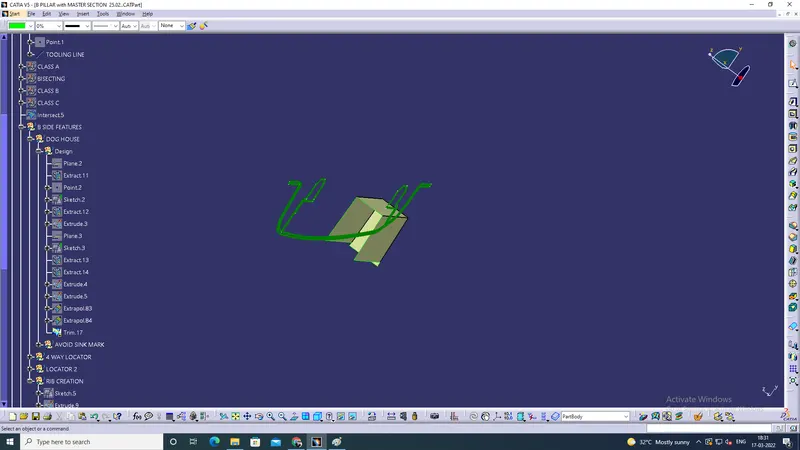
1. Take the given Dog house curve and put the plane and extract then create the point.
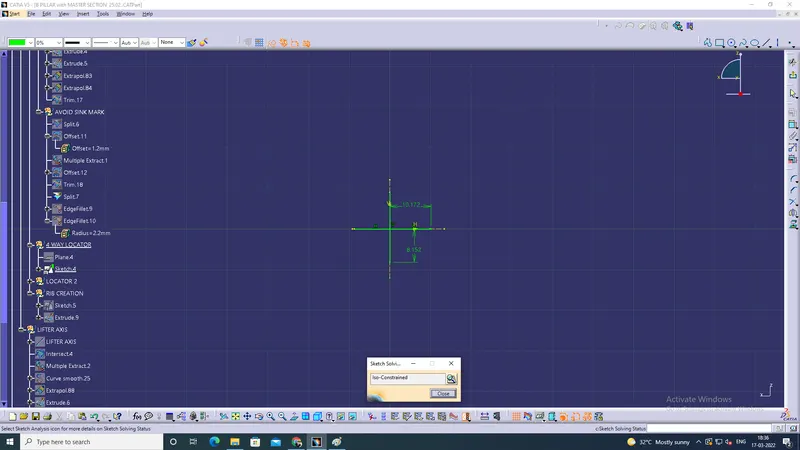
2. then Create the sketch ensured all iso constrain. (initially given draft at 0.5 degree)
3. Then extract the sketch and extrapolate the one to one intersect for trim purpose.
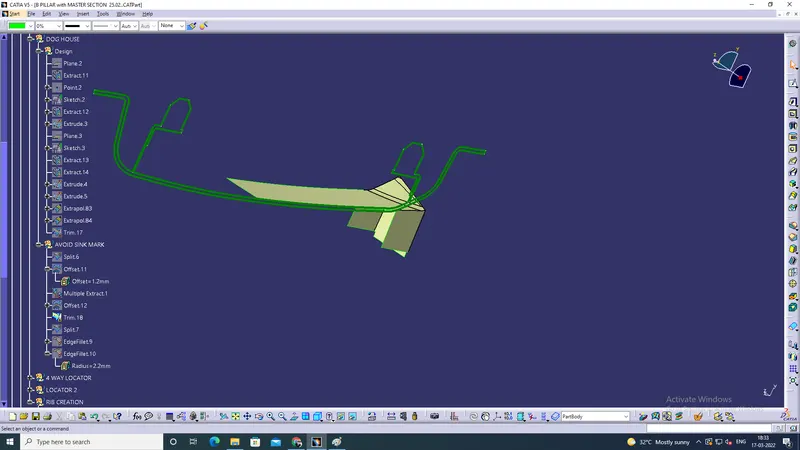
4. then to avoid the sink mark using split and offset.
5. then using multiple extract the all needed face only selected.
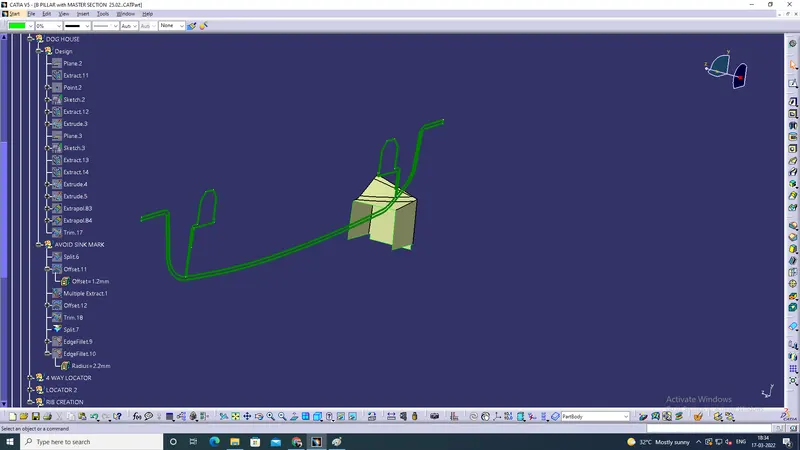
6. Then Using trim to joint.
7. And split the surface and given fillet
8. Then create the locator sketch.
9. Then all should be in pad.
10. then using boolean operation its look like a good structure.
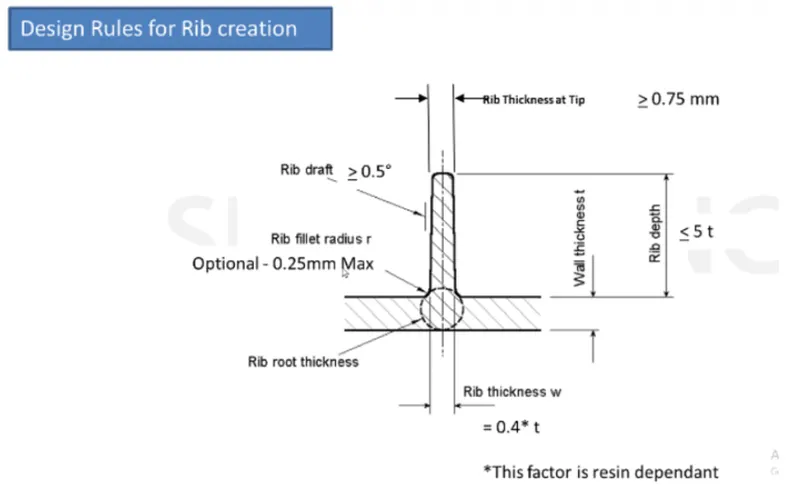
Reb
Steps
1. create the sketch and pad then using union trim then create the reb.
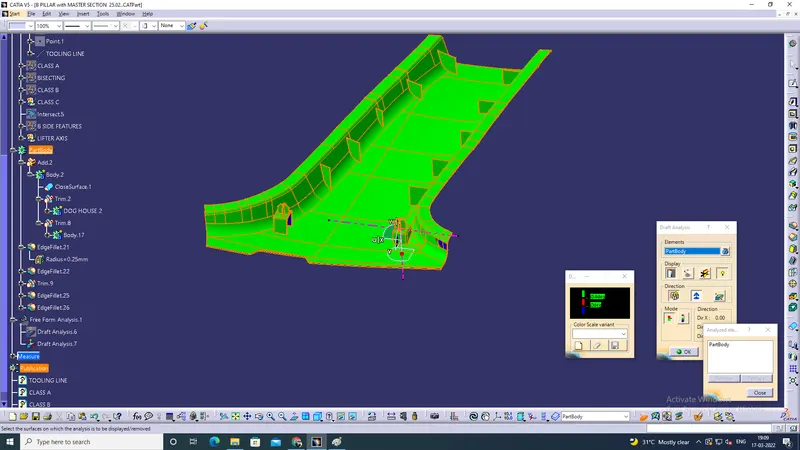
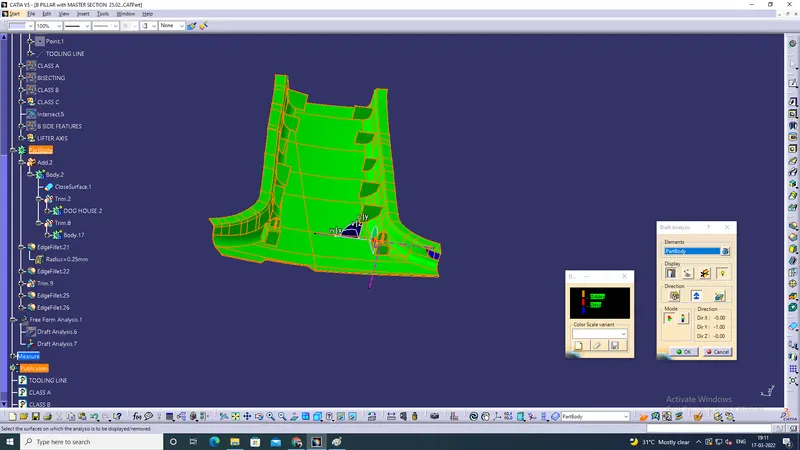
Draft analysis