Week 8 - Challenge 2 - Base Bracket Design
1. Screenshots of the Draft analysis report for both the given Class-A surface and the final plastic component
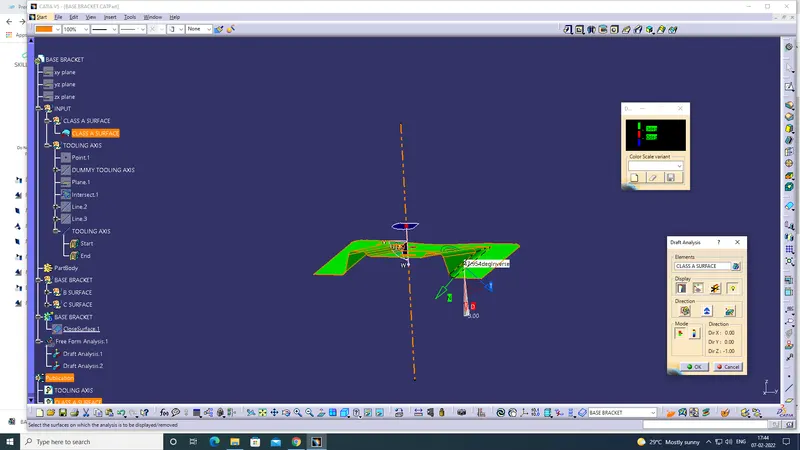
2. Image of the complete Draft analysis
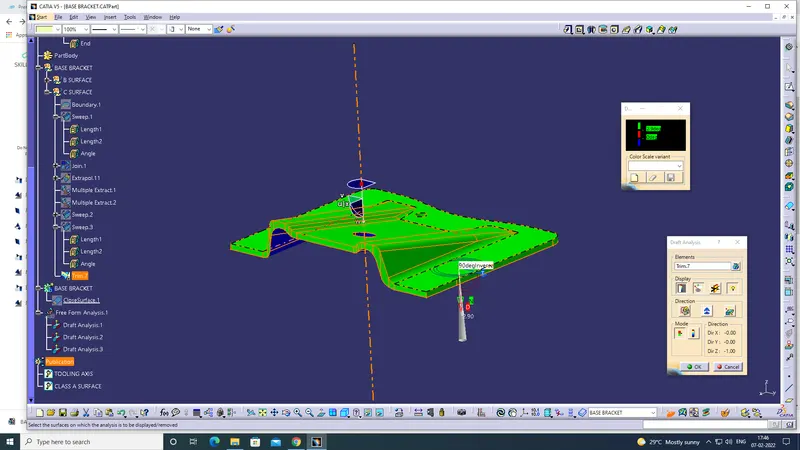
3. Screenshots of the solid model with the proper color code of the draft angle in various orientations (Isometric, Front, Side, and Top View)
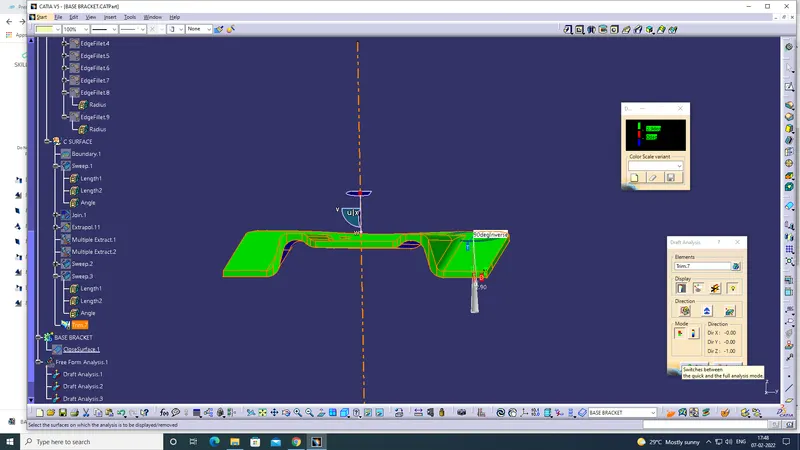
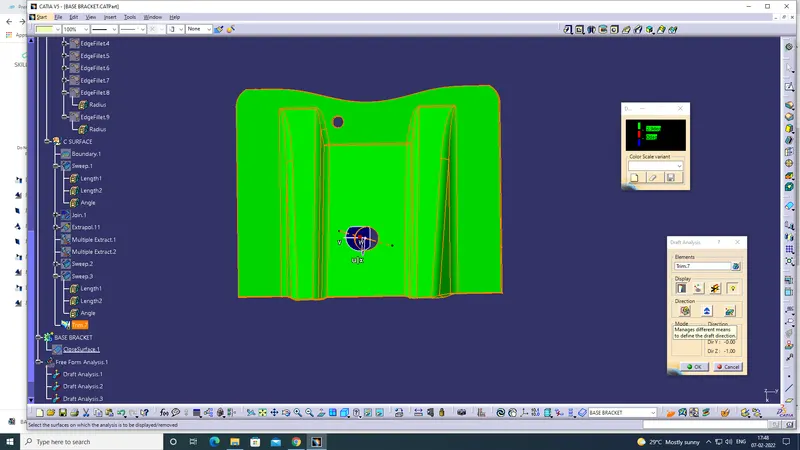
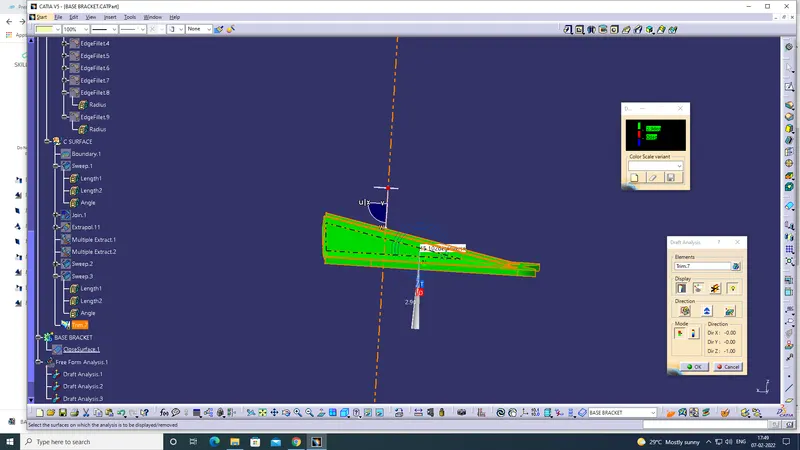
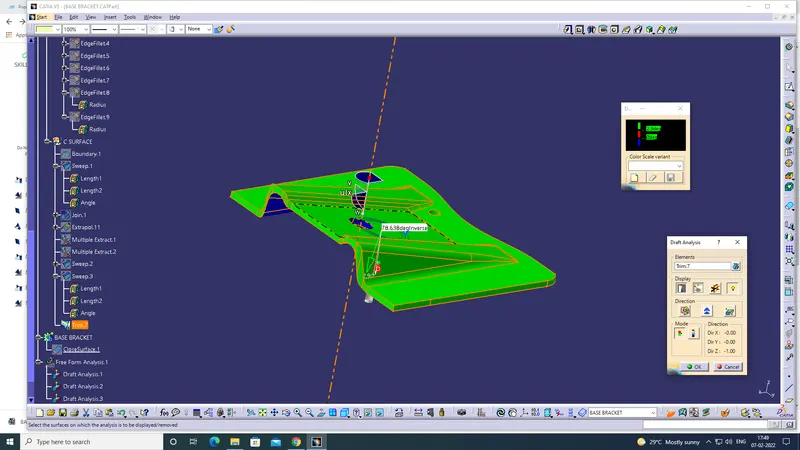
Explanation:
Class A Tooling axis:
1. The given class A, check the connectivity. all ok
2. And check X, Y, Z, choose which side is fully viewed. so we take Z.
3. Using point, line, and plane to create two lines.
4. using bisecting line while use that two lines and to create the tooling axis.
Class A Draft Analysis :
1. Check the material using customize options.
2. Using draft analysis and check the green, red and blue dimension and take compass and put in tooling axis then click the surface.
3. fully green is blinked.
4. then published class A & tooling axis.
Class B:
1. To create Rib 1. select the faces and extract, surface untrim and extrapolate.
2. Using trim and offset then Rib 1 is created.
3. this Rib 1 activity all put in one geomentrical sets.
4. To create Rib 2. select the faces and extract, surface untrim and extrapolate.
5. Using trim and offset then Rib 2 is created.
6. this Rib 2 activity all put in one geomentrical sets.
7. Then create base surface. select the faces and extract, surface untrim and extrapolate.
8. Using trim and offset then Base Surface is created.
9. check class a and class b inbetween gape 2.5 mm
10. using edge fillet while in top radius (radius+ thickness).
11. Then all fillet work is done.
12. Then put a different colour.
13. this base surface activities all put in one geomentrical sets.
Class C
1. Put the Boundary on A surface, then unhide the tooling axis.
2. Then Surface A & B joined using sweep.
3. then class A top side in 2 holes, using sweep then joined A and B.
4. Then using the final trim all should be in closed. no gape observed and unwanted surface is removed.
5. Then convert the part body and using close surface.
6. then gets solid body..
Draft analysis.
1. Check the material using customize options.
2. Using draft analysis and check the green, red and blue dimension and take compass and put in tooling axis then click the surface.
3. fully green is blinked.