Week 9 - Project - Master Section Development
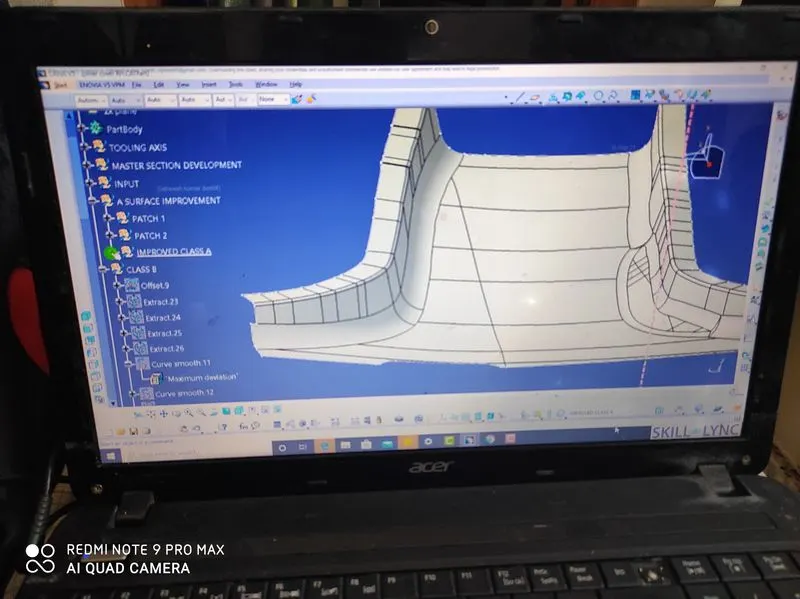
first we create offset the 2.5 below the class a
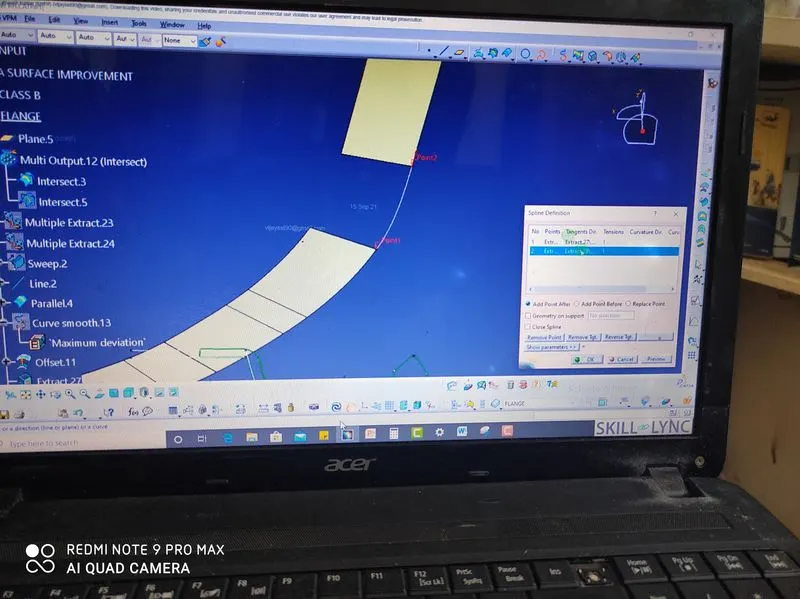
frist we create the sweep both left and right side
after offset the 2.5 mm we get the patchs after we use surface use spline commands after use multi section
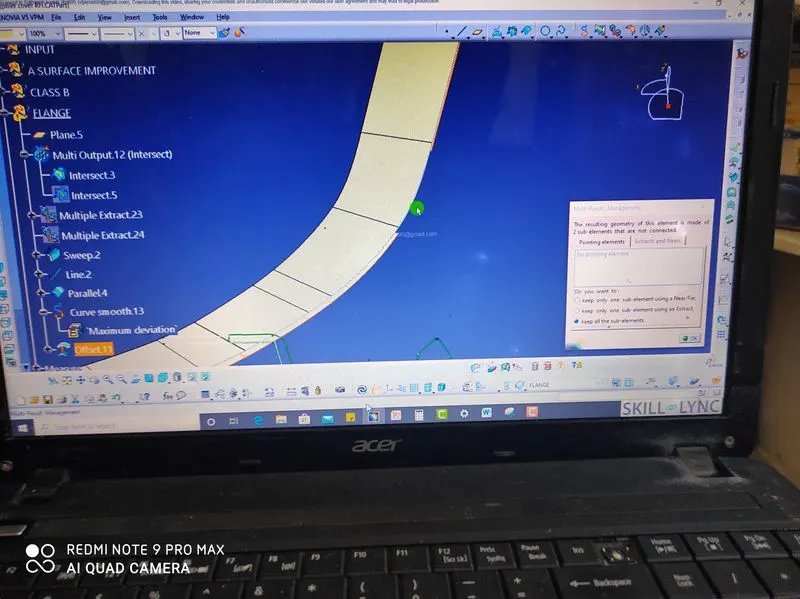
after we create multi section command we create the patch
after we create solid the master section go to the part design close serface 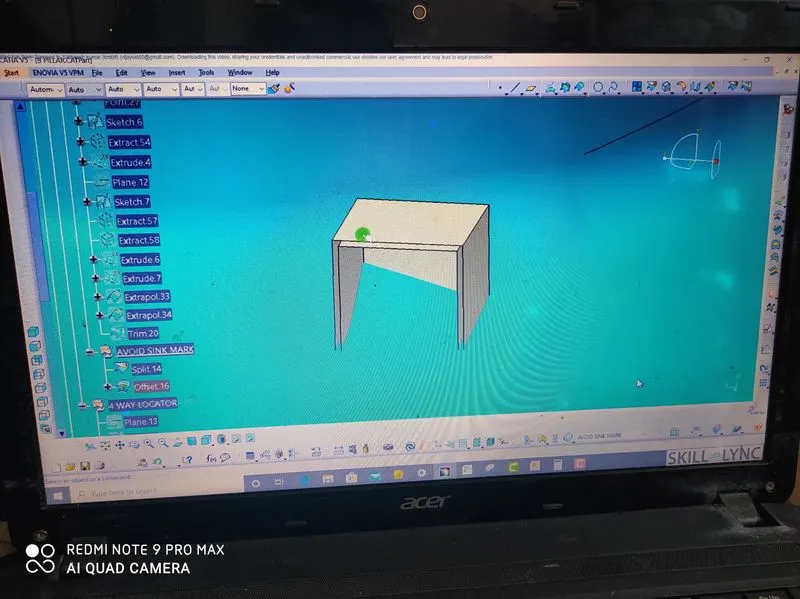
we create the doug house we create sketch and offset the 2.5mm to create thickness to pat design 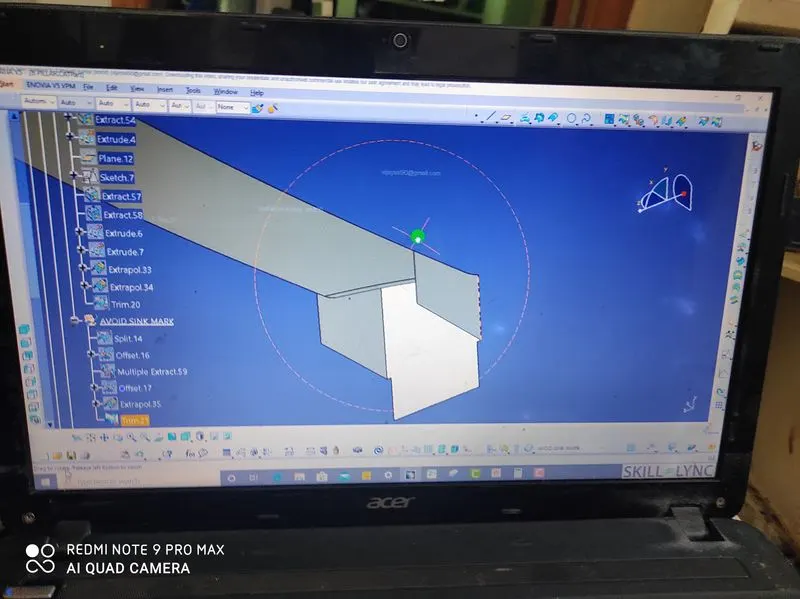
afer we extract offset 1.2 height trim it
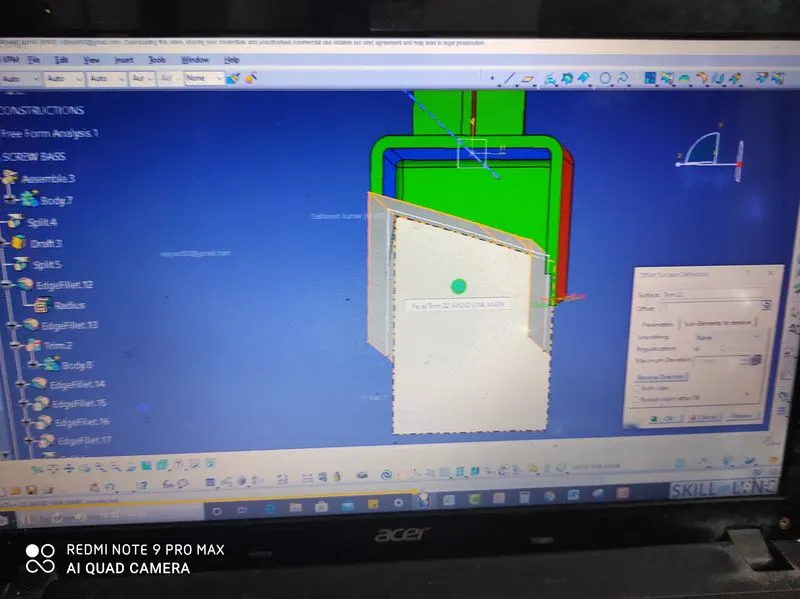
after we create ofset 1mm out side and split it the dog house and we create the screw bose up side the
dog house
.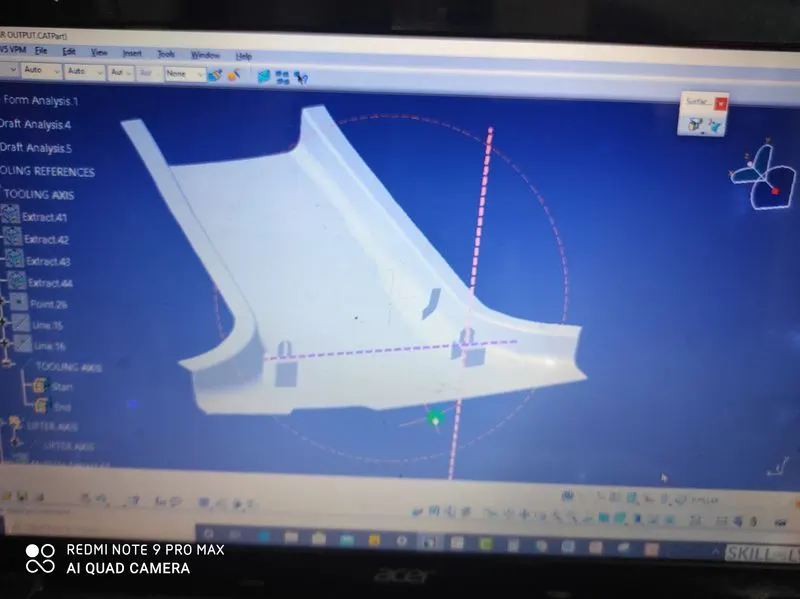
we create the dog house the mirror the left side
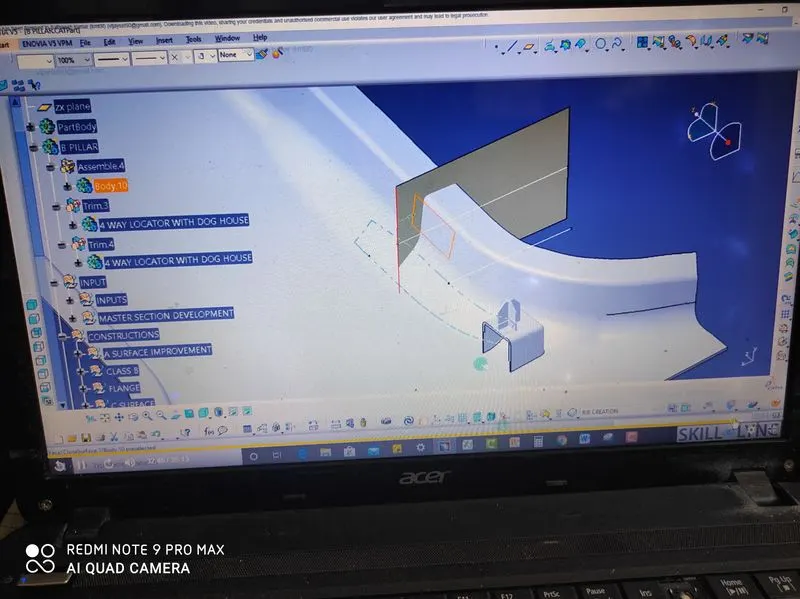
first we sktech the take two lines distance 50mm after we extrude the line and go the part use thick command
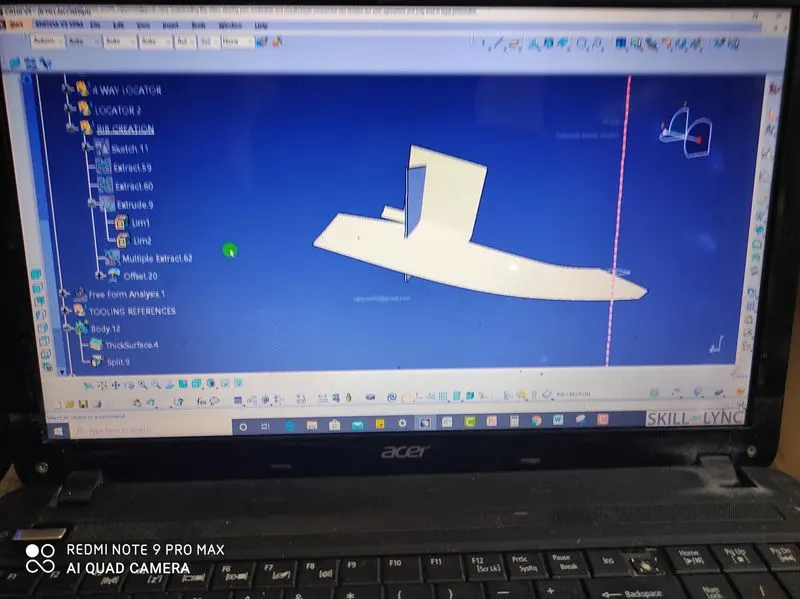
after we create the extract the main body and we split remove the back portion
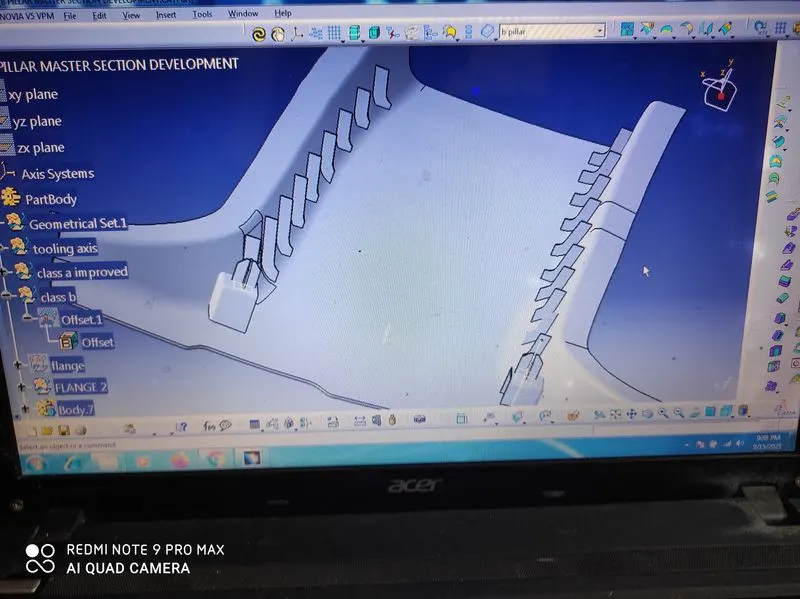
finally we create flanges craete the both sides the same distance