Week 8 - Challenge 3 - Switch Bezel Design
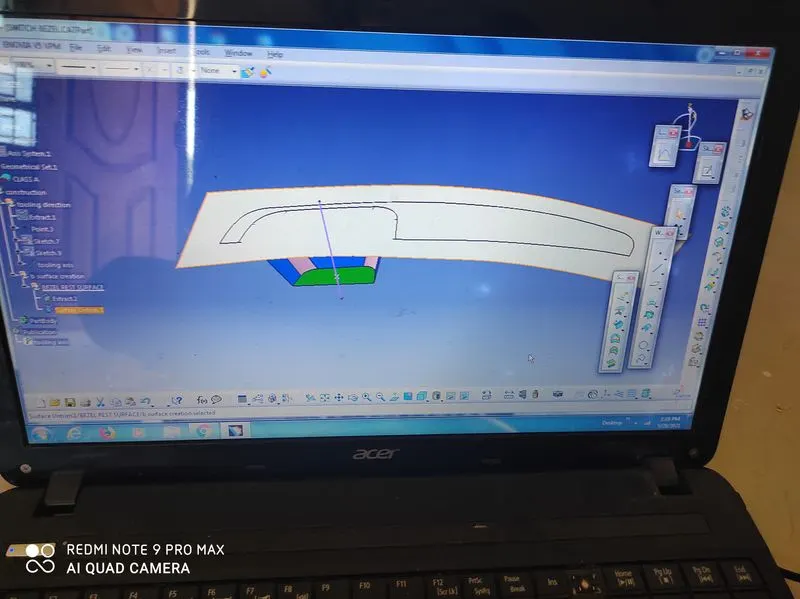
first we create center tooling axis next extract this side and untrim this
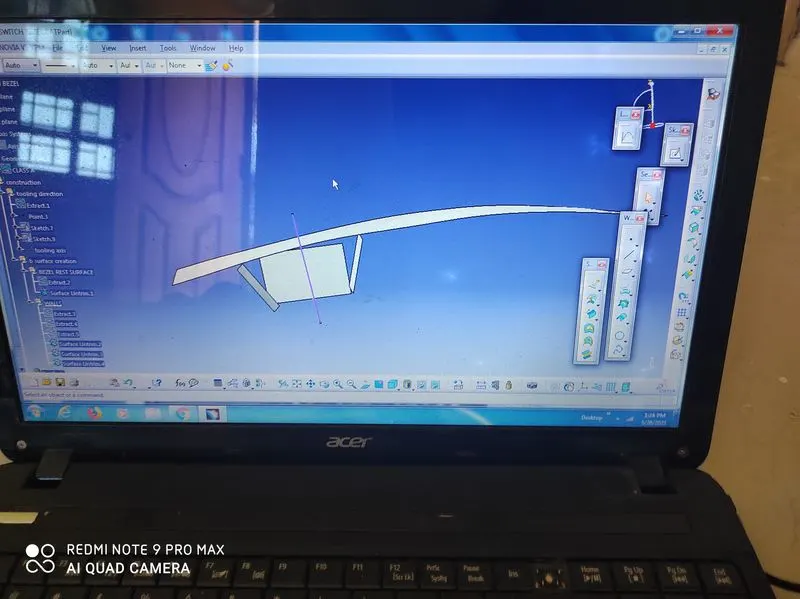
extract the both sides we get this shape
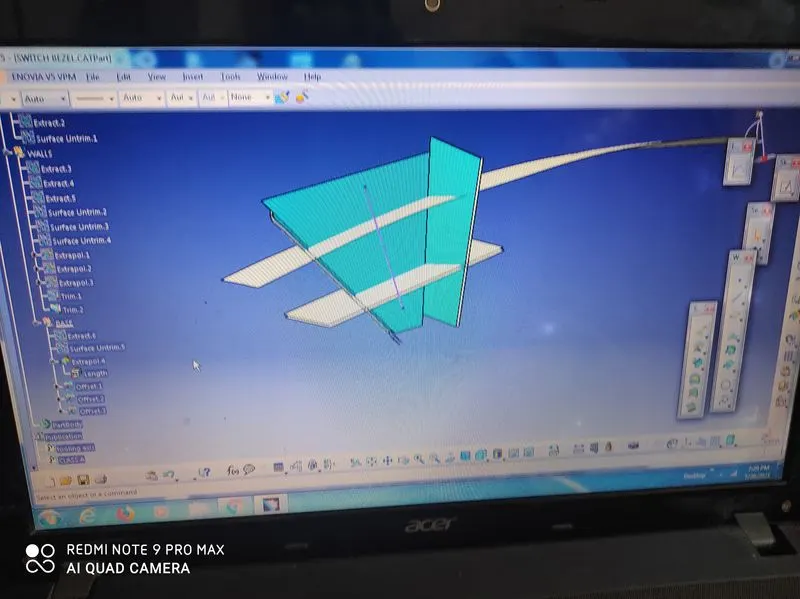
untrim the both sides we get this model
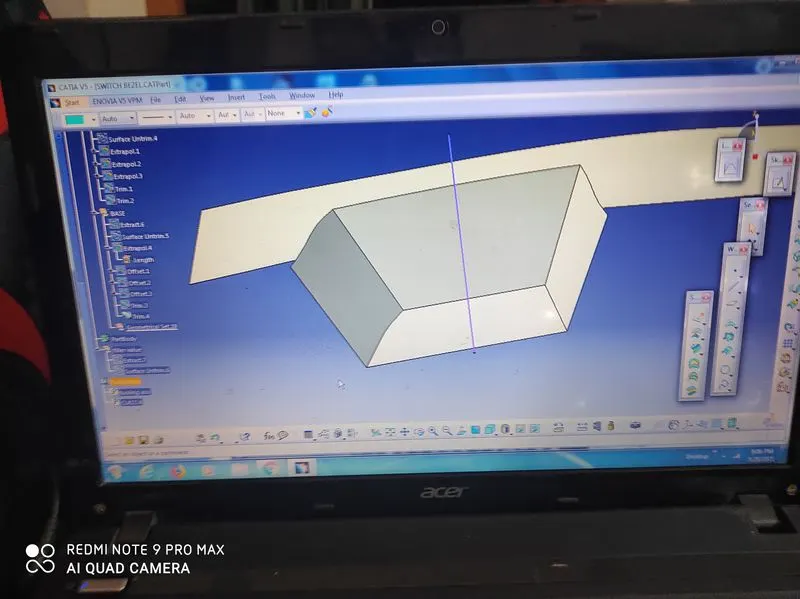
trim is both sides we get this perfect shape
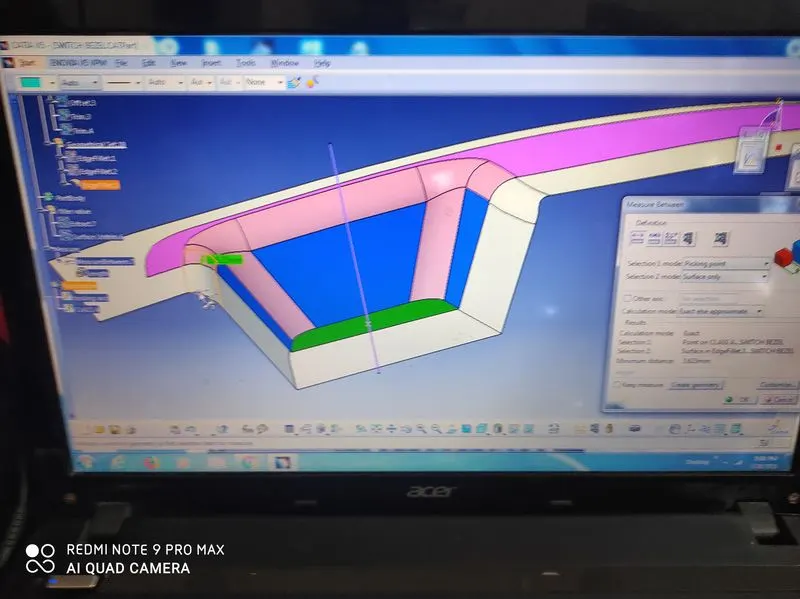
offset 3mm extract this shape
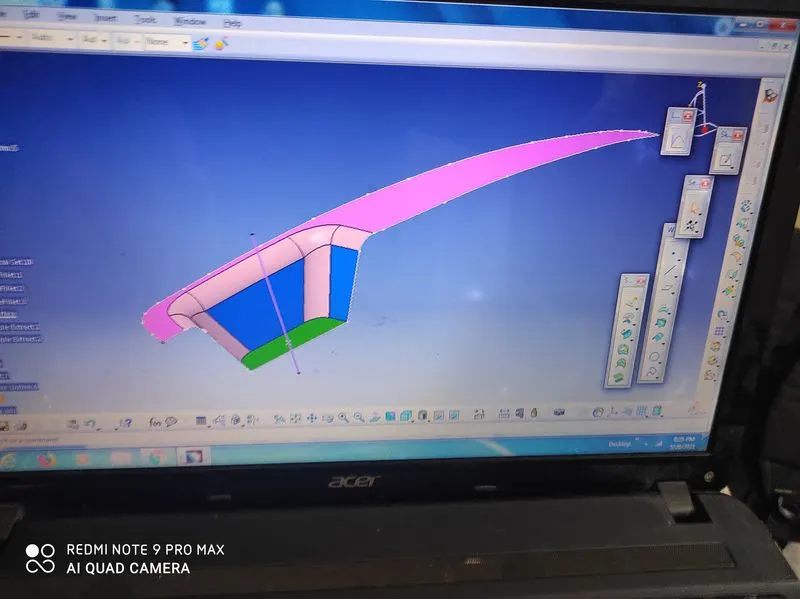
select the boundaries
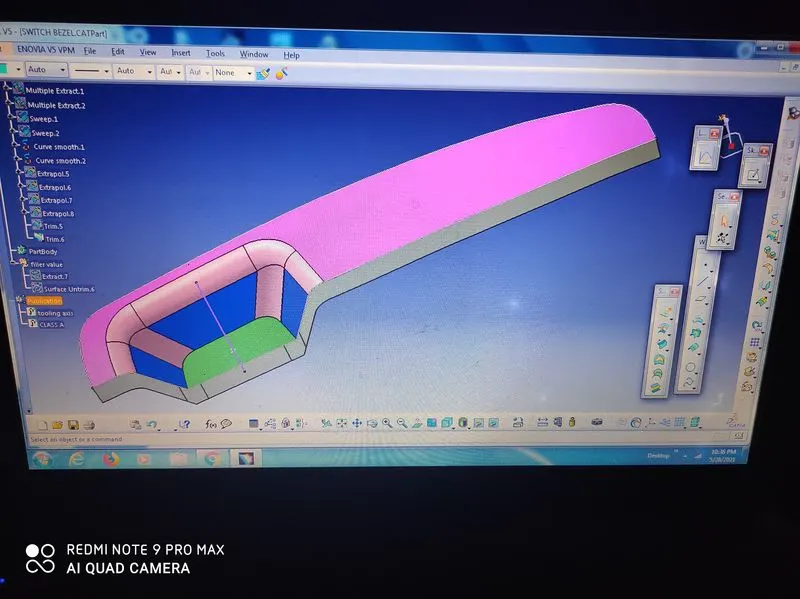
use sweep comand this boundaries we get this model
finally unhide the base trimed the class a and bade edge fillet
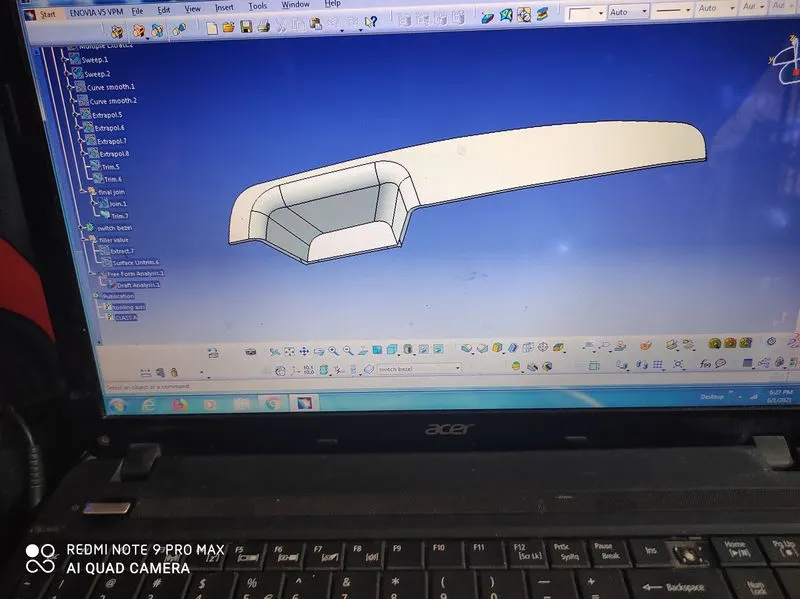
finally we get this object and we go to part design