Week 9 - Project - Master Section Development
MASTER SECTION DEVELOPMENT:
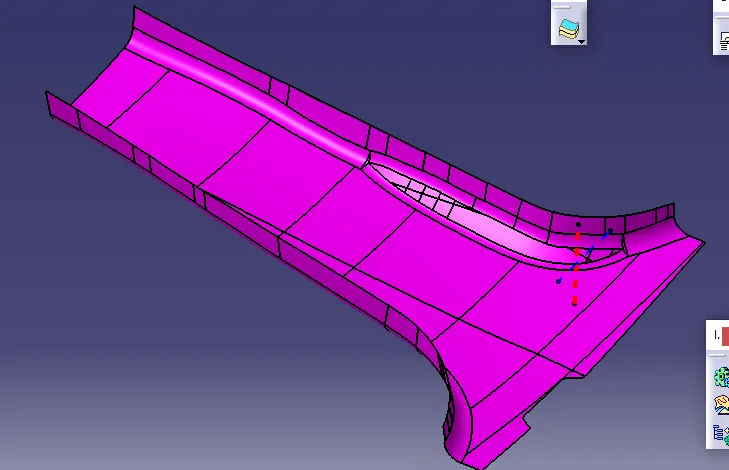
- once an overview of the class A surface by using the boundary command might find gaps in the class A surface.
- replace the gaps by using the multi-section surface and multi-extract.
- offset the class A surface at a length of 2mm.
CREATING THE FLANGES.
- Select the class A Boundary by using the multiple extracts and using the master intersect lines.
- Using the swept at the required angle and intersection line.
- measure the angle between intersect and the created line.
- then get the measure and added with the assumed angle.
-
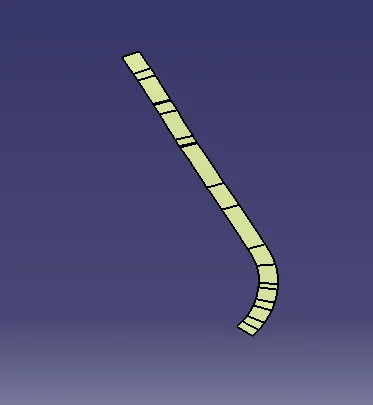
- when offsetting the swept might get gaps in the swept.
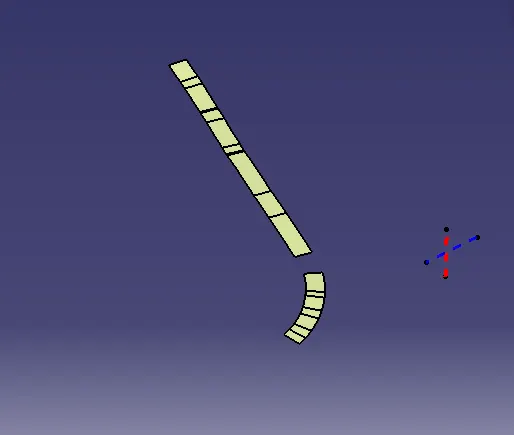
- replace the gap by using the multi-section surface.
- similar way operation on another side.
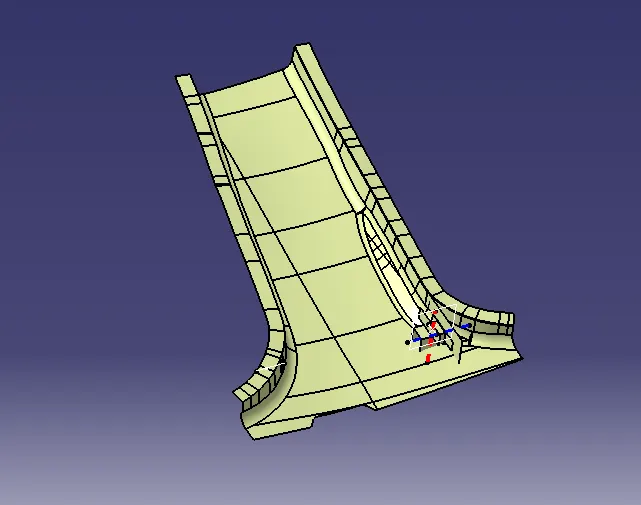
- after performing trim operating on the class A surface.
- similarly, the operation goes to the class B surface.
CLASS C SURFACE :
- Select the boundary by using the multi extract and perform the curve smooth to get a smooth swept.
- swept the multi extract the angle 3 degrees.
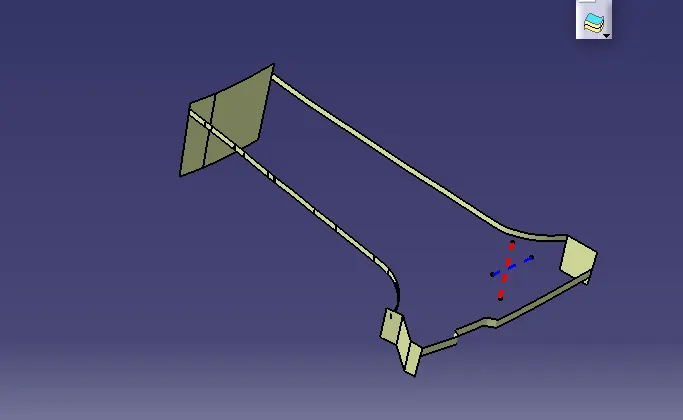
- trim the edges by using the trim.
- trim the class A and class C surface.
- get the combination of the class A and class C surface.
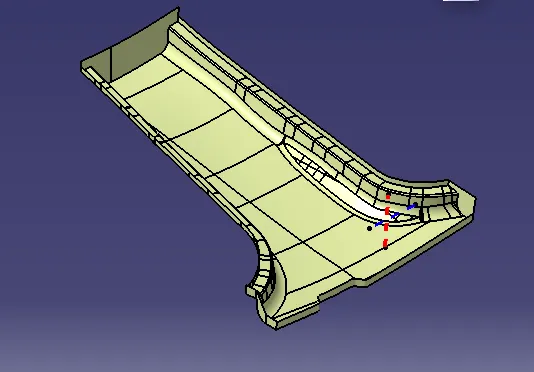
FINAL OUTPUT.
- trimming the class C and A combination with the class B surface.
- multi extract command to extrapolate edges.
- use intersect lines to find the air gaps between two bodies.
- if finds any air gaps resolve them by using required commands like muti extract or extrapolate.
- trim class A and C combination with class B.
- use boundary command getting the boundary means is not the final body.
- if not creating the boundary means it is a perfect body.
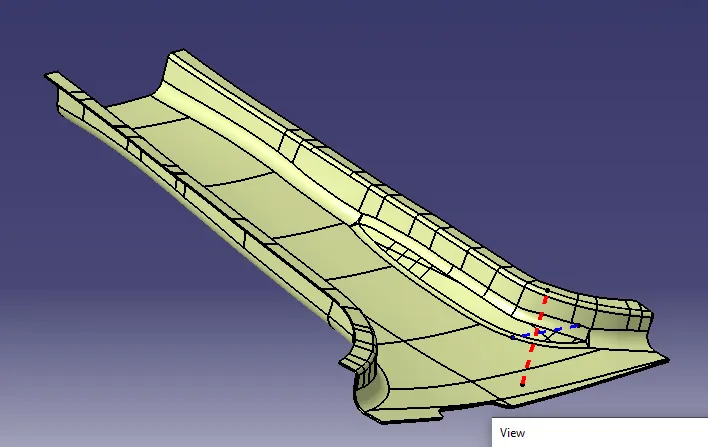
- covert into solid by using the close surface.
DRAFT ANALYSIS AND RUNNING OUTS:
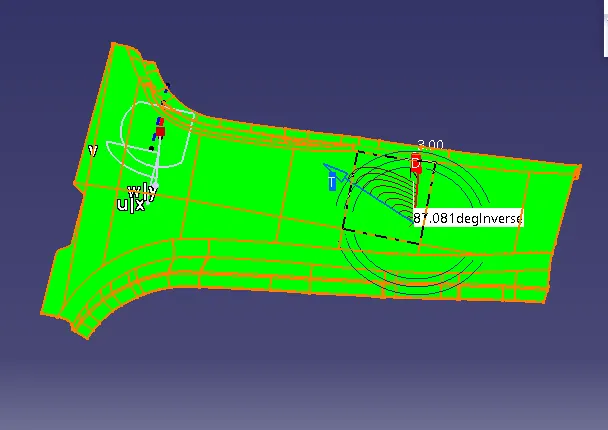
GREEN MEANS 3DEG
RED MEANS 0 DEGREES.
DOG HOUSE:
- create a line by using the reference of the master intersection.
- extrude the line required length.
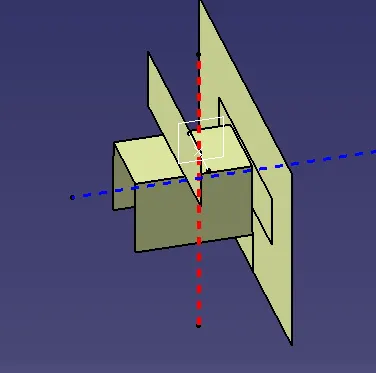
- using the thickness surface take the size of 2mm.
- split with the extrude.
- get a final dog house.
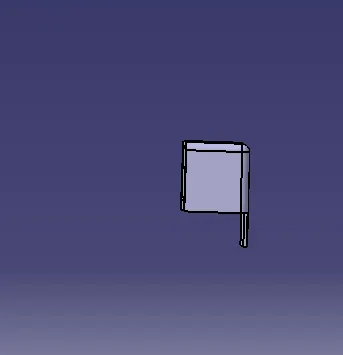
- Fillet them by using the master intersection line at the angle of 3mm.
- interbody fillet is 1mm.
- create the under cut by using the extract the surface.
- split them with the dog house.
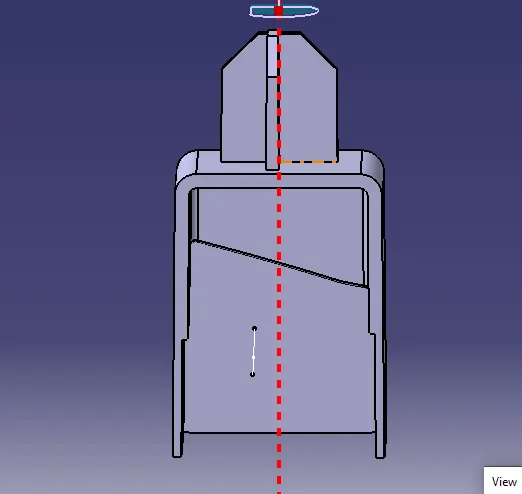
FOUR-WAY LOCATOR:
- Create the line by using the reference of the master section.
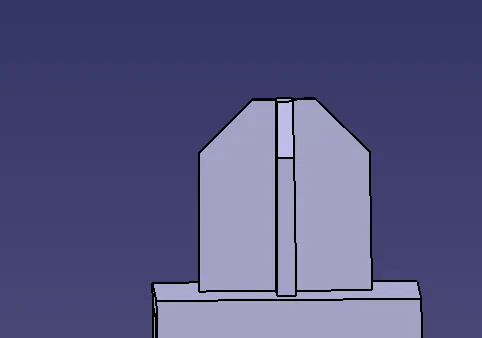
- the pad at the length of 20mm and thickness is 1.5mm.
- chamfer at the length of 6mm angle 45 degrees.
- fillet at the angle of 0.5 degrees.
- make sure for way locator are added into the dog house.
- draft analysis.
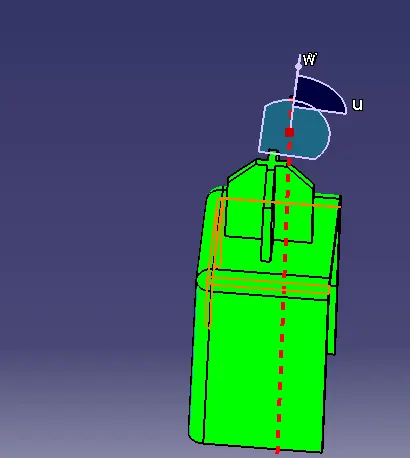
- running analysis.
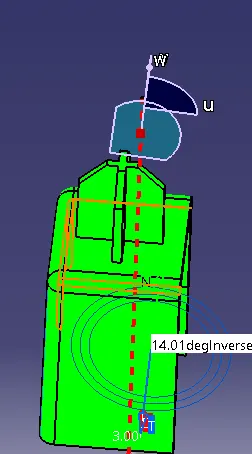
- RIBS CONSTRUCTION:
- take the reference of the dog house and then take line at the length of 50mm.
- extrude the line at the required length below the flange.
- ribs do not have a certain shape and size.
- extract the surface and offset them 4 times the length.
- use thickness surface at the length of 0.8mm
- create ribs for the requirement.
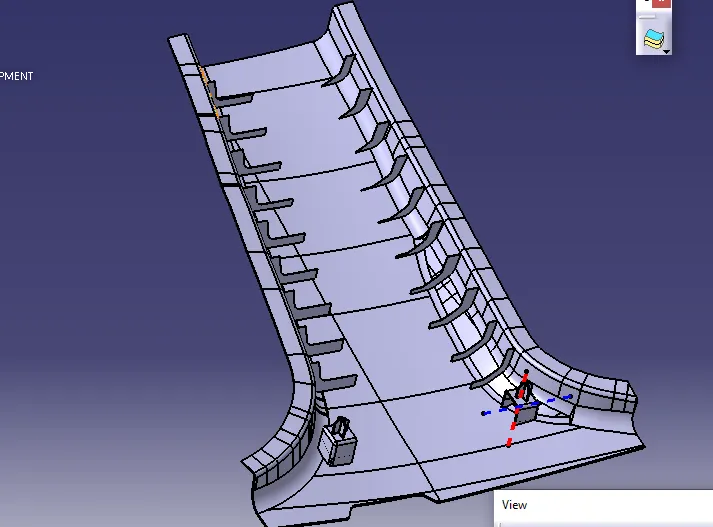
- clear the extra parts by using the union trim in the boolean opertion
Draft analysis.
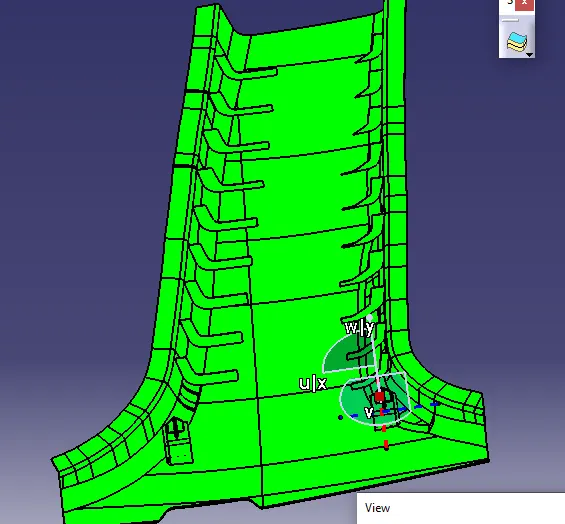
Running analysis of the draft:
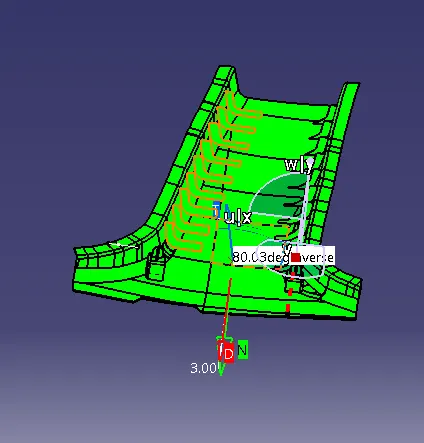
GREEN IS 3 DEGREES.
BLUE MEANS 3-0 DEGREES.
RED MEANS 0 DEGREES.
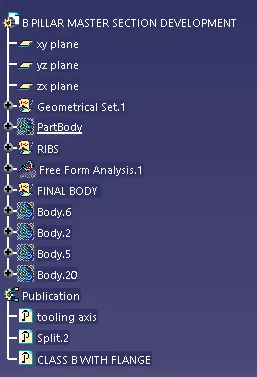
TREE STRUCTURE.
THANK YOU......