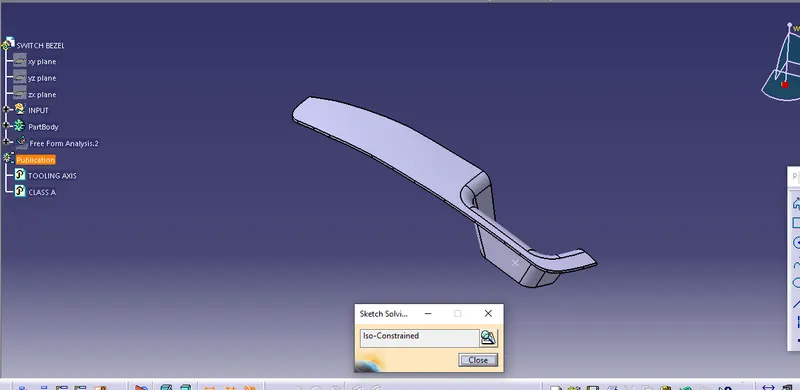
Week 8 - Challenge 3 - Switch Bezel Design
switach bezel :
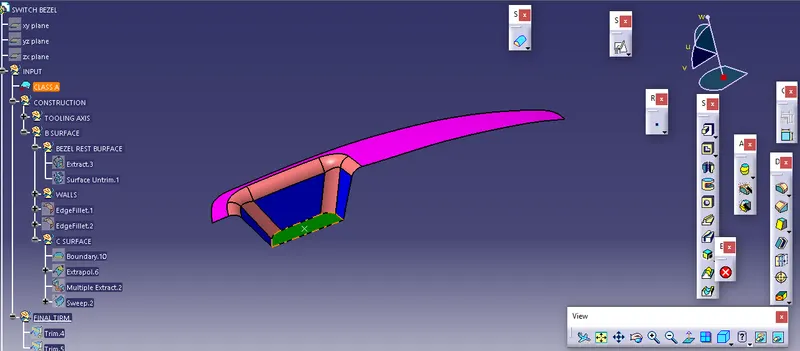
check the loops of the body.
create the point on the surface by using the point definition.
create a line by using the intersect and create a bisecting line.
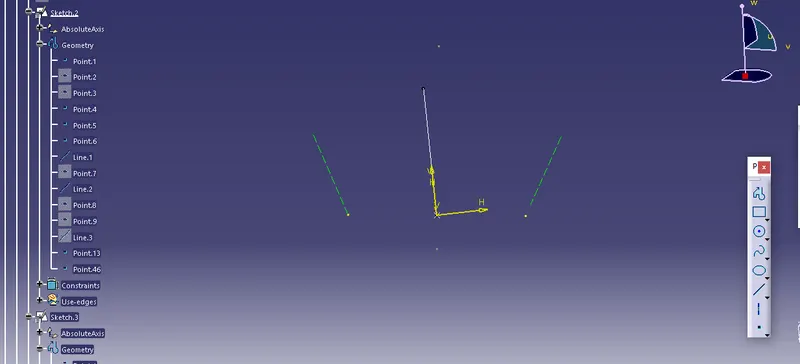
by using sketch 2 creating the second axis by using plan and axis.
by using the bisecting line create a tooling axis from sketch 1 and sketch 2.
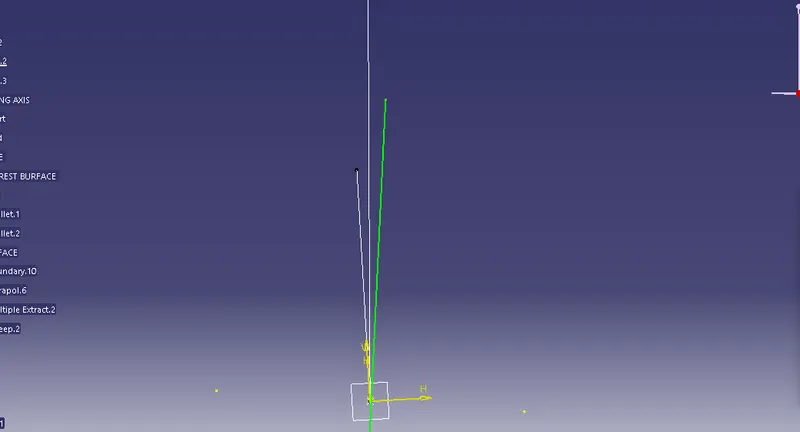
CLASS A surface.
walls as to extract and un-tirm and extrapolated.
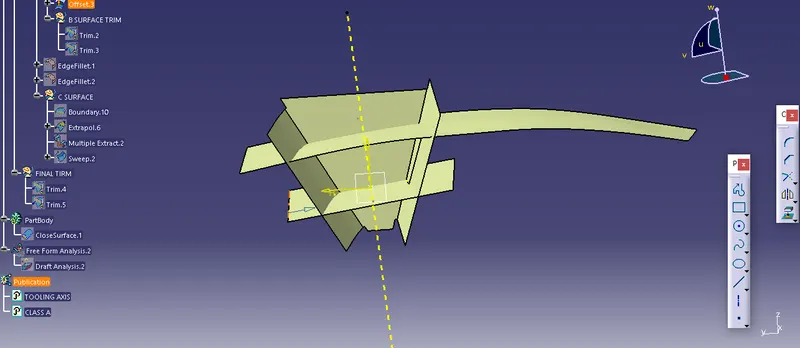
try to fillet the edges are 15 fillet angle
for balance, the off-set takes 15-3 fillet values.
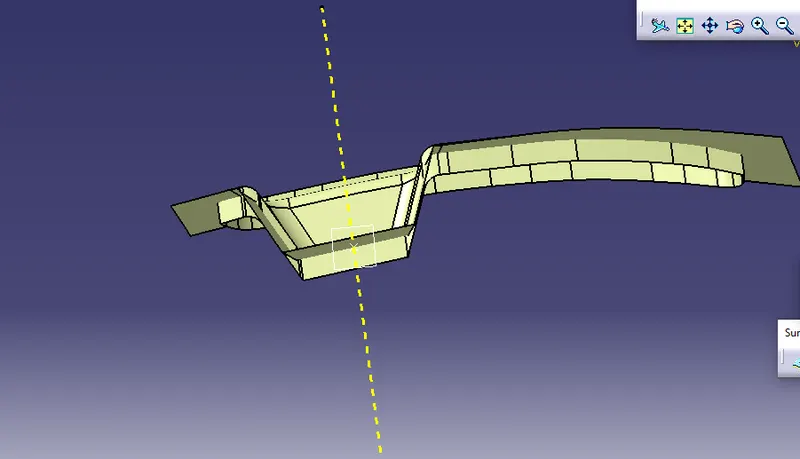
by using the boundary and multi extract can cerate a sweep using the sweep command can create a surface c
join the class A and surface C
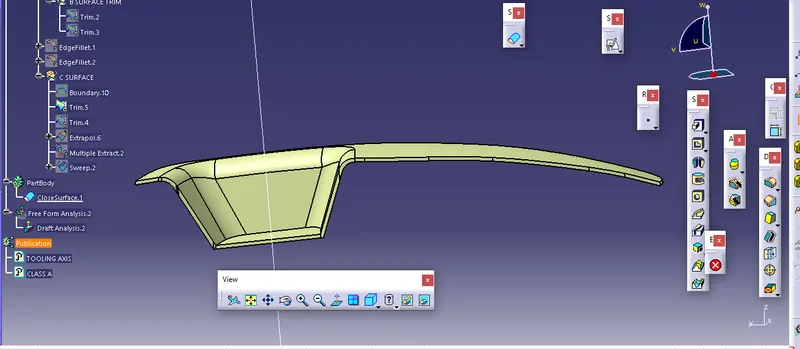
After trimming the extra plates get the final trim
check the miss leads of the part body.
re-solve the miss leads.
if not creating any boundary then it a perfect output.
solidify the part body .
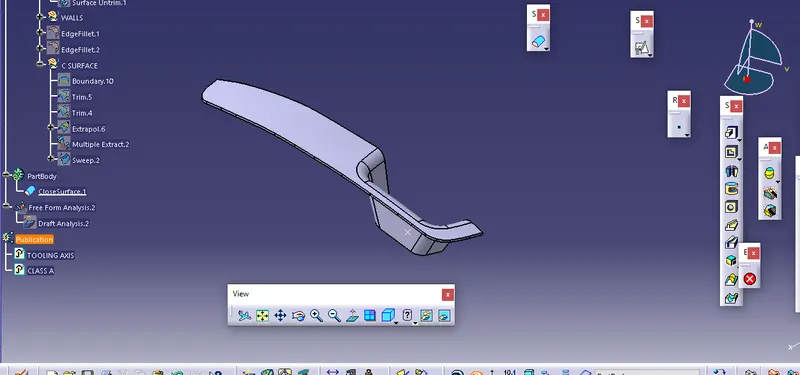
TREE STRUCTURE.
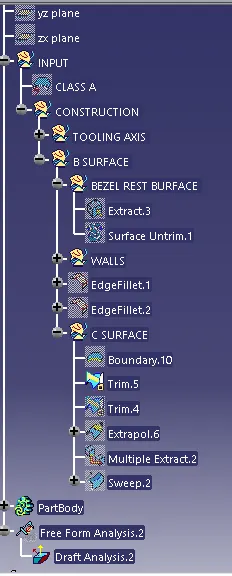
DRAFT ANALYSIS.
SET COMPASS ON THE AXIS.
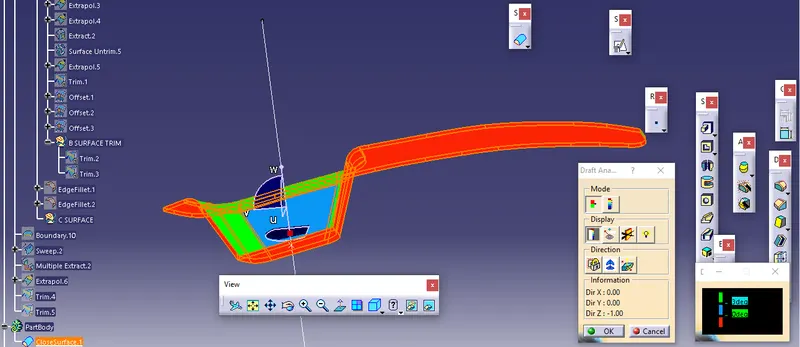
SET the compass on the surface and point on the part body .
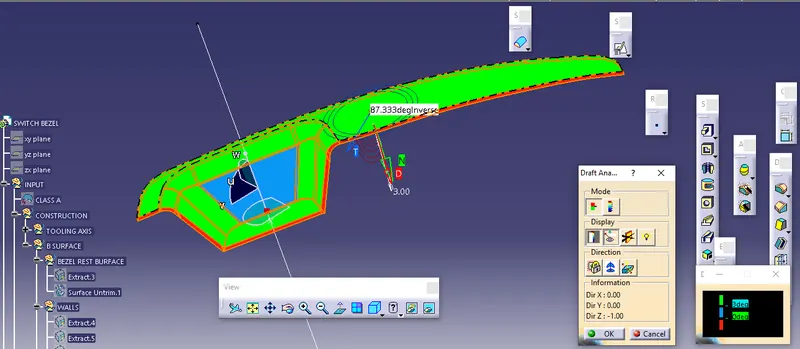
check the running analysis of the body .
change the color of the degs
green means up to 3 degs.
blue below 0 degs .
Isolated body :
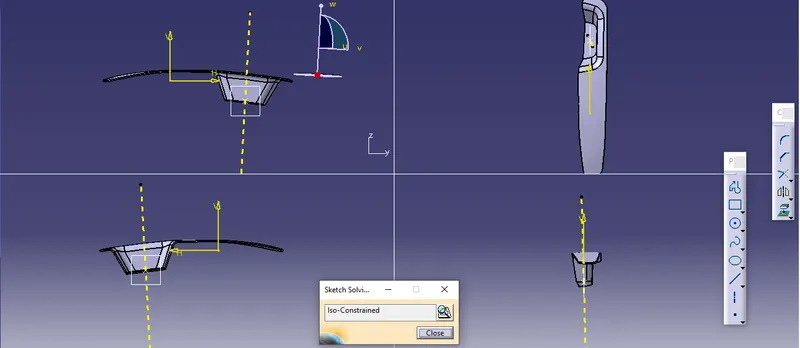
Final out put: