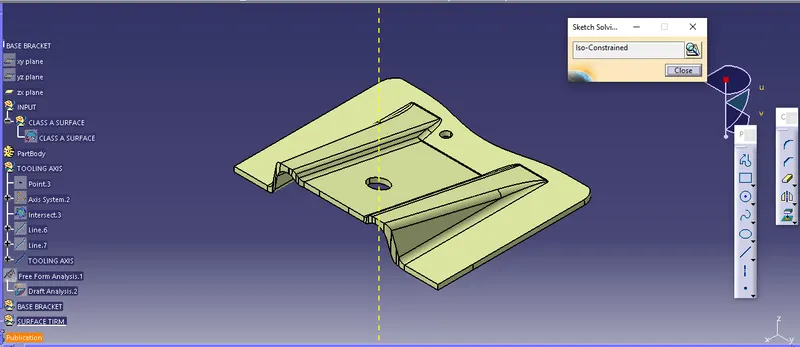
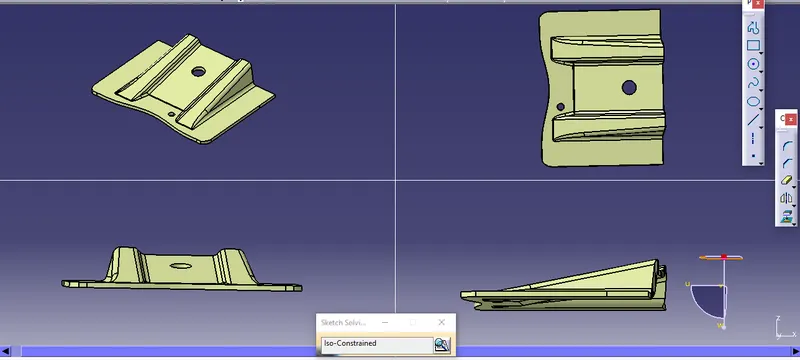
Week 8 - Challenge 2 - Base Bracket Design
1. BASE BRACKET PART BODY :
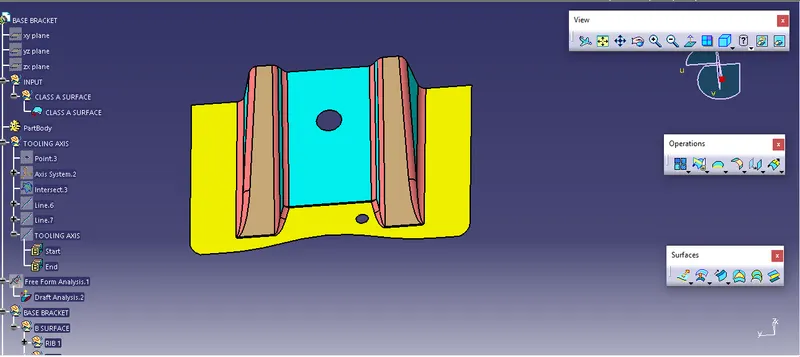
- first, observe the part body, after overlooking the part body.
- check loops of the part body.
- create a point on the part body.
- select the axis or yz -plane body by using the point.
- select intersect to create a line from the part body.
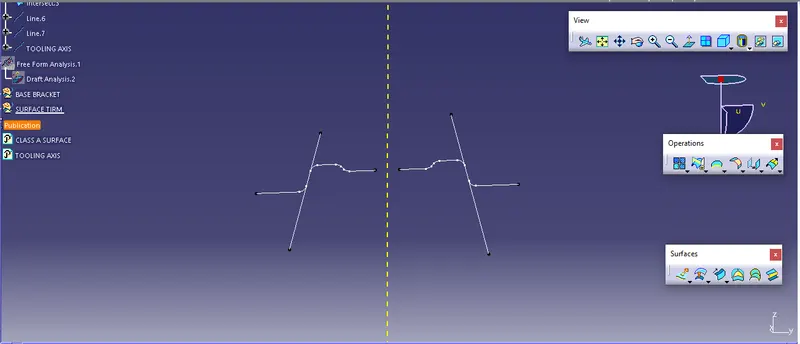 by
by - By using point - point command created two lines.
- By using bisecting line create a y tooling axis.
step 1:
change the material.
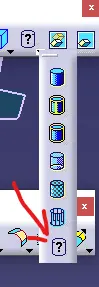
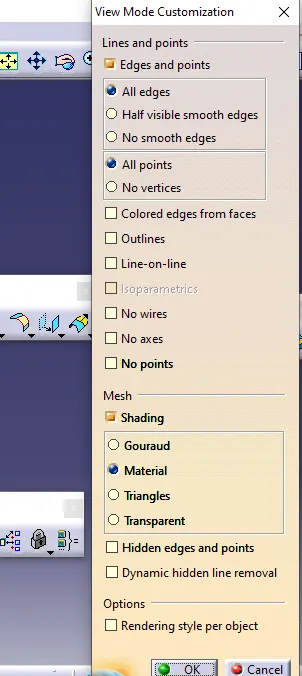
step 2:
set the compass on the axis.
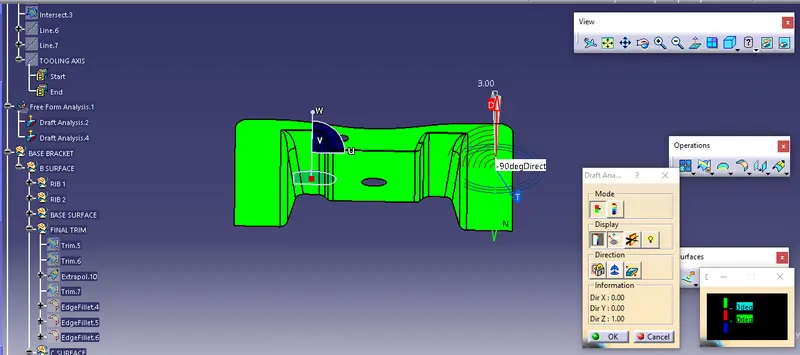
After placing the compass on the part body click on the surface part body color changes into the green can change into blue.
- green means up to 3deg
- blue means up to 3-0 deg.
- check the running point of the part body.
CLASS A SURFACE :
cerate the other body by the given part body.
given body the rib 1 and select the surface of the body with the help of extract command and then un-trim them extrapolate to extend the surface.
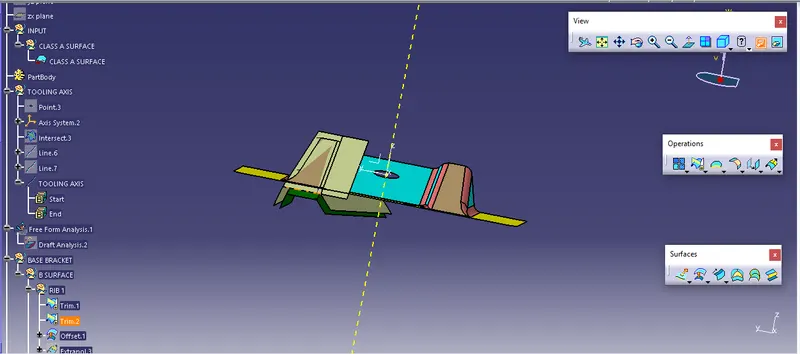
In a similar way rib, 2 was also created.
class B surface.
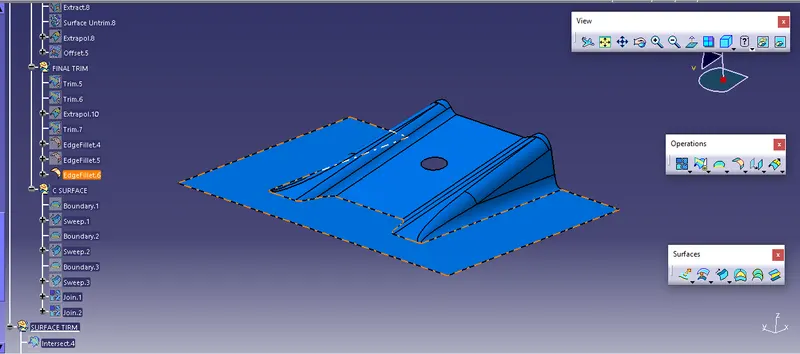
by using fillet edges are created
TREE STRUCTURE.
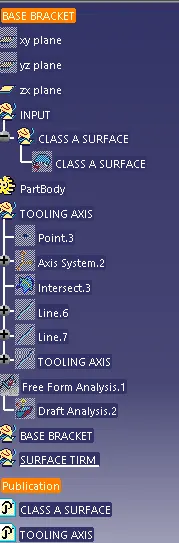
CLASS C SURFACE.
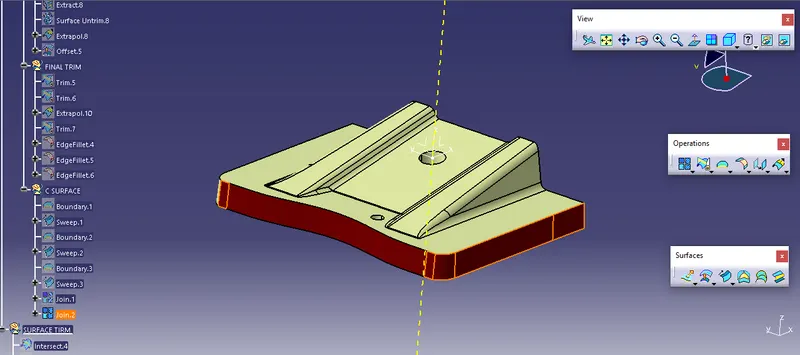
By using the intersect boundary are created.
by using a swept command (with draft direction ) line.
join the circles with class c surface final step trim class c and class b timing is done then get the final part body.