Door Arm Rest Week 8 Challenge
DOOR ARMREST :
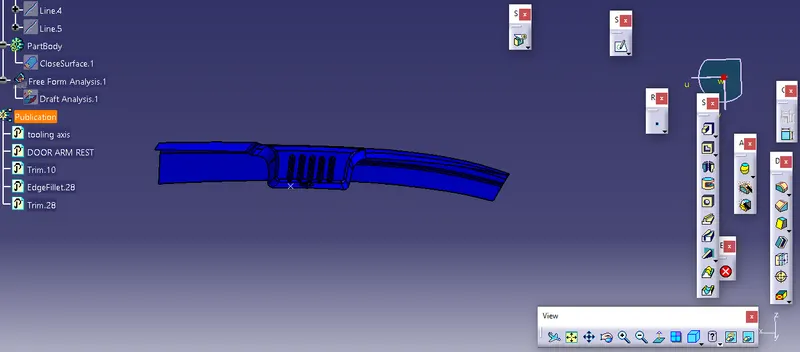
- first overlock of the body.
- then try to create a tooling axis of the body by using the plane or axis.
- using the intersect command.
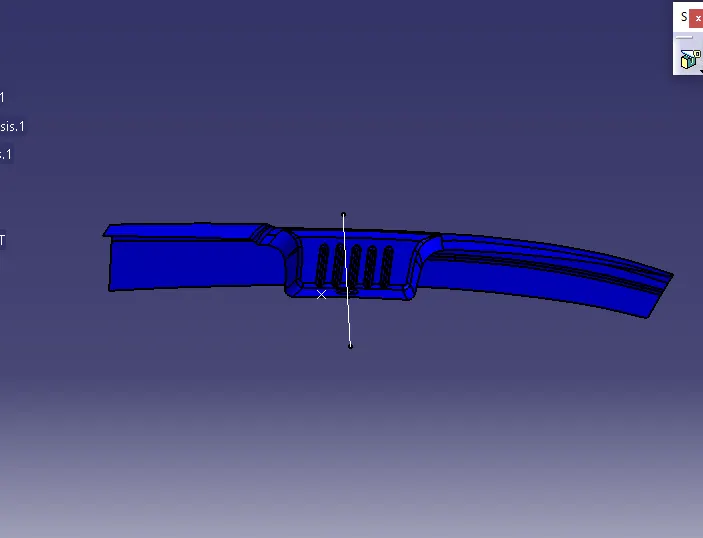
- select the zy plane and get a projection of the body.
- by using the 3d intersect element to get the line of the body.
- by using the intersect command to get the intersecting line.
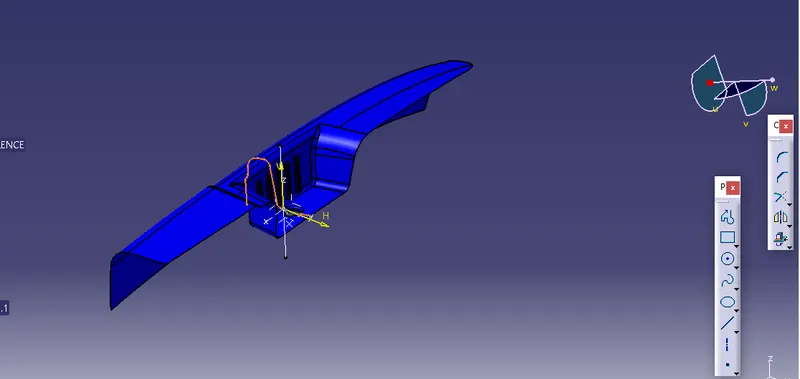
B SURFACE CERATE :
- get extract parts of the body by using the extract command.
- after getting the extract parts need to un-trim them to get the actual size of the body.
- offset the un-trim extract the parts.
- extrapolate the un-trim body.
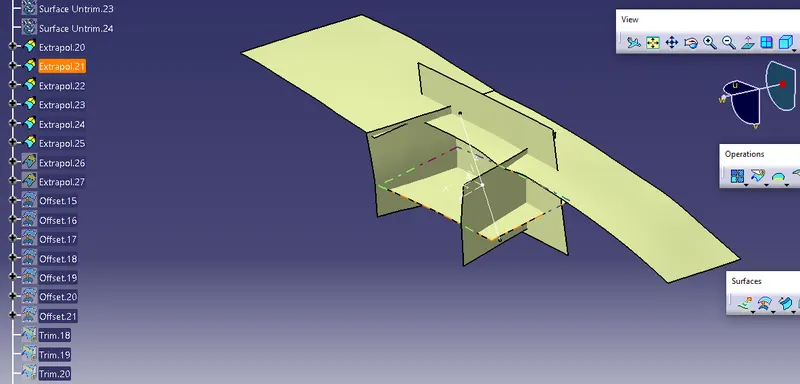
- after trimming the body.
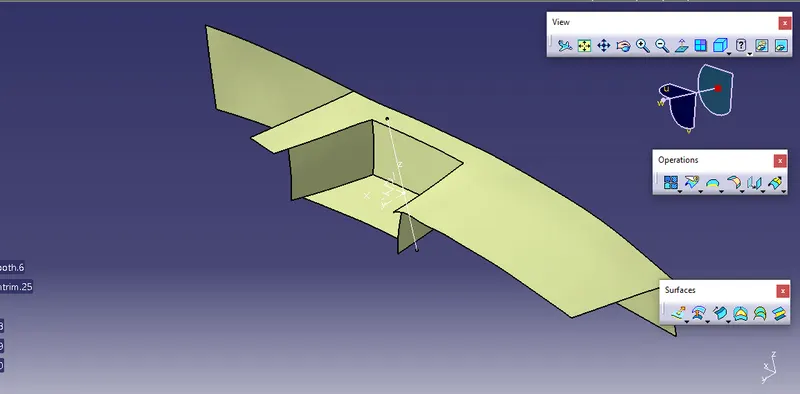
- In a similar, way BACK SIDE body is also done.
- the difficult part is the curve.
- Need to select the point on the curve and set the axis by using the point and create the intersecting line.
- take the reference by the intersect line create the line and by using the multi extraction create the line.
- after getting the reference plane it needs to convert into a smooth curve then sweep the line to get the surface.
- offset the surface of the sweep.
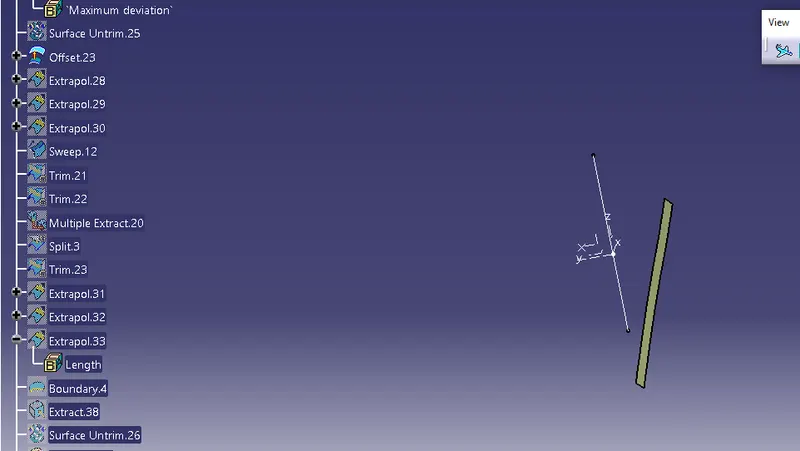
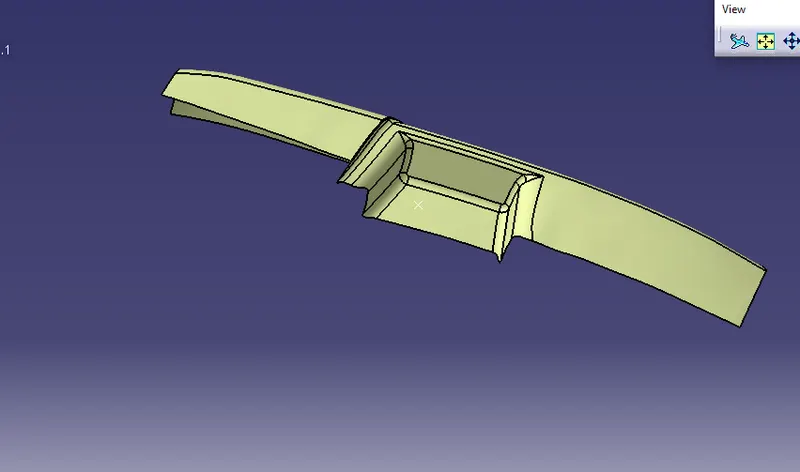
- fillets created by using the edge fillet with the given value.
SURACE C:
- SELECT the boundaries of the body A class.
- sweep the boundaries with the 3 degrees.
- smooth curve the boundary.
- check the air gaps between boundaries.
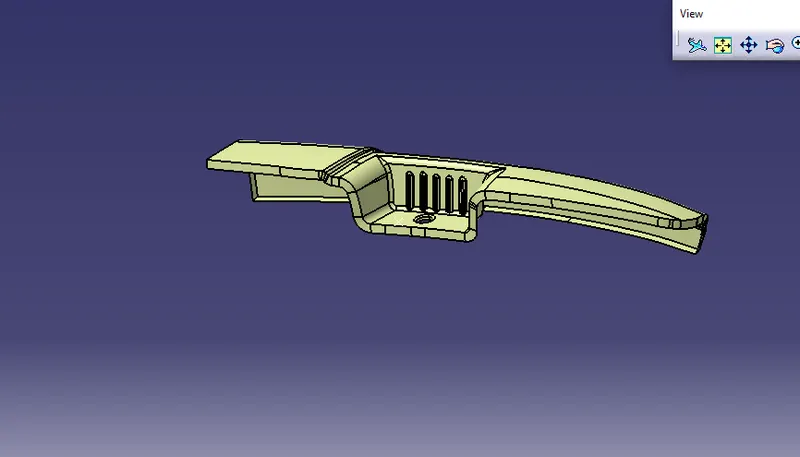
- join the surface C and class A.
FINAL BODY :
SURACE C AND SURACE A become the one part.
surface B AND SURACE A NEED TO TRIM.
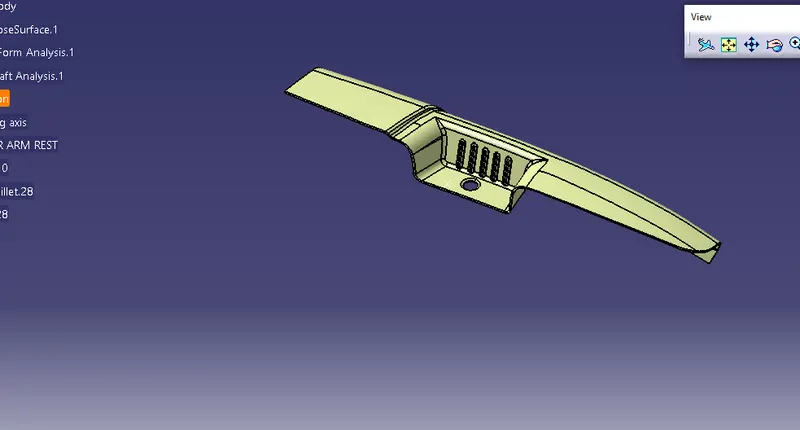
AFTER COMPLETING THE FINAL TRIM GET THE FINAL BODY.
use the close body to convert into solid.
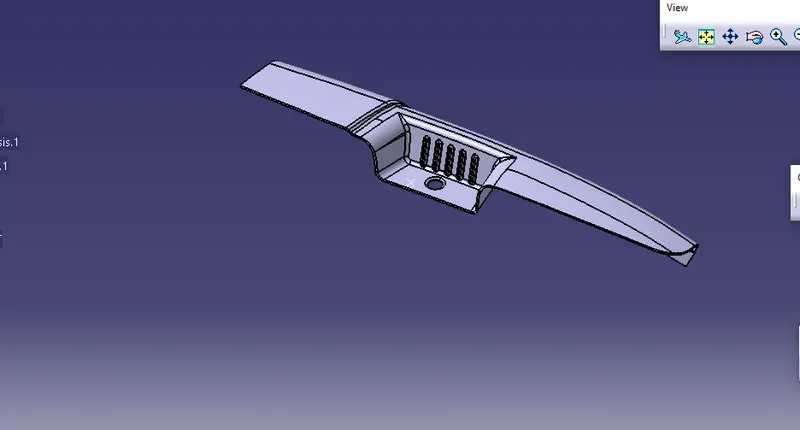
Draft analysis.
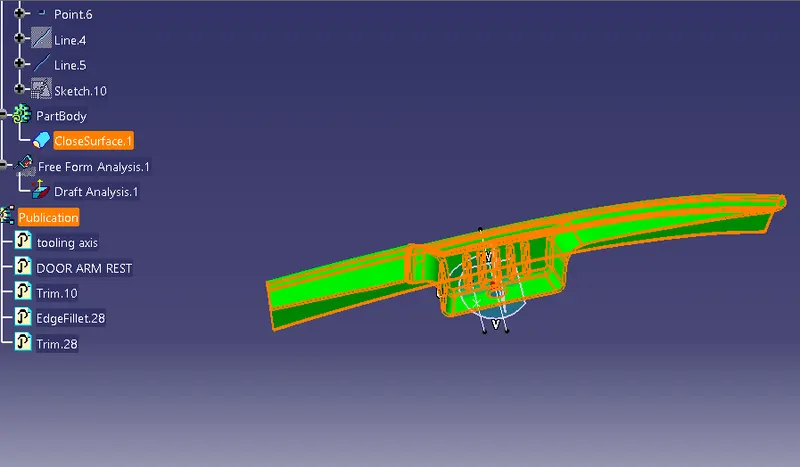
need to set a compass on the axis on the move to color changes into the green.
green color means 3 deg, red color means 0 deg.
need check the various axis of the part body.
set the compass and move to a right angle.
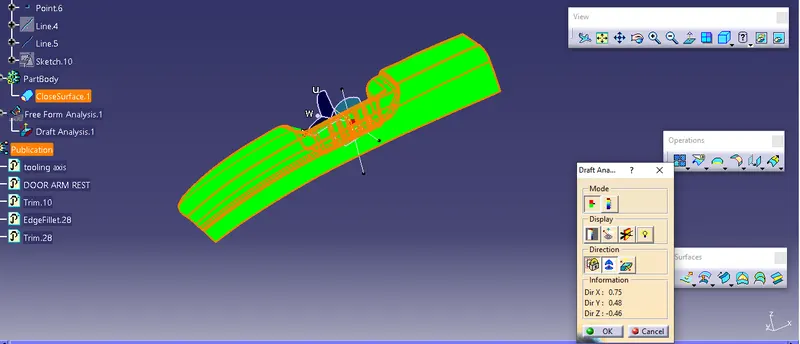
Need to check the body side also in a similar way.