Week 8 - Challenge 1 - Draft Analysis on a Fan Cover
1. DRAFT ANALYSIS ON A FAN COVER :
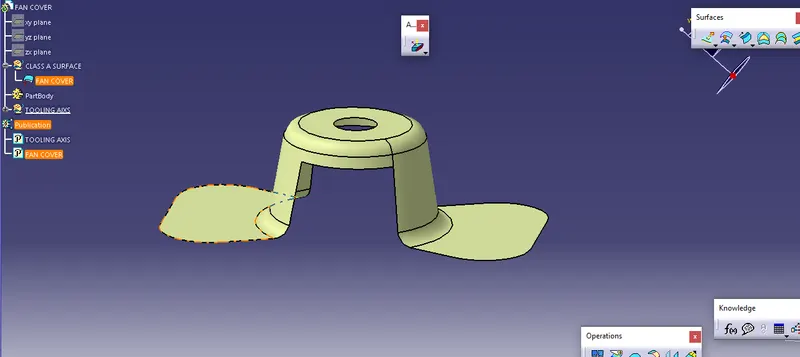
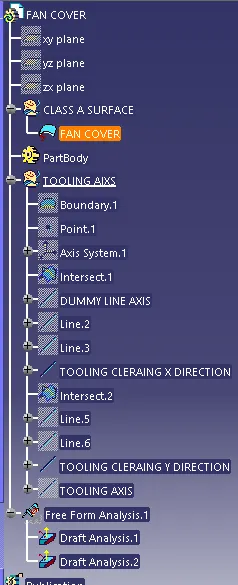
- Before starting the drafting needs to check the loops of the part body by using the boundary.
- By used boundary, the command creates a boundary of the fan cover.
- create a point on the fan cover.
- by using point direction create a line by using the point.
- then set an axis or plane on the fan cover.
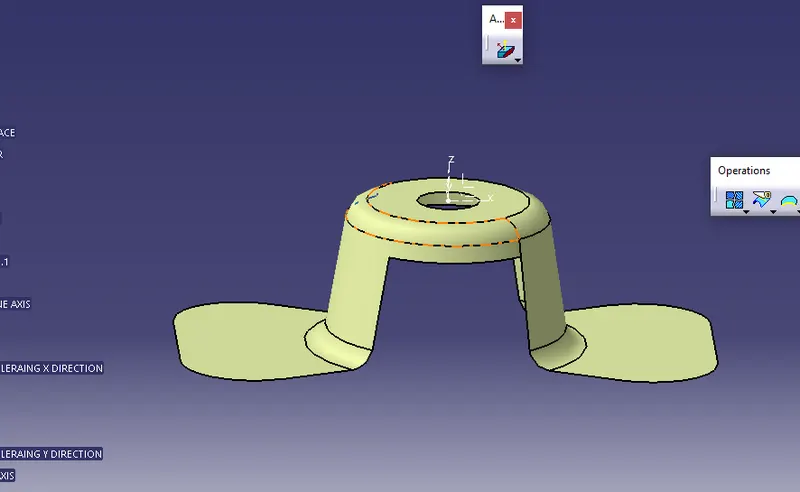
- select the intersect to create the XY axis direction or plane, it creates the line.
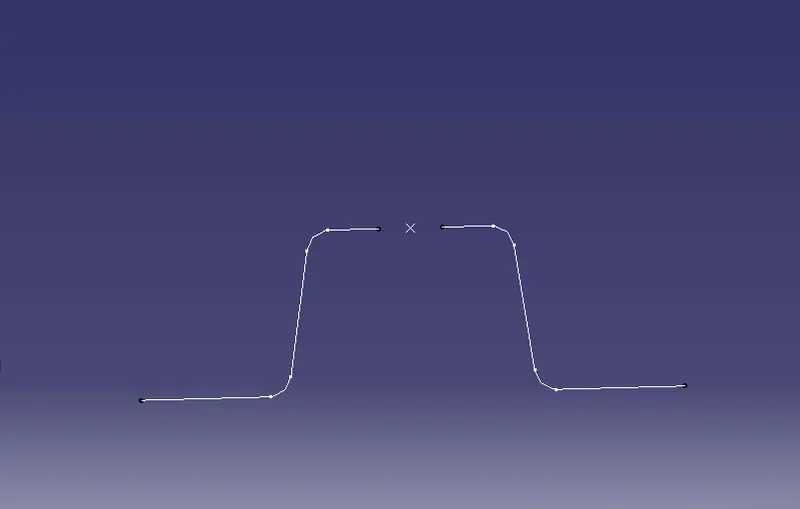
- using point-to-point command to extend the two lines.
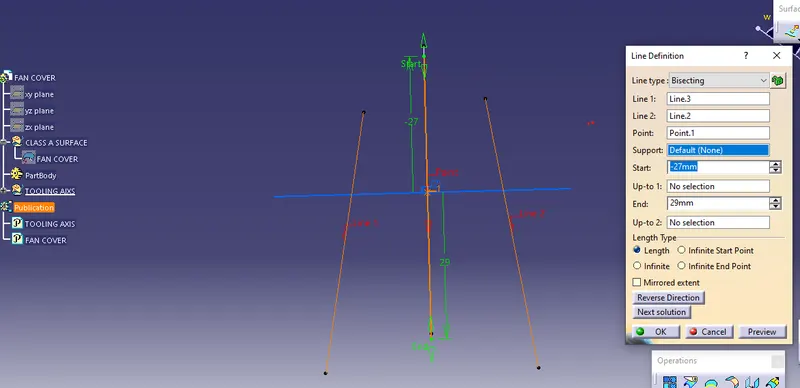
- it creat the x-direction line.
- similarly, create the y-direction line.
- A dummy line was also created.
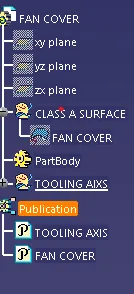
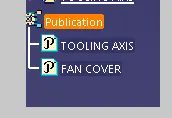
- y-direction tooling axis is published and fan cover also publishes.
performance of the draft analysis :
step 1:
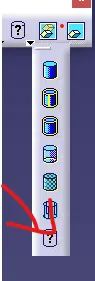
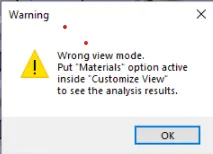
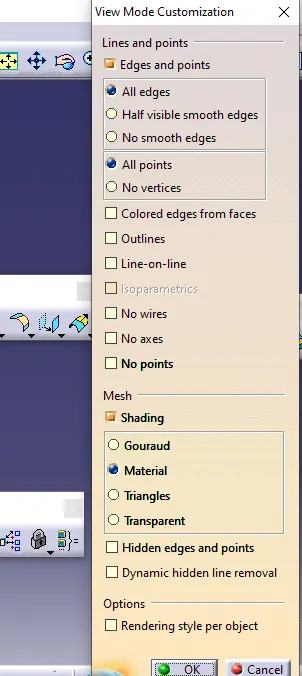
select the material from mesh.
step 2:
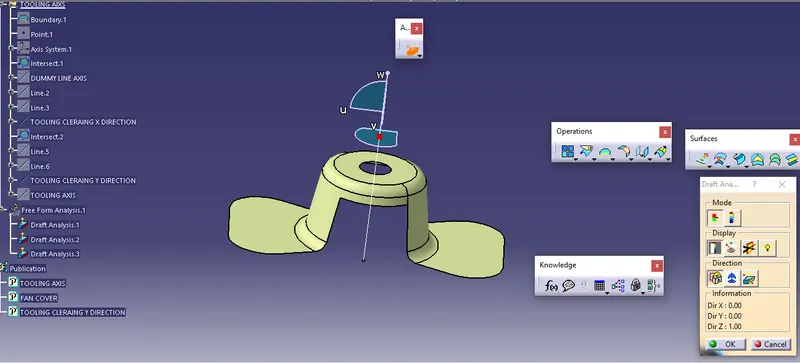
set the compass on the fan cover. after the position of the compass, point to any surface of the fan cover.
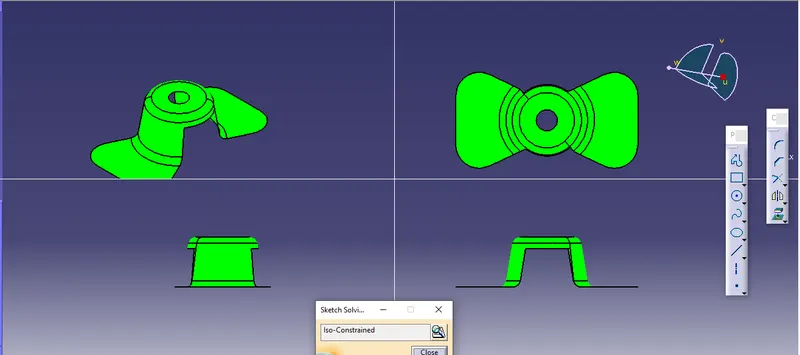
after pointing color gets changed to green.
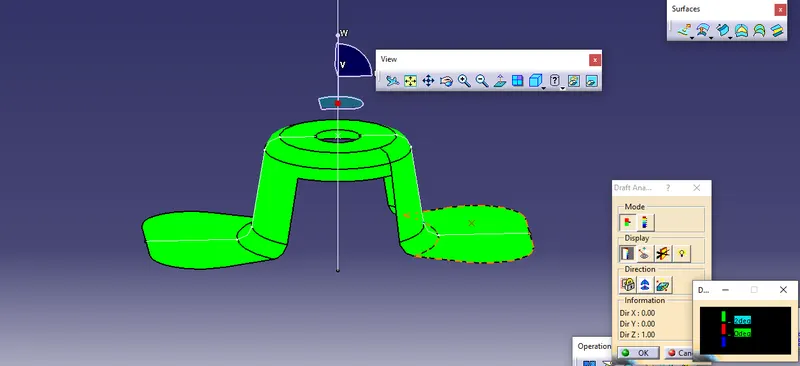
blue color means 3 deg, it can change.
green color means 3-0 deg.
step 3:
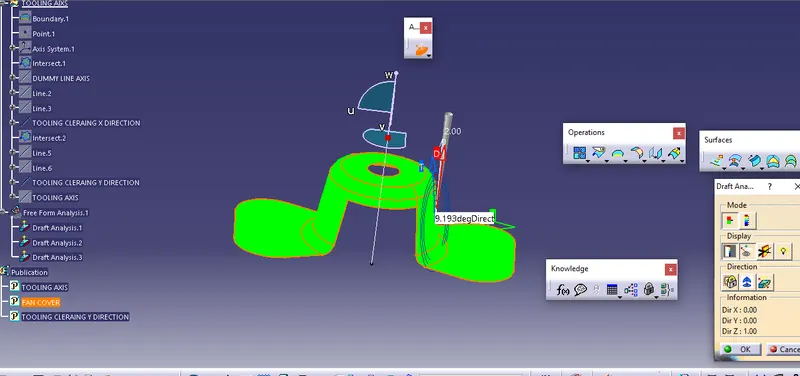
analyses under the running point.
use to measure the angle of the selected point or degrees.
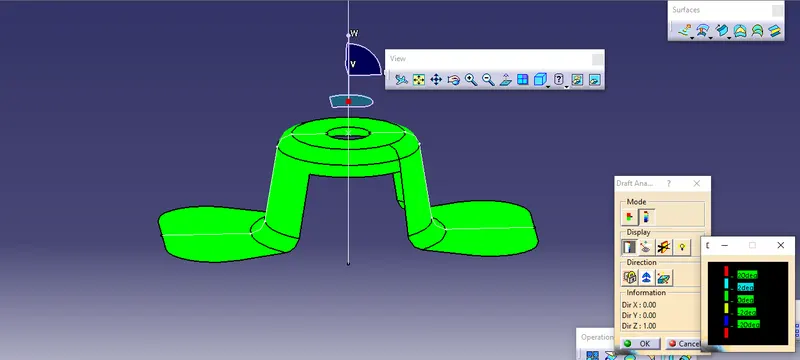
full analysis mode to check the actual degrees of the body.
TREE STRUCTURE OF THE FAN COVER ;