Week 9 - Project - A pillar Design with Master Section
REPORT:-
Aim:- To create the A Piller with the help of Master Section & Class A Surface
Procedure:-
To start with first we need to check the input give to us, either it requires some improve it or not
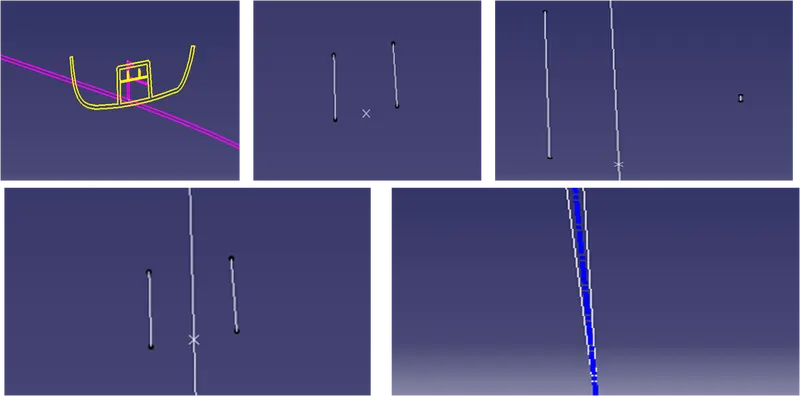
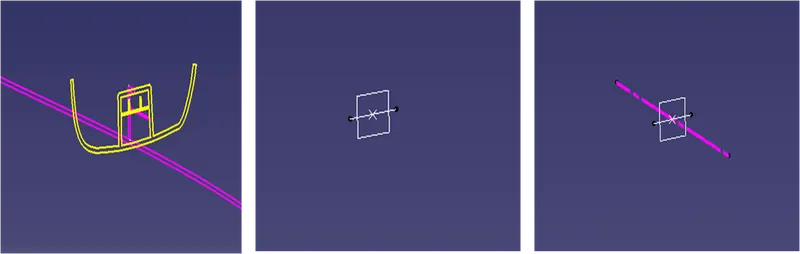
Then we need to identify the Main tooling axis & Side core tooling axis, for which we need to extract mastersection & make the Main tooling axis & Side core tooling axis
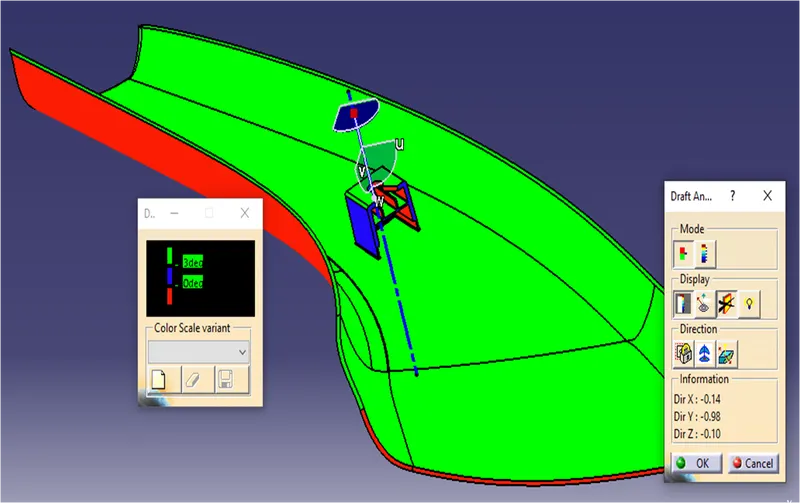
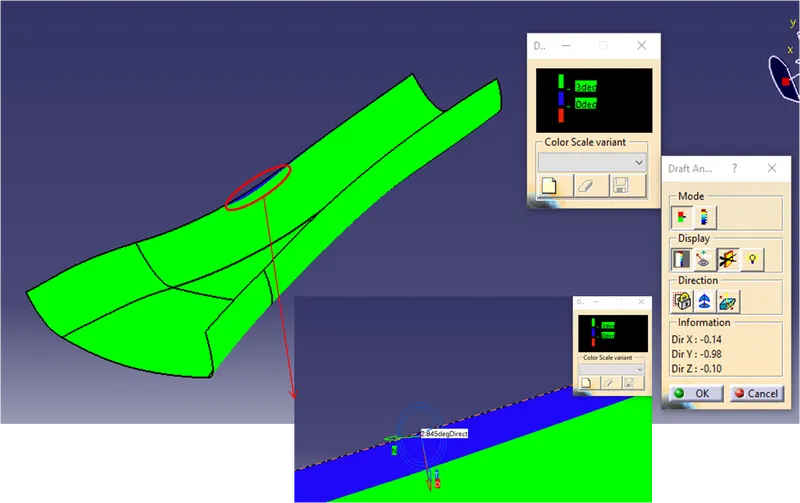
Then perform the Draft analysis to the Class A surface. After the verification of class A we can proceed furthure
Then we need to extract the class and off-set for 2.5mm as we have calculate that the thickness of the component is 2.5mm,
Then improve the class B & extrapolate it well extent behind the class C
Then Sweep the Class C surface the with the help of class A & tooling axis
Then Join the Class A & Class C and then check for any irregularities in the final join
Then Trim the join of Class A & C with the Class B surface
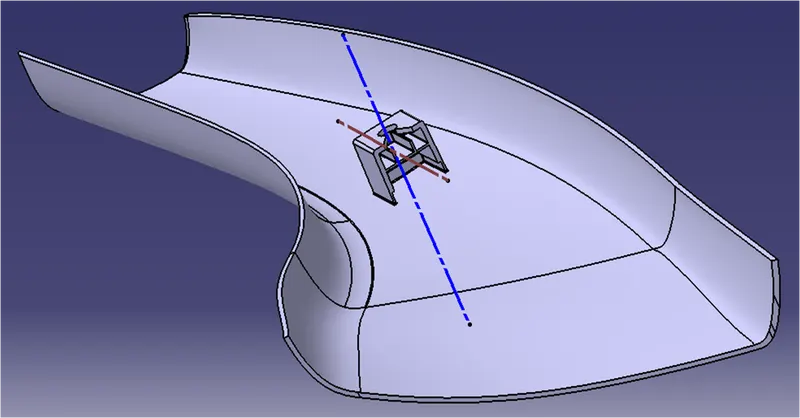
Then come to part design and convert it to close body
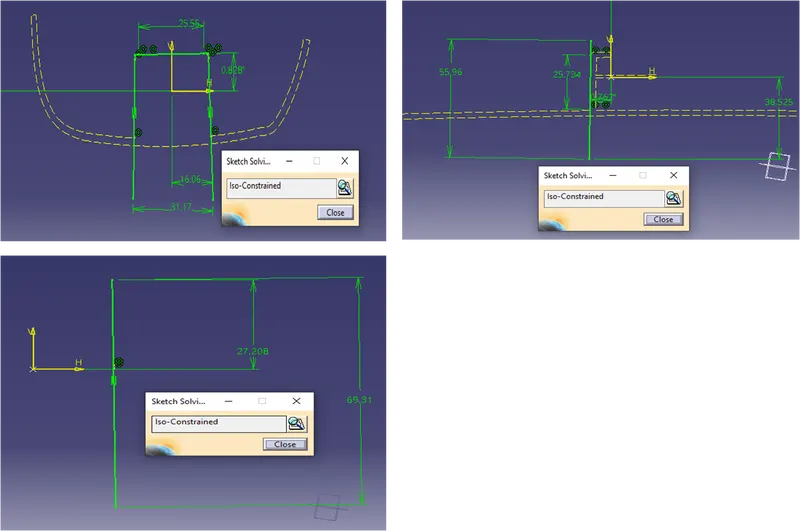
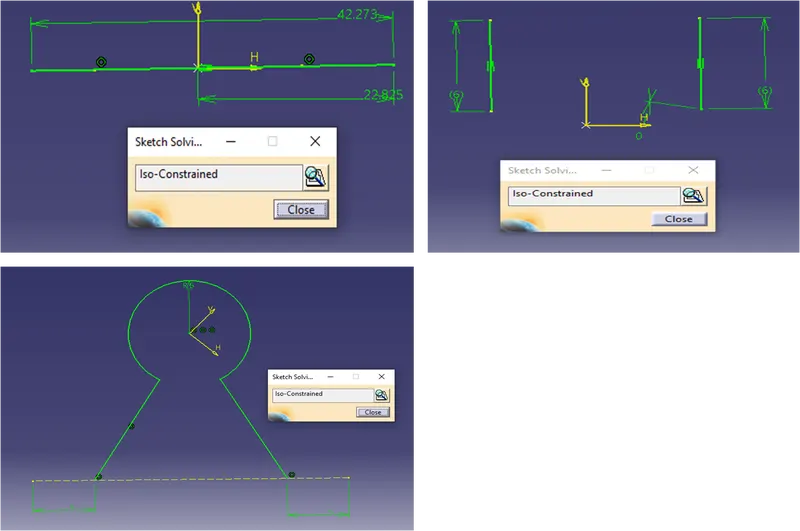
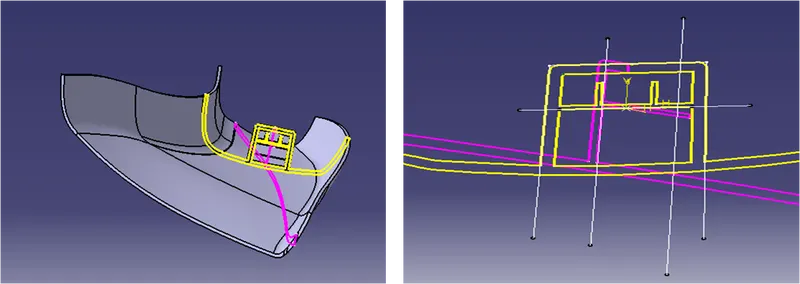
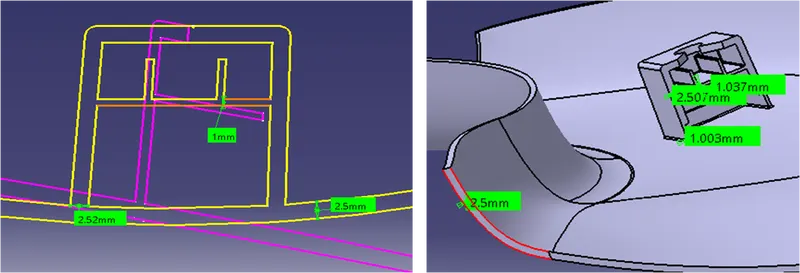
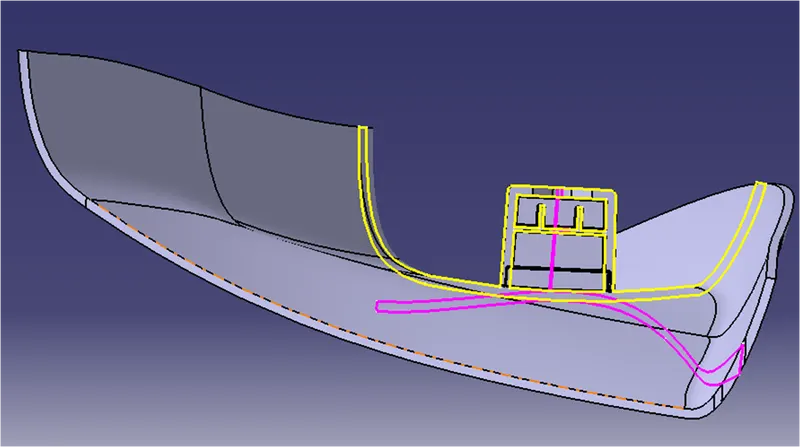
Then make the sketches for the dog house with the help of master-section, extrude, extrapolate, trim & split the and add thickness as per master-section
Then reduce the joining area thickness of the dog house as per standard (0.4 times of component thickness)
Then at last perform the draft analysis on the Final body & Dog house and Inside of Dog house
TOOLING AXIS
LIFTER AXIS
Tree Structure
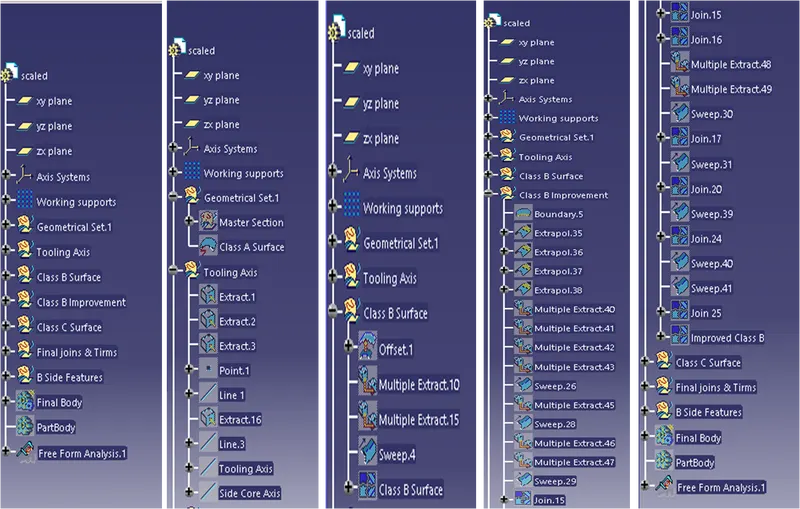
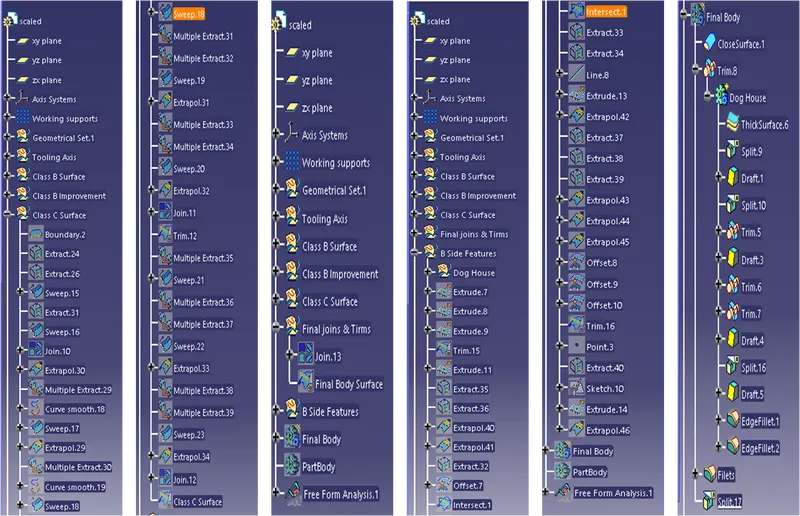
Geometrical Sets
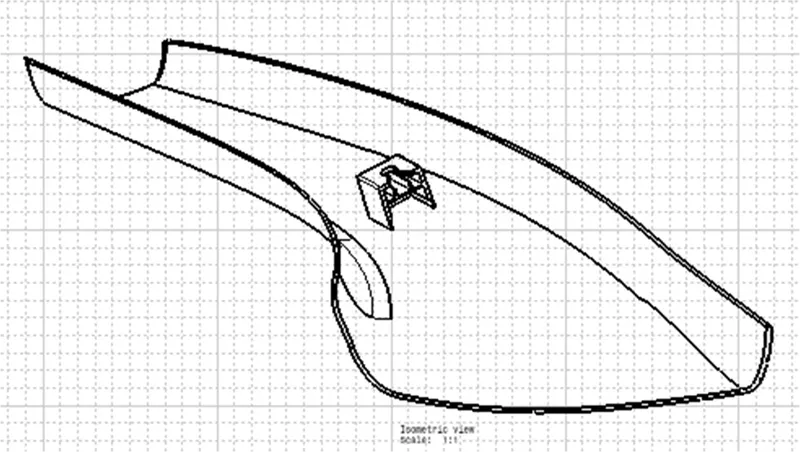
3D CAD
Use of master section to create sketch
Thickness as per master section
Closed Body
Creation of Attachment features
Draft Analysis
Class A Surface
Dog House
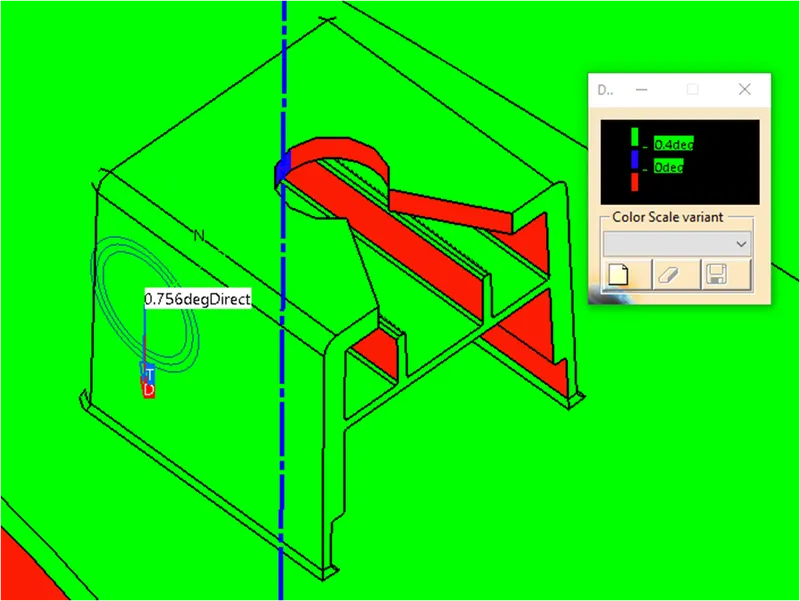
Dog House(Side Core)
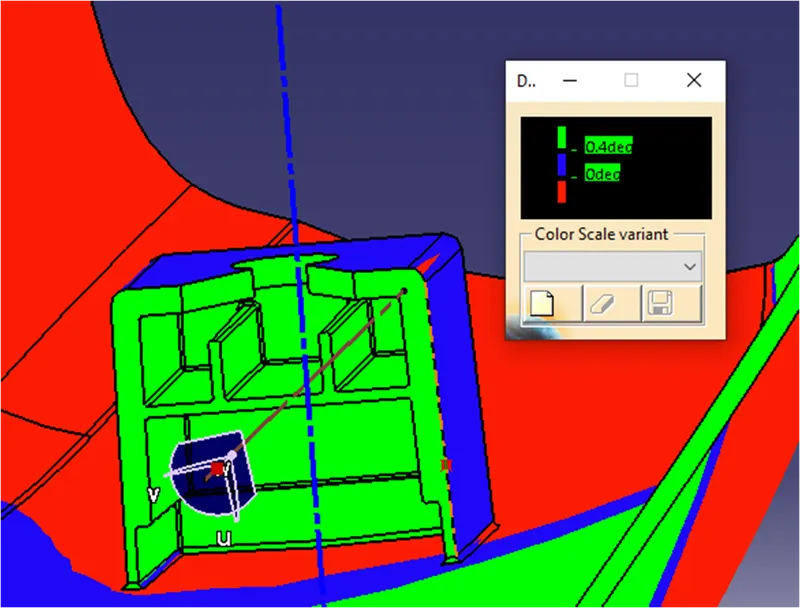
Final Body