Week 9: Project 1 - Surface preparation and Boundary Flagging (PFI)
Objective:
The objective of this work is to setup no hydro simulation of IC engine in converge CFD. Other work Includes boundary flagging and model setup for no hydro simulation.
Modelling the problem in Converge Software
The 3D model is imported in the software.
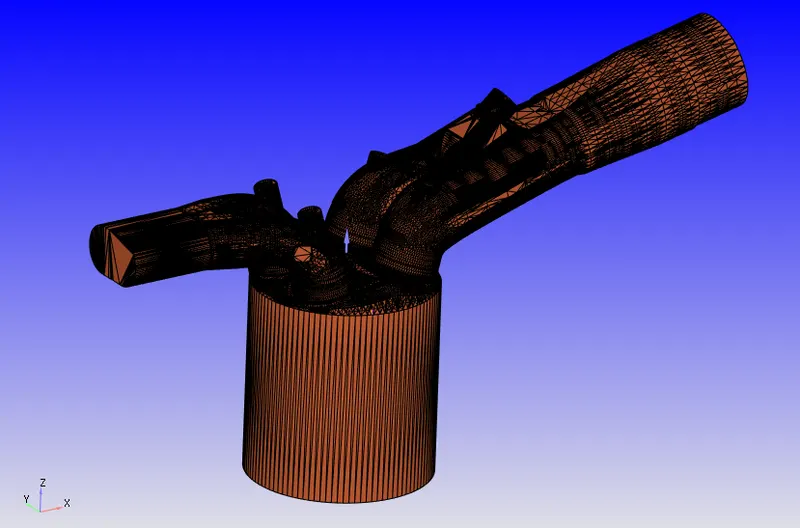
Each of the face is given a boundary name and allotted an ID.
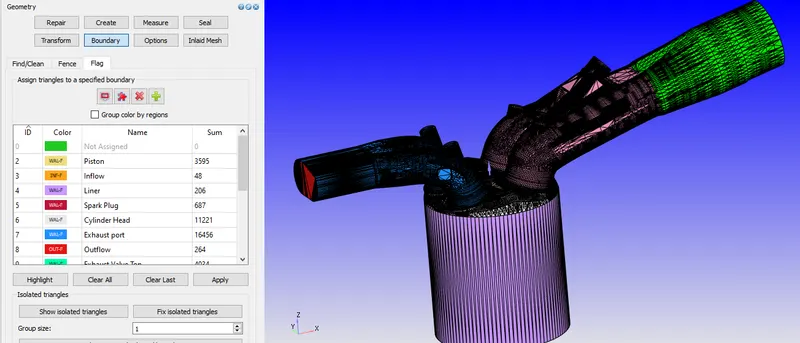
Boundary Flagging is done as:
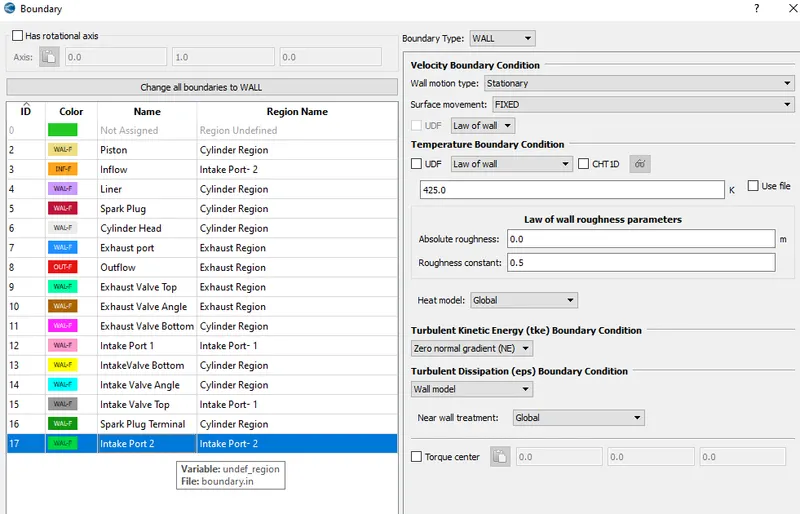
- Piston
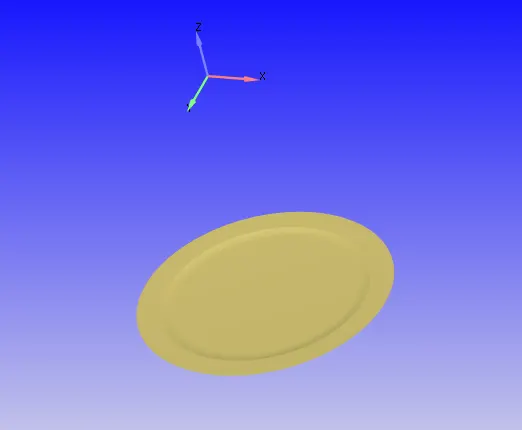
- Inflow
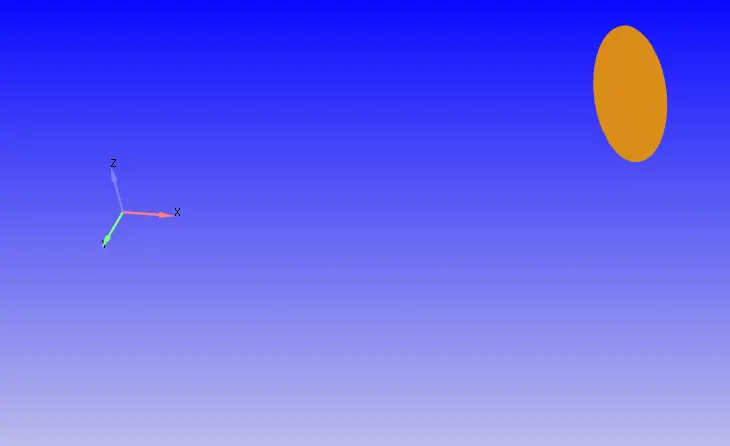
- Liner
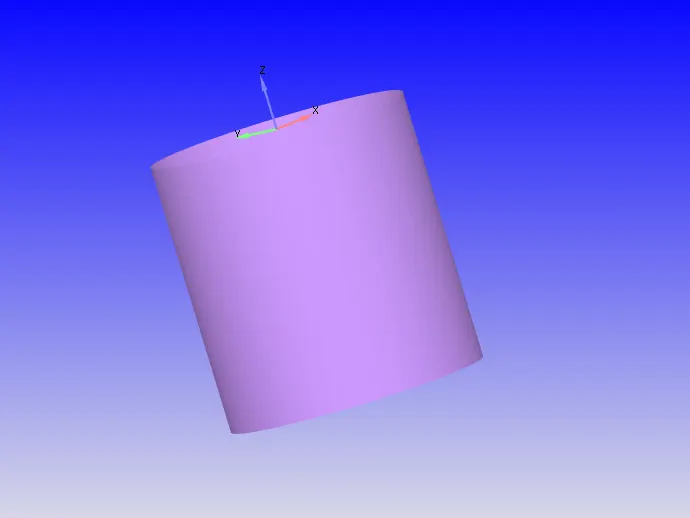
- Spark Plug and Spark Plug Terminal
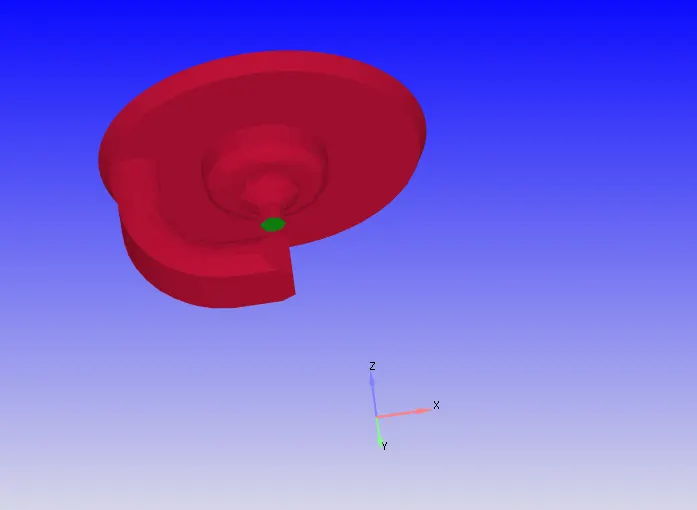
- Cylinder head
- Exhaust Port and Outflow
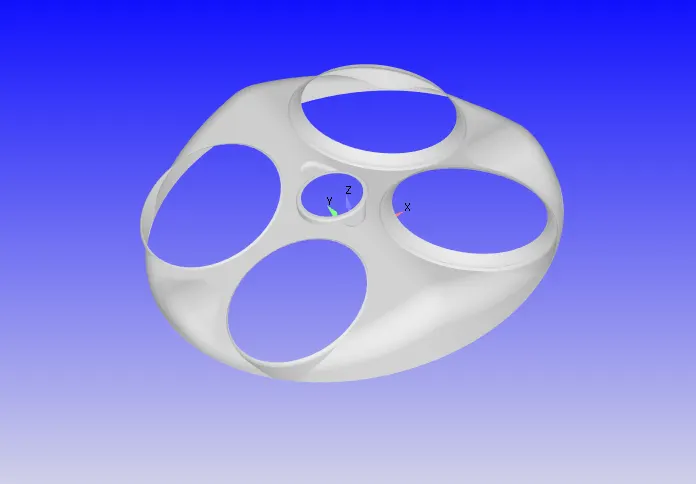
- Intake and Exhaust Valves
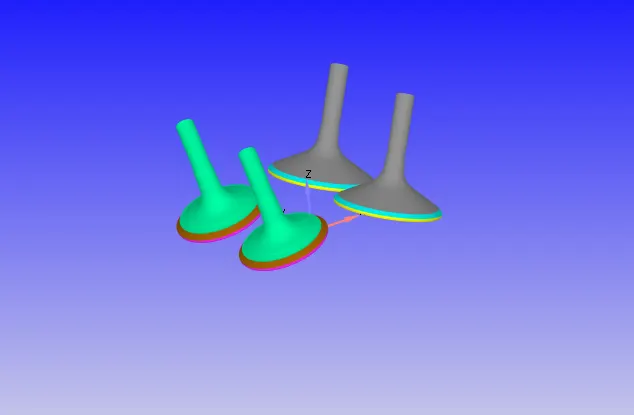
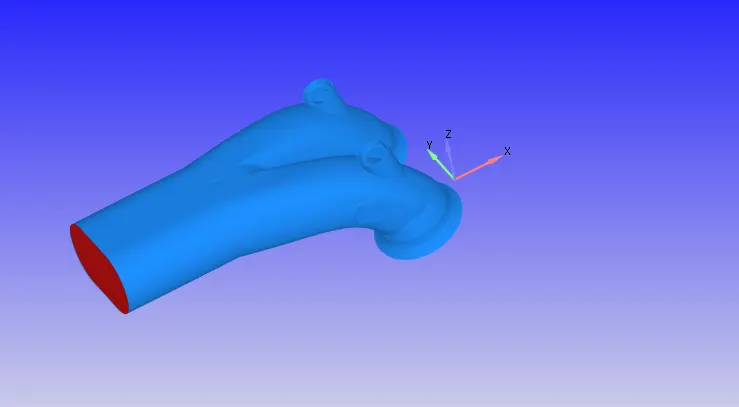
- Intake Port 1 and 2
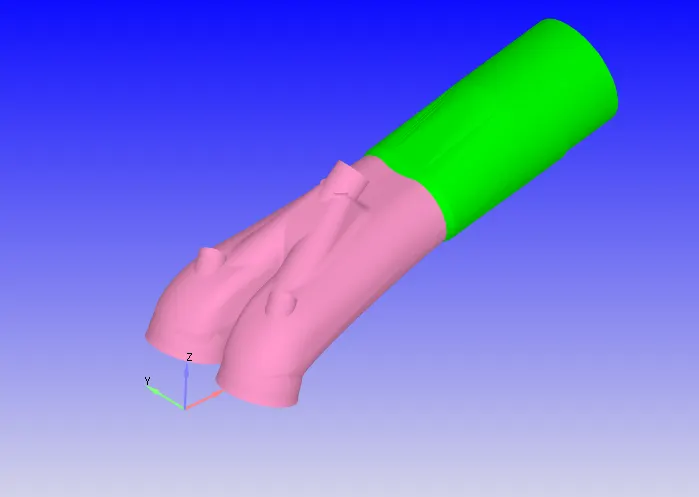
Regions:
For initialization, Four different zones are set,
Region1:
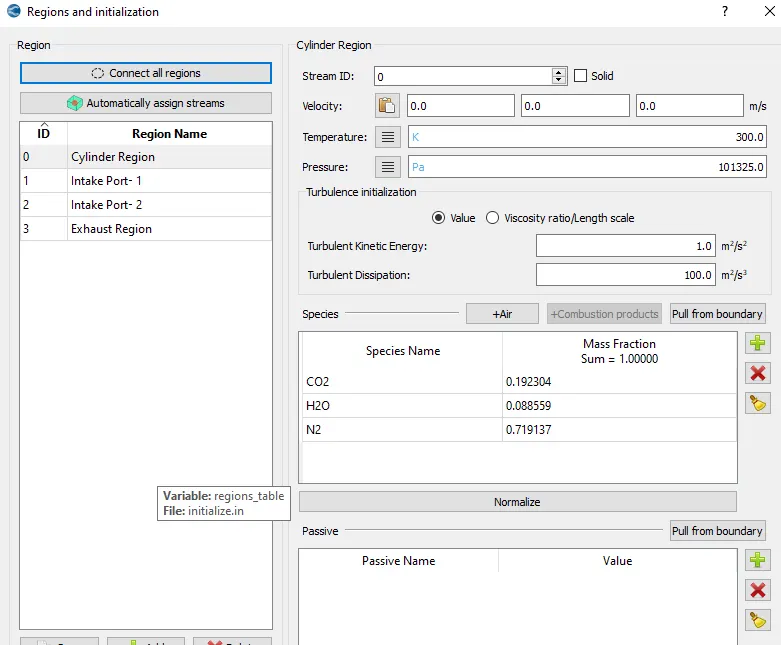
Region2:
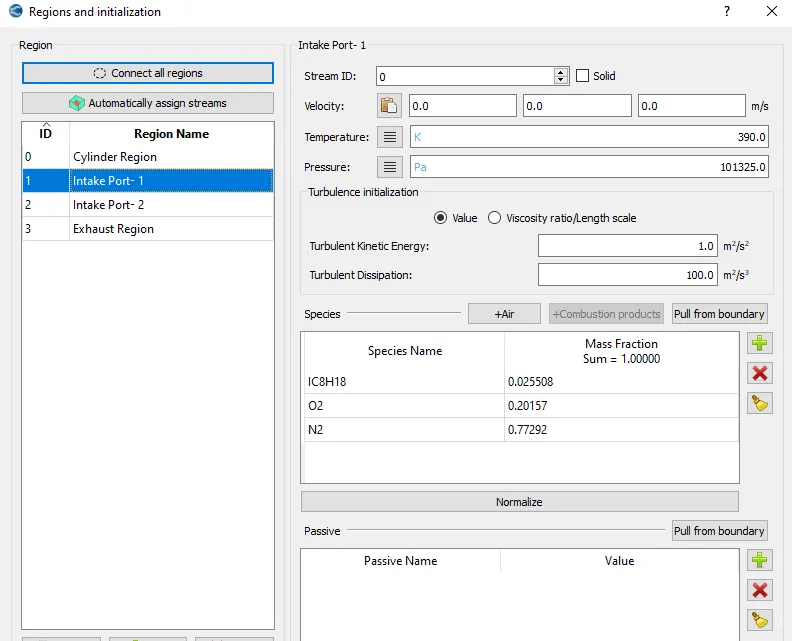
Region3:
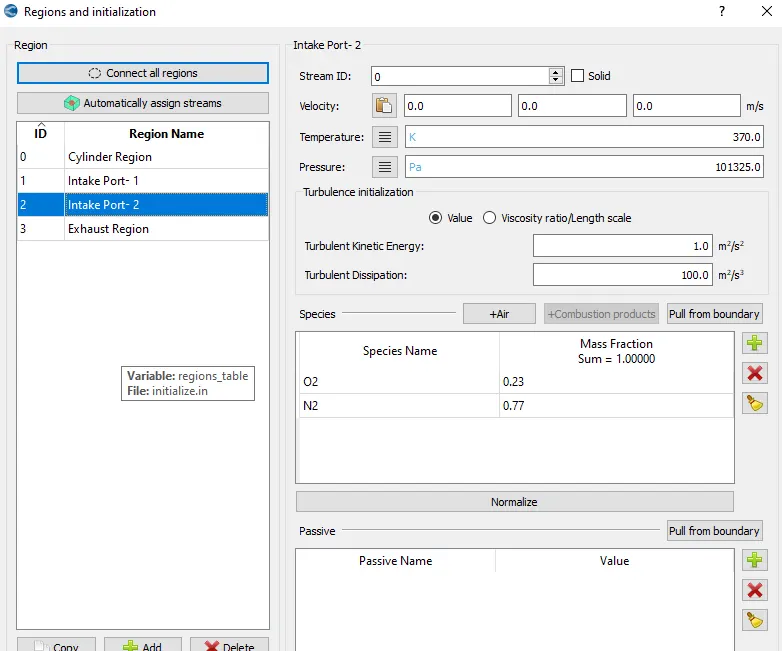
Region4:
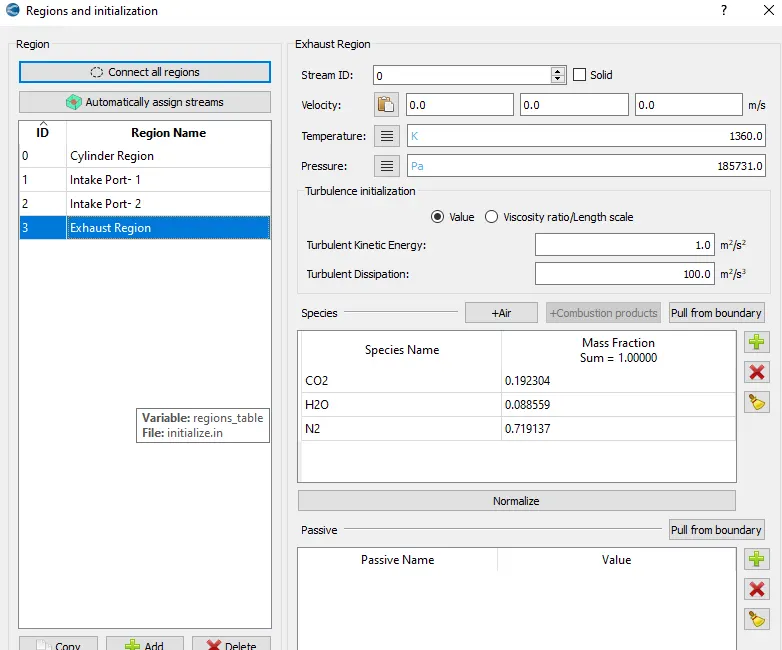
All of the above regions can be seen differentiating in the below attatched image.
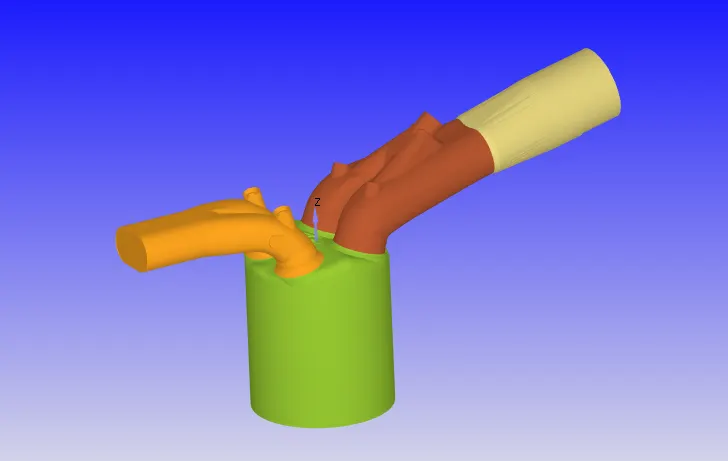
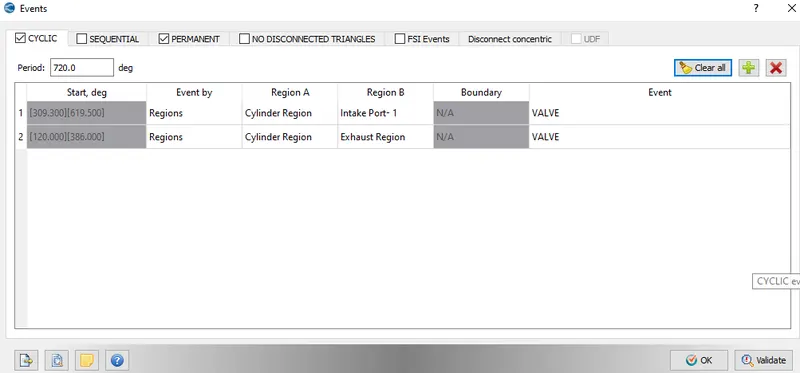
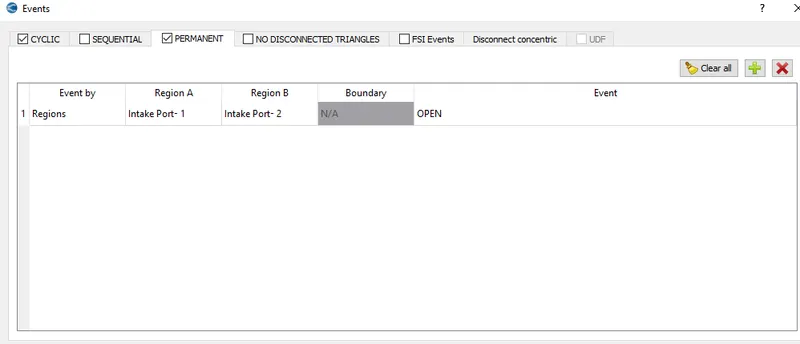
As seen in the image below there is a small gap in the ports and their corresponding valves. So this needs to be opened and closed during the engine working time.

Bothe the Events for the disconected triangles are depicted below:
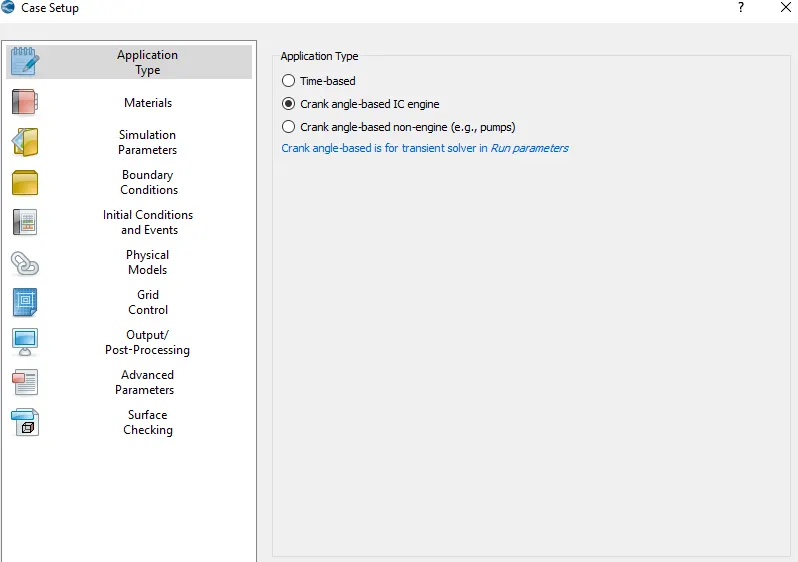
Case Setup:
Since this is a IC engine problem, the procedure to setup it is shown in the steps below.
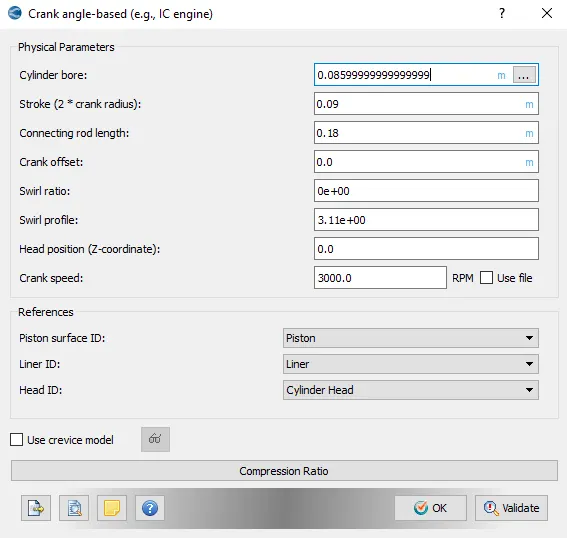
The IC engine paramters are shown below:
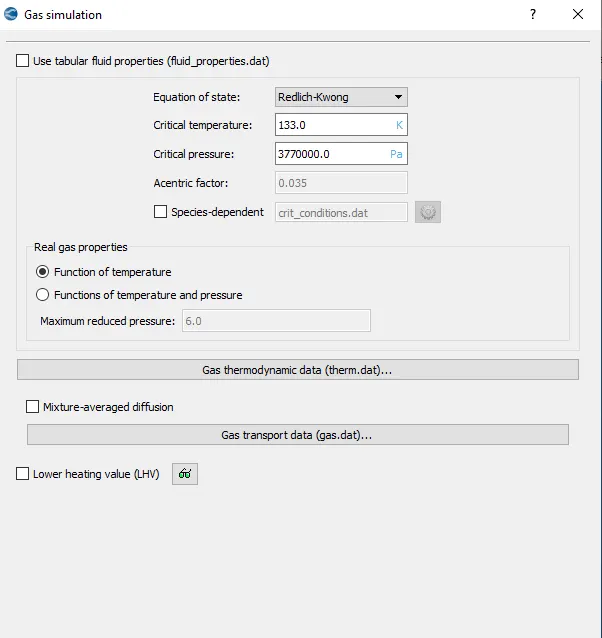
In the Gas simulation tab, default settings are set
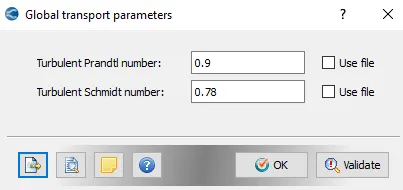
In the Global transport Parameters, defaults are kept to be same.
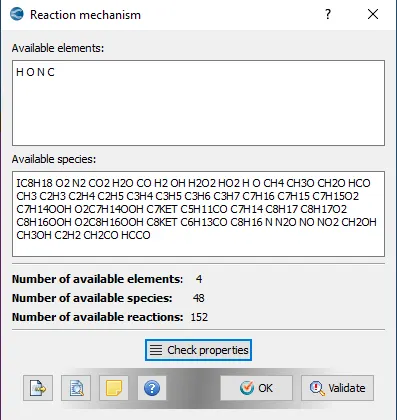
In Reaction mechanism, below added species are used.
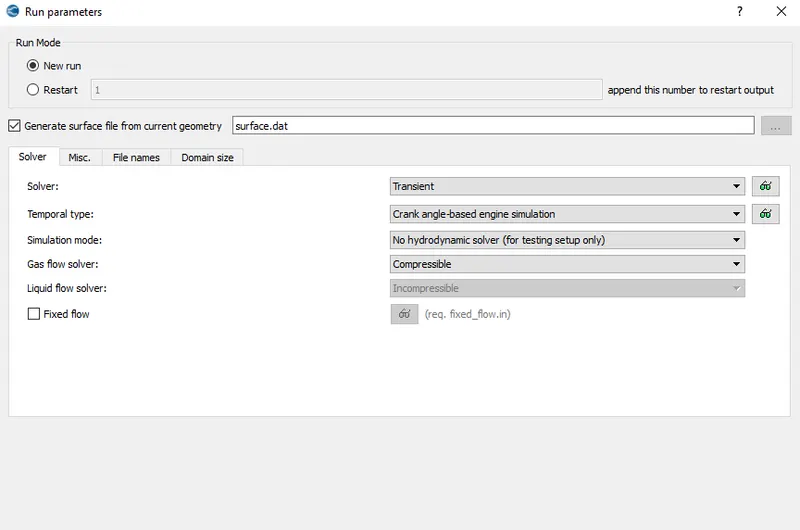
In the Run parameters tab, transient solver is selected along with simulation mode to be in No hydrodynamic and solver used to be compressible.
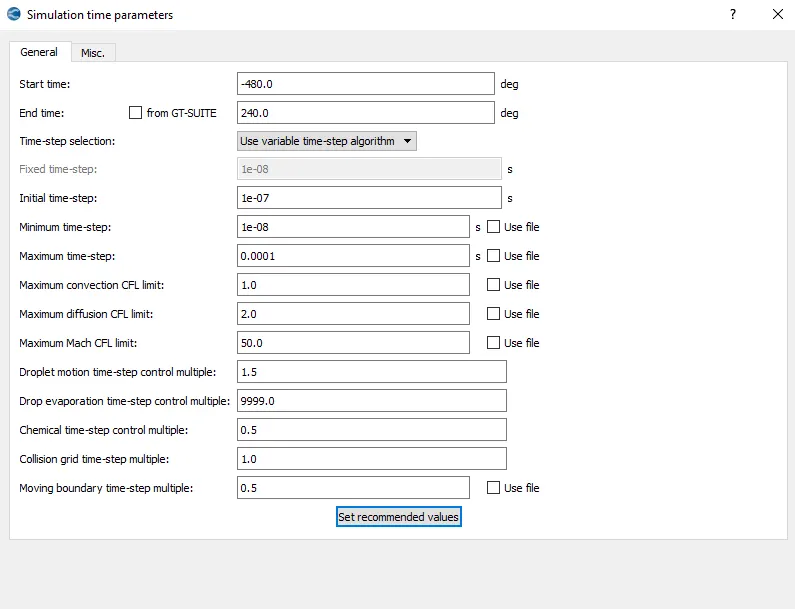
Since it is a crank angle based problem, the angles are defined in simulation time parameters.
PISO scheme is selected for solving the navier stokes equation and other values are set to be at the default.
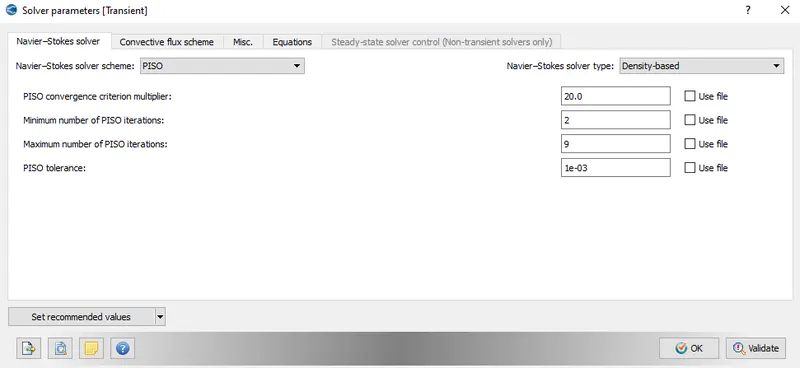
Futher the type of boundary and zone is set to all.
All of the boundary cases are shown below-
Since piston is translating it has motion so values are applied accordingly.
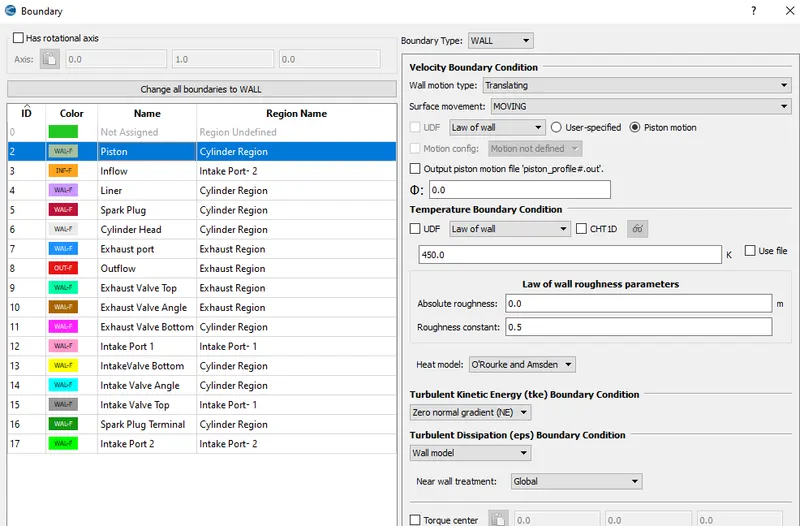
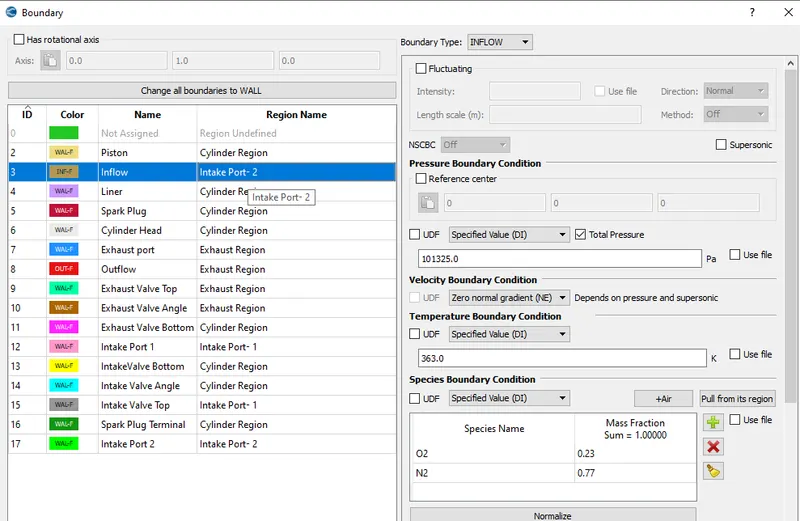
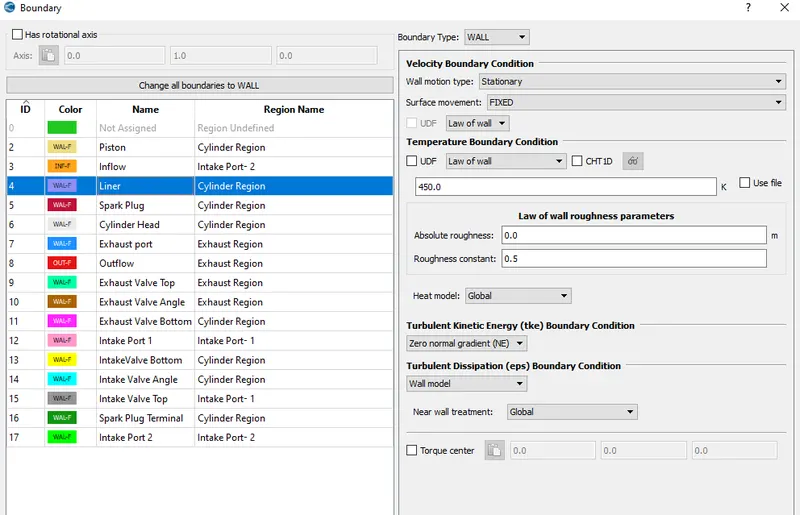
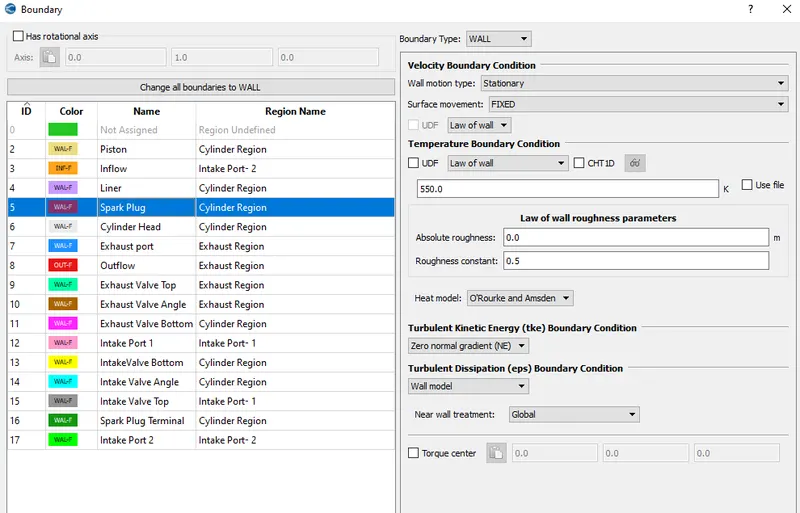
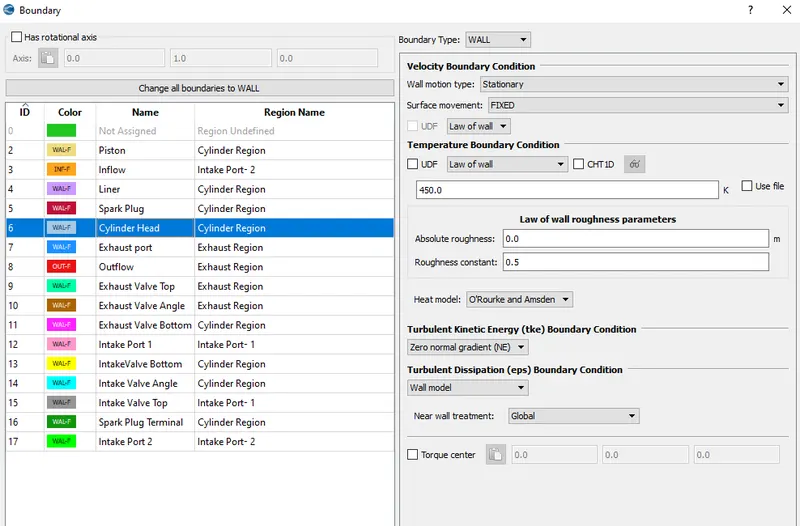
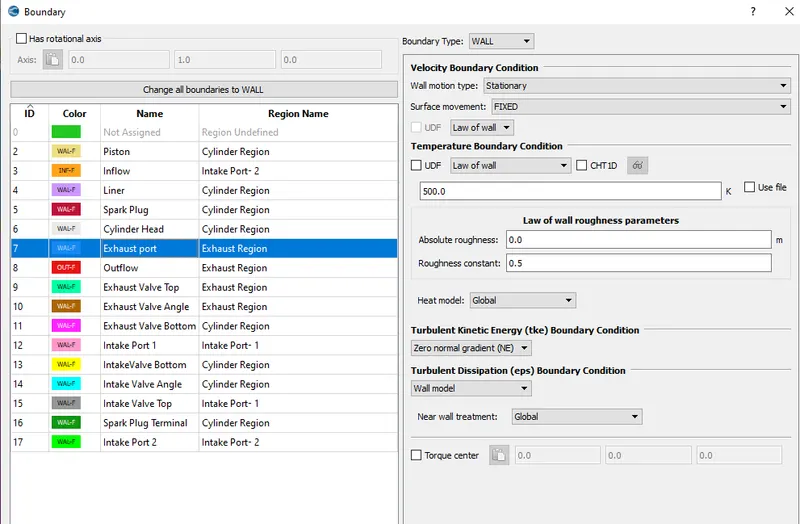
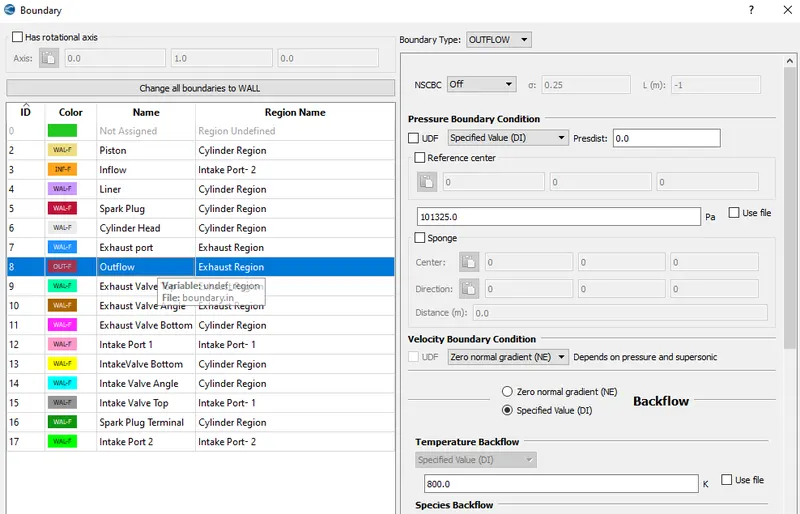
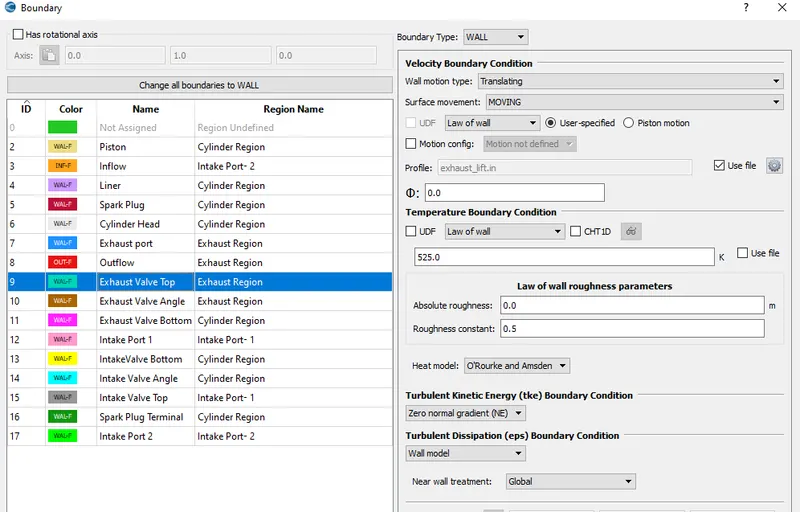
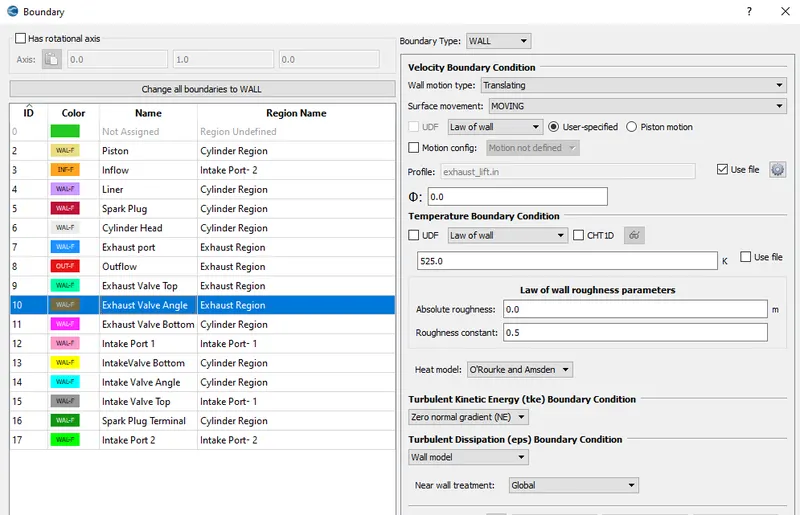
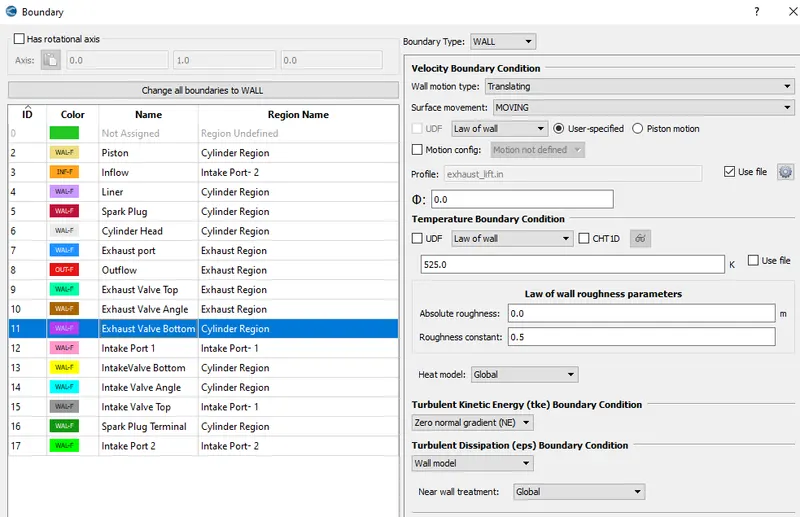
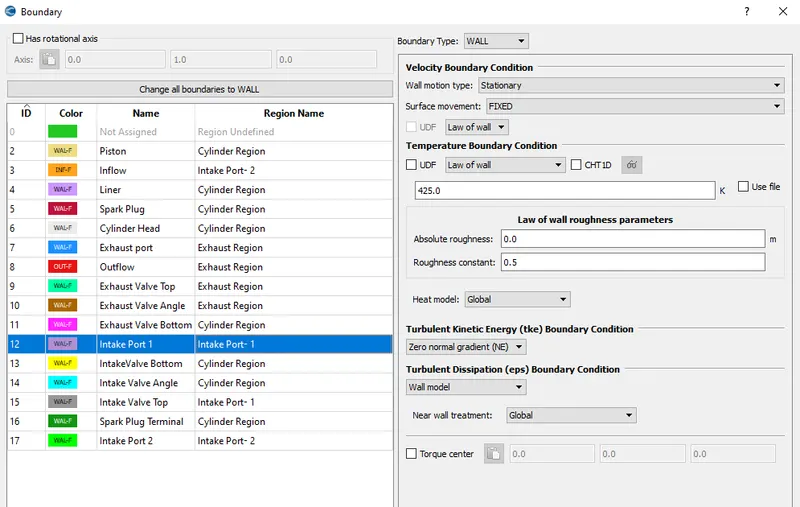
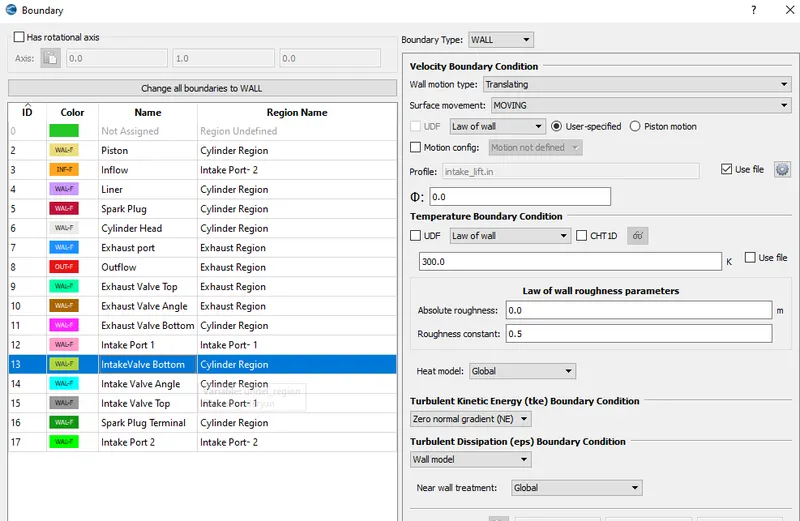
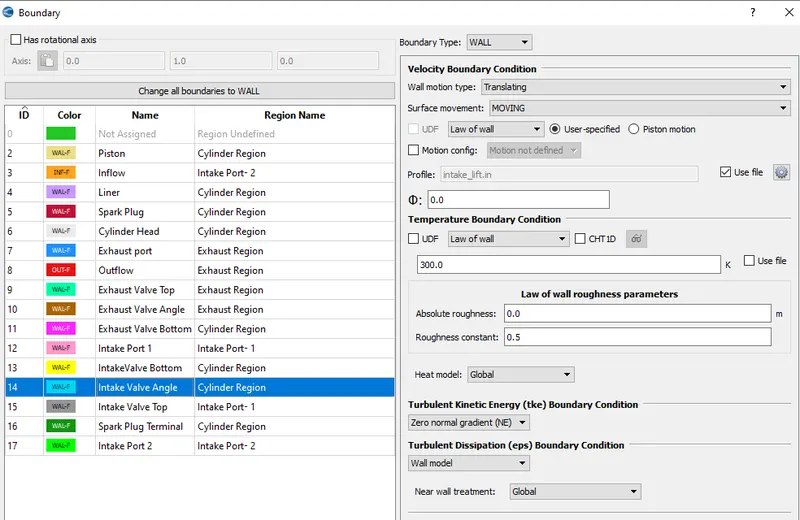
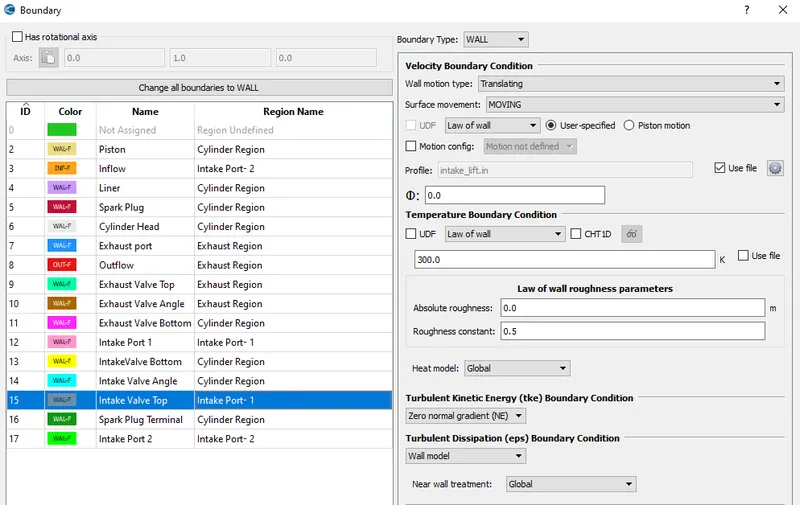
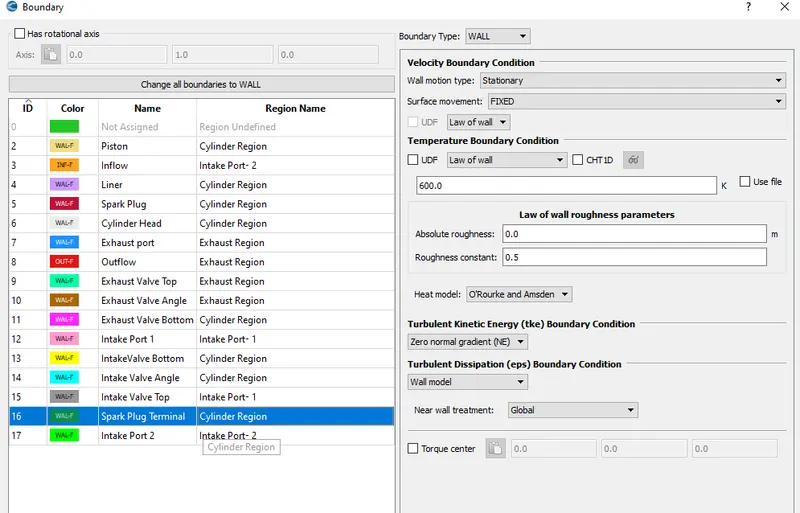
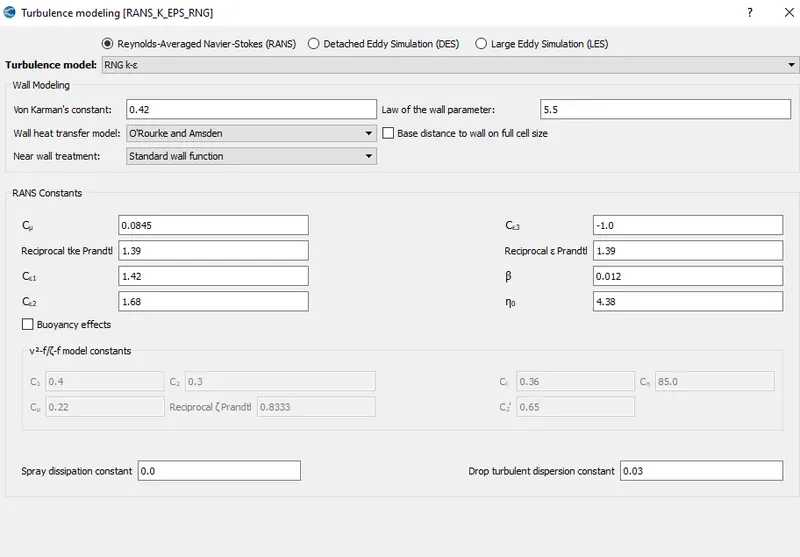
For the turbulence modelling RNG k-ε model is chosen with default values.
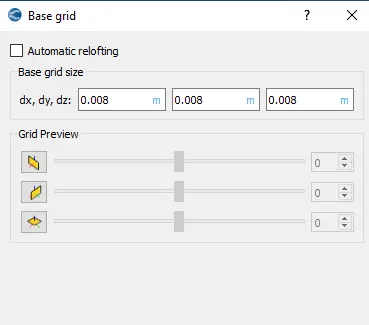
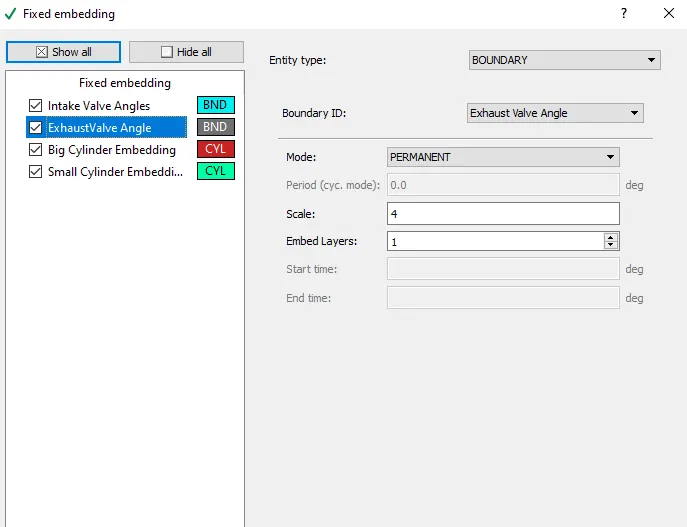
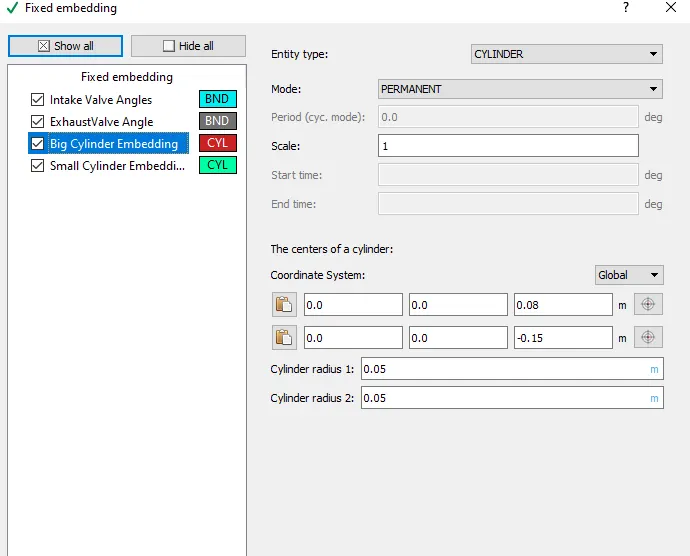
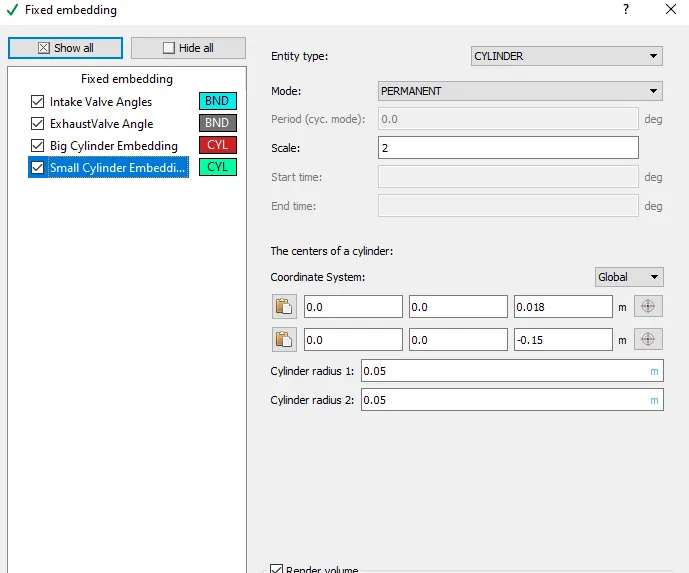
Grid of size 0.008 m is applied in all directions. Fixed embedding is also applied along with this.
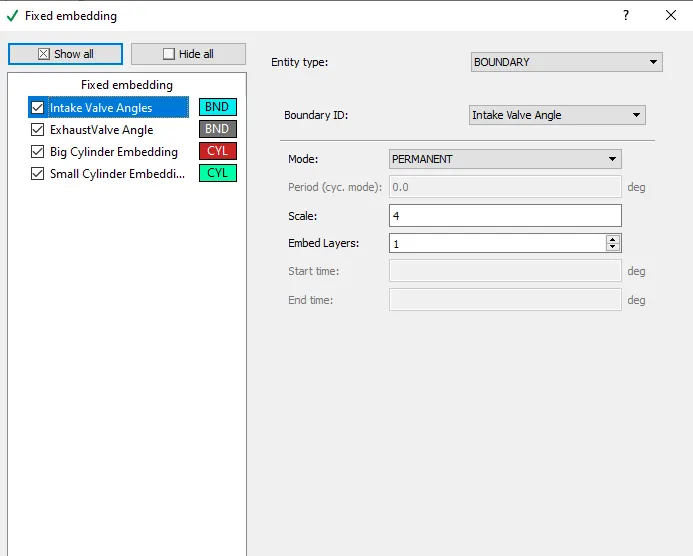
Four fixed embedding parameters are applied as shown below-
Post-Prcessing:
Mesh Animation:
Full Animation: