Week 9 - Project 1 - Door Trim Lower with Engineering Features
Week 9 - Project 1 - Door Trim Lower with Engineering Features
AIM: To created closed body and perform draft anaysis
PROCEDURES:
CLASS A SURFACE:
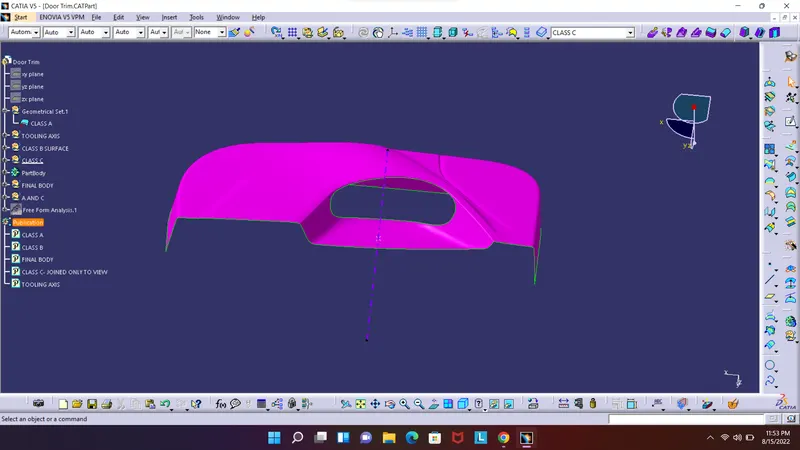
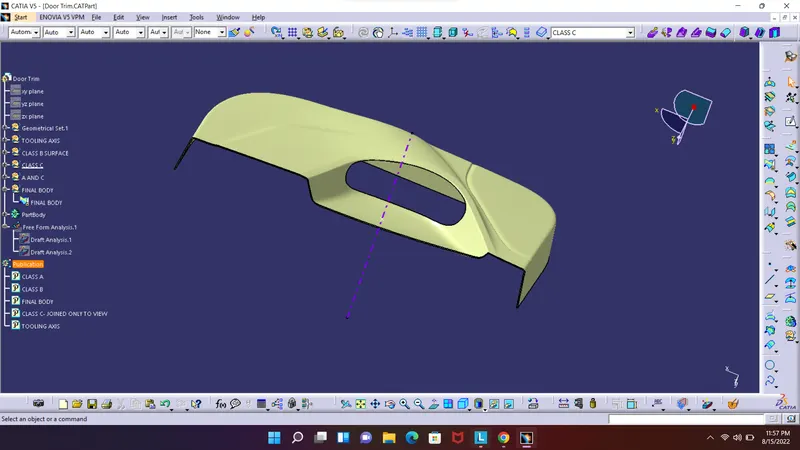
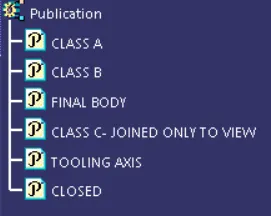
Given class A suface step file opened in catia a perfom a feasibility study and make sure given file is ready and can be used for further development.
TOOLING AXIS:
To create tooling axis i used simple normal to plane method , ie find a plane surface and make apoint on the surface and normal to plane and passing through the point a line is created. After the line renamed to TOOLING AXIS and graphic property is given.
DRAFT ANALYSIS:
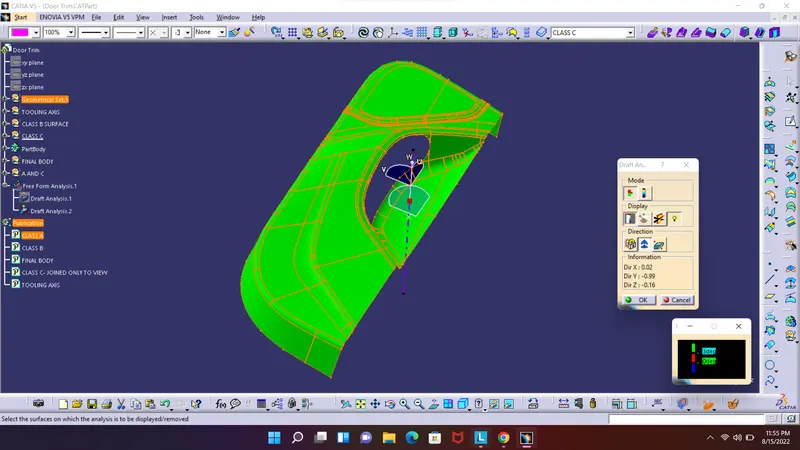
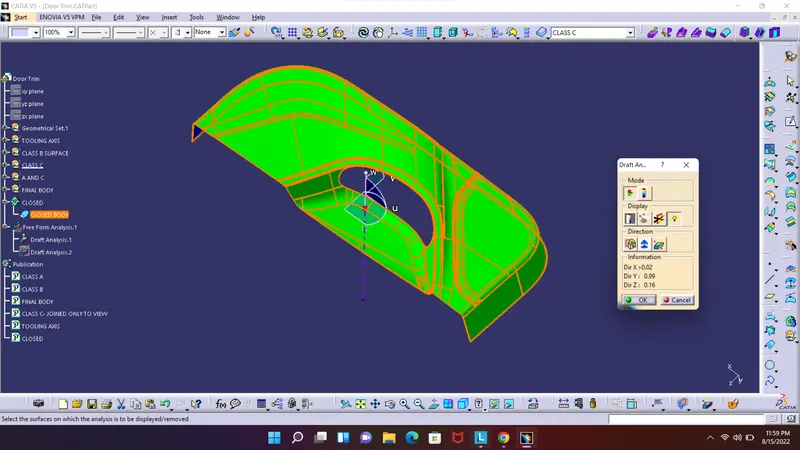
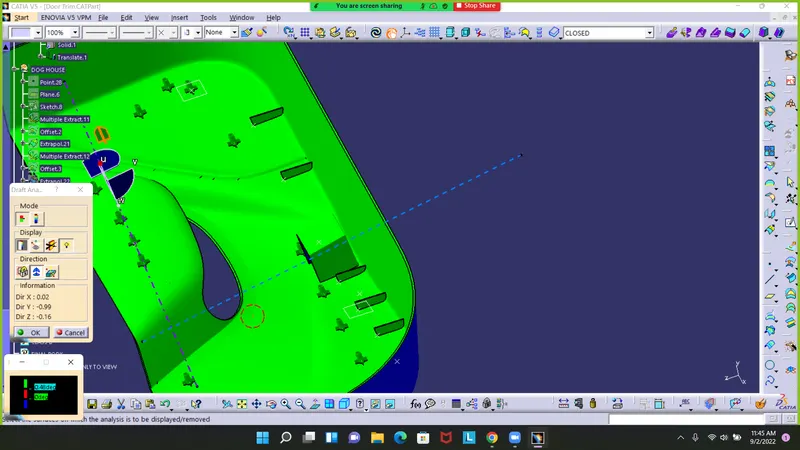
Draft analysis is a technique to analyze whether the component created is manufacturable or not based on the draft conditions applied. So here i will provide the direction in which the component should be ejected to get the easy removal. My direction will be the tooling axis that i have created.
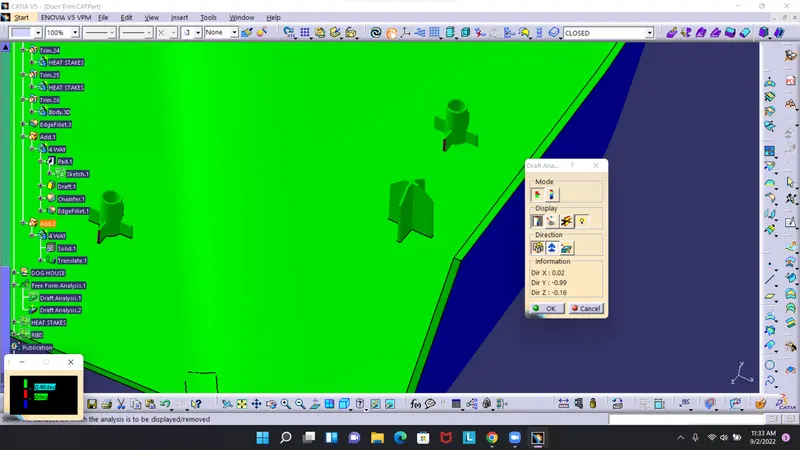
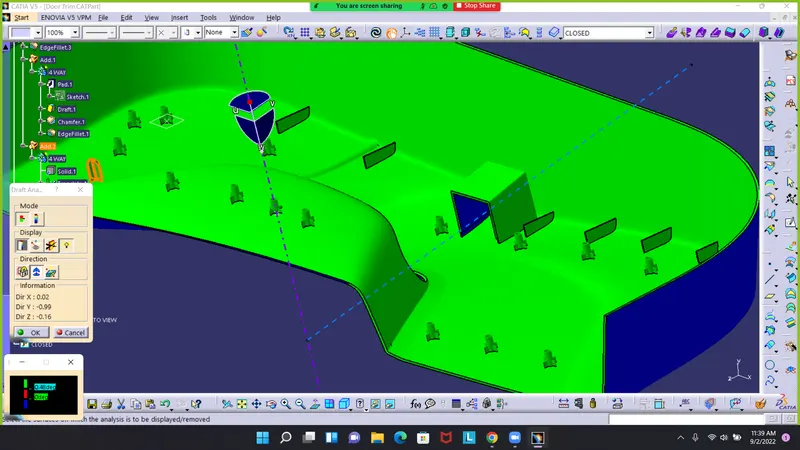
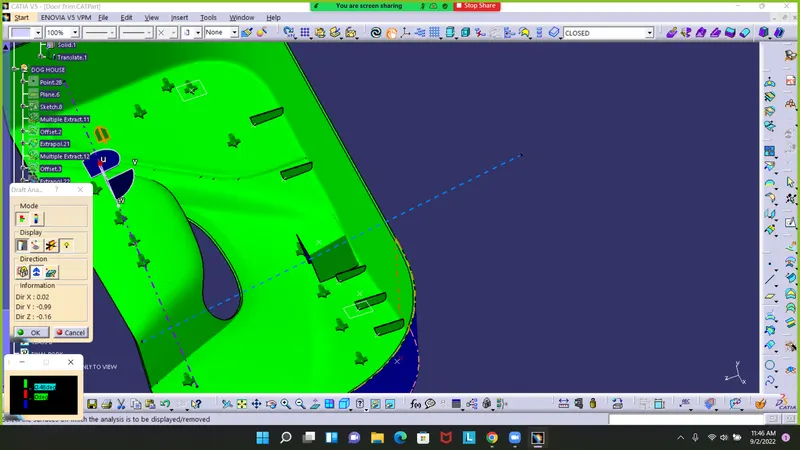
The minimum draft value for the Automotive plastic component is 3 degrees. By taking these fact in material mode change matrial mode and open draft by INSERT>ANALYSIS>FEATURED DRAFT ANALYSIS. By opening draft analysis screen place the compass on the tooling axis and make sure it clicked on and locked and click on the body since the body is green it is passed the draft analysis test.
CLASS B SURFACE:
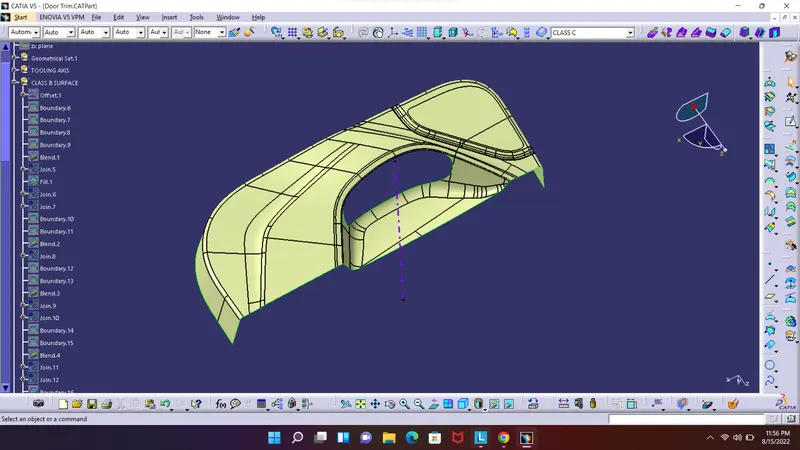
Next is to create the b surface. Since body is complicated in nature offset class a surface to 2.5 mm and press ok. The body seems to lost fillet and edge in class B so manualy do patching and avoid all open edged and makes B surafce perfect.
CLASS C SURFACE:
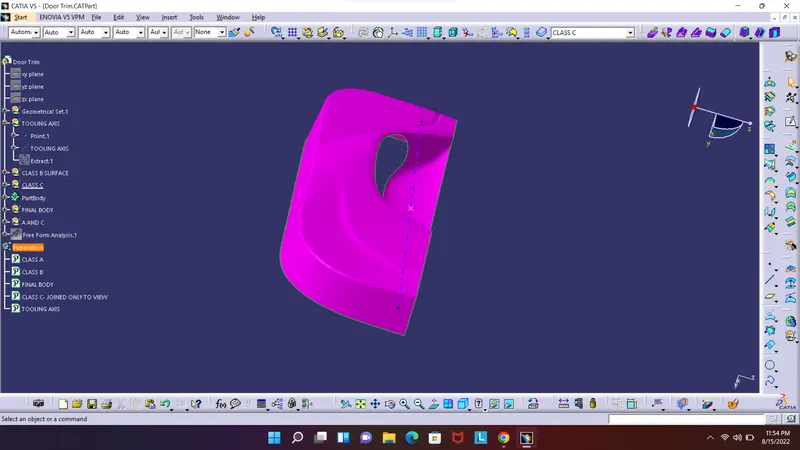
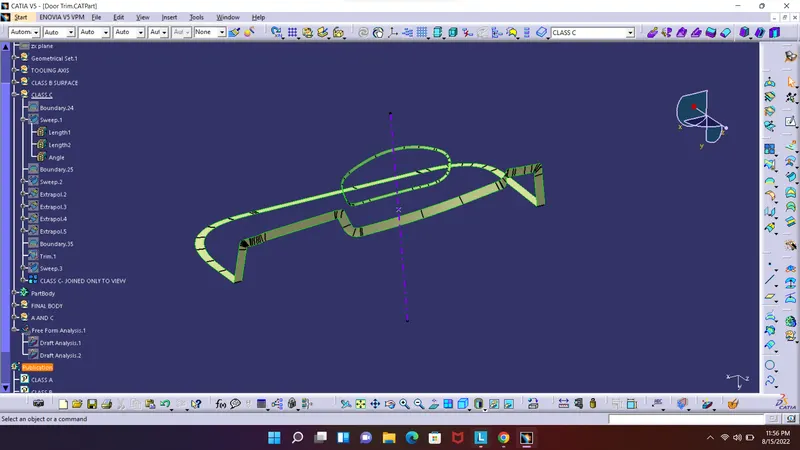
The class c surface is created from boundary of class A. extract each boundary by avoiding the sharp edge and use swept surface tool by selecting with reference surface and draft angle. Trim the c surafce each other and also create c surface in side the oval shape .
JOINING CLASS A AND CLASS C :
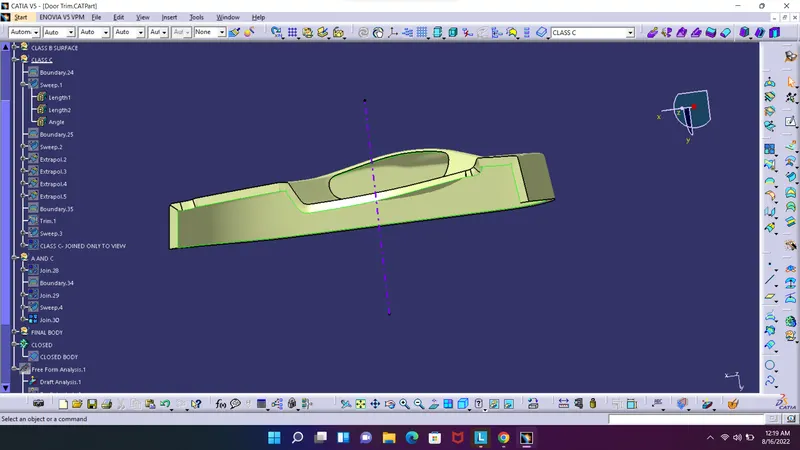
Join the class A and class C using join tool
CREATE CLOSED BODY :
Now with joined class A and C body and using extrapolated B body trim each other and make a closed body.
CLOSED PART BODY :
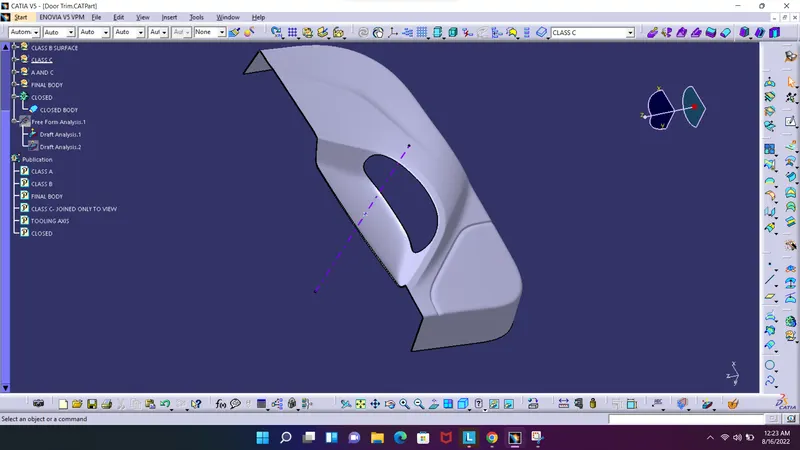
By switching to part desing and using Close body tool make the closed surafce into a closed body.
FINAL DRAFT ANALYSIS:
As the same step above open draft analysis tab and make compass on the tooling axis click on the body.
B SIDE FEATURES
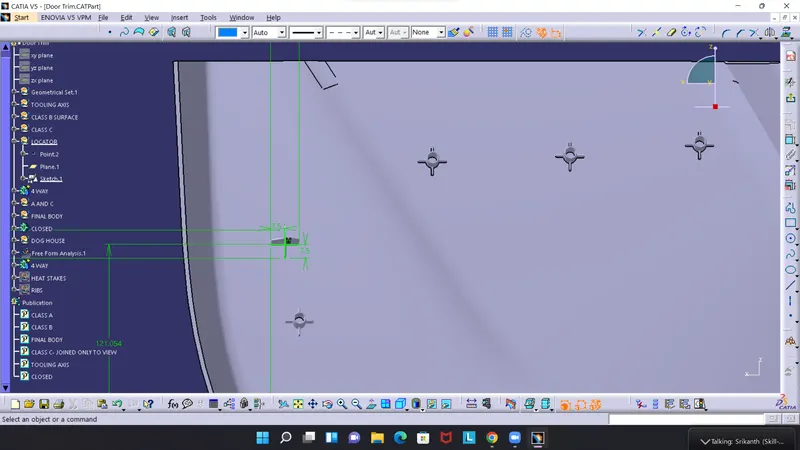
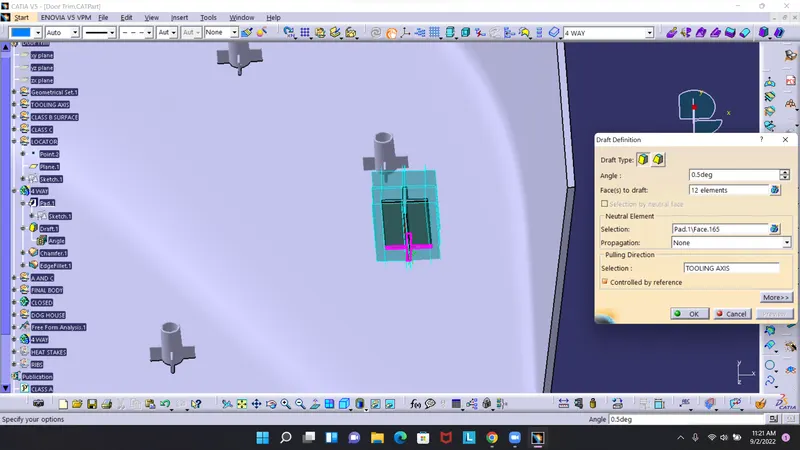
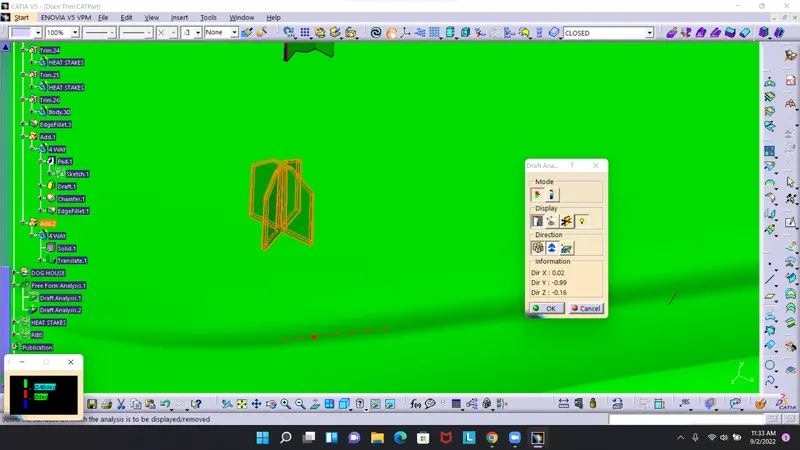
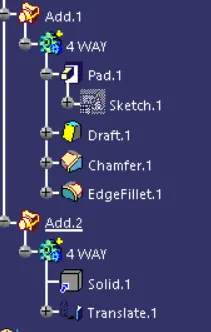
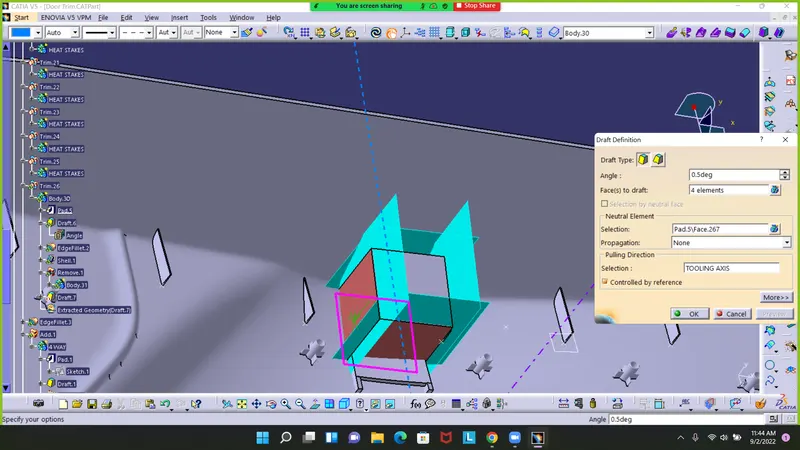
4 WAY LOCATOR
Create a sketch
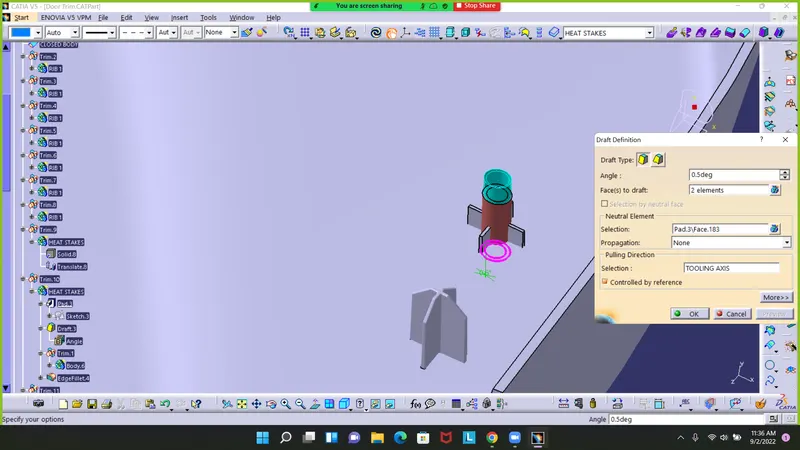
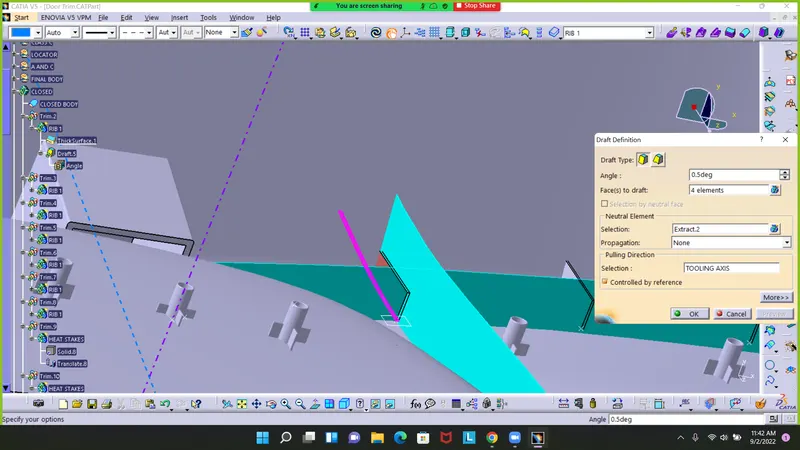
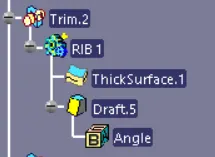
pad it and and fgive a draft of .5 degree
Copy it paste and move with transalate option
Draft analysis
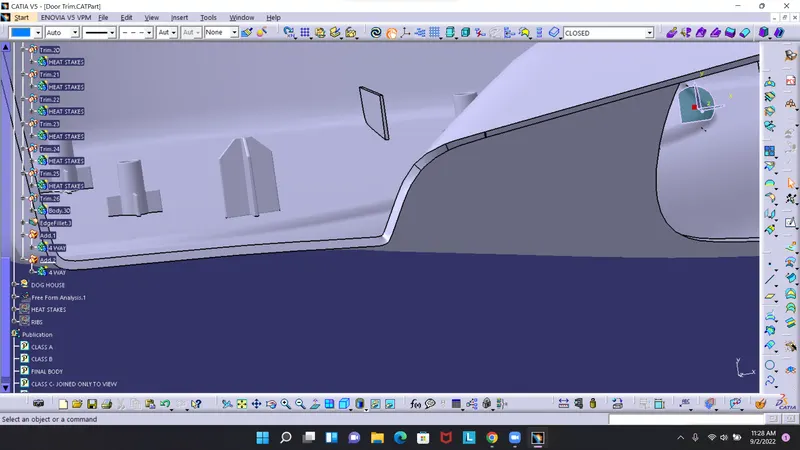
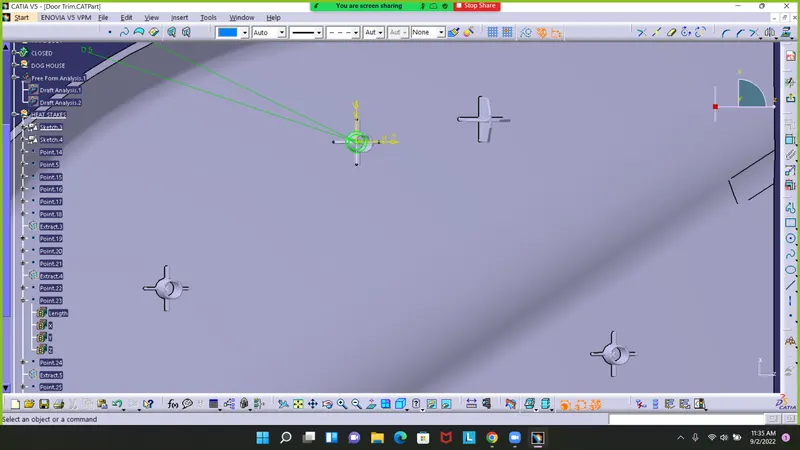
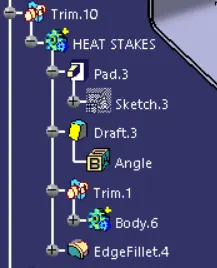
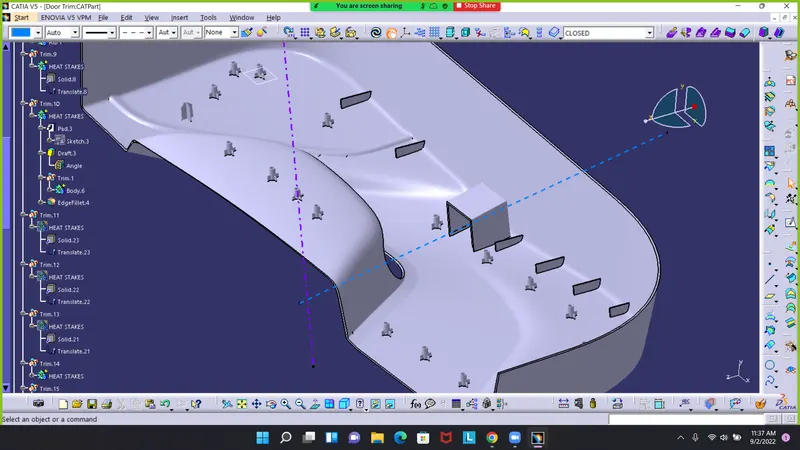
HEAT STAKES
Create a sketch for inside and outside
Pad it and give draft analysis with edge fillets
Draft analysis
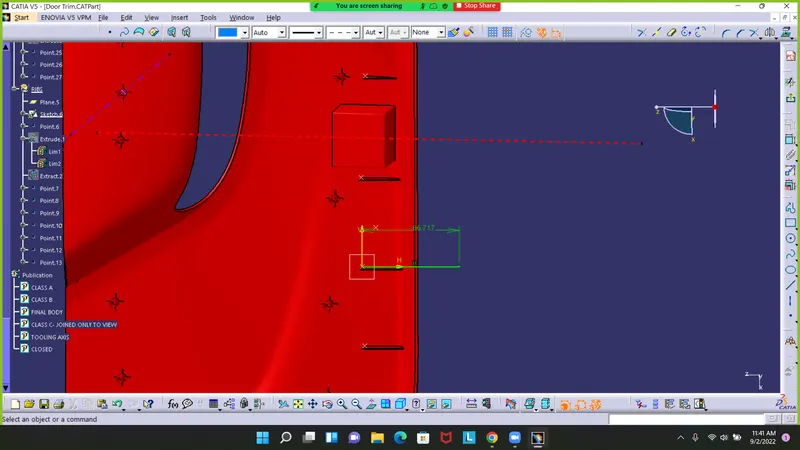
RIBS
Create a sketch
pad and give draft
Draft analysis
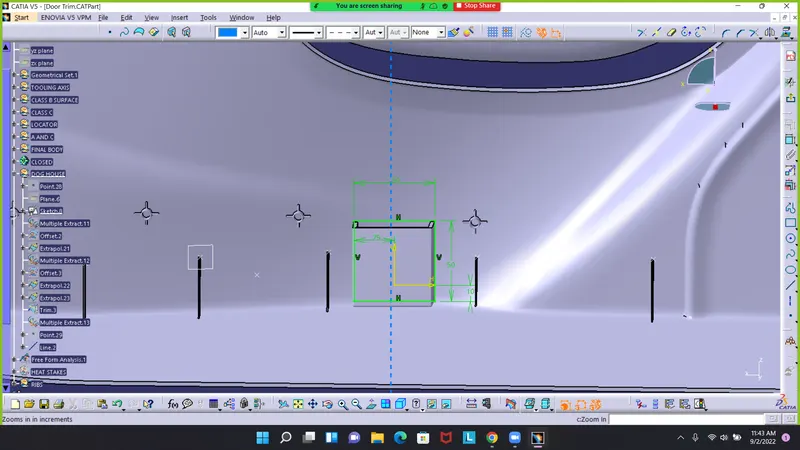
DOG HOUSE
Create a sketch
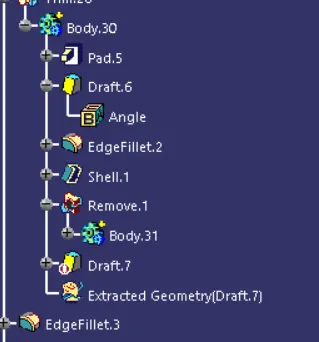
Pad and give nessecery draft along edge fillets
CONCLUSION
The given a surface is covert into a solid body and b side feature heat stakes,ribs,4 way locator,dog house are added with draft analysis
---------------------------------------------------------------------------------------------------------------------------