Week 9 - Project 1 - Door Trim Lower with Engineering Features
AIM:- To create the B class Feature (heat stakes & locators) on the final Door Trim Body with the help of given Class A surface
Report
In order to create a tooling axis we need to first look for any hole or pocket or flat surface, in this case we have a flat surface(hit & trail method) from which we will take the perpendicular line
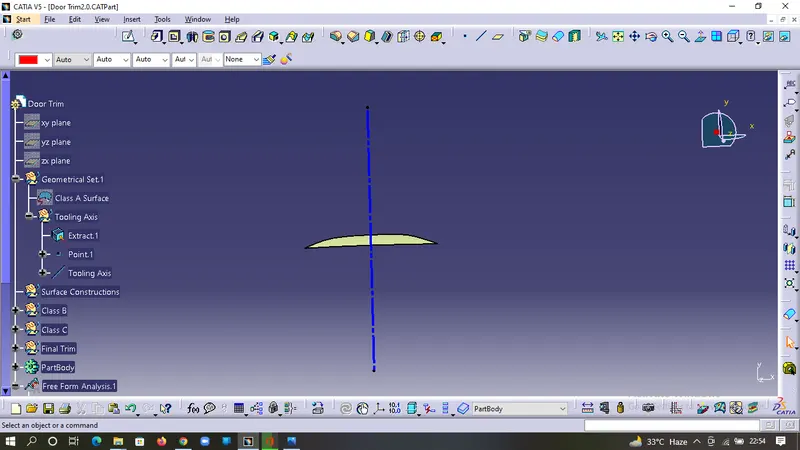
In order to make the perpendicular line we need to extract the base and take the center point and then make the line.
After making the line check for any lines parallel to it
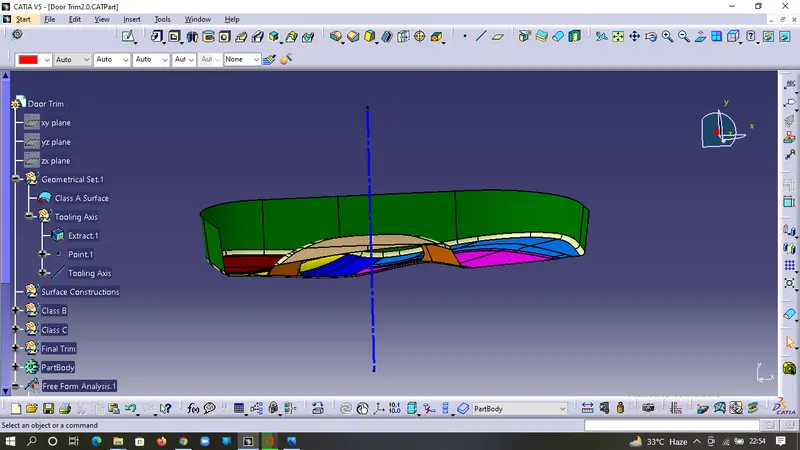
Now to validate the tooling axis we do the Draft Analysis
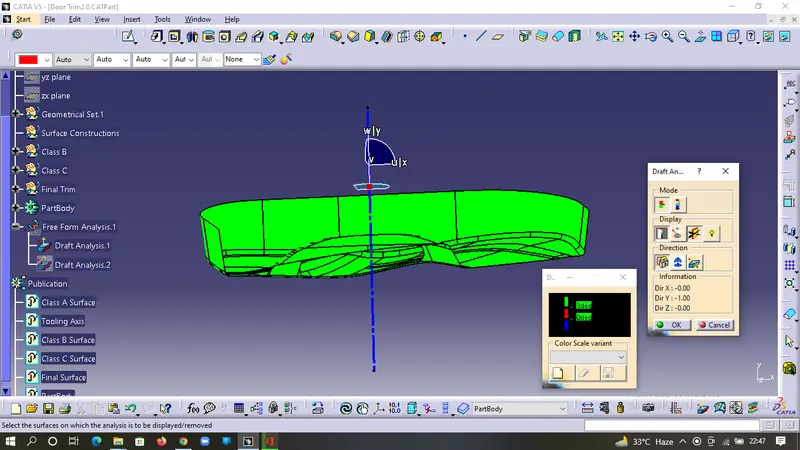
For Draft analysis we need to change to material mode and then start the draft analysis.
First move the axis flag on the top of the tooling axis and lock it.
Then pick the part body and select & customise the color scale, if any surface shows abnormalality then correct the tooling axis otherwise finalize the tooling axis.
Draft Analysis on Class A Surface:-
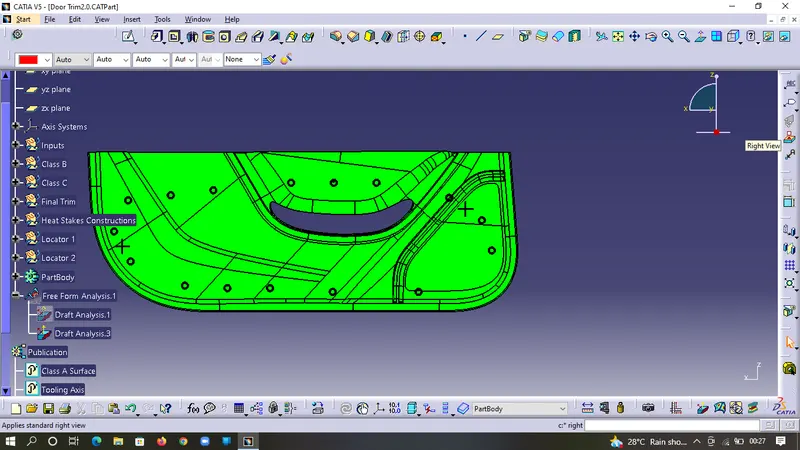
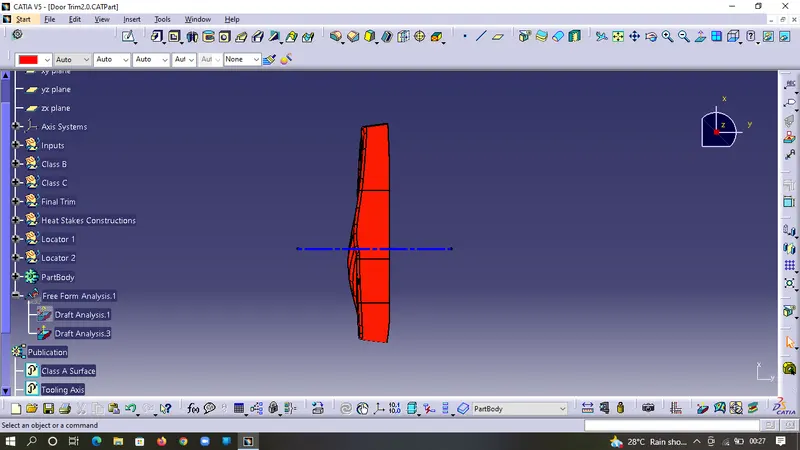
As we can see that whole surface have a minimun of 3 degree of draft, so we can see that our class A is good to use without any further modifications
Draft Analysis on Final body
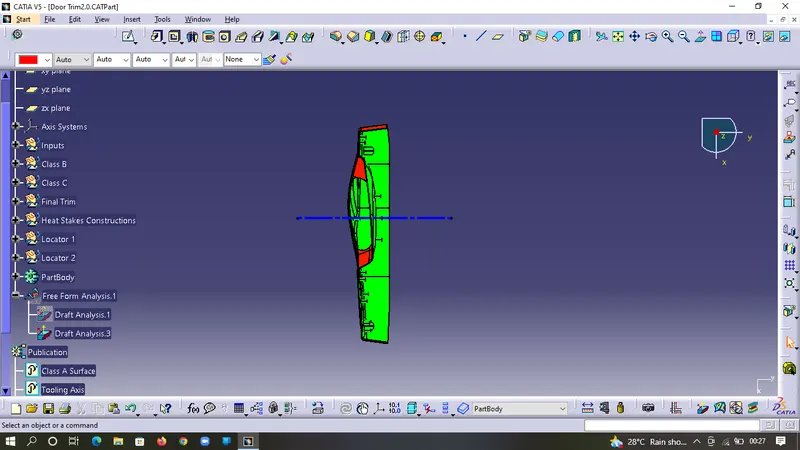
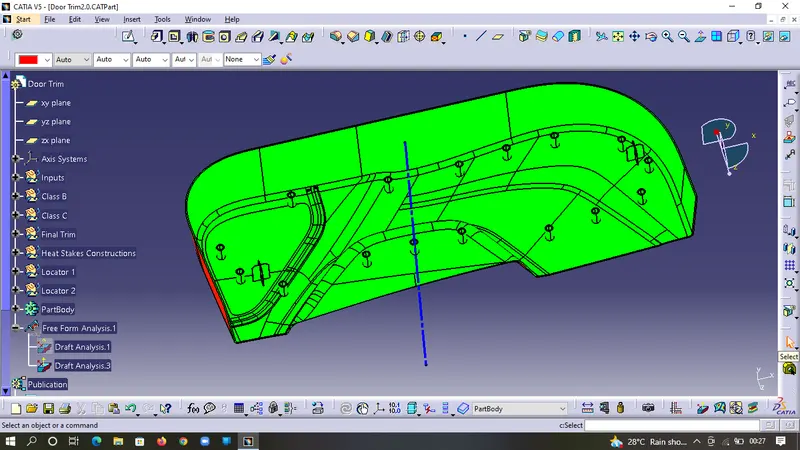
As we can see that whole body (Class B side ) have a minimum of 3 degree draft other than the locators & Heat Stakes as they require a minimum of 0.5 degree of draft
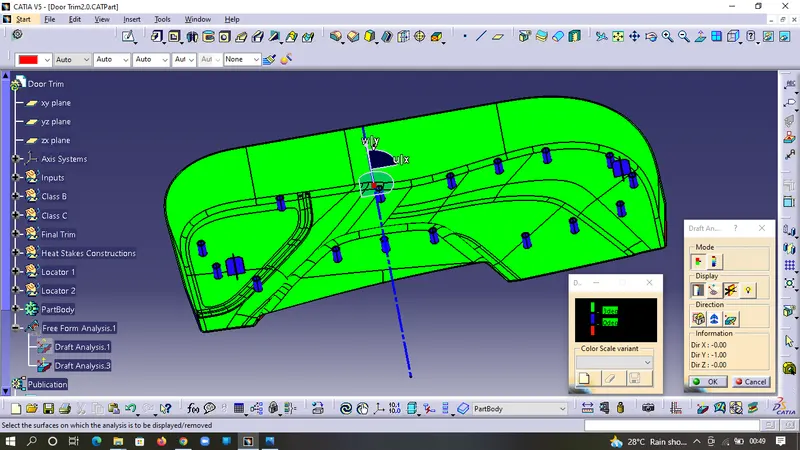
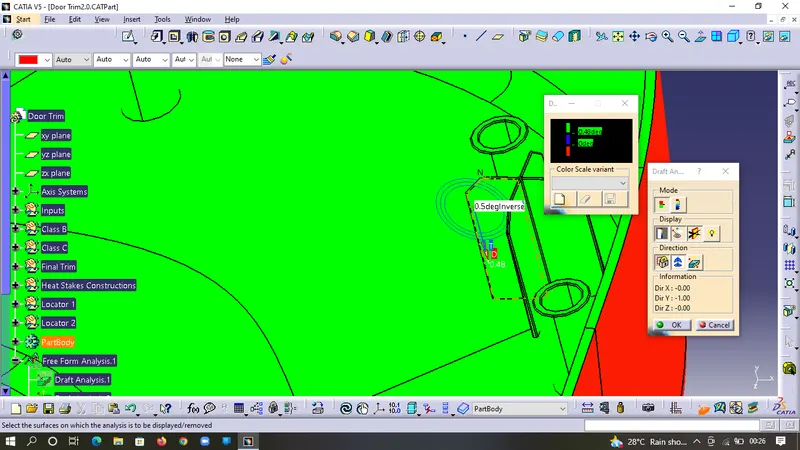
Furthure we can see that if we decrease the draft analysis value to 0.48 we can see that all B side features are also in green i.e. under acceptable range
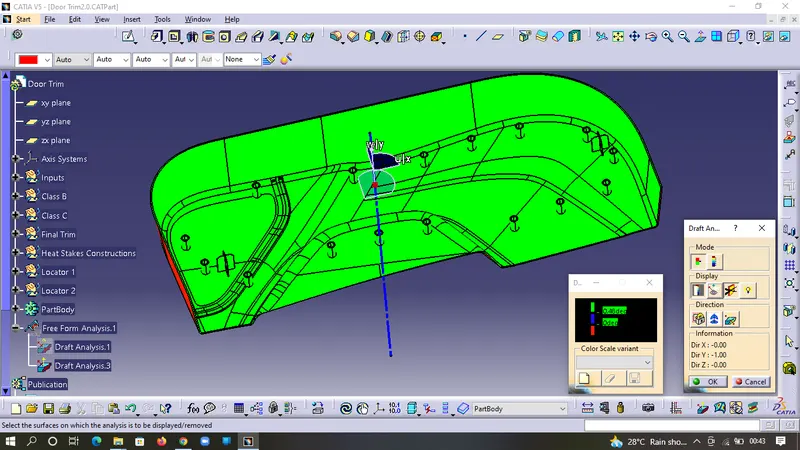
Draft Analysis on Heat Stakes
The heat stakes have minimum of 0.5 degree draft
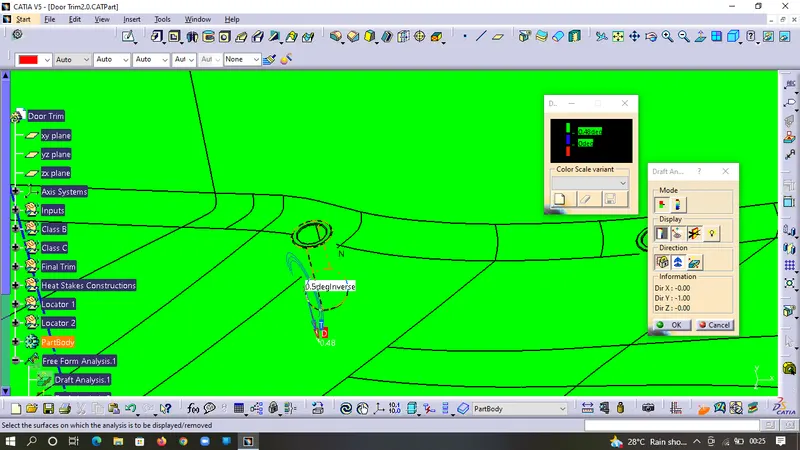
Draft Analysis on Locators
The locators have minimum of 0.5 degree draft
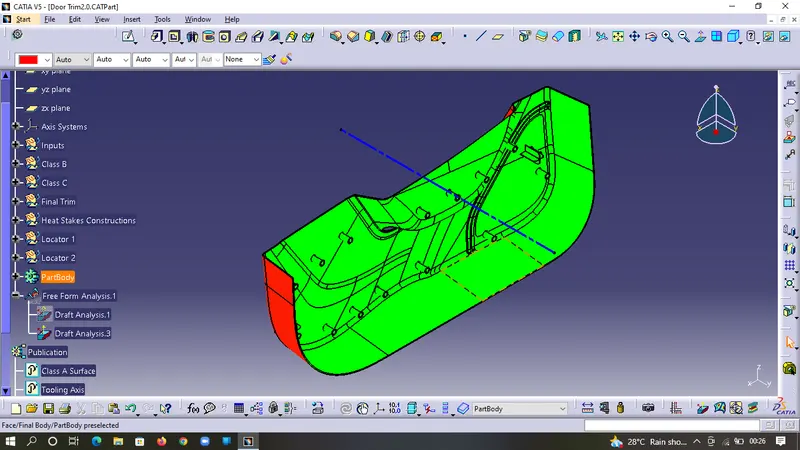
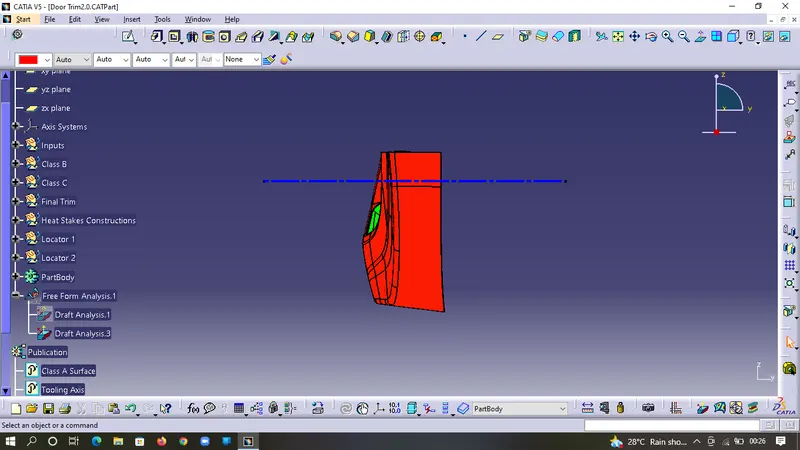
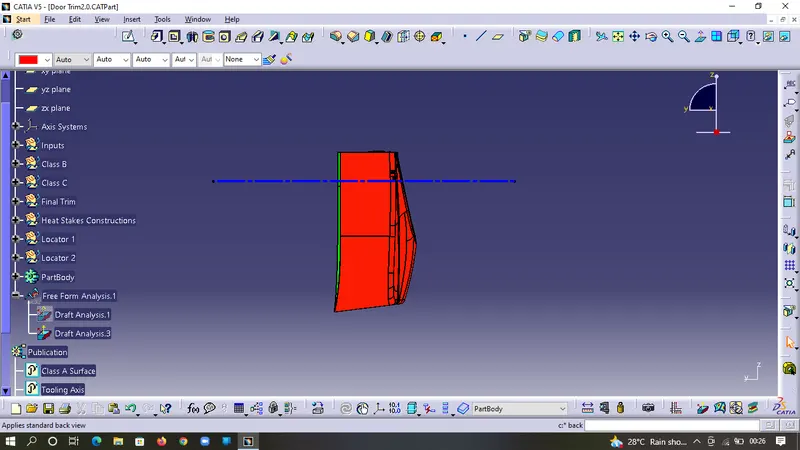
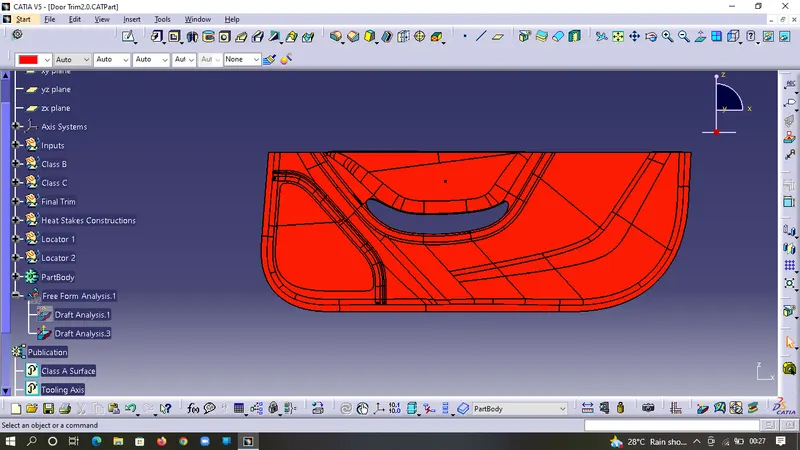
Screenshots of the completed design in various orientations (Isometric, Front, Side, and Top View)