Week 9 - Project 1 - Door Trim Lower with Engineering Features
Aim:
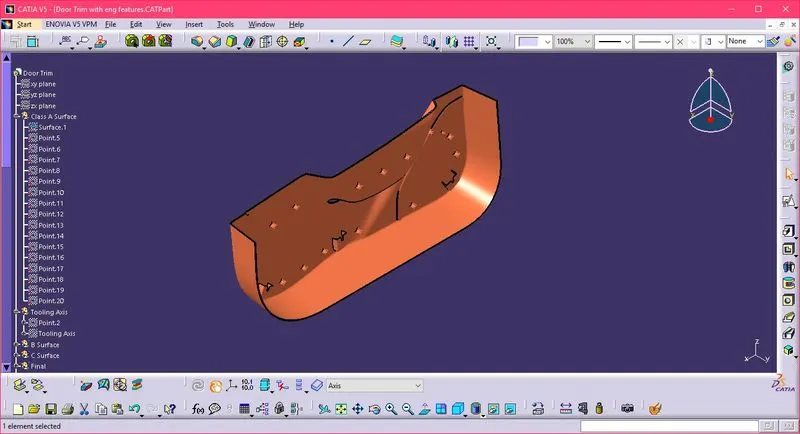
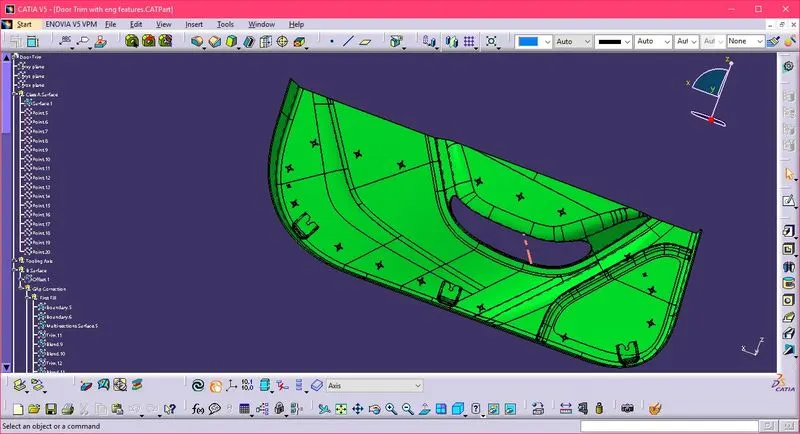
Create the Door Trim Lower Plastic component through the given Class-A surface. To begin with, the tooling axis for the given Class-A Surface should be created meeting the requirements of the draft angle and at the end perform the Draft analysis on the model
Body of content:
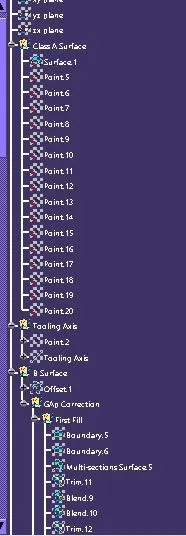
- From the Given Class A surface, B Surface has been created by offset command
- By doing this there were many missing elements in the CLASS B surface
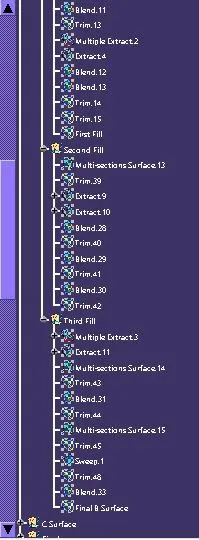
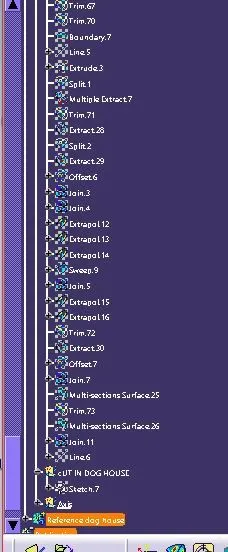
- Sorted out each and every missing element in the Class B Surface with help of various commands like blend, multi-surface, offset, join(remove the surface), trim, offset, and more
- Once the surface is finished with the outer boundary
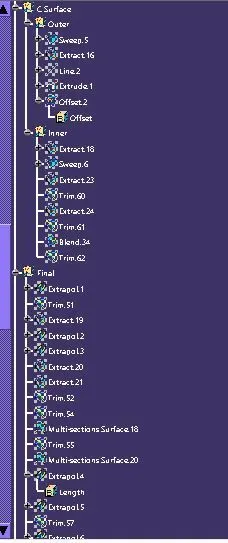
- After completing the B surface the Class C Surface is created from the Class A surface by sweep command
- As we cannot sweep the whole boundary the sweep is used for tangent continuity
- And with the join command join all the sweeps into one Class C surface
- Once the Class C surface is formed with no internal boundary
- Trim class C and Class B surface together
- Once the trim is created join the Class A Surface with trim
- Check whether there is any boundary in it to confirm the closed body
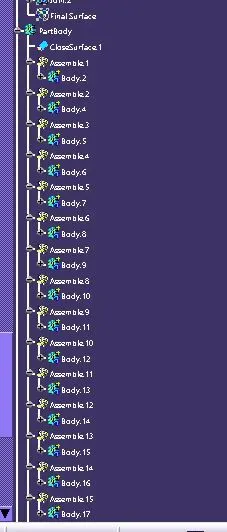
- Once confirmed using a close surface to create the part body
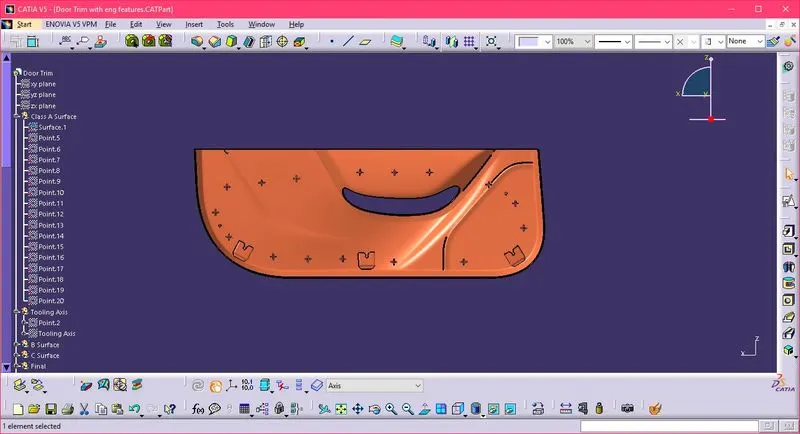
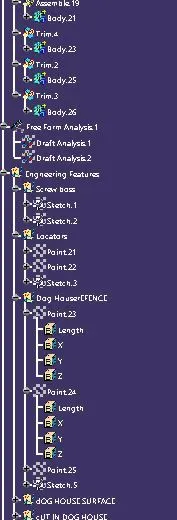
- For Engineering Features such as dog house, screw boss, locators, etc., create a sketch on the surface of the body
- Pad the sketch with the draft of 1.5 deg and create the wall of the features
- Use translate Command to copy and move the features to various positions
- For some features make the surface and then convert it into the part using the thick command
- Follow the rules respectively
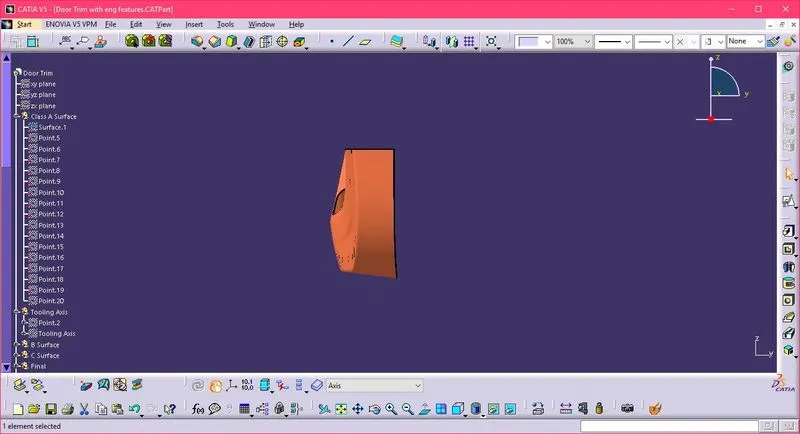
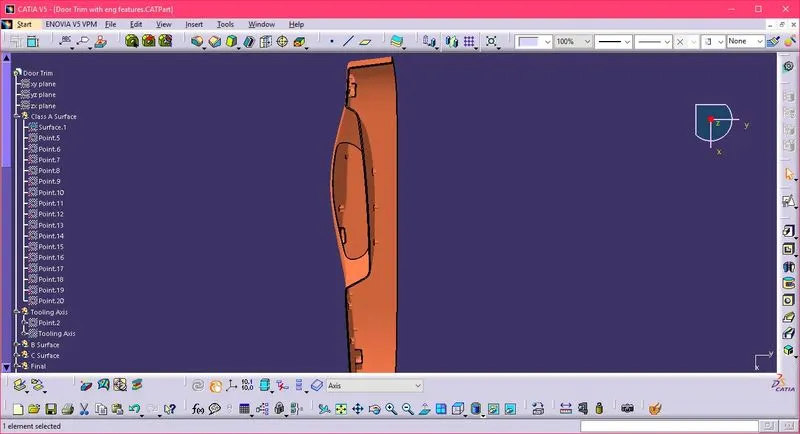
- The screenshots are attached