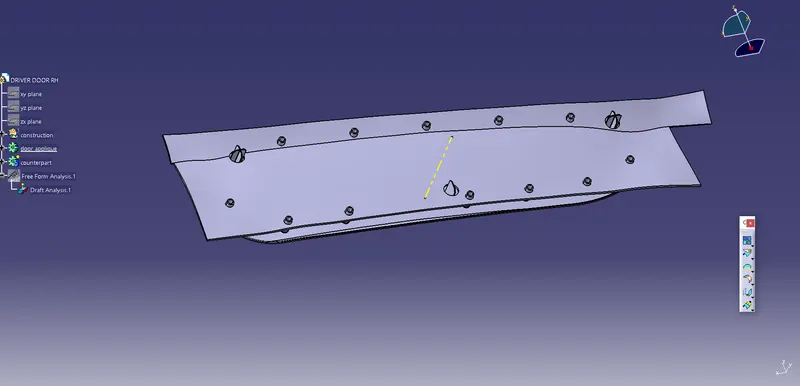
Week 9 - Project 1 - Door Applique Design with Engineering Features
AIM: To create door applique design with engineering feature
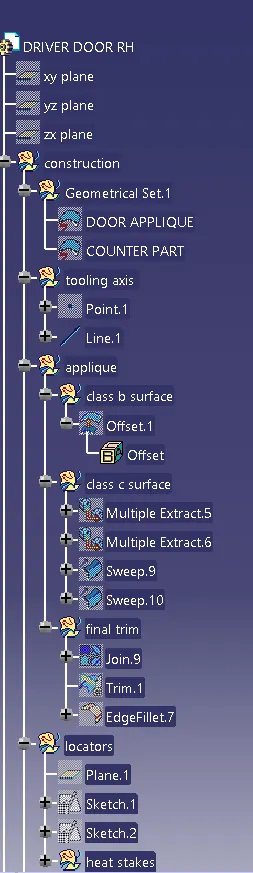
TOOLING AXIS CREATION :
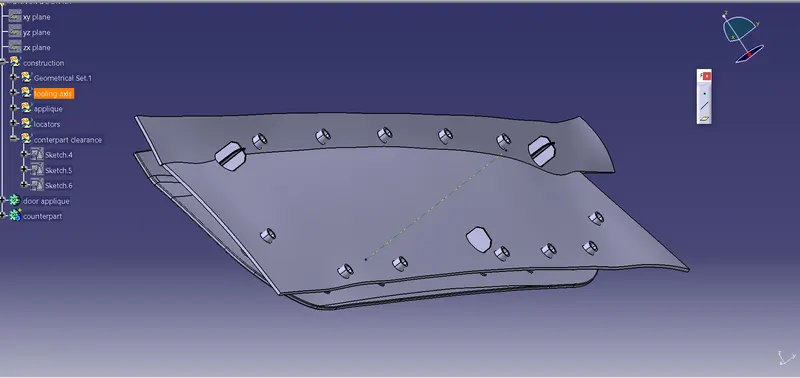
- the tooling axis is the direction of drawing a sheet metal where the finished component is easily ejected on a particular direction and axis.
- First, create a point on the extracted surface from the class a surface and then create a perpendicular line through that point, rename it as tooling axis
Class B surface creation :
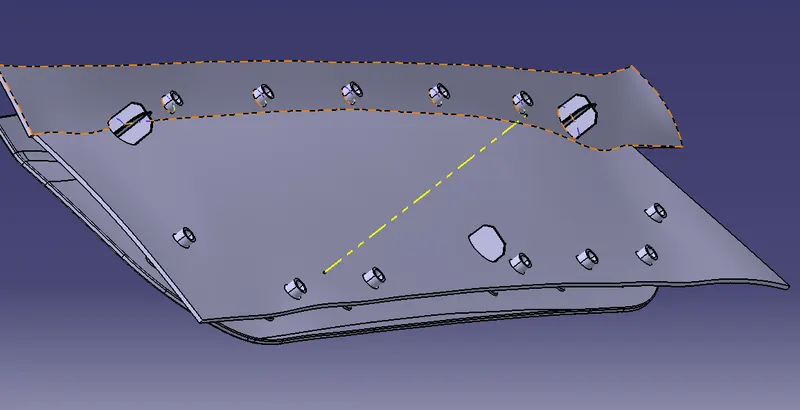
- extract the class a surface without fillets and then un-trim them, offset the surface to a distance of 2.5mm
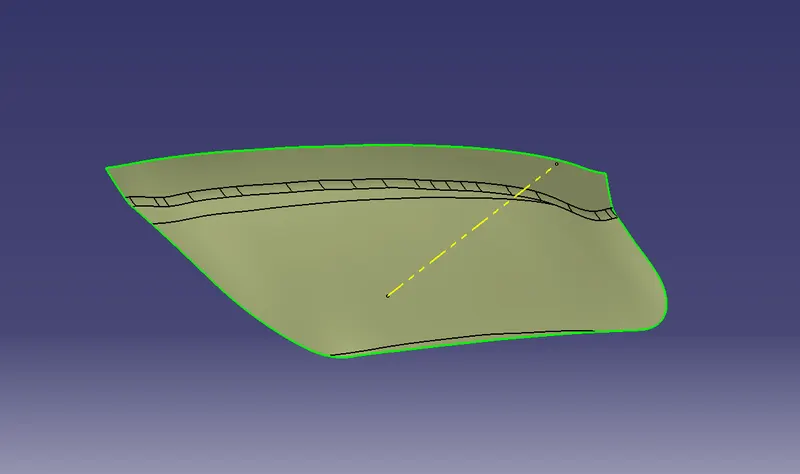
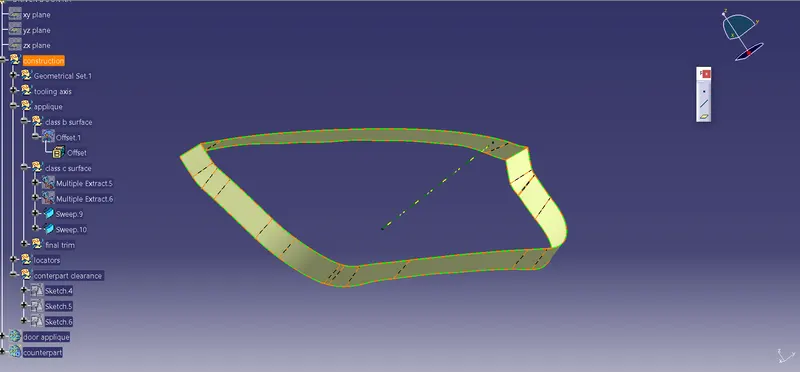
class C surface creation :
- use multiple extracts and extract the required edges
- use sweep command to create the c surface using tooling axis as a directional line
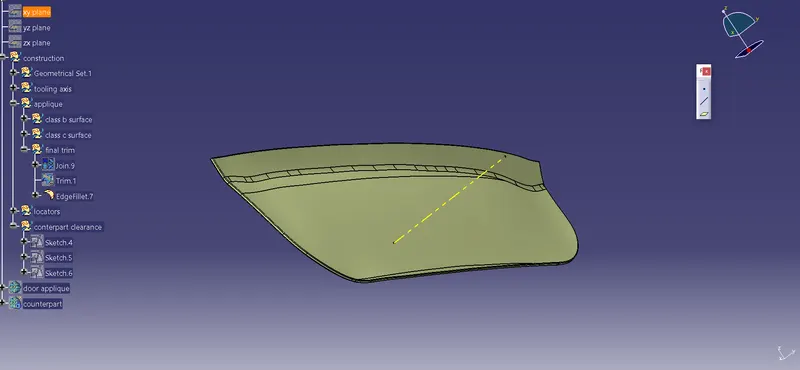
FINAL TRIM :
- JOIN CLASS B SURFACE WITH A SURFACE USING CLASS C SURFACE BY TRIMMING TOGETHER AND MAKING A NEW SURFACE
- create a new body name it as door applique and use the closed surface to create a solid body
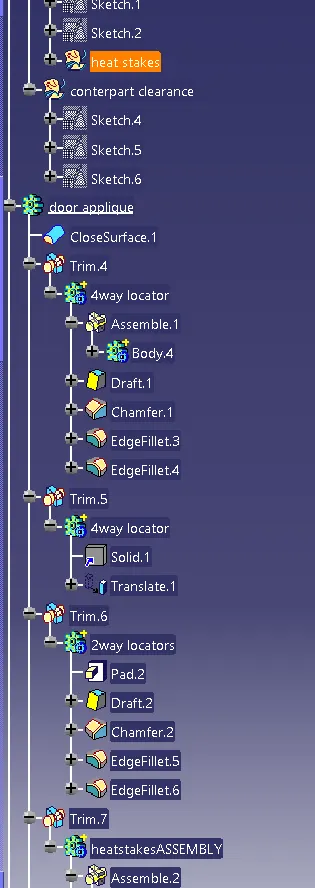
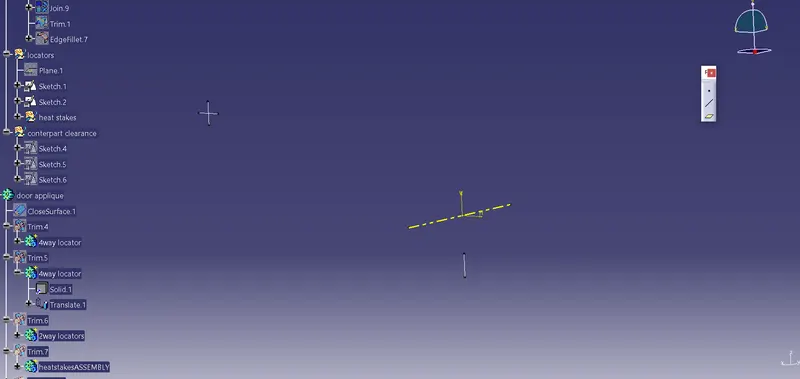
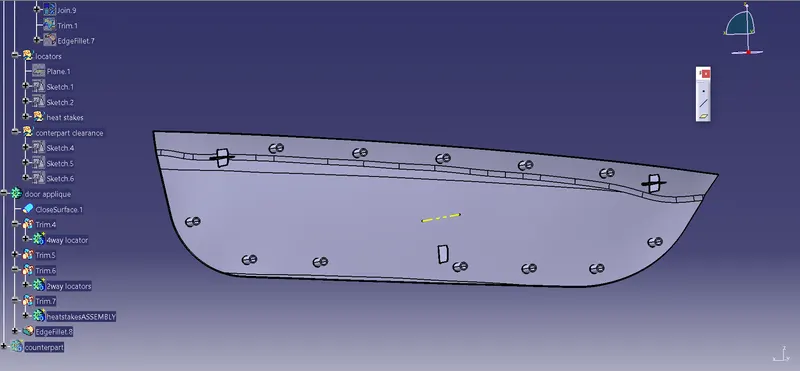
LOCATORS (4WAY & 2WAY ) :
- create a plane using the plane definition
- use the point and newly created plane to create a sketch for 4way locators
- create a new body and pad the 4-way locator and draft it, copy the new locator body and paste it as special
- use the translation method to move the 4-way locator to the other end
2way locator :
- create another sketch using the same point and plane and repeat the above process
- add fillets and chamfers to both locators
- union trim all three locators with the applique body
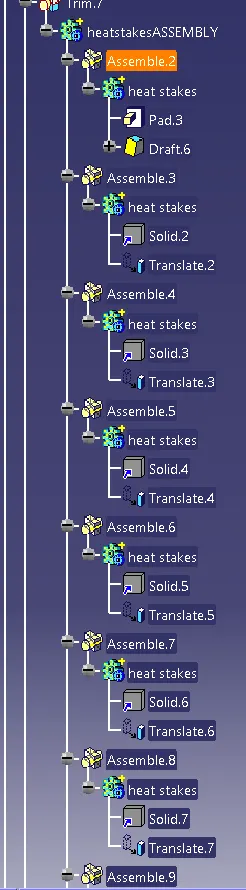
HEAT STAKES :
- OFFSET THE CLASS A SURFACE TO 2.5 MM AND EXTRACT THE BOUNDARIES OF THE OFFSET SURFACE
- use parallel curve on the extracted surface boundaries
- give the point repetition to the parallel curve by points and planes repetition
- note heat stakes should not interfere with locators
- create a sketch using the same point and plane
- make 2 circles with the appropriate dimension
- create a new body named as heat stake and then pad it
- draft the body,copy the body and paste it as special use translation method and use point to point method and place the new body at second point we created at the parallel curve
- repeat the above steps for all the points
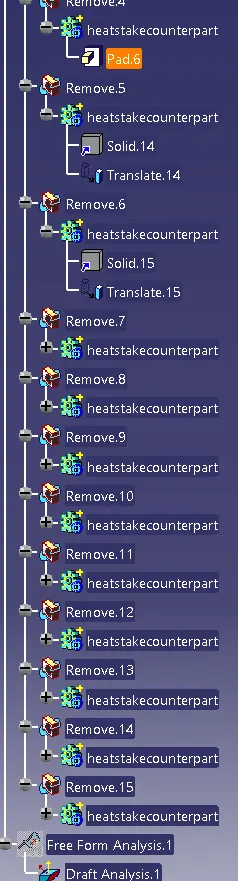
- shift select all the heat stakes and boolean remove them from the applique body
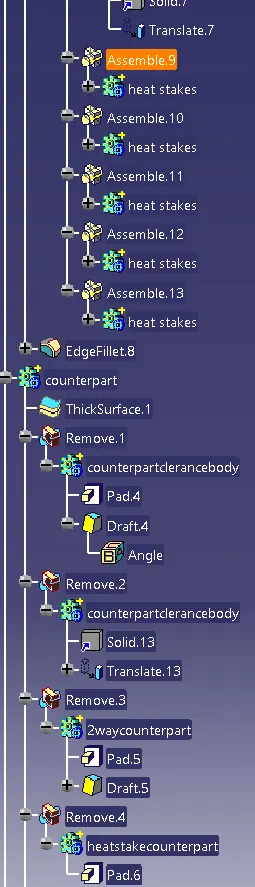
DOOR ATTACHMENT ( counterpart body ) :
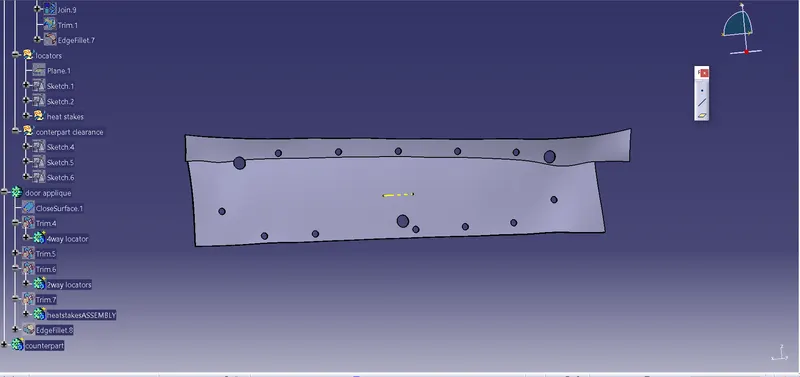
- create a new body as counterpart and add thickness to the given class a counterpart surface
COUNTERPART
- copy the locator and heat stake sketch and paste it in counterpart geometrical set
- edit those sketches and make a circle around the locator and heat stake sketch
- pad those sketches name the locator's circle pads as counterpart clearance body and heat stake pads as heat stake counterpart
- now remove the 3 counterpart clearance part from the main counterpart body
- copy and paste as special for the heat stake counterpart pads and use translation point to point method, do this for all the heat stakes points
- shift select all the heat stakes and remove them from the counterpart main body
DRAFT ANALYSIS :
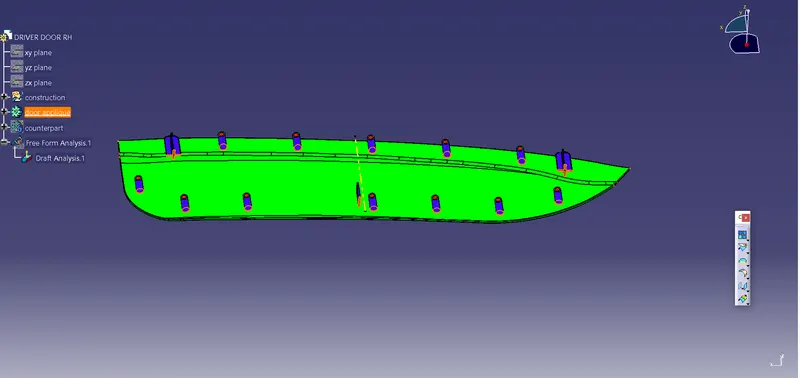
- SELECT THE COMPASS AND PLACE IT ON THE TOOLING AXIS
- SELECT THE SURFACE AND CHECK FOR DRAFT ANALYSIS
FEATURE TREE :