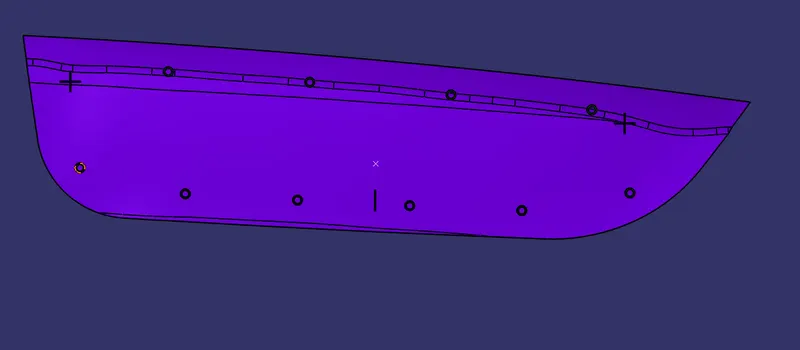
Week 9 - Project 1 - Door Applique Design with Engineering Features
TOOLING AXIS CREATION
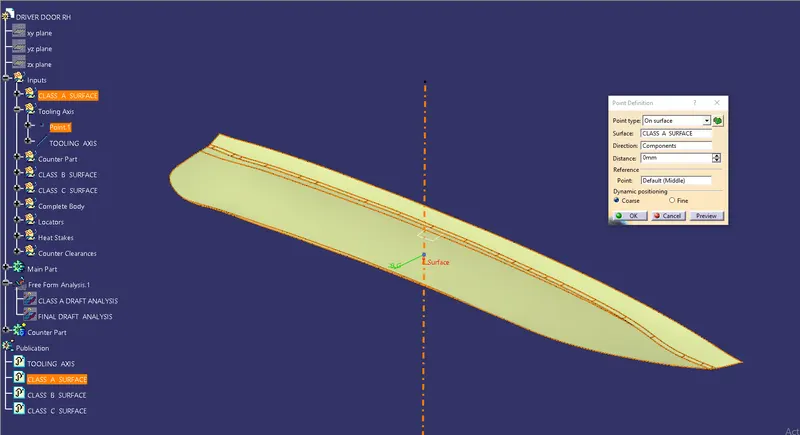
- Point has created on the class A Surface for creating tooling axis.
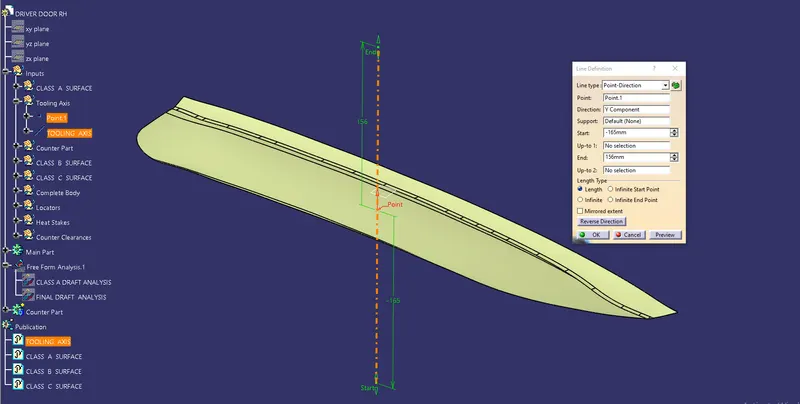
- Tooling axis has been created from point in a Y direction.
DRAFT ANALYSIS OF CLASS A SURFACE
- Using insert command draft analysis tool has opened.
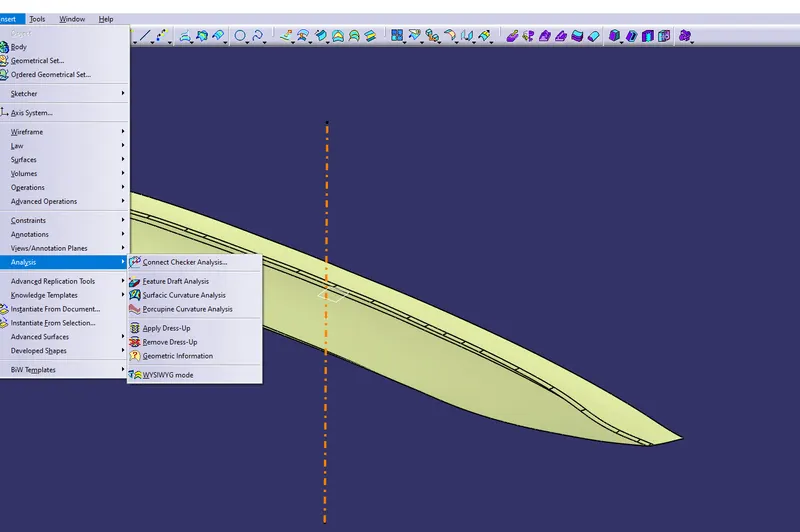
- By clicking on feature draft analysis two pallets opened. One pallet has necessary draft analysis commands and other one is color range which shows the draft values range in form of color.
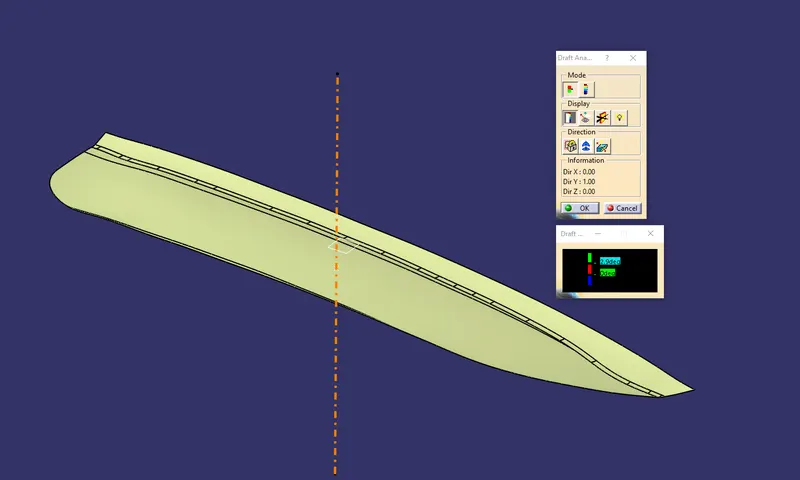
- Inside the draft analysis command window we have selected compass option to create a compass.
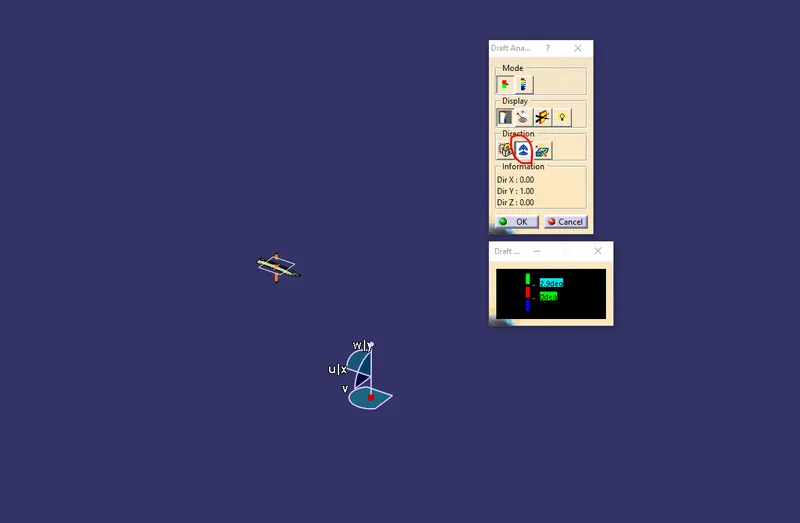
- We have drag the compass onto the component and aligned with the side core tooling axis and locked using lock command.
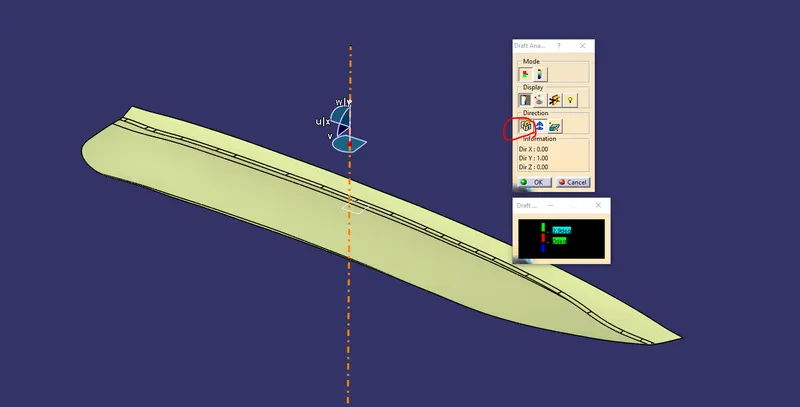
- Now by dragging the mouse pointer anywhere on the component and clicking on it will show us the required draft analysis.
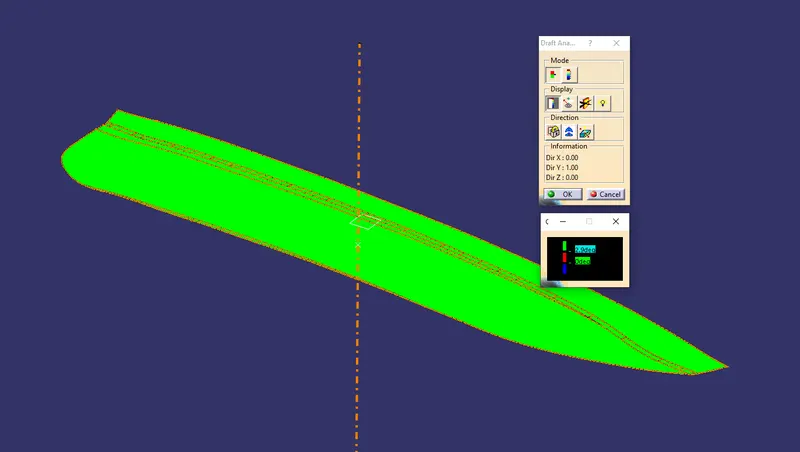
- As per color scale minimum draft angle for all faces should be 2.9 degrees or above that. Inside the color scale green shows draft angle 2.9 or above 2.9 degress. Red shows between 0 and 2.9 degrees. And blue shows negative draft angle. As per the above figure some faces are green and some are blue hence our surface has cleared the draft analysis.
CLASS B SURFACE CREATION
- Class B Surface is created by taking direct offset from class A surface. Surface in pink is the class b surface.
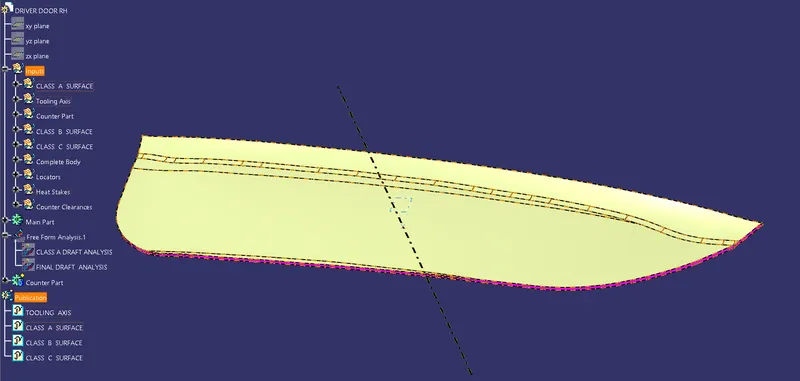
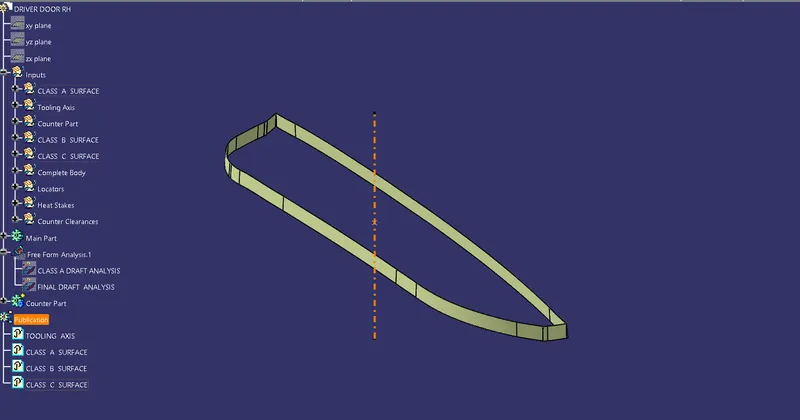
CLASS C SURFACE CREATION
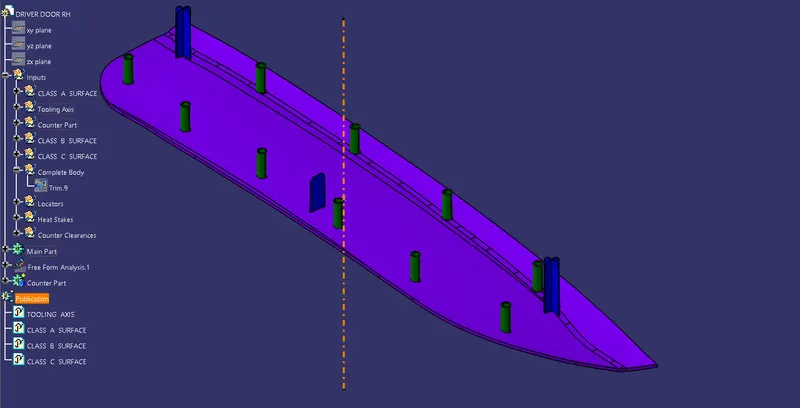
HEAT STAKE AND LOCATOR
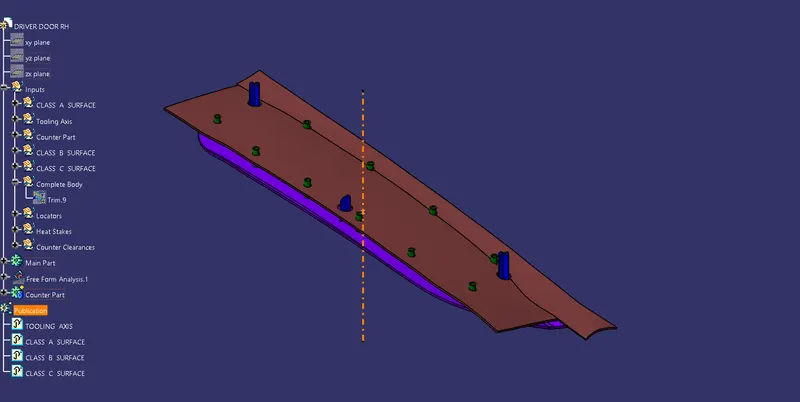
HEAT STAKE AND LOCATOR WITH COUNTER PART
DRAFT ANALYSIS OF FINAL PART
- Using insert command draft analysis tool has opened.
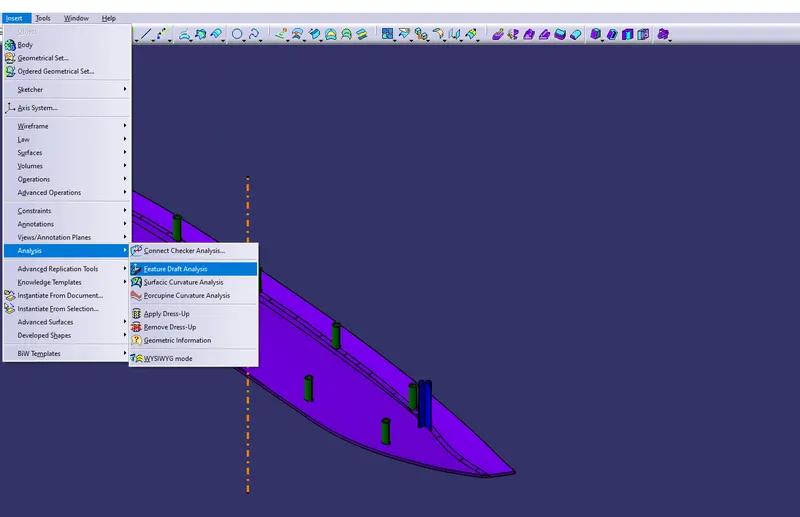
- By clicking on feature draft analysis two pallets opened. One pallet has necessary draft analysis commands and other one is color range which shows the draft values range in form of color.
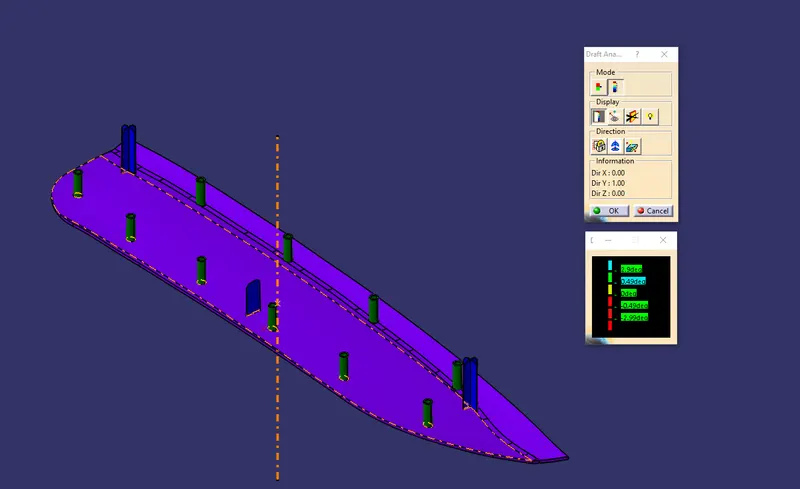
- Inside the draft analysis command window we have selected compass option to create a compass.
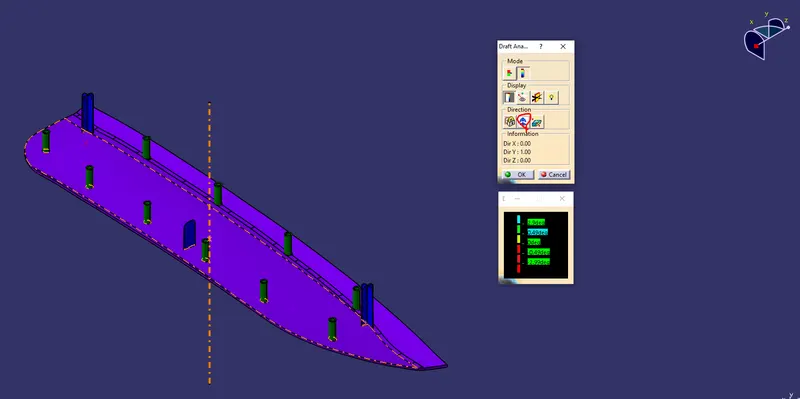
- We have drag the compass onto the component and aligned with the side core tooling axis and locked using lock command.
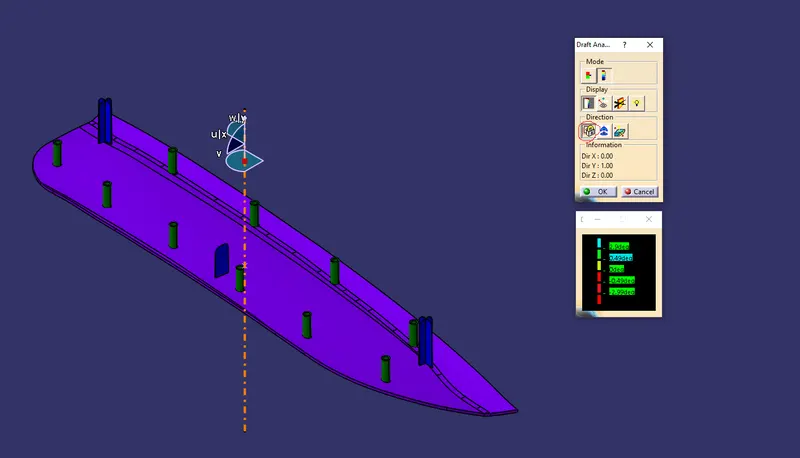
- Now by dragging the mouse pointer anywhere on the component and clicking on it will show us the required draft analysis.
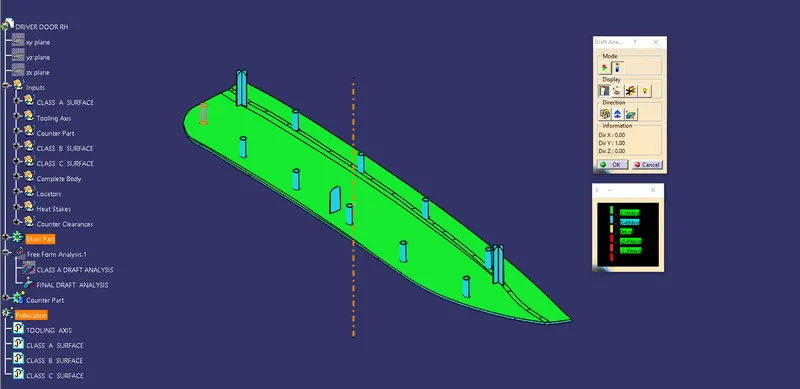
- As per color scale above 2.99 degrees is denoted by green color , from 0.49 to 2.88 is denoted by blue. zero to 0.48 is denoted by yellow. And all the negative drafts are denoted by red. From above image we can clearly see that all the faces has draft above 0.49 and hence successfully cleared the draft analysis with heat stakes and locators.
3D VIEWS OF FINAL PART
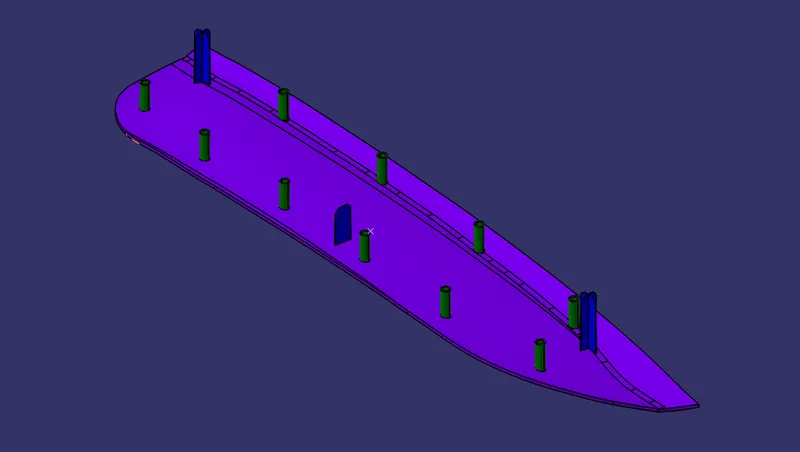
Isometric View
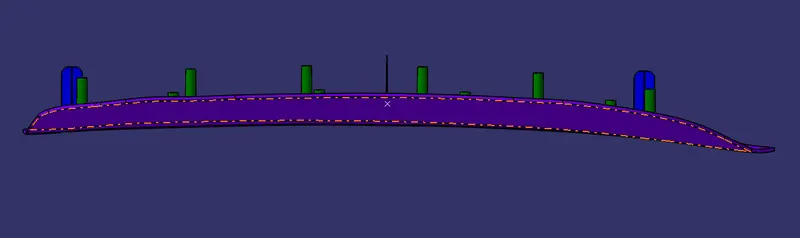
Front View
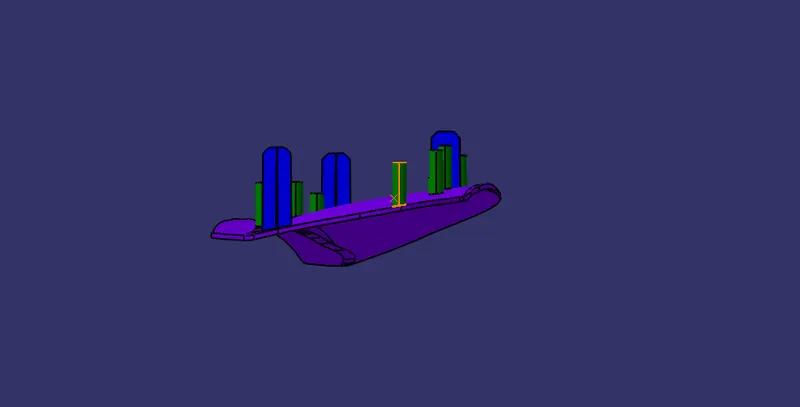
Side View
Top View