Machining with Planer Analysis
AIM:
- To perform explicit analysis of Machining with planer and evaluate the stress and deformation results.
OBJECTIVES OF THE PROJECT:
- To assign Structural steel for planer and Steel 1006 for the Work piece.
- To define Mesh method and Edge sizing.
- To define Velocity and fixed support.
- To evaluate the stress, deformation and strain in the work piece.
PROCEDURE:
- CASE 1:
- OPEN WORKBENCH21 > NEW PROJECT > EXPLICIT DYNAMICS.
- This will start a new explicit dynamics project.
- Rename the project as Case 1.
- Go to ENGINEERING DATA > STEEL 1006 > ADD.
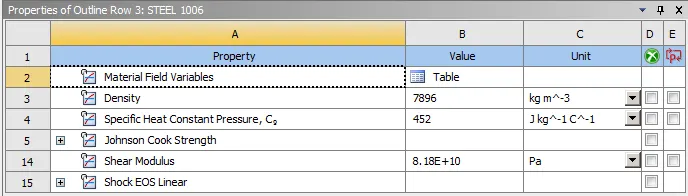
- Then double click on Geometry. This will open the Spaceclaim.
- In Space claim check the model for any dents or irregularities.
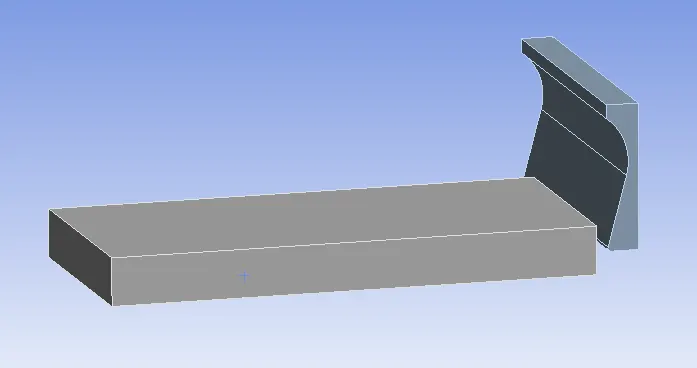
- The geometry looks good, exit the Spaceclaim.
- Then double click on Model. This will open Mechanical module.
- Now, rename the geometry as bar.
- Then assign steel 1006 to the Work piece and Structural steel to the planer.
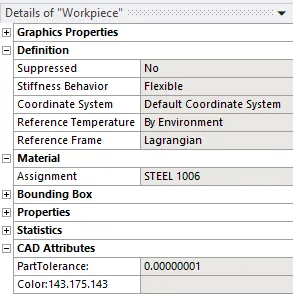
- Define GEOMETRY > TOOL > STIFNESS BEHAVIOUR > RIGID.
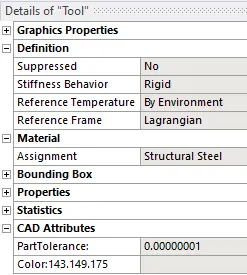
- Go to Contacts and DELETE ALL CONTACTS.
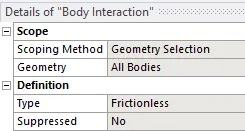
- Go to BODY INTERACTION > TYPE = FRICTIONLESS.
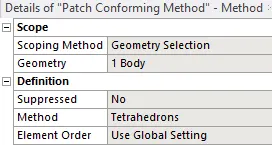
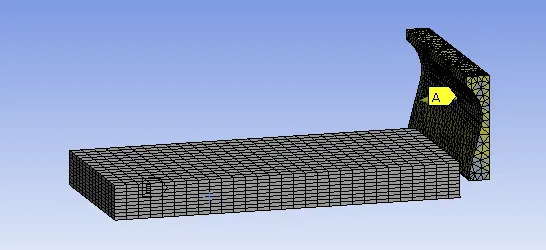
- Now, go to MESH > INSERT METHOD > GEOMETRY = PLANER > METHOD = TETRAHEDRONS.
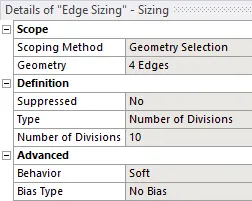
- MESH > INSERT > EDGE SIZING > GEOMETRY = WORKPIECE VERTICAL EDGES > TYPE = NO OF DIVISIONS =10.
- Now, MESH > GENERATE MESH.
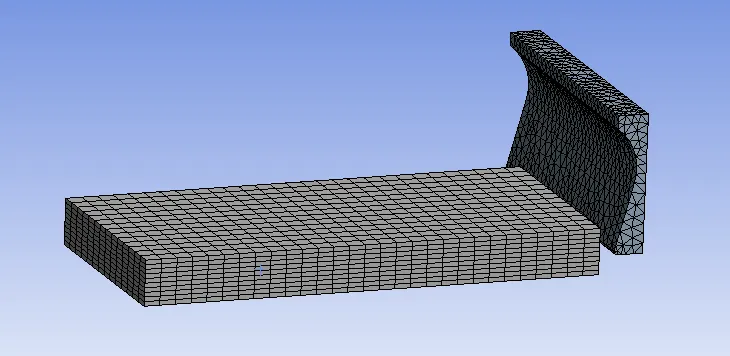
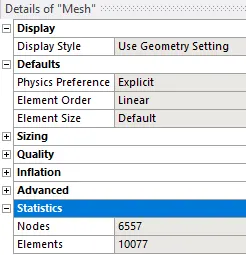
- The mesh will be generated on the model.
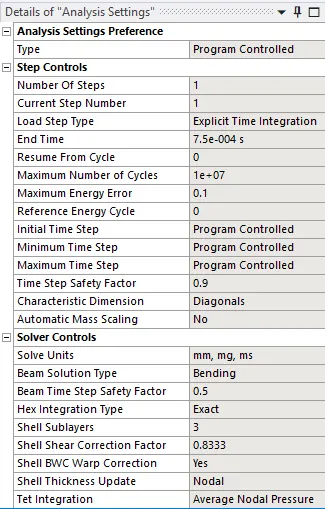
- Then go to STATIC STRUCTURAL > ANALYIS SETTINGS > NO OF STEPS = 1 > END TIME = 7.5E-4.
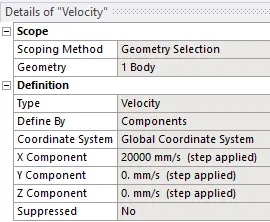
- Go to EXPLICIT DYNAMICS > INSERT > VELOCITY > GEOMETRY = PLANER BODY > X COMPONENT = 20000MM/S.
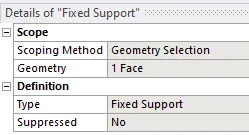
- Go to EXPLICIT DYNAMICS > INSERT > FIXED SUPPORT > GEOMETRY = WORKPIECE BOTTOM FACE.
- Then, go to SOLUTION > INSERT > STRESS > STRAIN > DEFORMATION.
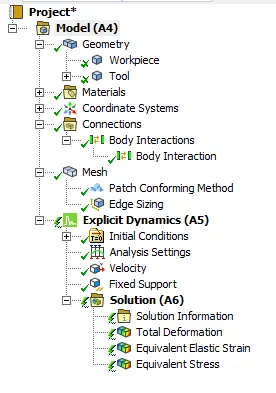
- This will set the output results.
- Then SOLUTION > SOLVE.
- CASE 2:
- CREATE DUPLICATE OF CASE1 > RENAME > CASE 2.
- Open mechanical module.
- Go to EXPLICIT DYNAMICS > INSERT > VELOCITY > GEOMETRY = PLANER BODY > X COMPONENT = 15000MM/S.
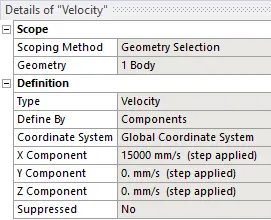
- Now, go to SOLUTION > SOLVE.
RESULTS:
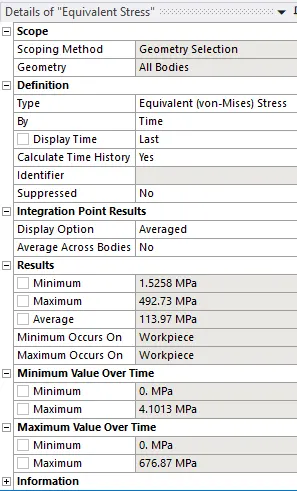
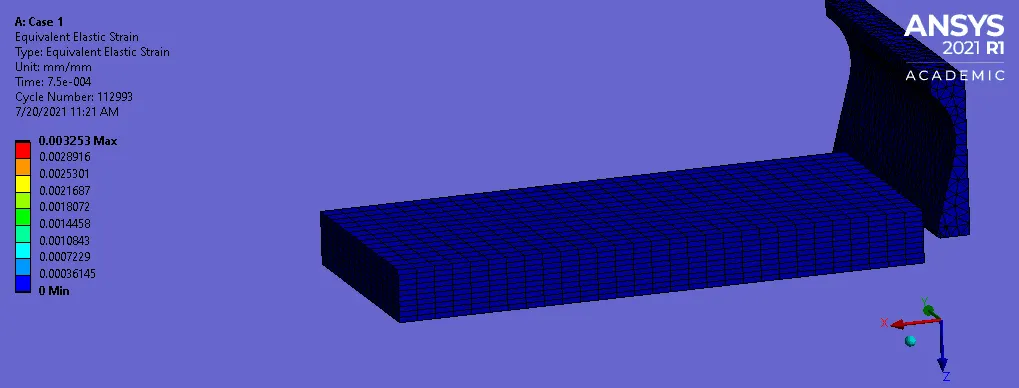
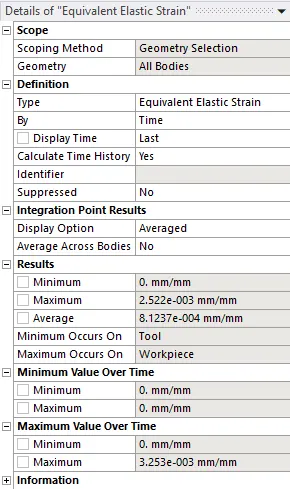
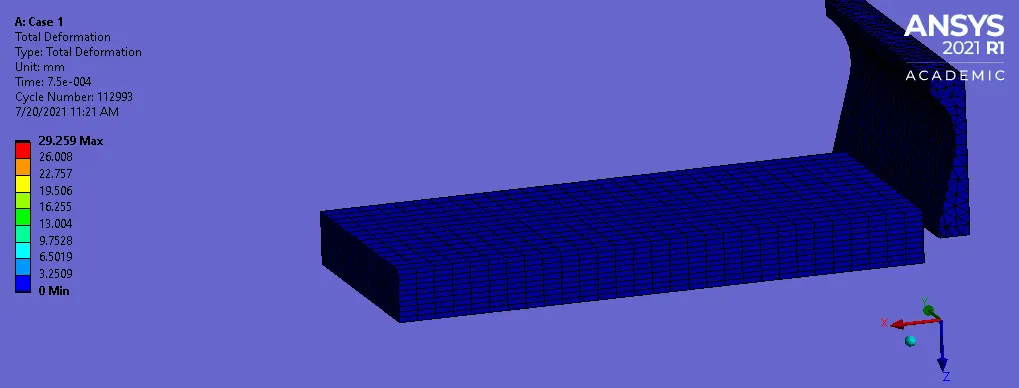
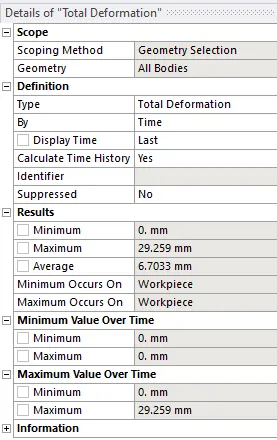
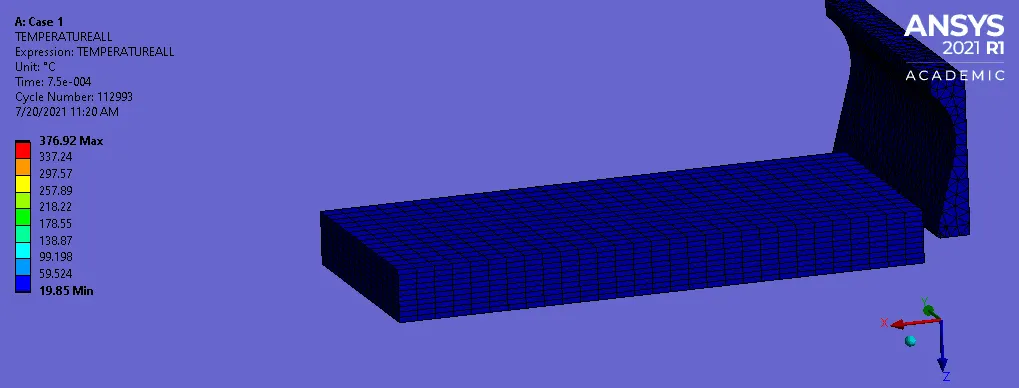
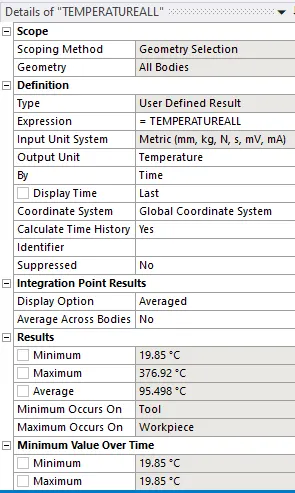
- CASE 1:
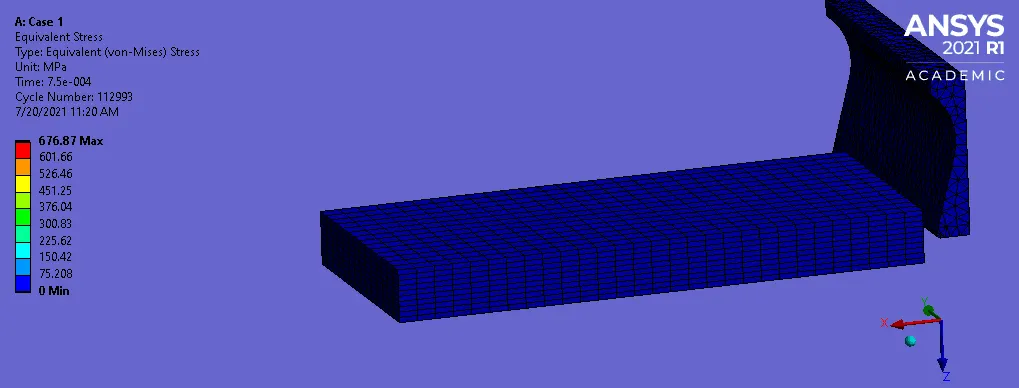
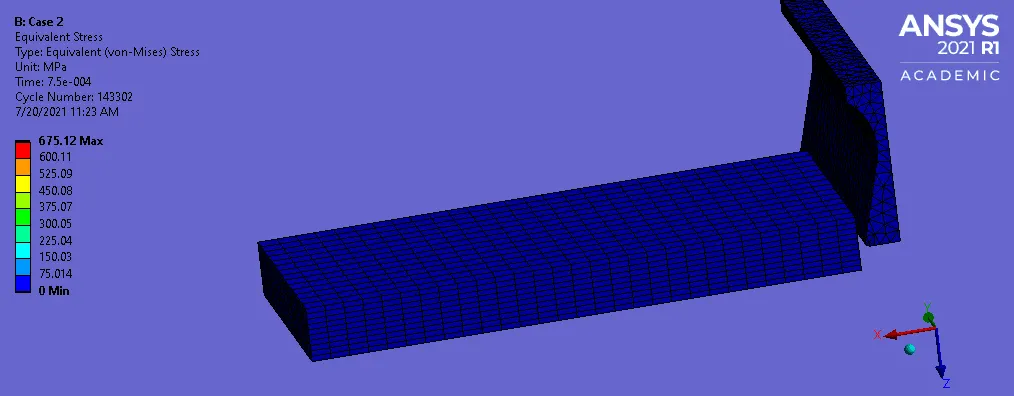
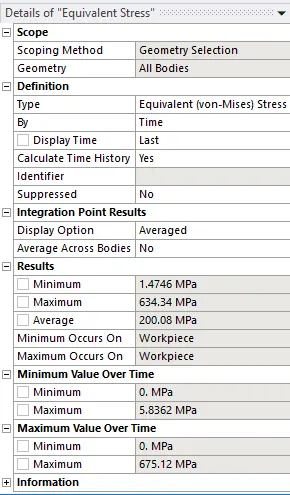
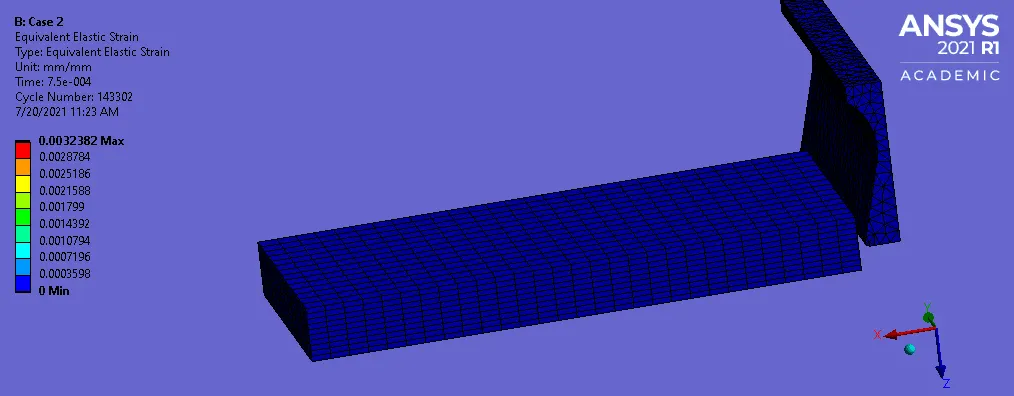
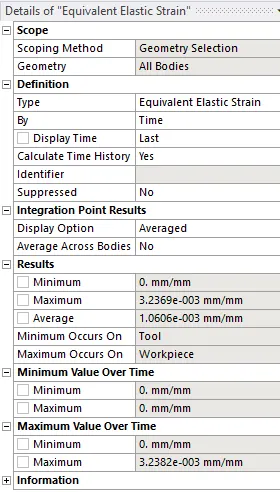
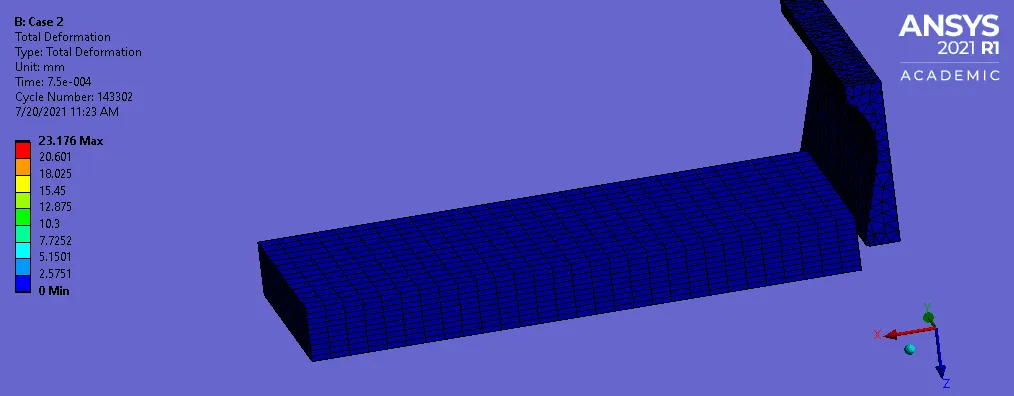
- CASE 2:
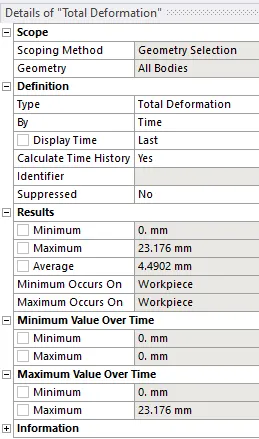
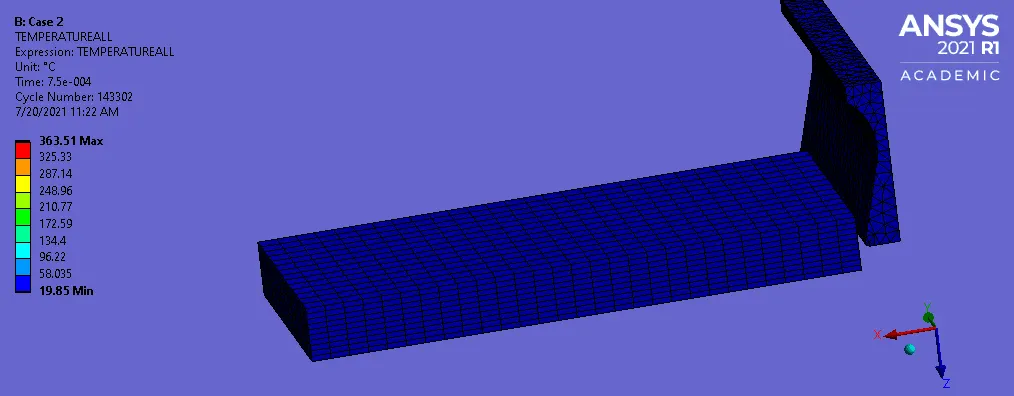
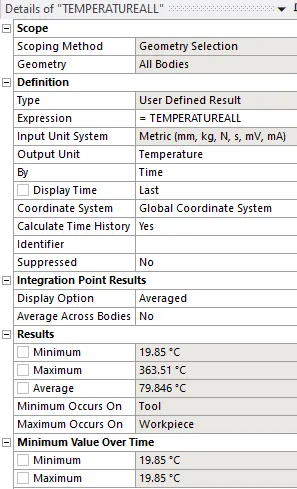
COMPARISON TABLE:
| Stress (MPa) | Strain | Deformation (mm) | Temperature (deg C) | |
| Case 1 | 492.73 | 2.522E-3 | 29.259 | 376.92 |
| Case 2 | 634.34 | 3.2369E-3 | 23.176 | 363.51 |
- The stress is Case 1 is less than Case 2.
- The temperature in Case 1 is greater than Case 2.
LEARNING OUTCOMES:
- To setup explicit dynamics analysis for machining with planer.
- To assign material from the material library.
- To define mesh method and edge sizing.
- To define velocity and fixed support.
- To define output results.
CONCLUSION:
- By performing this project we conclude that the analysis of machining with the planer is performed and the stress, strain, deformation and temperature results are obtained.
MODEL LINK:
https://drive.google.com/file/d/1pITgX0UQ02p8yZ1HMObDySqKACYaBlWW/view?usp=sharing