Week 9-Creation of 1D Connectors Challenge
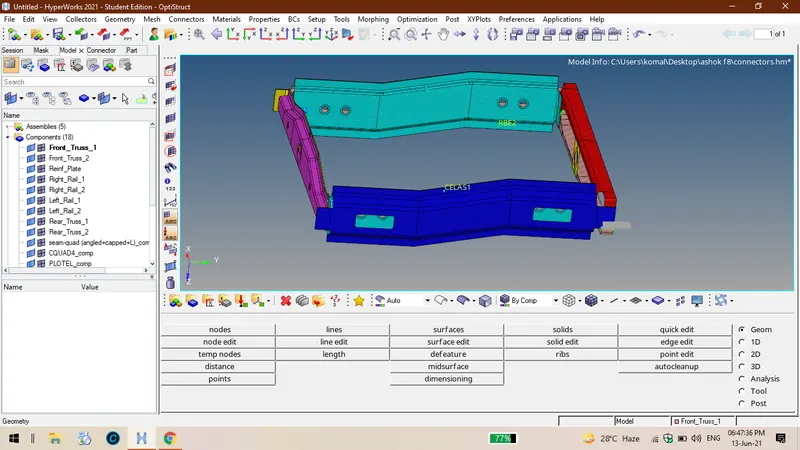
AIM: Meshing of the given component and given connections between the components
Procedure:
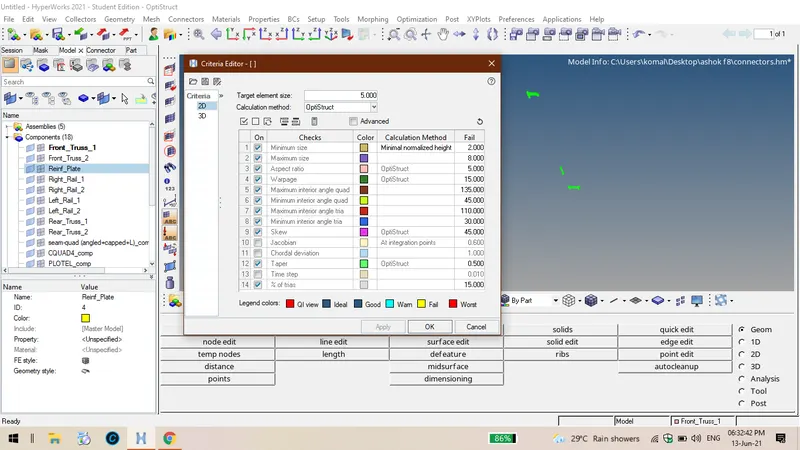
1.Firstly import the given geometry , and enter the given parameters in criteria file click on import solver deck, hence the given type is iges ,so select import geometry then the whole component will be visible on windows page.
2. The connections option will be on both 1D and 2D tool bars we can use any one of them . I have done this process through 2D connetions.
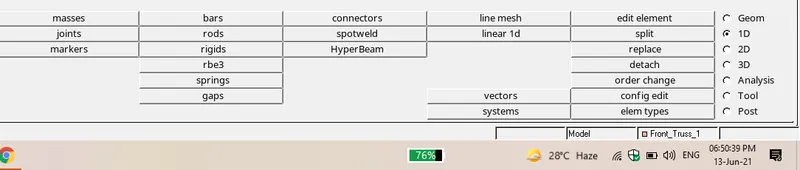
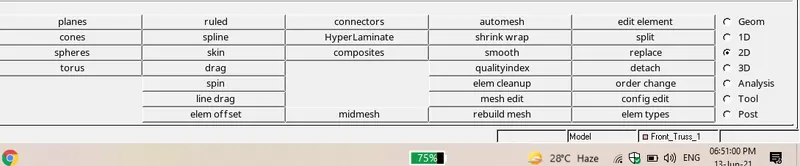
3. In the connections thre are seam, bolt,spot these will be used basing upon the requirement.
4. The first connection will be seam quad welding between right rail02 and front truss 01.
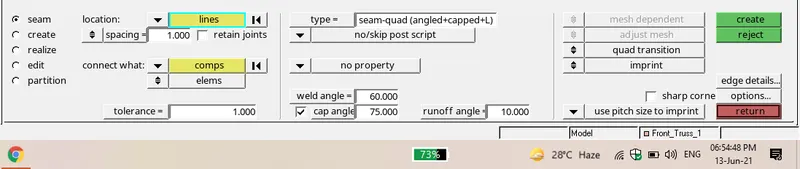
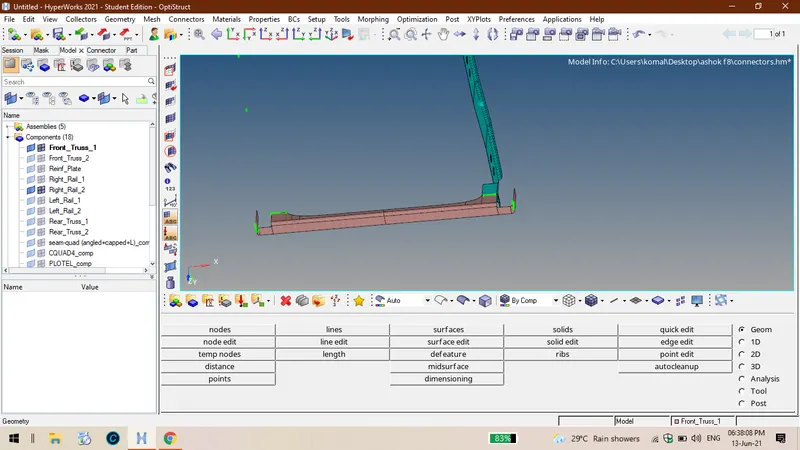
5. Second connection is quad elements between left rail 02 and front truss 01.

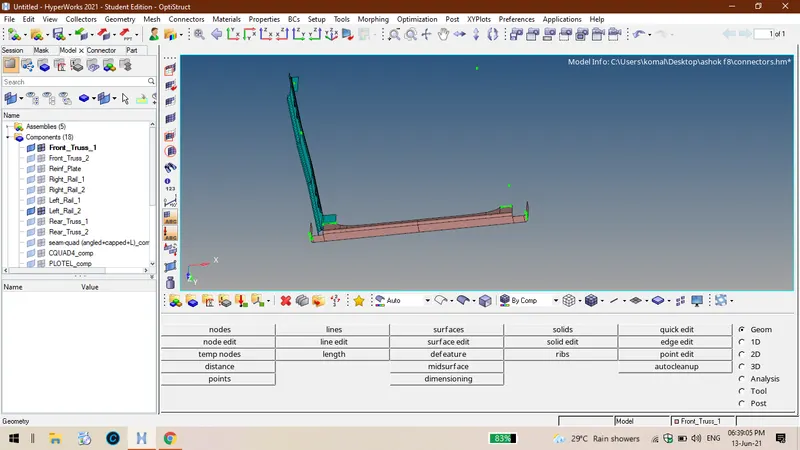
6. Third connection is between spot weld with 2 layers of 5mm dia between front truss 02 , front truss 01 and riht rail 01.
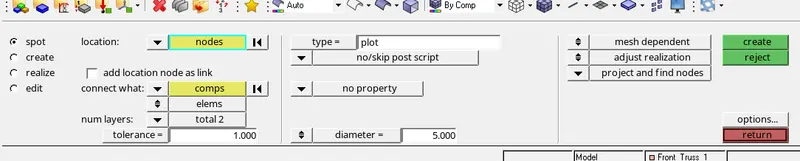
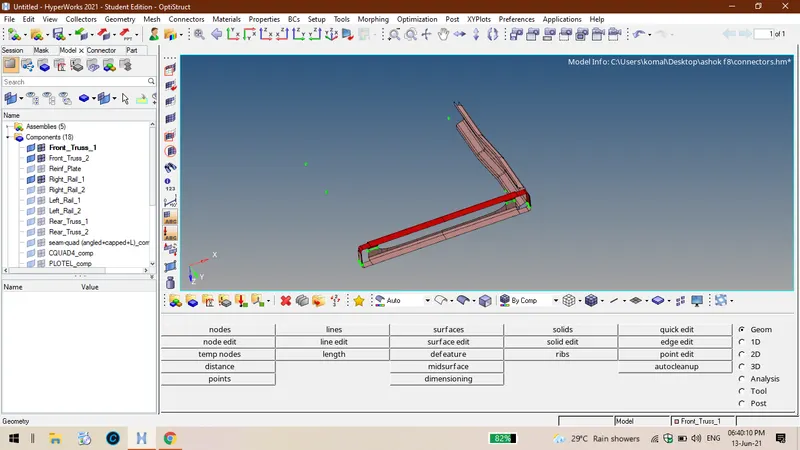
7. Fourth connection is between front truss 02, front truss 01 and left rail 01.

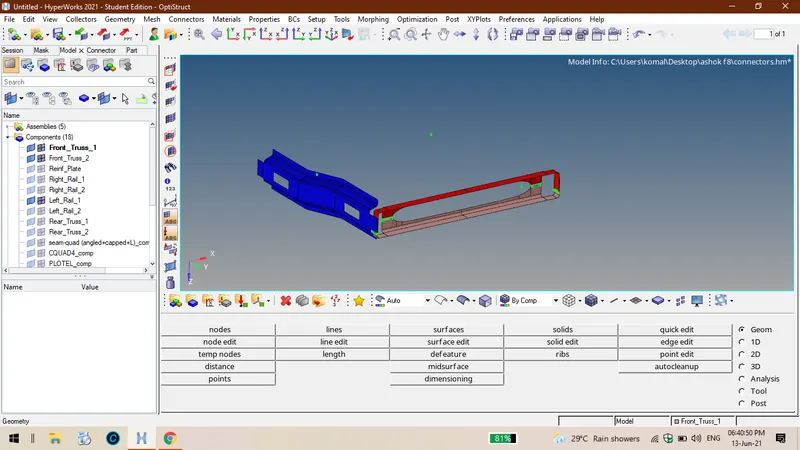
8.Fifth connection is normal bolt connector between rear truss 02 and right rail 02.

9. Sixth connection is also is a bolt connector rear truss 02 and left rail 02.
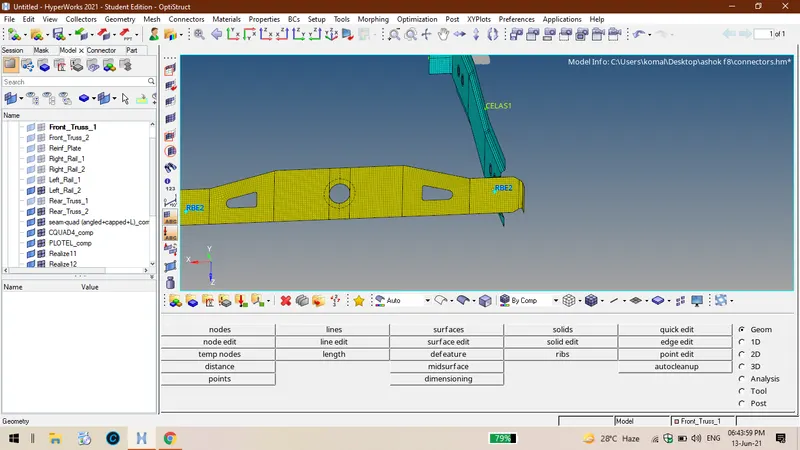
10.seventh connection is spot weld with rigid elements between right rail 01 and right rail 02.

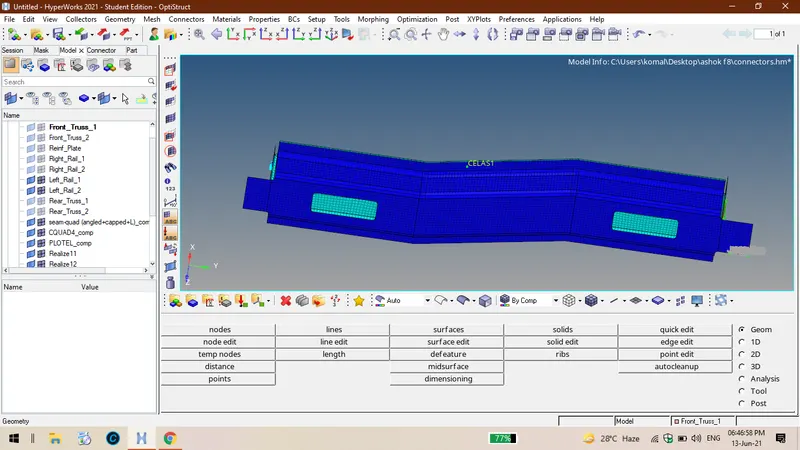
11.Eigth connection is between left rail 02 and left rail 01 wit spot weld of spring elements.

Conclusion: Hence we came to know how to use and where to use the proper connections as per given.