Week 12:Project 2-Meshing of Rear Wheel Holder challenge
AIM: To create mes on te component wit taret element size of 5 units
PROCEDURE:
FIRSTLY IMPORT MODEL:
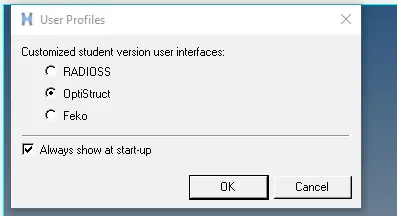
STEP 01:Select import option in main bar >>import model
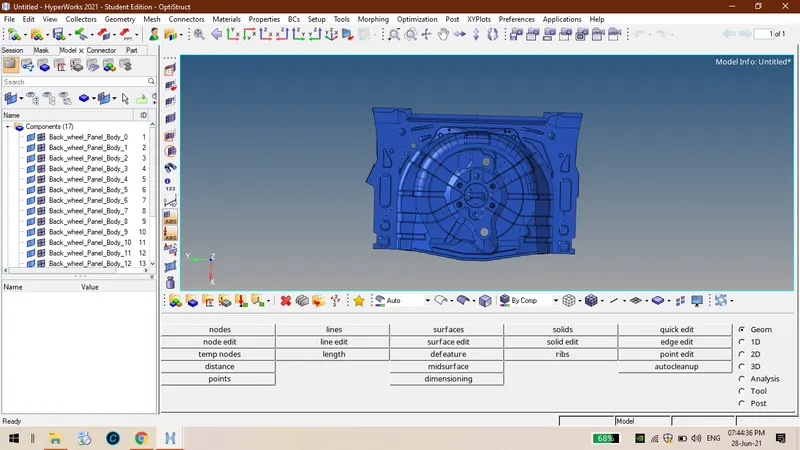
STEP 02: Press f to et te component on rapics window.
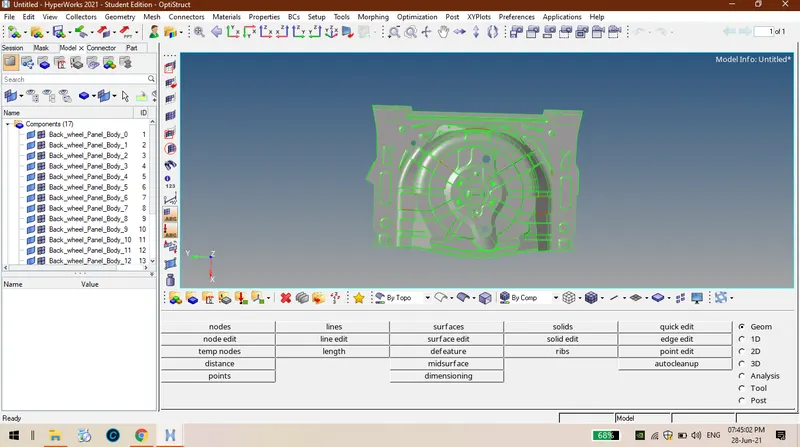
STEP 03:Set in by topo mode so tat presense of solids will be occured.
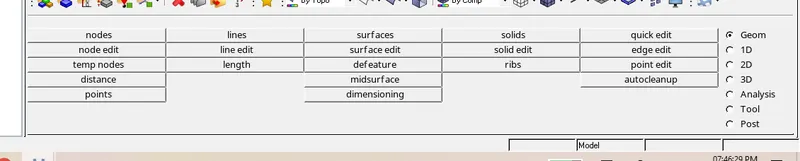
STEP 04:Remove all unwanted points and tole all unwanted lines.

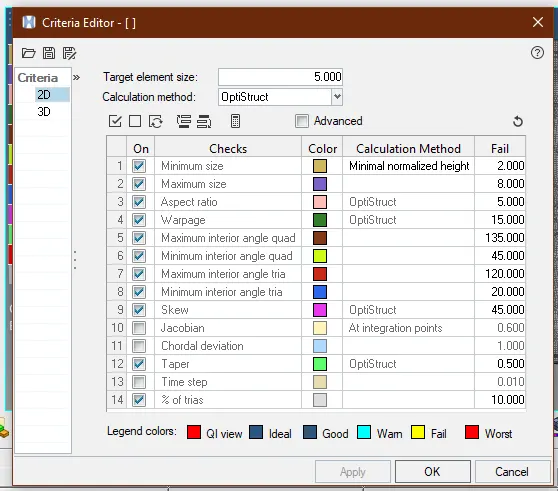
STEP 05:Ten enter quality criteria wc are mentioned in te iven callene.
STEP 06: In 2D bar automes>>select surfaces>>set taret element size
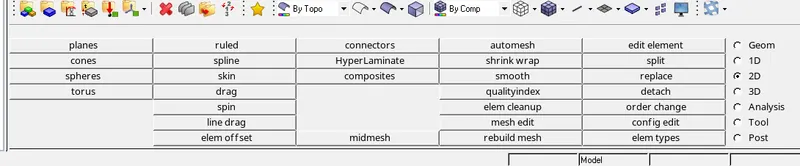

STEP 07: After completion of mesin if tere are element failure by usin quality index tools rectify te failures.
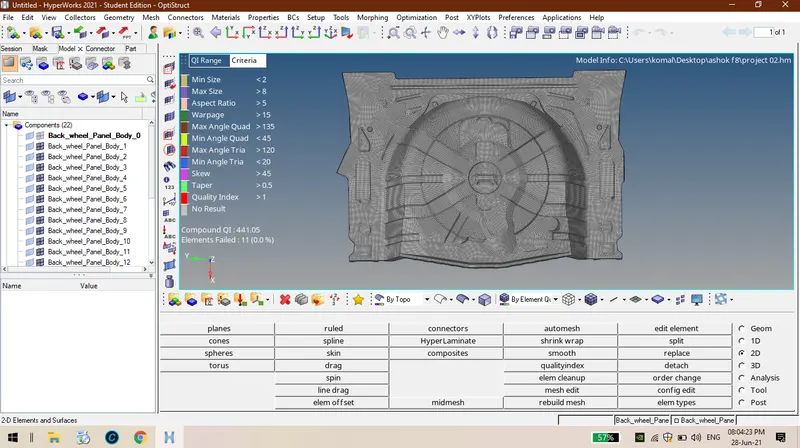
CONCLUSION: Finally mid surface as been extracted and mesin as been done on te component wit te iven quality criteria.