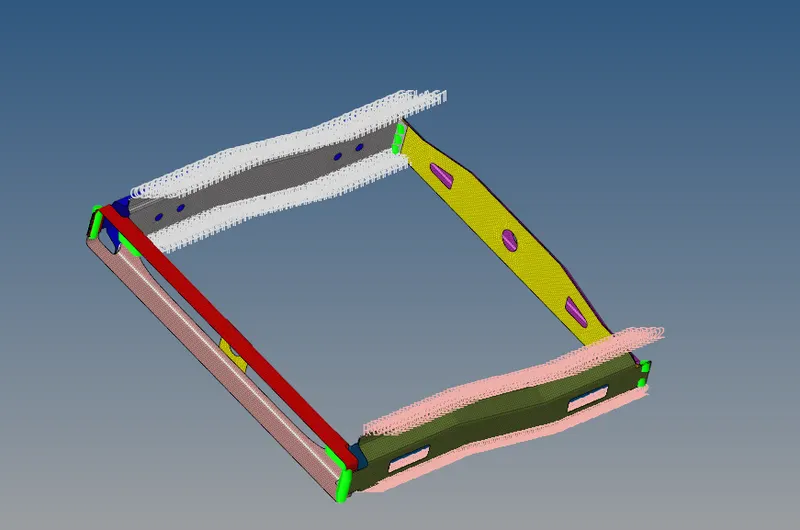
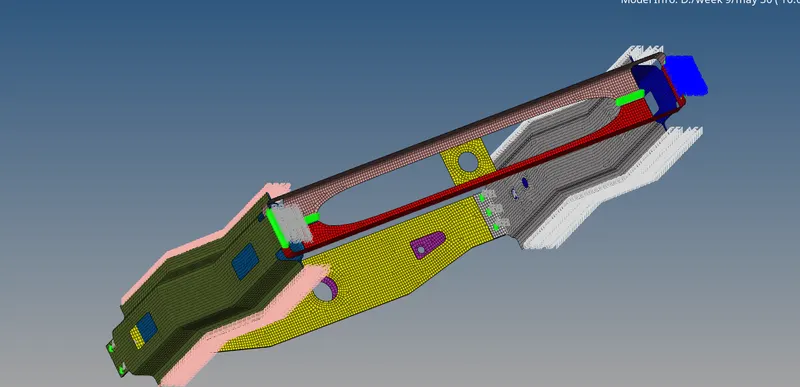
Week 9-Creation of 1D Connectors Challenge
WEEK 9 - Creation of 1D Connectors Challenge
AIM
To connect the different types of model with respective connectors
PROCEDURE
- in this challenge as usual we have to insert the file
- and this time we have to connect the components by different type of connectors
- so we have to achieve one by one
- at first we have to connect Right_Rail_2 & Front_truss_1:- Seam-Quad(angled+capped+L)
- 1d-connectors-seam-quad-cappedL
- step 1

- step 2

- step 3
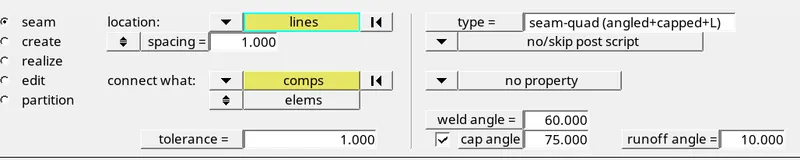
- and we have to click the nodes and elements where we have to create the connectors
- after enroll the details and angles
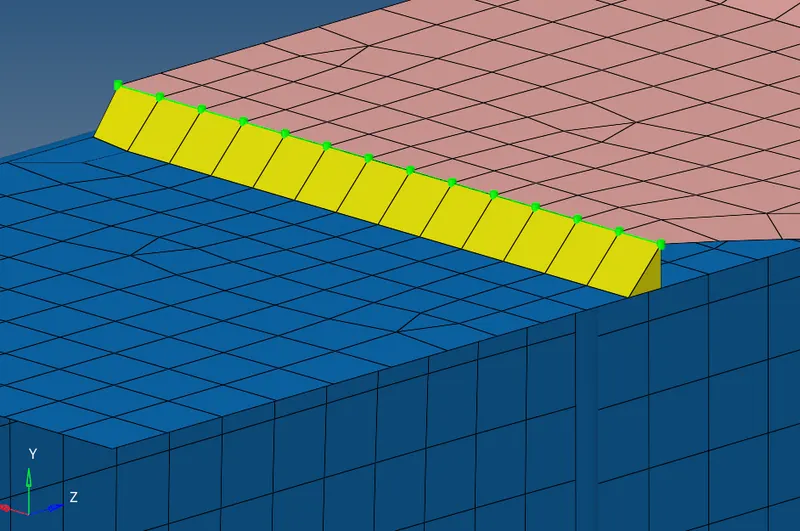
- and then we have to connect the Left_Rail_2 & Front_truss_1:- Quad elements
- as same as seam capped L
- bt this time we didn't choose (capped L)
- we choose quad

- after enclosed the all details
- we have connectors like this
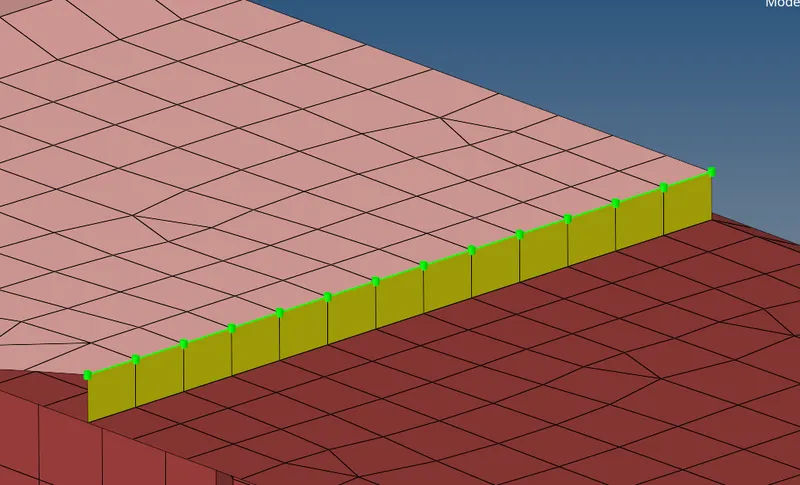
- and now we have to Front_truss_2, Front_truss_1 & Right_Rail_1:- Spot weld with 2 Layers and 5 mm Diameter
- go to 1d-connectors-spot
- and we enroll the elements and nodes
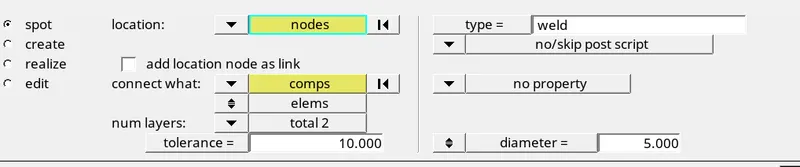
- after enclose the details we have spot weld like this
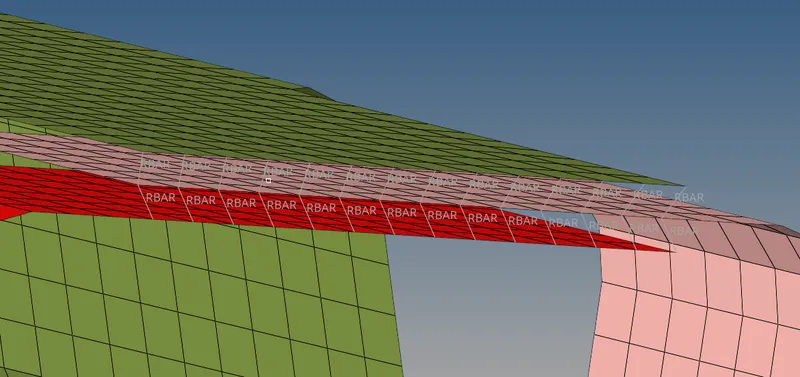
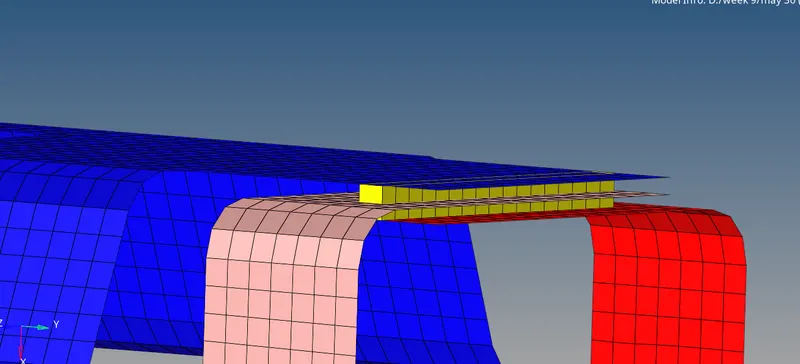
- and now we have to Front_truss_2, Front_truss_1 & Left_Rail_1:- Hexa (Adhesive)
- go to 1d -connectors - seam- hexa ( adhesive)
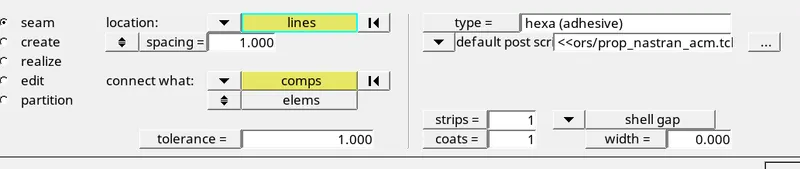
- after enclose the details we have connector like this
- have to connect the 2 layers
- we cant do directly 2 layers
- one by one we can connect the components
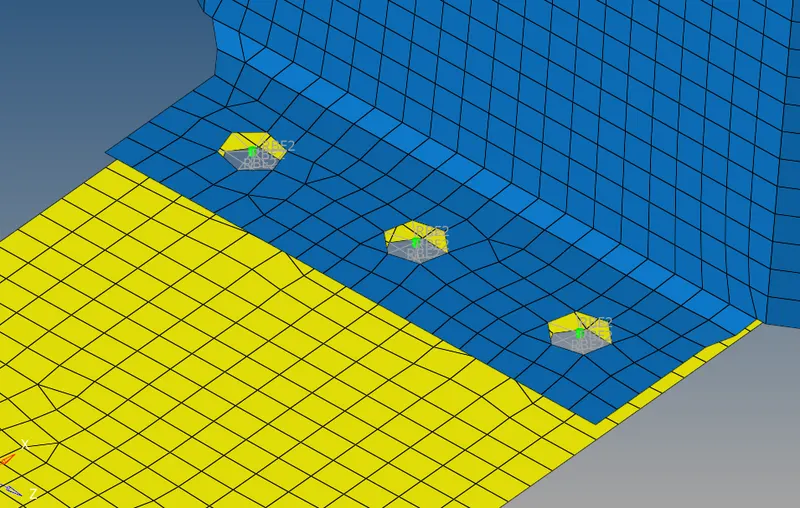
- and now we have to connect the Rear_truss_2 & Right_Rail_2:- Bolt Connector
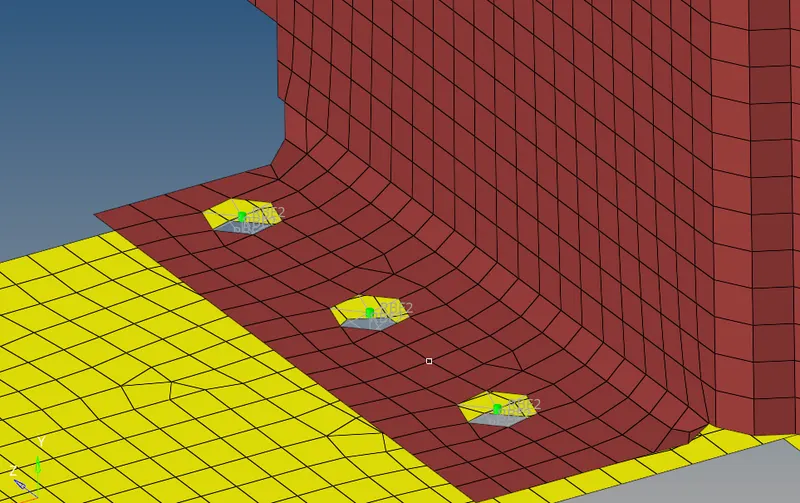
- Rear_truss_2 & Left_Rail_2:- Bolt Connector
- go to 1d - connectors - bolt
- and enclose the details

- after enclose the details we have connector like this
-
- and now we have to connect the Right_Rail_1 & Right_Rail_2:- Spot-weld with Rigid Elements
- go to 1d - spot weld - using elemts

- and we enclose the details we have a connectors like this
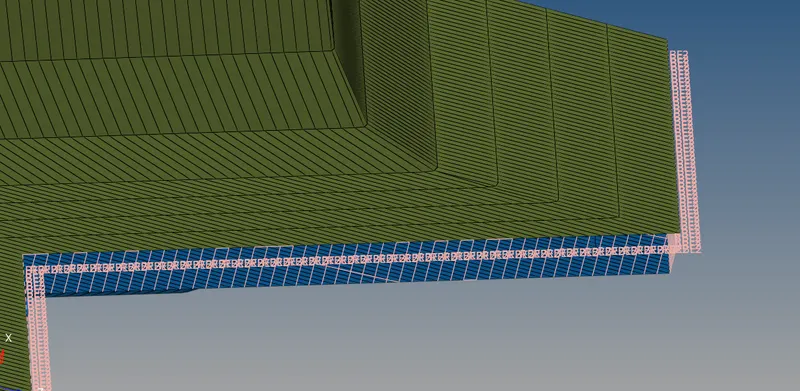
- and now we have to connect the Right_Rail_1 & Right_Rail_2:- Spot-weld with Rigid Elements
- go to 1d - spot weld - using elemts

- after enroll the nodes and elemts
- we have connector like this
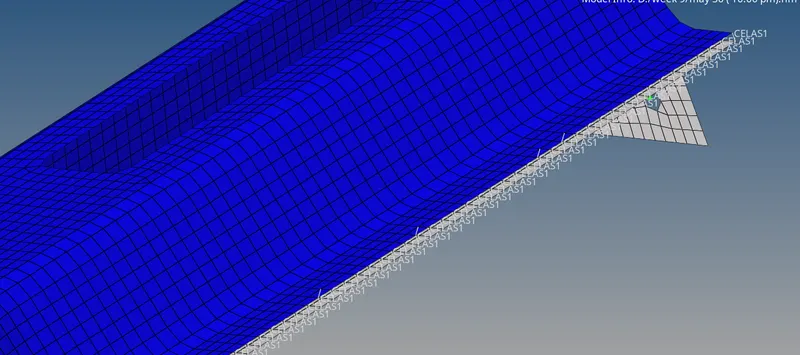
- after that have to do the same process remaining components
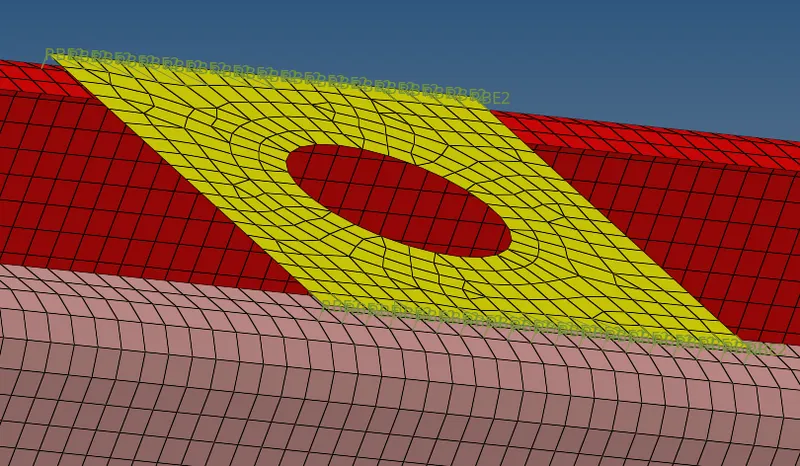
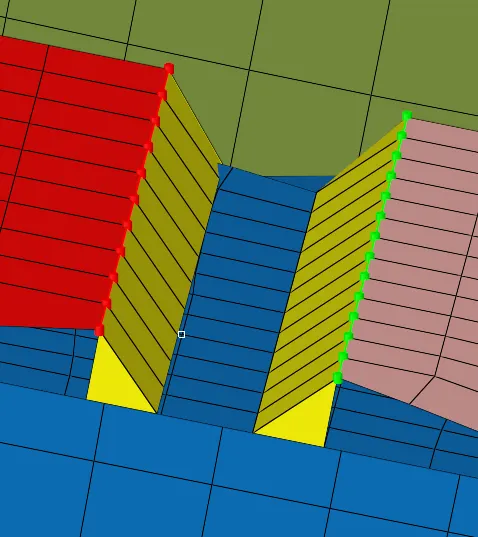
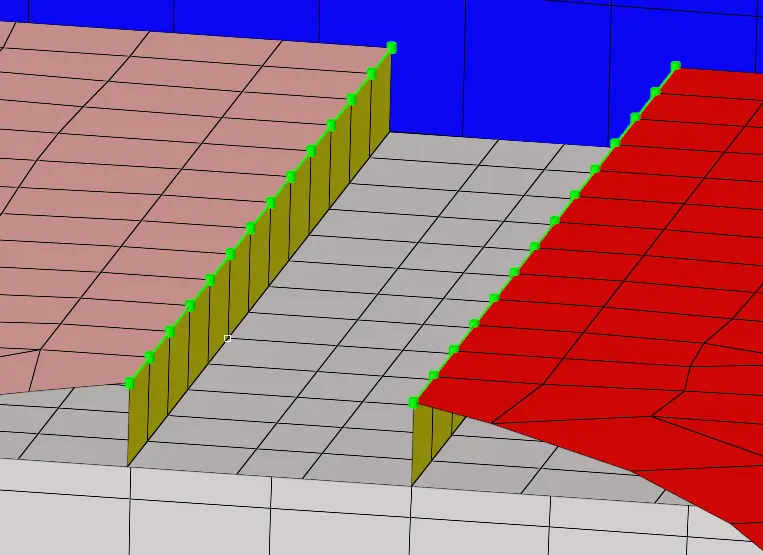
RESULT