Week 4-1D Element Creation Challenge
AIM
Mesh the Given component with the Size of 5mm. Create 1D elements on the following component with given cross-section and DOF
PROCEDURE
- By import the IGES format model from the link
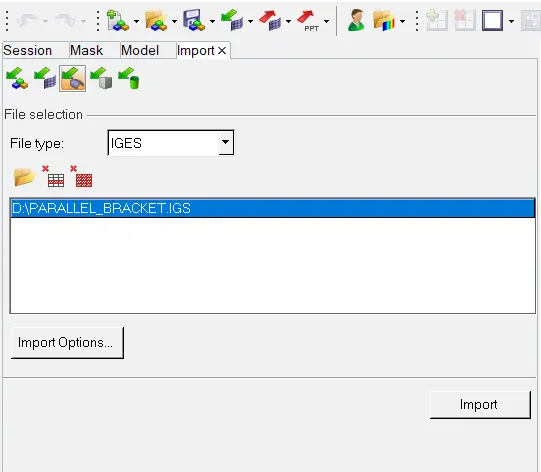
- and analyze the model there are two bracket in the model with 10 holes
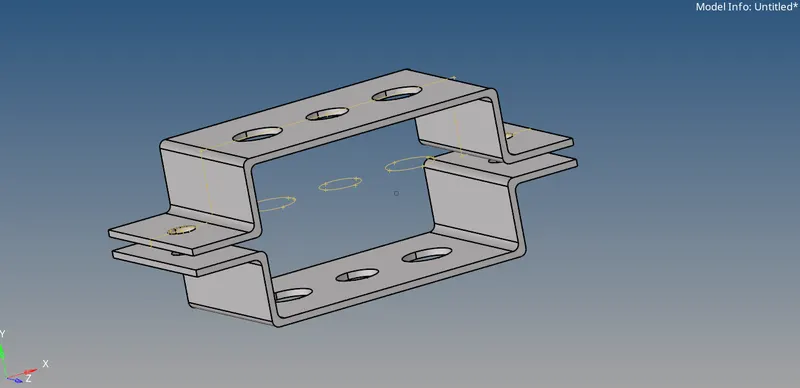
- give the midsuraface for the higher bracket and gives the name as 'bracket_1'
- and click the whole model and save the name as a 'bracket_2'
- now give the midsurface for the lower bracket and give the name as 'midsurface'
- and give the colour various colour to the bracket 1 and bracket 2
- now go to tool and organize and give the move button for the midsurface to the bracket 2
- now the colour changed from respective bracket 2 colour
- now delete the solid parts of the component expect midsurafce of the bracket and bracket 2
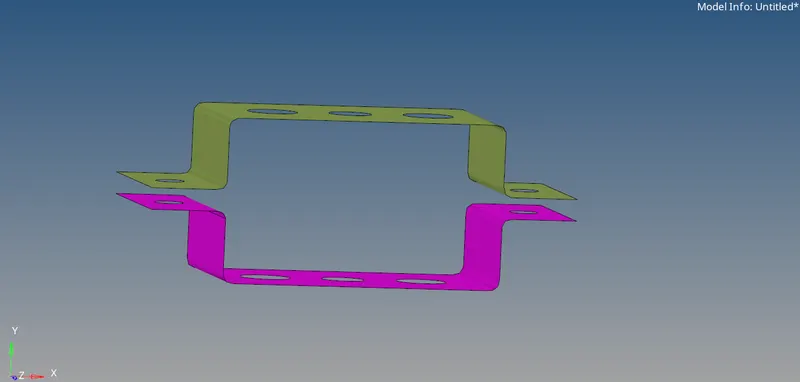
- this is surface of the component after delete the solid part of the component
- give the property,material,parts and other things to enroll by the nature
- and other stuffs like this
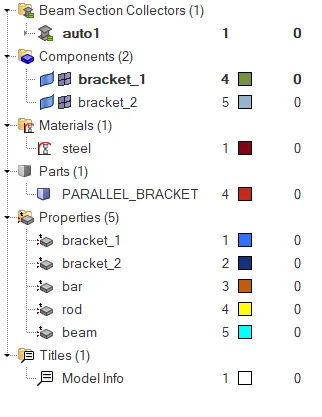
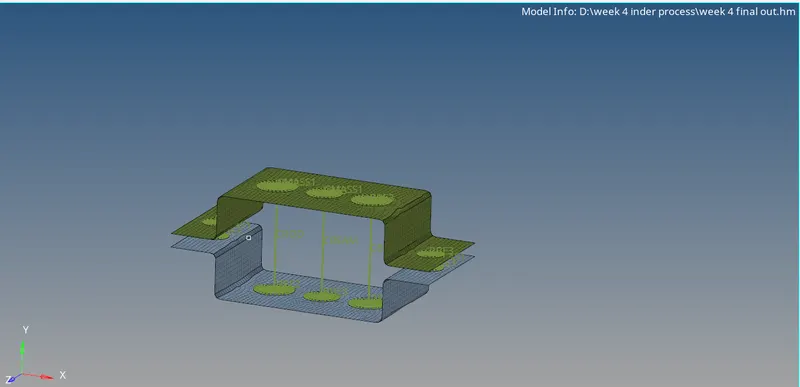
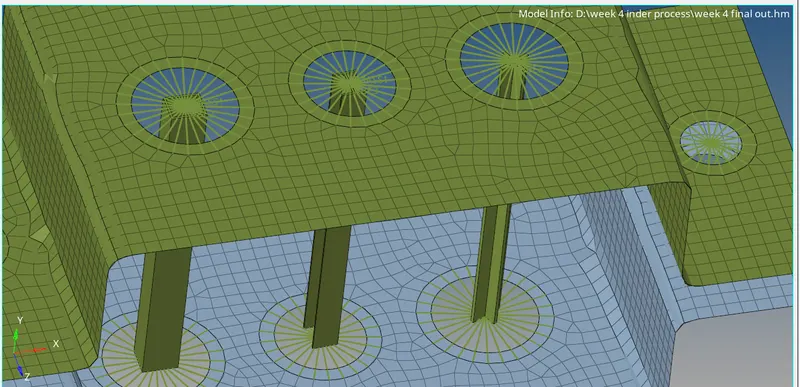
- now give the rbe2 and rbe3 to the respective holes
- in a A hole it has a rbe2 with only translational degree of freedom
- in a B hole it has a rbe3 with all degree of freedom
- in a C hole it has a rbe3 with x and y degree of freedom
- by enclosing the all degree freedom
- we have to update the rod and bar and beam in the hyper beam view
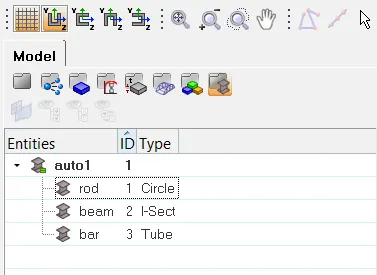
- after update the dimensions and other thickness to the rod,bar,beam
- then come to the model view
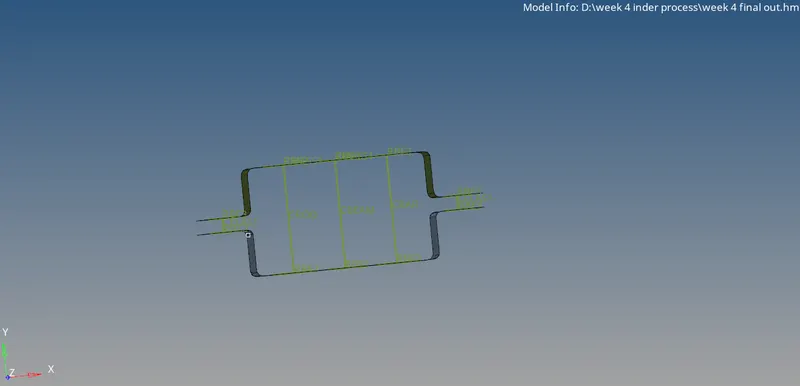
- now construct the rod,bar and beam with respective rbe 2 or rbe3 line
- we have to construct the spring in two sides of the bracket
RESULT