Week 8-3D Tetra Meshing Challenge
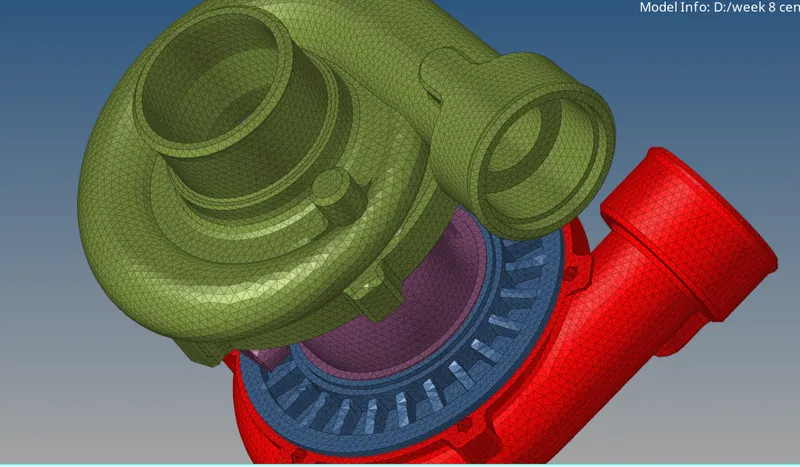
WEEK 8 MODEL 1
AIM
To create a Teramesh for Housing component with the following quality criteria.
PROCEDURE
- To insert the component
- and we have 2 componenetsat
- beginning we hide the model 1
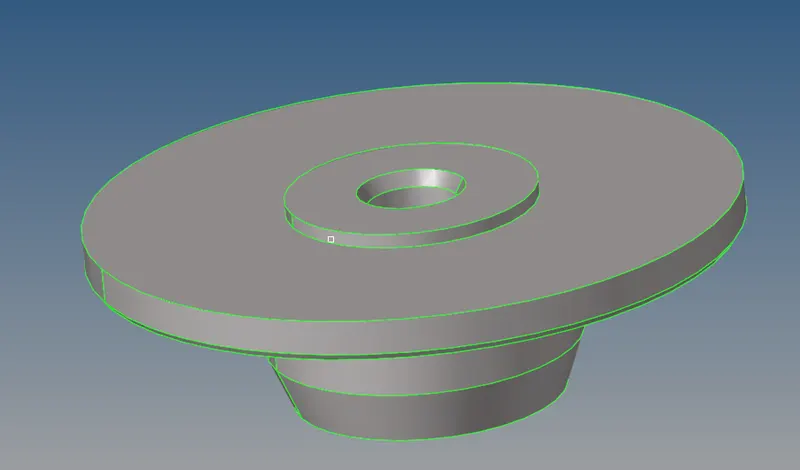
- by this time we have to mesh the surface
- we just mesh the surface like normal 2d mesh
- after meshing the model 1
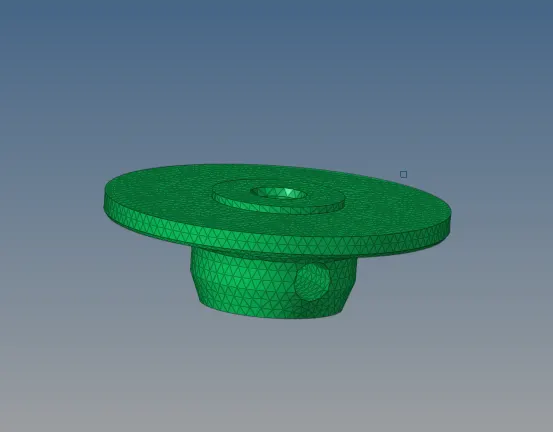
- and we have to give 3d tetra mesh
- we go to 3d-tetramesh-tetramesh

- after meshing the model 1
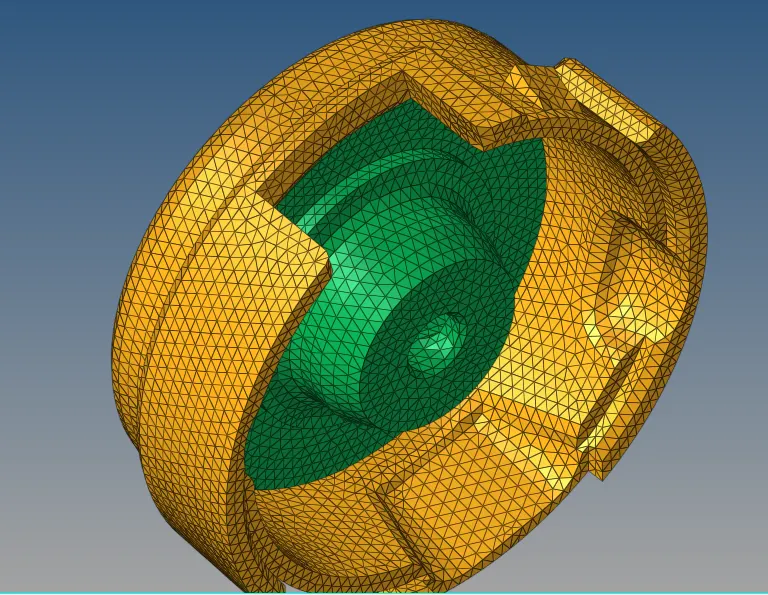
- we have a model like this in interior side
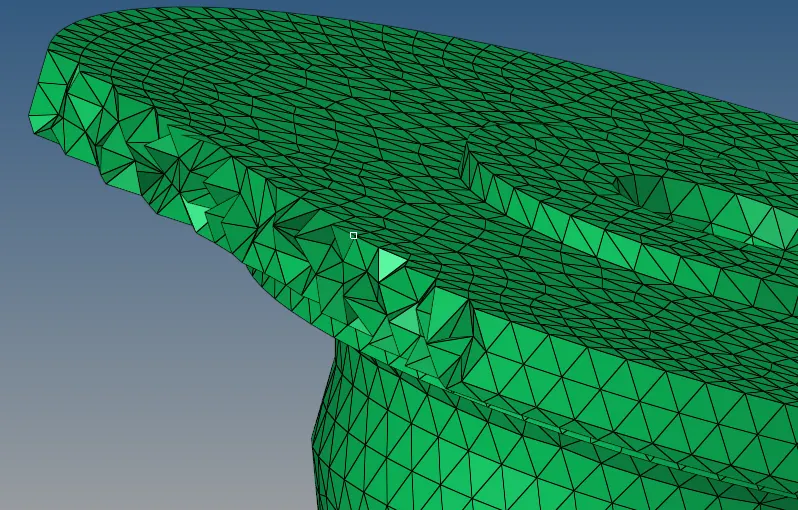
- and we have to check the quality criteria
- after resolve the quality criteria

- after clearing the quality element criteria
- we have to follow the same process to the model 2
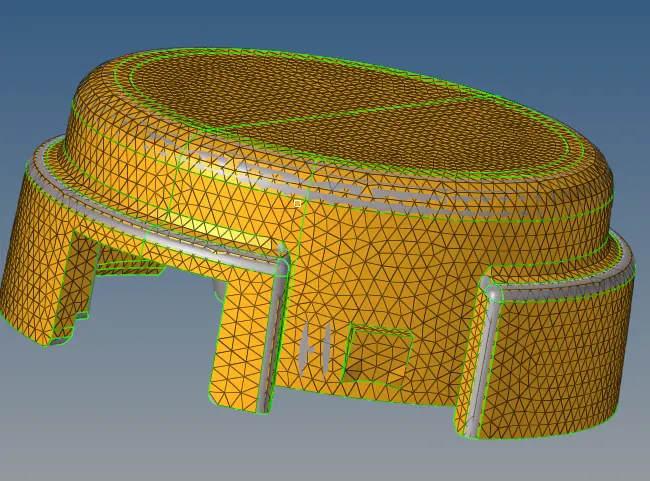
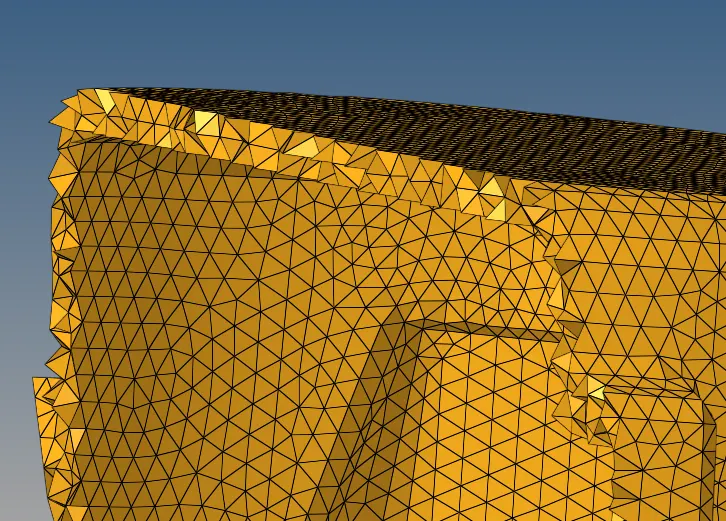
MODEL 2
AIM
To create a 3D Tetramesh with the following quality criteria.
PROCEDURE
- to insert the component
- now this time we have to directly get 3d mesh
- so go to 3d-tetramesh- volume tetra
- we have 4 different model so we have to hide the other three model and try one by one
- and select the surface of the component
- and give the mesh
- this time it directly mesh the 3d component also
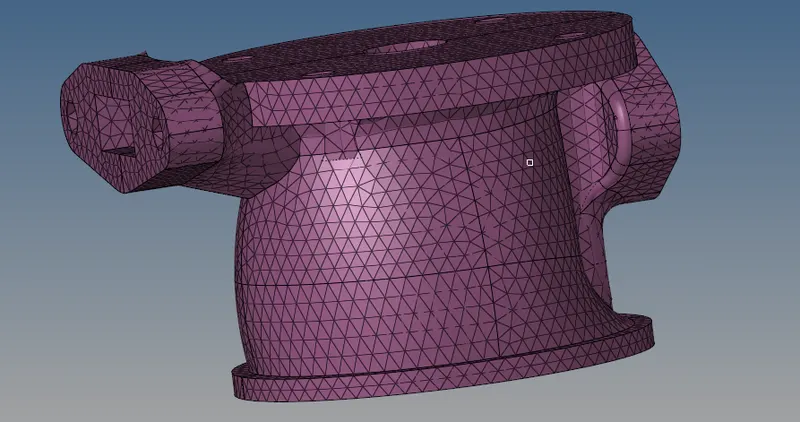
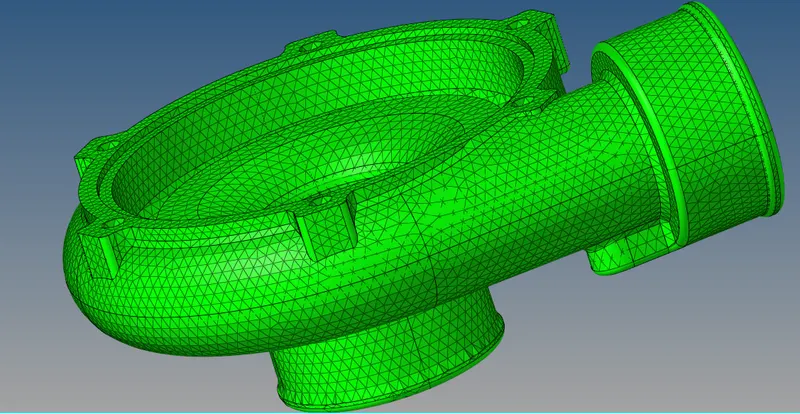
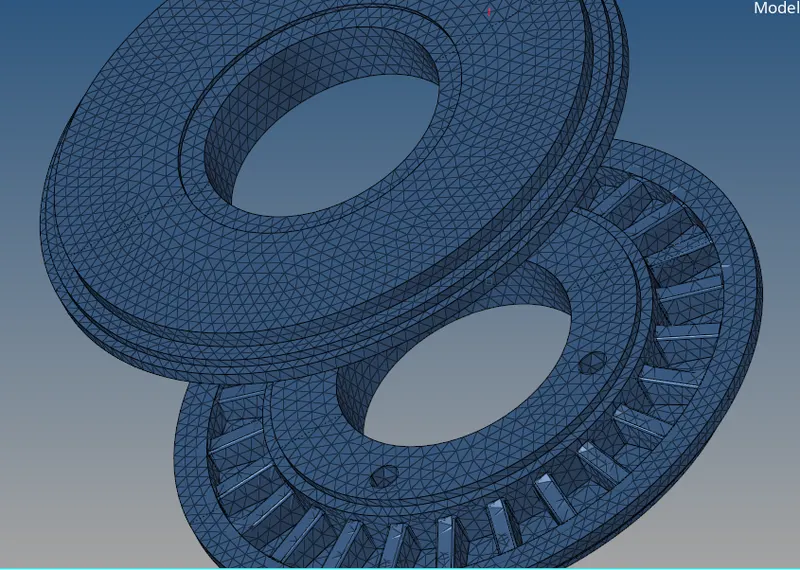
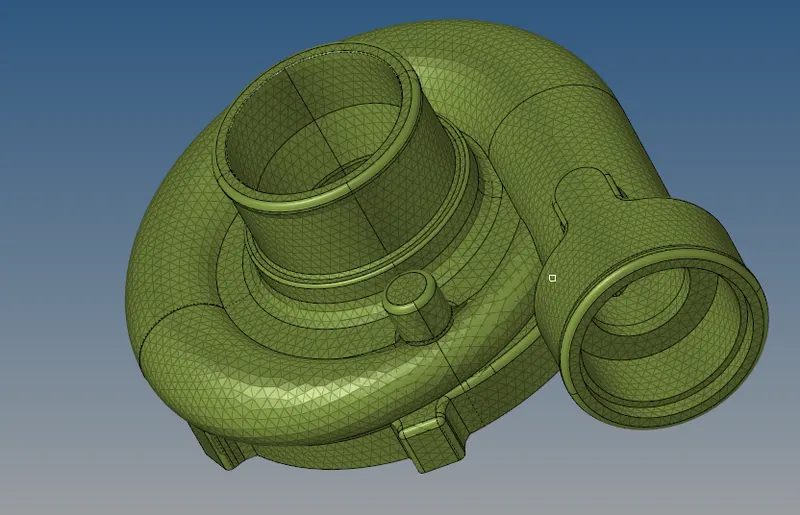
- after meshing the component have to check the tet collapse
- press F10 and press the tet collapse if shows some error we have to resolve it
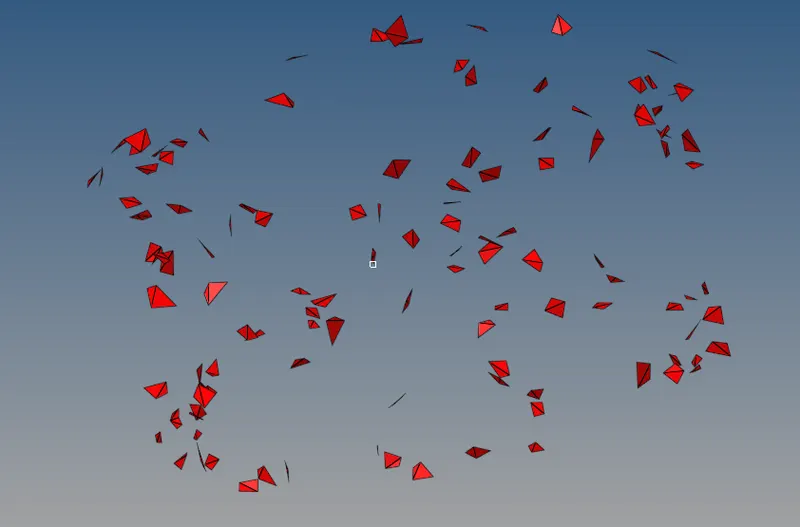
- these are the elements of tet collapse we have to save failed and mask elements and reverse that
- and then we remesh the elements
- we have to repeat the process until tet collapse come to 0
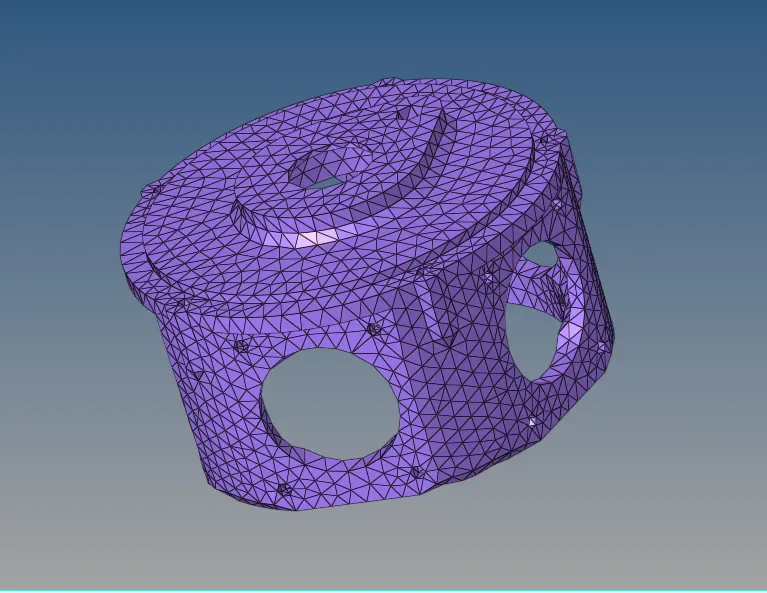
MODEL 3
AIM
To create a 3D Tetramesh with the following quality criteria
PROCEDURE
- In this model we have to give 3d in quick tetra mesh
- go to view-browsers-hypermesh-utility-mesh-quick mesh
- and select the component
- and give the mesh size and min size
- and give trias only
- after encloseing the details
- give mesh
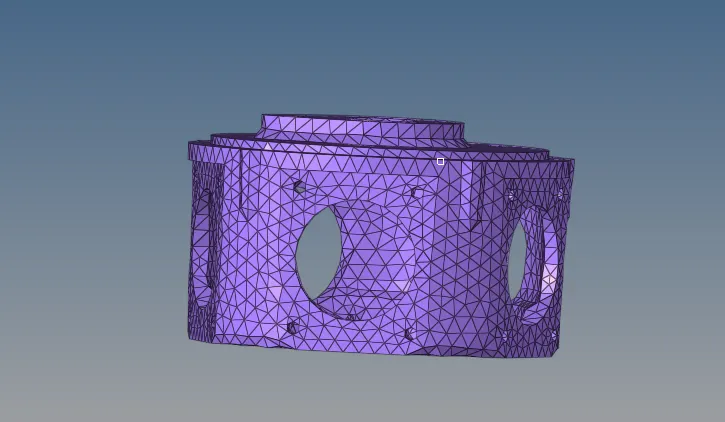
- and then we have to check the tet collapse
- if shows some tet collapse
- we have to follow the same rule to resolve it
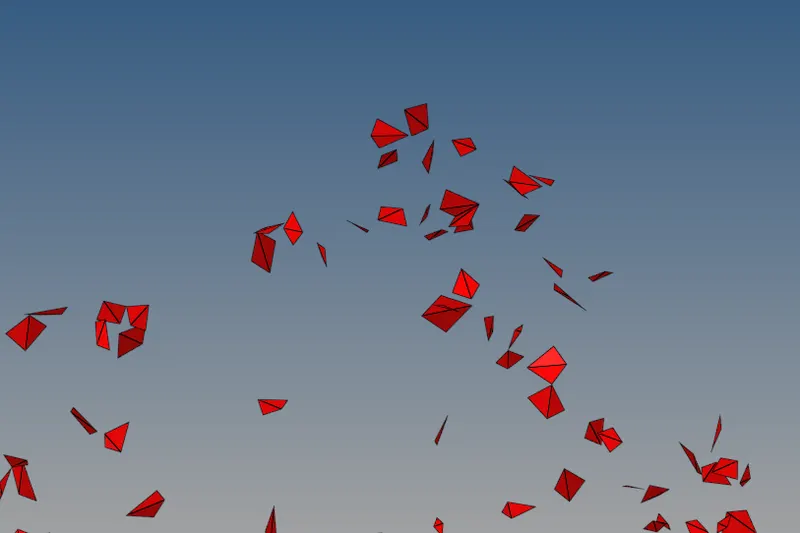
- just save failed the tet collapse
- and mask the elements and reverse that
- and then check the parameters
- and give the remesh
RESULT