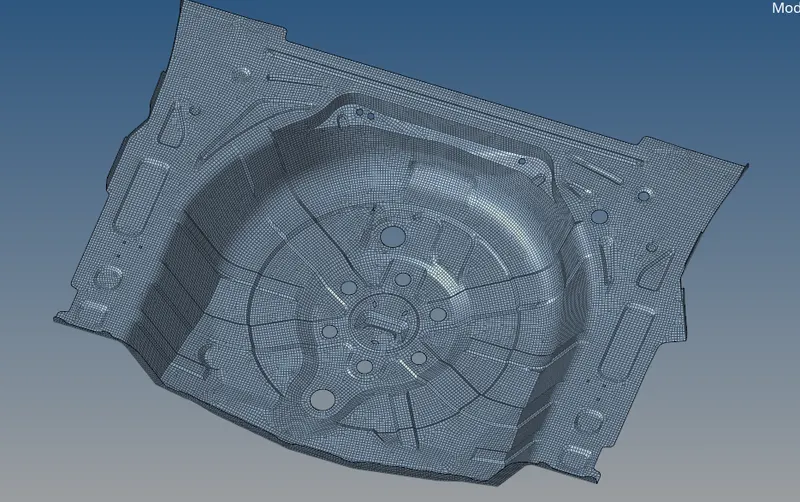
Week 12:Project 2-Meshing of Rear Wheel Holder challenge
- Week 12:Project 2-Meshing of Rear Wheel Holder challenge
AIM - To taking the manual midsurface and also mesh the component and check the quality element criteria
PROCEDURE
- We have to import the component in the work place
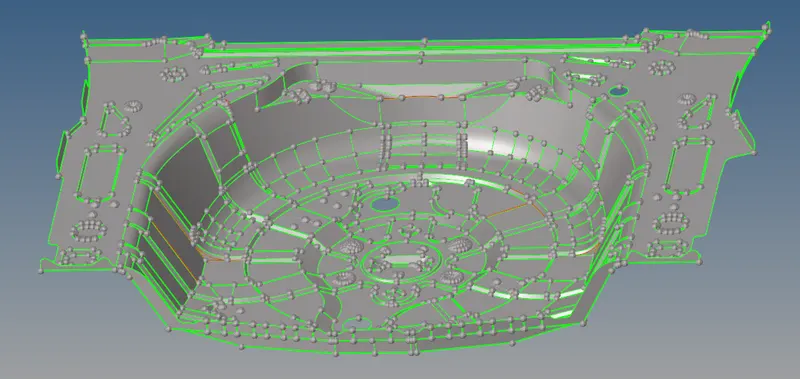
- and after that we have to take the manual midsurface in the this component
- by taking manually mid surface we have to find the thickness of the component
- after that we have offset the one of the surface of the component

- geometry - surface edit - offset - give the value for offset
- by finding thickness we have to offset the component
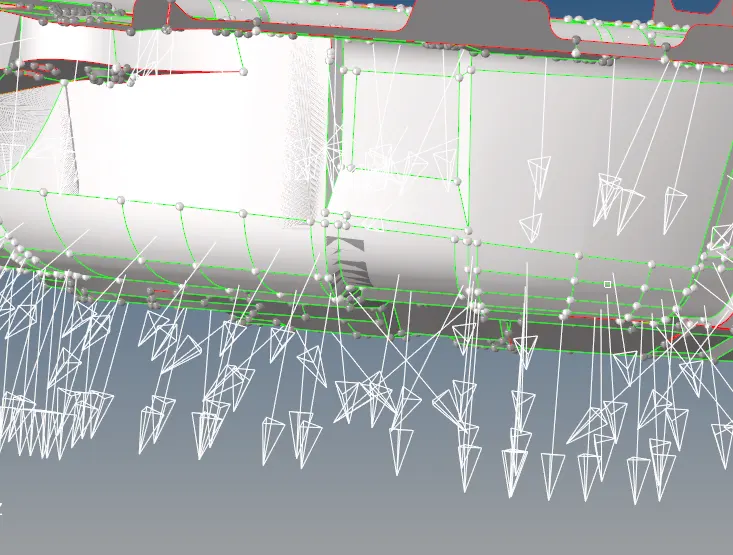
- after checking the direction we have to take the midsurface
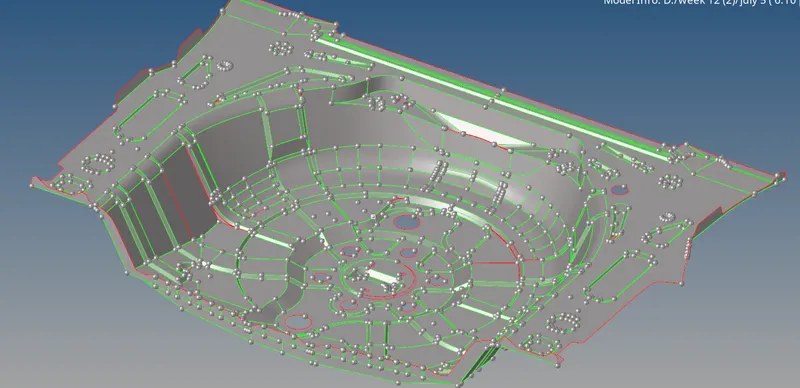
- after midsurface the component we have to mesh the component
- but this time we will mesh the component by batchmesh
- batch mesh is easy
- but we have to take care after meshing the component and have to clear the component after meshing

- we already have a 5mm parameter file meshing but we don't have criteria file so what we have to do is
- we have to enroll our criteria
- go to preferences - criteria settings - and enroll the details
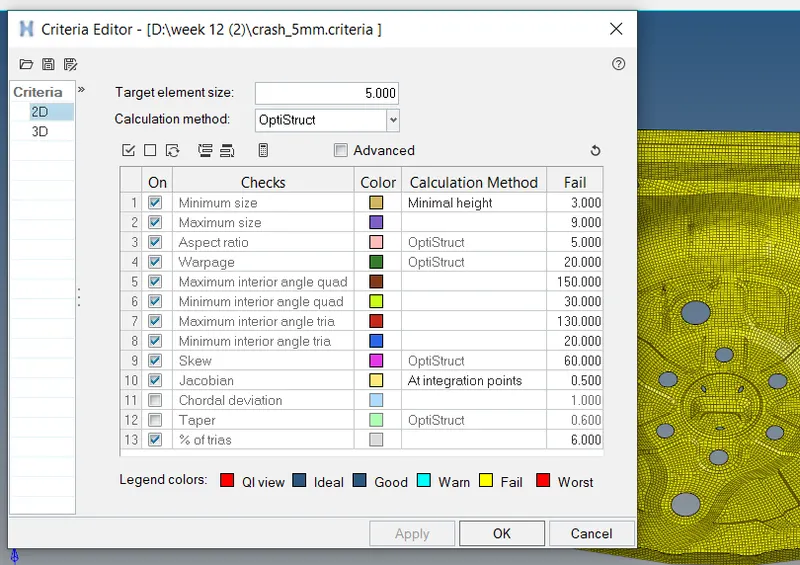
- after elroll all our details what we need
- we have to save the file
- and we use that file as our batch mesh running the file
- after browsing the both parameter file and criteria file

- we have to run the meshing
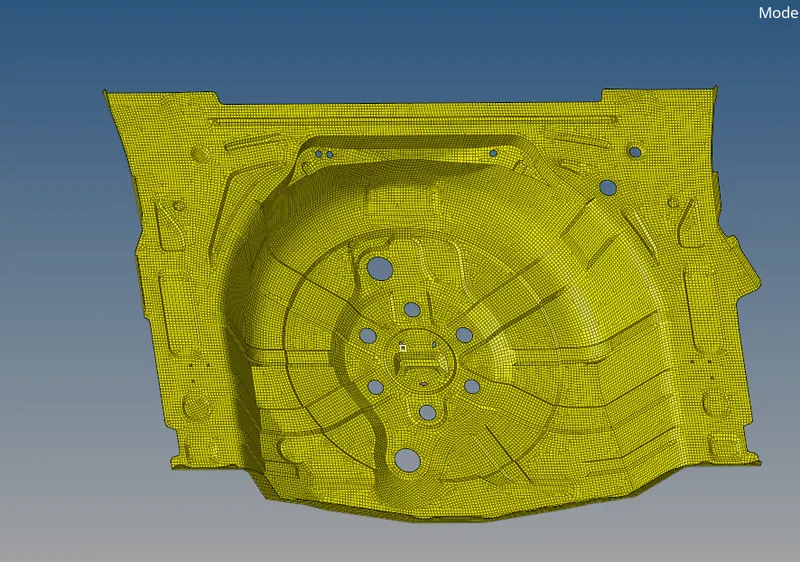
- now we have to check the quality element criteria
- we have to check it and we need 0 failed elements

- we check one by one if we find the failed elemts
- just save failed the elemts and mask the components
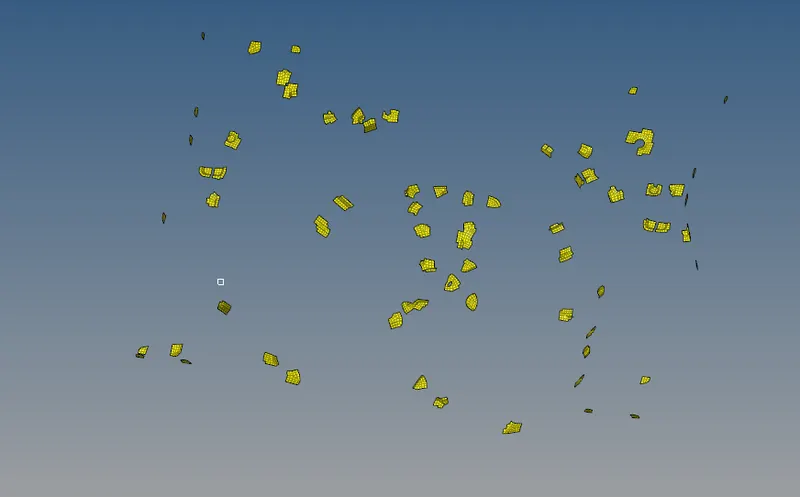
- and again remesh it
- and after passing the quality element criteria we have to assign the thickness to the component
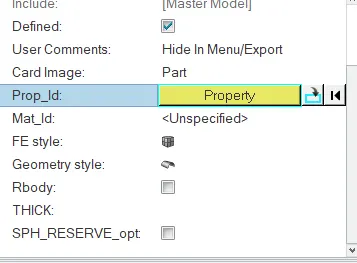
- after enroll the component we have a component like this
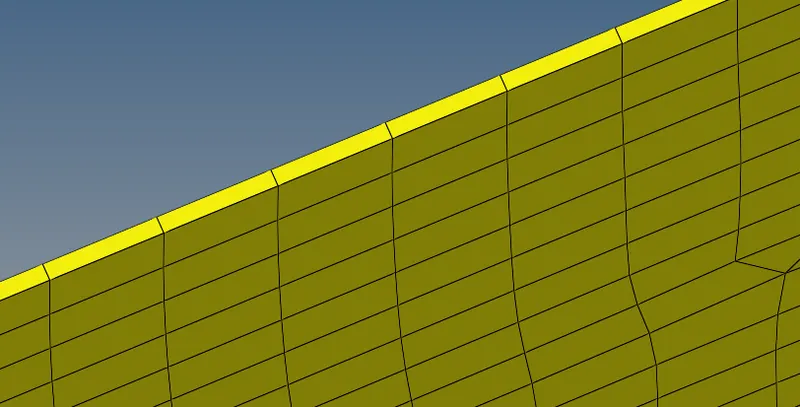
RESULT
- after taking midsurface and mesh the elements and other than we check the elements we have a proper component