Week 12:Project-1-Meshing of Door Inner Panel Challenge
Week 12:Project-1-Meshing of Door Inner Panel Challenge
AIM
to mesh the side door inner pannel and giving the thickness to the component
procedure
- to insert the component in working area
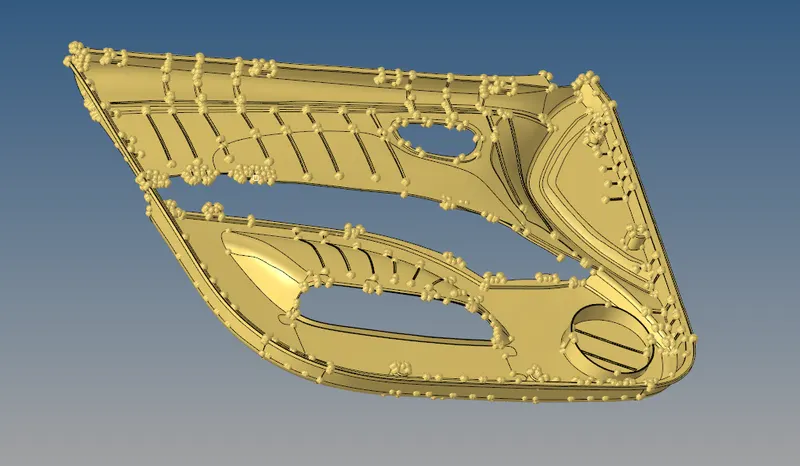
- after that we have to differentiate the components
- And then we have to split the components in to 4 types
- we have to split the component by using node to node line split tool
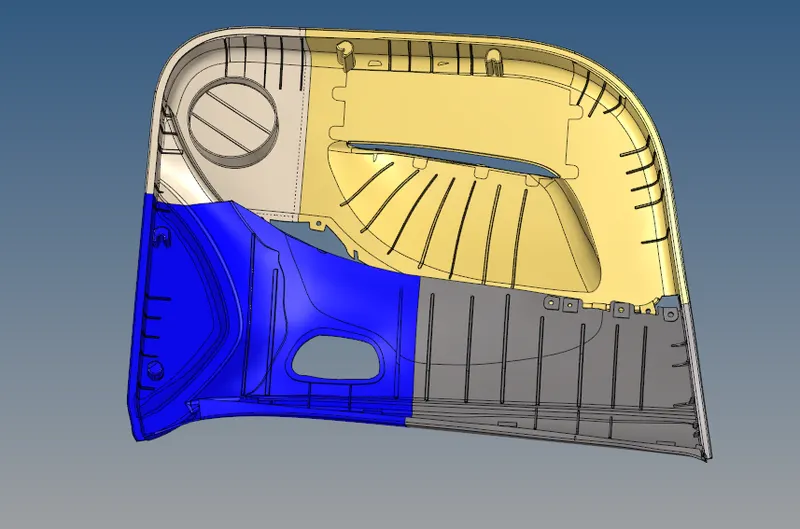
- and we have to hide the other 3 components
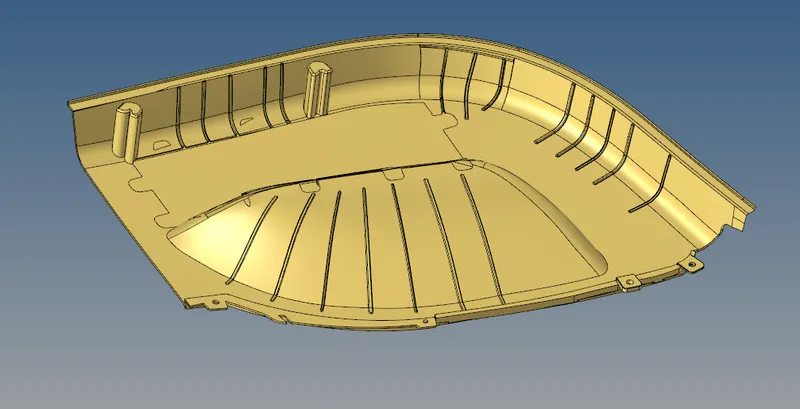
- after than we have to take a manual midsurface
- by using shift+f7 we will check the thickness of the component

- by using this method we we will find the thickness
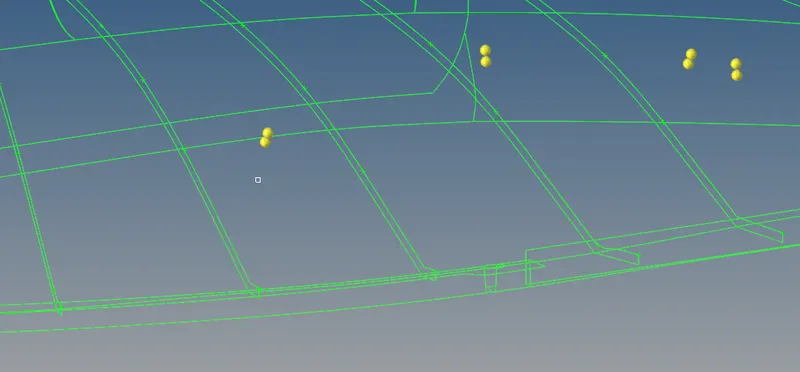
- by using that shift + f7 tool this two node will created
- by using f4 we will find the distance between the node which represent the thickness
- after check the thickness we manually midsurfacing the components
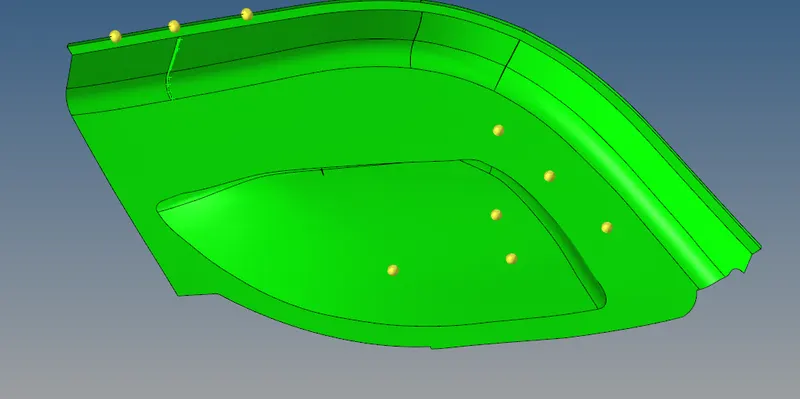
- after we manually midsurfacing the component
- then we have to mesh the component
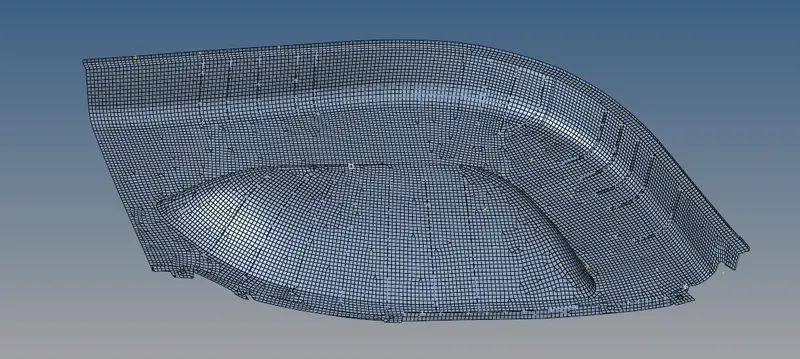
- by the same way we have to manually midsurfacing the component and mesh the component too
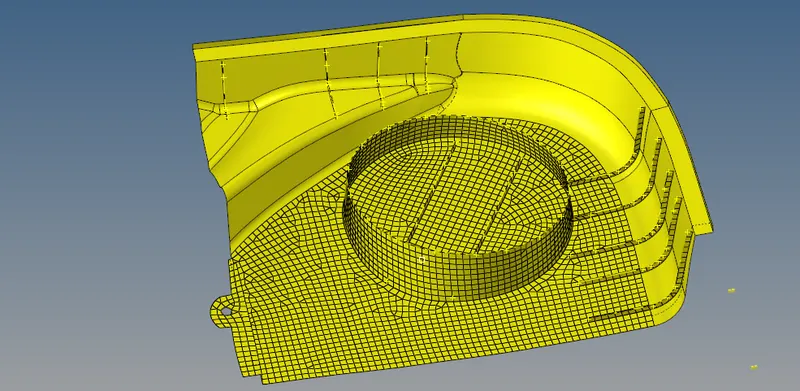
- and we have to unhide the other elements to mesh the component
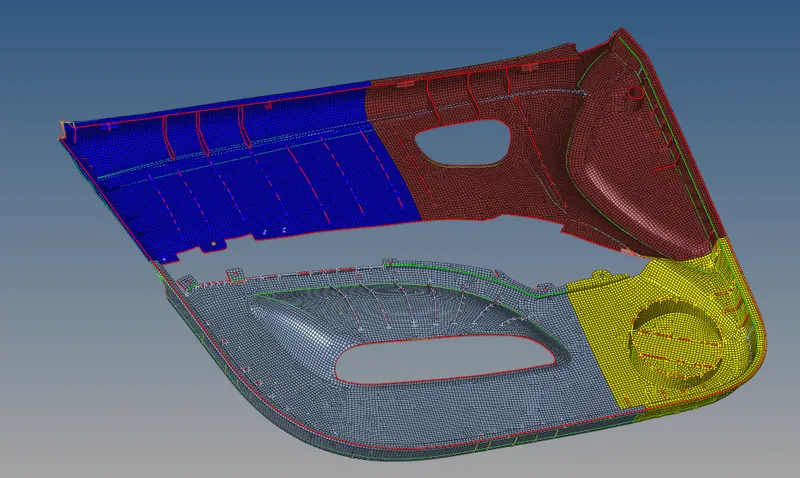
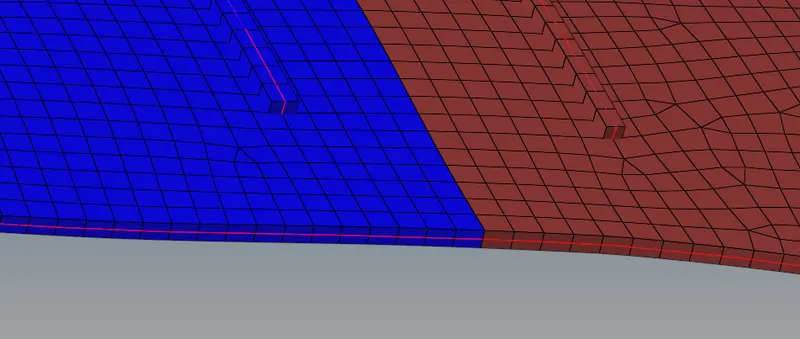
- after that we have to mesh the all component we have a results like this
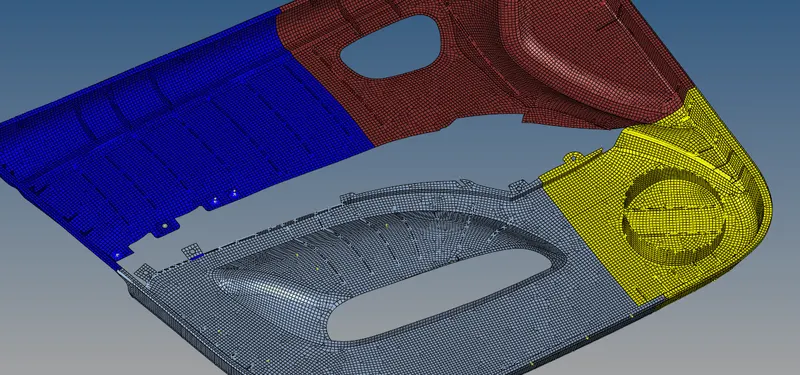
- after mesh the component we have to check the quality criteria of the element

- by checking the all the possible ways
- we only mask the failed element
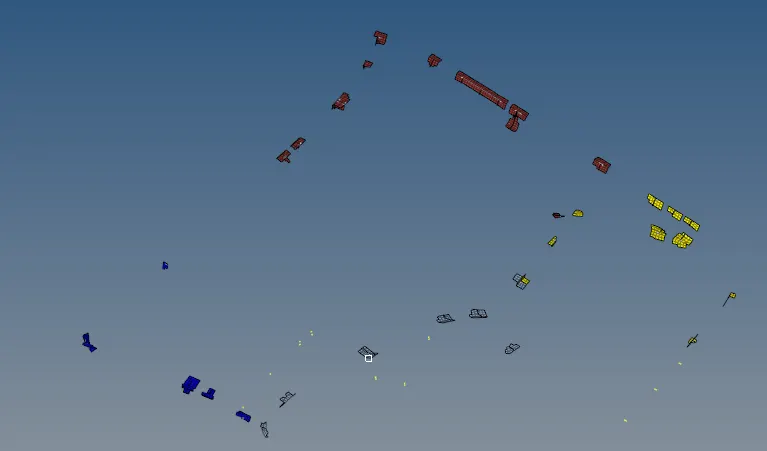
- after that we have to give the thickness to the component
- by giving property to the respective component
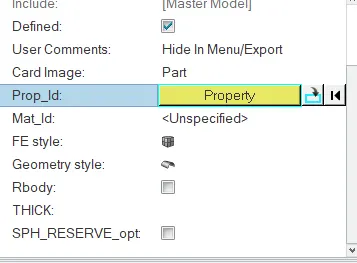
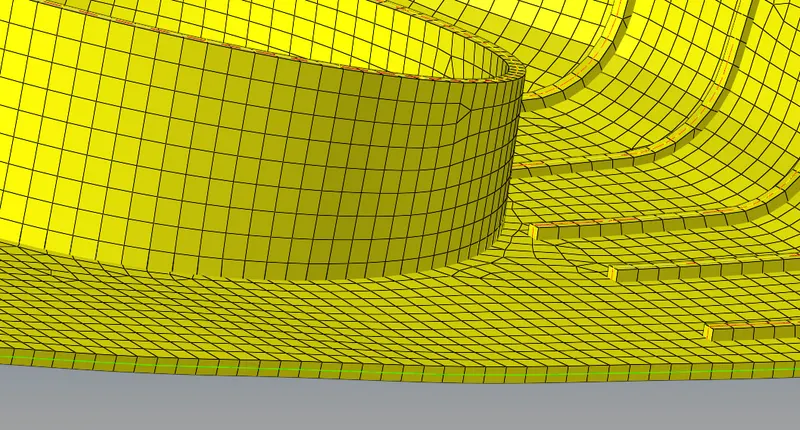
- we have to the give the thickness to the all the components
RESULT
finally we did the manually midsurface the components and mesh the components and give the thickness to the component