Week 9-Creation of 1D Connectors Challenge
creation of 1d connectors
Importing the given geometry
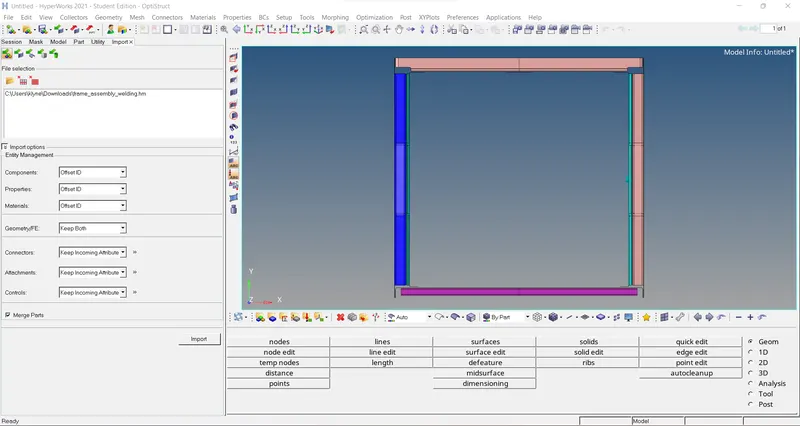
After importing, we have to do a mid-surfacing for individual components. If there are problems with the geometry, we have to do geometric cleanup.
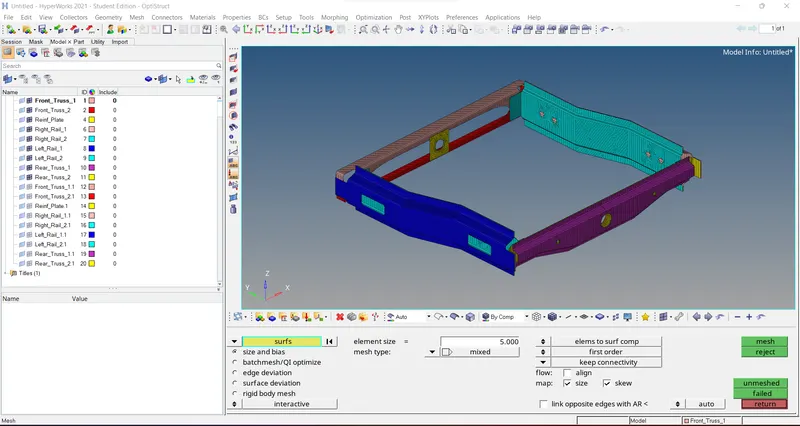
After mid surfacing, we have to assign material, property for individual components and also, we have to give a thickness of 2mm.
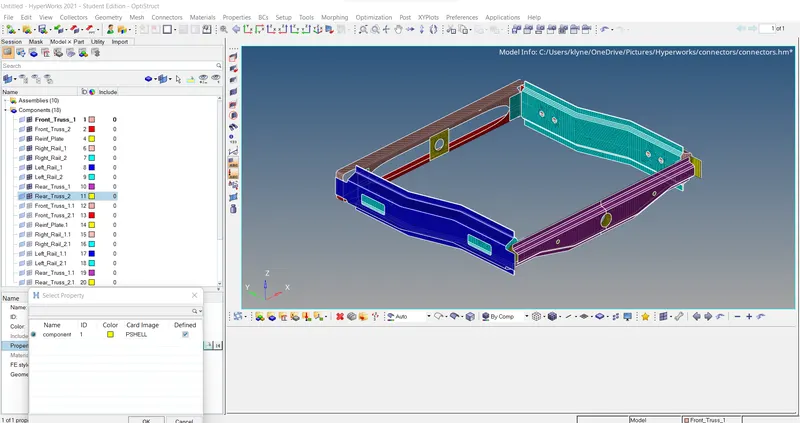
1. Right_Rail_2 & Front_truss_1: -Seam-Quad(angled+capped+L)
For seam quad (angled+capped+L) Method we have to select nodes by path on one component, and also, we have to specify tolerance, just select type of weld, we also have to specify the angle of Weld. The spacing is set to be 5 millimeters.
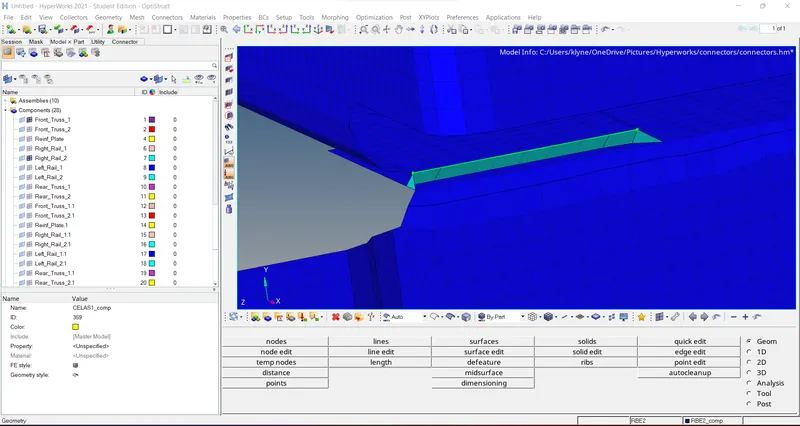
2. Left_Rail_2 & Front_truss_1: -Quad elements
In connectors we have to select seam option and then select nodes by path for one component. we have to give a tolerance of 10 mm. The imprint should be on. The spacing is set to be 5mm.
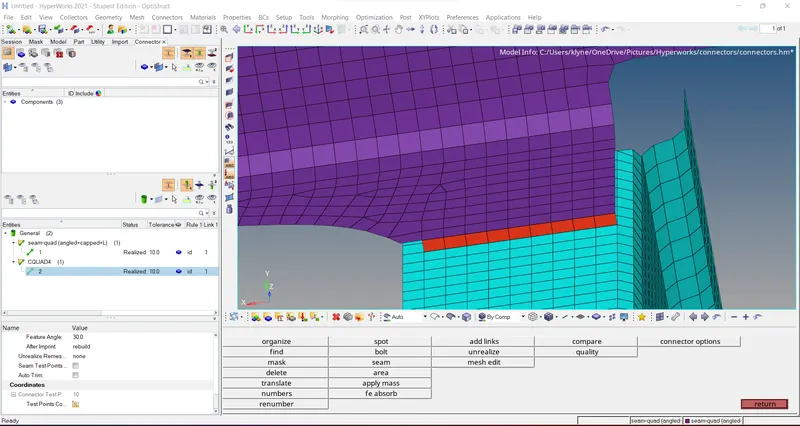
3. Front_truss_2, Front_truss_1 & Right_Rail_1: -Spot weld with 2 Layers and 5 mm Diameter
In Connectors we have to select spot type option and also, we have to select specific nodes for the component. After that we have to select three components and specify diameter of 5mm and number of layers as 3. And also, we have to set a layer Off 2.
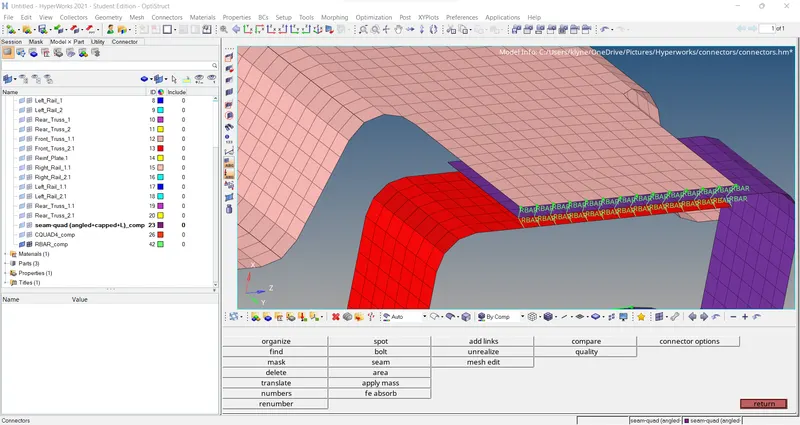
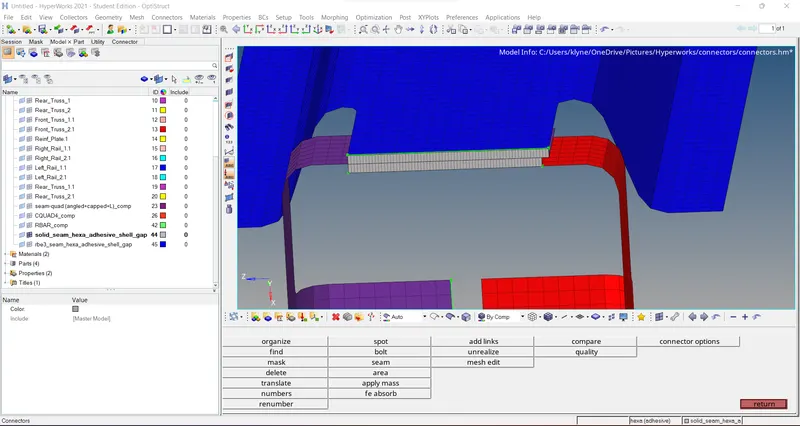
4. Front_truss_2, Front_truss_1 & Left_Rail_1: -Hexa (Adhesive)
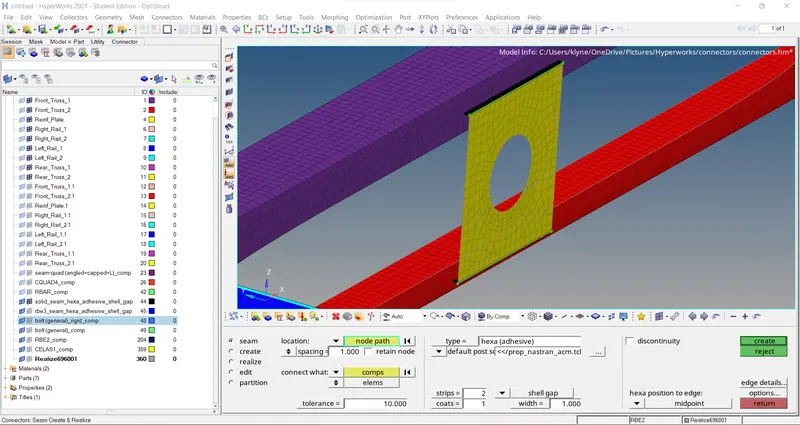
In connectors we have to select seam Option and also, we have to select Nodes by path And also we have to give a tolerance of 10mm. We have to select hexa adhesive wild type. The strip is set to be 2 and the coat is set to be single.
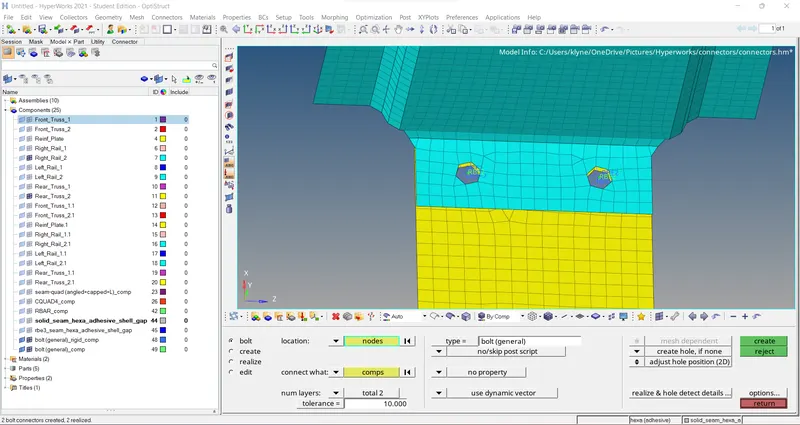
5. Rear_truss_2 & Right_Rail_2: -Bolt Connector
In connectors we have to select bolt option and also, we have to select Two single notes at the certain distance. We also have to select Create a hole option.
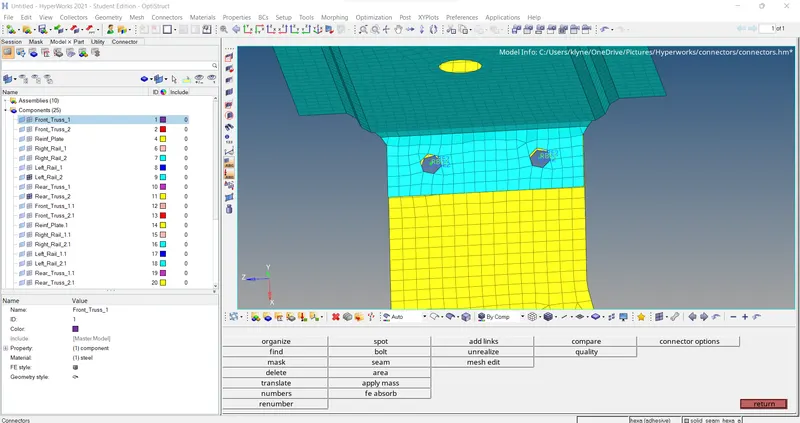
6. Rear_truss_2 & Left_Rail_2: -Bolt Connector
In connectors we have to select bolt option and also, we have to select Two single notes at the certain distance. We also have to select Create a hole option.
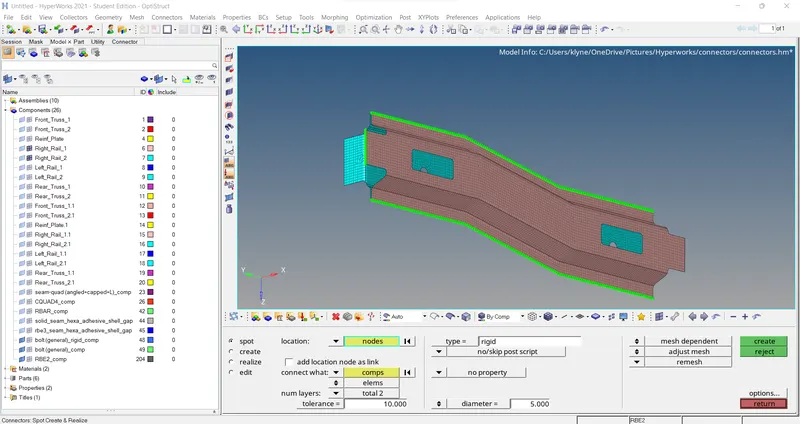
7. Right_Rail_1 & Right_Rail_2: -Spot-weld with Rigid Elements
In connectors we have to go to the spot option and we have to select spot type as rigid. The component is selected by node by path. The diameter is given as 5mm and number of layers as 2.
8. Left_Rail_1 & Left_Rail_2: -Spot-weld with Spring Elements
In connectors we have to go to the spot option and we have to select spot type as spring. The component is selected by node by path. The diameter is given as 5mm and number of layers as 2.
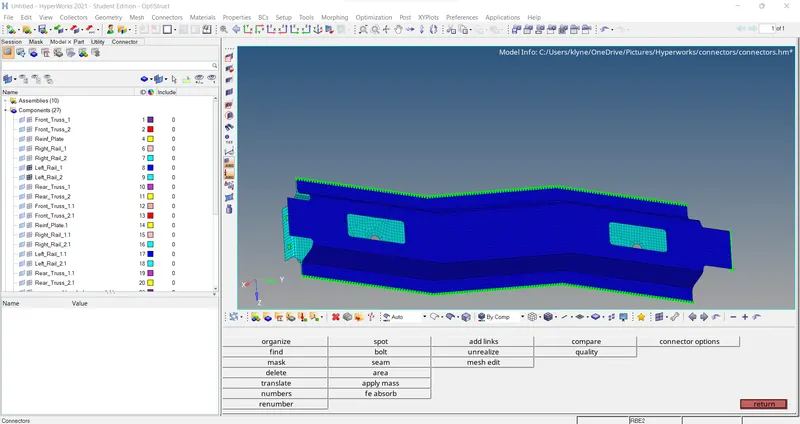
9. Rest all the component
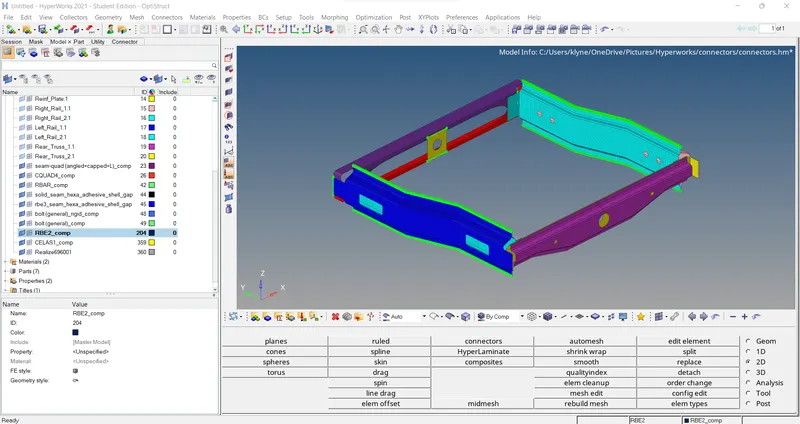
In case we have to go to seam option and select adhesive Type And we have to give a tolerance of 10mm.