Week 8-3D Tetra Meshing Challenge
3D Tetra Meshing
Housing Model :
Import the given model in iges form. Delete the solids using delete entities option.
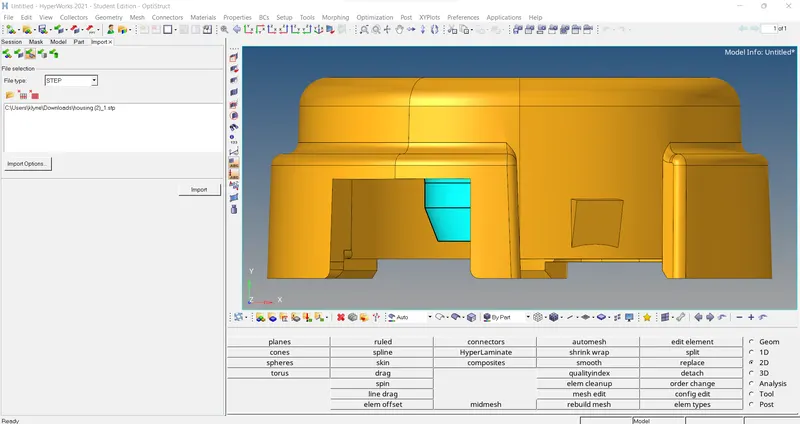
After performing the above task, Now do a 2D mesh Using automesh option, With element size as 5mm And use trias as only option.
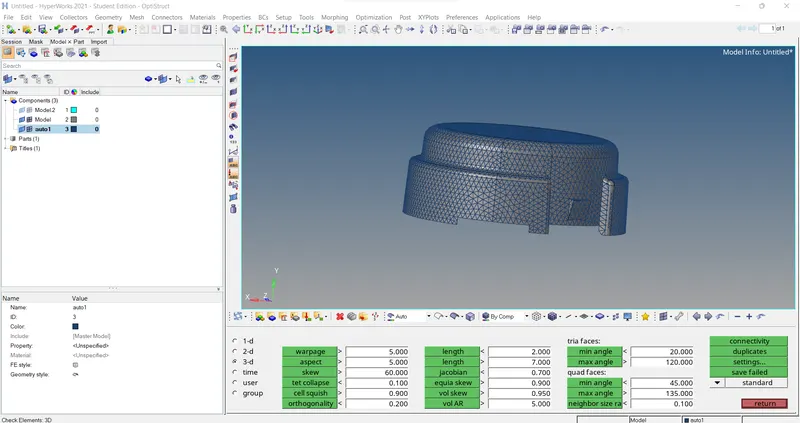
After meshing check for minimum and maximum length Using element check option.
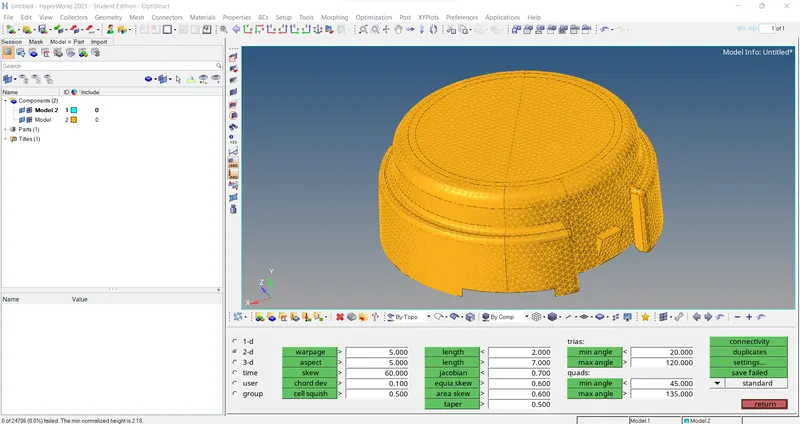
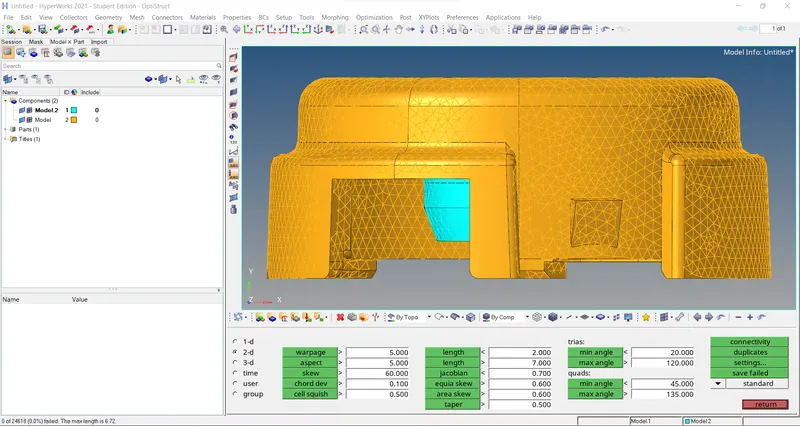
Now do a 3D Tetra mash by selecting the component or the element and then check for Ted collapse.
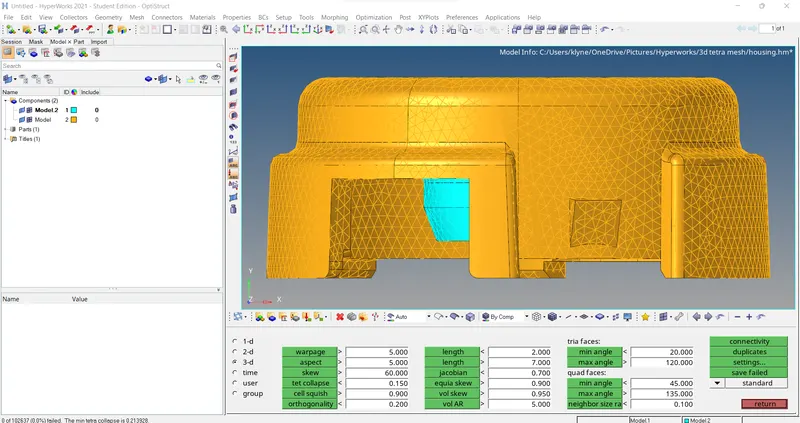
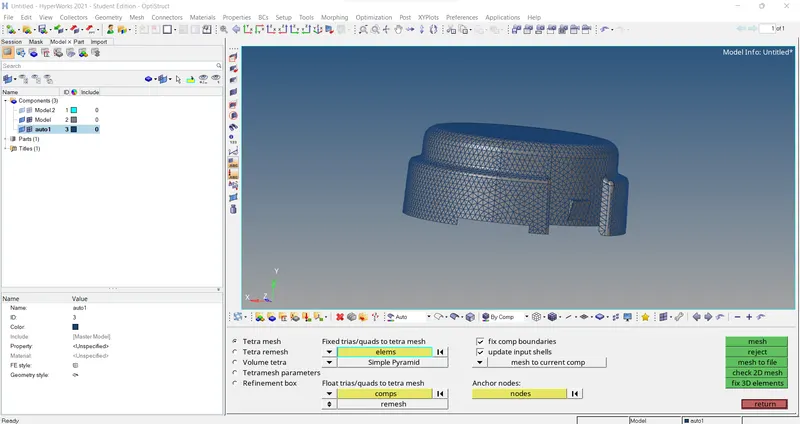
Model 2:
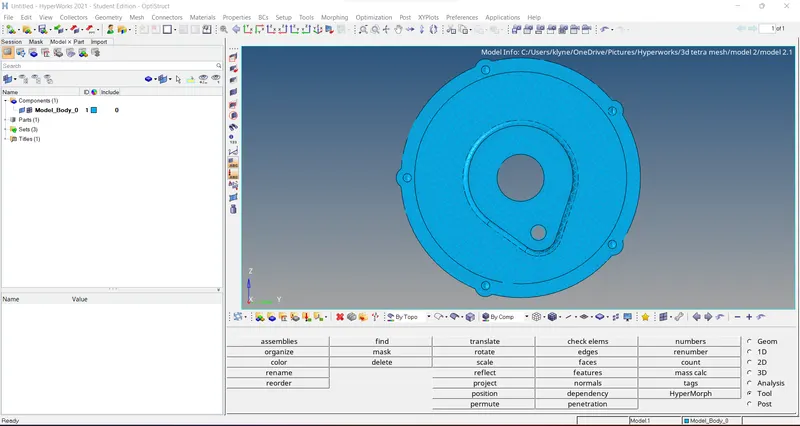
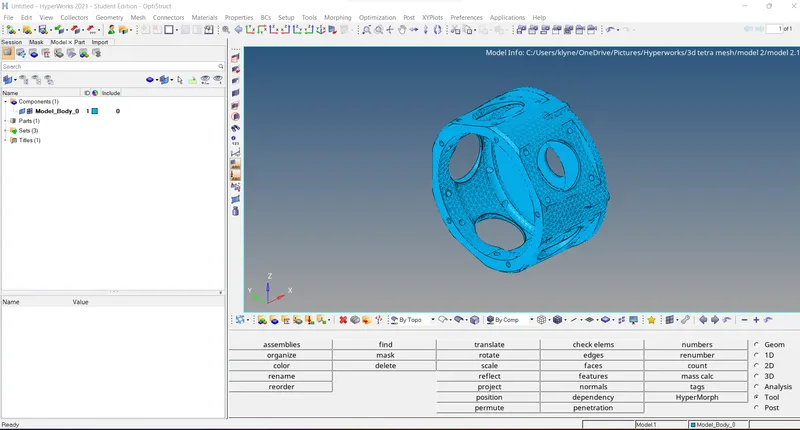
Import the given geometry in Stp form. Delete the solids using delete entities option.
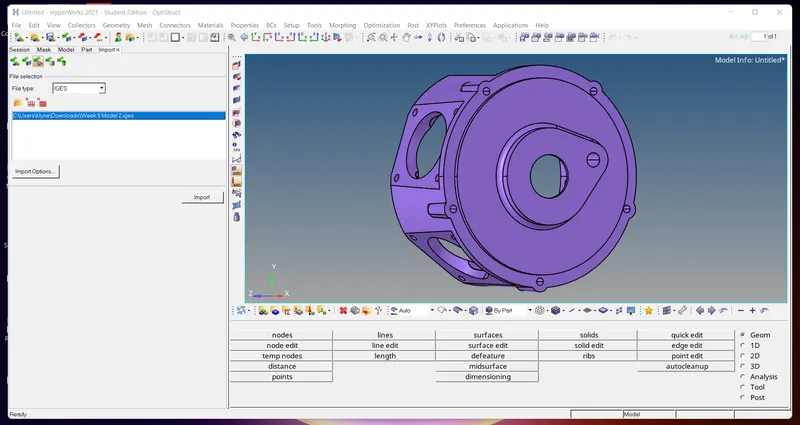
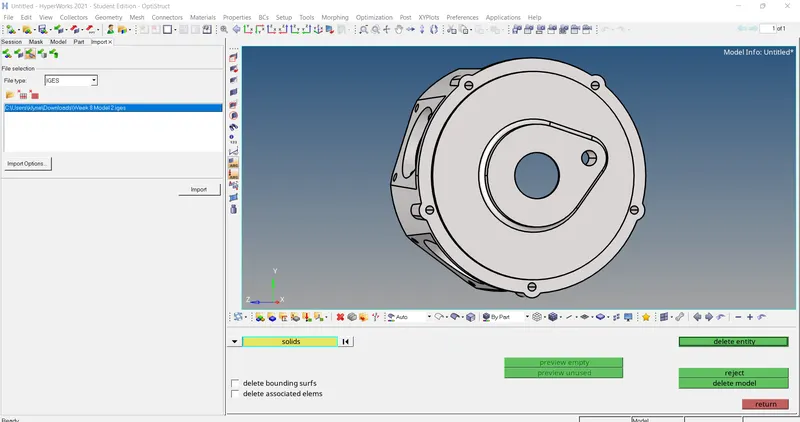
After performing the above task, Now do a 2D mesh Using auto mesh option, with element size as 4mm and use trias as only option.
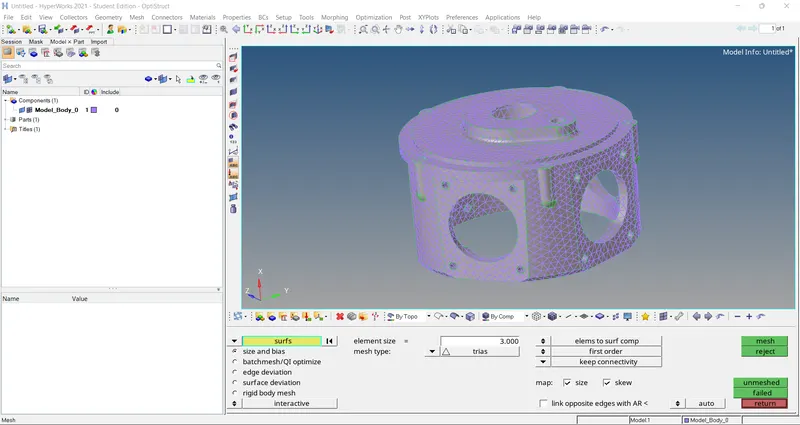
After meshing check for minimum and maximum length Using element check option.
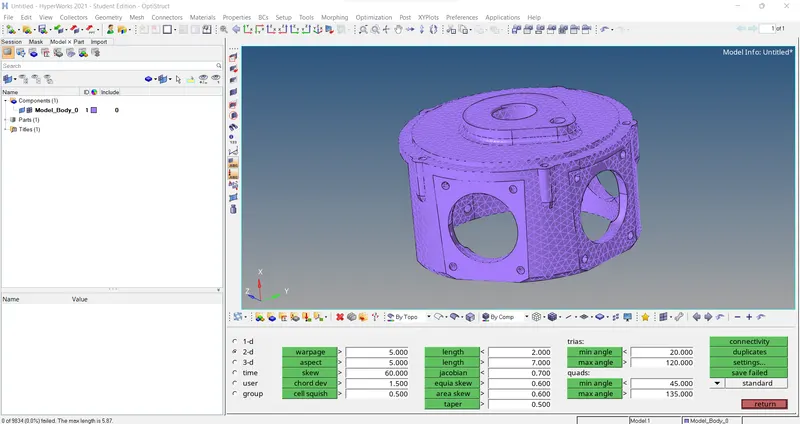
Now do a 3D Tetra mash by selecting the component or the element and then check for Ted collapse.
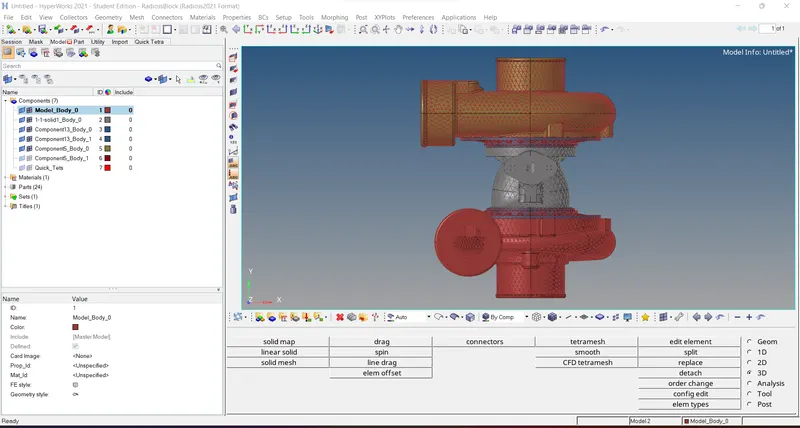
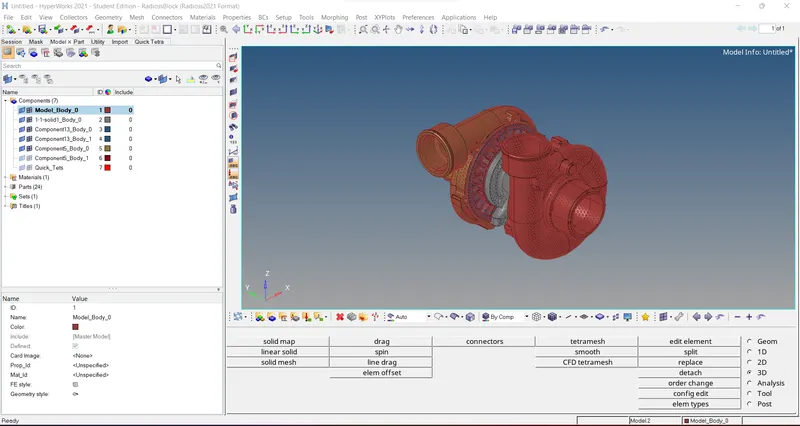
Model 3:
Import the given model in iges form. Delete the solids using delete entities option.
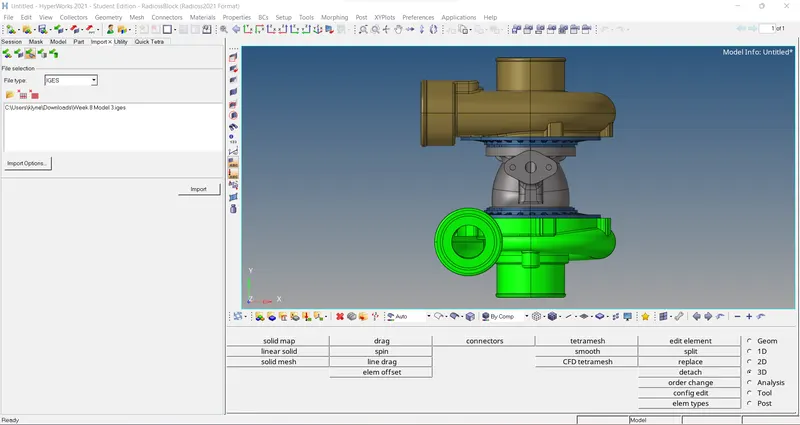
For the first and second component We can do 3D tetra mesh directly.
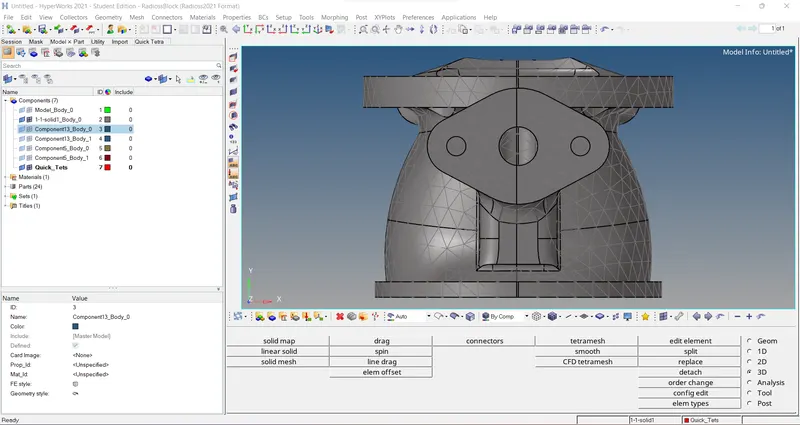
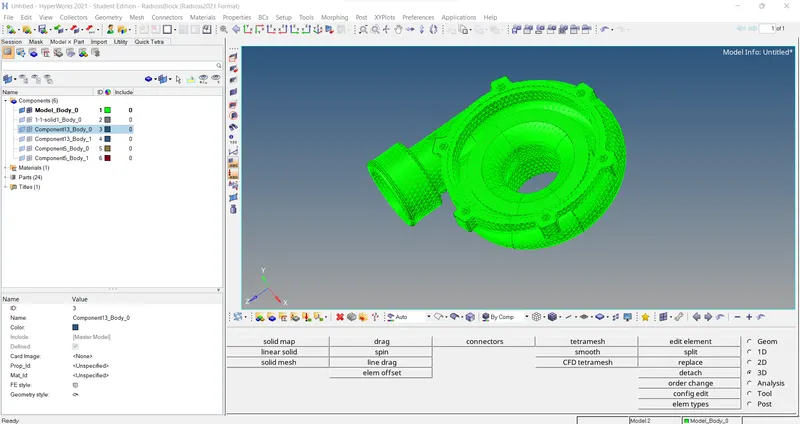
For the second and third component We can perform volume tetra mesh.
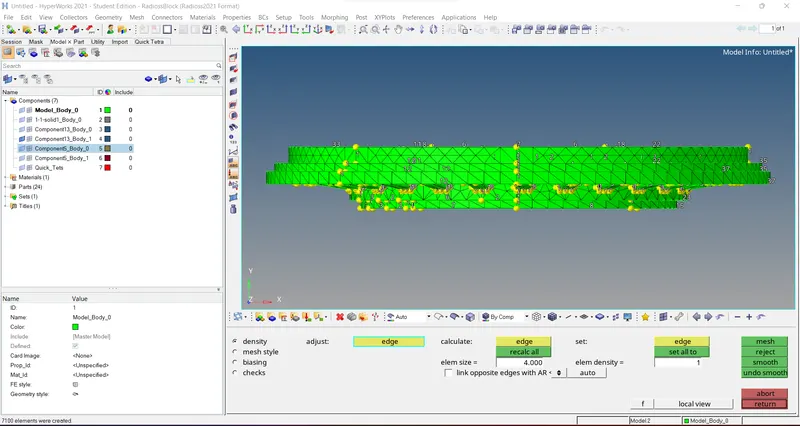
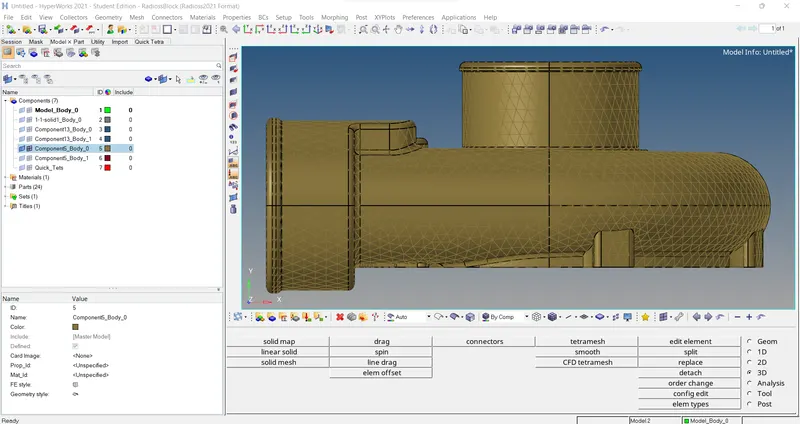
After performing the above task, we should perform to check the Ted collapse.