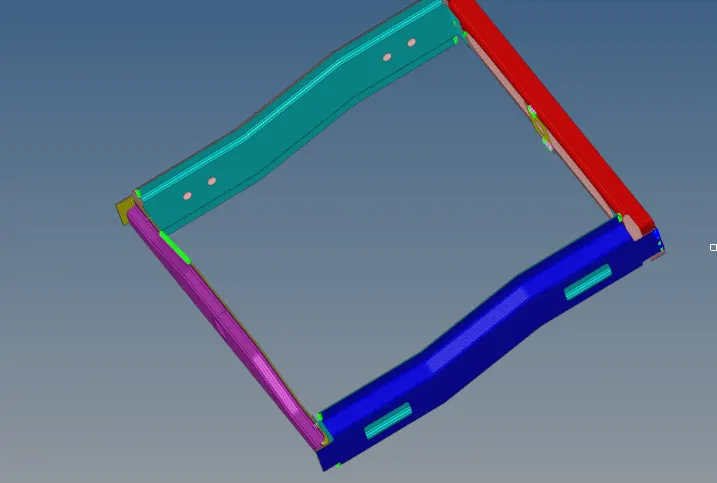
Week 9-Creation of 1D Connectors Challenge
Aim:
Do 2d mesh on the surface
Then we need to connect with connectors as per given criteria
- Right_Rail_2 & Front_truss_1:- Seam-Quad(angled+capped+L)
- we need to connect the free edges of these 2 surfaces with a seam weld
- select these 2 geometries
- for that go to 2D-connectors-seam
- set tolerance into 10
- set type into seam-quad(angle+capped+L)
- then create nodes in one surface
- always avoid nodes in corners
- select 2 surfaces to connect then create
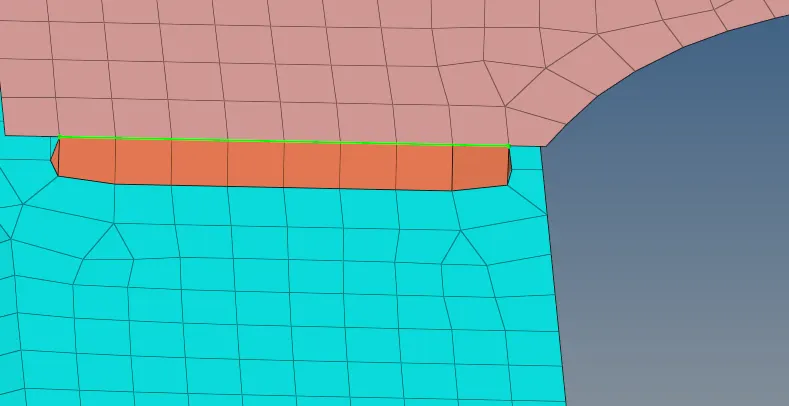
- Left_Rail_2 & Front_truss_1:- Quad elements
- we need to connect the free edges of these 2 surfaces with a seam weld
- for that go to 2D-connectors-seam
- set tolerance into 10
- set type into quad elements
- then create nodes in one surface
- always avoid nodes in corners
- select 2 surfaces to connect then create
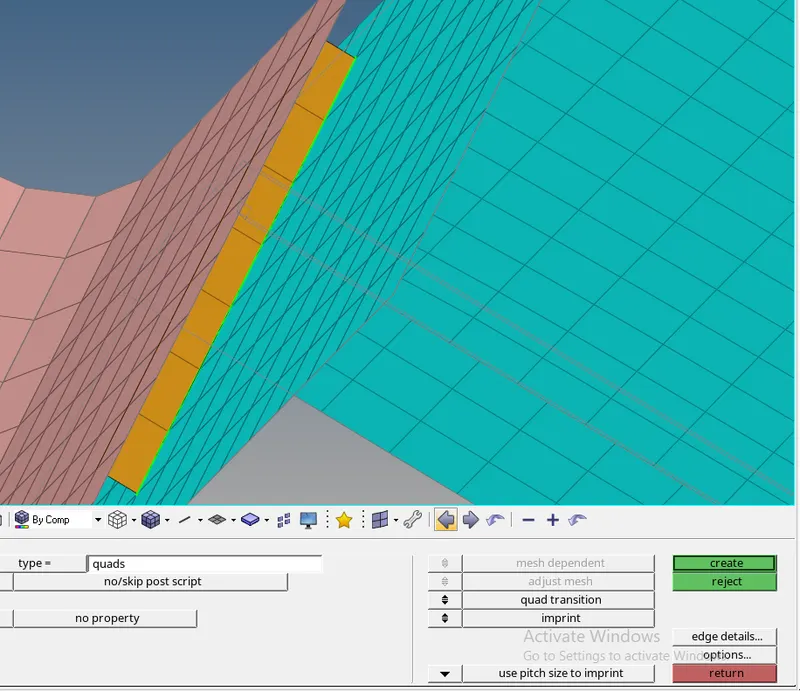
- Front_truss_2, Front_truss_1 & Right_Rail_1:- Spot weld with 2 Layers and 5 mm Diameter
- Select 3 geometry
- Go to 2d-connectors-spot
- Set tolerance
- Set type into the weld
- then create nodes in one surface
- always avoid nodes in corners
- select surfaces to connect then create
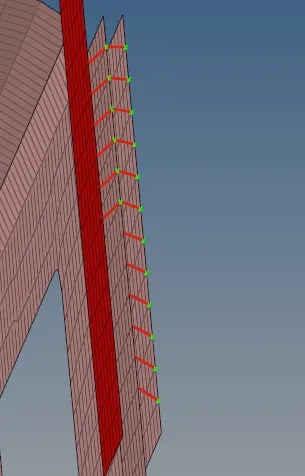
- Front_truss_2, Front_truss_1 & Left_Rail_1:- Hexa (Adhesive)
- select these 3 geometries
- for that go to 2D-connectors-seam
- set tolerance into 10
- set type into seam-Hexa(adhesive)
- then create nodes in one surface
- always avoid nodes in corners
- select surface to connect then create
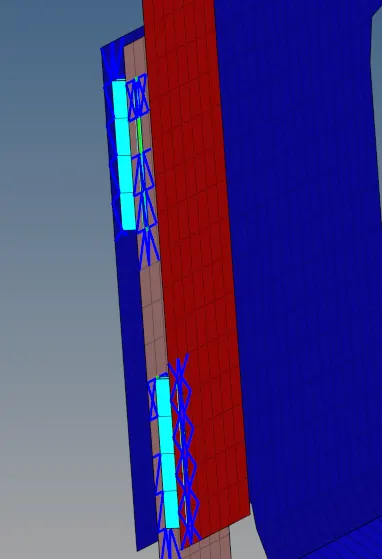
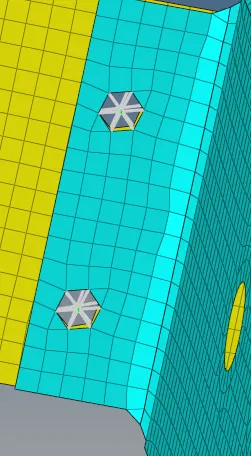
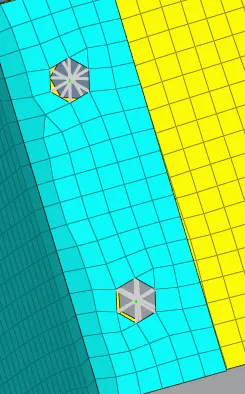
- Rear_truss_2 & Right_Rail_2:- Bolt Connector
- Rear_truss_2 & Left_Rail_2:- Bolt Connector
- in both tasks, we need to connect with bolt connector
- select these 2 geometries and isolate them only
- for that go to 2D-connectors-bolt
- set tolerance into 10
- set type into bolt general
- make into creating hole if none
- then create
- Right_Rail_1 & Right_Rail_2:- Spot-weld with Rigid Elements
- select these 2 geometries
- for that go to 1D-connectors-spotweld
- make tolerance into 10 or more
- set element config into rigid
- set weld location into nodes
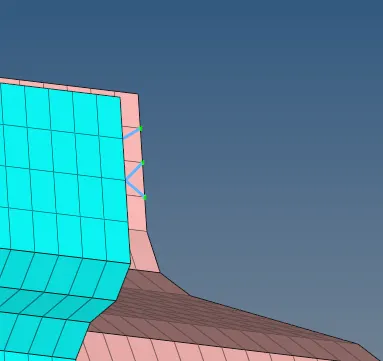
- Left_Rail_1 & Left_Rail_2:- Spot-weld with spring Elements
- select these 2 geometries
- for that go to 1D-connectors-spotweld
- make tolerance into 10 or more
- set element config into spring
- set weld location into nodes
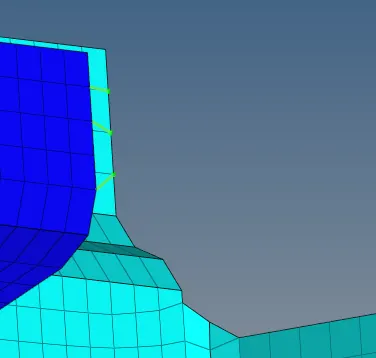
9. Rest all the components left Join them with suitable connectors