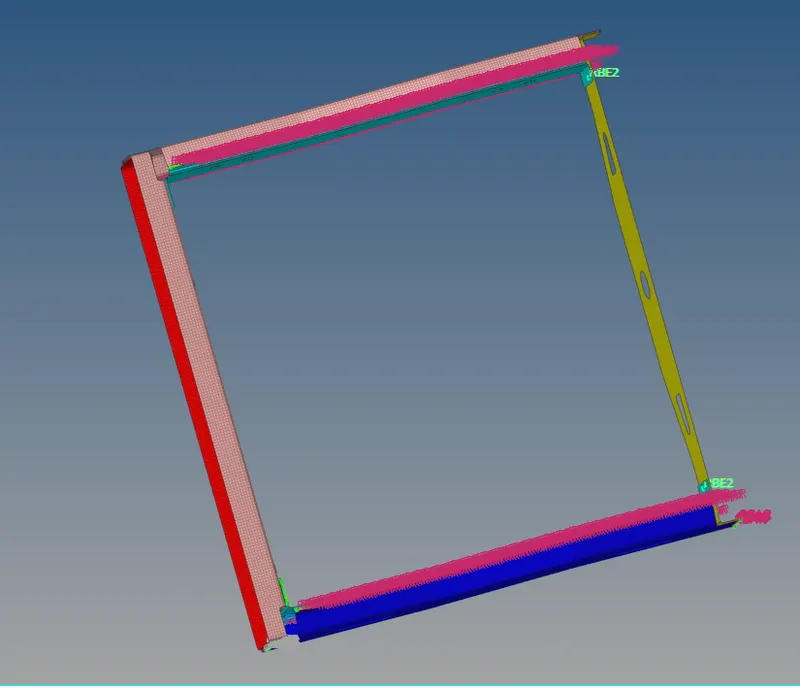
Week 9-Creation of 1D Connectors Challenge
Creation of 1D Connectors Challenge.
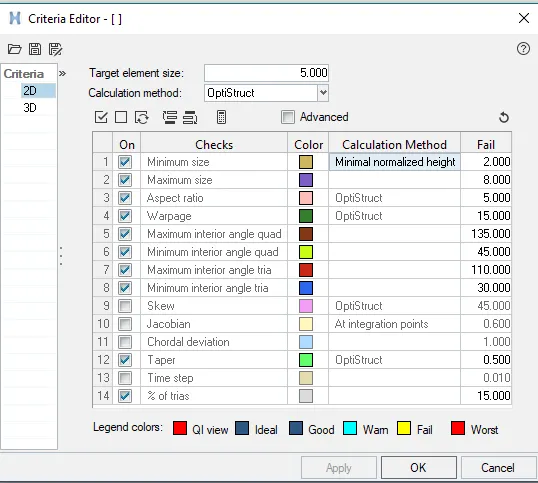
1. Right_Rail_2 & Front_truss_1:- Seam-Quad(angled+capped+L):

select the steam
select the nodepath by using the command select the nodes .
set tolerance is 10mm
type is steam+quad+angle+clapped+l
select the compents then create the steams on the mesh elements.
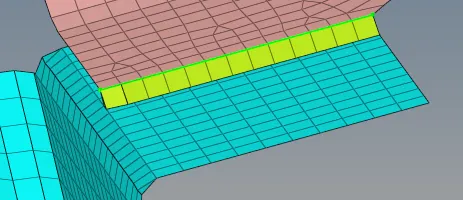
2. Left_Rail_2 & Front_truss_1:- Quad elements

Select the node by using the node part .
set the tolerance is 10mm.
select the two components.
type is seam quad.
weild angle is 45 degress.
create the quad element.
3. Front_truss_2, Front_truss_1 & Right_Rail_1:- Spot weld with 2 Layers and 5 mm Diameter

Select the node by using the node part .
set the tolerance is 10mm.
select the two components.
type is wield.
select the two components .
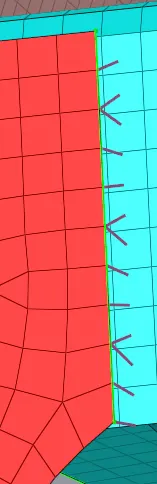
4. Front_truss_2, Front_truss_1 & Left_Rail_1:- Hexa (Adhesive)

Select the node by using the node part .
set the tolerance is 10mm.
select the two components.
type isHexa (Adhesive) .
wedith is 5mm.
select the two components .
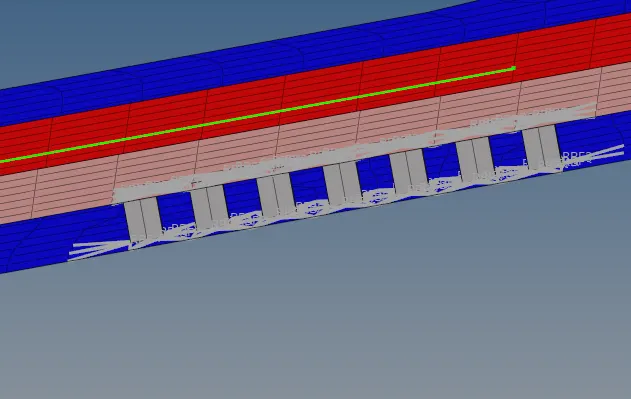
5. Rear_truss_2 & Right_Rail_2:- Bolt Connector and ,6. Rear_truss_2 & Left_Rail_2:- Bolt Connector:

Select the node
set the tolerance is 10mm.
select the two components.
type is bolt.
select the two components .
then click the create.
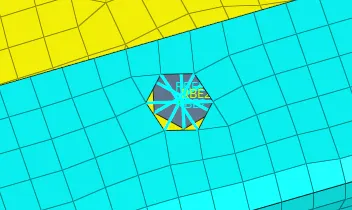
7. Right_Rail_1 & Right_Rail_2:- Spot-weld with Rigid Elements.,Left_Rail_1 & Left_Rail_2:- Spot-weld with Spring Elements.
Select the node by using the node part .
set the tolerance is 10mm.
select the two components.
type is wield.
select the two components .
click create .
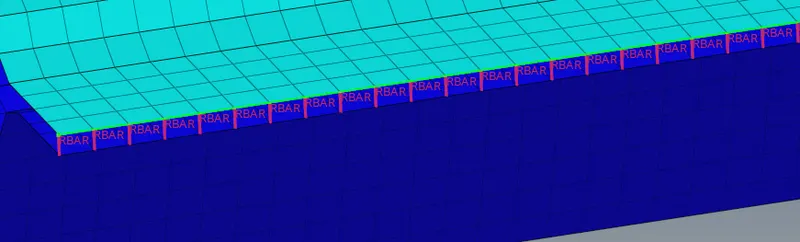
final output.